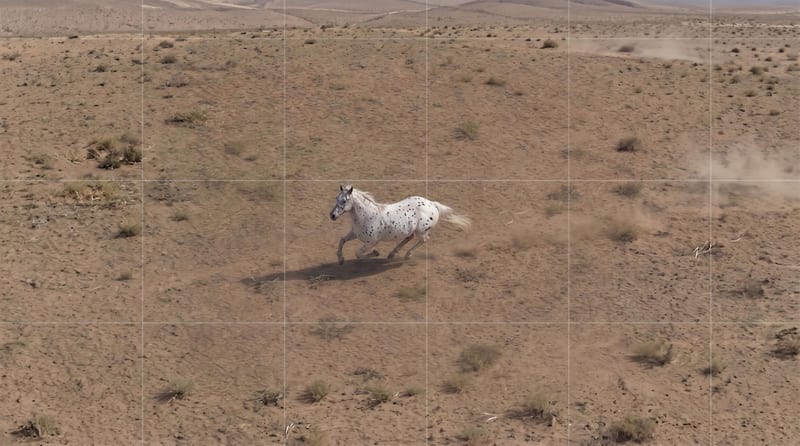
Recipev2
Camera Crane Up
0:00 / 0:00
Crane Up Video
One click, whole workflow
Recipes are here. Package a whole workflow and run it in one click
Explore recipesFilm & Entertainment
Turn a source image into a vertical camera-rise video that reveals the environment and emphasizes scale.
Crane Up Video
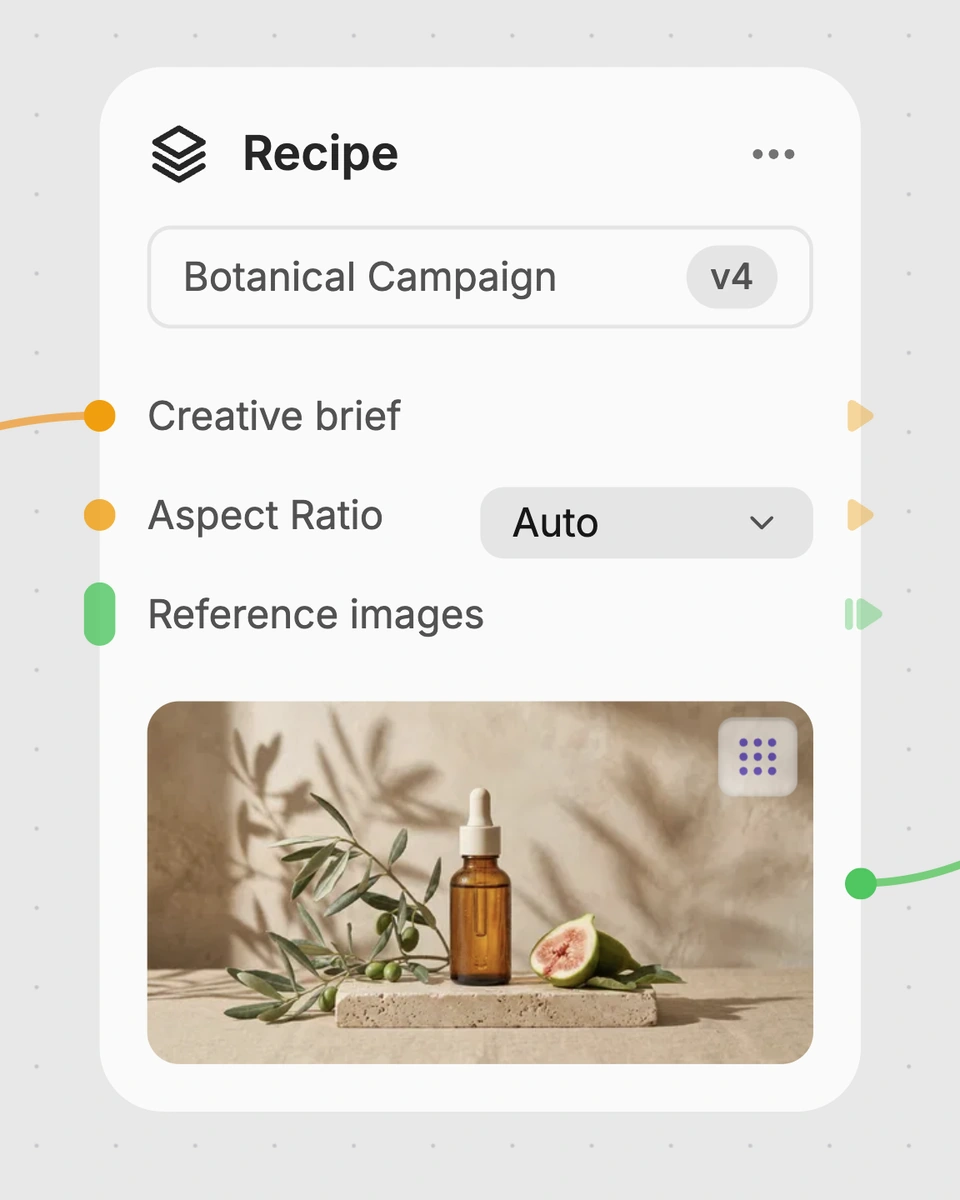
A recipe turns a reusable workflow into a simple set of inputs and outputs. Start with a community recipe and make it your own in Fuser.
1. Choose a recipe
Find a workflow for the result you want. Review what it does and how to use it before opening it in Fuser.
2. Make it your own
Check the recipe’s available inputs. Add your own text or media where supported, or start with the saved defaults.
3. Run and refine
Run it in Fuser and review the result on your canvas. Tweak the inputs to try another direction.
Use this image-to-video recipe for film and entertainment concepts that benefit from a rising camera perspective.
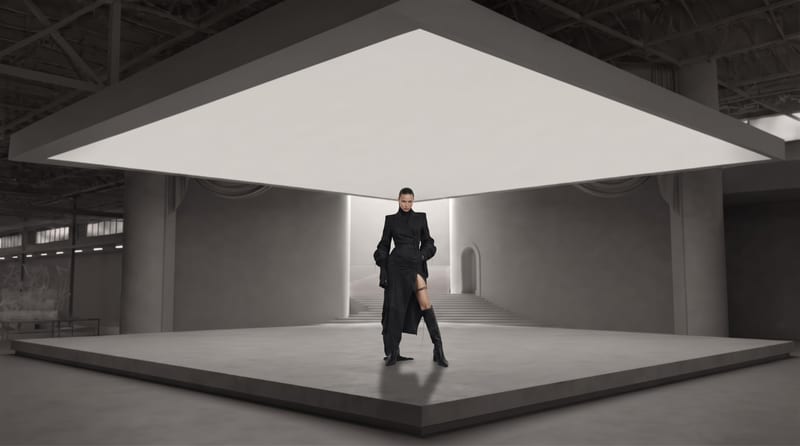
It uses a Source Image to create a Crane Up Video. The recipe describes a vertical camera rise that reveals the environment and emphasizes scale.
It is intended for film and entertainment workflows that need to explore a rising camera perspective from a still image. Filmmakers, editors, and creative teams can use the output as a scene or shot concept.
Prepare one Source Image that represents the scene or setting you want to explore. The saved example uses a single image connected to the recipe's video output.
Yes. Source Image is the exposed input, so visitors can change it in Fuser before using the recipe. No additional exposed inputs are listed for this recipe.
The saved example demonstrates the connection between one Source Image and a Crane Up Video output. Its intended result is a vertical camera movement that reveals more of the environment and highlights scale.
It can support establishing-shot ideas, location presentations, storyboarding, and other film or entertainment concepts involving an upward camera reveal. These are possible applications of the recipe, not descriptions of a live result on this page.
The recipe lists one image input and one video output, with no exposed controls for changing the movement or other output properties. The result should therefore be understood as a Crane Up Video based on the Source Image you choose.
Log in to Fuser to use your own Source Image with the Camera Crane Up recipe.
Develop film treatments, character and environment concepts, storyboards and motion studies. Connect image, video and 3D exploration in Fuser.
Develop storyboard frames, shot variations and video studies from your references. Compose clear boards and explore movement in one Fuser project.
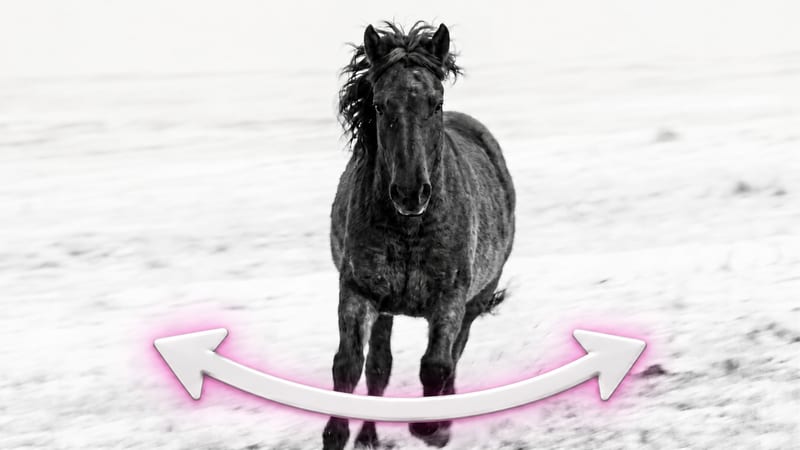
Turn one source image into a camera pan video that reveals more of an environment or shifts focus between subjects.

Turn story text into a black-and-white, four-panel comic storyboard with expressive characters and a humorous or emotional payoff.
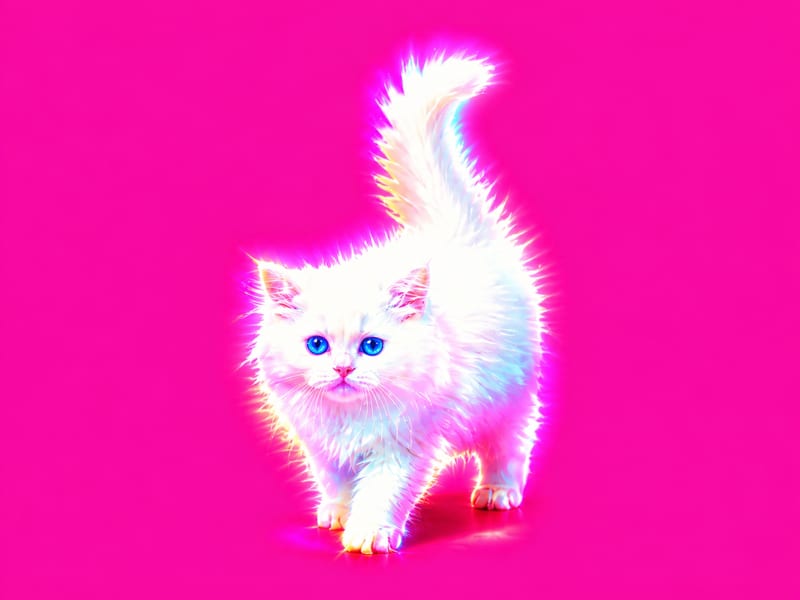
Apply a hyperpop-style graphic effect to one image and receive two visual versions.