Recipev3
Lip Sync Audio + Image to Video
0:00 / 0:00
Lip Synced Video
One click, whole workflow
Recipes are here. Package a whole workflow and run it in one click
Explore recipesLip Sync Video
Combine an image and audio clip to create a video of the pictured person speaking the provided audio.
Lip Synced Video
A recipe turns a reusable workflow into a simple set of inputs and outputs. Start with a community recipe and make it your own in Fuser.
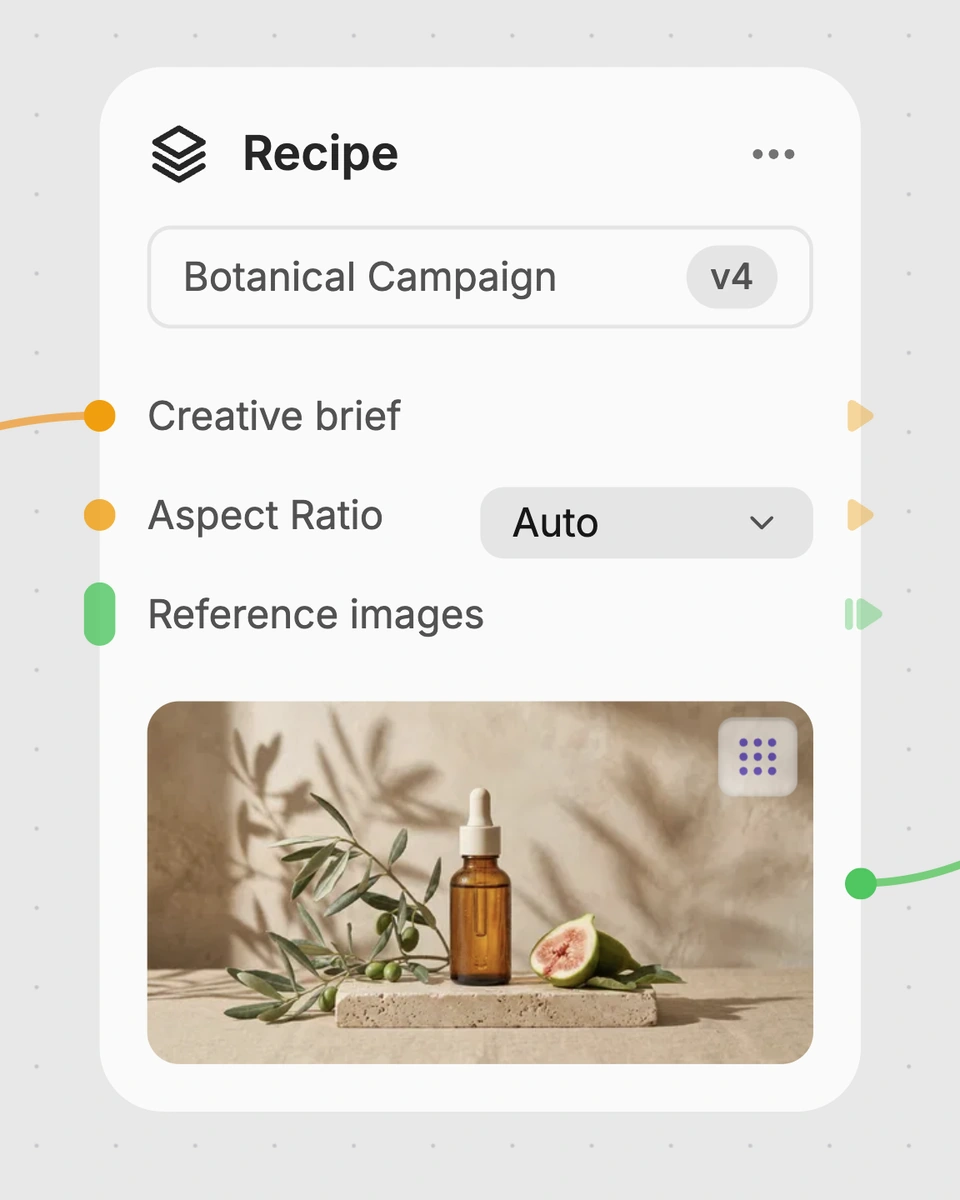
1. Choose a recipe
Find a workflow for the result you want. Review what it does and how to use it before opening it in Fuser.
2. Make it your own
Check the recipe’s available inputs. Add your own text or media where supported, or start with the saved defaults.
3. Run and refine
Run it in Fuser and review the result on your canvas. Tweak the inputs to try another direction.
Use the image and audio inputs to develop speaking-person video concepts for film, entertainment, and related production work.
It takes an input image and an audio clip, then generates a video of the pictured person speaking the provided audio. The saved example uses a 720p resolution setting and produces a lip-synced video output.
It is suited to film and entertainment workflows involving character dialogue, voiceover visualization, or speaking-person concept development. It can help creators turn a still image and recorded audio into an early video reference.
Prepare one image of the person or character to appear in the video and one audio clip containing the speech. The recipe also includes a resolution input, set to 720p in the saved example.
Yes. The exposed inputs can be changed in Fuser: replace the input image, choose a different audio clip, and edit the resolution text input. The saved example is only the default image, audio, and 720p configuration.
The recipe outputs a video labeled Lip Synced Video, using the image and audio as its inputs. The saved example demonstrates that input-to-output setup; it is not a live generation or a promise about a new run.
It can support film preproduction, character dialogue concepts, audio performance reviews, and entertainment content drafts. These are practical uses for exploring how a recorded line may appear when delivered by the person shown in an image.
No. Its defined output is a lip-synced video generated from one image and one audio clip, so it is best treated as a concept, draft, or presentation asset rather than a complete film production.
Bring an image and audio clip together in Fuser to explore a lip-synced video concept.
Develop film treatments, character and environment concepts, storyboards and motion studies. Connect image, video and 3D exploration in Fuser.
Develop storyboard frames, shot variations and video studies from your references. Compose clear boards and explore movement in one Fuser project.
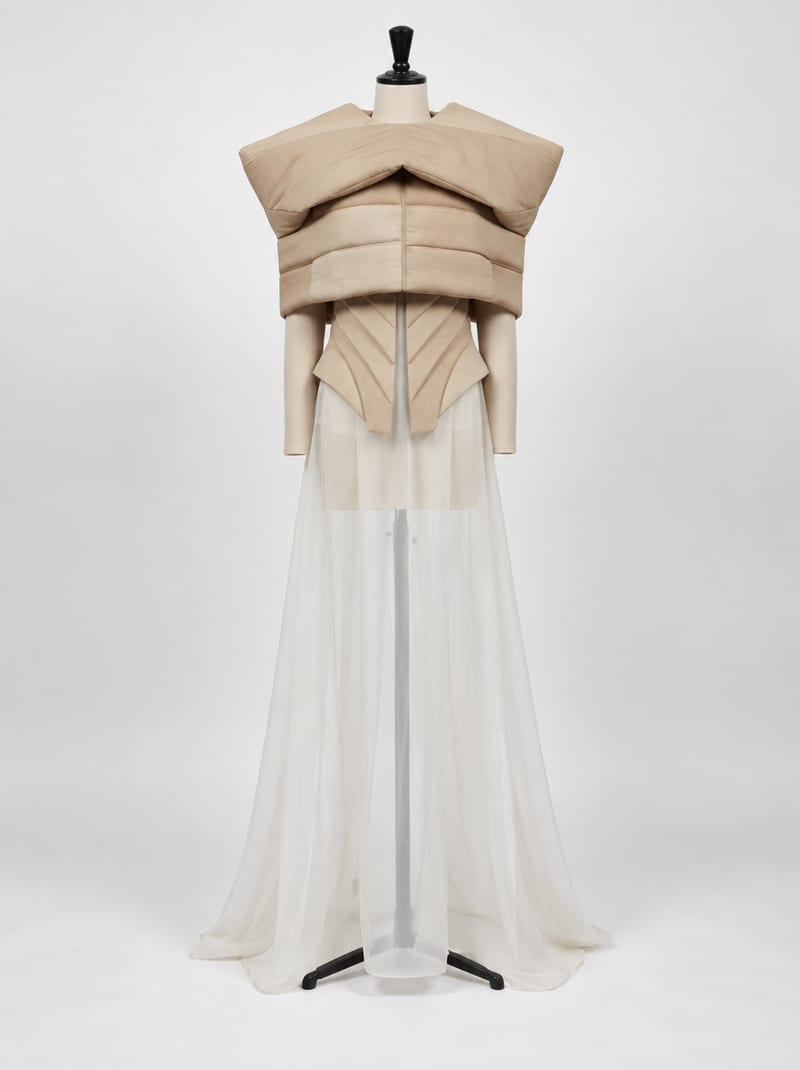
Combine fashion inspiration with an environment reference to create nine costume design image concepts for a shared setting.
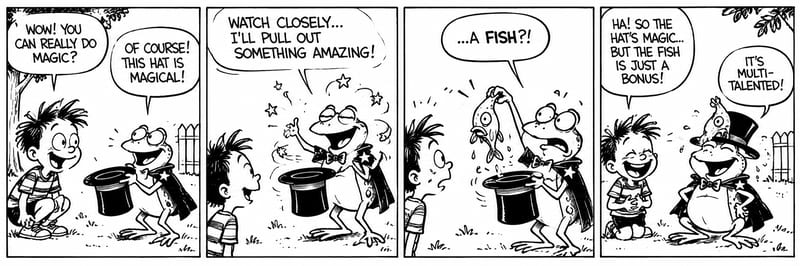
Turn story text into a black-and-white, four-panel comic storyboard with expressive characters and a humorous or emotional payoff.
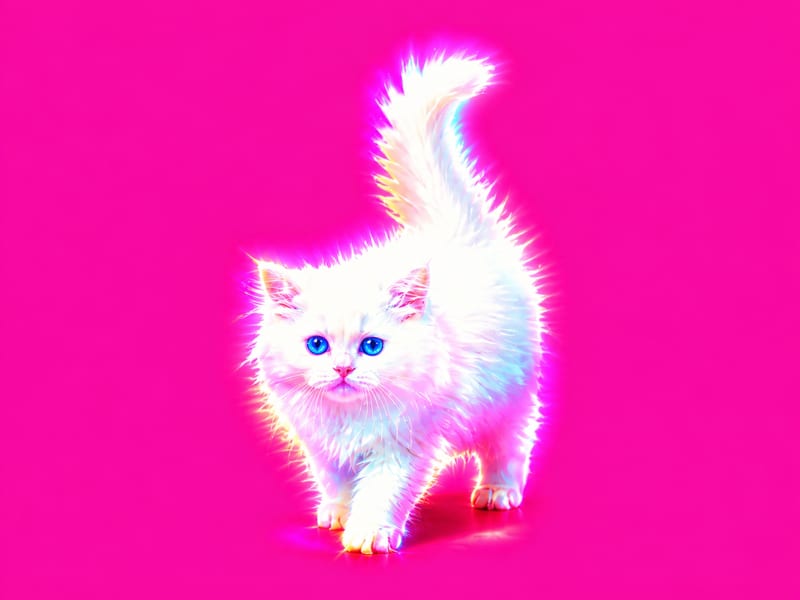
Apply a hyperpop-style graphic effect to one image and receive two visual versions.