Recipev4
Style Transfer (image to image)
Image
One click, whole workflow
Recipes are here. Package a whole workflow and run it in one click
Explore recipesArt & Illustration
Use an input image and a style reference image to create an image with the reference’s visual style.
Image
A recipe turns a reusable workflow into a simple set of inputs and outputs. Start with a community recipe and make it your own in Fuser.

1. Choose a recipe
Find a workflow for the result you want. Review what it does and how to use it before opening it in Fuser.
2. Make it your own
Check the recipe’s available inputs. Add your own text or media where supported, or start with the saved defaults.
3. Run and refine
Run it in Fuser and review the result on your canvas. Tweak the inputs to try another direction.
Explore style directions for artwork and editorial image development using two image inputs.
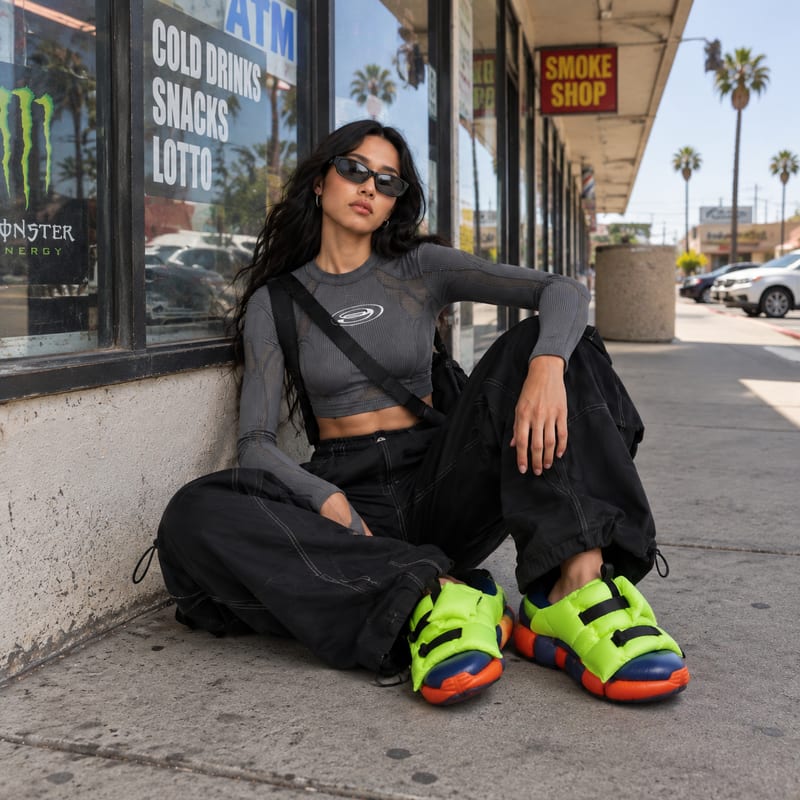
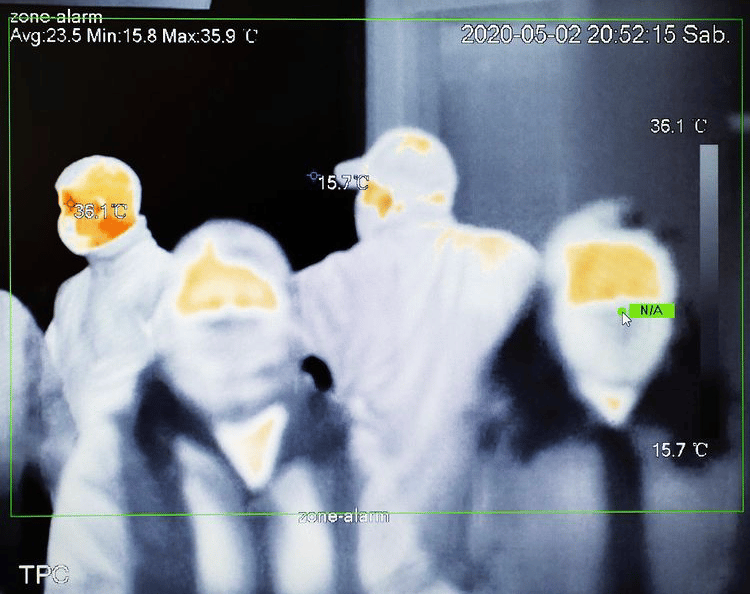
It takes an Input Image and a Style Reference Image, then produces an Image. The result is intended to apply the reference image’s style to the input image.
It is suited to artists, illustrators, and editorial teams exploring visual directions for images. It can support early concept work, style studies, and image treatments for publishing projects.
Prepare two images: the image you want to transform and a separate image whose style you want to reference. The recipe exposes both as editable image inputs in Fuser.
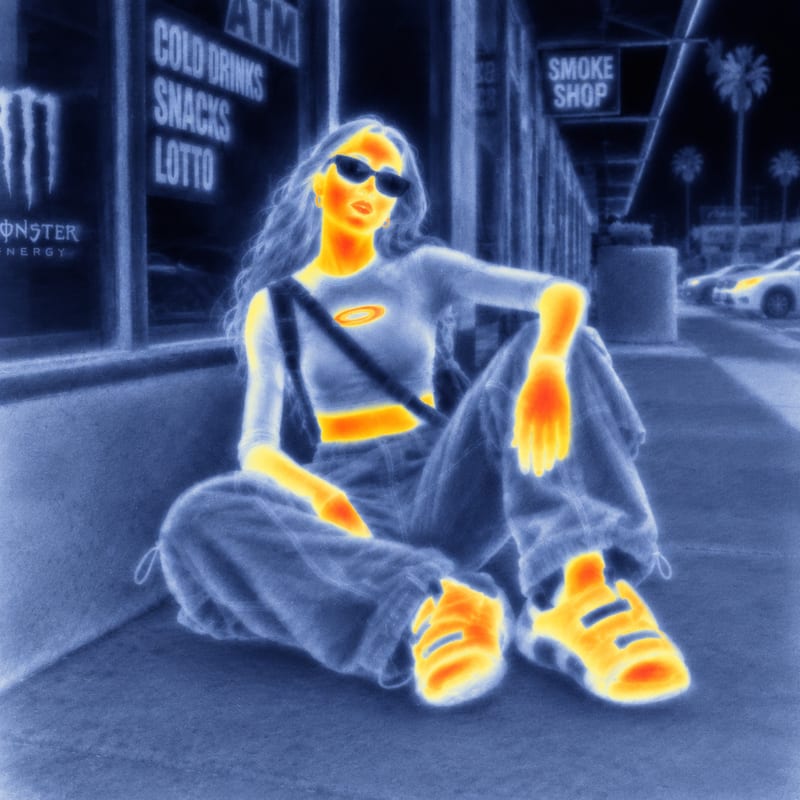
The saved example shows the recipe’s two image inputs connected to its image output. It demonstrates the input-to-output structure, rather than a new run made from images you provide.
Yes. In Fuser, you can change both the Input Image and the Style Reference Image. These are the exposed inputs available for creating a different image result.
The recipe returns one image after using the input image and style reference image together. The available recipe output does not include separate text, layout, or other output types.
Use it for art and illustration exploration, editorial image development, and reference-based style studies. It is focused on changing an image’s style with another image, not on managing a broader publishing layout.
Bring an input image and a style reference together to explore a new visual treatment in Fuser.
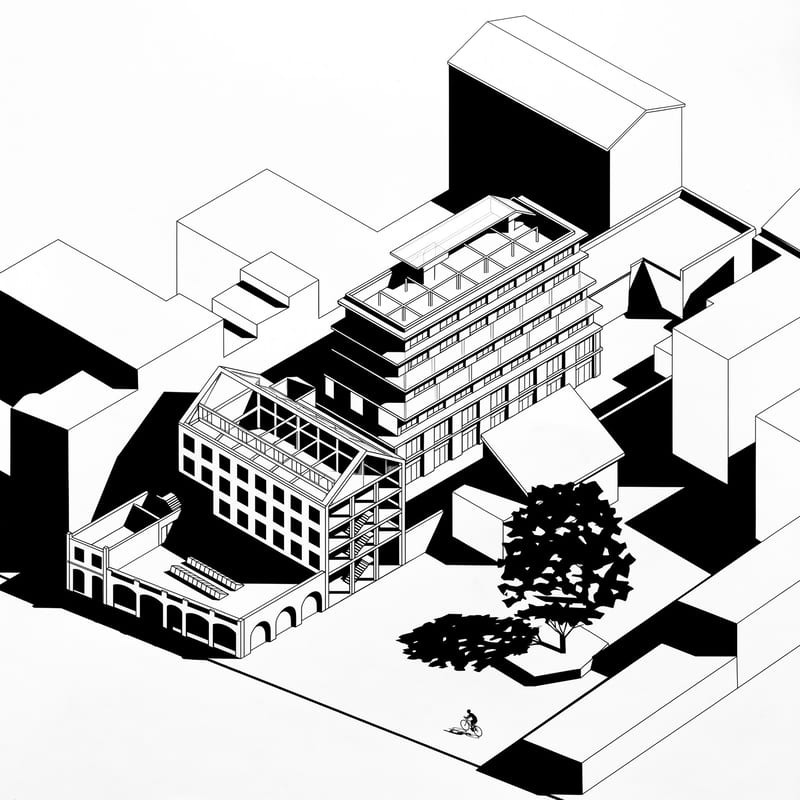
Upload an axonometric architectural drawing to create a black-and-white version with hard shadows, geometric silhouettes, and simplified details.
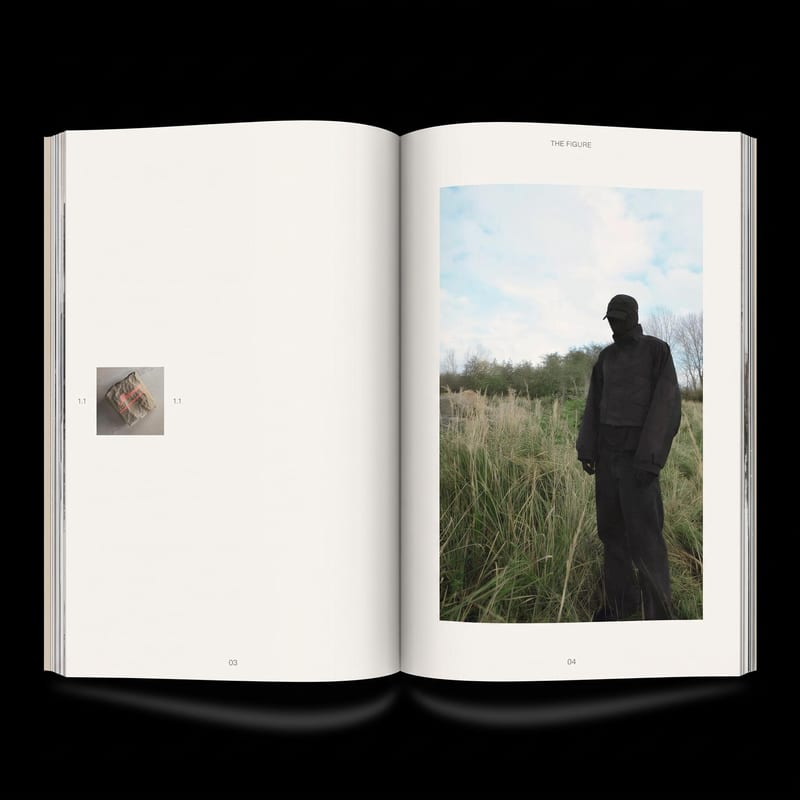
Add image(s) to generate two zine layout options for editorial and DIY publishing projects.
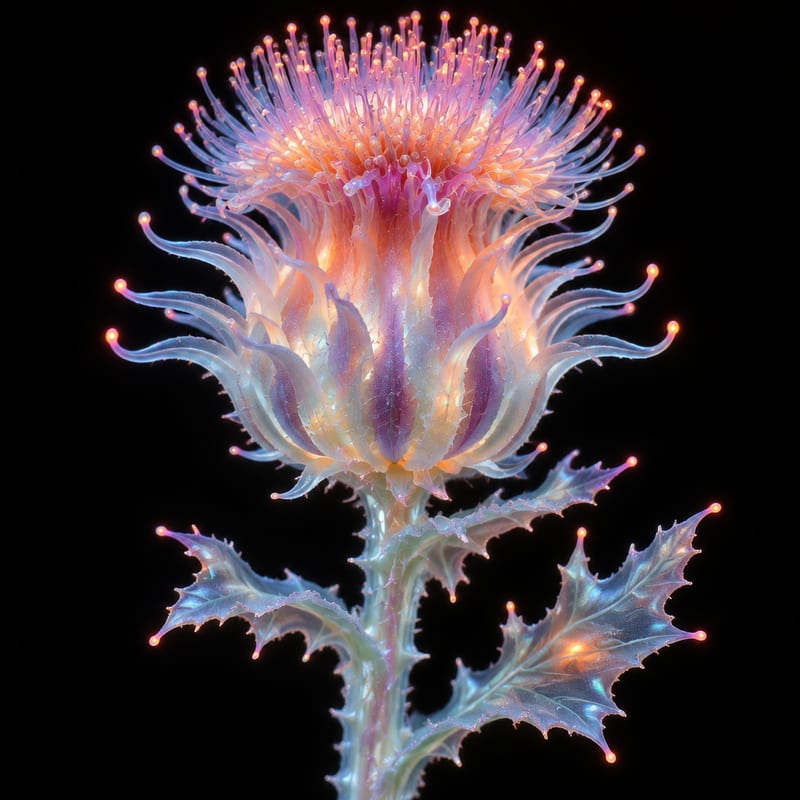
Transform a flower image into an ethereal, alien-looking version while keeping the flower as the creative subject.