Recipev5
Time of Day Render
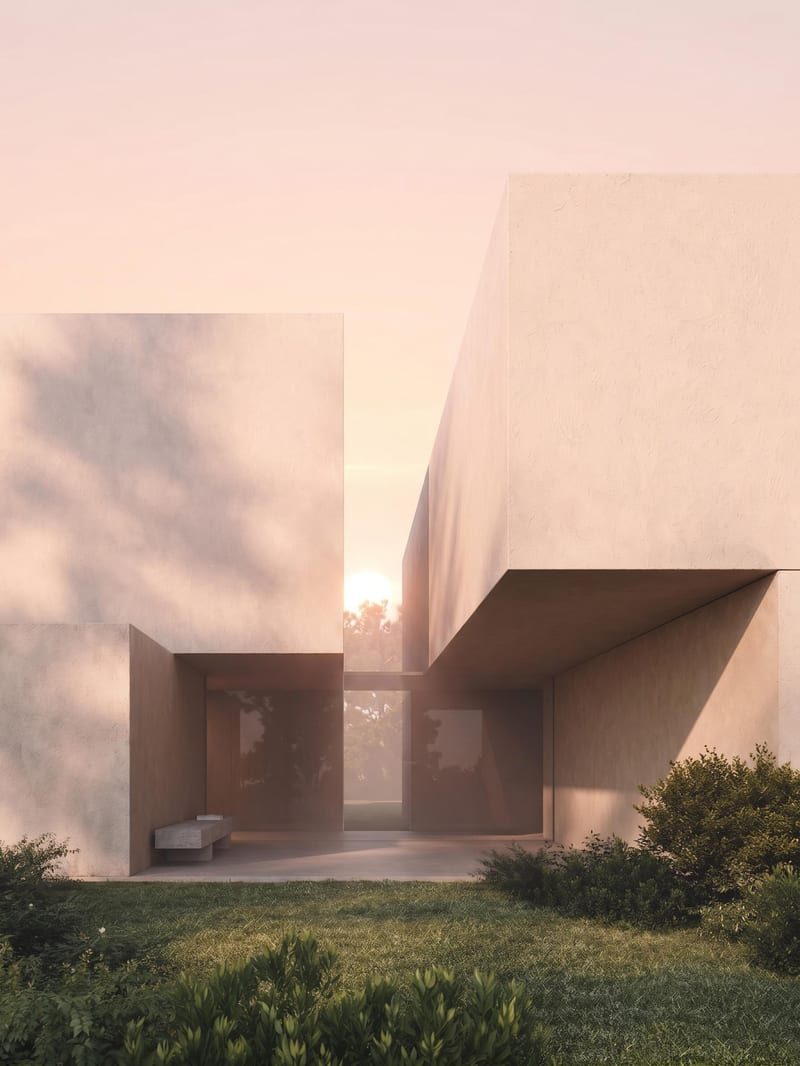
Sunrise Render
One click, whole workflow
Recipes are here. Package a whole workflow and run it in one click
Explore recipesArchitecture & Spaces
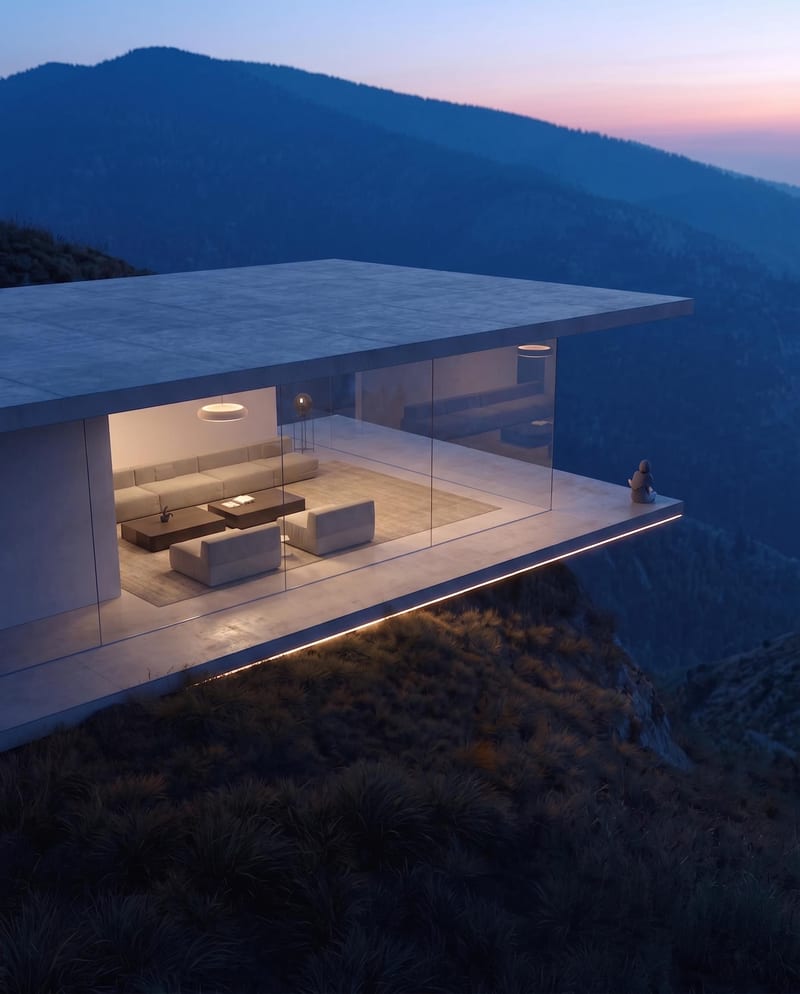
Upload an architectural render to create sunrise, midday, sunset, and nighttime versions of the same scene.
Sunrise Render
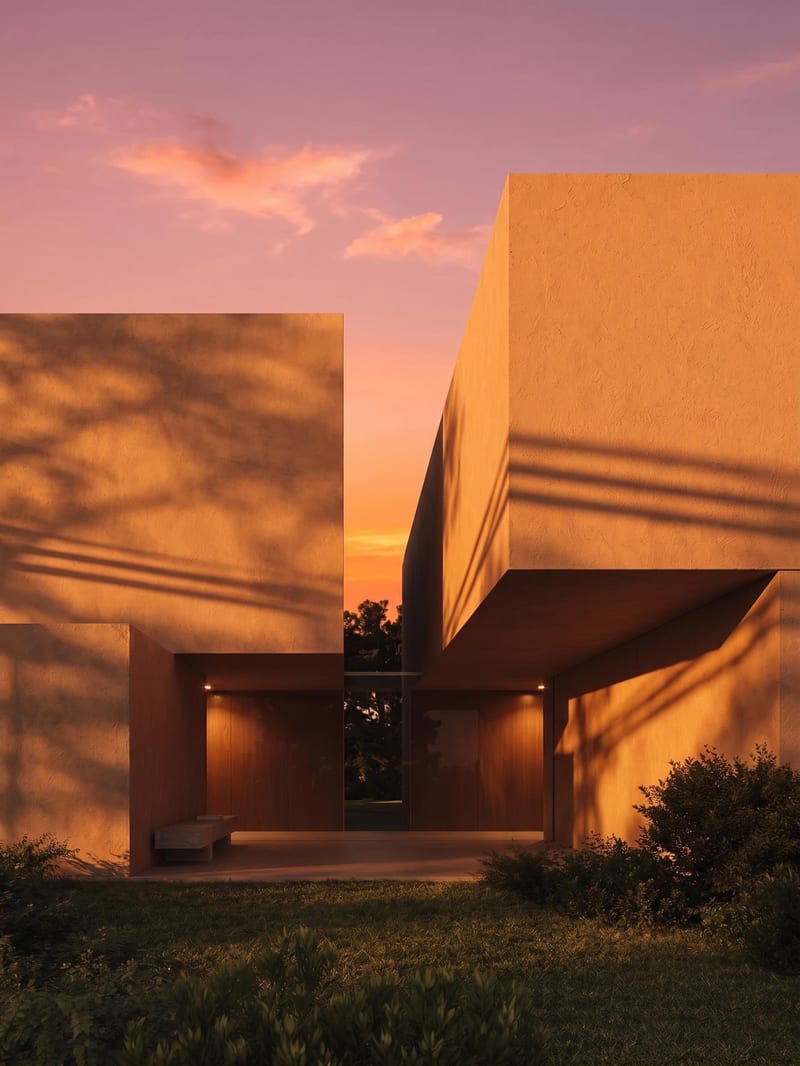
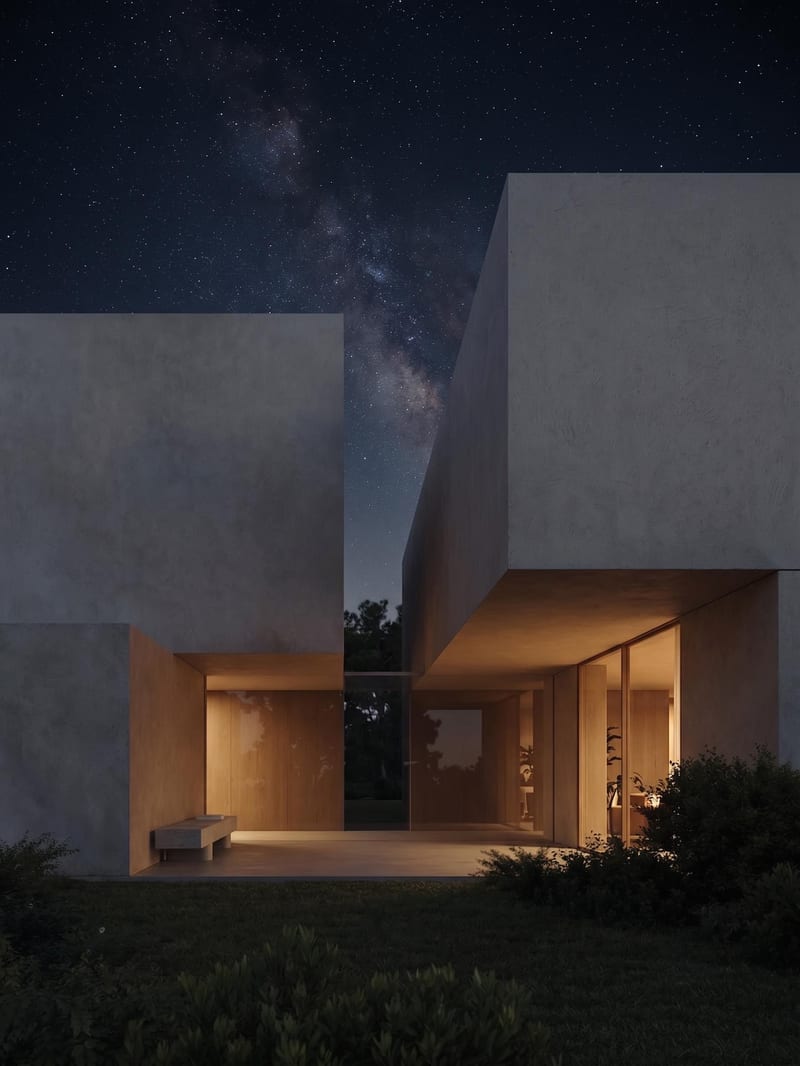
A recipe turns a reusable workflow into a simple set of inputs and outputs. Start with a community recipe and make it your own in Fuser.

1. Choose a recipe
Find a workflow for the result you want. Review what it does and how to use it before opening it in Fuser.
2. Make it your own
Check the recipe’s available inputs. Add your own text or media where supported, or start with the saved defaults.
3. Run and refine
Run it in Fuser and review the result on your canvas. Tweak the inputs to try another direction.
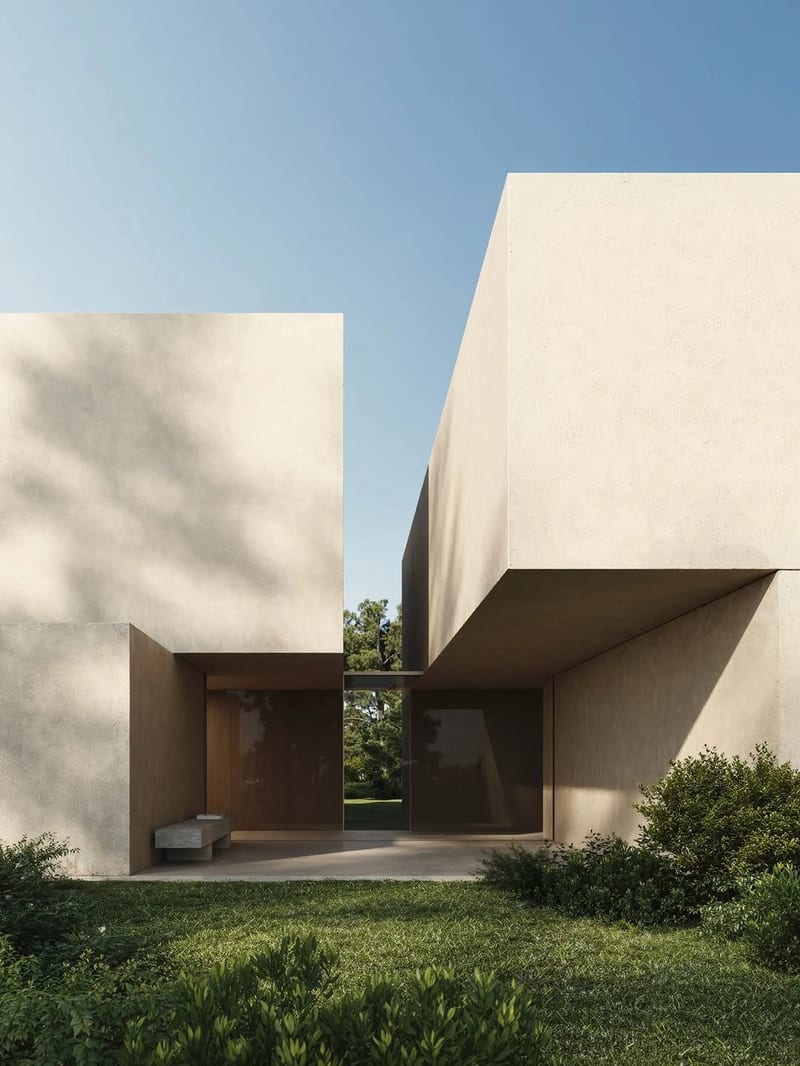
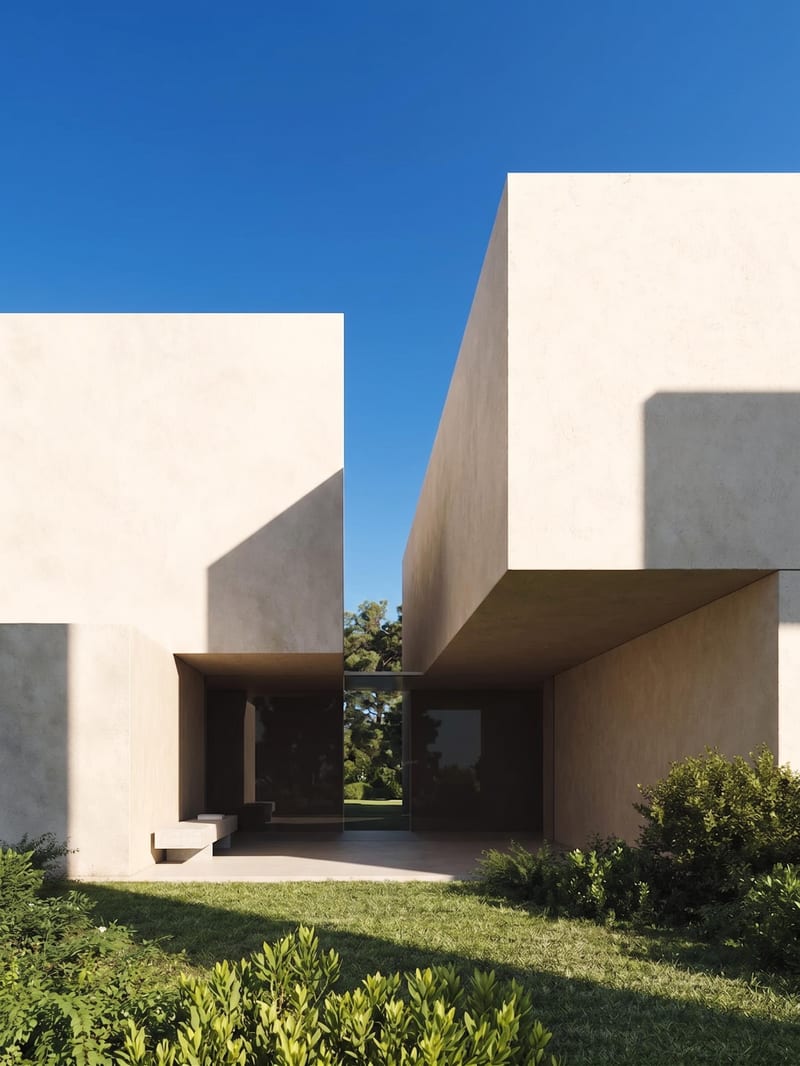
Compare and present an architectural scene across four distinct times of day.
It takes one architectural render as its Source Image and creates four versions of the same scene: Sunrise Render, Midday Render, Sunset Render, and Nighttime Render. The saved example shows these four outputs connected to one source image.
It is useful for architects, designers, visualization teams, and others presenting architectural spaces. The four outputs help compare or communicate the scene at different times of day.
Prepare one architectural render as the Source Image. The recipe exposes that image input in Fuser, where you can replace it with the scene you want to explore.
You can change the exposed Source Image in Fuser by selecting a different architectural render. The recipe does not list additional editable inputs, so the time-of-day output set remains Sunrise, Midday, Sunset, and Nighttime renders.
The recipe provides four image outputs labeled Sunrise Render, Midday Render, Sunset Render, and Nighttime Render. Together, they present the same source scene across those four times of day.
Yes. The four labeled renders can support client reviews, design discussions, portfolio sequences, or presentation boards focused on one architectural scene. The saved example is a default demonstration; a new run uses the Source Image you provide.
The listed outputs are four image renders tied to the same architectural scene at different times of day. It does not list separate inputs or outputs for changing the architecture, adding design elements, or producing other media types.
Bring one architectural render to Fuser and create sunrise, midday, sunset, and nighttime views from the same scene.
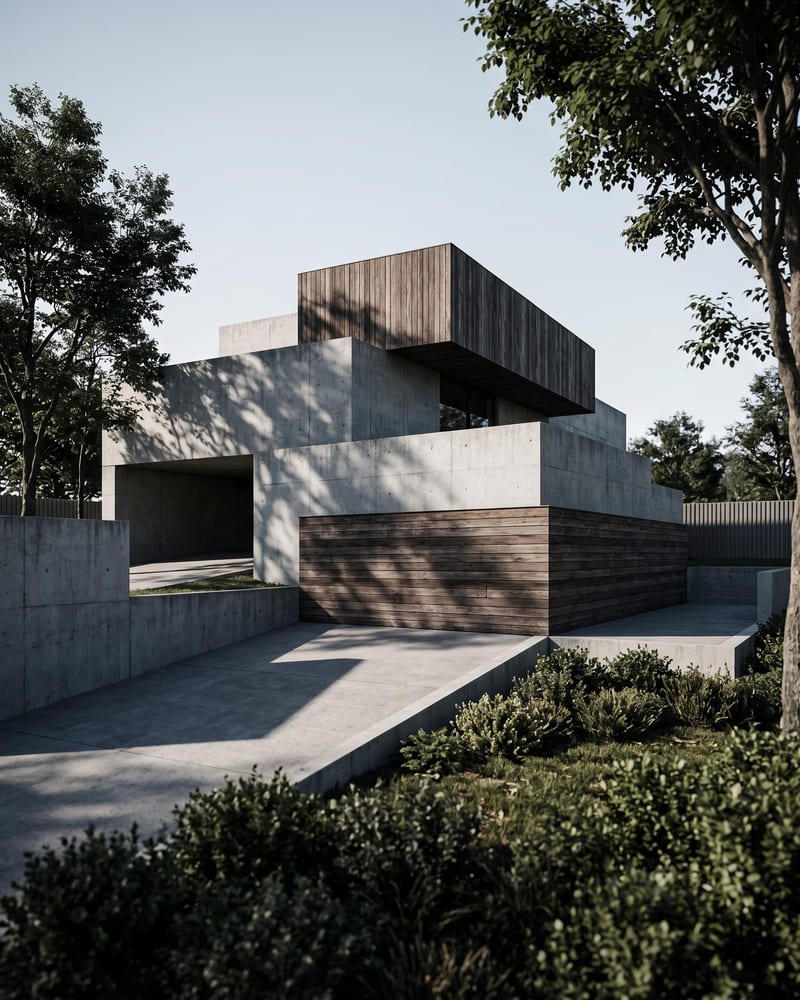
Turn an architecture sketch into four architectural renders from different perspectives and a timelapse video of the space coming together.
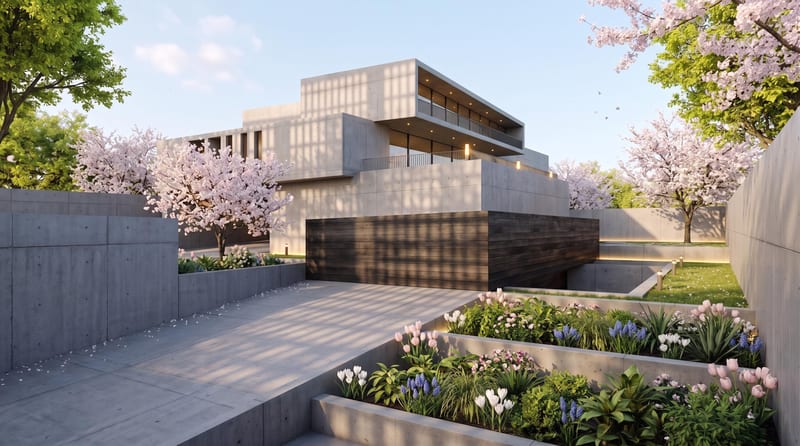
Upload one architectural render to create spring, summer, fall, and winter versions with the same architecture, composition, and camera angle.
Turn a source image into a realistic aerial drone view while preserving its scene, environment, subject, and details.