Recipev2
Double Exposure Blur
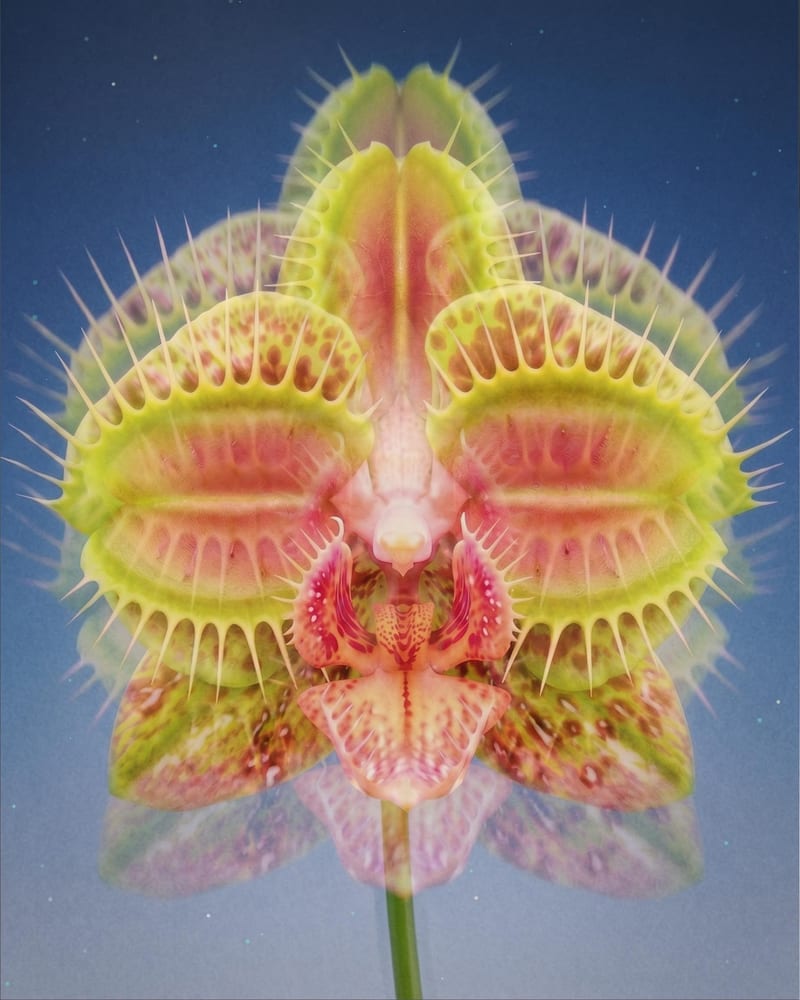
Double Exposure Image
One click, whole workflow
Recipes are here. Package a whole workflow and run it in one click
Explore recipesPhotography & Visual Style
Turn one source image into a dreamy double-exposure image with soft ghosting, layered imagery, and subtle motion blur.
Double Exposure Image
A recipe turns a reusable workflow into a simple set of inputs and outputs. Start with a community recipe and make it your own in Fuser.

1. Choose a recipe
Find a workflow for the result you want. Review what it does and how to use it before opening it in Fuser.
2. Make it your own
Check the recipe’s available inputs. Add your own text or media where supported, or start with the saved defaults.
3. Run and refine
Run it in Fuser and review the result on your canvas. Tweak the inputs to try another direction.
Use the effect to develop atmospheric photographic concepts, visual references, and presentation-ready style frames.
It creates a double-exposure image from one source image. The described look combines layered imagery, soft ghosting, subtle motion blur, and an atmospheric, cinematic photographic feel.
It is suited to photographers, visual artists, and creators developing moodboards or style frames. It can help communicate an atmospheric visual direction without requiring multiple source inputs.
Prepare one source image that you want to reinterpret with the double-exposure effect. Source-image choice will shape the subject and composition of the saved output, so use an image relevant to your intended photographic concept.
Yes. Source Image is the exposed editable input in Fuser, so you can replace the saved example's image when using the recipe. The output remains a Double Exposure Image.
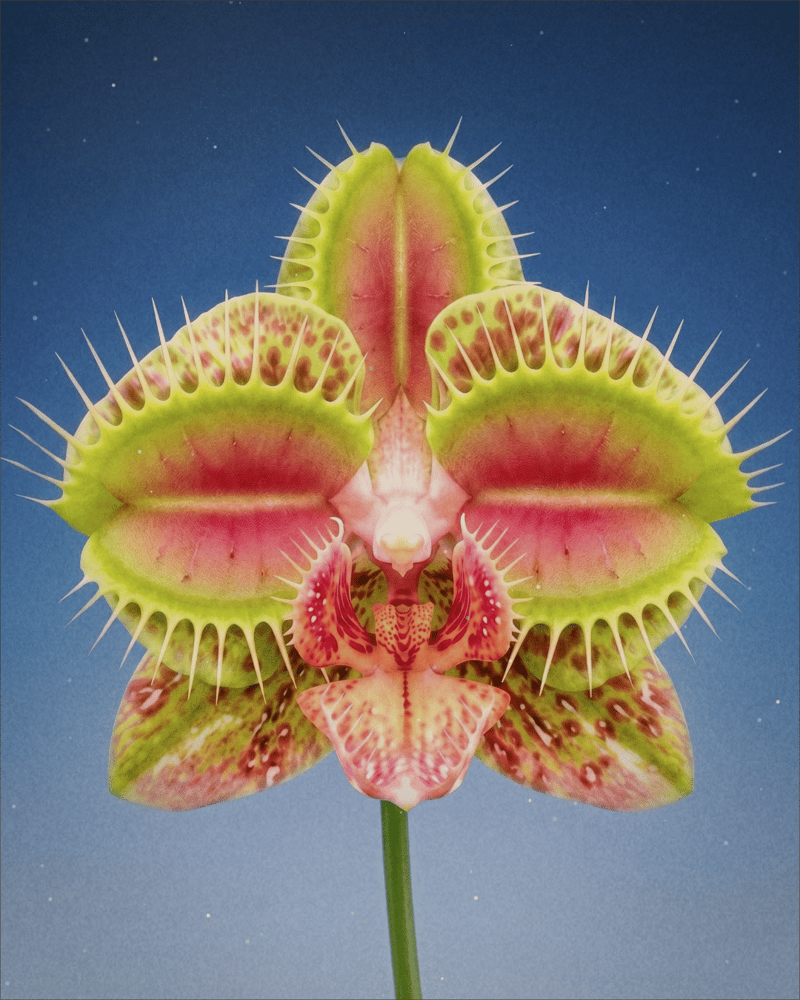
The saved example shows the recipe's connected Source Image and Double Exposure Image. It demonstrates the intended soft, layered, ghosted photographic treatment; a new run uses the source image you provide.
The effect is appropriate for atmospheric photography studies, moodboards, fine-art concepts, and visual style frames. It is most relevant when a dreamy, cinematic photographic look supports the project.
The recipe exposes one editable input: Source Image. No additional customization controls are listed, so the documented way to vary a new result is to provide a different source image.
Bring a source photograph into Fuser and explore an atmospheric image with layered imagery, soft ghosting, and subtle motion blur.
Develop pitches, campaign assets and interactive client work in Fuser. Combine AI generation, editable design and reusable processes across your agency.
Turn a creative brief into distinct visual concepts, moodboards and pitch layouts. Explore references, imagery and motion together in Fuser.
Upload a reference image to receive a detailed, structured text prompt describing how to recreate its visual characteristics.
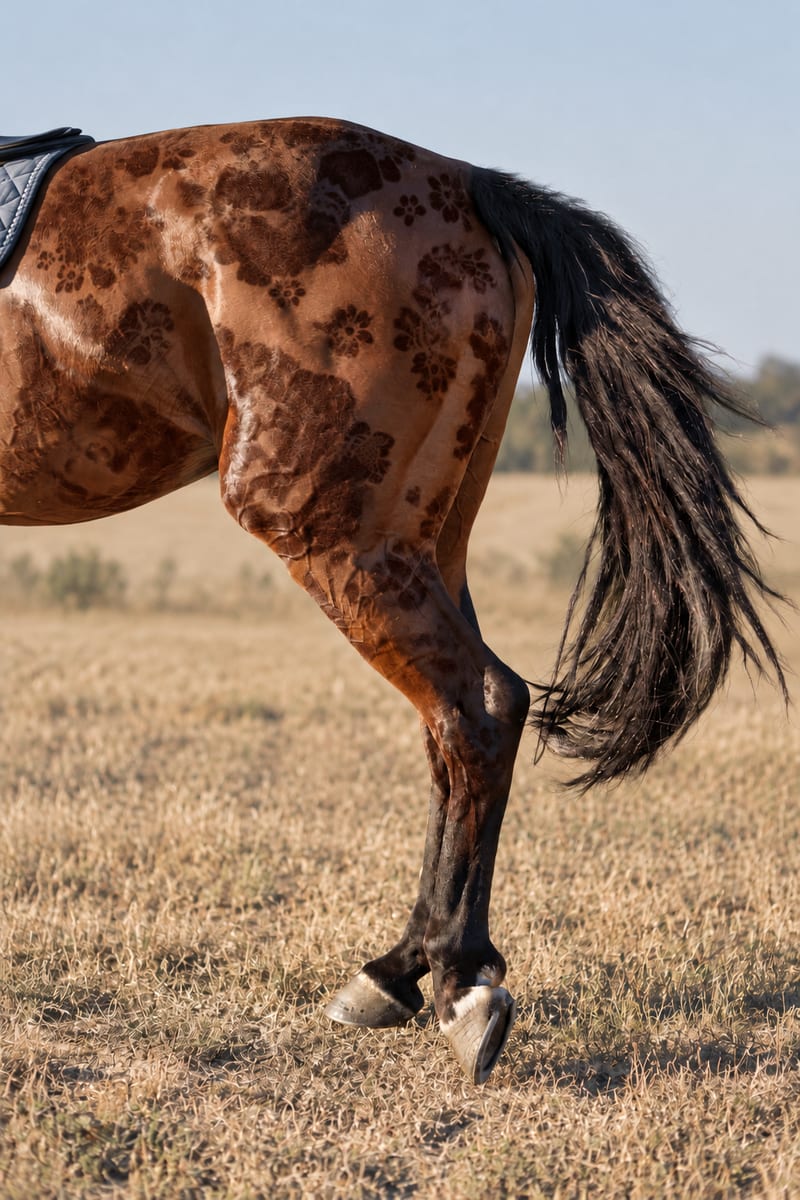
Combine an input pattern with an object image to create a realistic patterned image.
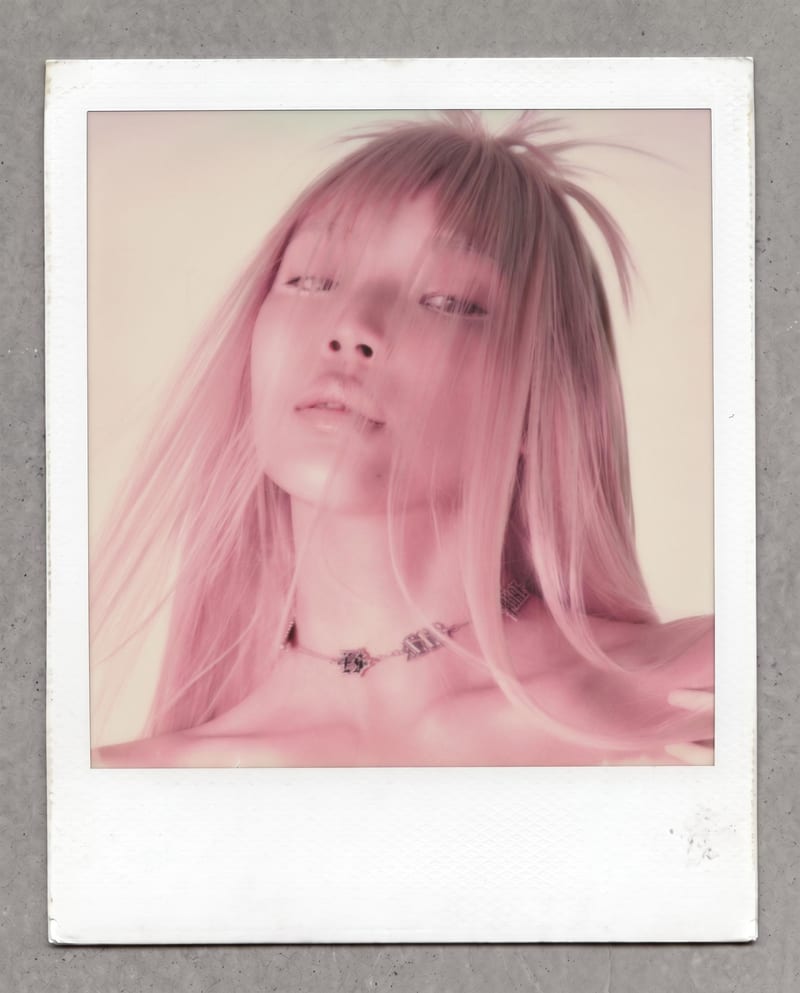
Transform one photo into a nostalgic Polaroid-style image with faded colors, soft grain, paper texture, and a handwritten note.