Recipev2
Prompt Extractor
Text
Recreation Prompt
One click, whole workflow
Recipes are here. Package a whole workflow and run it in one click
Explore recipesImage Prompt Extraction
Upload a reference image to receive a detailed, structured text prompt describing how to recreate its visual characteristics.
Recreation Prompt
A recipe turns a reusable workflow into a simple set of inputs and outputs. Start with a community recipe and make it your own in Fuser.

1. Choose a recipe
Find a workflow for the result you want. Review what it does and how to use it before opening it in Fuser.
2. Make it your own
Check the recipe’s available inputs. Add your own text or media where supported, or start with the saved defaults.
3. Run and refine
Run it in Fuser and review the result on your canvas. Tweak the inputs to try another direction.
Turn visual references into clearer starting points for creative planning, reconstruction, and style documentation.
It produces a text output called a Recreation Prompt. The prompt describes the reference image in structured detail so its visible composition and visual characteristics can be communicated more precisely.
It can help illustrators, photographers, designers, and creative teams turn a visual reference into written direction. It is especially relevant when documenting patterns, illustrations, photographic references, or moodboard and style-frame imagery.
Prepare one reference image that clearly shows the visual details you want described. The recipe has one exposed input, Reference Image, which you can replace in Fuser.
The saved example demonstrates a Recreation Prompt for a seamless repeating paisley pattern. It describes a square, straight-on composition with a warm cream background, blue outlined motifs, hand-sketched line quality, and internal decorative marks.
Yes, the recipe accepts a Reference Image, so you can change the saved example to another image in Fuser. The resulting prompt will be based on the new reference rather than the saved paisley-pattern example.
You can change the exposed Reference Image in Fuser. There are no other listed editable inputs for this recipe, so the chosen image is the main factor determining the resulting Recreation Prompt.
No. The output is text: a structured prompt describing how to reproduce the reference image. The saved example shows the kind of written description produced, not a guarantee that a new image will match the reference exactly.
Log in to Fuser to use a reference image with this recipe and receive a structured Recreation Prompt.
Develop pitches, campaign assets and interactive client work in Fuser. Combine AI generation, editable design and reusable processes across your agency.
Turn a creative brief into distinct visual concepts, moodboards and pitch layouts. Explore references, imagery and motion together in Fuser.
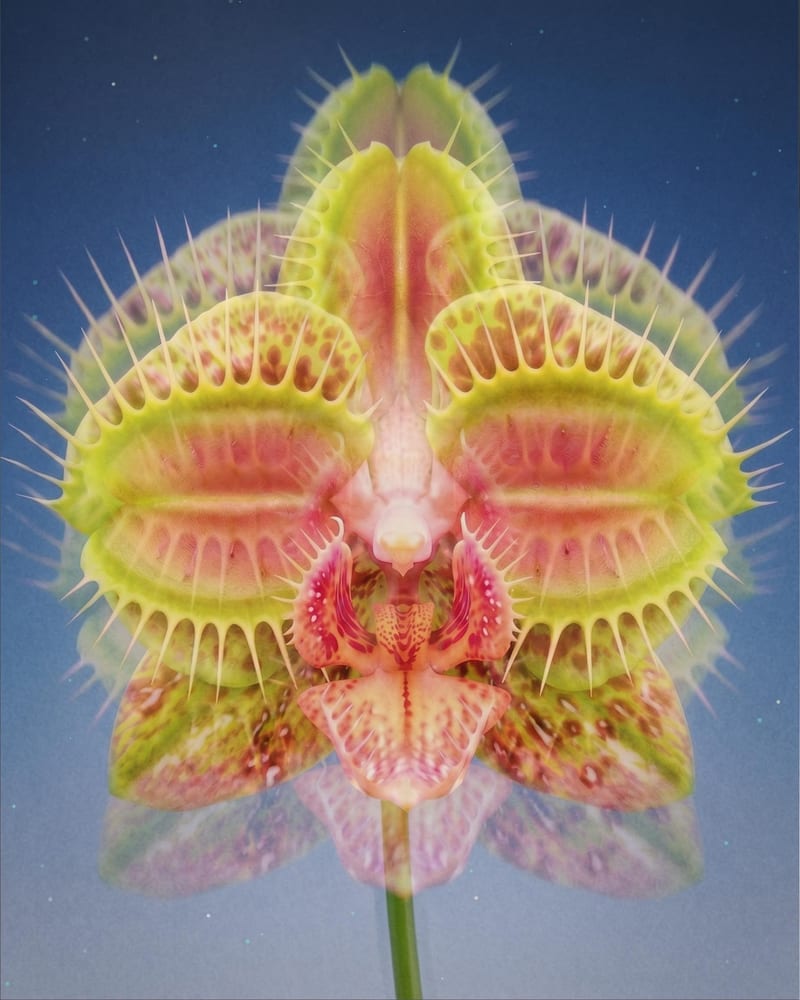
Turn one source image into a dreamy double-exposure image with soft ghosting, layered imagery, and subtle motion blur.
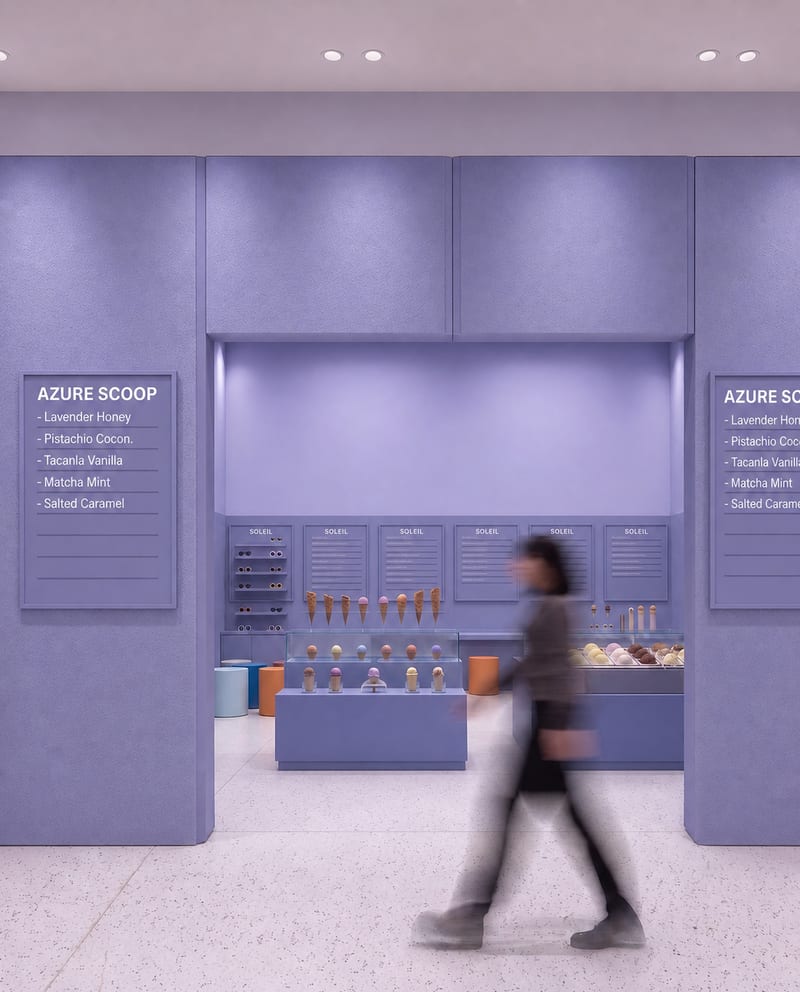
Upload a source image to remove AI-generated artifacts, distortions, and unnatural details while preserving its composition, style, and visual elements.
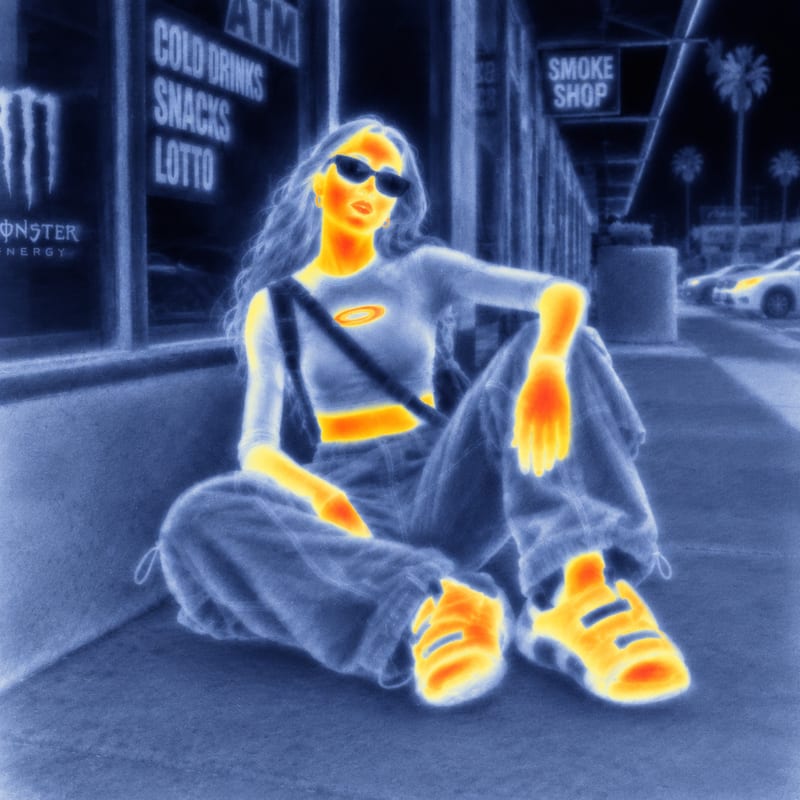
Use an input image and a style reference image to create an image with the reference’s visual style.