Recipev2
False Color Thermal Camera Effect
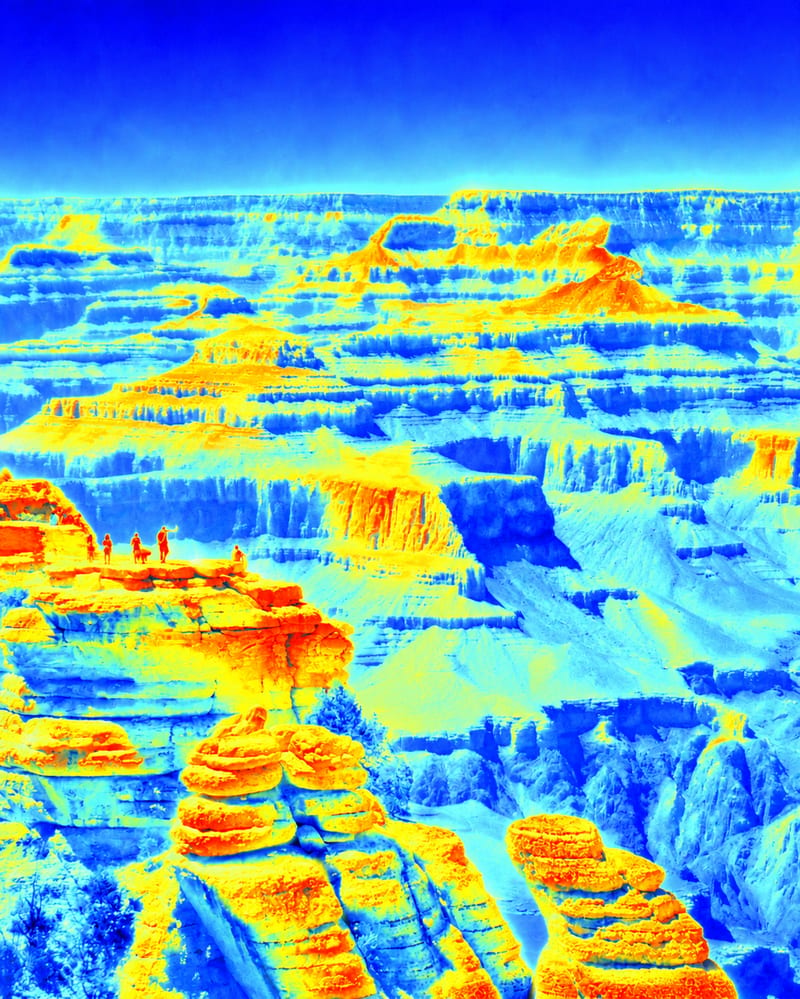
False Color Image
One click, whole workflow
Recipes are here. Package a whole workflow and run it in one click
Explore recipesFalse-Color Image Art
Apply a vibrant false-color thermal-camera effect to an input image and receive a transformed false-color image.
False Color Image
A recipe turns a reusable workflow into a simple set of inputs and outputs. Start with a community recipe and make it your own in Fuser.

1. Choose a recipe
Find a workflow for the result you want. Review what it does and how to use it before opening it in Fuser.
2. Make it your own
Check the recipe’s available inputs. Add your own text or media where supported, or start with the saved defaults.
3. Run and refine
Run it in Fuser and review the result on your canvas. Tweak the inputs to try another direction.
Use the false-color thermal-camera treatment to develop distinct visual directions for art and illustration work.
It applies a vibrant false-color thermal-camera effect to an image. The result is a false-color image suitable for exploring an art or illustration treatment.
It is intended for people developing art and illustration concepts who want to explore a thermal-camera-inspired color treatment on existing imagery.
The recipe accepts one editable input: an image. Choose the image you want to transform when using the recipe in Fuser.
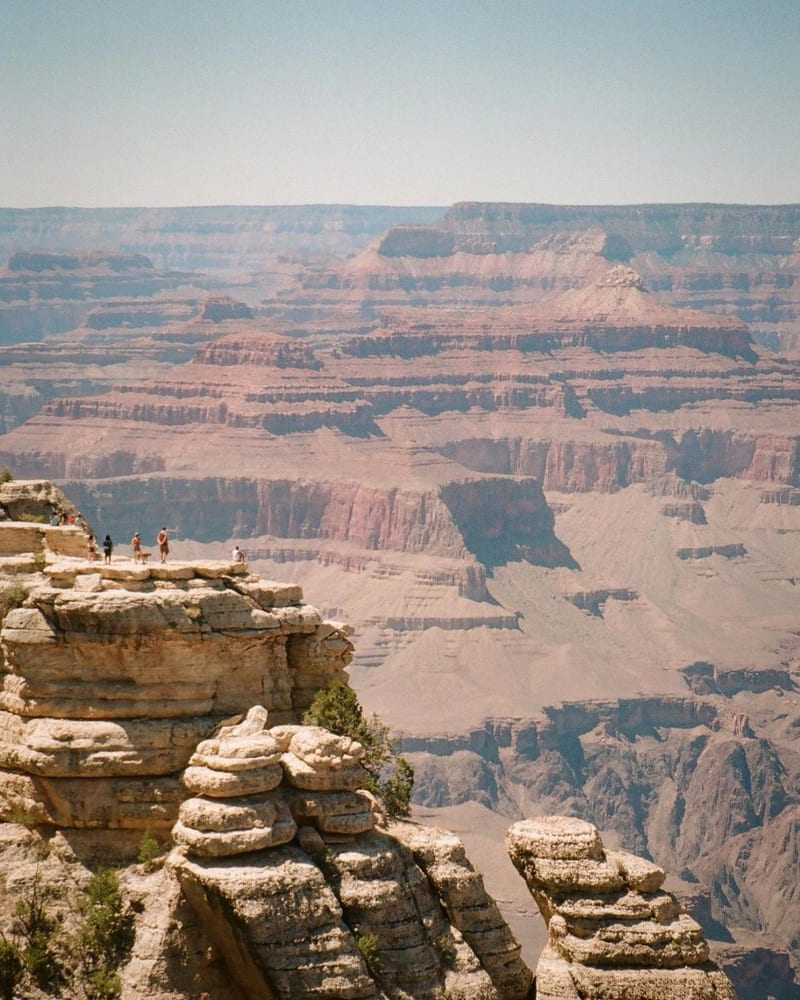
The output is a false-color image created from the input image. The saved example shows the connected default input and output for this visual effect; a new run uses the image you provide.
Yes. The input image is exposed for editing in Fuser, so you can replace it with another image before using the recipe.
The exposed customization is the input image. The recipe applies its defined false-color thermal-camera effect to that image and returns a false-color image.
The output can support art and illustration tasks such as concept studies, poster variations, digital collages, editorial treatments, and cover-art exploration.
No. The recipe is described as a false-color thermal-camera effect, so it creates a visual treatment rather than documenting a thermal measurement.
Bring an image to Fuser and apply this vibrant thermal-camera-inspired treatment for your next art or illustration concept.
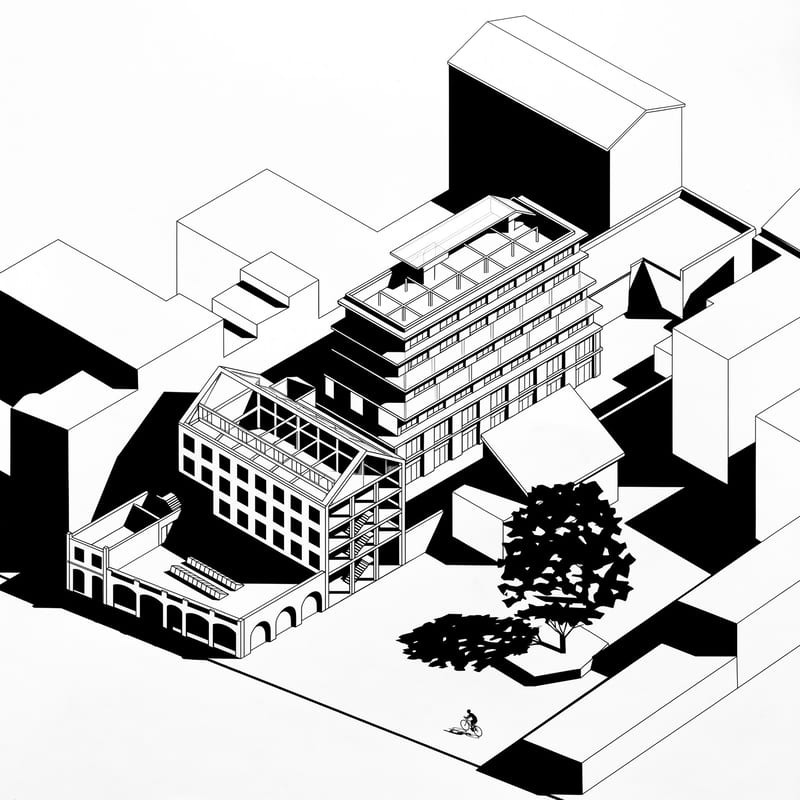
Upload an axonometric architectural drawing to create a black-and-white version with hard shadows, geometric silhouettes, and simplified details.
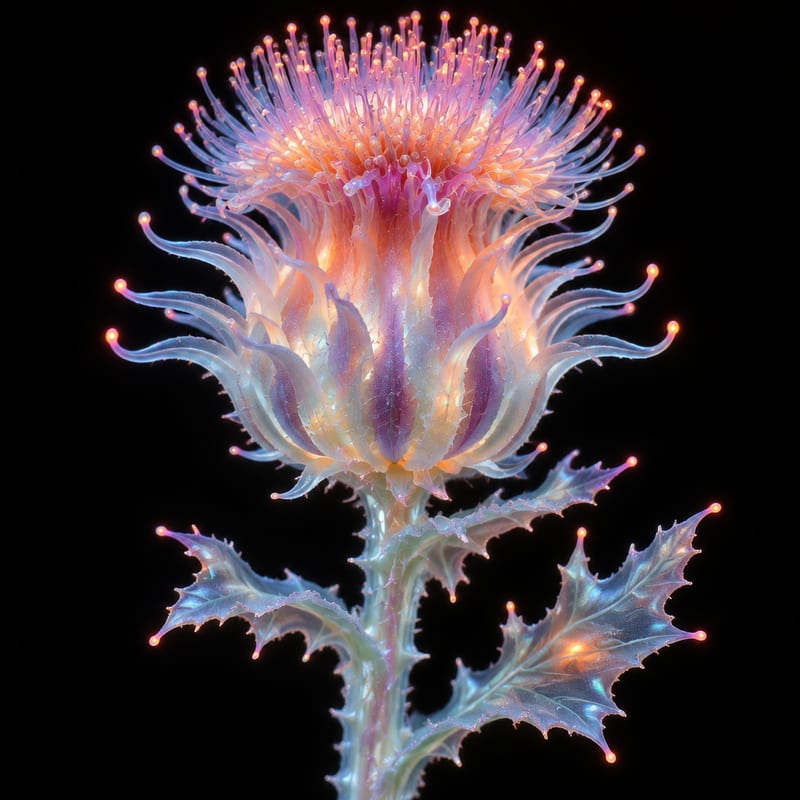
Transform a flower image into an ethereal, alien-looking version while keeping the flower as the creative subject.
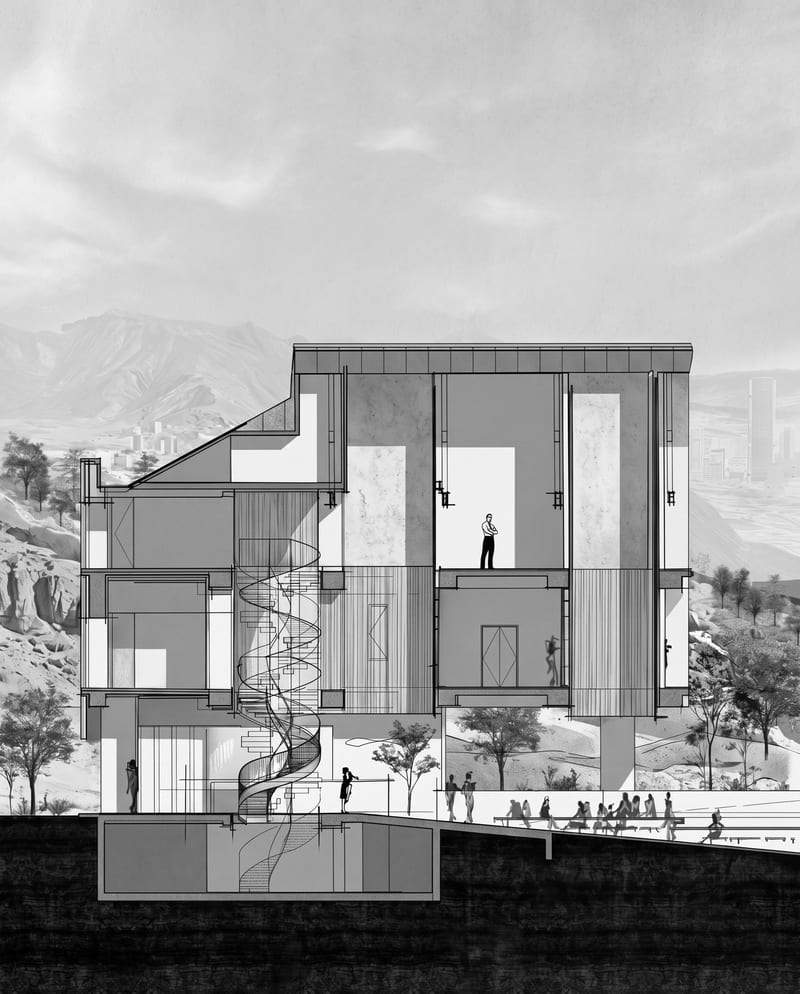
Transform an architectural section into a cinematic monochrome image while preserving its architecture, textures, landscape, and atmosphere.