Recipev5
Ethereal Alien Flower
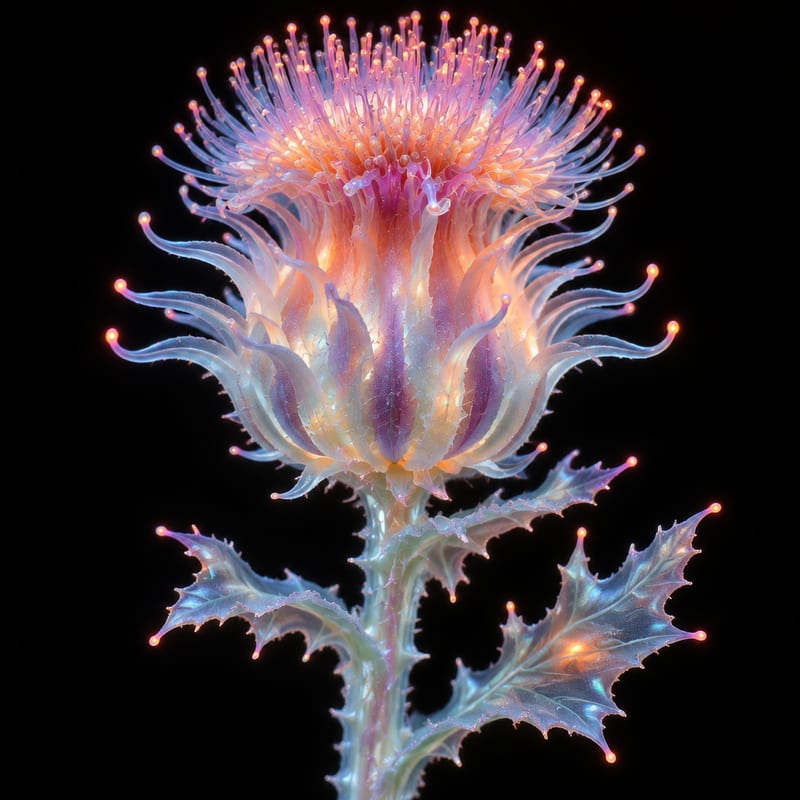
Alien Flower
One click, whole workflow
Recipes are here. Package a whole workflow and run it in one click
Explore recipesArt & Illustration
Transform a flower image into an ethereal, alien-looking version while keeping the flower as the creative subject.
Alien Flower
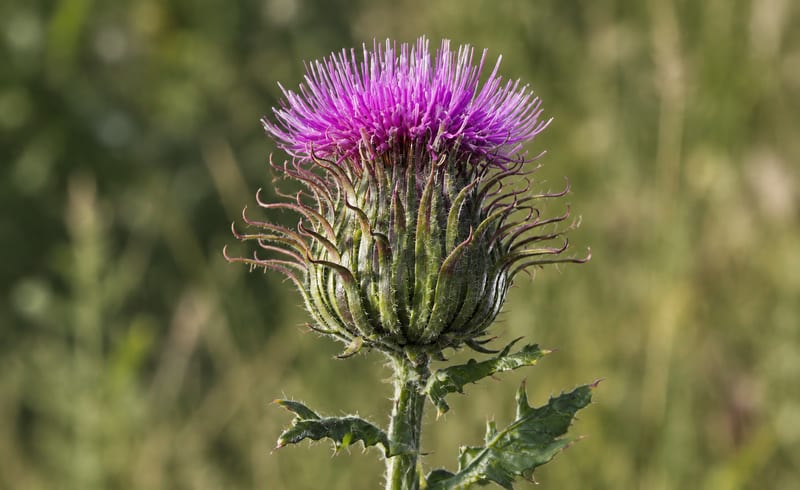
A recipe turns a reusable workflow into a simple set of inputs and outputs. Start with a community recipe and make it your own in Fuser.

1. Choose a recipe
Find a workflow for the result you want. Review what it does and how to use it before opening it in Fuser.
2. Make it your own
Check the recipe’s available inputs. Add your own text or media where supported, or start with the saved defaults.
3. Run and refine
Run it in Fuser and review the result on your canvas. Tweak the inputs to try another direction.
Use a flower image as the starting point for imaginative artwork, visual concepts, and surreal presentation ideas.
It takes a flower image and produces an Alien Flower image: an ethereal, alien-looking version of the flower. The recipe is intended for imaginative art and illustration work.
It can help illustrators, artists, concept creators, and anyone experimenting with surreal botanical imagery. It is especially relevant when a familiar flower needs a more otherworldly visual direction.
The recipe has one exposed input, labeled Flower Image, and it accepts an image. Choose the flower image you want to transform, then change that input in Fuser when starting a new run.
The saved example shows a flower image connected to the Alien Flower image output. It demonstrates the recipe’s intended input-to-output transformation, rather than a live generation on this page.
Yes. The exposed Flower Image input is editable in Fuser, so you can replace the saved example’s source with another flower image. The output remains an alien-looking version of the chosen flower image.
You can customize the recipe by changing its exposed Flower Image input. No other editable inputs are listed for this recipe, so the available customization is the source flower image itself.
The recipe produces one image output labeled Alien Flower. It is intended to show the source flower reimagined with an ethereal, alien-looking appearance.
This recipe focuses on transforming a flower image into an alien-looking version, not on adding separate controls or unrelated image edits. The saved example is one illustration of the recipe, while a new run uses the flower image you select in Fuser.
Bring a flower image to Fuser and explore an ethereal, alien-looking interpretation of it.
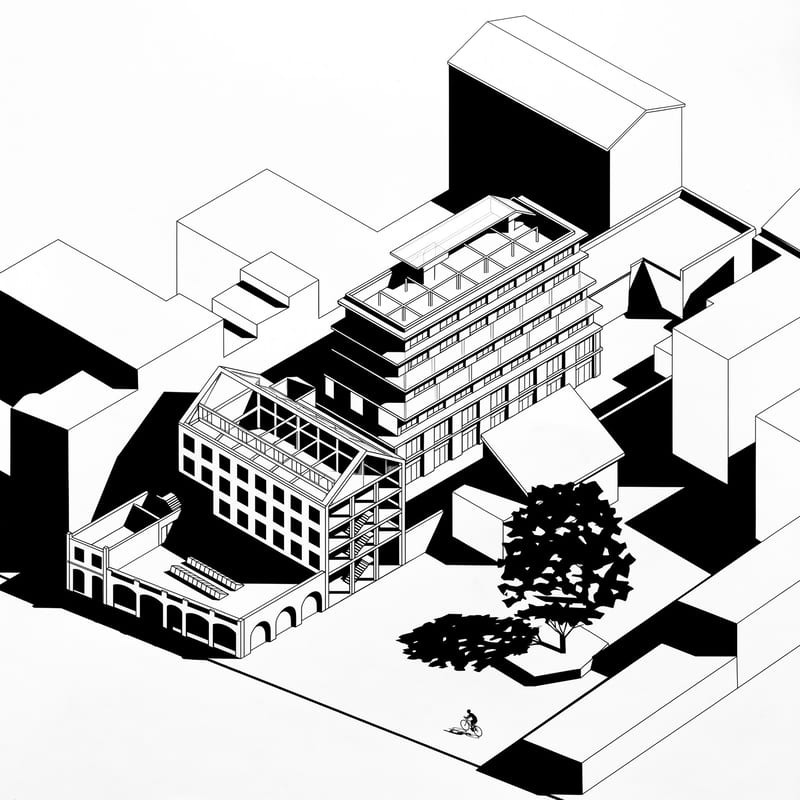
Upload an axonometric architectural drawing to create a black-and-white version with hard shadows, geometric silhouettes, and simplified details.
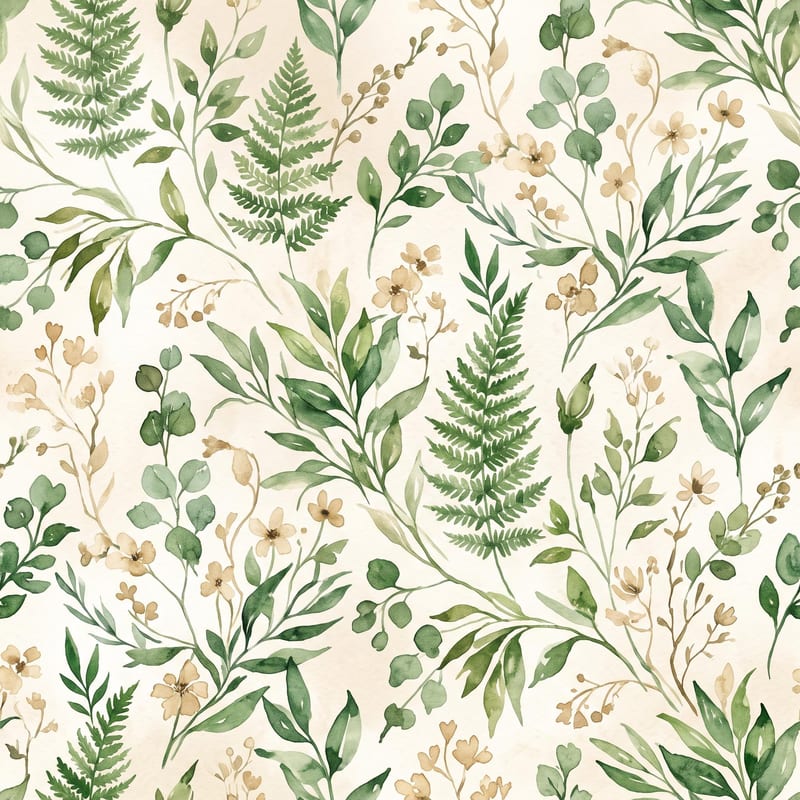
Turn a pattern or style description and color direction into a standalone fabric print image.
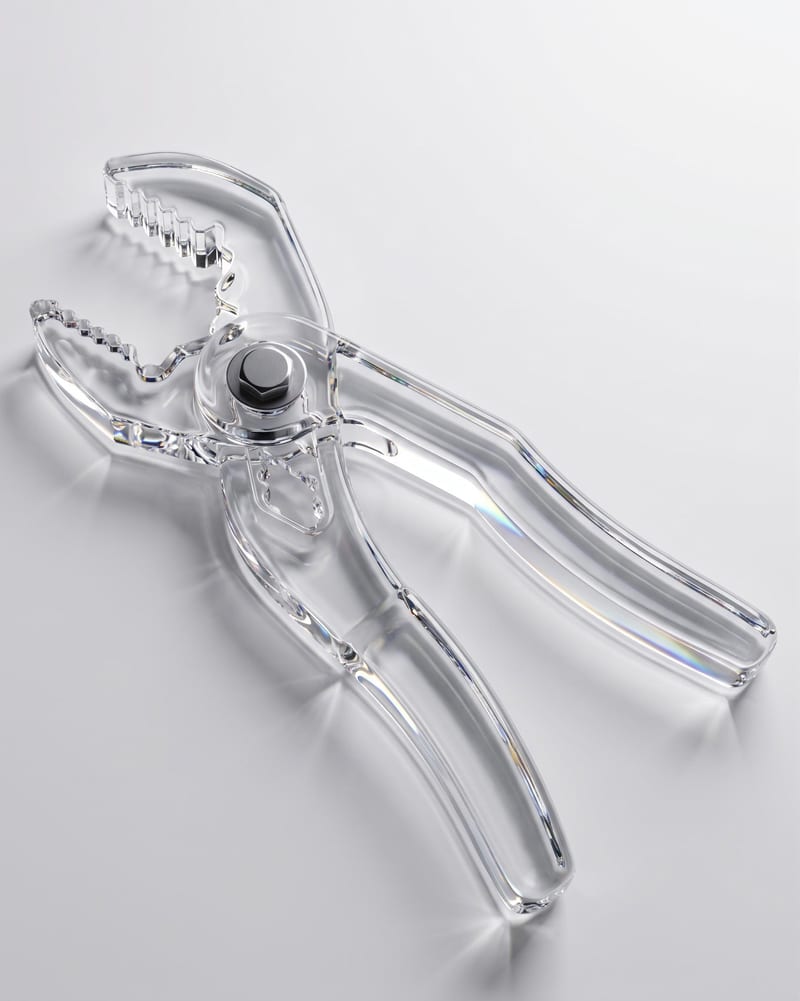
Upload an object image and enter a material such as glass to create an image of the object with that material.