Recipev2
Getty Images
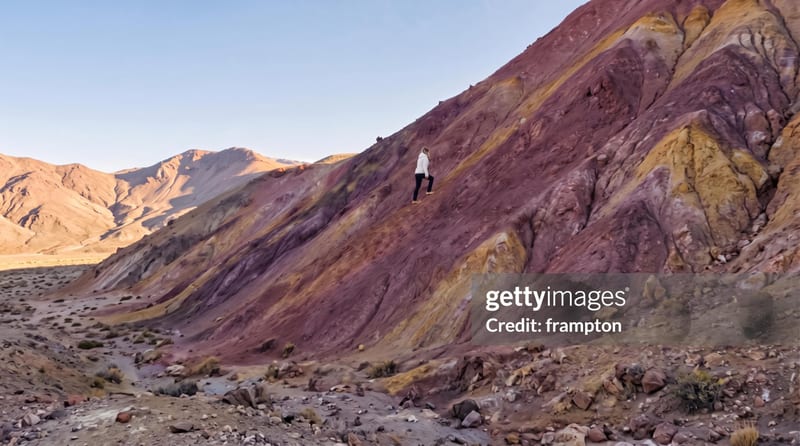
watermarked result
One click, whole workflow
Recipes are here. Package a whole workflow and run it in one click
Explore recipesPhotography
Apply a non-official Getty Images watermark treatment to one input photo and receive a watermarked image for review or presentation.
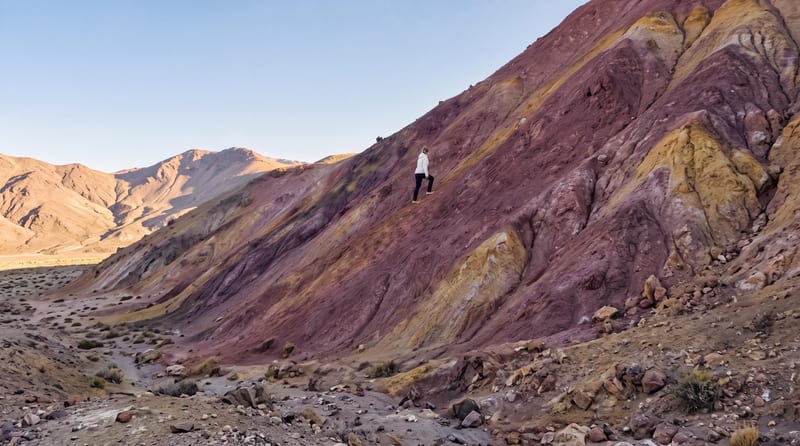
watermarked result
A recipe turns a reusable workflow into a simple set of inputs and outputs. Start with a community recipe and make it your own in Fuser.

1. Choose a recipe
Find a workflow for the result you want. Review what it does and how to use it before opening it in Fuser.
2. Make it your own
Check the recipe’s available inputs. Add your own text or media where supported, or start with the saved defaults.
3. Run and refine
Run it in Fuser and review the result on your canvas. Tweak the inputs to try another direction.
Use the watermarked image as a visual mockup across photography review and presentation workflows.
It takes one input image and produces a watermarked result using the recipe’s non-official Getty Images watermark treatment. It is intended for mockups, review, and presentation—not to create an authorized Getty Images watermark.
It can help photographers, editors, designers, and teams preparing photography for review or presentation. The result can serve as a marked-up working image before a final unmarked version is selected or delivered.
Prepare one image that you want to process. The recipe exposes an input image field, so use the photograph you want represented in the watermarked result.
The saved example shows the recipe’s saved input image connected to its watermarked result. It demonstrates the configured example, while a new run uses the image you provide in Fuser.
You can change the input image in Fuser. No additional editable inputs are listed, so this recipe does not expose controls for changing the watermark wording, placement, or treatment.
No. The recipe description identifies it as a non-official Getty Images watermark treatment. Do not use the result to suggest Getty Images authorization, ownership, or affiliation.
The watermarked image is suitable for photography mockups, client proofs, internal reviews, and early presentation materials. Treat it as a working or presentation asset rather than a final licensed stock image.
Log in to Fuser to use your own image with this saved watermark recipe.

Upload one reference image to create six film-inspired photographic variations.
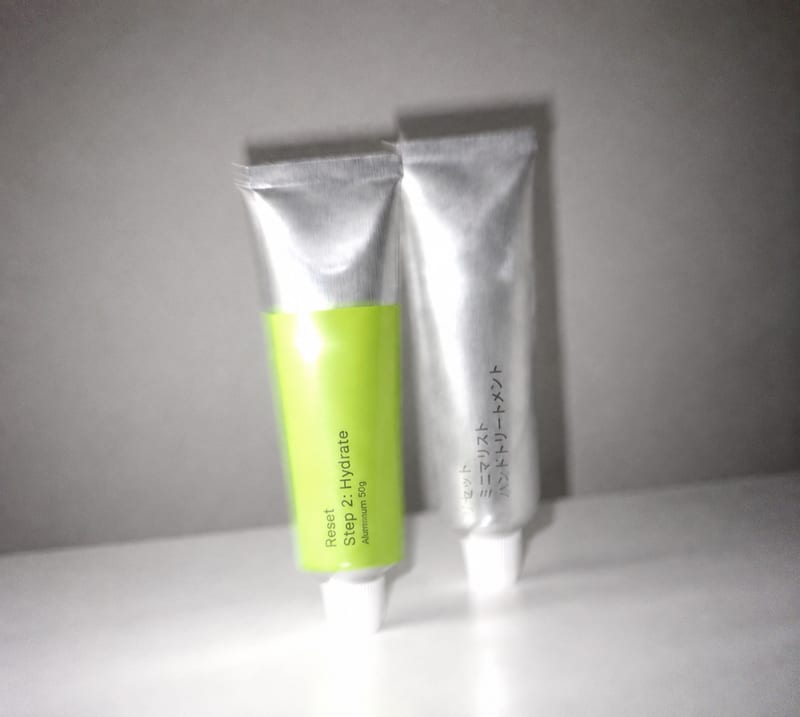
Transform an overly polished image into a blur-and-grain photograph inspired by an older iPhone or low-shutter film camera.
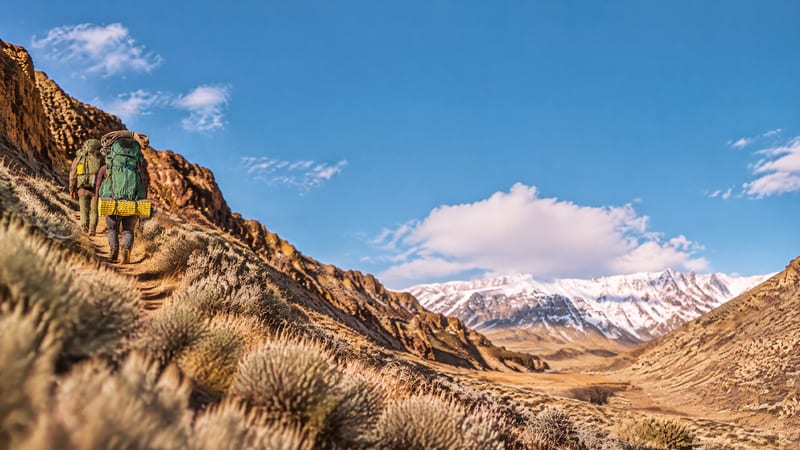
Upload one image to explore golden spiral, rule-of-thirds, and horizontal or vertical symmetry compositions.