Recipev3
Re-Compose + Frame Your Image

Golden Spiral 01
One click, whole workflow
Recipes are here. Package a whole workflow and run it in one click
Explore recipesPhotography composition
Upload one image to explore golden spiral, rule-of-thirds, and horizontal or vertical symmetry compositions.
Golden Spiral 01






A recipe turns a reusable workflow into a simple set of inputs and outputs. Start with a community recipe and make it your own in Fuser.

1. Choose a recipe
Find a workflow for the result you want. Review what it does and how to use it before opening it in Fuser.
2. Make it your own
Check the recipe’s available inputs. Add your own text or media where supported, or start with the saved defaults.
3. Run and refine
Run it in Fuser and review the result on your canvas. Tweak the inputs to try another direction.
Use the generated image variations to compare framing approaches, discuss composition, and guide photographic decisions.
It re-composes and re-frames an uploaded image according to the golden spiral, rule of thirds, and horizontal and vertical symmetry. The saved example produces six image outputs representing two variations for each named composition approach.
It can help photographers, editors, students, and reviewers compare different composition structures for the same image. It is especially useful when you want to discuss framing choices rather than evaluate only one arrangement.
Prepare one image to use as the recipe's Input Image. The recipe is described for re-composing and re-framing any image, so the image itself is the required starting material.
A run provides six image outputs labeled Golden Spiral 01, Golden Spiral 02, Rule of Thirds 01, Rule of Thirds 02, Symmetry 01, and Symmetry 02. Together, these outputs represent alternative compositions based on the recipe's three named approaches.
Yes. Input Image is the exposed editable input, so you can replace it with another image in Fuser. No other editable inputs are listed for this recipe.
No. It shows the saved input connected to the recipe and its six saved image outputs. A new run uses the Input Image you choose in Fuser.
The outputs can support comparisons of subject placement, balance, and framing across the golden spiral, rule of thirds, and symmetry approaches. They are useful for composition studies, critique, and selecting a direction for further photographic work.
Bring one image into Fuser and compare six re-composed, re-framed directions built around three composition approaches.
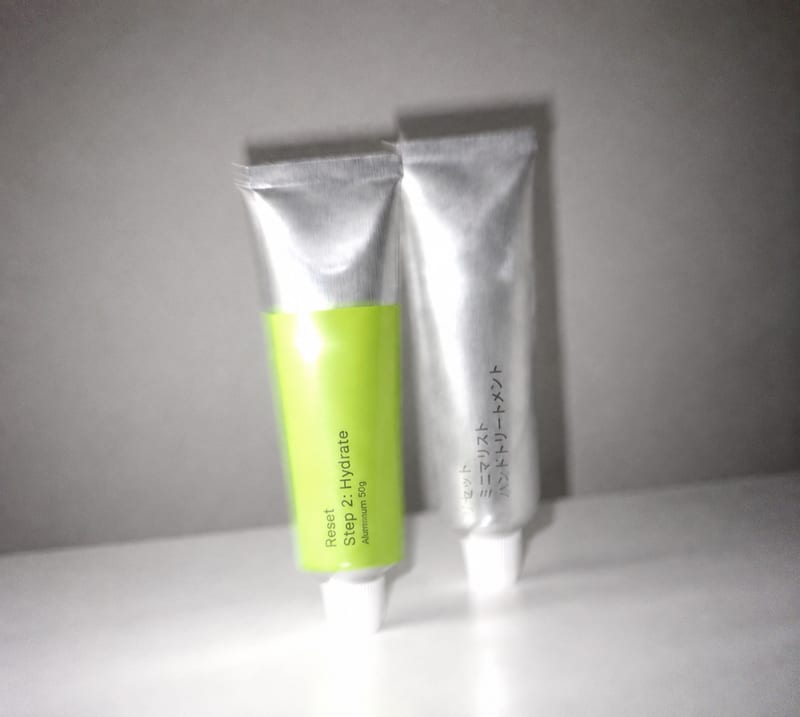
Transform an overly polished image into a blur-and-grain photograph inspired by an older iPhone or low-shutter film camera.
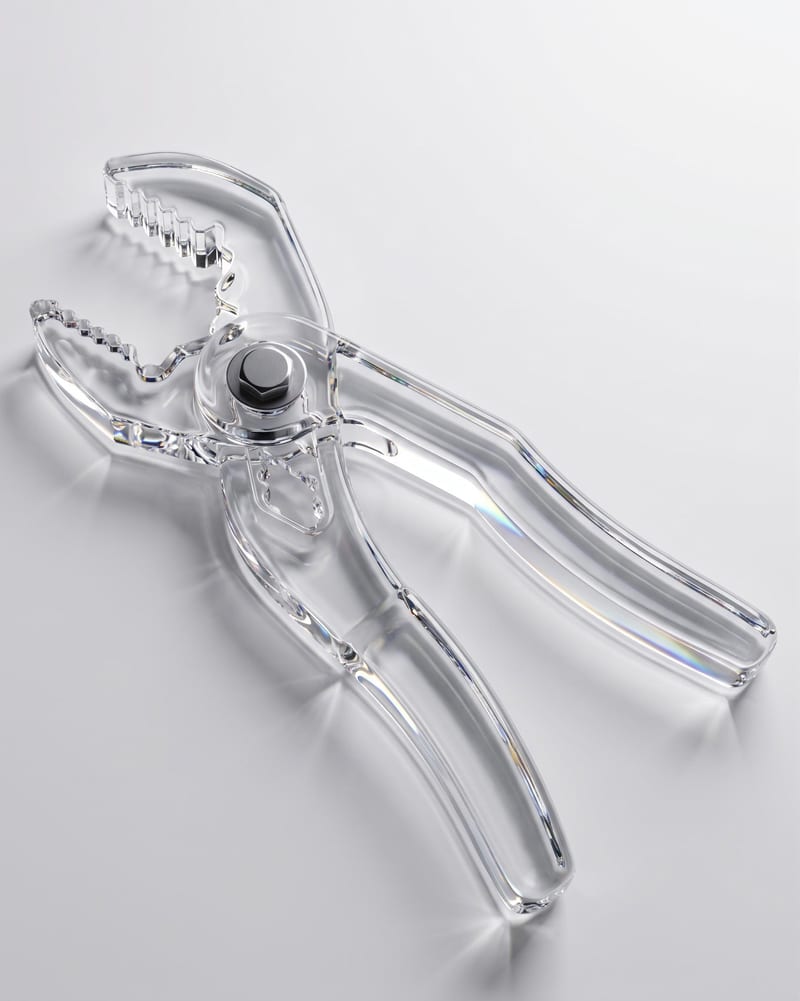
Upload an object image and enter a material such as glass to create an image of the object with that material.

Upload one unretouched face photo to reduce blemishes, smooth uneven texture, and refine skin tone in two retouched outputs.