Recipev2
4-Panel Comic Strip
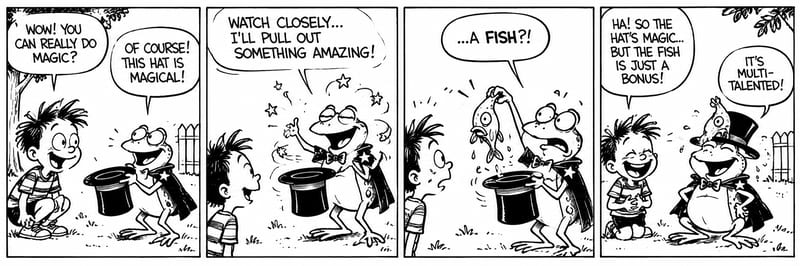
4-Panel Comic Storyboard
One click, whole workflow
Recipes are here. Package a whole workflow and run it in one click
Explore recipesStoryboards & Comics
Turn story text into a black-and-white, four-panel comic storyboard with expressive characters and a humorous or emotional payoff.
4-Panel Comic Storyboard
A recipe turns a reusable workflow into a simple set of inputs and outputs. Start with a community recipe and make it your own in Fuser.

1. Choose a recipe
Find a workflow for the result you want. Review what it does and how to use it before opening it in Fuser.
2. Make it your own
Check the recipe’s available inputs. Add your own text or media where supported, or start with the saved defaults.
3. Run and refine
Run it in Fuser and review the result on your canvas. Tweak the inputs to try another direction.
Use a short story premise to explore visual storytelling across comic, storyboard, and illustration workflows.
It turns story text into a four-panel black-and-white comic storyboard. The intended result combines expressive original characters, clear visual storytelling, and either a humorous or emotional payoff.
It can help people developing short comics, storyboards, character moments, or illustration concepts. It is especially suited to story ideas that can be expressed as one compact sequence of four panels.
Enter the story or scene you want represented in the comic. The saved example uses the premise “a frog is showing off his magic hat,” but you can replace that text with your own story in Fuser.
Story Text is the exposed editable input for this recipe. In Fuser, you can change that text to explore a different premise while keeping the recipe’s four-panel comic format.
The saved example connects the frog-and-magic-hat story text to the recipe’s image output, labeled 4-Panel Comic Storyboard. It is a saved example rather than a live run or a guarantee of how a new story will be represented.
Yes. The recipe is described for stories with either a humorous or emotional payoff, so the written premise can focus on a comic reveal, a feeling, or another concluding moment that benefits from sequential panels.
The recipe produces one image output labeled 4-Panel Comic Storyboard from story text. Because the exposed input is text and the saved output is an image, the recipe is intended for visualizing a premise rather than providing separate editable panel files or additional output formats.
Bring a short premise to Fuser and explore how it becomes a black-and-white, four-panel comic storyboard.
Develop film treatments, character and environment concepts, storyboards and motion studies. Connect image, video and 3D exploration in Fuser.
Develop storyboard frames, shot variations and video studies from your references. Compose clear boards and explore movement in one Fuser project.
Develop pitches, campaign assets and interactive client work in Fuser. Combine AI generation, editable design and reusable processes across your agency.
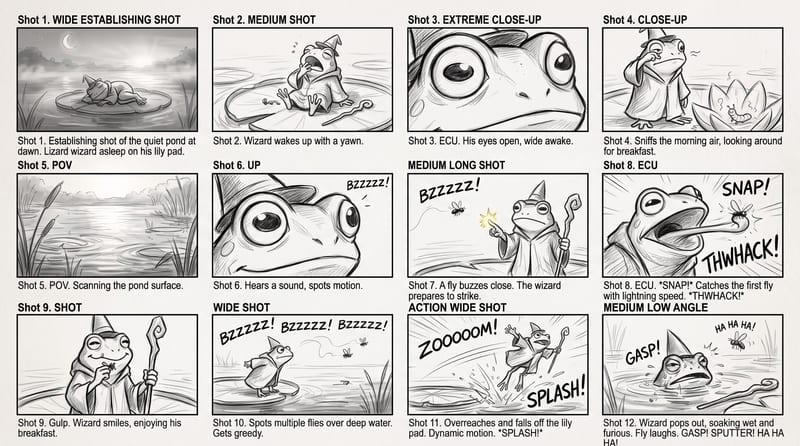
Use a rough story brief and visual reference to create a storyboard image showing the story’s sequence of actions.
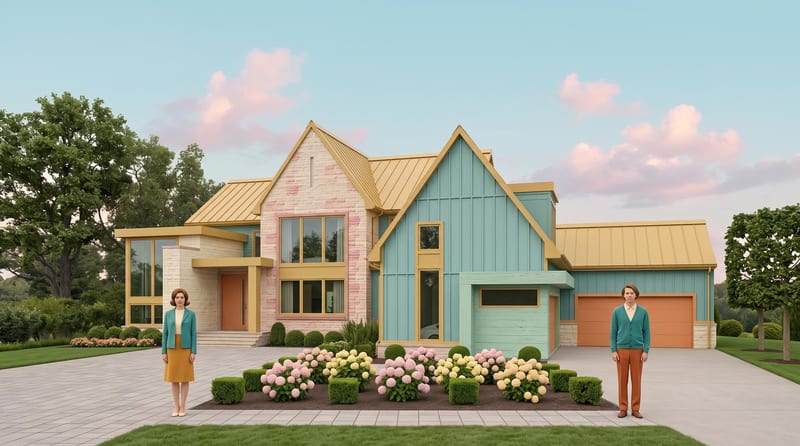
Transform a source image into a symmetrical, pastel, vintage-textured scene with quirky details and cinematic storybook charm.
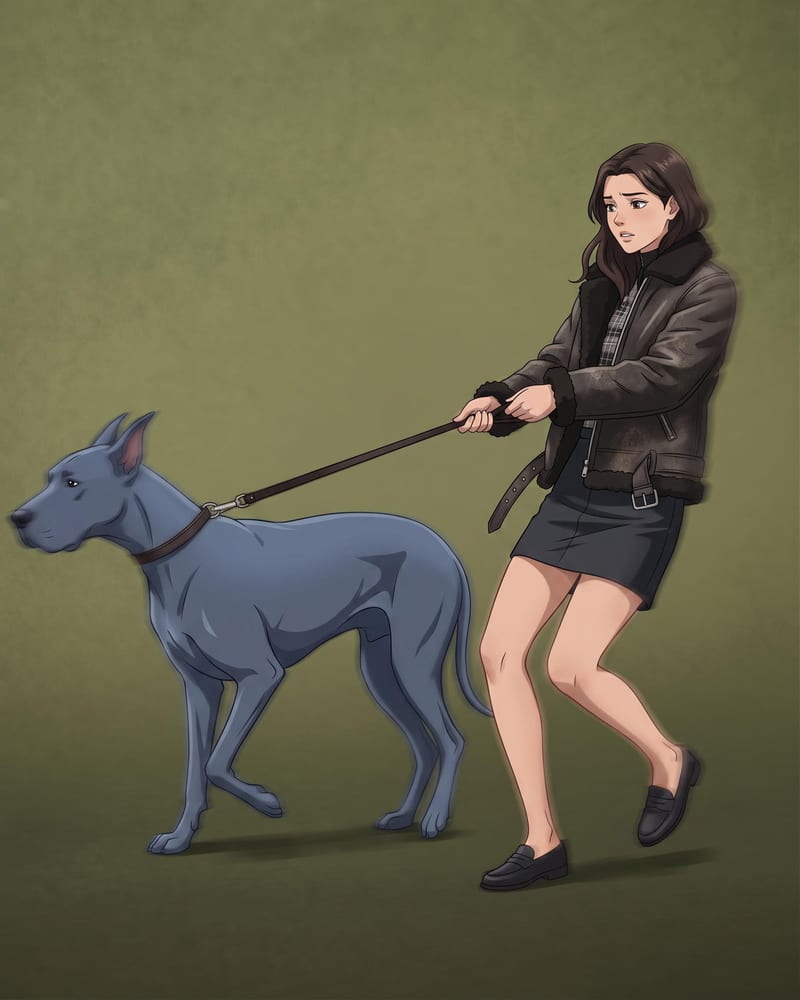
Transform a source image into a polished anime-style recreation while preserving its scene, composition, subjects, and key visual details.


