One click, whole workflow
Recipes are here. Package a whole workflow and run it in one click
Explore recipesOne click, whole workflow
Recipes are here. Package a whole workflow and run it in one click
Explore recipesbyHeyGen
One portrait and one voice, and your presenter blinks, tilts and gestures in time with every line, no camera crew required
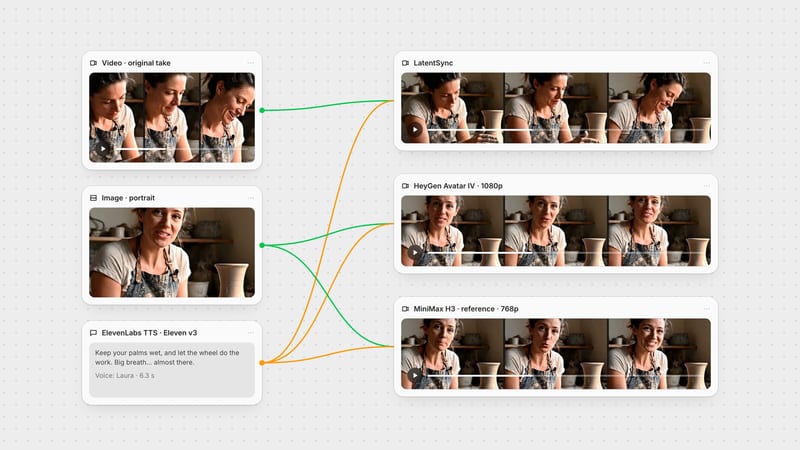
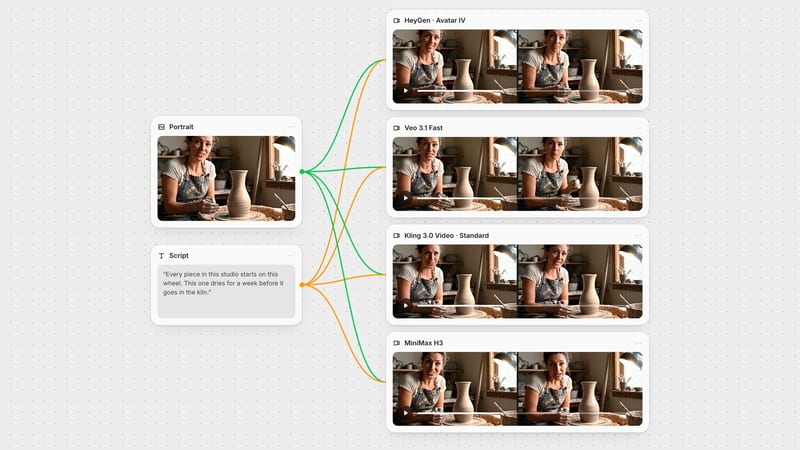
Start with a still face, add either a voice recording or a script, and tune the delivery. Your audio sets the clip length, so a short test costs far less than a long render.
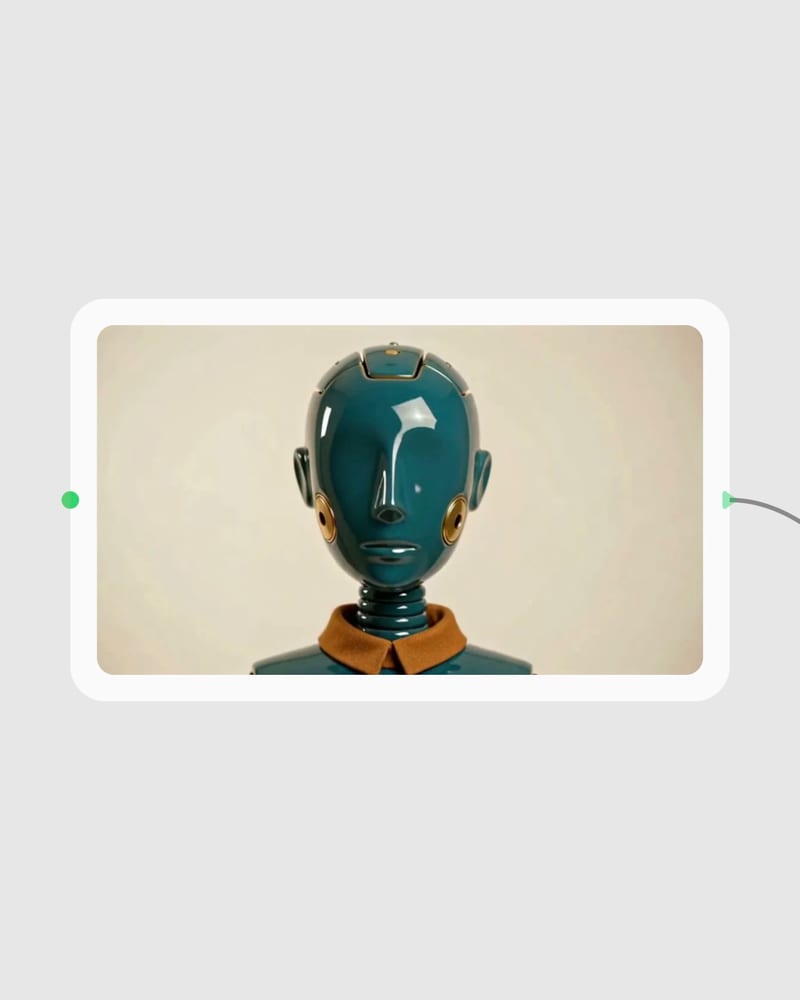
Upload a sharp portrait
Drop in a front-facing, well-lit photo with eyes and mouth clearly visible and room above the head and shoulders.
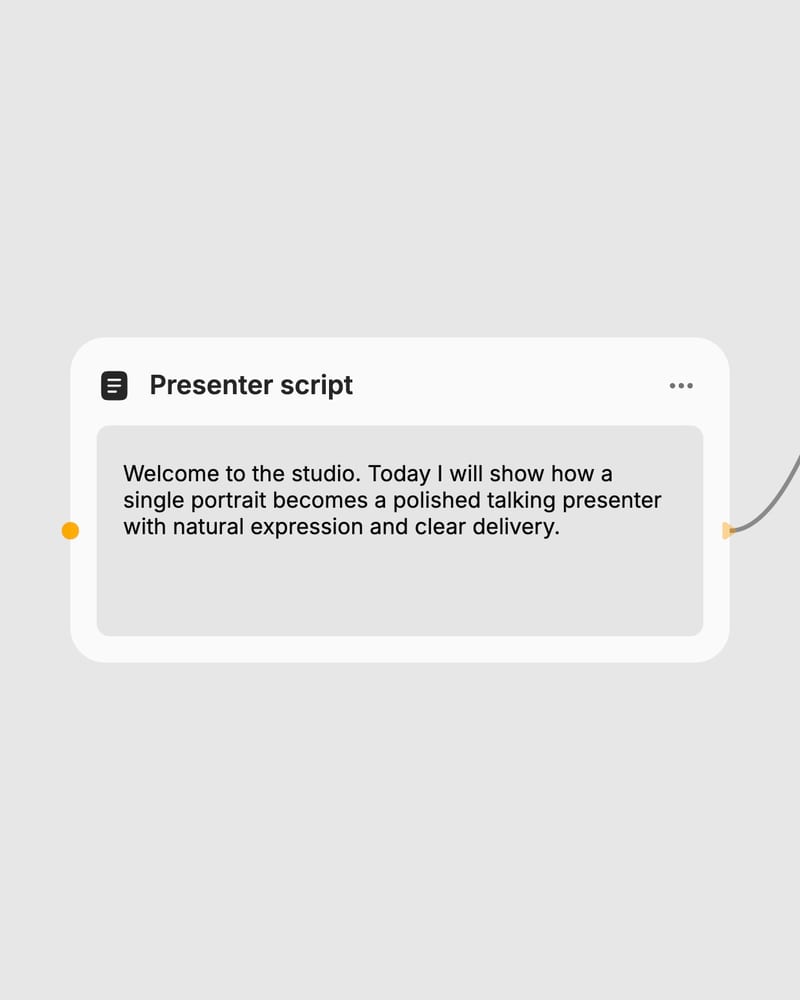
Bring audio or write a script
Connect a voice recording to drive the performance, or type the exact words and pick a voice from the library.
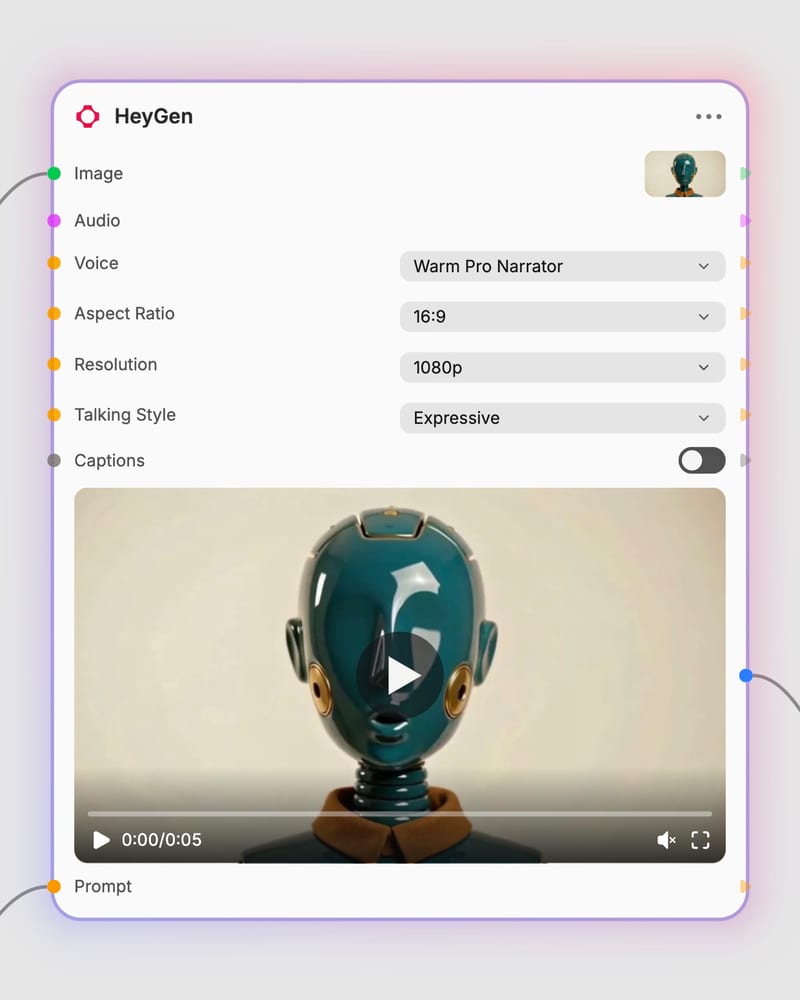
Set the style and render
Choose aspect ratio, resolution, stable or expressive delivery and optional burned-in captions, then generate the clip.
Performance is the point: expression that follows the voice, delivery you can dial from composed to animated, and a workflow built to iterate cheaply before a final render.
A gallery of presenters, from fashion editors and lighthouse keepers to vertical product reviewers and archival narrators, all speaking straight to camera in locked-off framing.
For marketers, mascot owners, trainers and storytellers who have a face and something to say and want a presenter without filming.
Yes, Avatar IV and Avatar 4 are the same HeyGen photo-to-talking-video model. It is HeyGen's photo-driven avatar engine, rolled out in mid-2025, and it turns a single still image into a lip-synced presenter with head movement, blinks, micro-expressions and subtle hand gestures.
You need one portrait image and either an audio track or a text script. With audio, the recording drives the performance, sets the video length and overrides the prompt and voice. With text, you write the words to speak and pick a voice from the library.
Stable gives minimal, subtle motion suited to corporate, training and formal announcements, while expressive gives bigger gestures and facial energy for marketing and social. Expressive amplifies the audio's energy but can't create energy a flat voice lacks.
A sharp, well-lit, front-facing portrait with the mouth and eyes clearly visible works best. Leave headroom and shoulder space so tilts and gestures aren't cropped. Sunglasses, hair over the face, hands near the mouth, harsh side-shadows and extreme profiles cause problems.
No, it is a performance tool, not a general video generator. The subject stays a talking presenter in a mostly static frame, so scenes needing camera movement, body action or physical interaction are better handled elsewhere. Long flat monologues also feel static without cutaways.
It is billed per second of generated video, so cost scales with clip length and resolution. Revisions cost full price, so iterate with short scripts at 360p to 540p, then render the final at 720p or 1080p.
One portrait and one voice, and your presenter blinks, tilts and gestures in time with every line, no camera crew required
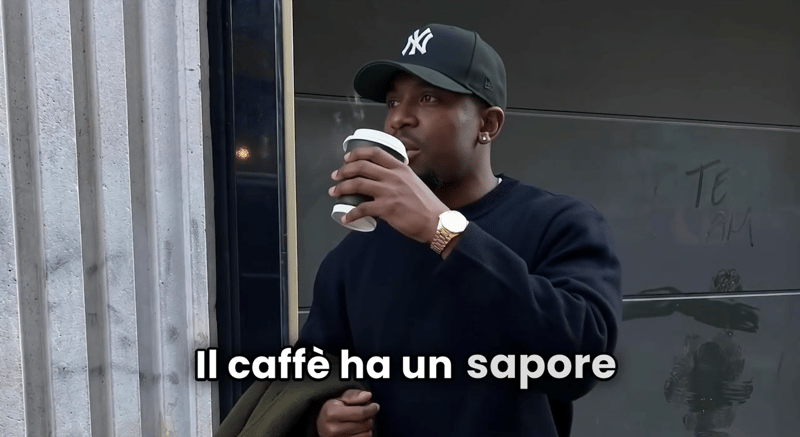
Provide a scenario image, script, voice, and language to create a talking character video with translated speech.
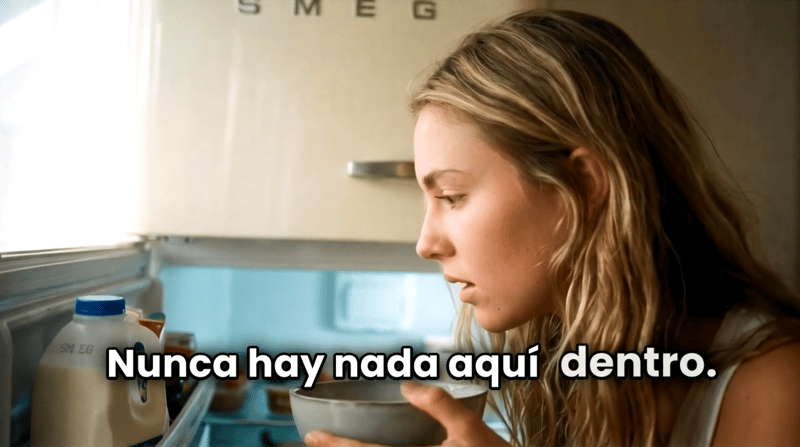
Turn a script, scenario image, voice selection, and target language into a talking character video.
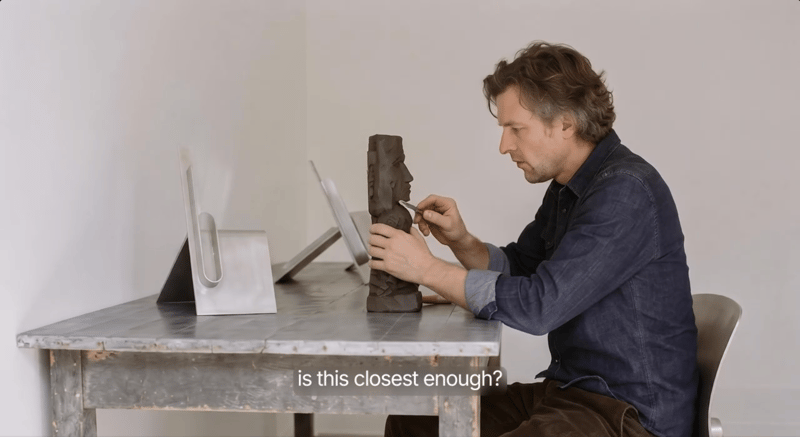
Provide a scenario image, script, and voice to create a talking character video with voiceover.
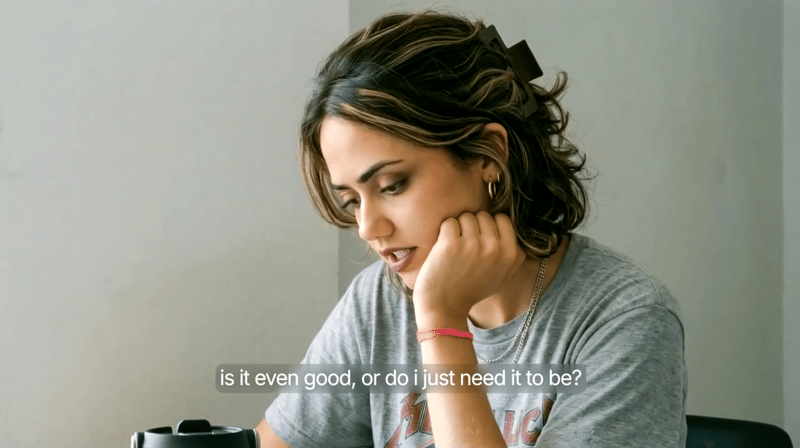
Provide a scenario image, script, and voice selection to create a talking character video with spoken delivery.
Explore a brand’s visual identity, refine typography and build real applications. Combine AI imagery with editable design and reusable workflows in Fuser.
Develop pitches, campaign assets and interactive client work in Fuser. Combine AI generation, editable design and reusable processes across your agency.
Develop film treatments, character and environment concepts, storyboards and motion studies. Connect image, video and 3D exploration in Fuser.
Create social graphics, carousel artwork and short videos with a recognizable brand style. Keep copy editable and recurring content easier to produce in Fuser.
Develop storyboard frames, shot variations and video studies from your references. Compose clear boards and explore movement in one Fuser project.