Recipev3
Professional Headshot
Image
One click, whole workflow
Recipes are here. Package a whole workflow and run it in one click
Explore recipesPhotography headshot creation
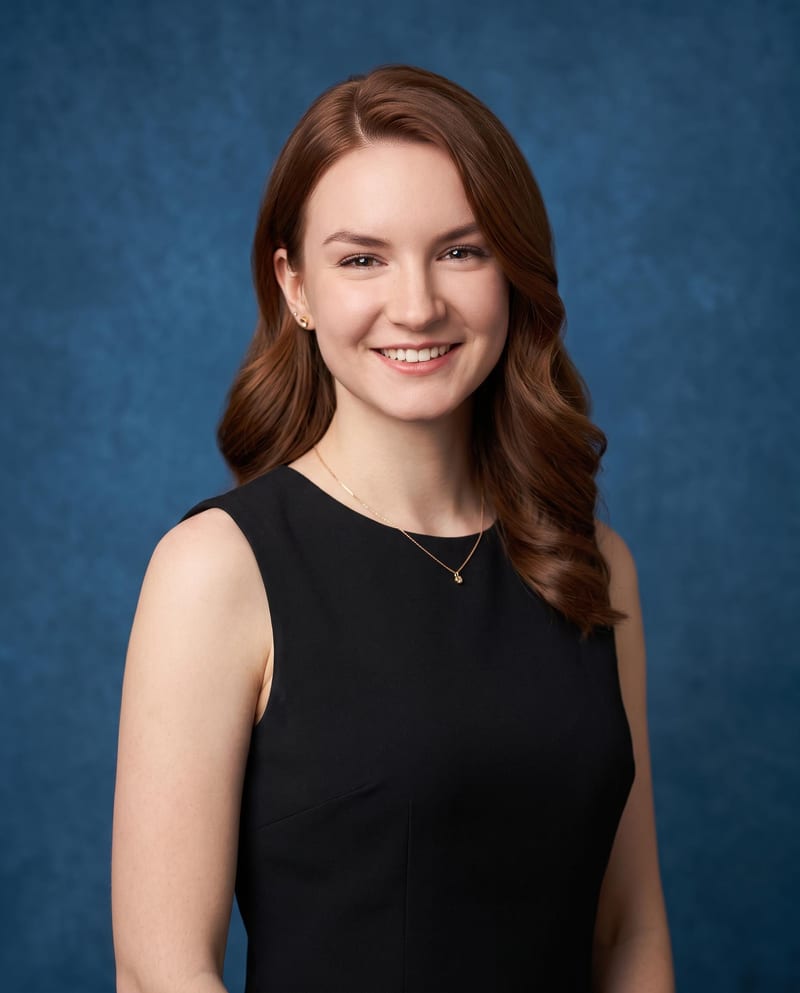
Upload one portrait image to create passport, business, and professional headshot variations in different styles and looks.
Image
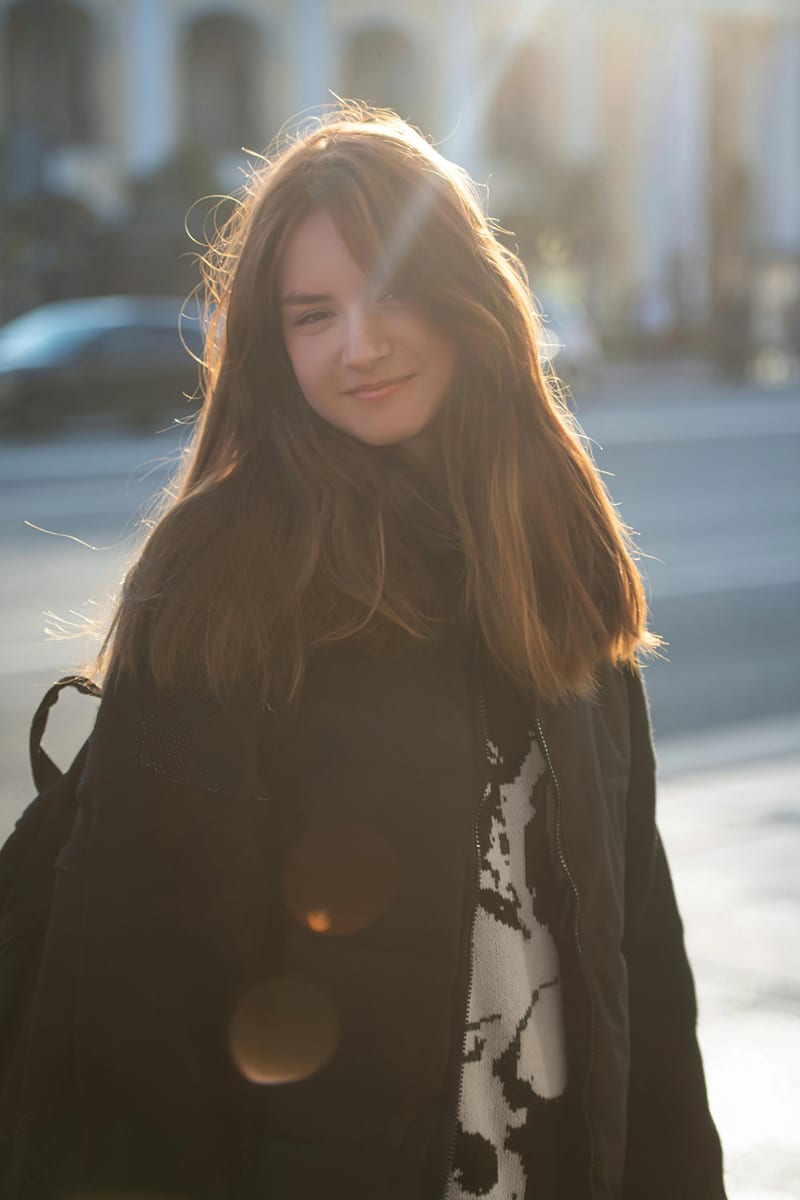
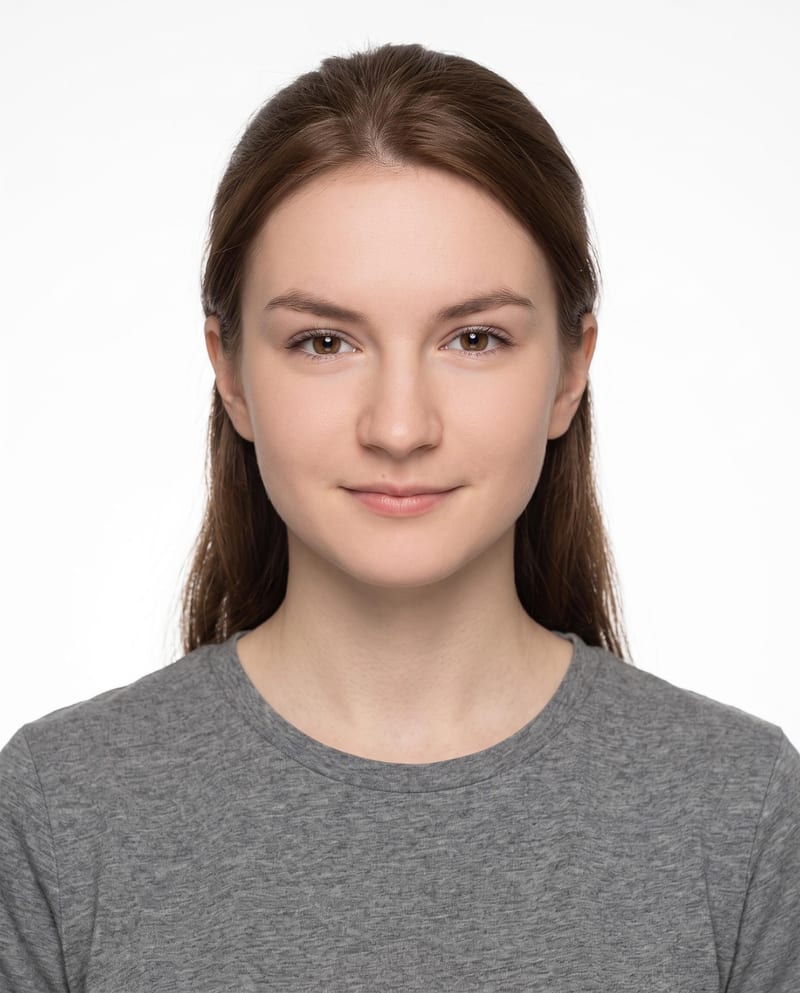
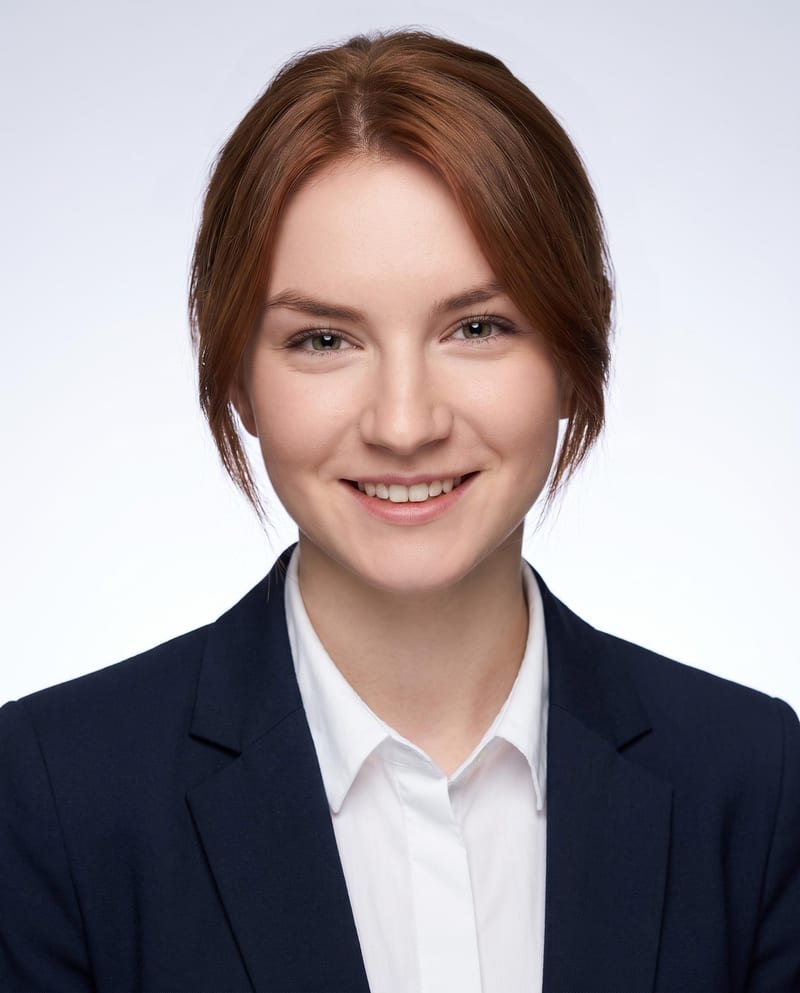
A recipe turns a reusable workflow into a simple set of inputs and outputs. Start with a community recipe and make it your own in Fuser.

1. Choose a recipe
Find a workflow for the result you want. Review what it does and how to use it before opening it in Fuser.
2. Make it your own
Check the recipe’s available inputs. Add your own text or media where supported, or start with the saved defaults.
3. Run and refine
Run it in Fuser and review the result on your canvas. Tweak the inputs to try another direction.
Create different professional image options from one portrait for personal, workplace, and application-focused contexts.
This recipe takes one portrait image and creates three image outputs: Passport Photo, Business Headshot, and Professional Headshot. The description also indicates that the outputs can vary in style and look.
It is intended for anyone who needs professional headshot options from a single photo, including job seekers, professionals, and people preparing profile or application materials. The three named outputs support different formal presentation contexts.
Prepare one portrait image of yourself, which is the recipe’s only exposed input. You can replace the Portrait Image input in Fuser with the photo you want to use.
Yes. Portrait Image is an editable image input, so you can change it in Fuser before using the recipe. The saved example uses one connected portrait image; a new source photo may produce a different set of outputs.
The saved example shows one portrait image connected to three outputs: a passport photo, a business headshot, and a professional headshot. It demonstrates the recipe’s intended input-to-output structure rather than a live generation.
The outputs can help with professional profiles, business introductions, team directories, networking, and application materials. Use the output that best matches the presentation context and any requirements of the destination.
No. The recipe labels one output Passport Photo, but the available details do not establish compliance with any particular document, country, size, or background requirements. Check the requirements for the specific use before submitting it.
Bring one portrait image to Fuser and explore passport, business, and professional headshot outputs in different styles and looks.
Develop pitches, campaign assets and interactive client work in Fuser. Combine AI generation, editable design and reusable processes across your agency.
Create product images, lifestyle scenes and campaign assets for your next ecommerce launch. Keep branding editable and reuse creative setups in Fuser.
Create studio-style product images, lifestyle scenes and motion studies. Combine reference-led generation with precise, editable composition in Fuser.
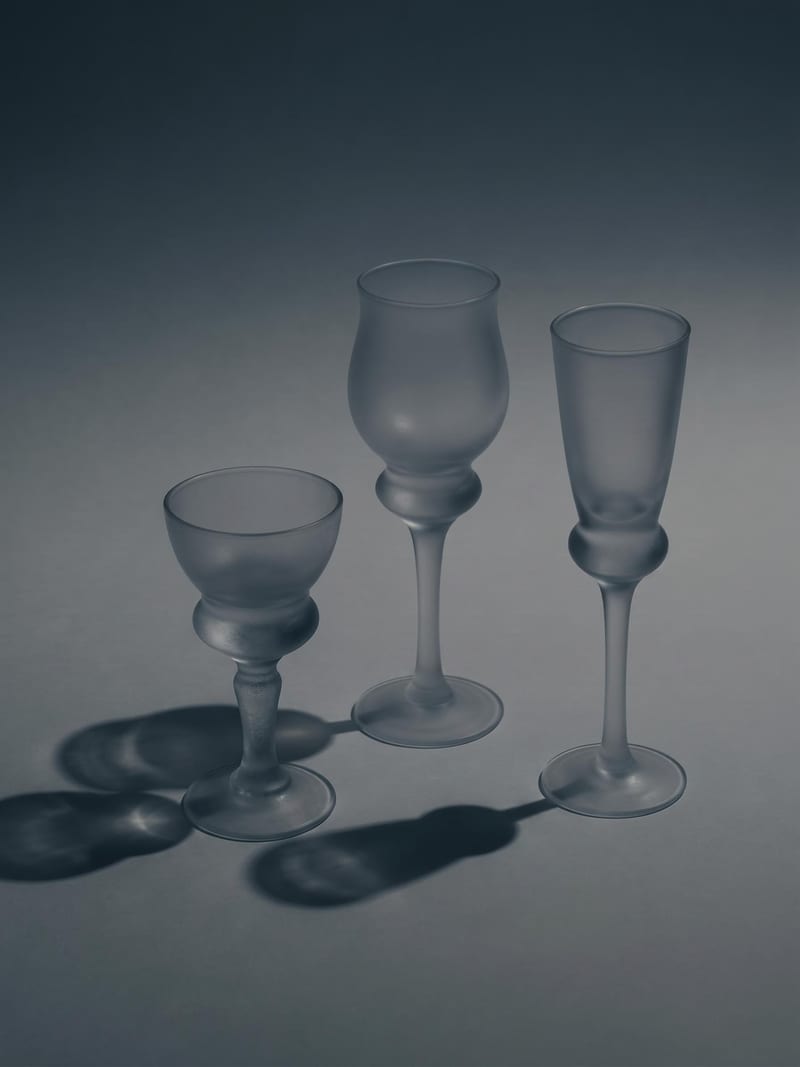
Upload one image to explore six lighting versions, from studio daylight and soft white to dramatic spotlight and golden hour.
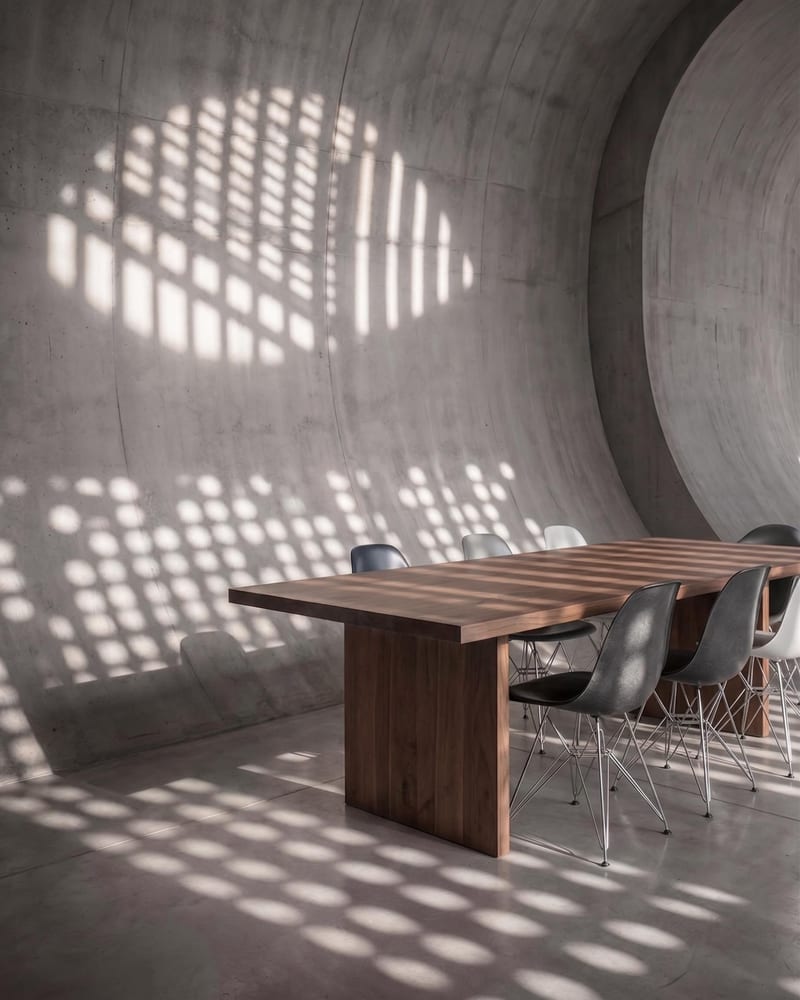
Upload a reference image and name a target object to create an image with that object removed.
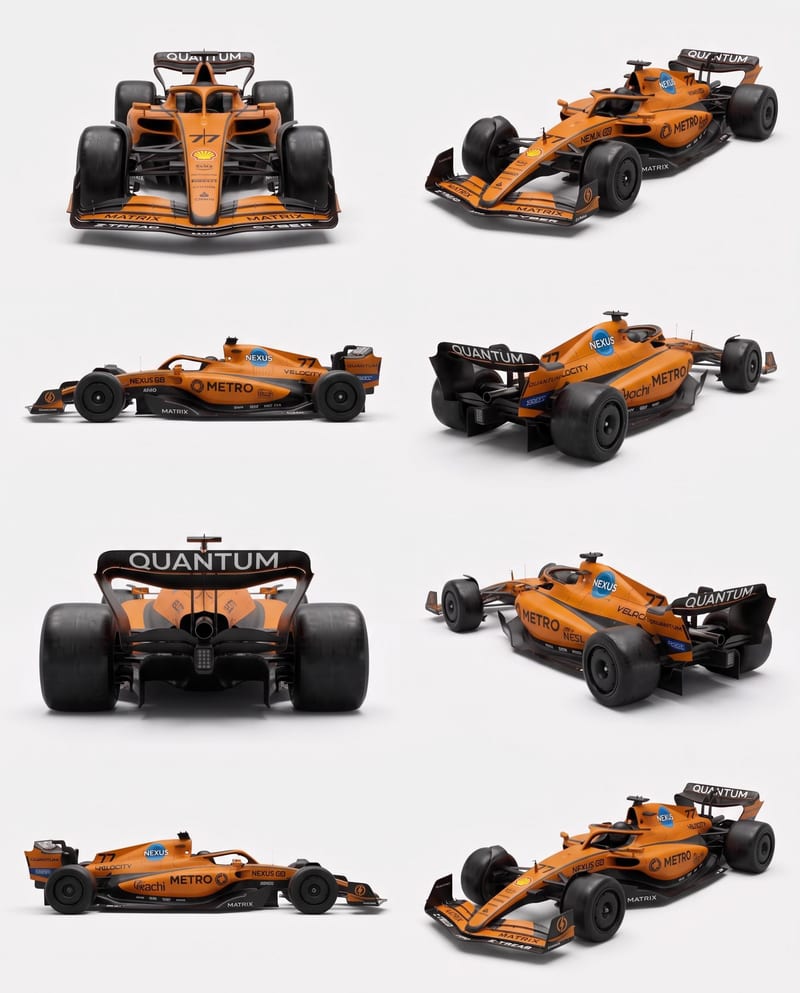
Upload vehicle reference images to create a clean eight-angle sheet that preserves distinctive details across a structured layout.