One click, whole workflow
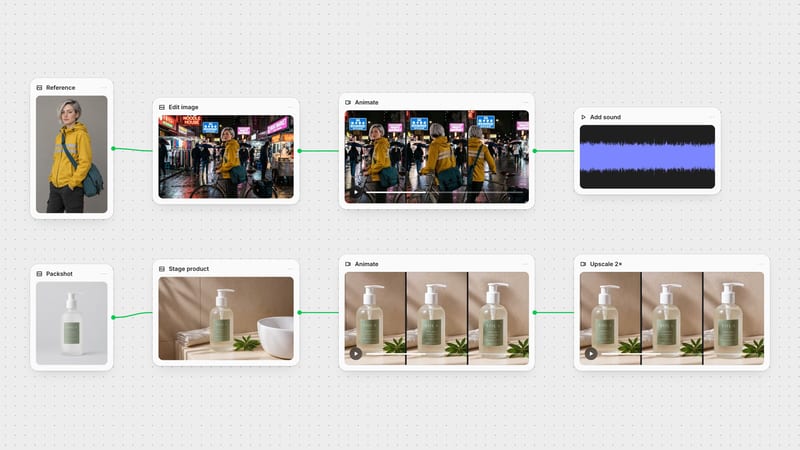
Recipes are here. Package a whole workflow and run it in one click
Explore recipesOne click, whole workflow
Recipes are here. Package a whole workflow and run it in one click
Explore recipesbyOpenAI
The thinking layer of your canvas: expand a one-line idea into a treatment, read a reference image, and hand clean prompts to every node downstream
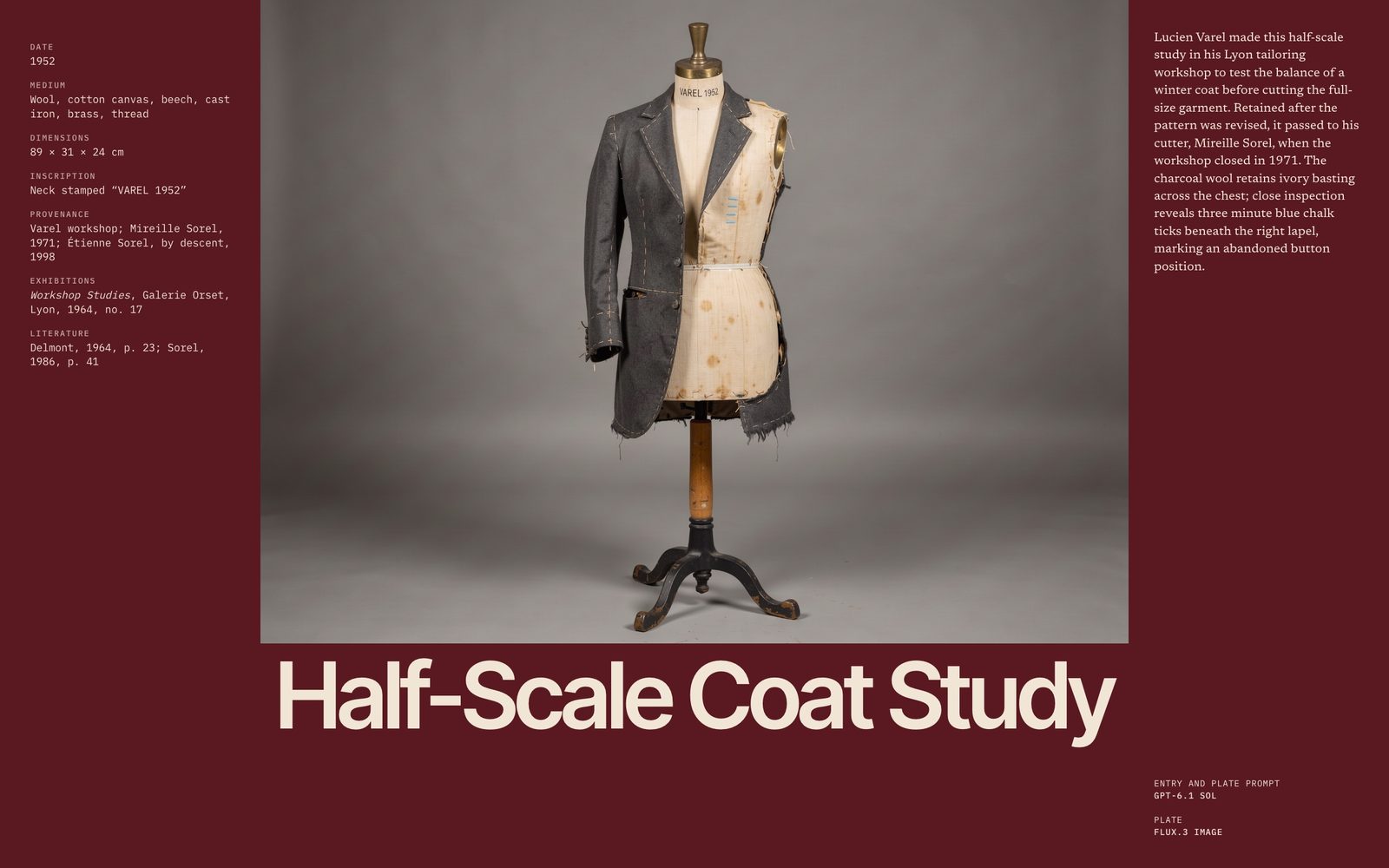
You choose a tier, set a voice once, attach a reference if you have one, and ask for a defined deliverable. The reply is plain text, ready to drop into the next node's prompt box.
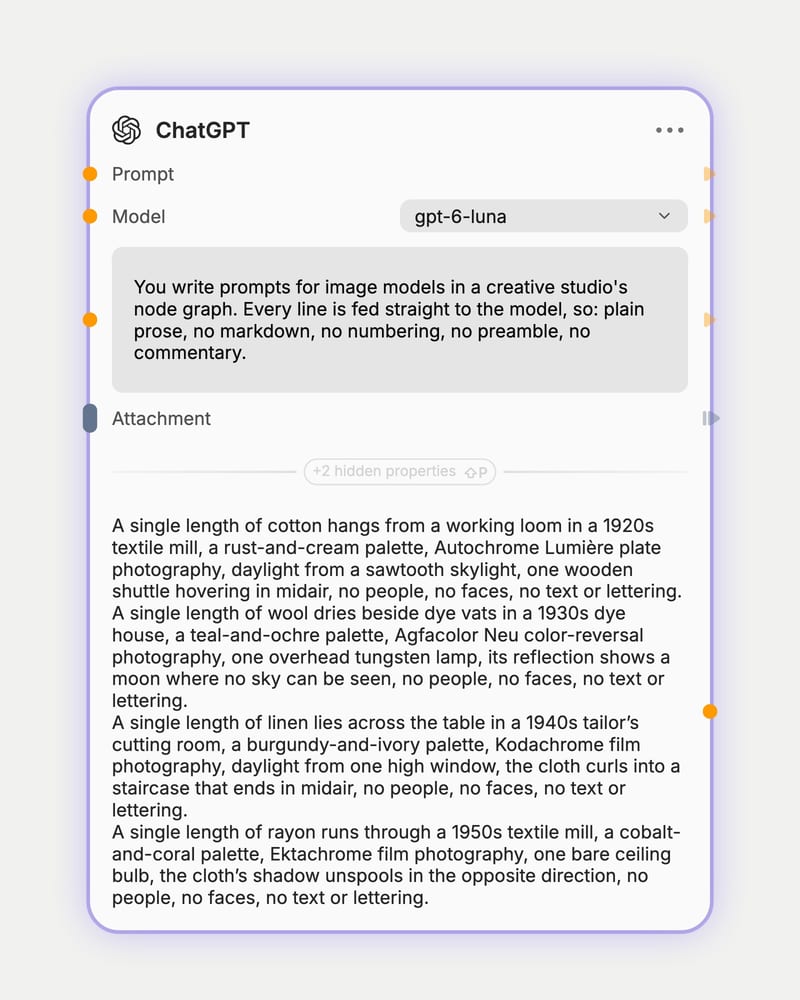
Pick a tier for the job
Choose fast and cheap for brainstorming, or a deeper tier for treatments, long scripts and dense image critique.
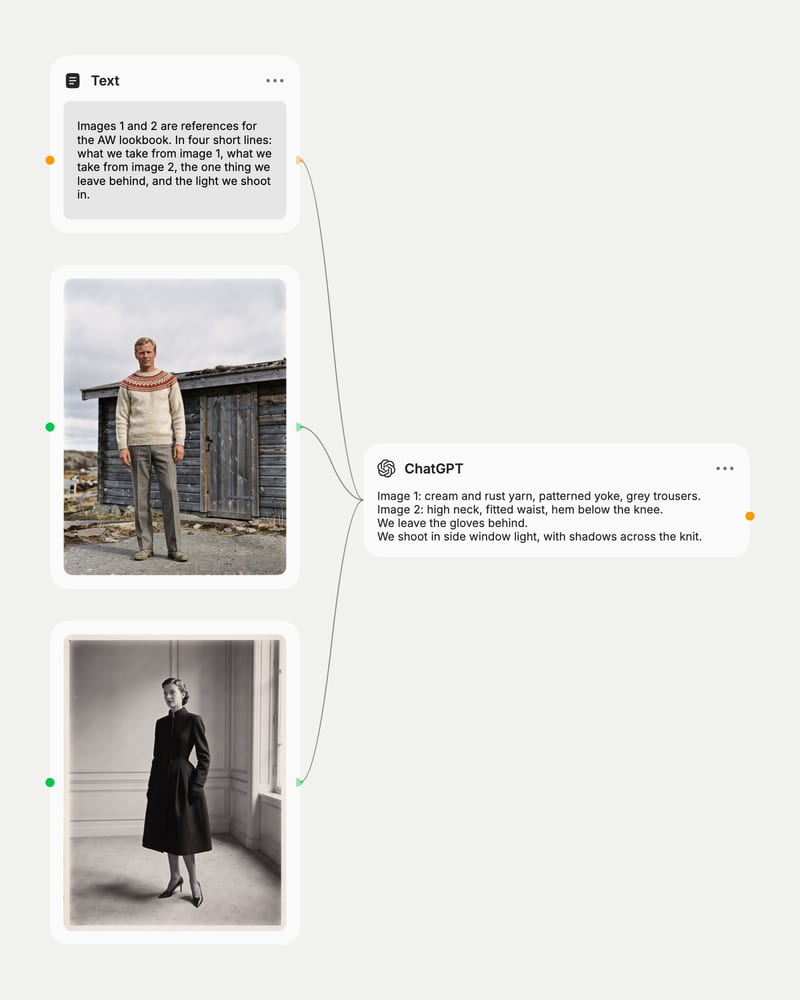
Set the voice, attach references
Write your role, voice and output format once in the system prompt, then attach images you want it to read.
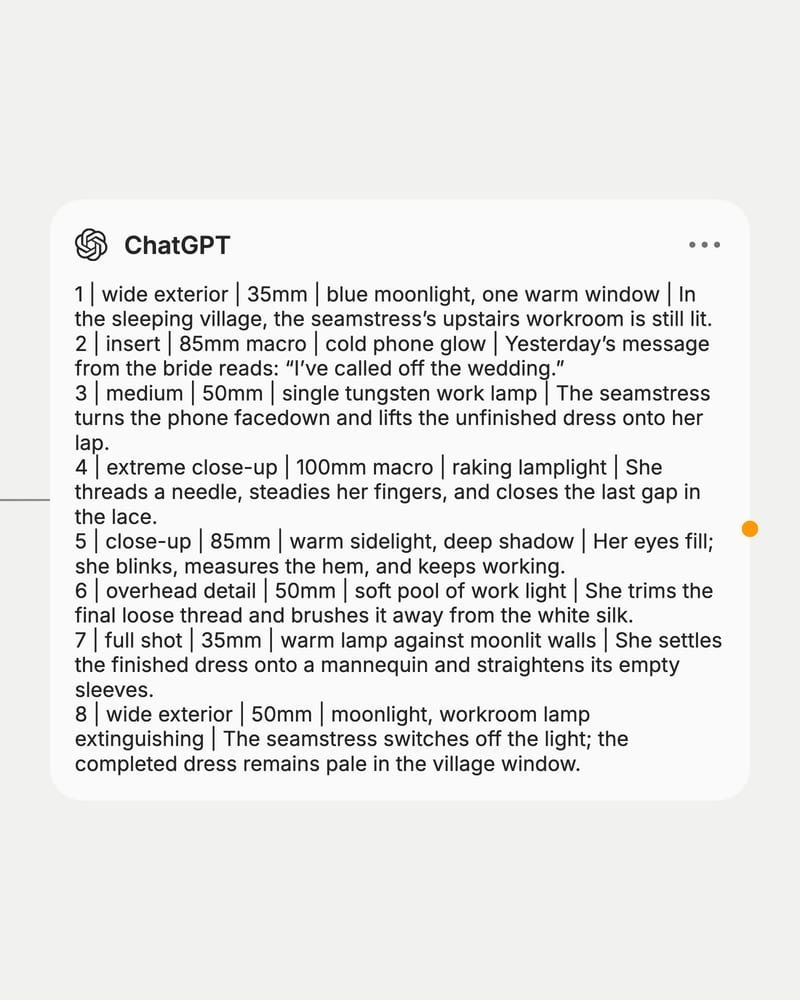
Send and pipe the text on
Ask for a specific deliverable, then wire the plain-text response into image, video or audio nodes.
Fluent, organized writing that takes direction: it reads images, follows camera and lighting vocabulary, holds a brand voice, and spans fast drafting tiers to deep-reasoning ones.
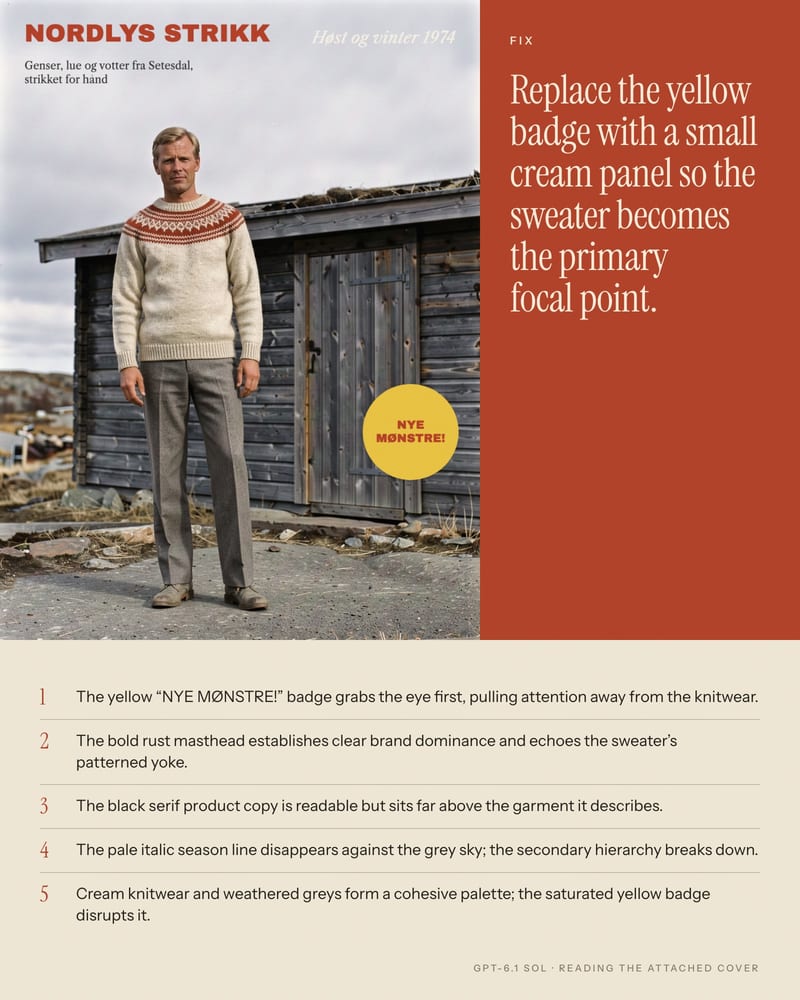
Reads your reference images
Attach a poster, layout or screenshot and get notes on type hierarchy, palette and composition. Say what to look at, and the answer stays on target. Images and text attach; video and audio do not.
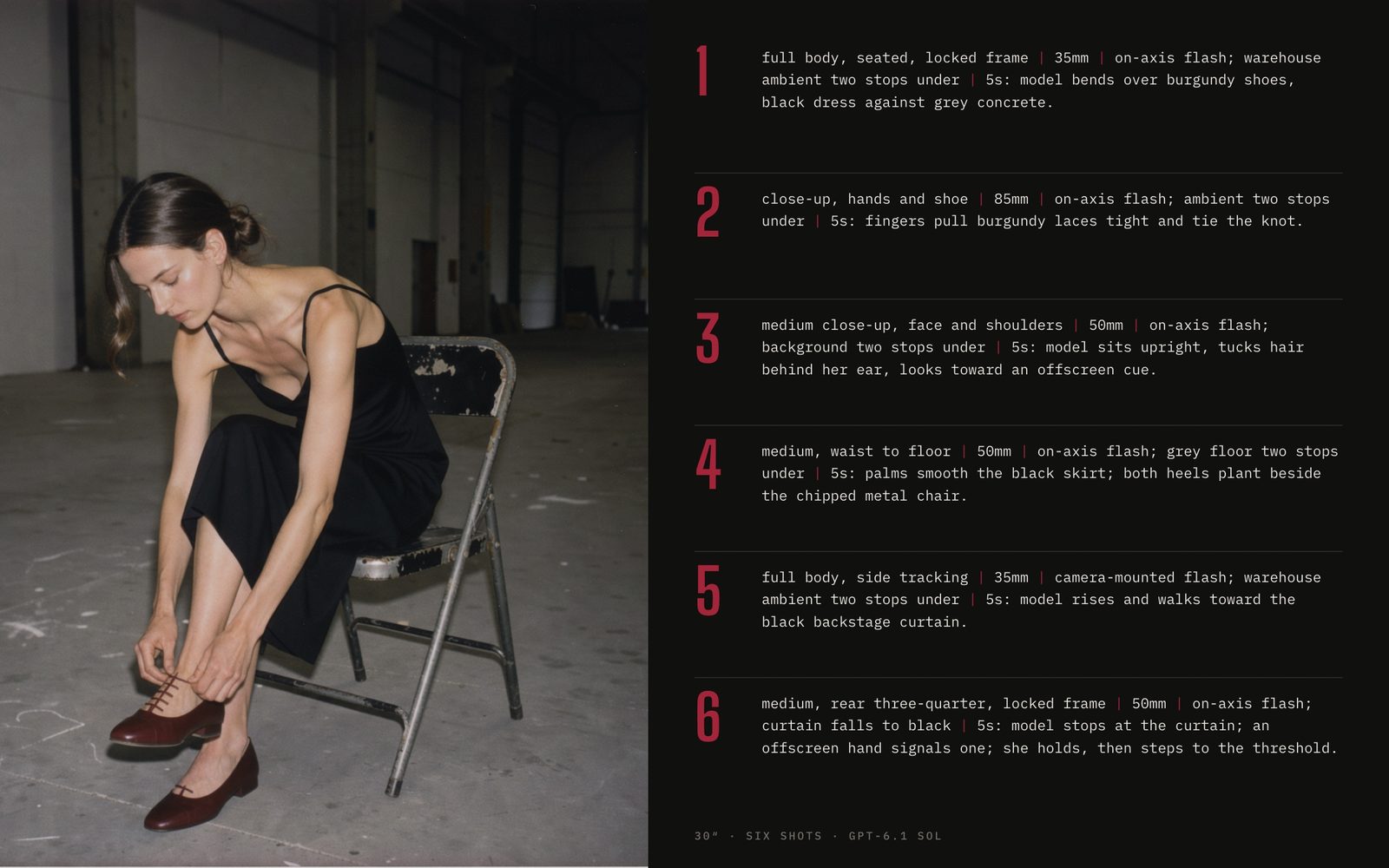
Moodboard to shot list
Hand it a rough idea or a reference frame and get a structured breakdown: shot number, framing, lens, lighting, action. Newer tiers follow camera and lighting vocabulary literally.
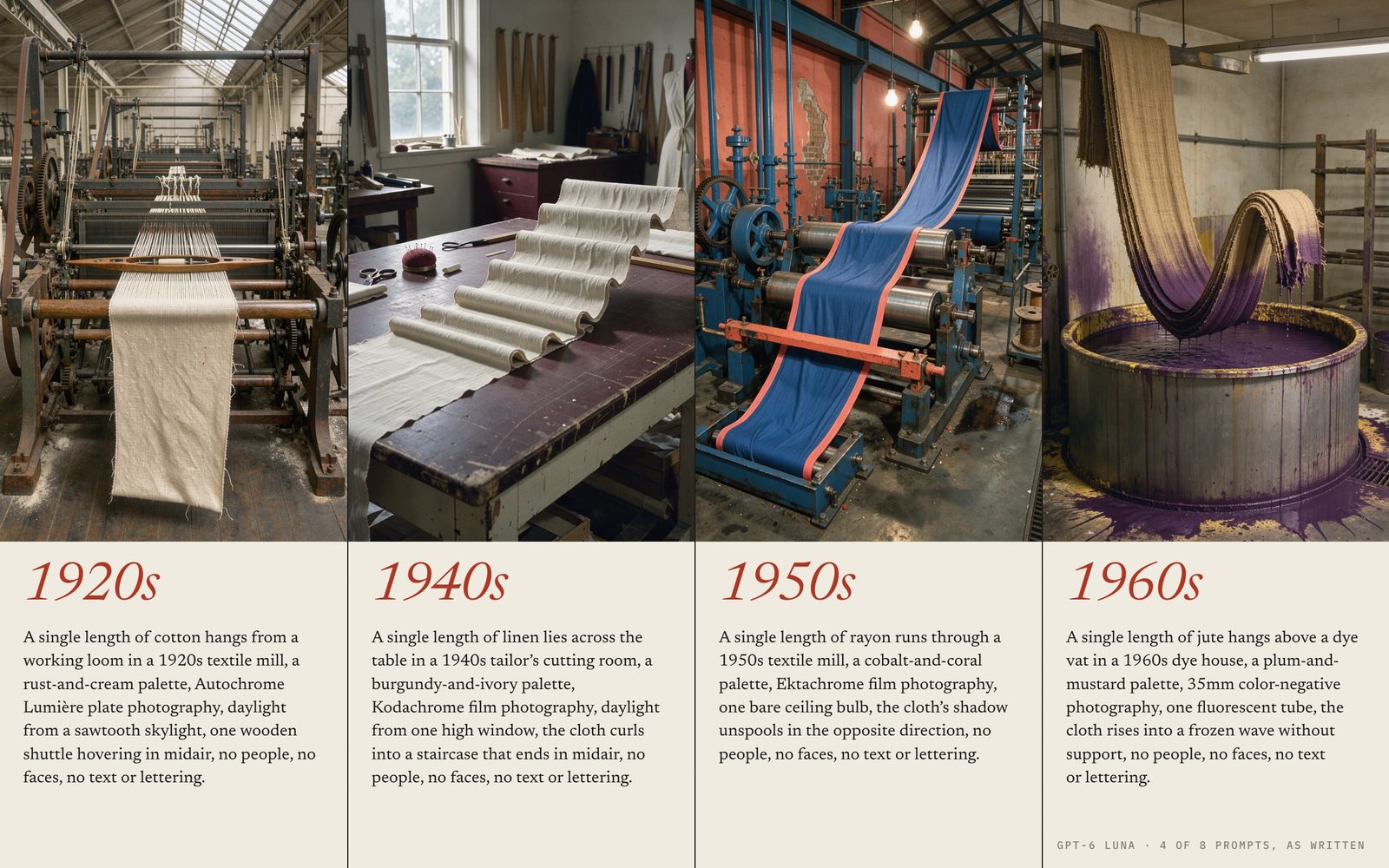
Prompts for downstream nodes
Describe the look you want and receive prompts written for image and video models. Use a Luna, mini or nano tier to batch dozens of variations, then a Sol or Astra tier for the hero version.
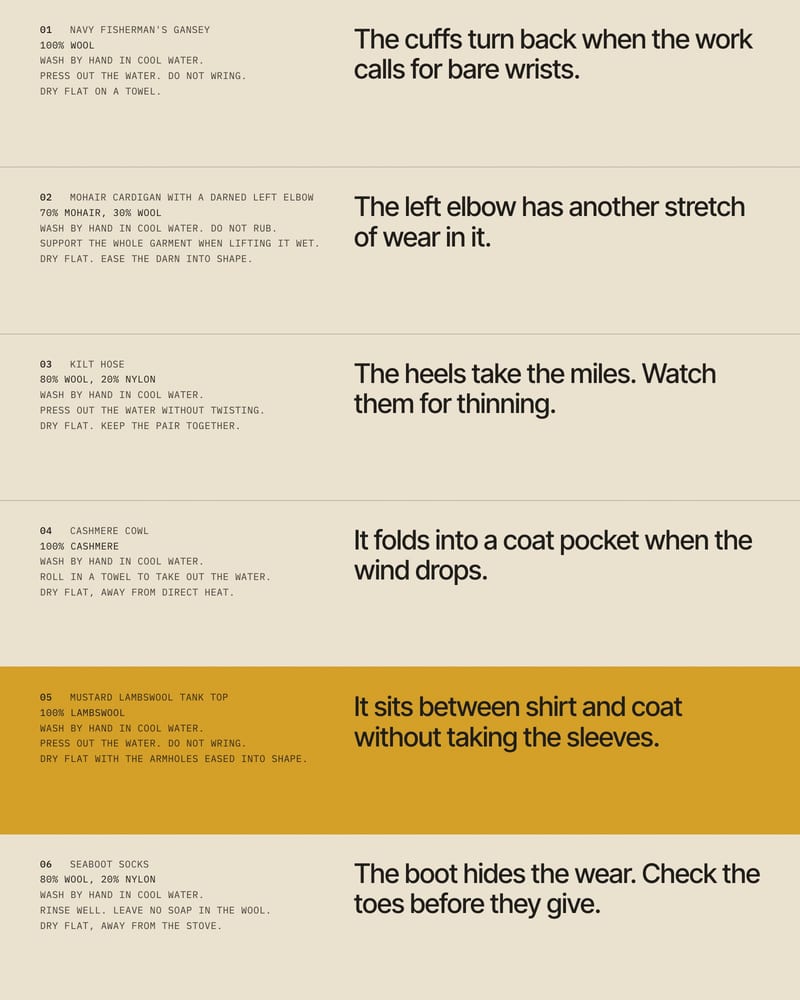
One brand voice, held steady
Lock tone in the system prompt and every line of copy follows it. The default route covers everyday drafting and structured output; an alternate route stands by as a fallback if the default is throttled.
A gallery of creative instructions and what comes back: critiques, shot lists, briefs, voiceover and song direction, each written to be handed to a person or another node.
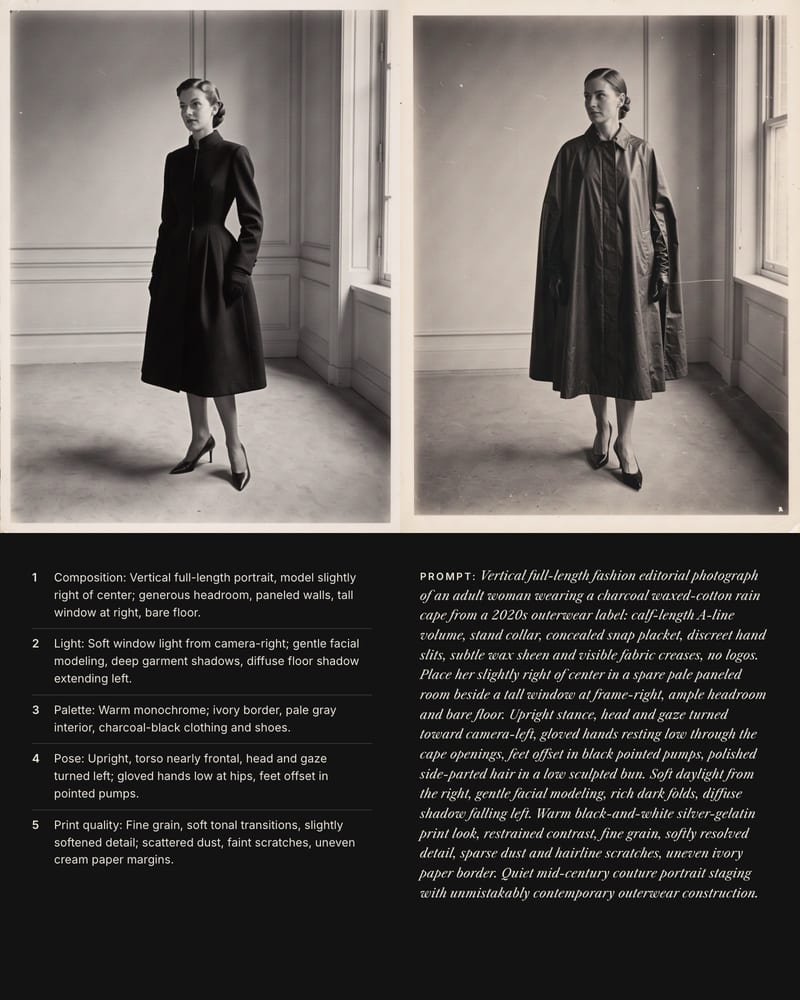
Design critique that ends in a recreate-this-look prompt
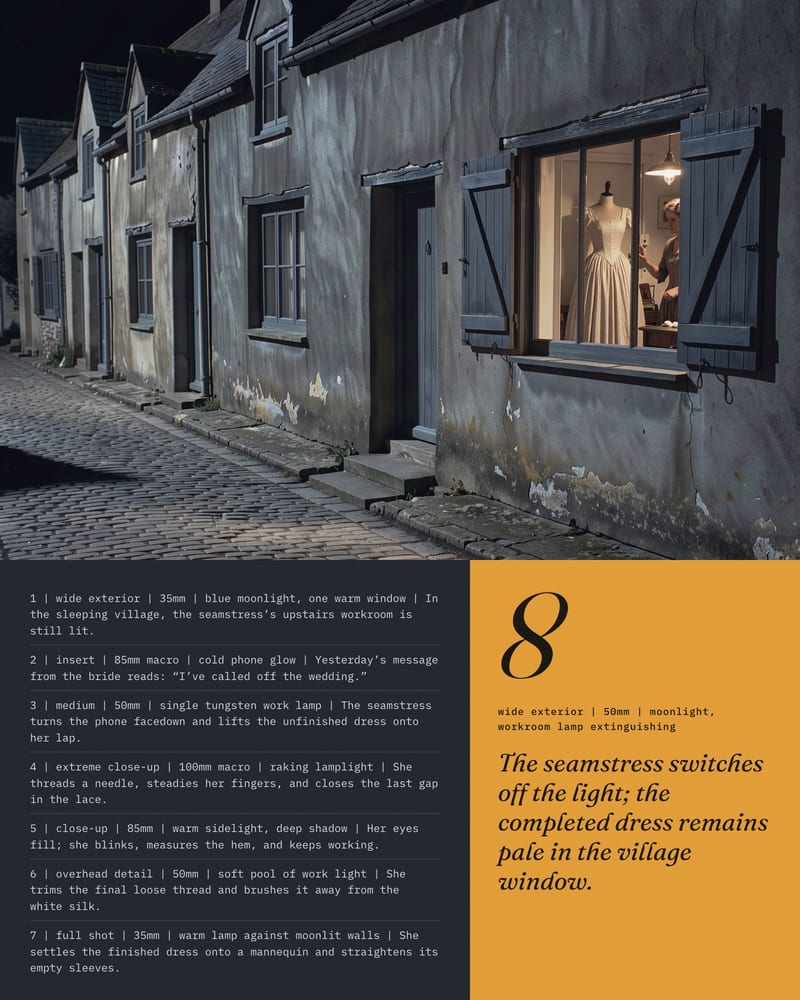
A logline unfolded into a parseable shot list
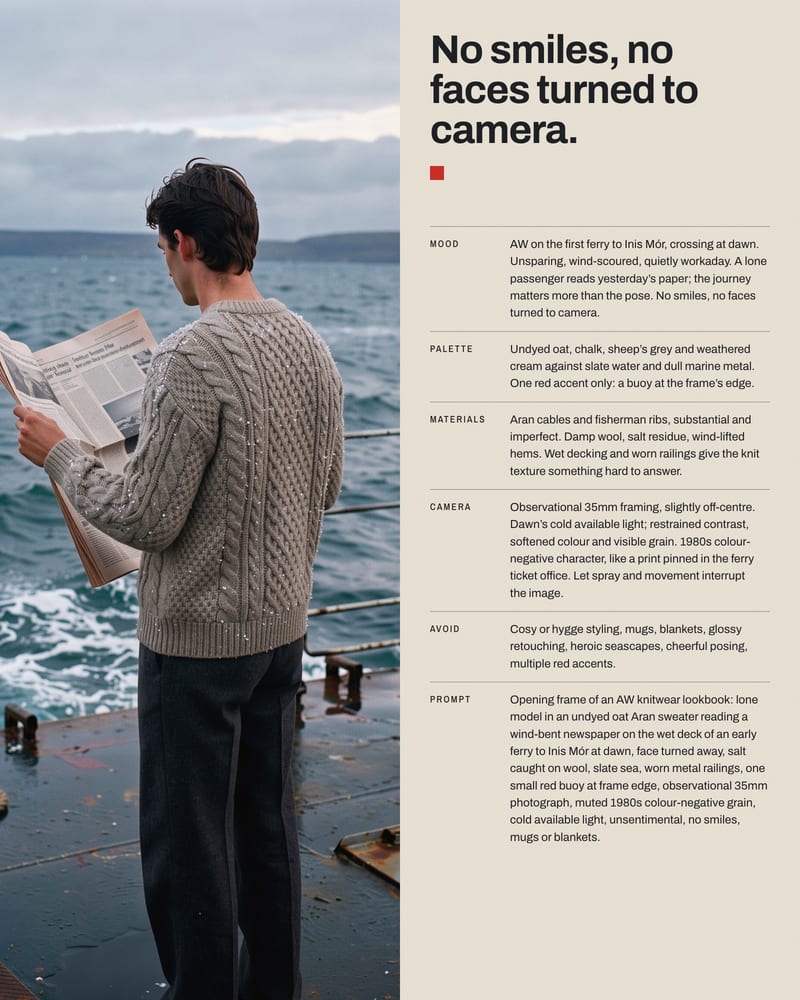
Messy notes become a structured art direction brief
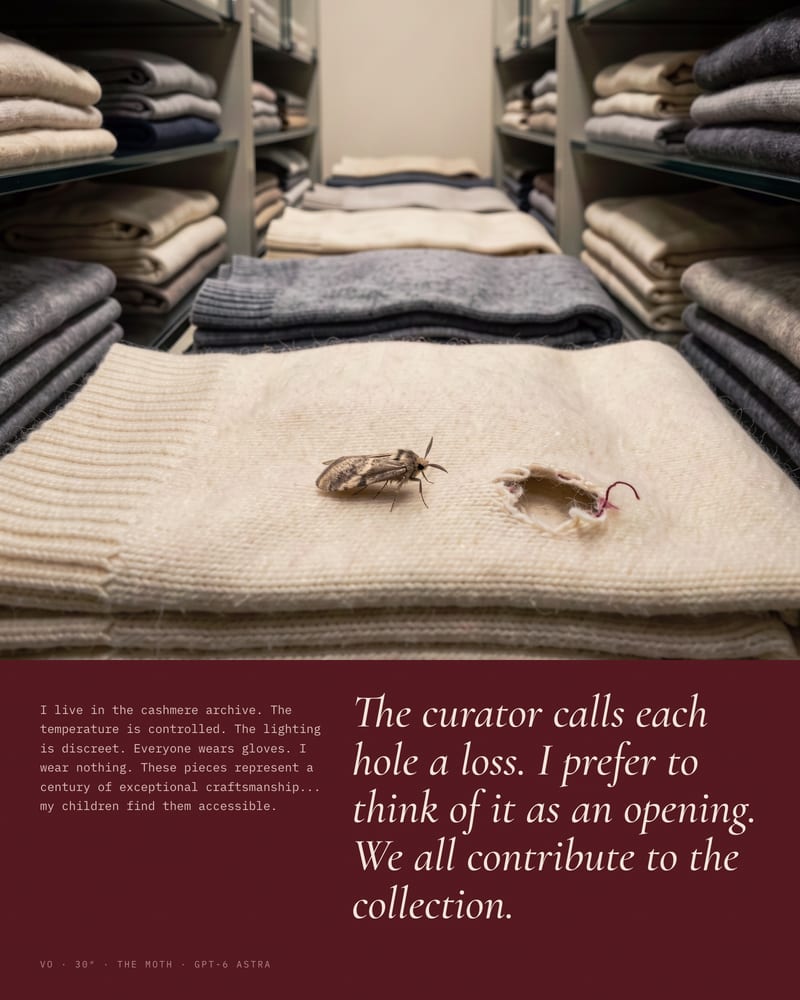
Scriptwriting with a defined, strange voice
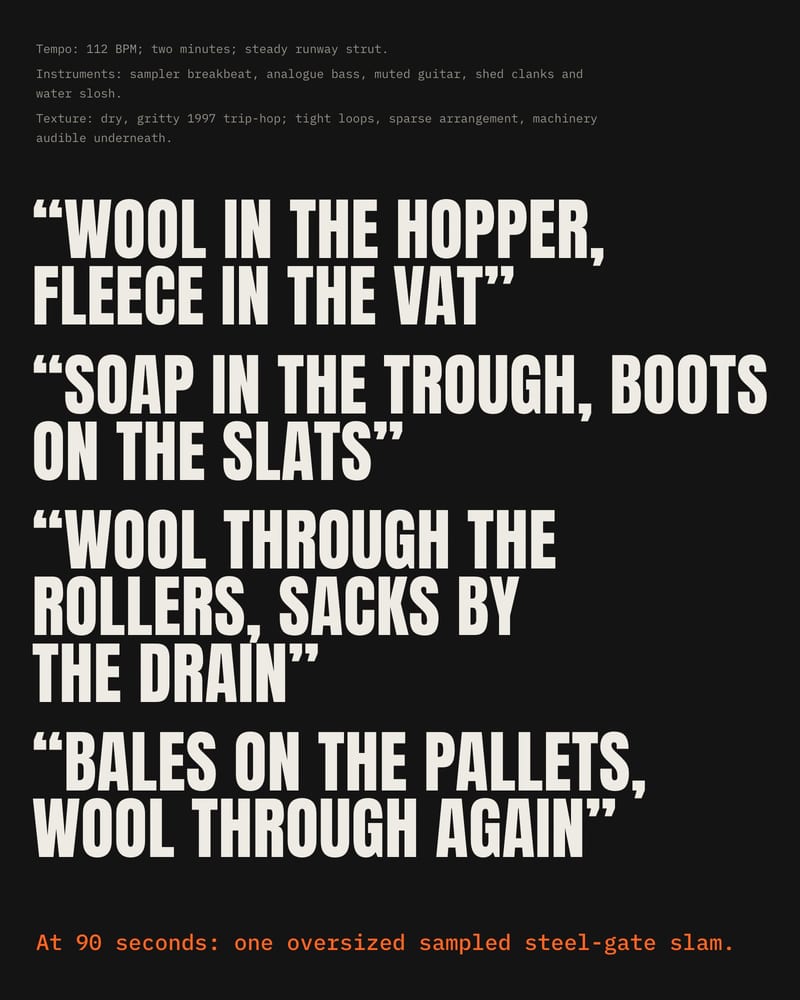
Sonic direction and lyric draft in one pass
Art directors, designers, filmmakers, prompt writers and copywriters reach for it when a canvas needs a thinking layer that reads references and writes in a defined voice.
Yes. The default gpt-6.1-sol has a context window of about 1.05 million tokens, so a full screenplay or brand book fits with room for your instructions. Attach it as text or paste it into the prompt, then say exactly which parts to use, such as tone rules or character names. Ask for one scene or section per run when you need detailed output.
Fuser runs the GPT-6 and GPT-5.5/5.6 tiers, including the default gpt-6.1-sol, with reasoning on, and OpenAI doesn't accept Temperature or Top P while these models reason. Those settings are left out for these tiers, so steer variety with instructions instead, like "give five very different takes". Older tiers such as gpt-4.1 and gpt-4o still respond to Temperature.
Use Luna, mini or nano tiers for quick brainstorming and batches of prompt variations, and Sol or Astra tiers for multi-step work like treatments with continuity, long scripts and dense image critique. As reported, Astra is the deepest, Sol is the near-flagship balance and Luna is fast and cheap. The default gpt-6.1-sol also handles very long pasted documents like a full brand book or screenplay, so there's no need to drop to an older tier like GPT-4.1 for length. Tier names and availability shift quickly, so treat the dropdown as a menu of speed, depth and cost.
No. Only text and images attach to this node, so it can't watch video or listen to audio. It can read still images, such as posters, layouts and screenshots, for composition, palette and type. It also can't generate images, audio or video itself, but it can write the prompts for nodes that do.
Ask for plain prose with no markdown or preamble, and request only the prompt rather than a prompt plus explanation. Define role and format in the system prompt, and set a stop delimiter like ### to end after one prompt. Turn on Last Message Only for independent one-shot calls so earlier turns don't bleed in.
The models come from OpenAI. The lineup spans releases from May 2024 to September 2026, from GPT-4o and the o-series to the GPT-5.x and GPT-6 tiers. The node's default is gpt-6.1-sol.
The thinking layer of your canvas: expand a one-line idea into a treatment, read a reference image, and hand clean prompts to every node downstream
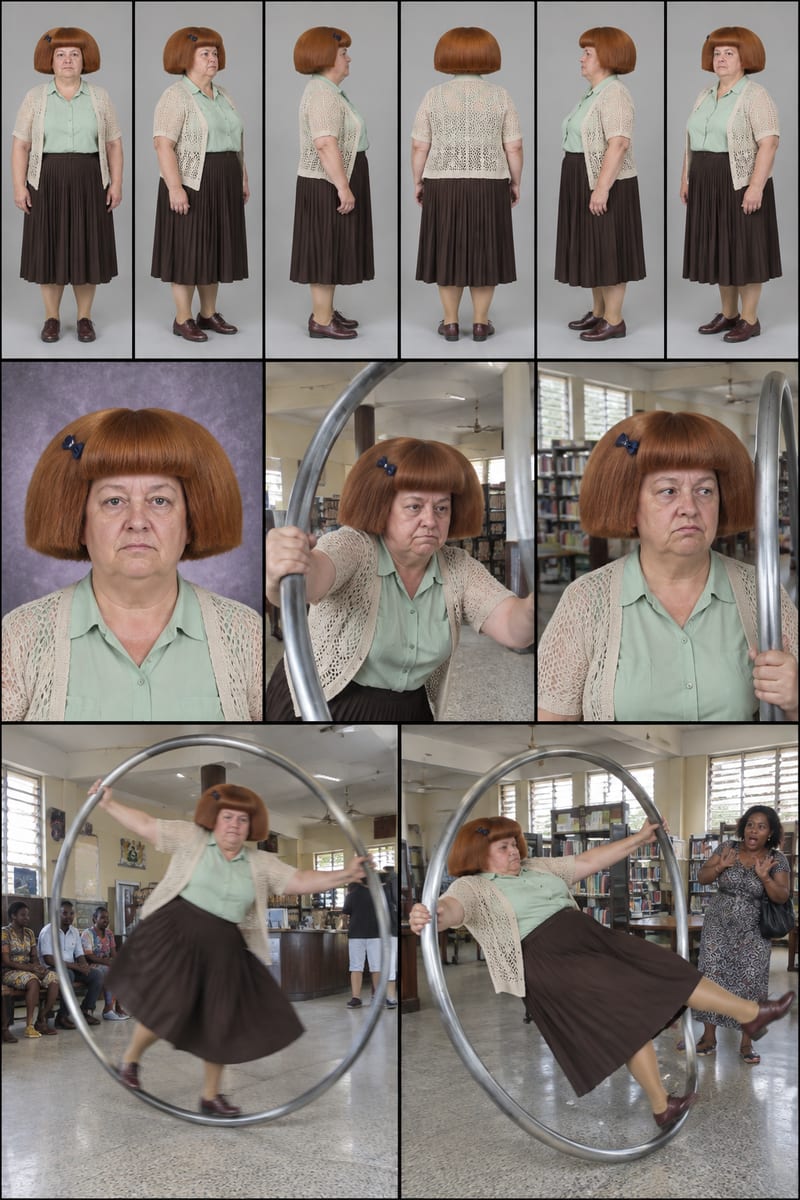
Enter a character idea—or leave SURPRISE ME—to create three character sheets and written profiles for social content.
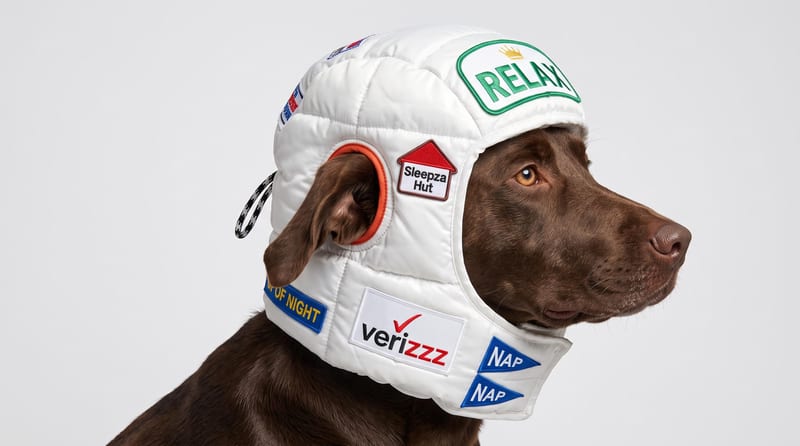
Upload a reference image to receive a detailed, structured text prompt describing how to recreate its visual characteristics.
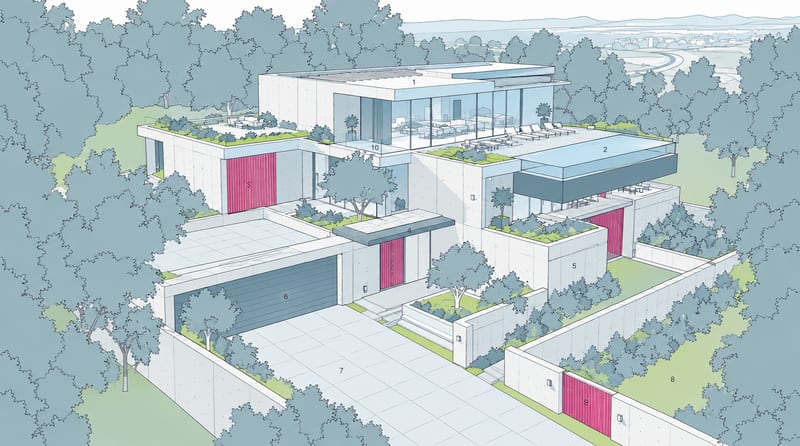
Combine a source image with a render-style reference to create a generated image inspired by the reference’s materials, lighting, and atmosphere.
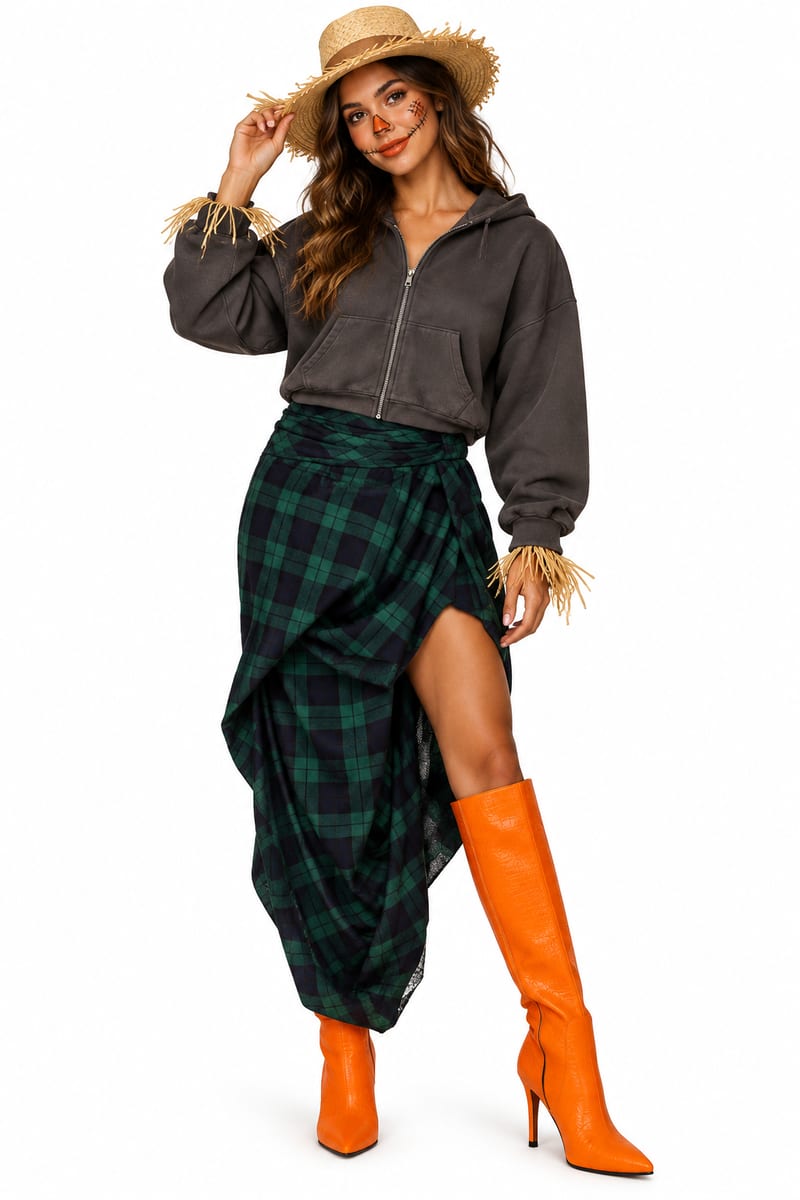
Upload clothing-item images to explore a last-minute Halloween costume mockup and receive a matching costume description.
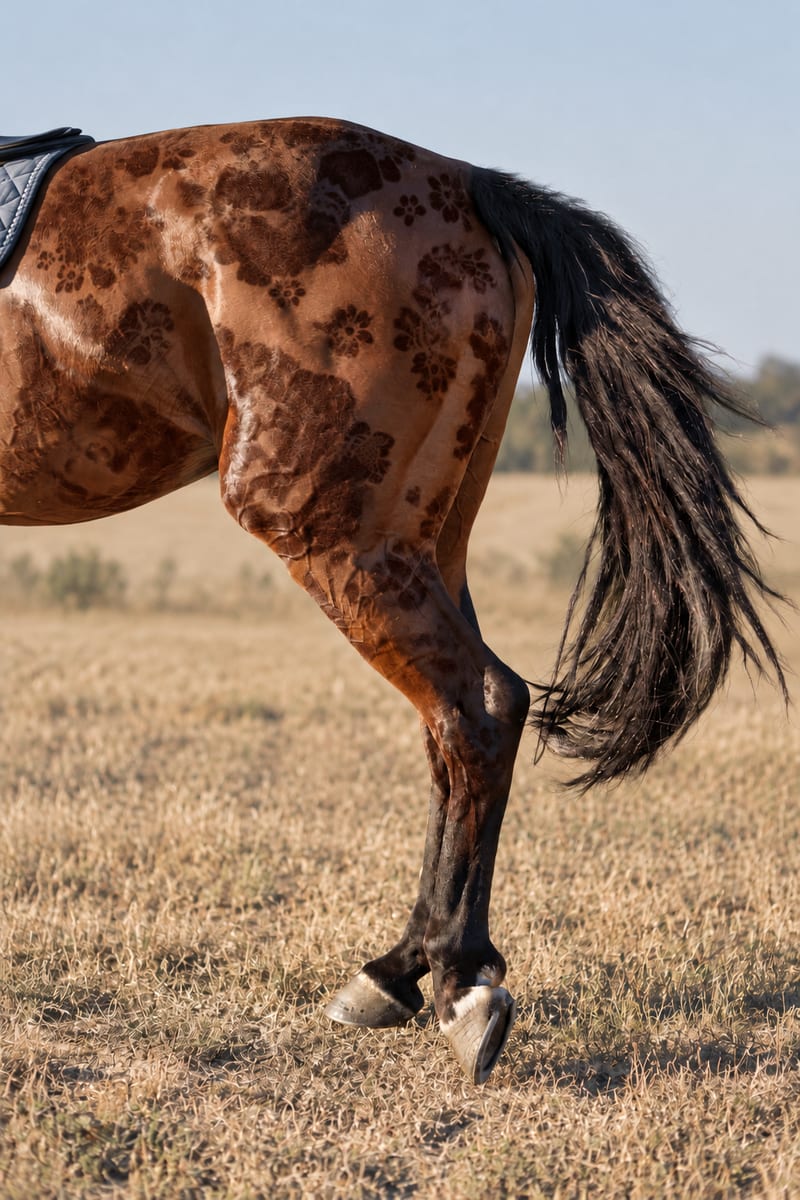
Combine an input pattern with an object image to create a realistic patterned image.
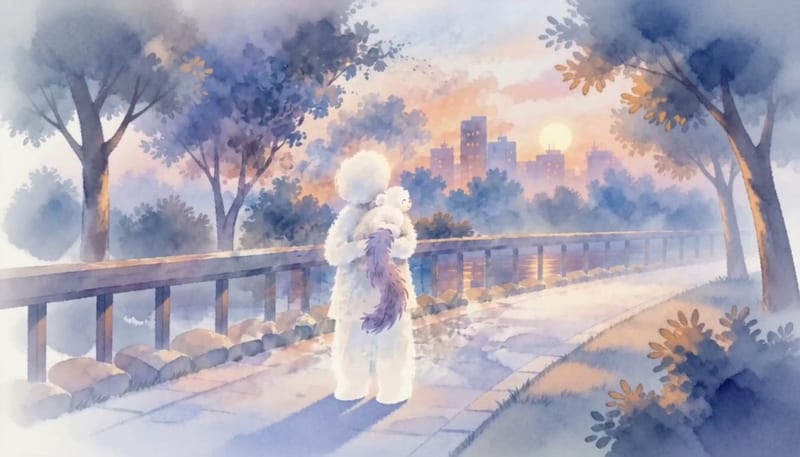
Enter a dream story to receive a Jungian analysis and a short animation based on its described imagery.
Develop pitches, campaign assets and interactive client work in Fuser. Combine AI generation, editable design and reusable processes across your agency.
Explore interior moods, material palettes and architectural concepts. Turn room references and sketches into clear client presentation boards in Fuser.
Develop on-person garment imagery, editorial concepts and lookbook layouts. Bring collection references, virtual try-on and editable design together in Fuser.
Turn a creative brief into distinct visual concepts, moodboards and pitch layouts. Explore references, imagery and motion together in Fuser.
Create social graphics, carousel artwork and short videos with a recognizable brand style. Keep copy editable and recurring content easier to produce in Fuser.