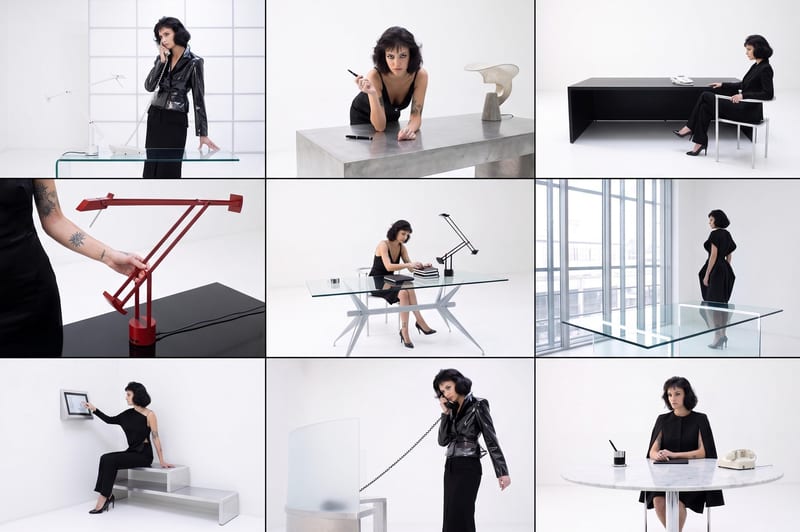
Recipev3
Published Magazine Image Cleanup
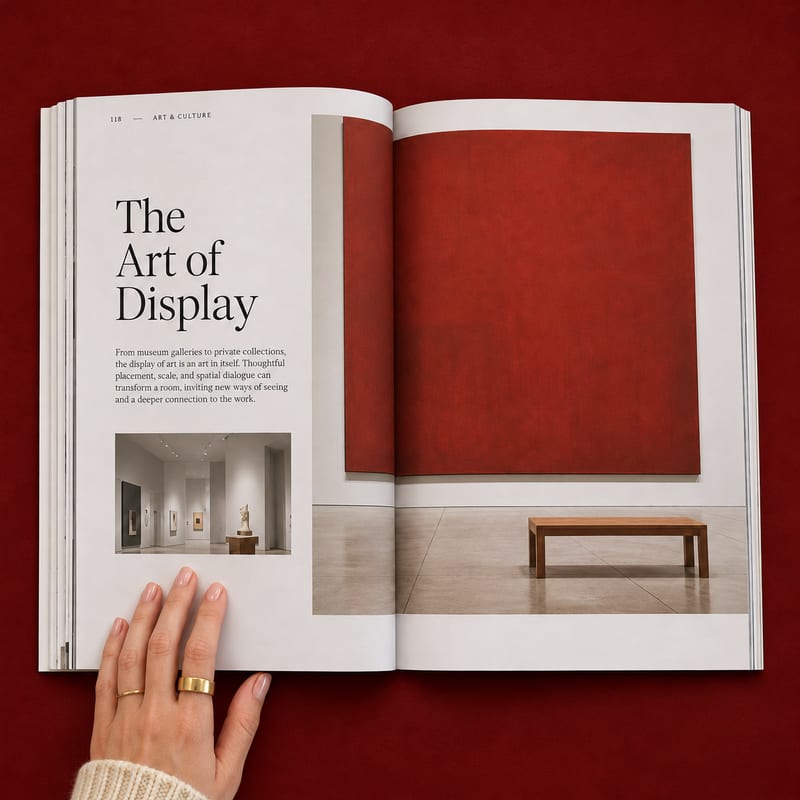
Polished Mockup
One click, whole workflow
Recipes are here. Package a whole workflow and run it in one click
Explore recipesMagazine Editorial Photography
Turn an iPhone photo of a magazine or booklet into a clean editorial image using your chosen background color.
Polished Mockup
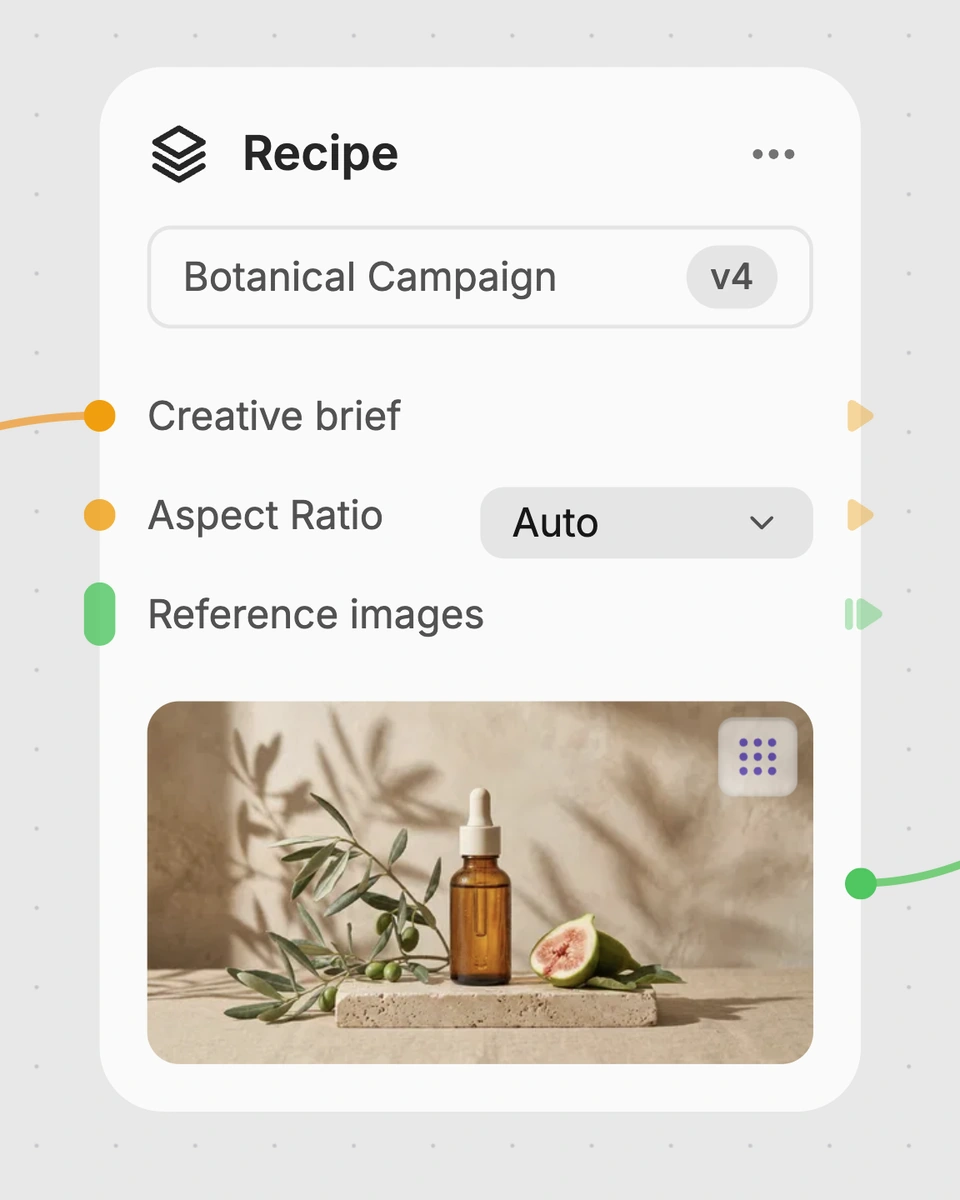
A recipe turns a reusable workflow into a simple set of inputs and outputs. Start with a community recipe and make it your own in Fuser.
1. Choose a recipe
Find a workflow for the result you want. Review what it does and how to use it before opening it in Fuser.
2. Make it your own
Check the recipe’s available inputs. Add your own text or media where supported, or start with the saved defaults.
3. Run and refine
Run it in Fuser and review the result on your canvas. Tweak the inputs to try another direction.
Use the magazine mockup output to present, review, and share editorial publications in a cleaner photographic format.
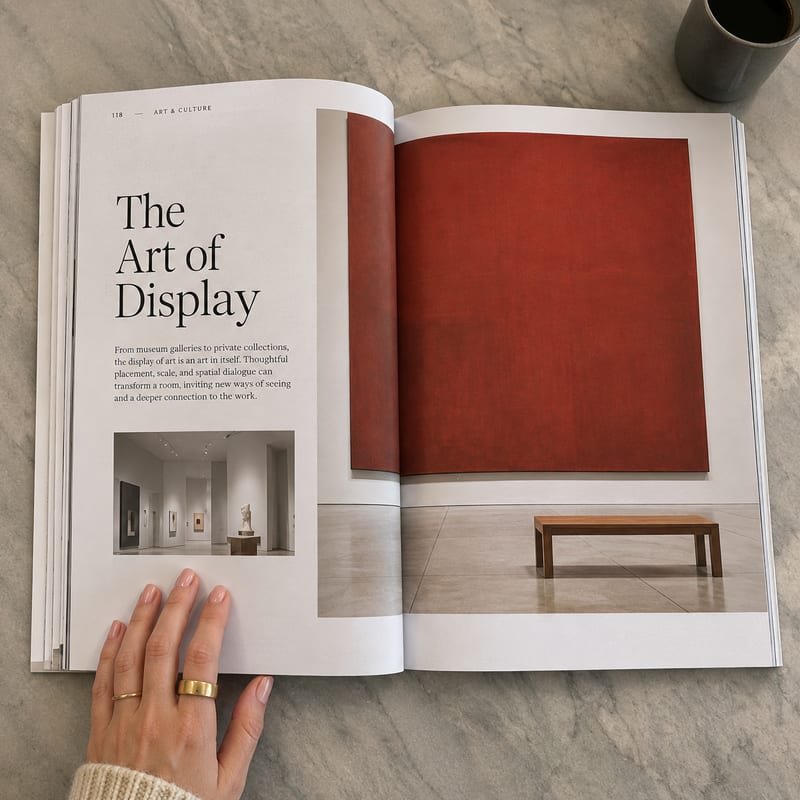
It takes an image of a magazine or booklet, such as an iPhone photo, and creates a clean professional editorial photo against a desired background color. The saved output is labeled Magazine Mockup.
It is useful for publishers, editors, designers, and anyone presenting a magazine or booklet in a more polished editorial format. The result can support portfolios, review materials, cataloguing, and publishing communications.
Use an image of the magazine or booklet you want to present. The recipe is designed around a photographed physical publication, including an iPhone photo, so choose the image you want transformed into the editorial-style mockup.
Yes. Desired Background Color is an exposed text input that you can change in Fuser. The saved example uses #8B0000, while a new run can use another color value you provide.
The saved example shows an Input Image connected with the background color #8B0000 and a resulting Magazine Mockup image. It is a saved default example; using a different image or color creates a new run rather than changing that example.
The recipe produces one image labeled Magazine Mockup: a clean editorial photo treatment of the supplied magazine or booklet image against the chosen background color. The page does not define additional output formats or separate files.
Use it when a photographed magazine or booklet needs a cleaner presentation for editorial review, publishing portfolios, catalogues, or promotional materials. It is centered on presenting the supplied publication image and does not expose other editable inputs beyond the image and background color.
Bring a magazine or booklet photo and choose a background color to prepare a clean editorial presentation in Fuser.
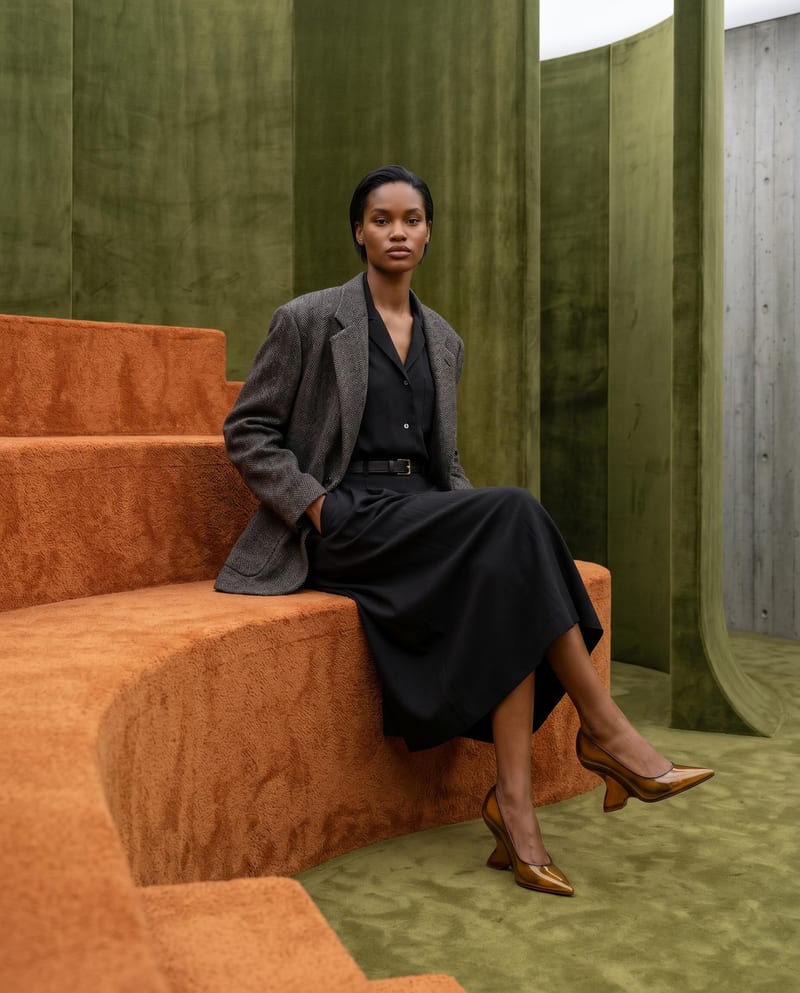
Combine model, accessory, location, and pose inputs into a fashion photography composition.
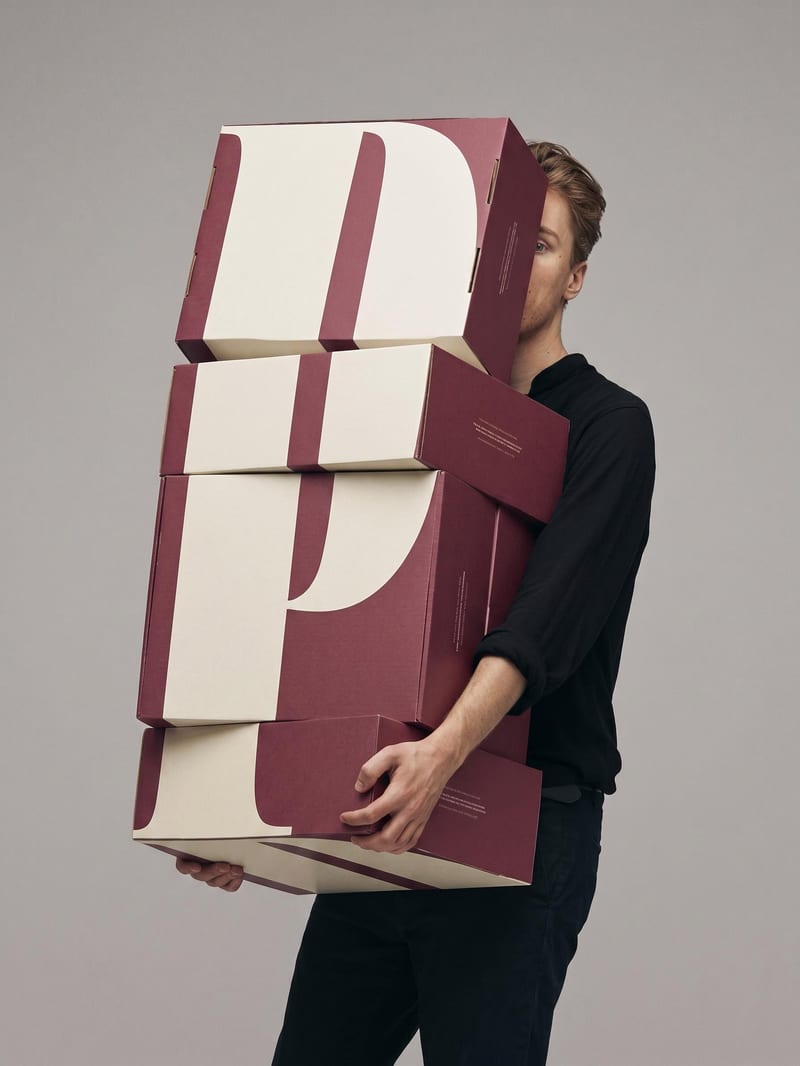
Upload a book or magazine page picture or scan to extract a clean, full-bleed version of its image.
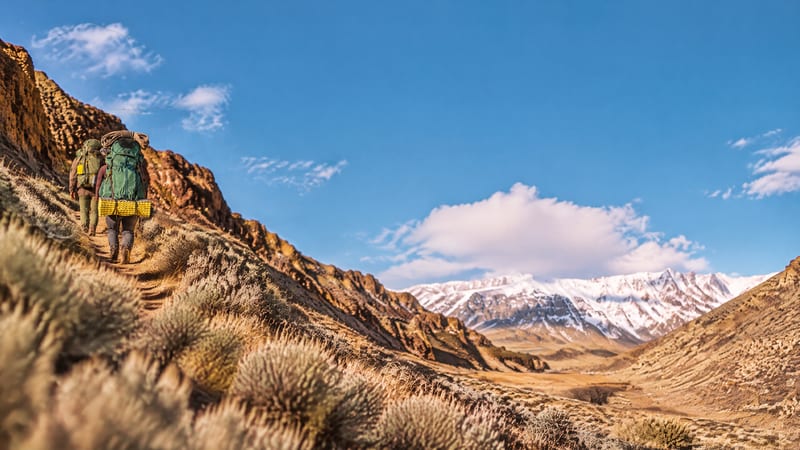
Upload one image to explore golden spiral, rule-of-thirds, and horizontal or vertical symmetry compositions.