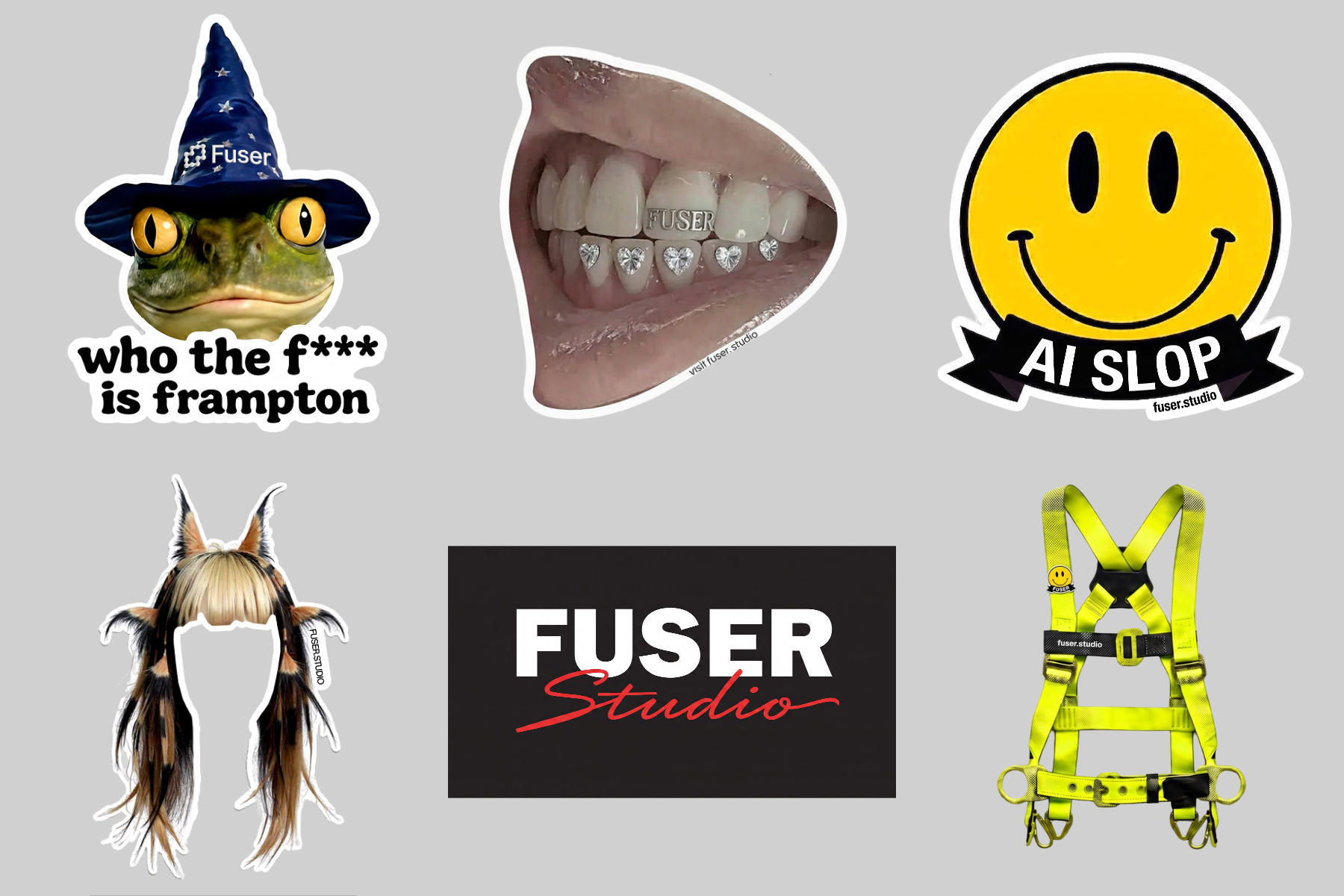
Die-cut sticker sheet
LiveImages
Sheet size
Orientation
Spacing
Tilt stickers
Background
One click, whole workflow
Recipes are here. Package a whole workflow and run it in one click
Explore recipesImage layout
Upload multiple images and arrange them as a single image on a customizable rectangular sheet.
Runs in your browser. Your files are never uploaded.
A tool is a small app you describe in plain words. Try this one here, then keep it on your Fuser canvas and connect it to the rest of your work.
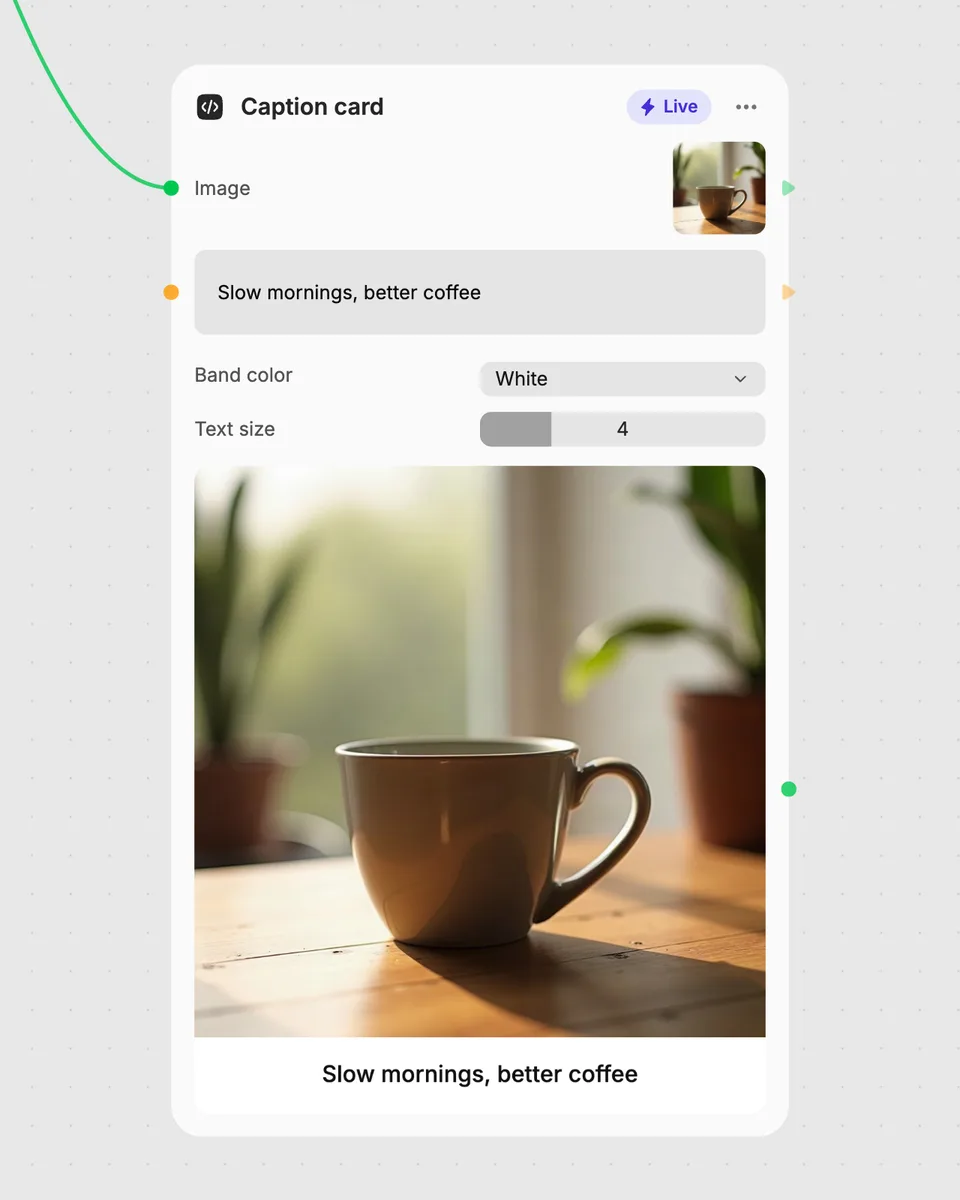
1. Try it here
Add your own file or text and adjust the controls. Live tools run in your browser, so nothing is uploaded.
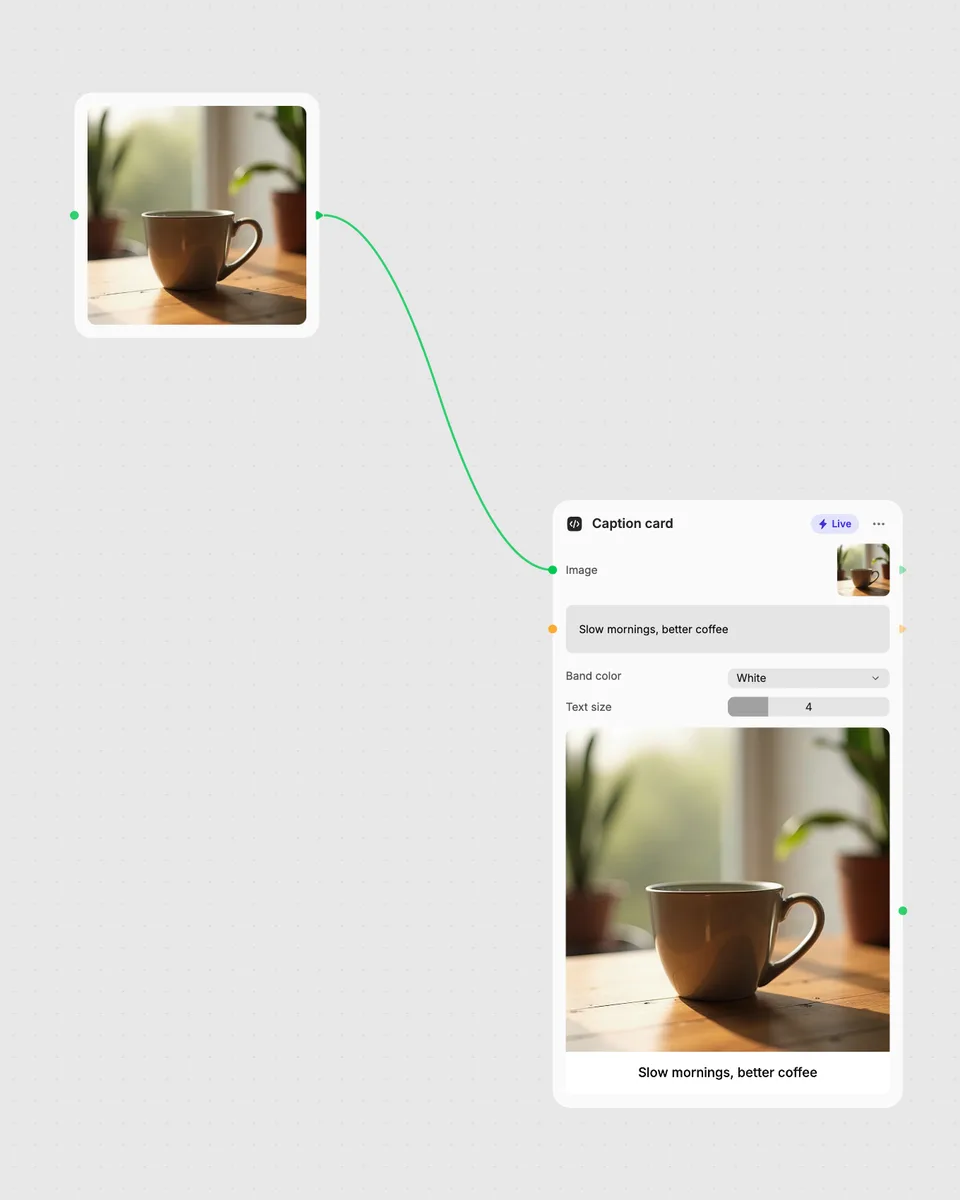
2. Open it in Fuser
Sign up free and the tool opens on your canvas with this example wired in, ready to connect to images, video or text from other nodes.
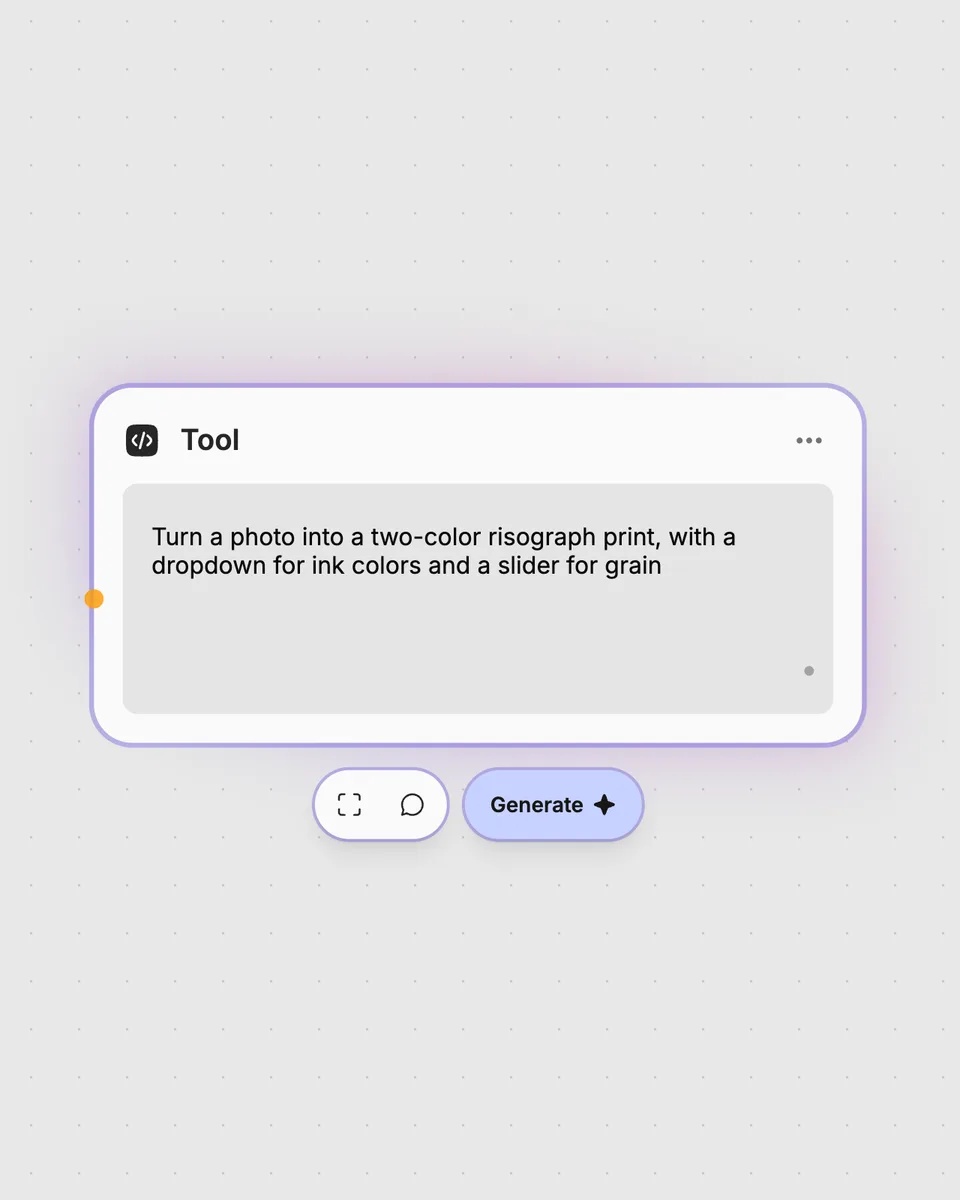
3. Describe your own
Need something different? Describe the tool you want and Fuser builds it, with the controls you asked for.
Arrange image collections into simple sheets with adjustable size, orientation, spacing, tilt, and background.
It takes multiple images and places them together on one rectangular sheet image. You can choose the sheet size, orientation, spacing, tilt, and background.
Prepare the images you want to place on the sheet and add them as the Images input. The tool requires at least one image input collection; the result is a single image.
Sheet size offers 4x3, 5x3, 6x3, 6x4, 8x6, and 10x8 options, while Orientation switches between landscape and portrait. Spacing changes the gap from 0 to 10, Tilt stickers turns tilting on or off, and Background sets a gray, white, black, or transparent background.
Yes. This is a Live Fuser tool, so it runs in your browser and the result updates as you move the controls. You can try it free on this page without an account.
You do not need an account to try the tool on this page. Downloading more than once or opening it in Fuser asks you to sign up.
Use image-producing nodes to create or prepare the images, then pass those images into this tool to arrange them as one sheet. You can also use its result image as an input for another node in a larger workflow.
Try it in Fuser, adjust the sheet live, and combine it with other image nodes for a broader workflow.
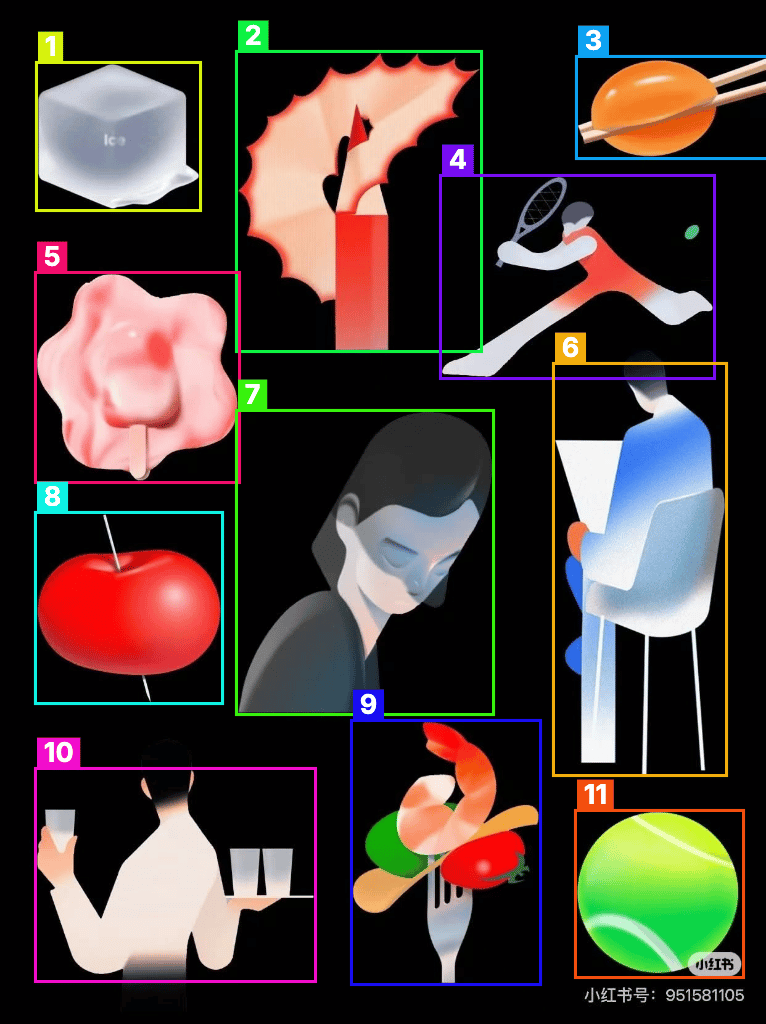
Upload one image to detect and count separate objects, preview them, and receive metadata plus extracted object images.
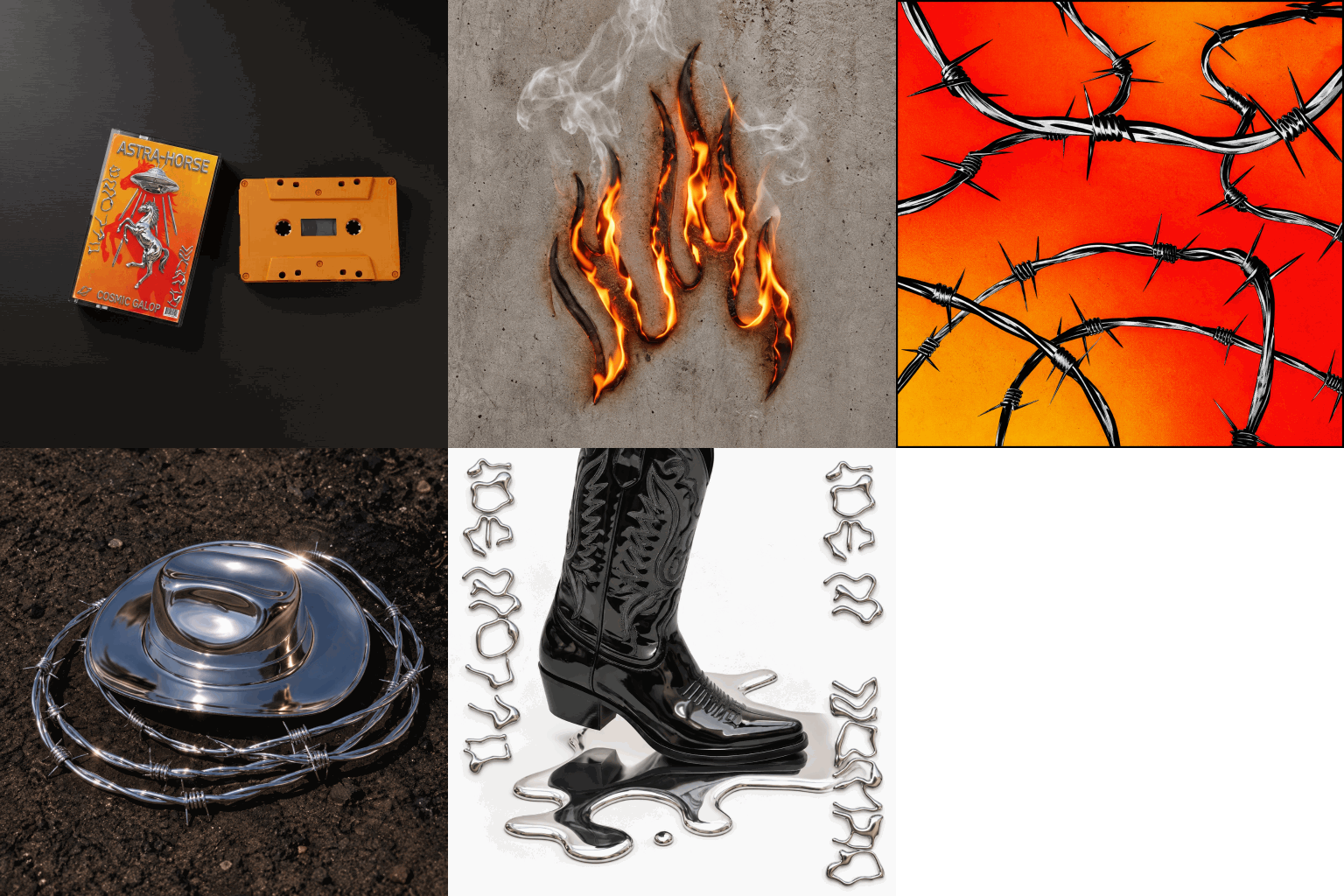
Upload multiple images to create an animated GIF, then adjust frame duration and output size for the result.
Place a chosen shape over an optional image, then adjust its position, size, colors, opacity, rotation, and outline.