Invert colors
LiveImage
Amount
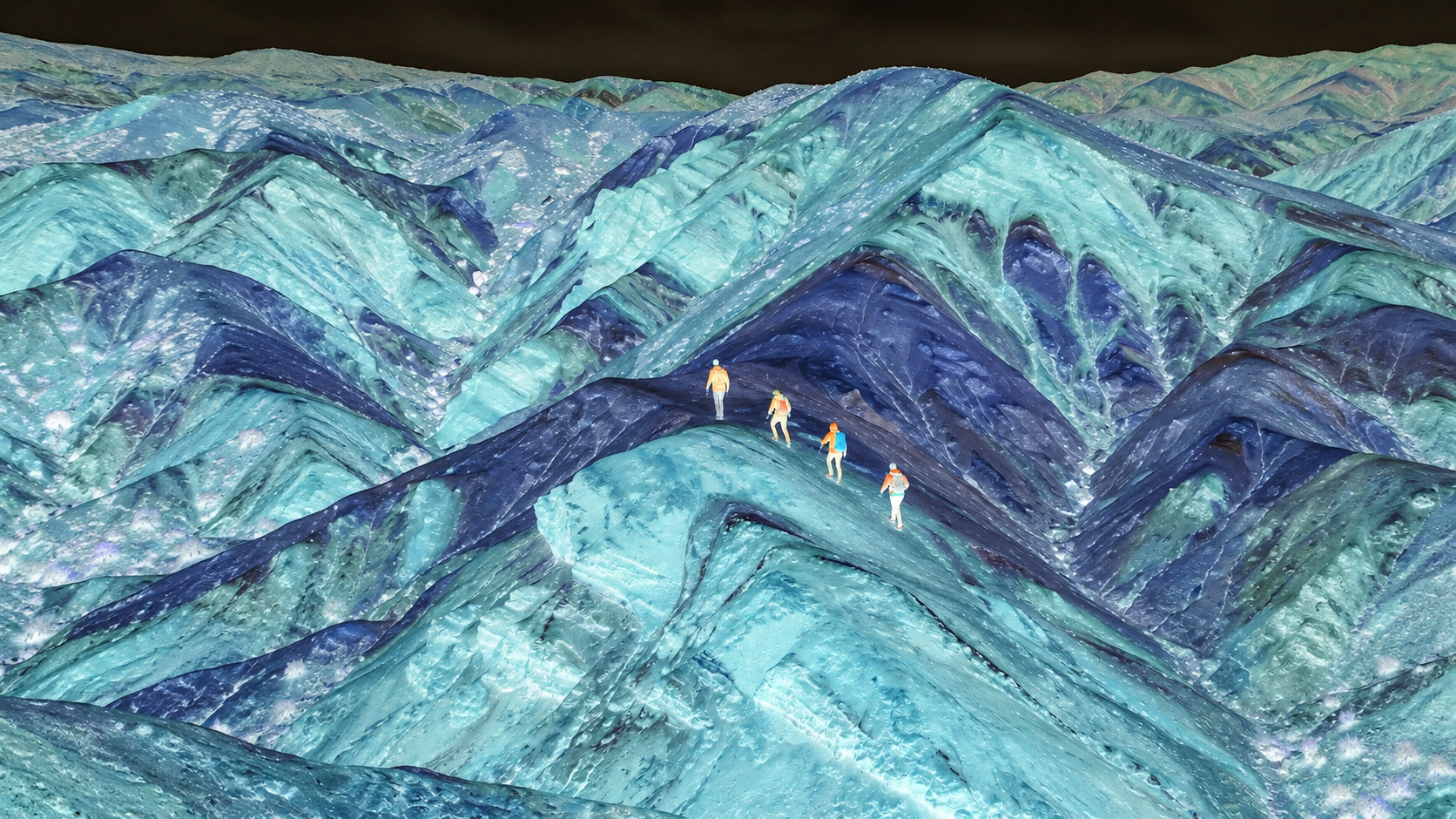
One click, whole workflow
Recipes are here. Package a whole workflow and run it in one click
Explore recipesImage effect
Upload an image and adjust the inversion amount to create a new image with partially or fully inverted colors.
Runs in your browser. Your files are never uploaded.
A tool is a small app you describe in plain words. Try this one here, then keep it on your Fuser canvas and connect it to the rest of your work.
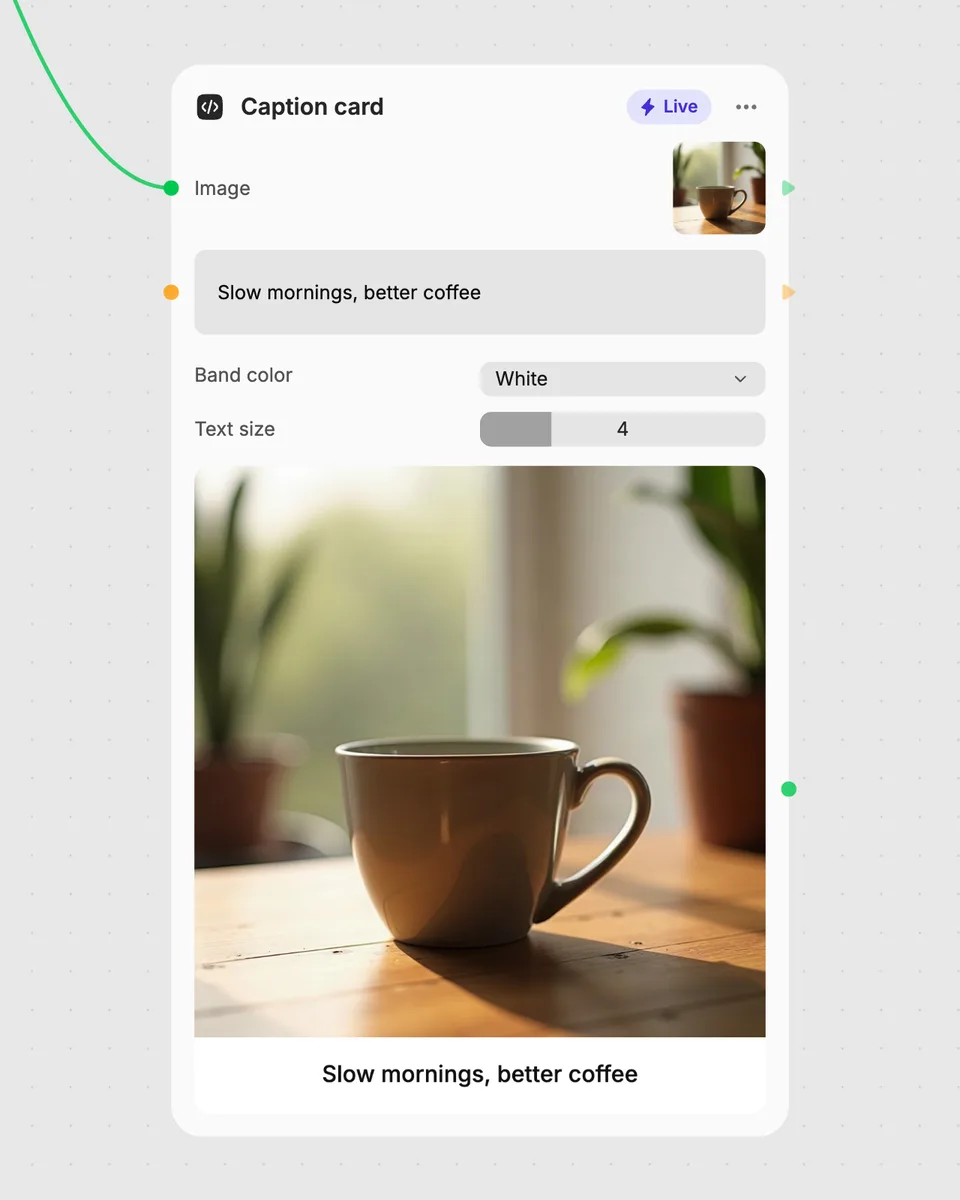
1. Try it here
Add your own file or text and adjust the controls. Live tools run in your browser, so nothing is uploaded.
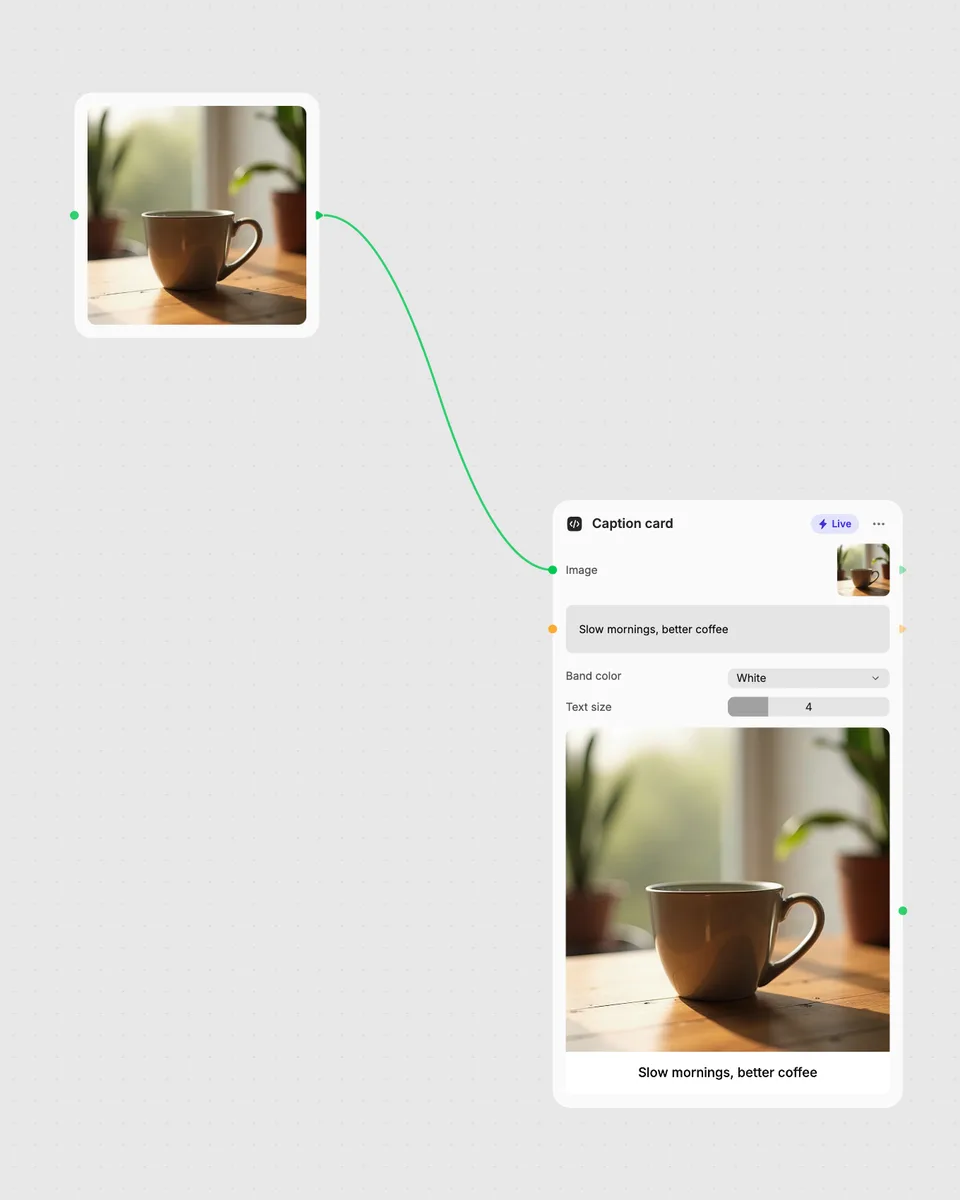
2. Open it in Fuser
Sign up free and the tool opens on your canvas with this example wired in, ready to connect to images, video or text from other nodes.
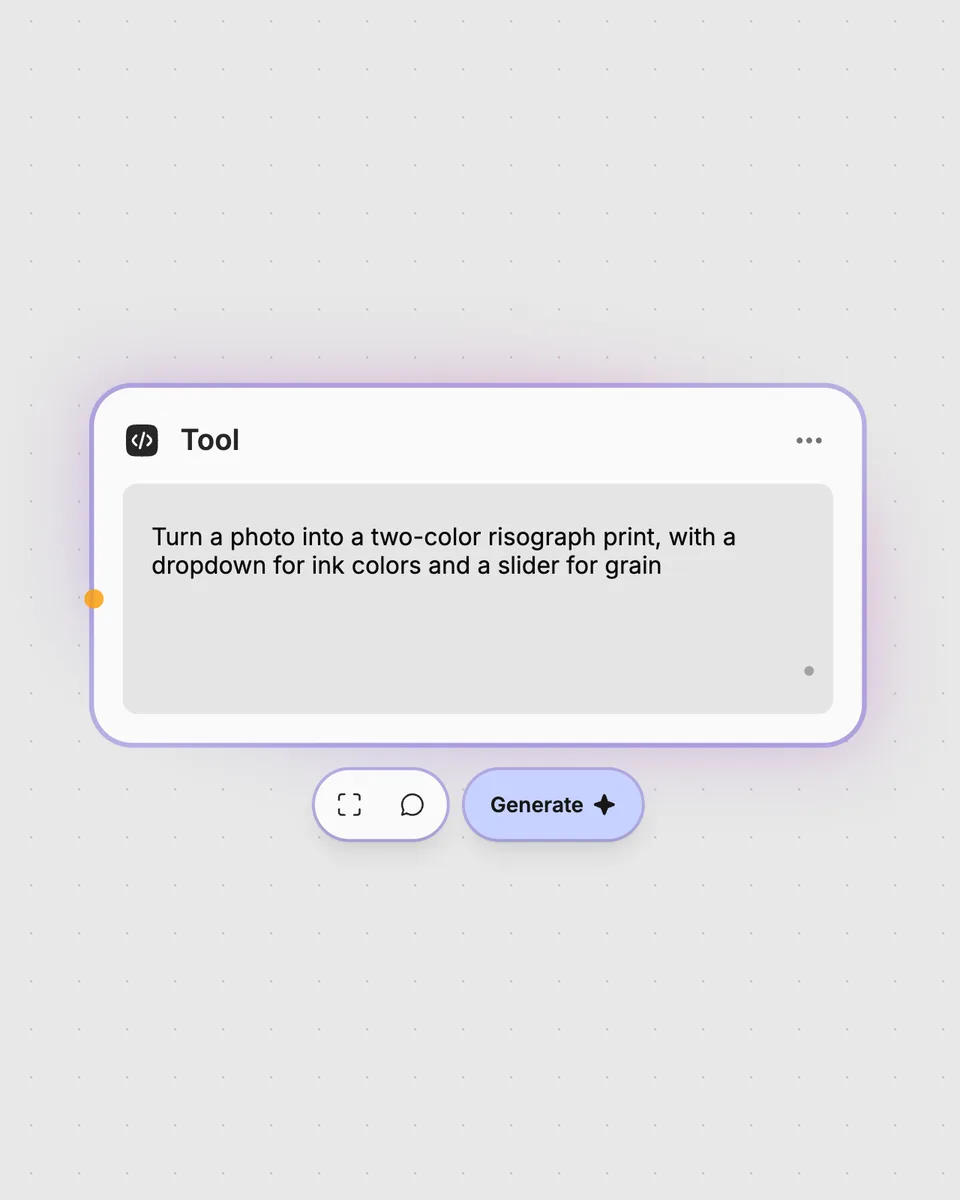
3. Describe your own
Need something different? Describe the tool you want and Fuser builds it, with the controls you asked for.
Use adjustable color inversion to explore alternate image treatments and create variations for different visual workflows.
It takes one image and produces an image with its colors inverted. The Amount slider controls how strongly the inversion is applied.
Provide one image as the required input. The tool runs in your browser, so you can try it on this page without an account.
Amount sets the degree of color inversion on a scale from 0 to 100. Move it while viewing the result to compare lighter and stronger inversion effects.
You can try the tool on this page without an account. Downloading more than once or opening the tool in Fuser asks you to sign up.
Yes. Open the tool in Fuser and combine it with other nodes, using its image result as part of the broader workflow.
Open this live tool in Fuser, adjust the Amount slider, and combine the image result with other nodes.
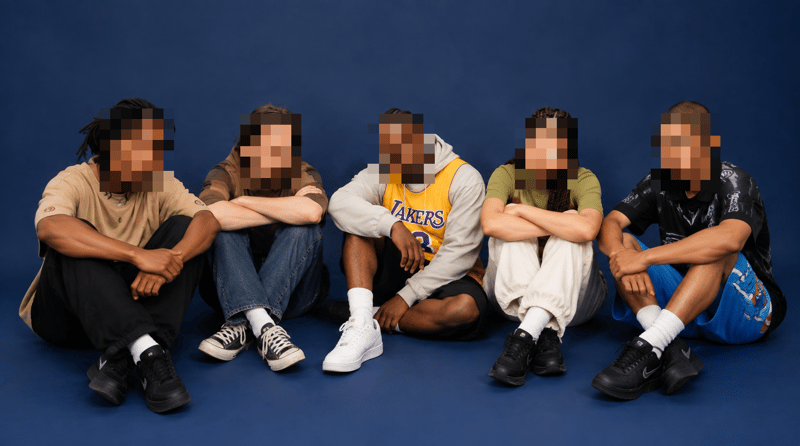
Upload an image containing faces and receive a pixelated image with adjustable block size and face padding.
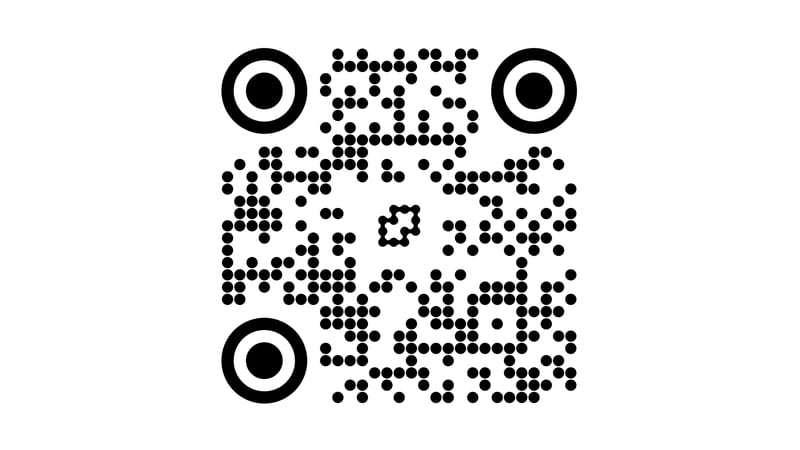
Enter a URL and optionally add a logo to generate a QR code with adjustable dots, colors, margins, and background.
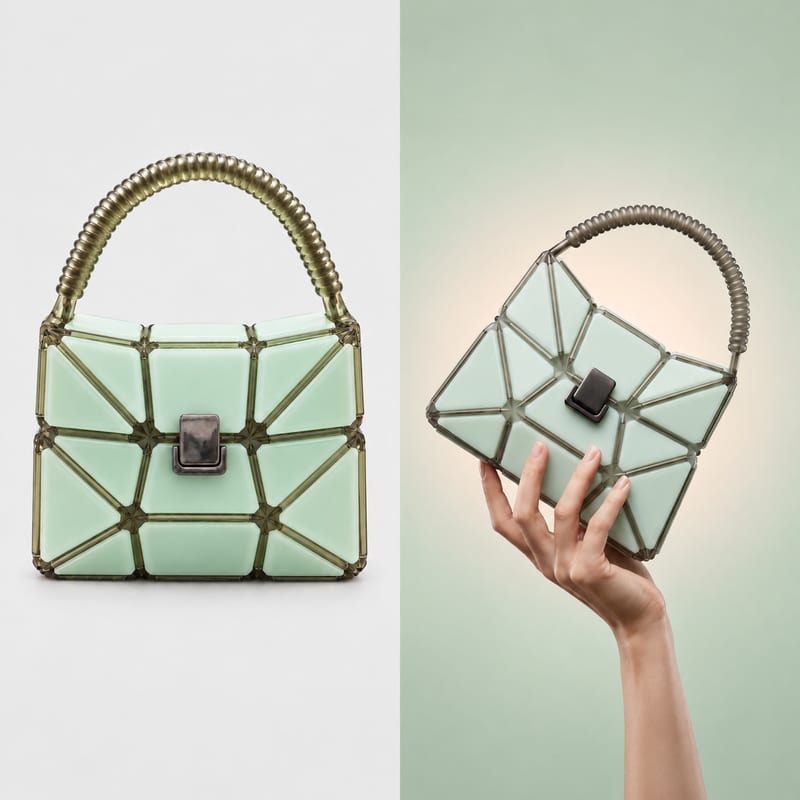
Combine two images into one result, placing them horizontally or vertically with adjustable spacing, fit behavior, and background choice.