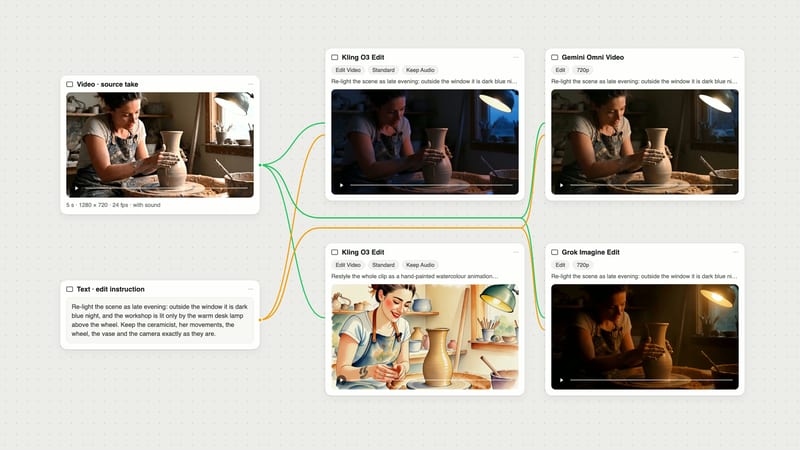
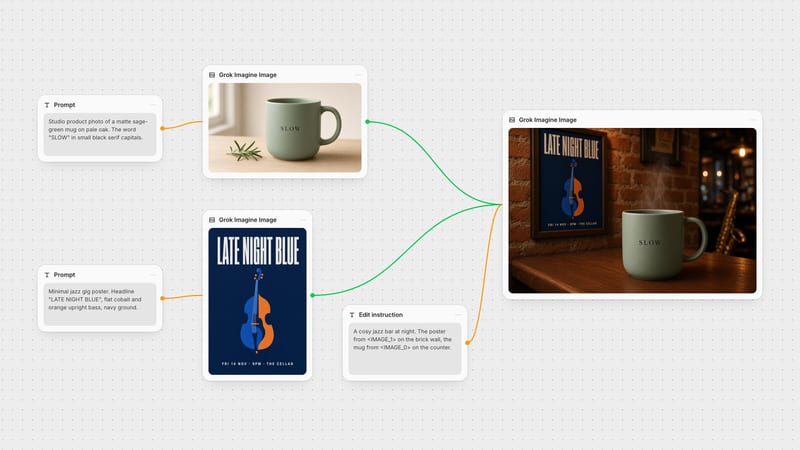
One click, whole workflow
Recipes are here. Package a whole workflow and run it in one click
Explore recipesOne click, whole workflow
Recipes are here. Package a whole workflow and run it in one click
Explore recipesbyxAI
Transform footage into stylized aesthetics or extend short video clips into continuous narrative scenes with synchronized audio
From raw footage to stylized narrative arcs, switch between complete aesthetic restyling and frame-locked extensions in a single streamlined workflow.
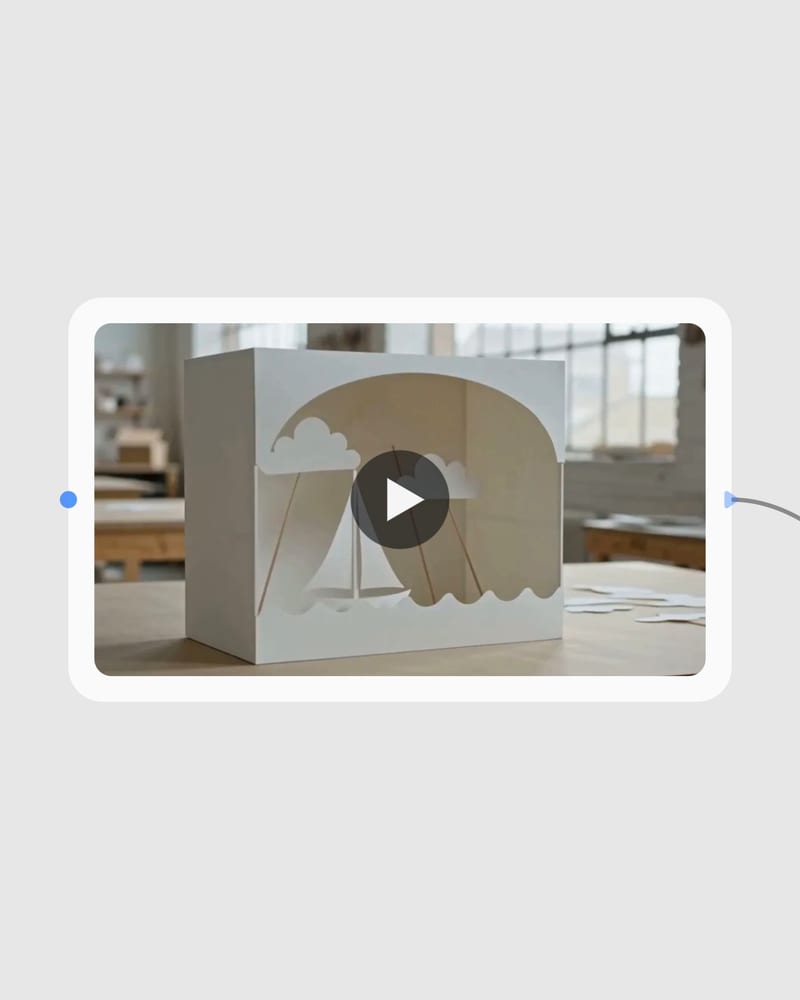
Upload source footage
Provide an MP4 clip up to 8 seconds for restyling or up to 15 seconds for narrative extensions.
Select mode and parameters
Choose Edit to transform visual style at up to 720p, or Extend to append 2 to 10 seconds of continuous action.
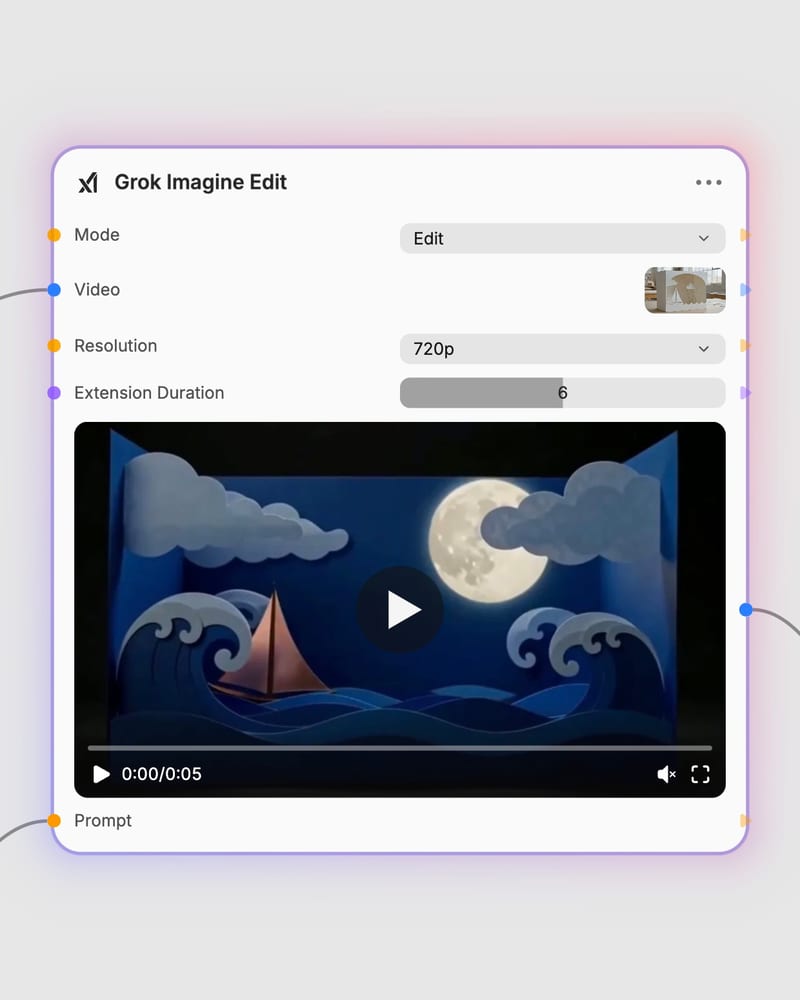
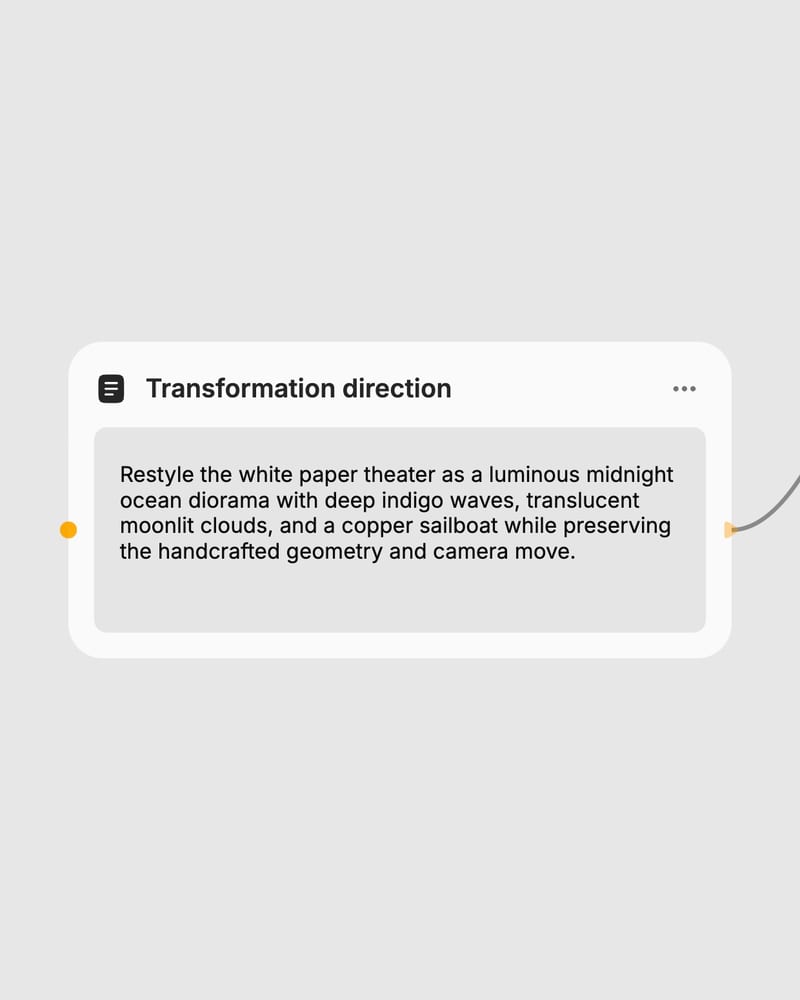
Direct the transformation
Describe the lighting shift, material restyle, or camera motion with native sound design synthesized in a single pass.
Powered by the MoE Aurora engine, leverage synchronized audio synthesis, physics-coherent motion continuation, and precise prompt-driven visual transfers.
Explore visual transformations and seamless narrative expansions across fashion editorials, archival film, product design, and cinematic storytelling.
See how directors, brand designers, and digital creators extend generative clips and restyle existing video assets for production pipelines.
Aurora is xAI's unified autoregressive Mixture-of-Experts (MoE) video foundation model that powers Grok Imagine Video. Trained on the 110,000 NVIDIA GB200 GPU Colossus cluster and incorporating technology from Hotshot, Aurora generates native synchronized audio alongside visual frames for both prompt-guided video editing and seamless video extensions.
Edit mode transforms the visual style, lighting, or materials of an existing clip up to 8 seconds long, whereas Extend mode appends 2 to 10 seconds of new sequential footage directly onto the final frame of an input video up to 15 seconds. Choose Edit when restyling existing scenes and Extend when lengthening a shot or continuing a narrative sequence.
Choose Extend mode (extend-video) to lengthen short generative video clips into longer narrative sequences. It synthesizes new continuous motion and camera moves from your video's final frame, allowing you to build cohesive narrative arcs up to 30 seconds across chained generations.
Extend mode accepts MP4 files (H.264, H.265, or AV1) between 2 and 15 seconds long and appends 2 to 10 seconds of new footage. Edit mode accepts source videos truncated to a maximum of 8 seconds and resized to an area of 854×480 pixels before rendering stylized output at up to 720p resolution.
The model is prompt-driven and not built for micro-level typographic edits, small logo replacements, or intricate architectural geometric modifications. In Extend mode, avoid chaining more than 3 to 4 extensions consecutively, as recursive generation progressively leads to visual softening, style drift, and facial identity morphing.
Transform footage into stylized aesthetics or extend short video clips into continuous narrative scenes with synchronized audio