One click, whole workflow
Recipes are here. Package a whole workflow and run it in one click
Explore recipesOne click, whole workflow
Recipes are here. Package a whole workflow and run it in one click
Explore recipesbyKuaishou (Kling AI)
Multi-beat cinematic scenes with deep blacks and fluid camera moves, steered by your own stills and clips
You direct more than you prompt: write timed beats, assign each connected still or clip a role, then draft cheap and finish at full resolution.
Length, direction and control: long scenes in one pass, references that fix cast and camera moves, and start-to-end frames for precise transitions.
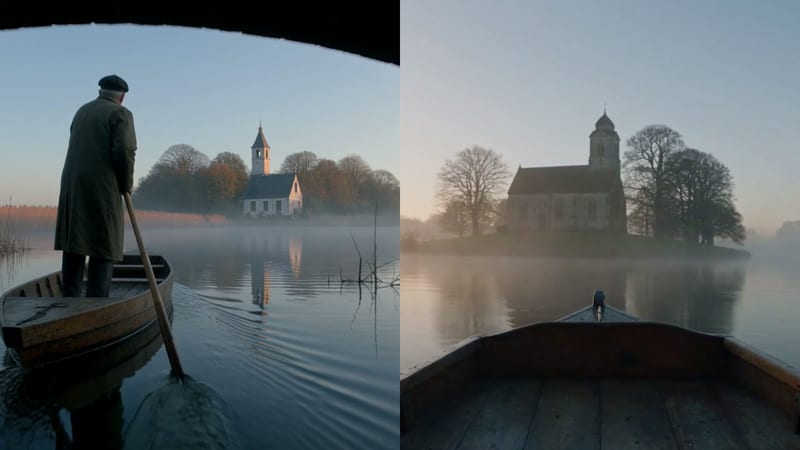
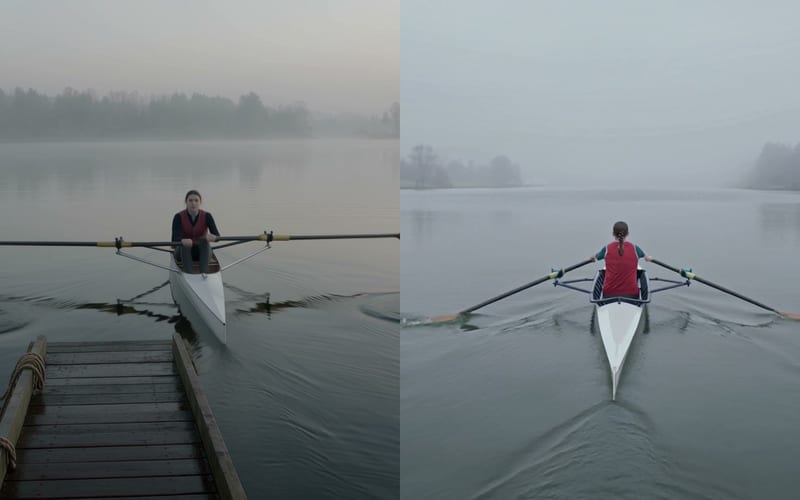
A gallery of live-action-leaning clips showing high-contrast light, fast physical action and fluid coverage across music, architecture, street, documentary and product subjects.
Filmmakers, fashion and product teams, social creators and campaign directors reach for it when a scene needs several beats or must follow media they already have.
Each route starts from different media, and the node picks one based on what you connect.
Use reference-to-video. Cite character images as @Image1, @Image2 and give each one a single job, such as identity, environment or style. You can also borrow motion and camera pace from clips via @Video tags. Avoid piling in near-duplicate or conflicting references with no roles, which muddles the result.
Use image-to-video when the opening composition or product look matters, such as a designed frame or packshot. Describe motion and camera in the prompt rather than re-describing the picture. An end image gives a controlled arrival frame, but it needs a start image and is not used if reference media is connected.
Yes. Switch the mode to Edit and connect a source clip of 3 to 30 seconds, at least 700 px per side, 24 to 60 fps and up to 300 MB. It keeps the original motion and length, so trim first. Name what must stay locked, such as camera and performance, then list the changes, and restate the final action so the subject doesn't drop out late.
Clips run 3 to 30 seconds in one pass, at 720p or 1080p. Aspect ratios are 16:9, 9:16, 1:1, 21:9 and Auto, which adapts to your reference media. Draft at 720p and short durations, then re-run the keeper at 1080p, since long and 1080p runs cost the most.
It is a poor fit for precise on-screen text, a guaranteed single uninterrupted camera angle, and silent clips, since it can cut to new angles and add a music bed even when told not to. One-line prompts stretched over long durations tend to front-load the action and pad the rest, so script a beat for every 5 to 6 seconds.
Multi-beat cinematic scenes with deep blacks and fluid camera moves, steered by your own stills and clips