One click, whole workflow
Recipes are here. Package a whole workflow and run it in one click
Explore recipesOne click, whole workflow
Recipes are here. Package a whole workflow and run it in one click
Explore recipesbyKuaishou Technology
Animate stills and scripts into cinematic shots with real physical weight, smooth camera moves, and sound generated in the same pass
Start from a still or a sentence, choose how much speed, end-frame control, or sound you need, and get a 5- or 10-second shot back.
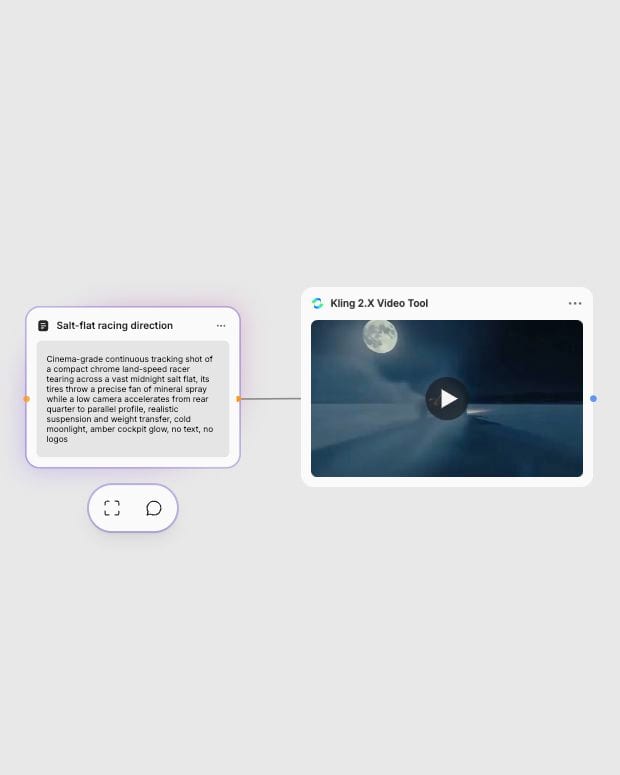
Frame the action
Upload a high-resolution still or write a prompt covering subject, action, setting, camera move, and lighting.
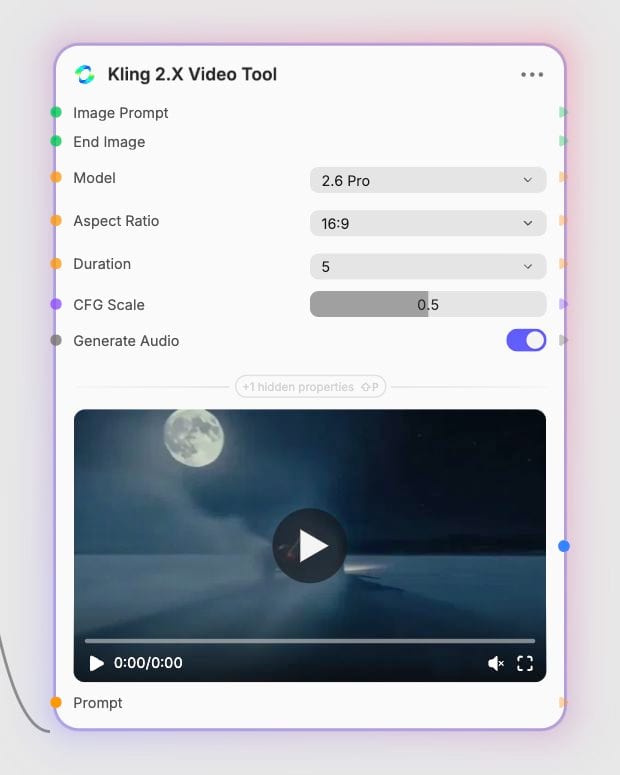
Pick your tier
Choose 2.5 Turbo Standard for fast silent drafts, 2.5 Turbo Pro for action and end-frame control, or 2.6 Pro for native audio.
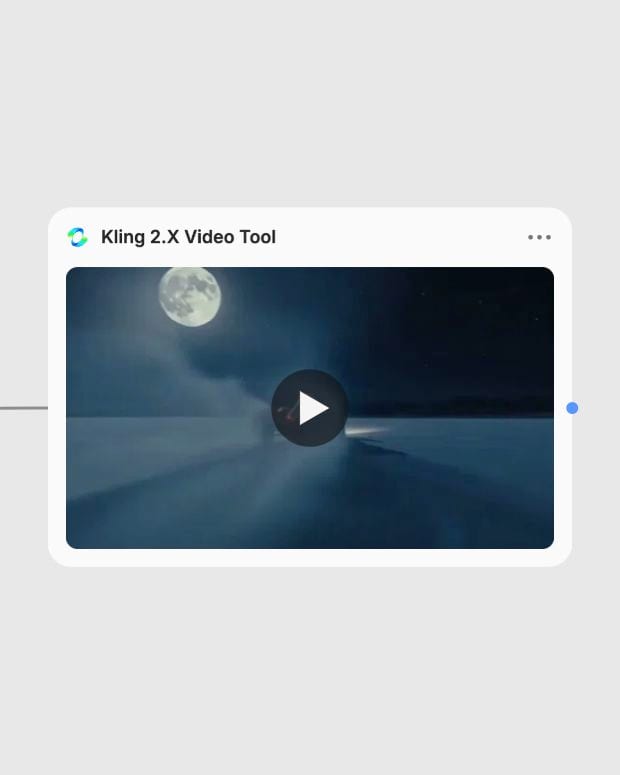
Render and refine
Generate a 5- or 10-second clip, then tune the CFG scale and negative prompt to steady the camera and cut flicker.
Physical weight, steady camera choreography, and faces that hold up, with the option of sound arriving in the same render.
A gallery of single-take shots: a fashion move, a tracking car, a spoken line with its own soundscape, and a product reveal.
Directors, fashion teams, product marketers, and social creators reach for it when a still needs to move like it was filmed.
2.6 Pro generates native audio with the video; 2.5 Turbo is silent. 2.6 Pro synthesizes dialogue, ambience, foley, and score in one pass, with higher latency and cost, and it needs explicit dialogue direction on short clips. 2.5 Turbo is built for fast, high-kinetic action and complex physical dynamics, but needs separate sound design.
Use 2.5 Turbo Pro, the only model that supports the End Image input. It bridges a start and an end frame into one cinematic transition. Keep both frames consistent in subject, lighting, and camera angle, because unrelated scenes produce morphing artifacts. It is silent and costs more than Standard.
Yes for drafts. Standard suits rapid, budget-friendly iteration, motion prototyping, and animated storyboards. It is silent, keeps less visual detail than the Pro tiers, and has no end-frame support, so move final shots to Pro.
Select the 2.6 Pro model and turn on Generate Audio. Audio is available only on 2.6 Pro. Describe the dialogue and sounds in your prompt, since speech can truncate or drift out of sync when squeezed into 5 seconds.
It struggles with fine text and typography, multi-character dialogue that needs isolated voices, and compound camera moves such as orbiting, tilting, and zooming at once. Extreme rotational acrobatics can also distort limbs, so keep to one clear camera move.
Keep CFG Scale between 0.4 and 0.6 (default 0.5), and raise it to 0.6 to 0.7 only if the camera direction is ignored. Pick 5 or 10 seconds, and add 'one continuous shot, no cuts' to prevent jump cuts. Aspect ratio (16:9, 9:16, or 1:1) applies only in text-to-video mode.
Animate stills and scripts into cinematic shots with real physical weight, smooth camera moves, and sound generated in the same pass