One click, whole workflow
Recipes are here. Package a whole workflow and run it in one click
Explore recipesOne click, whole workflow
Recipes are here. Package a whole workflow and run it in one click
Explore recipesbyKuaishou Technology
Map full-body choreography, fabric physics, and nuanced acting gestures from any reference clip onto your static character stills
From static character portrait to full-motion sequence in three guided steps.
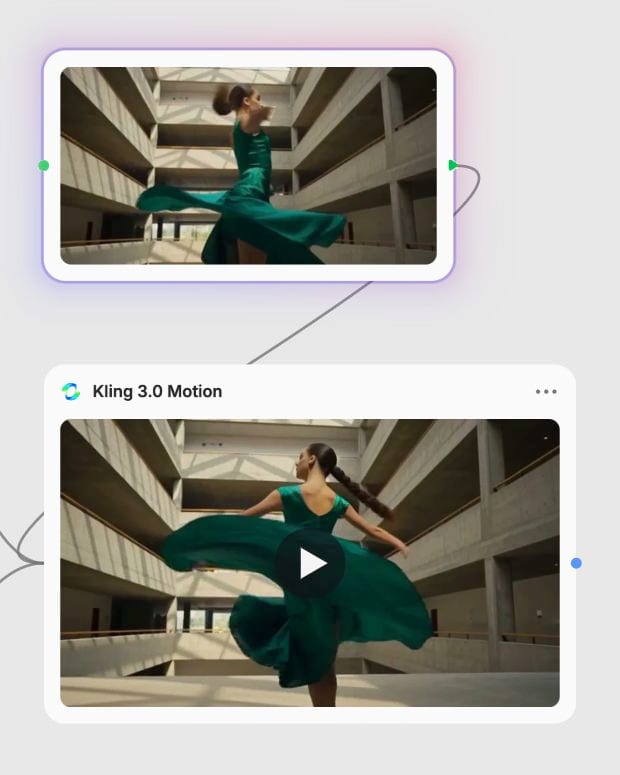
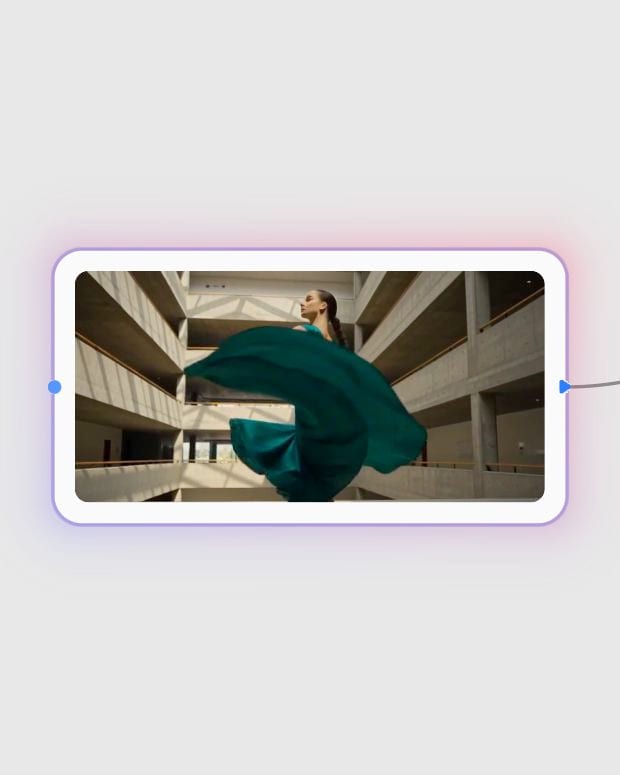
Upload static character image
Provide a clean, front-facing reference photo or illustration with clear limb definition occupying at least 5% of the frame.
Supply driving reference video
Add a 3 to 30 second continuous clip featuring a clear human subject performing the exact choreography or gesture sequence.
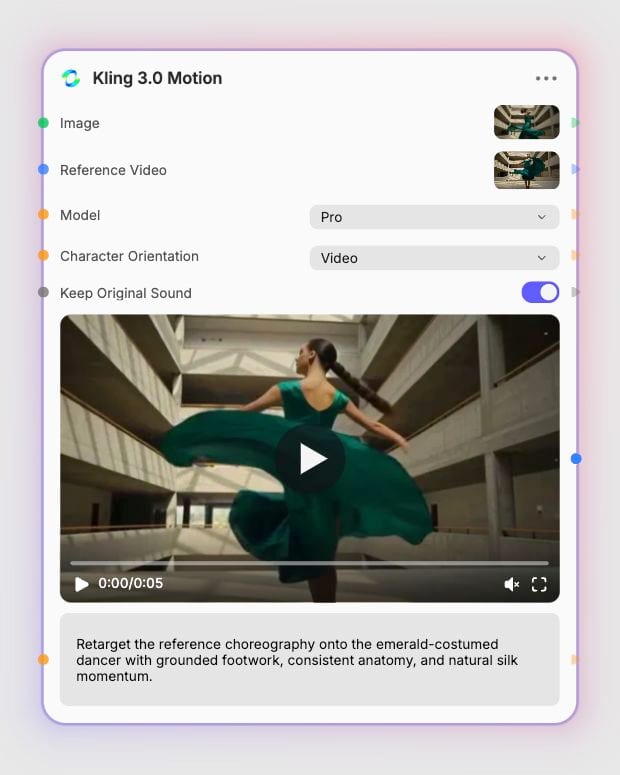
Select mode and render
Choose Video orientation for dynamic choreography up to 30s, or Image orientation for camera-led shots up to 10s.
Built on 3D spacetime attention to map natural joint articulation, gravitational weight, and fluid fabric dynamics directly from reference clips.
Explore how complex choreography, dance routines, and high-energy athletic movements translate cleanly onto static character designs.
How fashion directors, cinematographers, digital artists, and commercial producers bring static concept art and lookbooks to life.
The Pro tier generates video at 1080p resolution with superior fabric physics, facial lip-syncing accuracy, and finer textile detail, making it ideal for final commercial deliverables. The Standard tier outputs at 720p resolution and is optimized for faster turnaround times and lower credit costs, making it well-suited for early concept drafts and movement testing.
Choose the Standard tier when iterating on choreography and testing timing, and switch to Pro for high-fidelity master exports. Standard processes quickly at 720p for fast prototyping, while Pro delivers 1080p output with refined garment physics and reduced edge-blending on intricate motions.
Video orientation matches the reference video's framing and supports complex full-body skeletal motions up to 30 seconds, while Image orientation locks the character's base pose to match the reference image and supports camera-following moves up to 10 seconds. Select Video mode for dances and athletic stunts, and Image mode for controlled camera pans and tilts.
You must provide one static character image and one driving reference video between 3 and 30 seconds long. The character in the image should occupy at least 5% of the frame with clearly visible body proportions, while the driving video should feature a single, continuous shot of an actor performing the desired choreography without rapid cuts or heavy motion blur.
Focus your text prompt strictly on lighting, environment, styling, costume materials, and camera lens details rather than movement verbs. Because the driving video supplies all physical joint rotations and timing, adding motion descriptions to the prompt can create competing instructions and introduce stuttering.
Non-humanoid subjects like quadrupeds, multi-limbed creatures, and vehicles are not supported because the motion transfer relies on human skeletal joint mapping. The model also struggles with mismatched framing scales—such as driving a full-body run from a close-up portrait—and rapid, erratic hand-to-object interactions.
Map full-body choreography, fabric physics, and nuanced acting gestures from any reference clip onto your static character stills