One click, whole workflow
Recipes are here. Package a whole workflow and run it in one click
Explore recipesOne click, whole workflow
Recipes are here. Package a whole workflow and run it in one click
Explore recipesbyAlibaba (Qwen team)
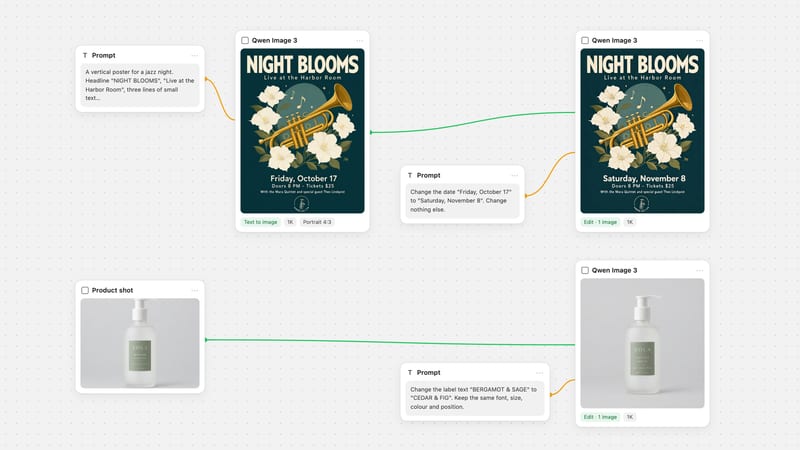
Posters, menus and packaging where every Chinese and English letter lands crisp, wrapped in soft-lit, naturalistic realism
Write the brief like a designer: layout first, exact words in quotes, then optional references. Preview on the economical tier and rerun the keeper on Pro.
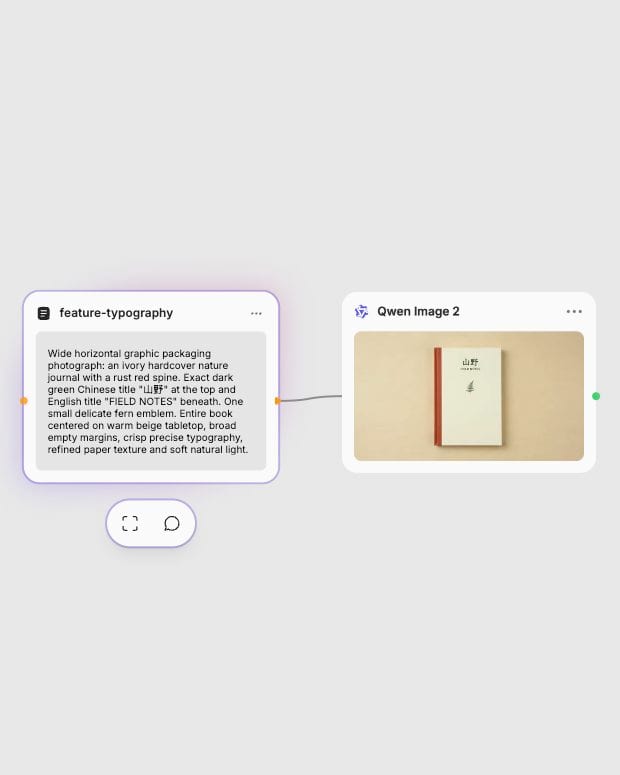
Write the scene and the words
Describe the image in clear sentences, say where the text sits, and put every exact English or Chinese line inside quotation marks.
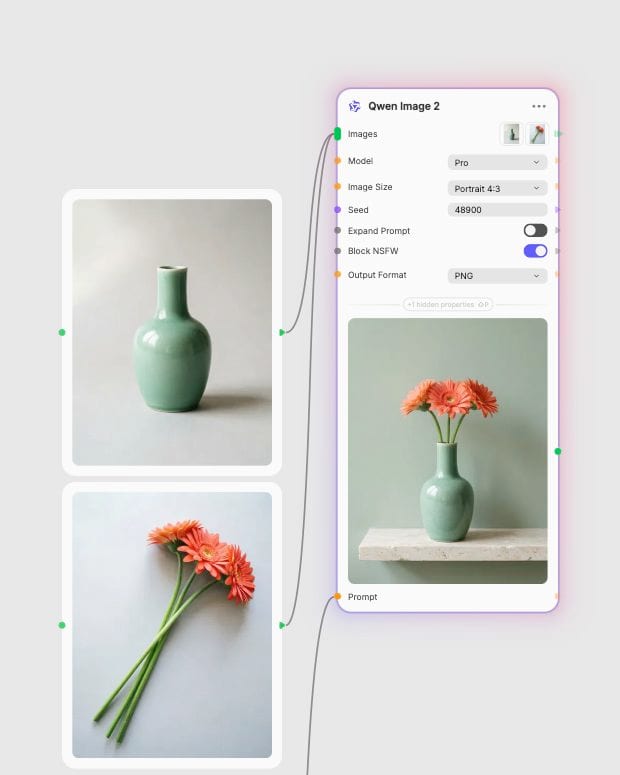
Attach up to three references
Optionally connect one to three images and name what each contributes: a subject, an outfit, a counter, a mood. The node switches to edit mode on its own.
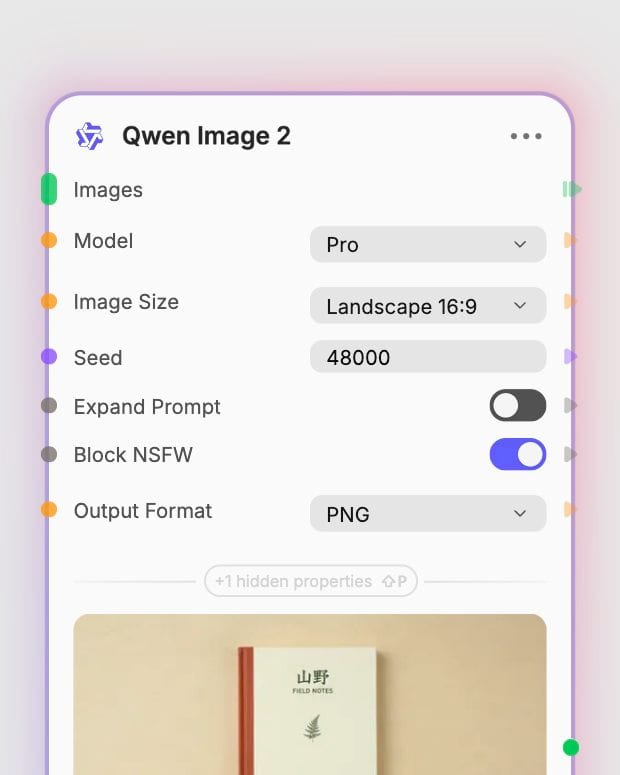
Pick a tier and render
Draft on Standard, choose your aspect ratio, then rerun the winning prompt and seed on Pro for the final high-resolution image.
Words that look printed on the surface, long briefs followed clause by clause, and edits that protect your subject. All of it comes in a soft, natural finish.
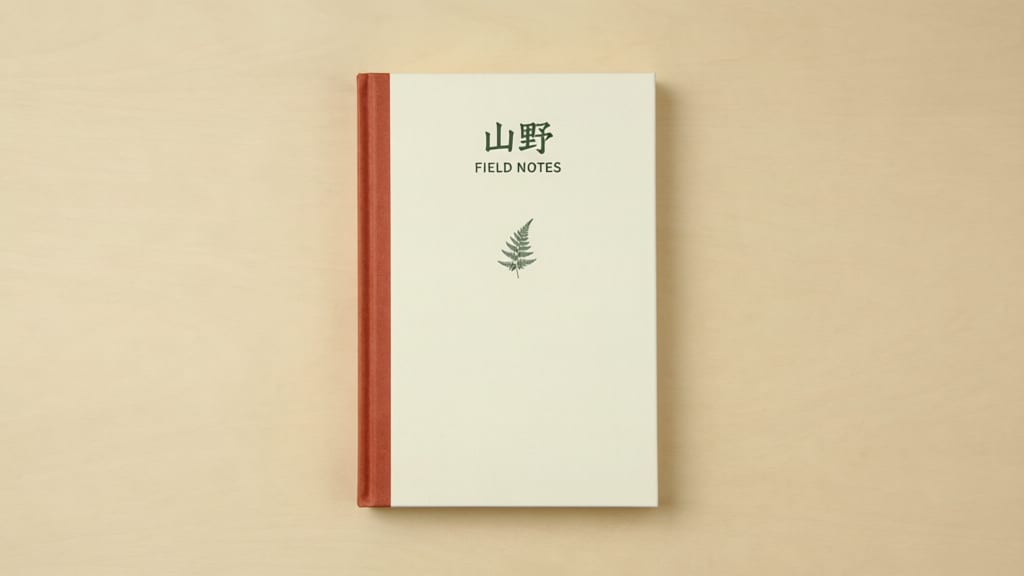
Bilingual typography that holds
Quote the headline and it lands on the surface with plausible perspective and lighting, in Chinese brush calligraphy or thin Latin sans. Posters, menus and signage come out with a designed hierarchy.
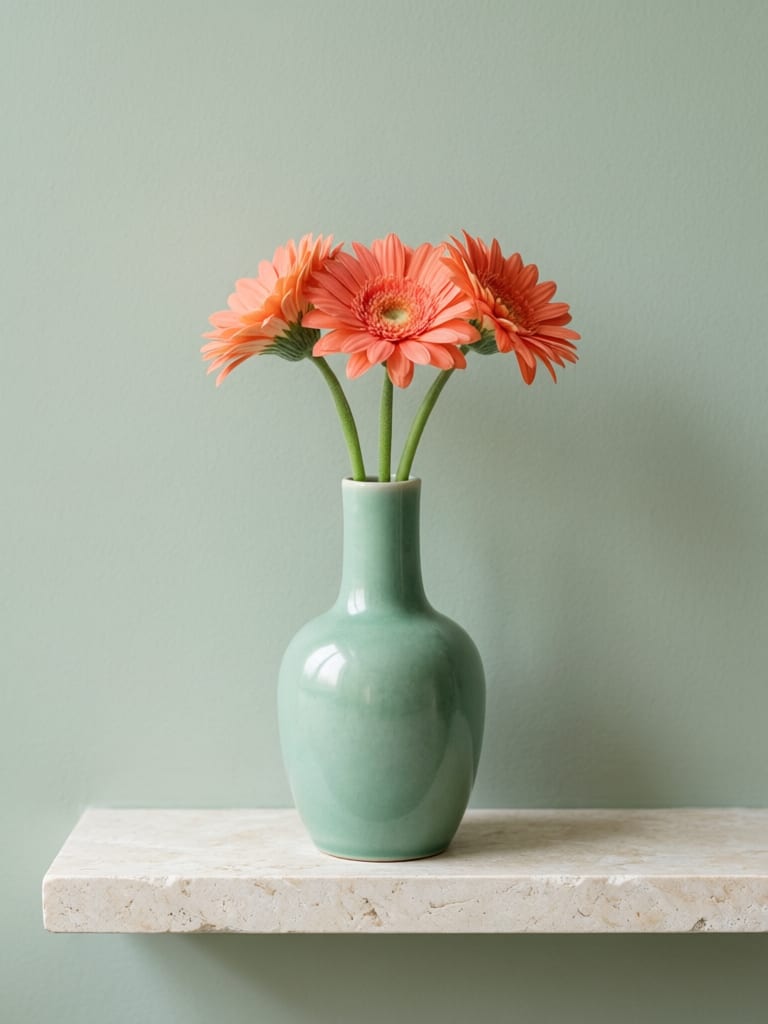
Up to three-image fusion
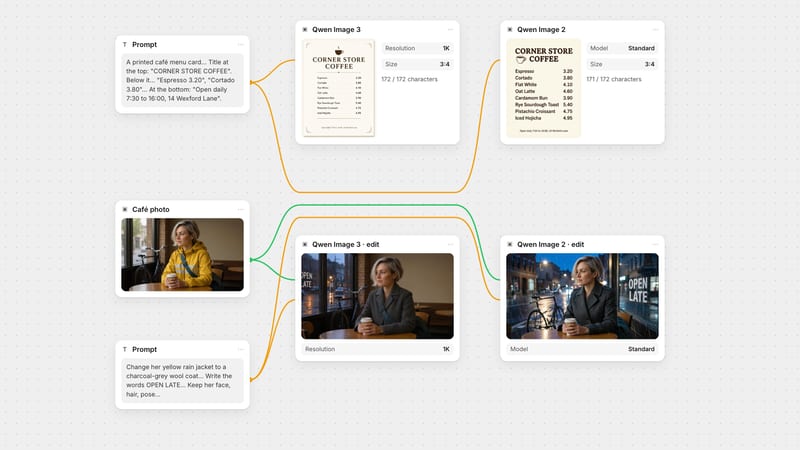
Connect one to three images and tell the node what each one gives: the product from the first, the surface from the second. Edit mode keeps the subject and changes the background, outfit or style, no mask needed.
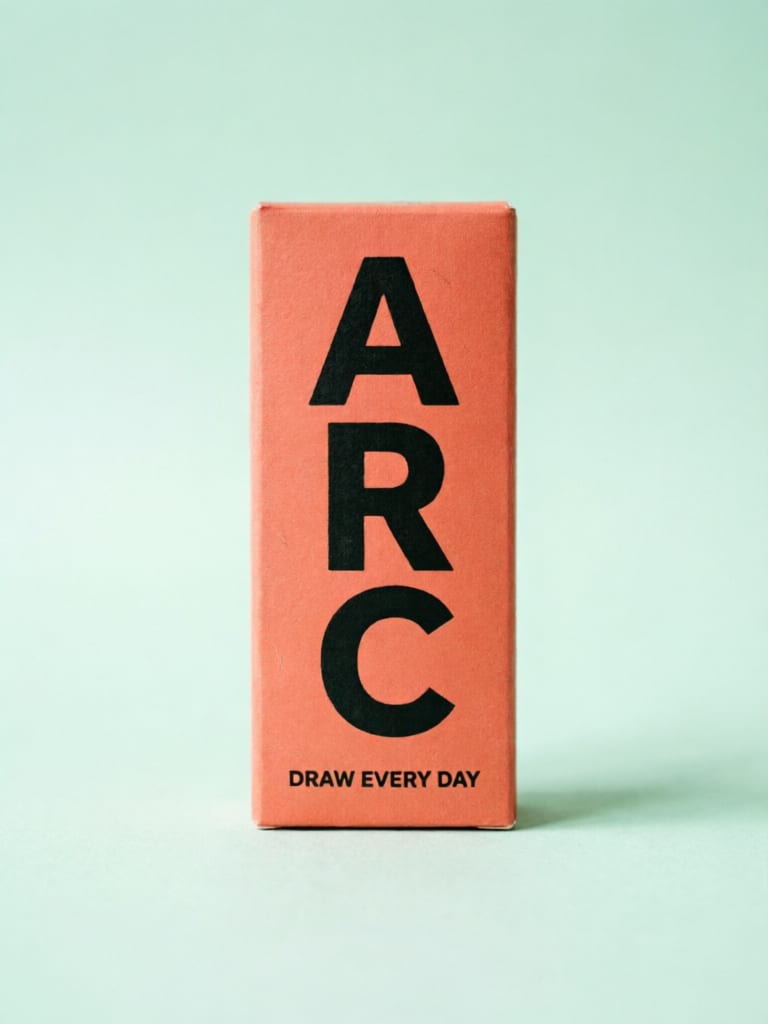
Standard for drafts, Pro for finals
Standard is the fast, economical tier for exploring compositions and testing copy, at about 48.3 per run. Pro, at about 103.4, earns its cost on dense briefs and fine detail like hair, fabric and jewelry.
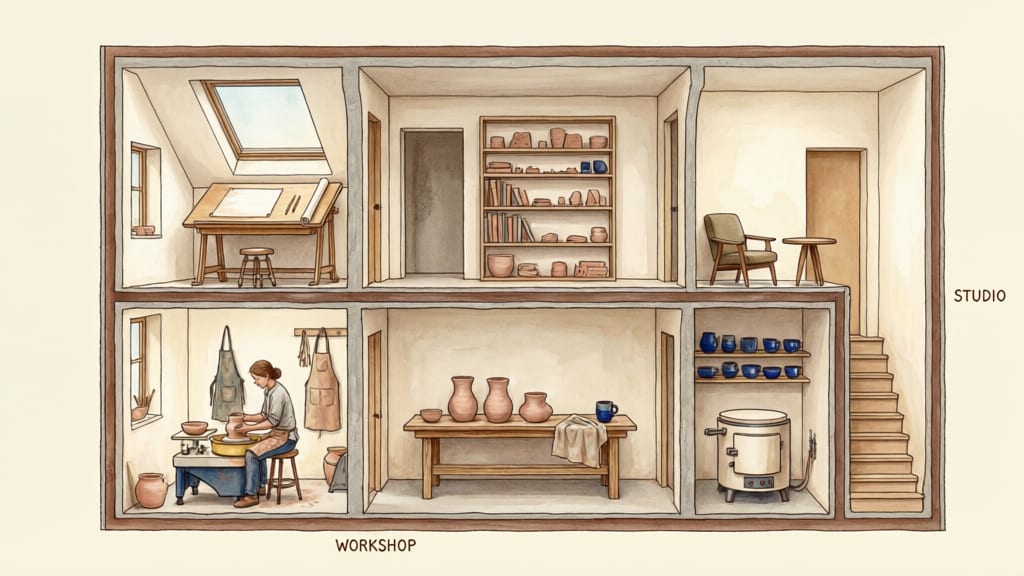
Long-brief layout control
Long, multi-clause briefs, up to roughly 1,000 tokens, are followed faithfully. Describe one aspect per sentence and name each panel or block, and the layout comes back as written, at native near-2K resolution.
A gallery of images where the lettering is part of the design: a fashion poster, a calligraphy tea tin, a film still with subtitles, a product hero and an infographic cutaway.
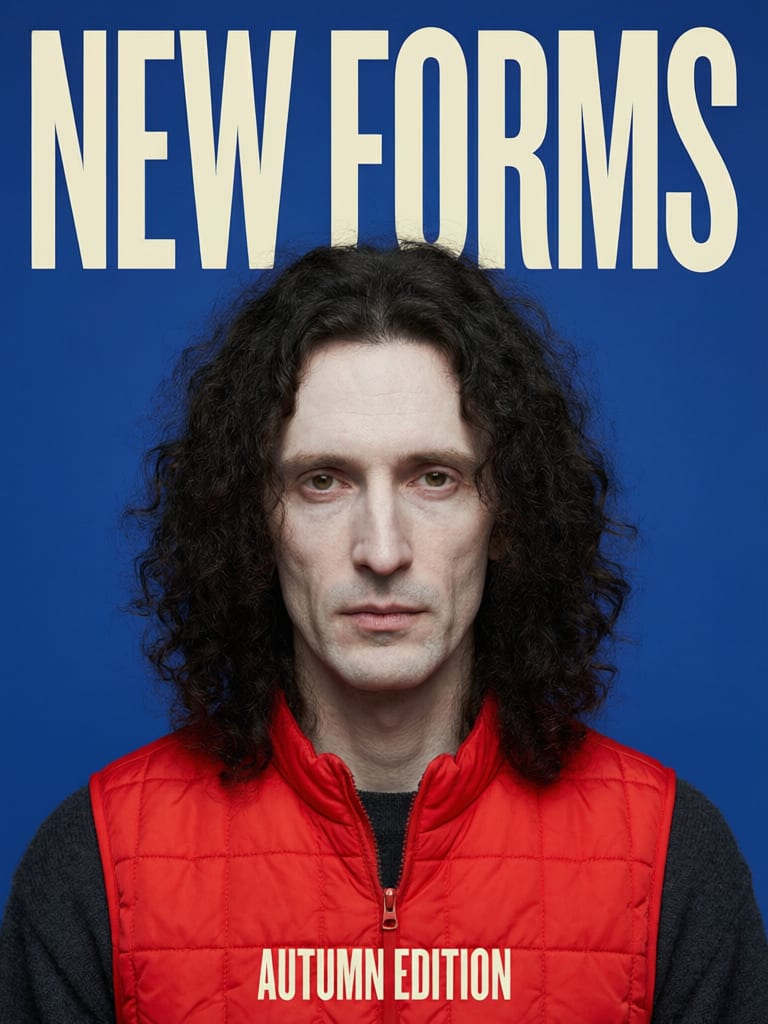
Editorial fashion poster with bold typographic styling
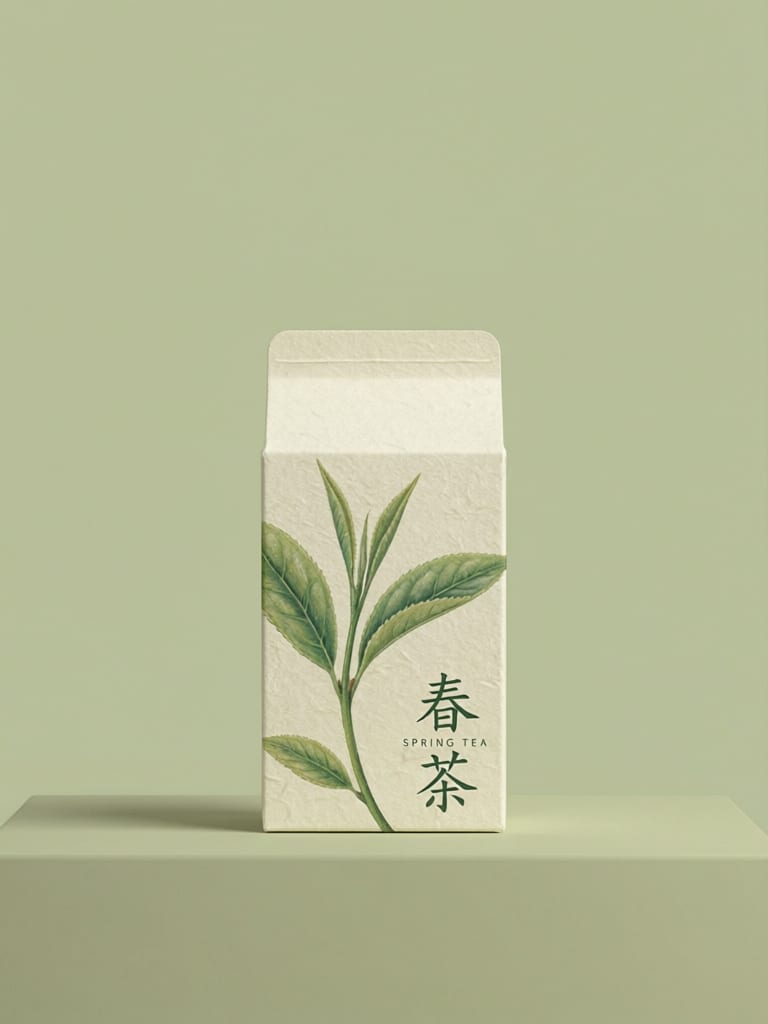
Botanical packaging design with Chinese calligraphy
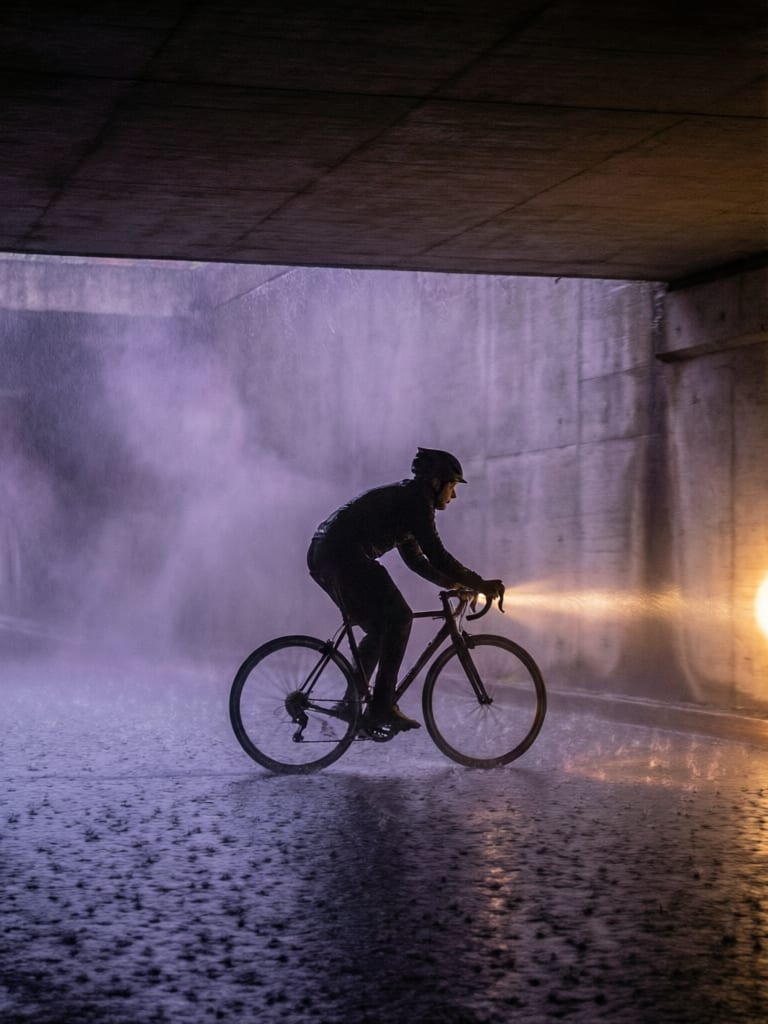
Cinematic action frame with atmospheric lighting
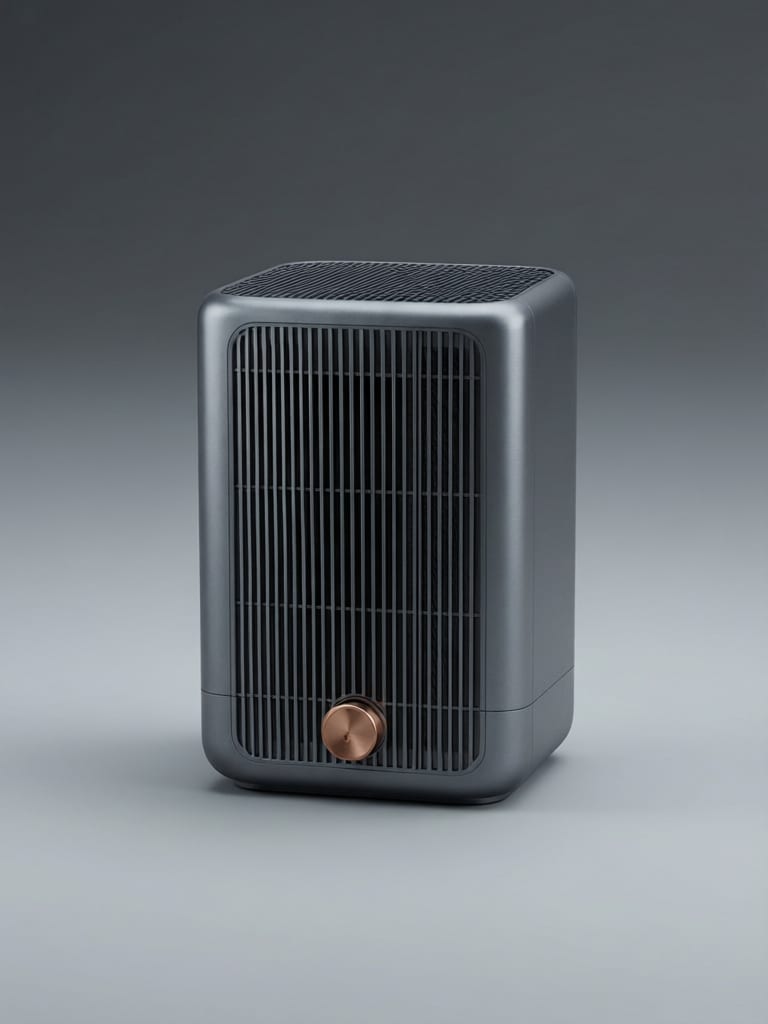
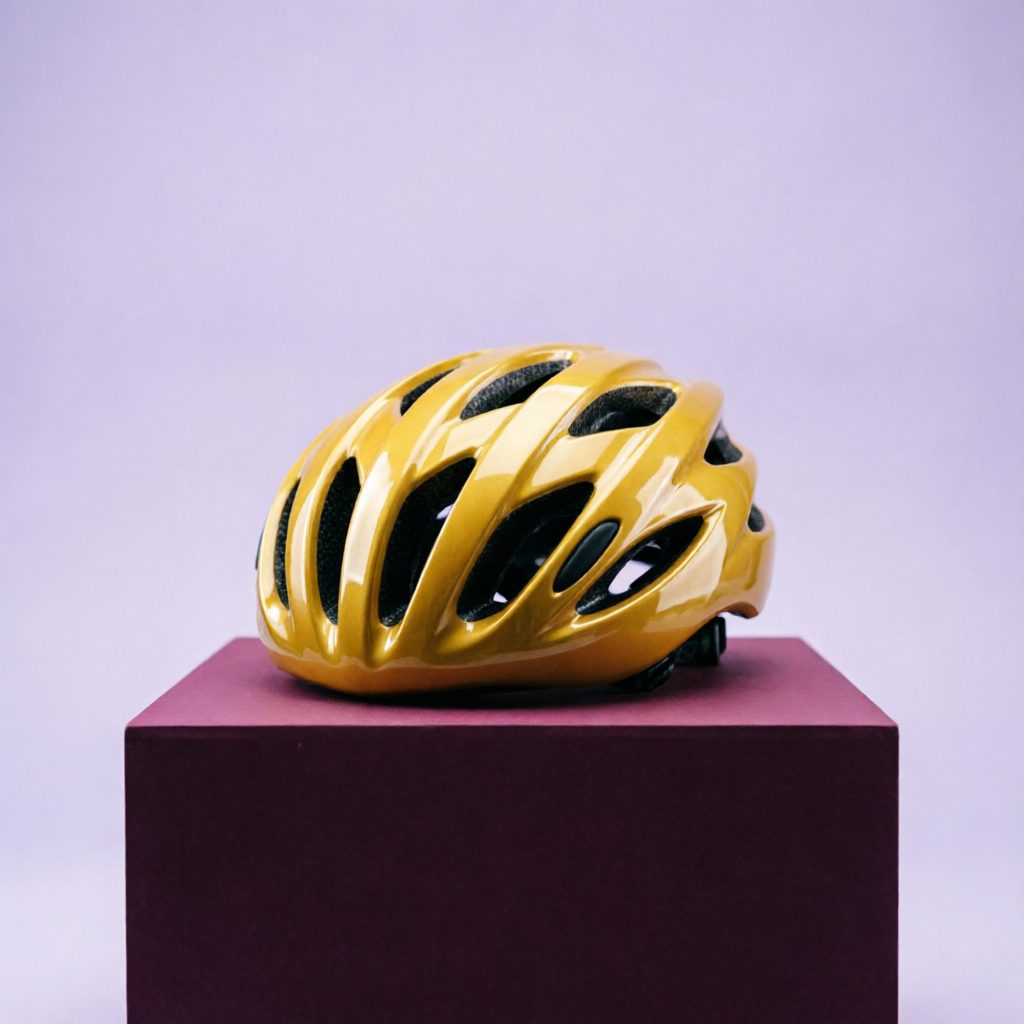
Industrial design hero render
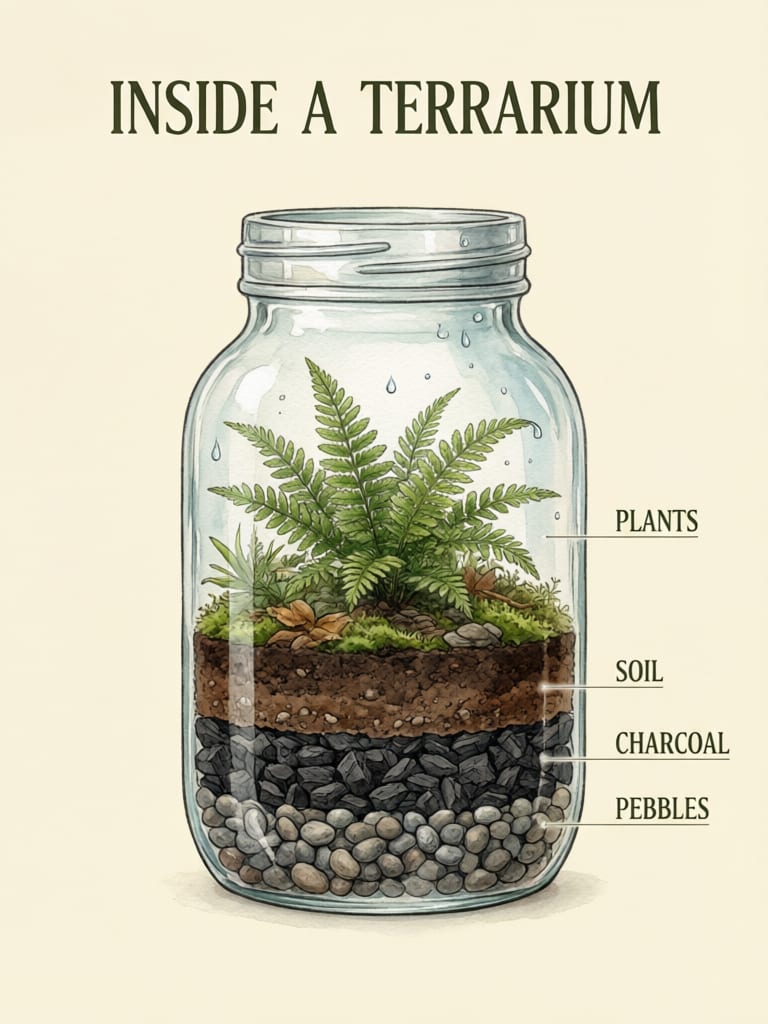
Educational infographic cutaway layout
Poster designers, packaging teams, lookbook editors, slide builders and comic makers pick it when the image has to carry words and obey a long, specific brief.
Standard is the fast, economical tier for exploring compositions, testing copy and generating draft batches, at about 48.3 per run. Pro costs about 103.4 per run and is better on long multi-clause briefs, dense text and fine detail. Draft on Standard, then rerun the winning seed and prompt on Pro. Standard is more likely to garble very dense or tiny text.
Use the Pro edit variant for edits that add or change on-image text and need to look final, such as replacing a storefront sign while keeping the face and garment identical. Standard edit is cheaper and good for confirming the instruction first, but it may lose fine identity detail or follow complex multi-reference instructions less closely.
Yes, bilingual Chinese and English typography is its signature strength. Put the exact text in quotes and say where it sits and what style it takes, such as a bold sans headline or thin gold calligraphy. Very dense or tiny text can still garble, especially on Standard.
Connect one to three images and the node switches to edit mode automatically, so there is no separate setting. Name what each image contributes and state what to keep unchanged before what to change. Leave Image Size on Auto to preserve the source framing.
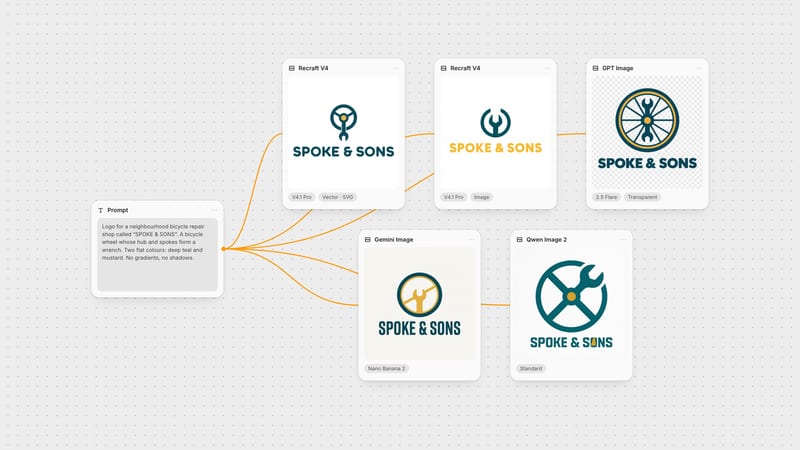
It is not the pick for a razor-sharp, ultra-contrasty photo look, true vector or flat-icon output, or pixel-precise masked inpainting, since there is no mask input. Its finish is slightly soft and natural. Negative prompts also give only light control, so describe what you want positively.
It was created by Alibaba's Qwen team and announced in February 2026, with an earliest release date of 2026-02-10. It handles text-to-image and instruction-based editing in one pipeline.
Posters, menus and packaging where every Chinese and English letter lands crisp, wrapped in soft-lit, naturalistic realism