One click, whole workflow
Recipes are here. Package a whole workflow and run it in one click
Explore recipesOne click, whole workflow
Recipes are here. Package a whole workflow and run it in one click
Explore recipesbyAlibaba Group
Instruction-driven multi-image editing for e-commerce staging, apparel mockups, and cinematic storyboards without manual masking
Execute advanced multi-image staging, element removal, and portrait adjustments in three intuitive steps without painting manual selection masks.
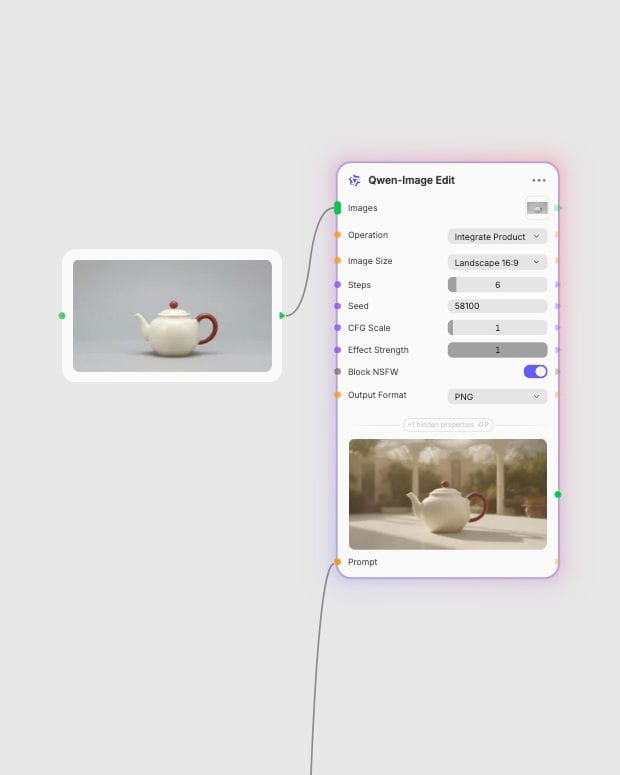
Upload Source Assets
Upload your source image, headshot crop, or pair of assets for apparel mapping and product integration.
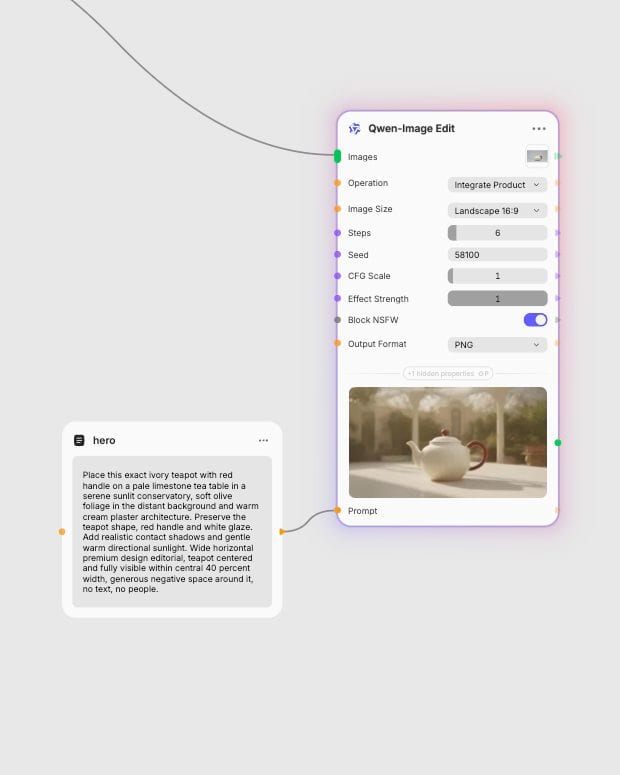
Set Operation & Prompt
Pick your target operation—such as adding a background, transferring a shirt graphic, or expanding a portrait—and describe the desired scene.
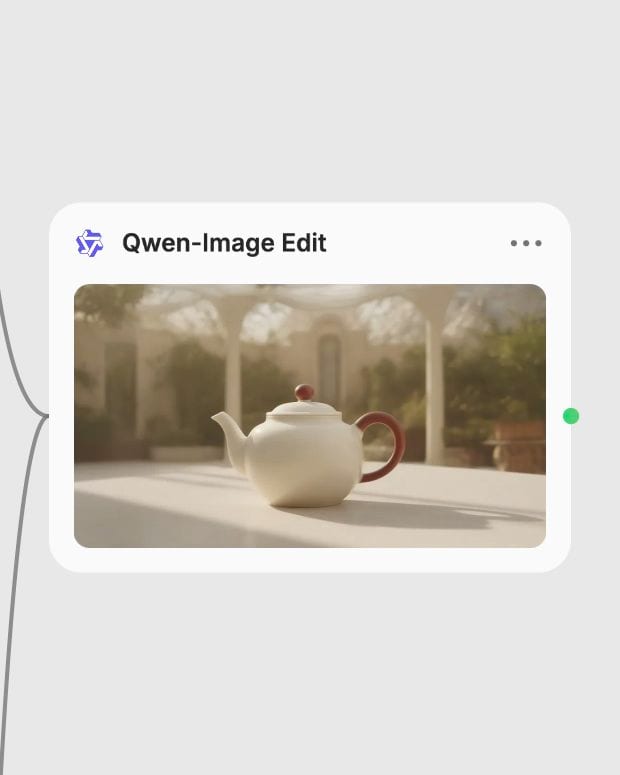
Generate Cohesive Edit
Let the specialized vision-language LoRA generate a high-fidelity edit with cohesive lighting, shadows, and contours.
Specialized LoRA modules handle complex multi-image compositing, surface warping, and scene synthesis through natural language instructions.
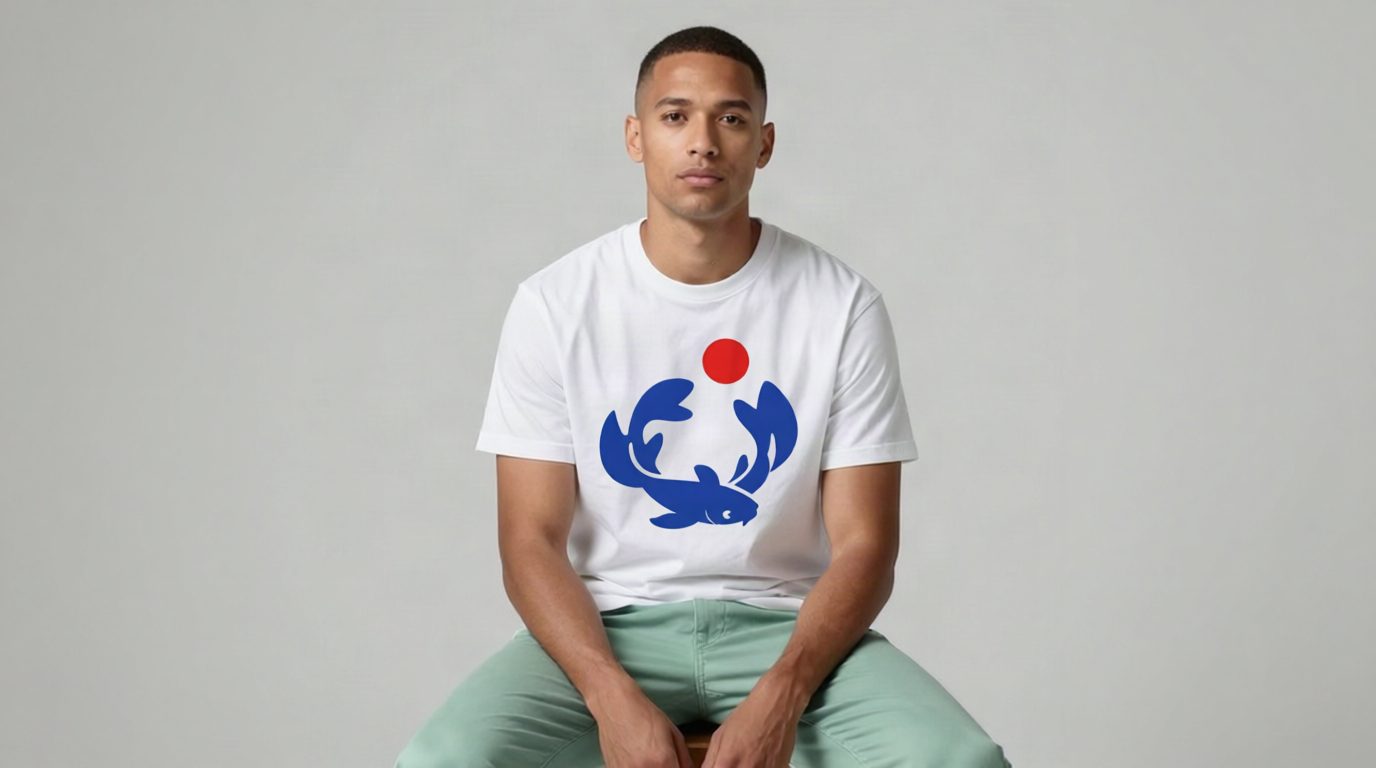
Automated Apparel Mapping
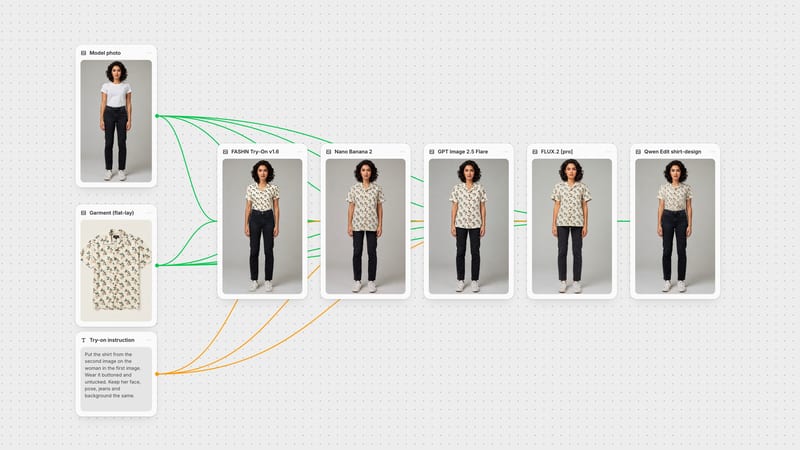
Transfer 2D graphic files onto photographed garments using the dedicated shirt-design LoRA, wrapping artwork across dynamic wrinkles, fabric drape, and ambient creases with realistic lighting response.
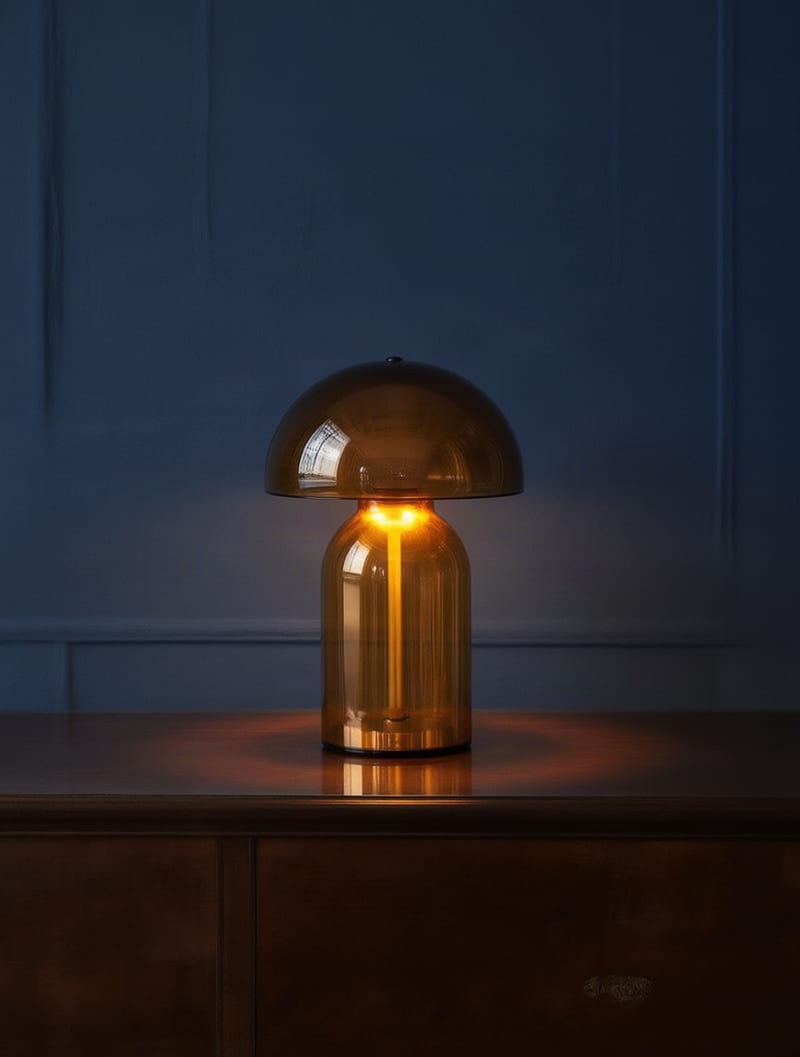
Contextual Product Staging
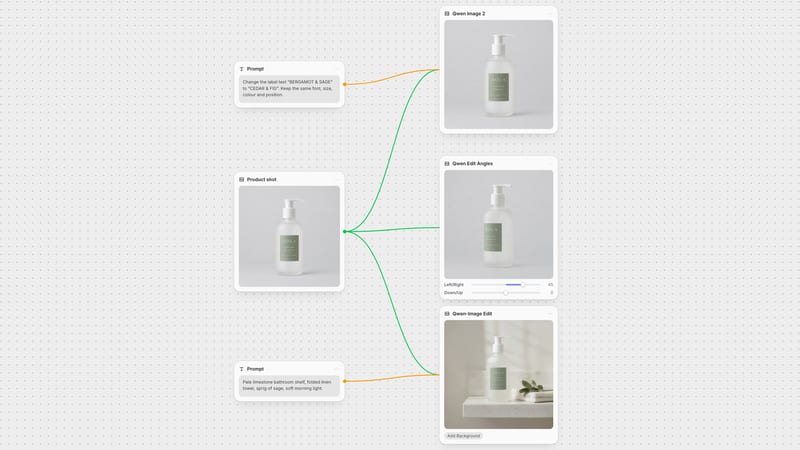
Isolate foreground products from plain studio backdrops and merge them into fully rendered environments complete with matching directional light, surface ambient occlusion, and floor reflections.
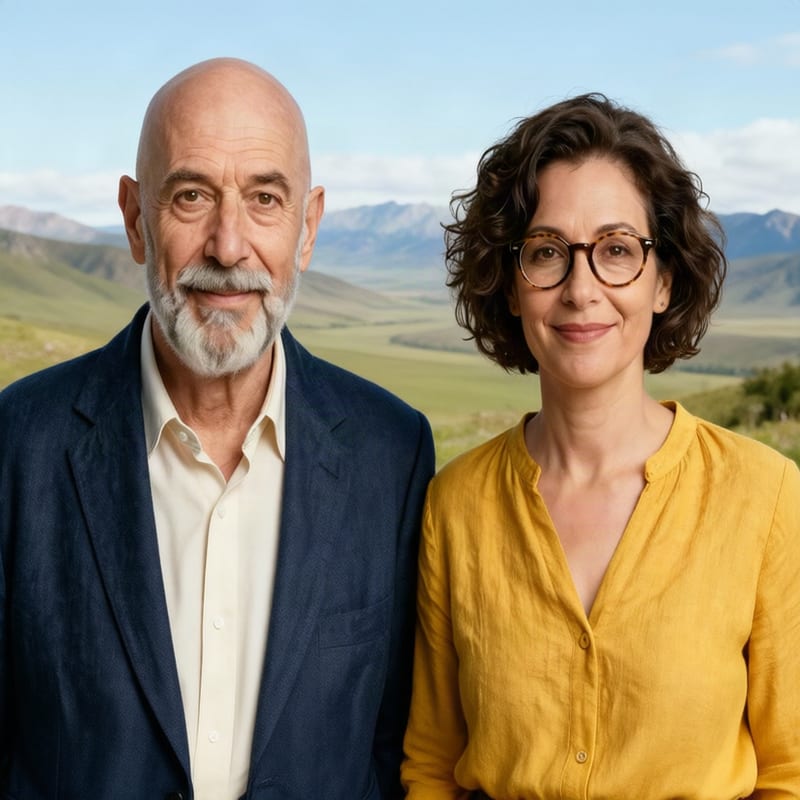
Multi-Subject Portrait Merging
Composite two to four separate individual headshots into a single, cohesive group portrait that balances unified color grading, matching camera focal length, and natural proximity.
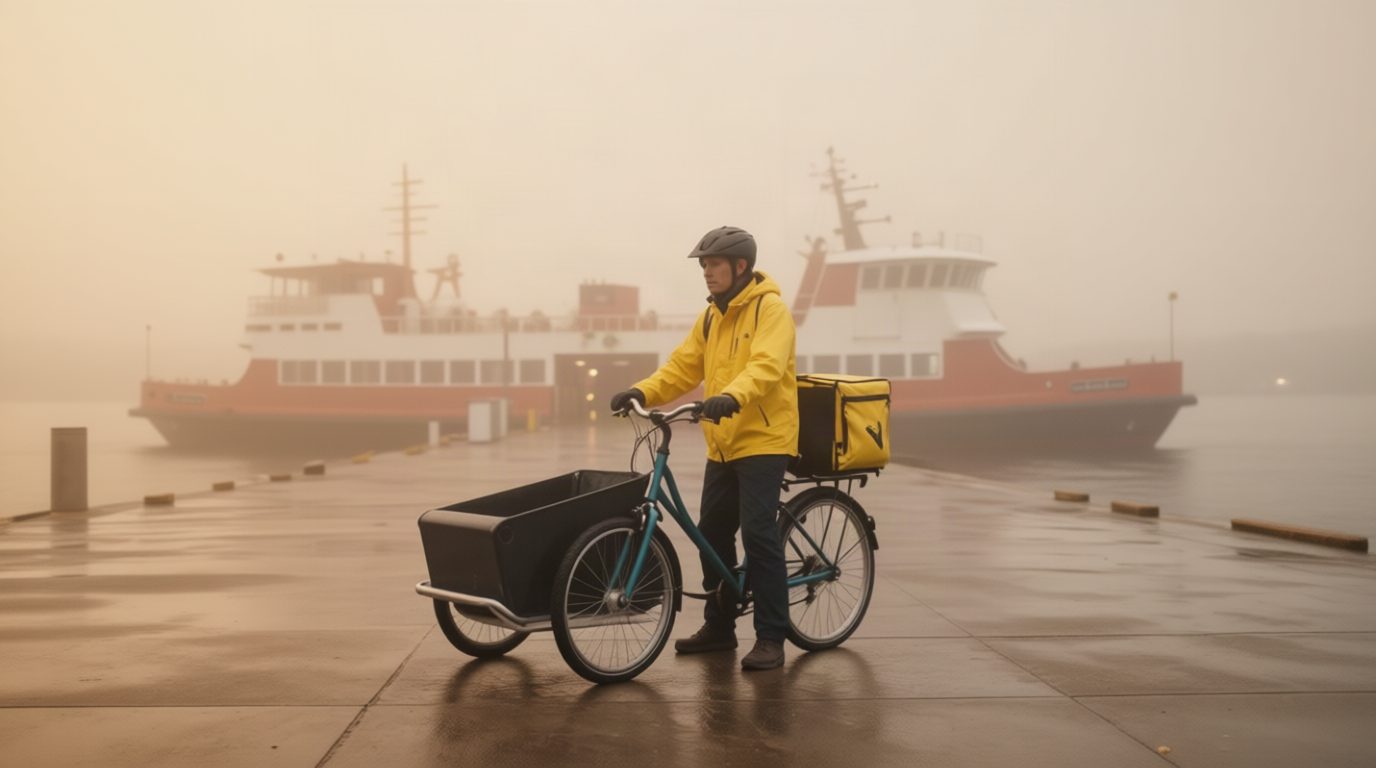
Cinematic Storyboard Progression
Advance existing frames into sequential narrative progressions using the Next Scene trigger, directing camera pans, tilts, and atmospheric shifts while preserving character and environment continuity.
Explore studio-grade product integrations, editorial fashion mockups, and atmospheric cinematic continuations generated across specialized editing modes.
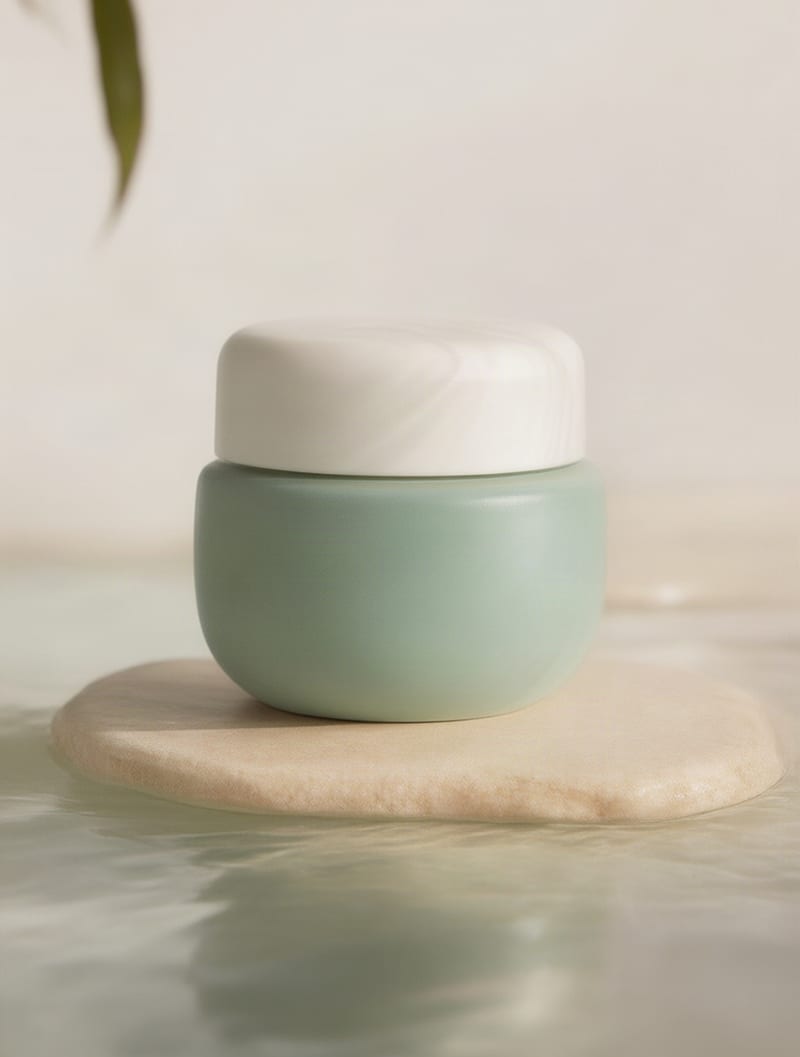
E-commerce cosmetic staging with natural surface reflections
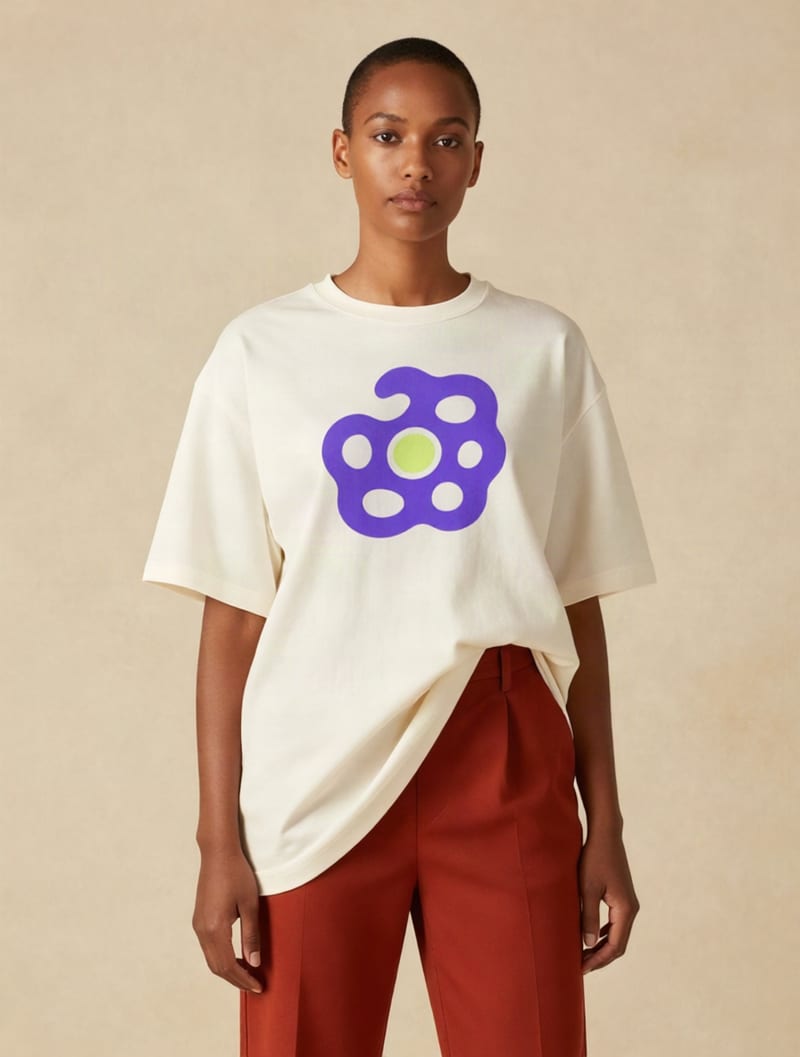
High-fashion editorial apparel mockup with dynamic fabric draping
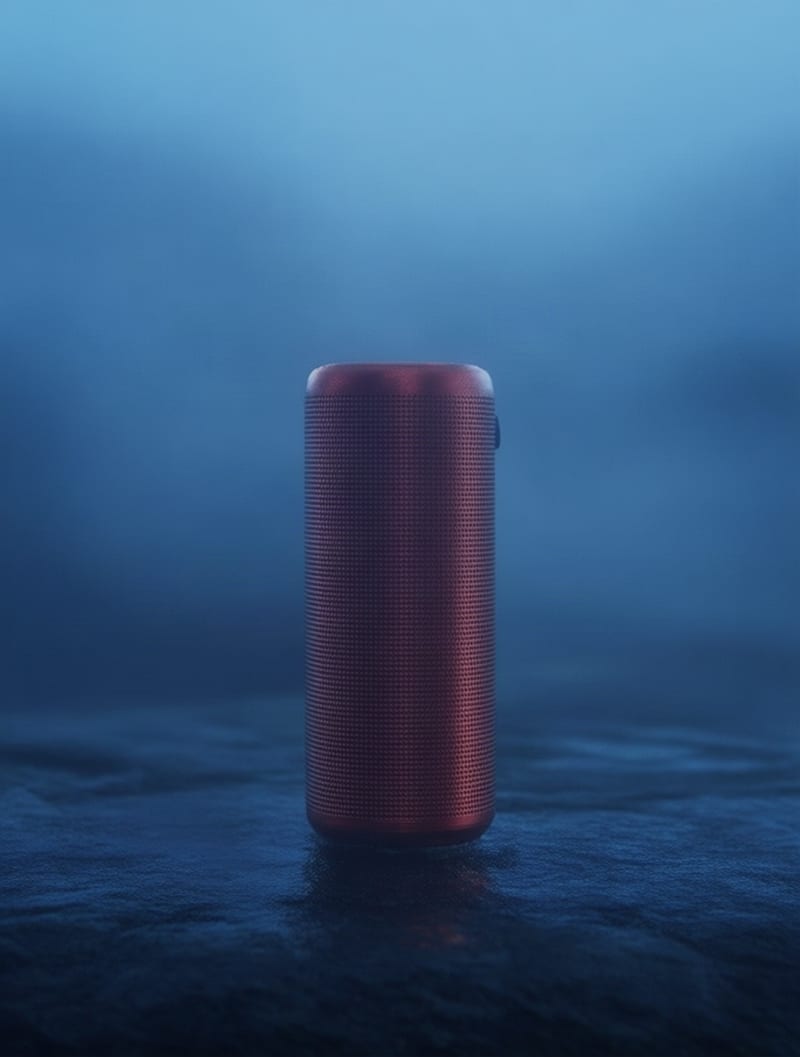
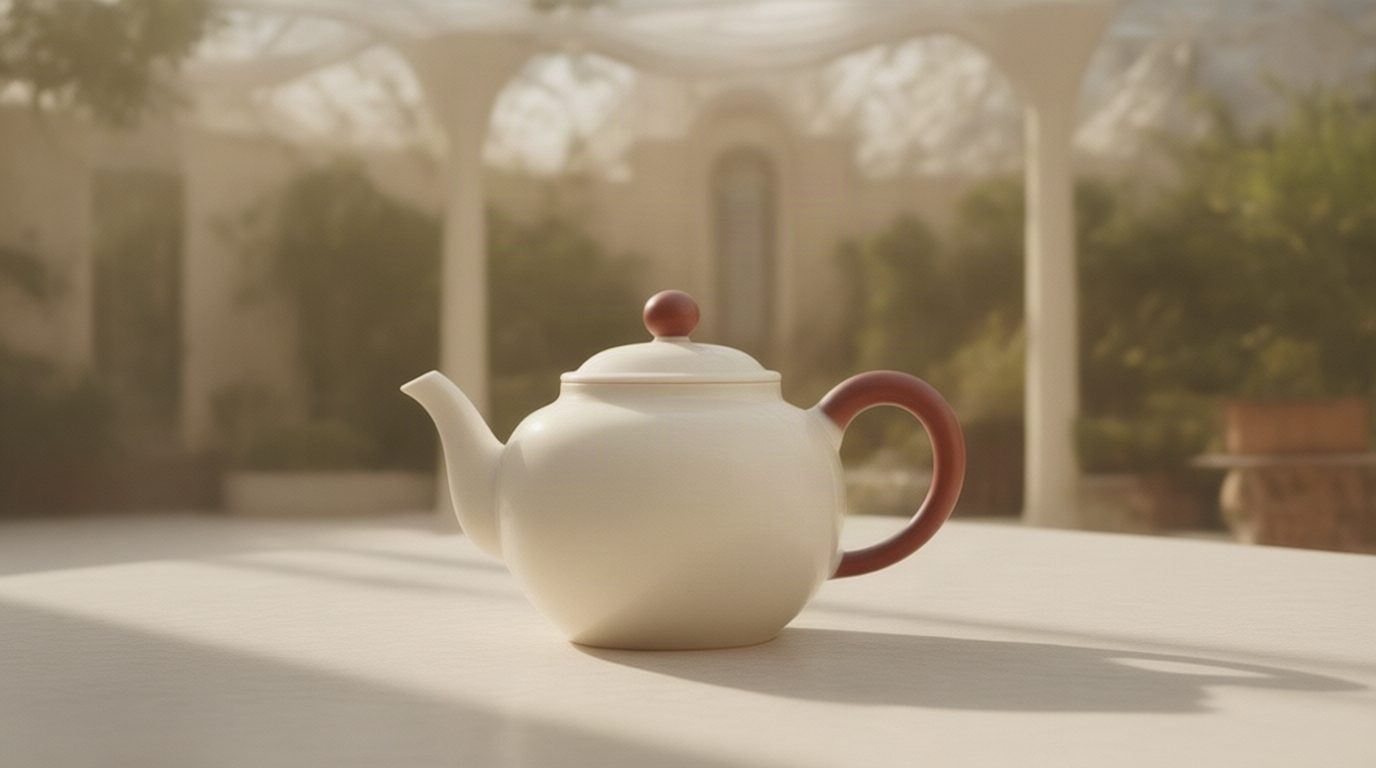
Atmospheric product commercial hero frame
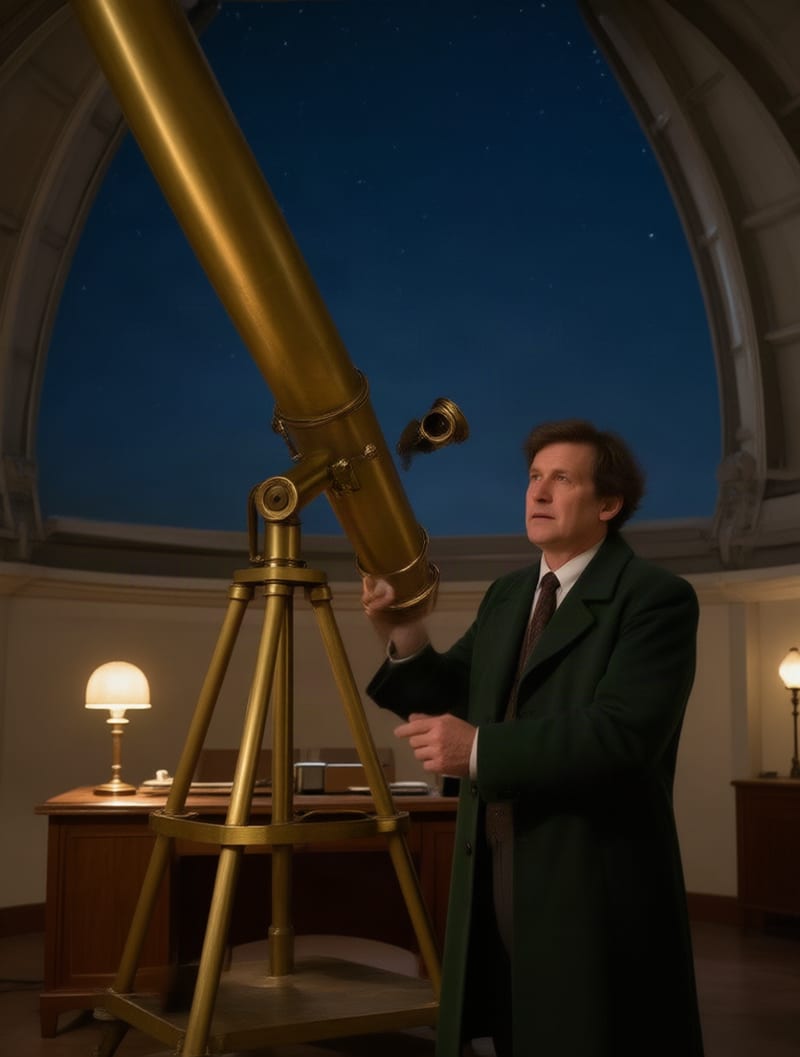
Cinematic next-scene storyboard progression
From e-commerce merchandisers and apparel brands to cinematographers and portrait photographers, see how creators streamline high-touch compositing workflows.
Yes, Qwen-Image Edit is built directly on the Qwen-Image-Edit-Plus and Qwen2.5-VL 20-billion parameter vision-language architecture developed by Alibaba Group. It operationalizes this foundation with specialized LoRA modules optimized for specific image tasks—including background staging, garment graphics mapping, headshot expansion, and cinematic frame continuity.
Choose Add Background when you have an isolated subject on a plain or white background and want the model to generate a brand-new environment from a text prompt. Choose Integrate Product when you already have two specific images—a product and a distinct background photograph—and need the model to blend the product into that target scene with matching 3D perspective, reflections, and contact shadows.
Use the Shirt Design operation when mapping a 2D graphic onto clothing, providing the flat artwork as the first image and the model photo as the second image while using the prompt trigger put this design on their shirt. For transforming a tight face crop into an upper-body or full-body editorial image with custom styling, select the Face to Full Portrait operation.
Select the Next Scene operation and start your prompt with the mandatory prefix Next Scene: followed by your intended camera motion or environmental evolution. For the smoothest cinematic transition, set the effect_strength slider between 0.7 and 0.8 to balance narrative progression with visual scene continuity.
The model accepts up to 4 images depending on the selected task. Shirt Design requires exactly 2 images (the flat graphic and the apparel photo), Group Photo accepts between 2 and 4 individual headshots to blend into a unified composition, and single-subject operations like Add Background or Remove Element take 1 image.
The model is not designed for pixel-perfect virtual try-on where intricate garment stitching or exact proprietary patterns must match 1:1, nor does it generate images purely from text without input imagery. It also struggles with micro-adjustments to individual fingers and ultra-fine latent inpainting, where manual brush masks remain more effective.
Instruction-driven multi-image editing for e-commerce staging, apparel mockups, and cinematic storyboards without manual masking