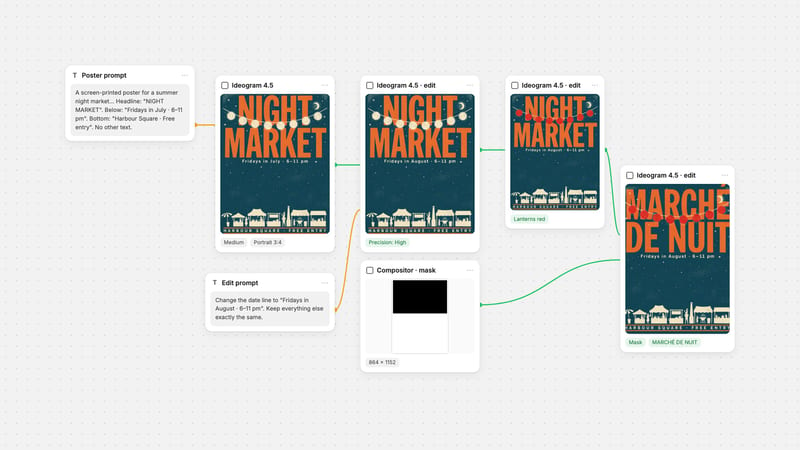
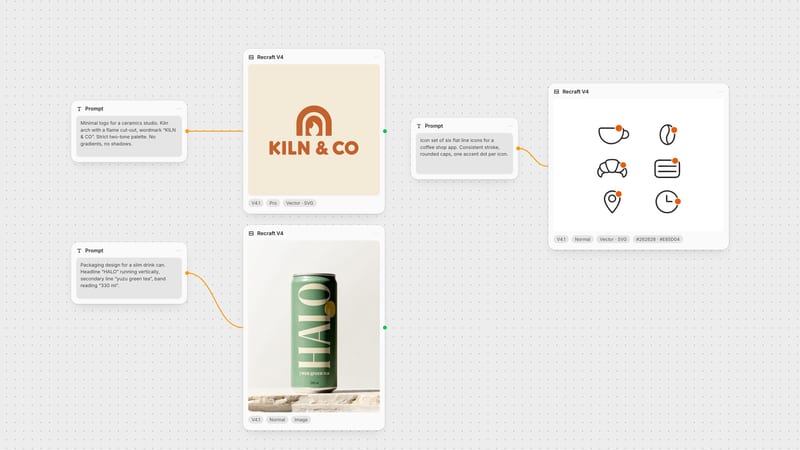
One click, whole workflow
Recipes are here. Package a whole workflow and run it in one click
Explore recipesOne click, whole workflow
Recipes are here. Package a whole workflow and run it in one click
Explore recipesbyRecraft
Restore razor-sharp contours, clean typography, and pristine gradients across digital illustrations and UI assets without generative hallucinations
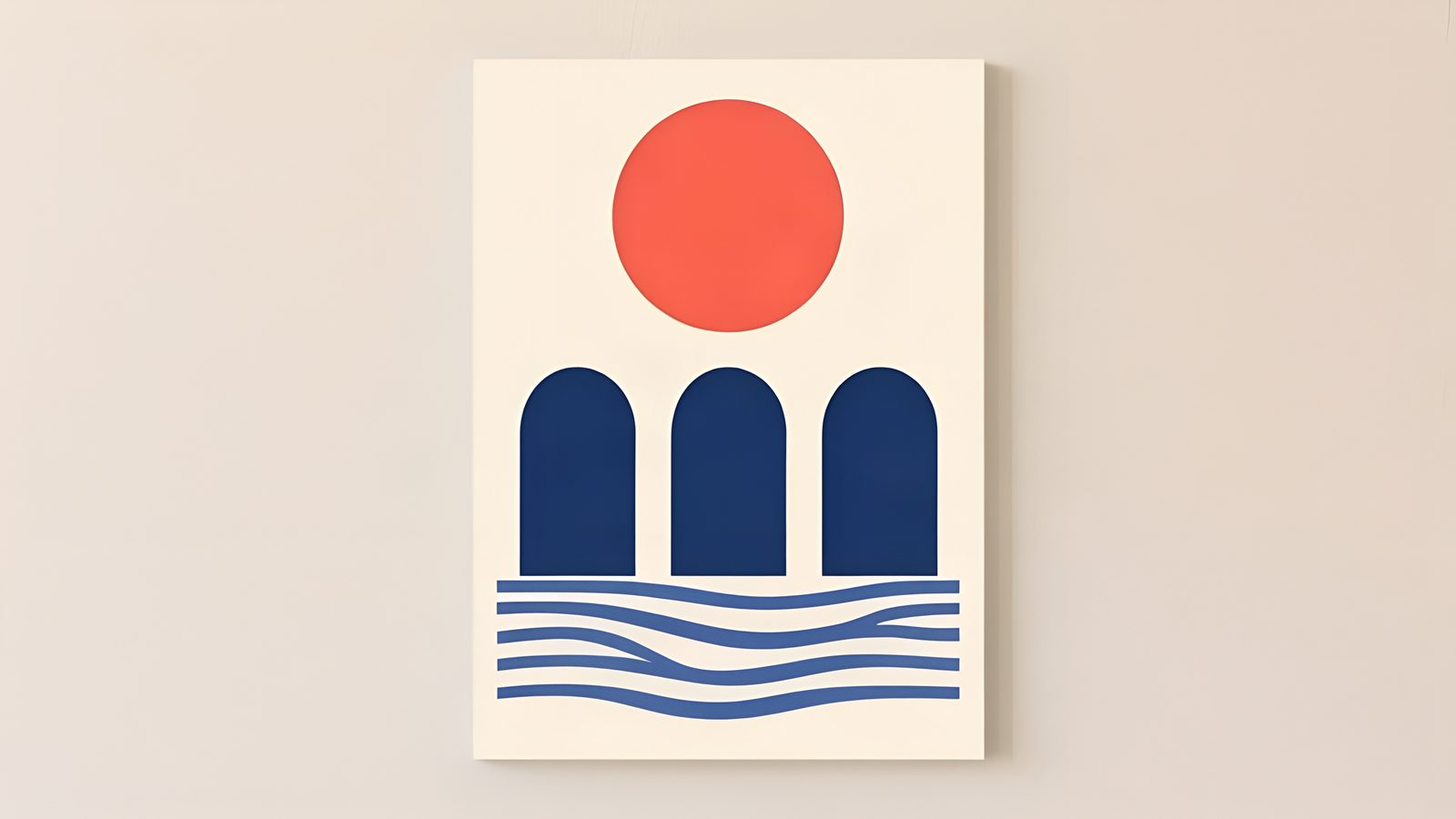
Transform low-resolution raster graphics, interface designs, and digital illustrations into sharp, print-ready files through a non-generative restorative pipeline.
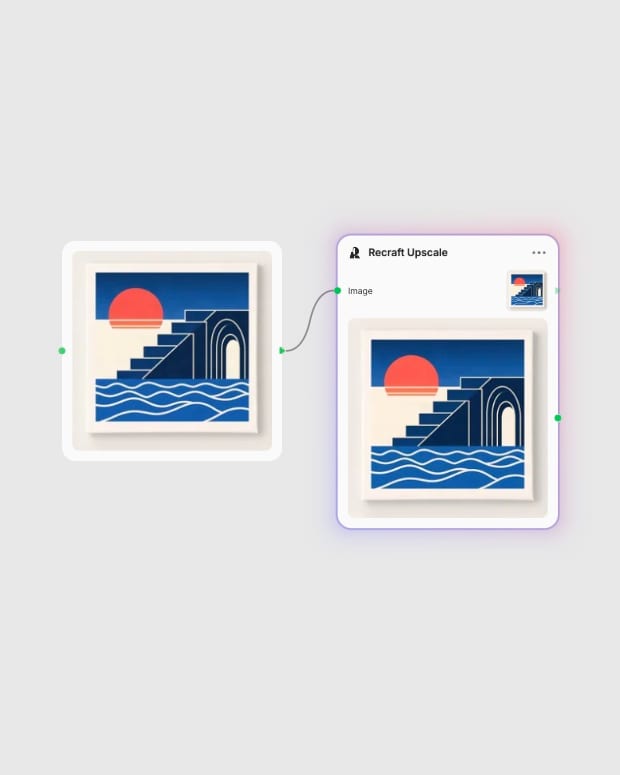
Upload your digital asset
Provide a PNG raster image, UI mockup, or digital vector graphic up to four megapixels.
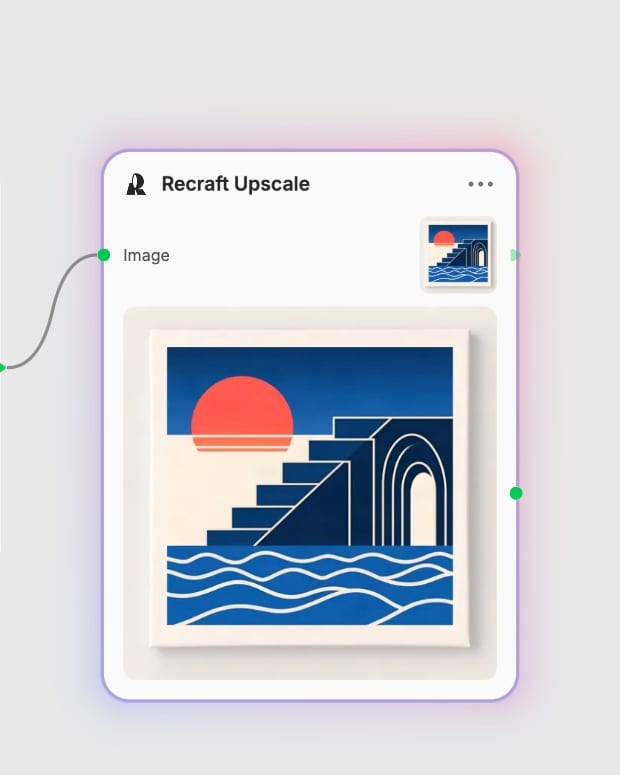
Run edge-preserving reconstruction
The 4x clarity model strips compression noise and sharpens blurry boundaries without altering geometry.
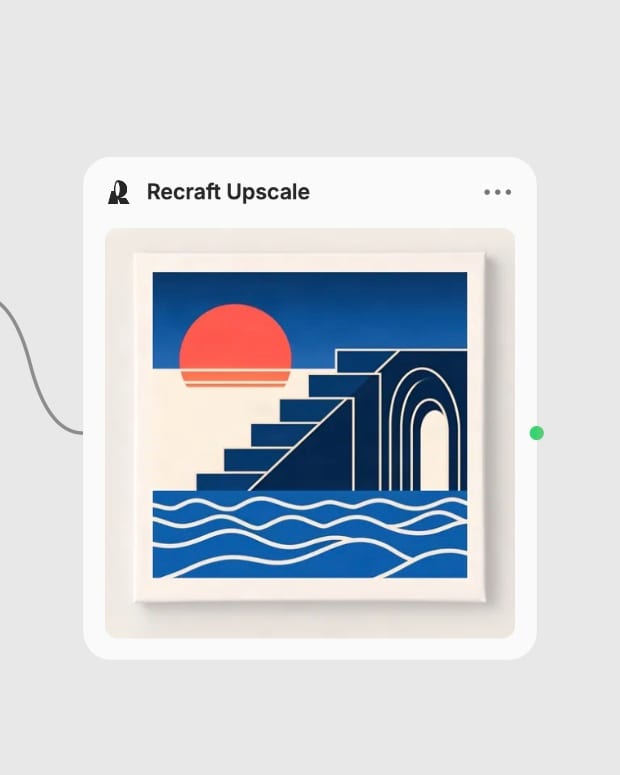
Export high-resolution output
Download a pristine, print-ready image with crisp typographic lines and smooth gradients.
Engineered specifically for structural integrity, delivering 4x super-resolution with pristine edge preservation, zero compression noise, and uncompromised typography.

Edge-Preserving Line Reconstruction
Sharpens vector silhouettes and icon boundaries cleanly without rounding corners or generating artificial fuzzy contours.
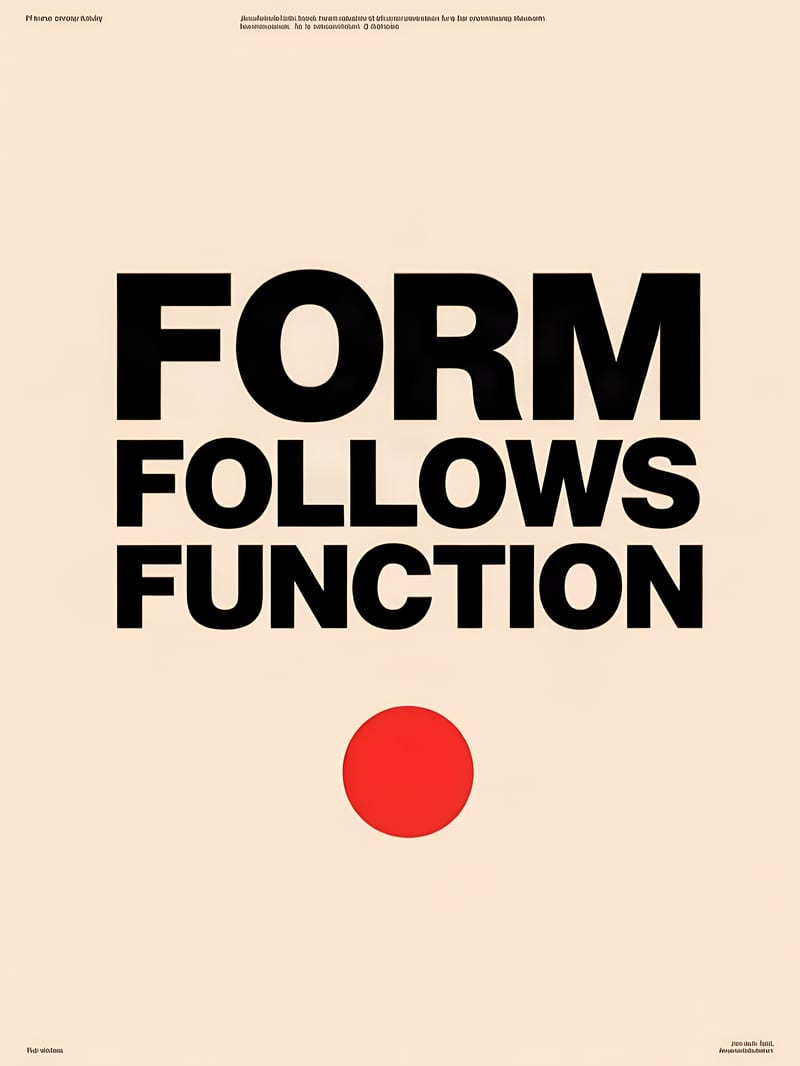
Flawless Typography Retention
Preserves exact letterforms and sub-pixel text kerning in user interfaces and graphic layouts without generative distortion.
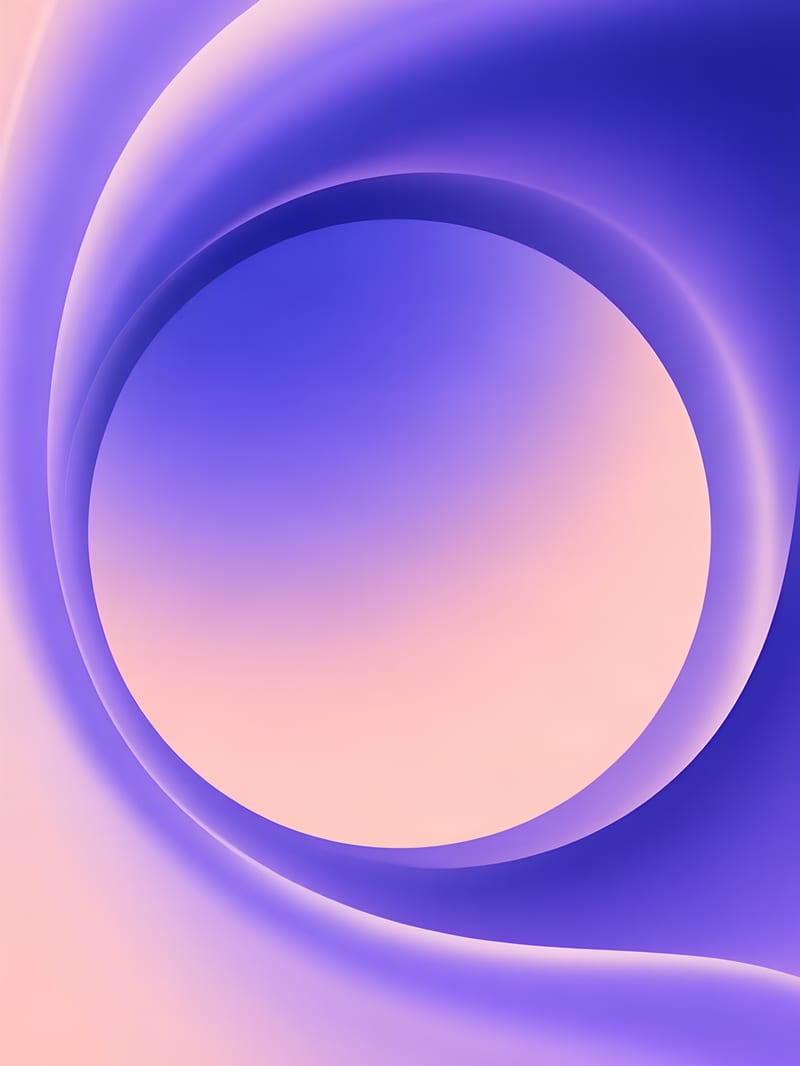
Clean Gradient De-Noising
Eliminates JPEG blockiness, color banding, and compression noise while maintaining silky-smooth tonal transitions across flat fills.
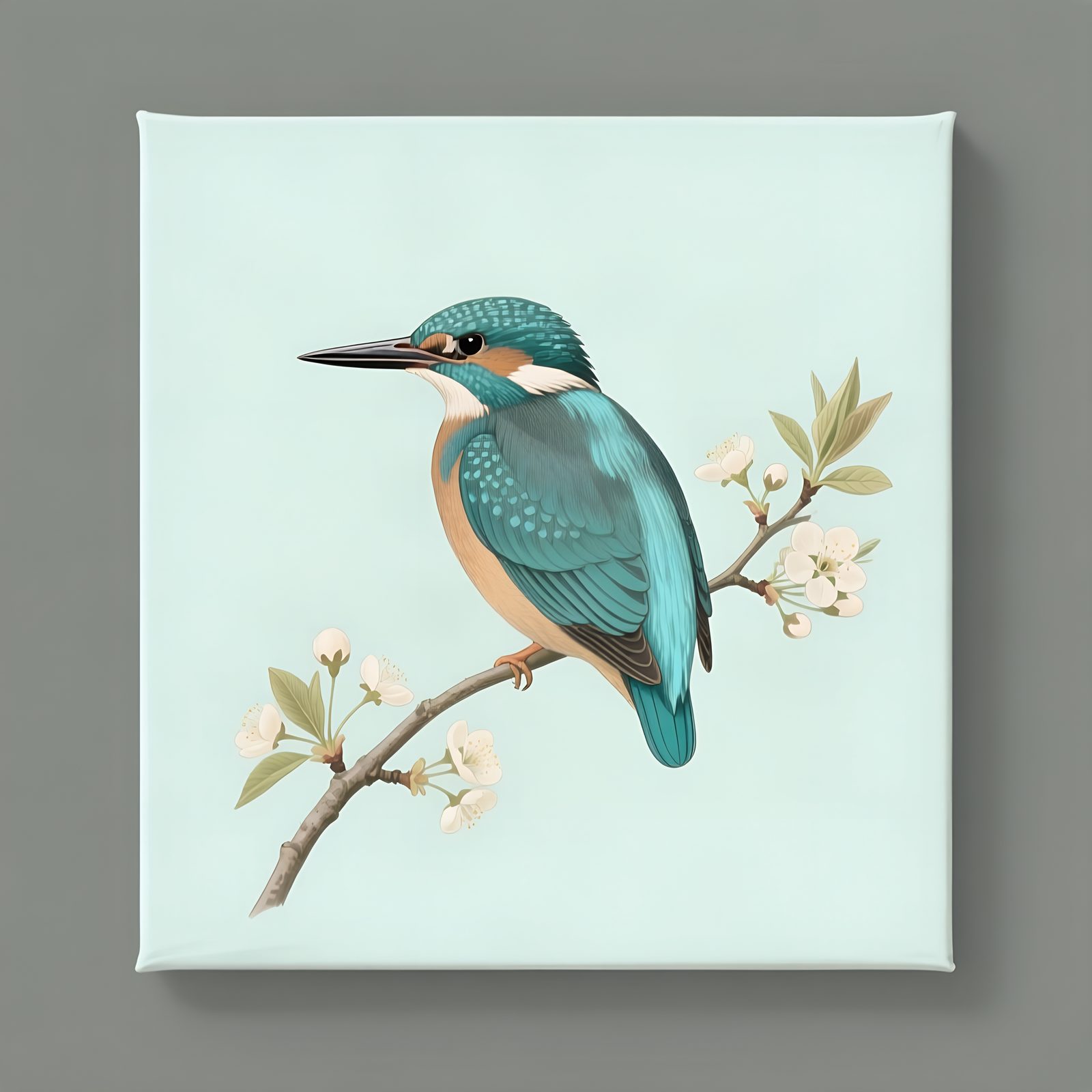
Restorative 4x Scaling
Multiplies linear resolution fourfold up to 4096px without hallucinating synthetic skin pores, hairs, or unwanted painterly brushstrokes.
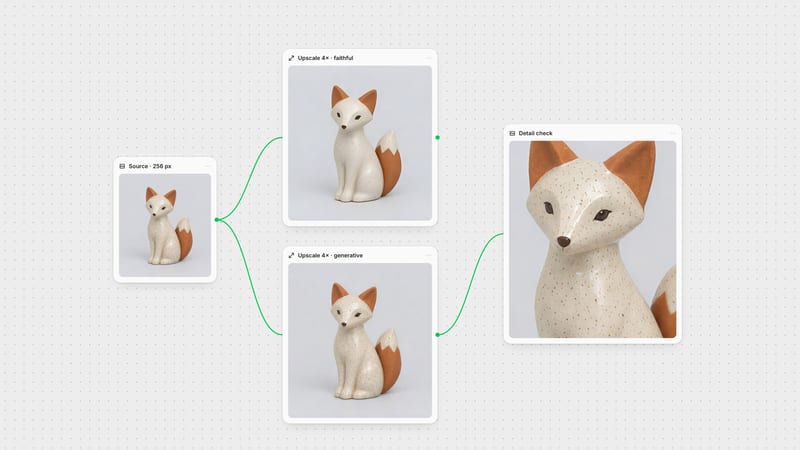
Explore how non-hallucinatory clarity upscaling preserves precise geometry, material finishes, and high-contrast color fields across design, editorial, and commercial formats.
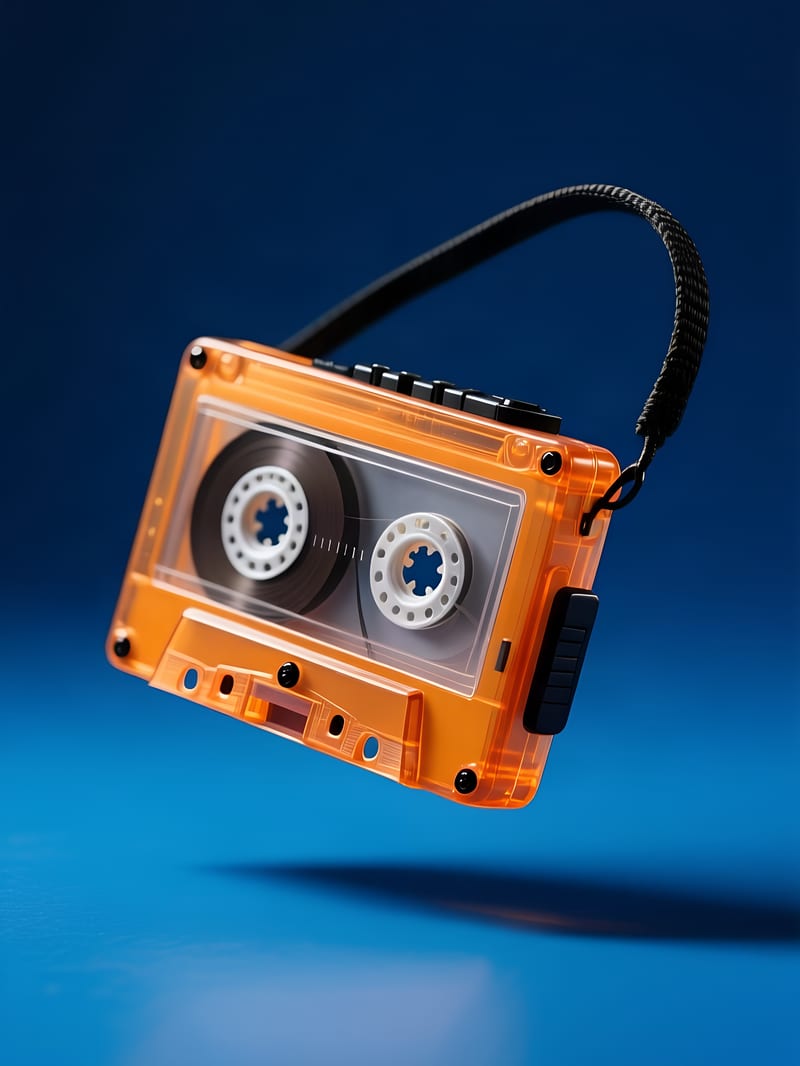
High-contrast product commercial visual
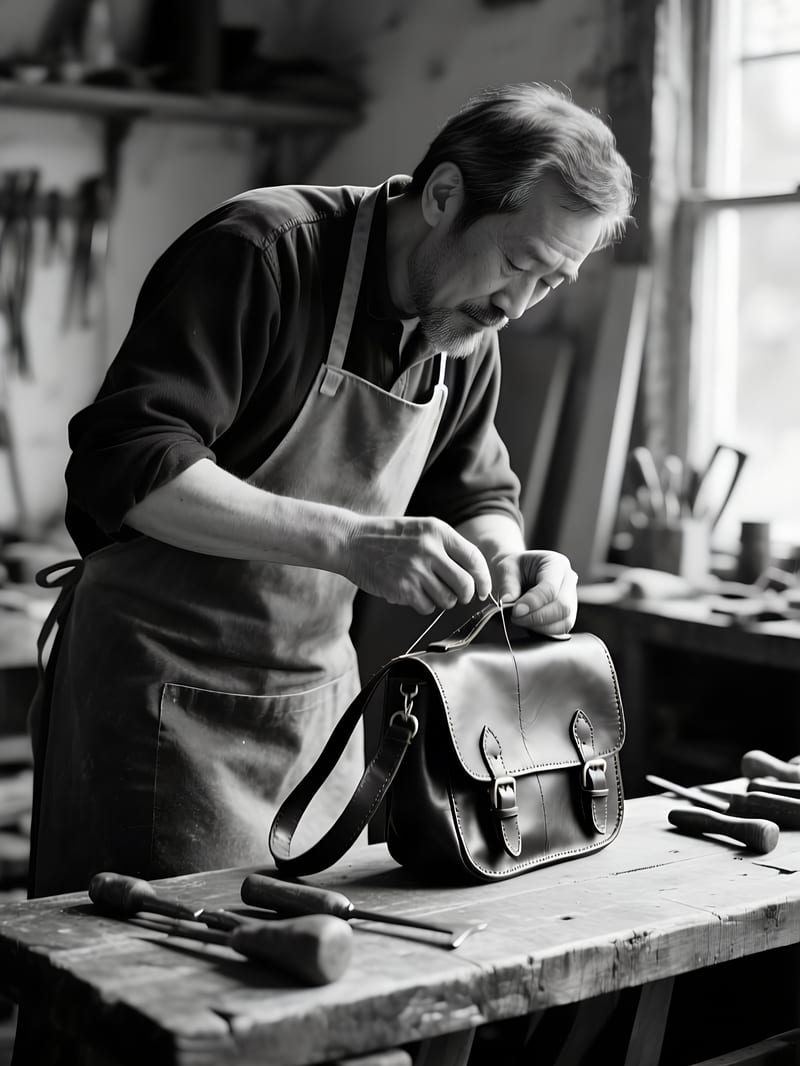
Archival documentary craftsmanship
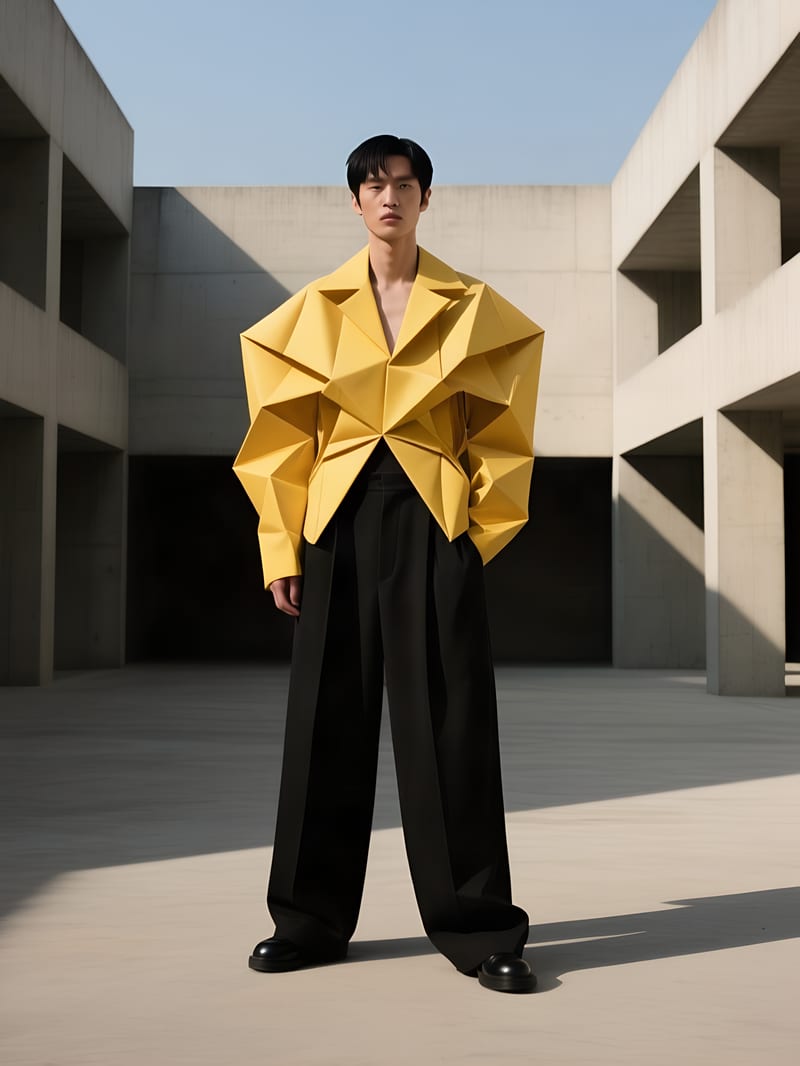
Avant-garde editorial fashion still
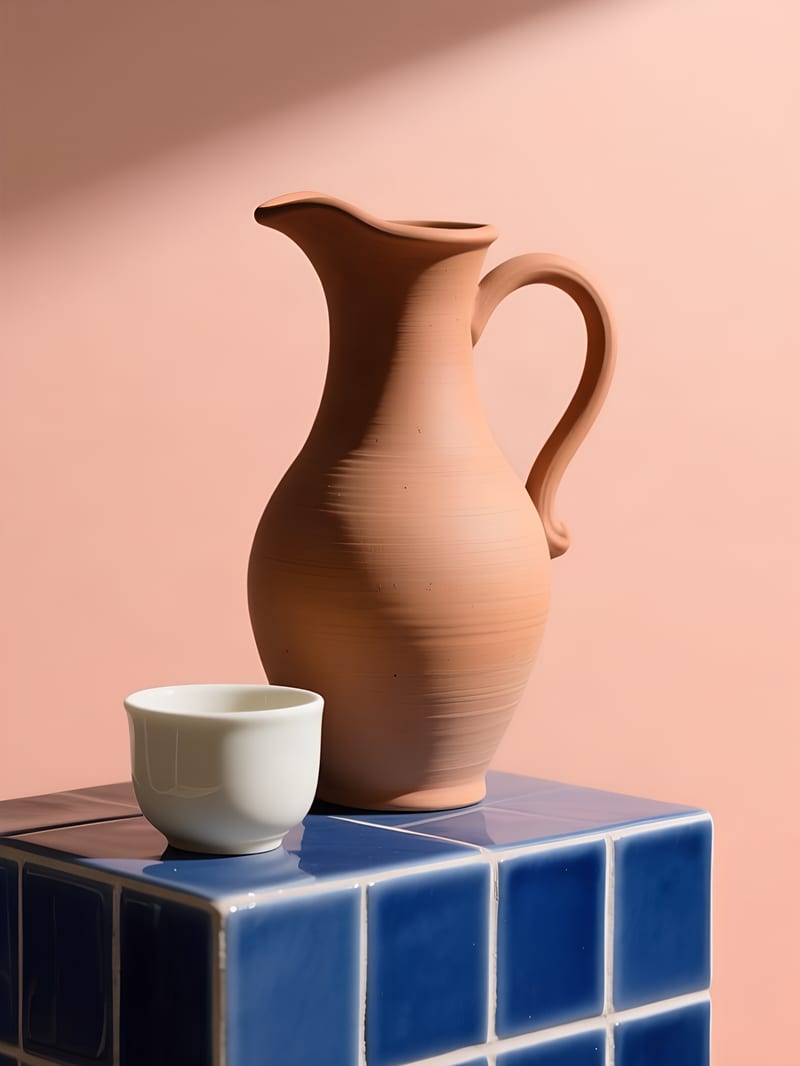
E-commerce ceramic design capture
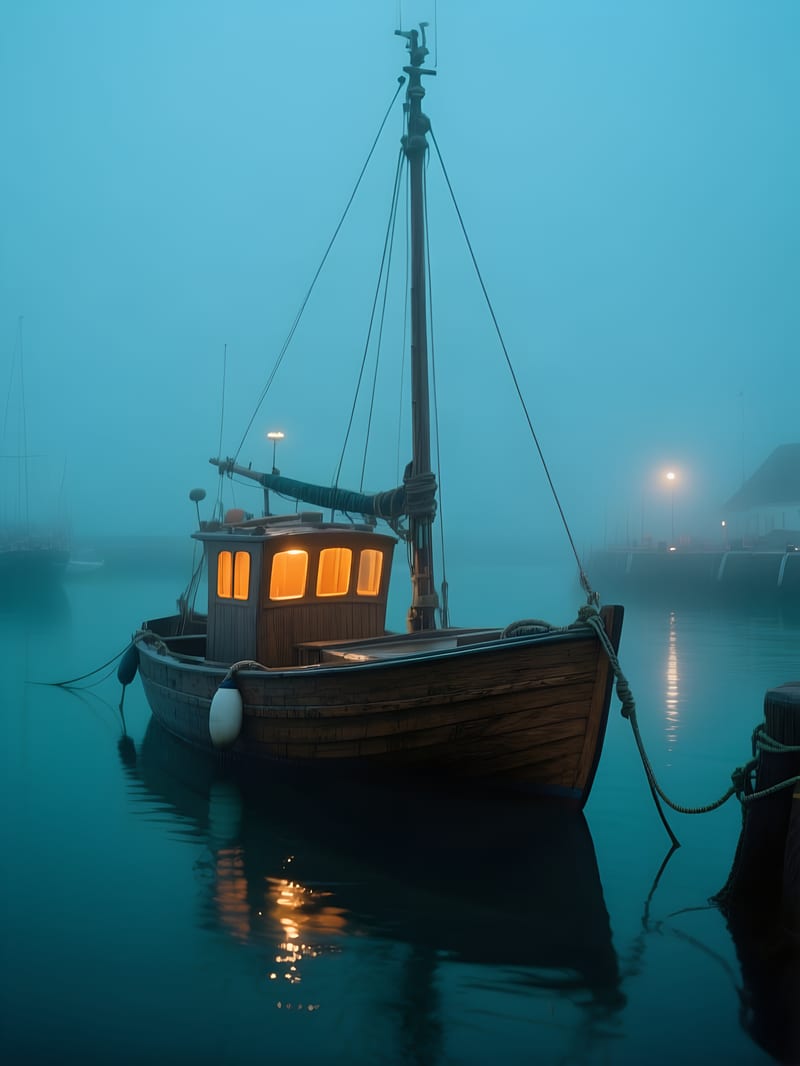
Cinematic nautical film still
Discover how graphic designers, UI teams, print publishers, and brand studios use clarity upscaling to prepare crisp assets without creative distortion.
Yes, Clarity Upscale and Crisp refer to the exact same 4x super-resolution engine built by Recraft. Crisp is the internal identifier and endpoint label for the clarity upscaling pipeline, engineered for non-hallucinatory edge and line restoration.
Recraft Clarity Upscale is optimized for vector artwork, digital illustrations, UI mockups, icons, typography, and clean graphic design assets. It excels at preserving exact geometric edges, text kerning, and smooth gradients while removing compression noise and blur.
Avoid using this model on heavily degraded archival photos when you need the AI to invent missing textures like skin pores, hair follicles, or distant foliage. Because it operates as an intelligent restorative de-noising and sharpening network rather than a creative diffusion painter, it will not synthesize new organic details.
Provide un-upscaled raster images in PNG format under 4 megapixels, with at least 32 pixels along the shortest dimension. Using PNG inputs prevents compounding JPEG block compression artifacts, yielding clean 4x output resolution up to 4096px.
Restore razor-sharp contours, clean typography, and pristine gradients across digital illustrations and UI assets without generative hallucinations