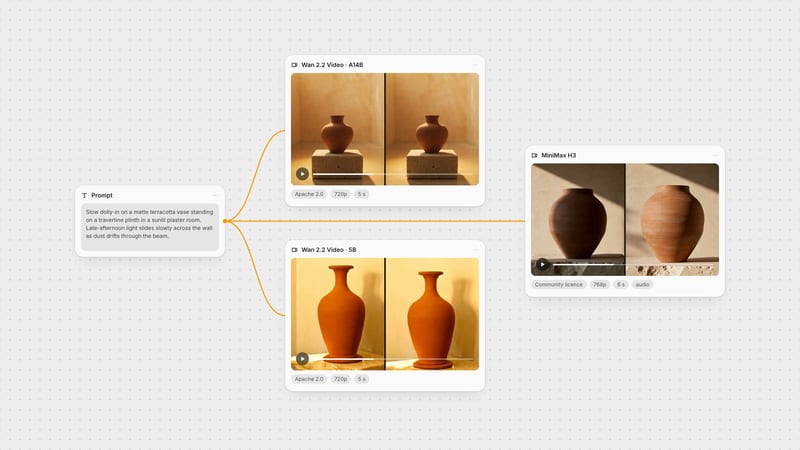
One click, whole workflow
Recipes are here. Package a whole workflow and run it in one click
Explore recipesOne click, whole workflow
Recipes are here. Package a whole workflow and run it in one click
Explore recipesbyAlibaba Group (Tongyi Lab / Wan-AI)
Naturalistic, film-graded clips with camera moves that read as intentional, from a quick draft to a final render, driven by a prompt, a still or footage
Write the shot the way a cinematographer would, or hand it a still. Draft on the fast tiers, then commit the keeper to Pro.
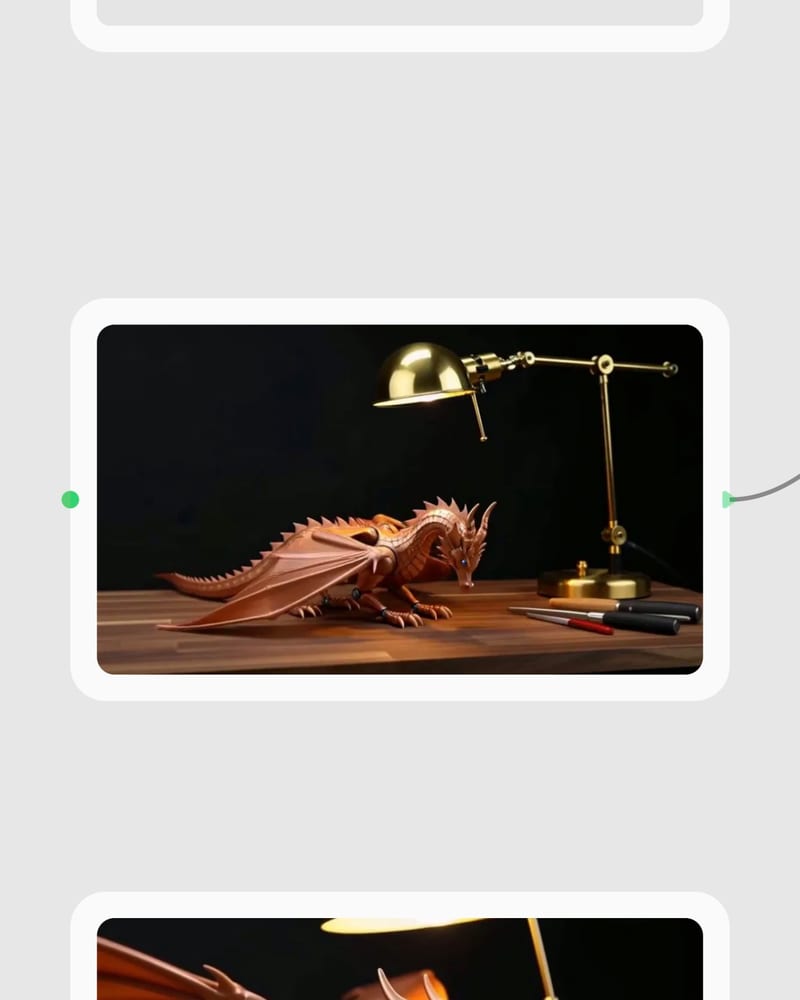
Frame the shot
Write a prompt in subject, action, camera, light order, or add a first frame and an optional end frame.
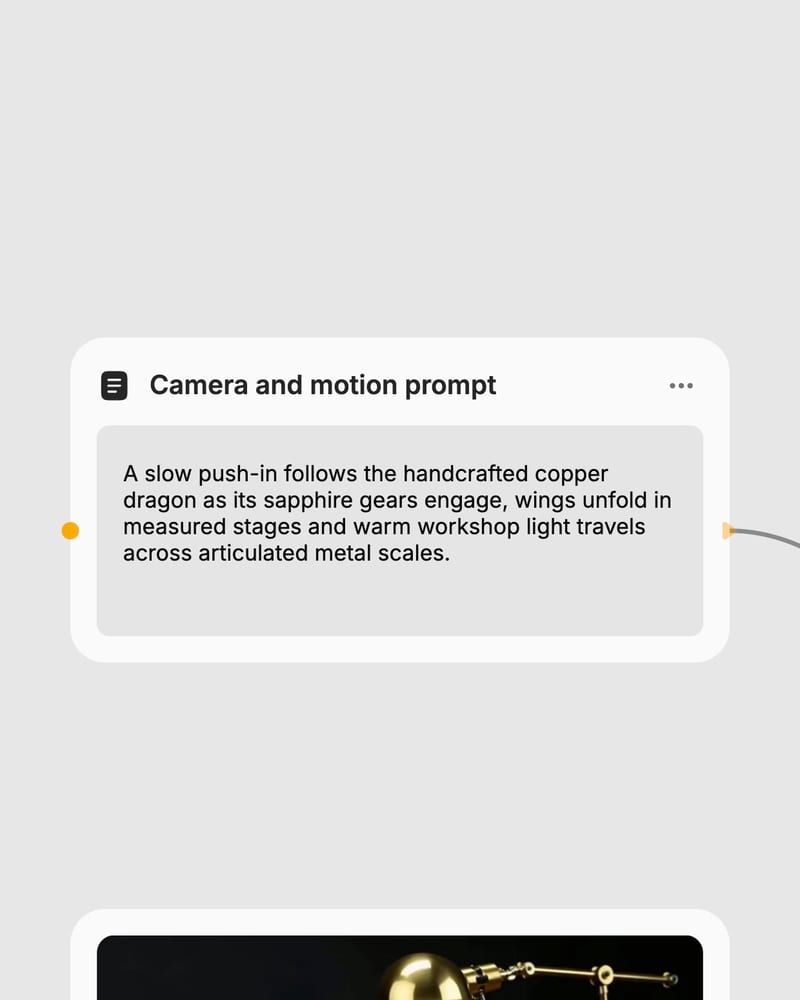
Pick a tier and tune motion
Choose Lite for drafts or Pro for finals, then set shift and guidance to steer how calm or energetic the move feels.
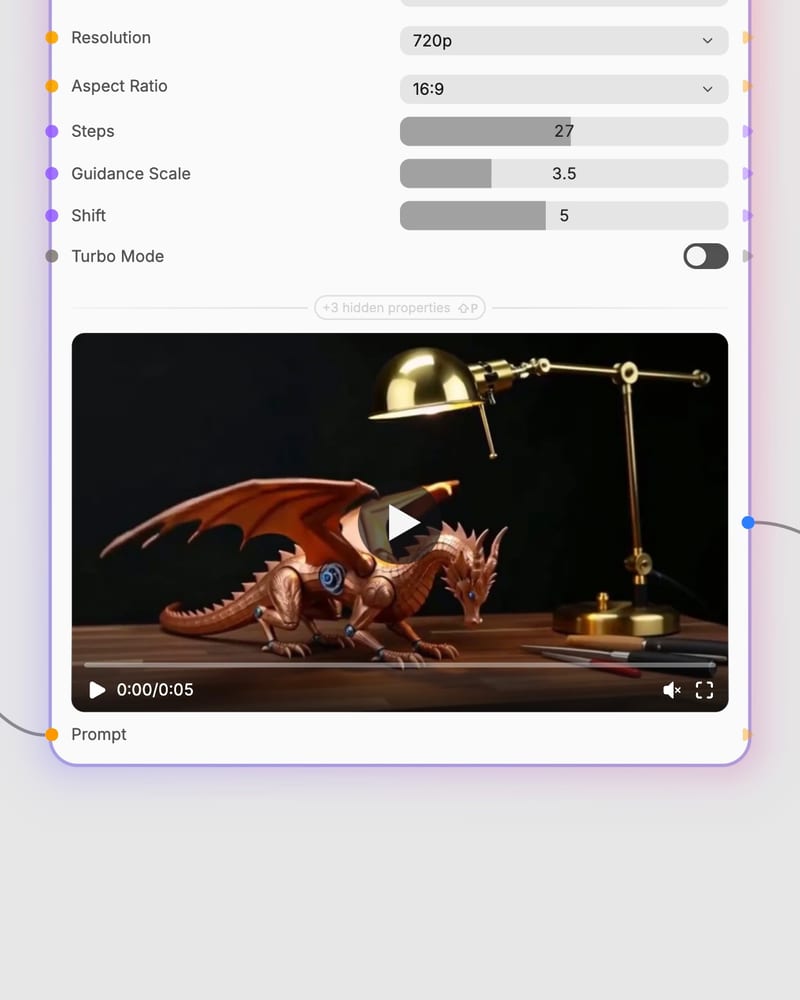
Render and iterate
Generate 81 to 121 frames at up to 720p, then rerun the keeper on Pro.
Shot-language control, a two-stage Pro engine, first-to-last frame bridging and a ladder from quick drafts to final quality.
Short, film-lit clips that lean on light, haze, glass, steam and fabric: the textures and camera moves this model handles best.
Directors, photographers, brand editors, social creators and musicians reach for it when a few seconds of believable cinematic motion is the job.
Lite (5B) is for fast drafts; Pro (14B) is for final quality. Lite is softer, less detailed and tends toward gentler motion. Pro gives better detail, prompt adherence and motion, and is the only tier that supports an end frame and video-to-video.
Use turbo for most text-to-video and image-to-video work: it keeps Pro quality with only a slight loss of very fine detail. Standard Pro is slower, so reserve it for finals where fine detail matters most. Turbo isn't available for video-to-video.
Pro image-to-video with turbo is the default for animating stills. Use standard Pro image-to-video for the highest-quality result or for first-to-last-frame transitions with an end image. Lite image-to-video is for quickly checking whether a motion idea works, but it has no end-frame support.
Clips run 81 to 121 frames, which at 24 fps is about 3.4 to 5 seconds. Longer clips raise the chance of identity drift. If you need more than about 5 seconds of continuous action, this isn't the right model.
No. It is weak at legible on-screen text, synced dialogue and generated audio, and it isn't built for native 1080p or higher output. It's also a poor fit for tightly choreographed multi-person scenes, where identity drifts and unrequested actions appear.
Wan 2.2 comes from Alibaba's Tongyi Lab (Wan-AI) and was released in July 2025 as an open-weight model under Apache 2.0, succeeding Wan 2.1.
Naturalistic, film-graded clips with camera moves that read as intentional, from a quick draft to a final render, driven by a prompt, a still or footage