One click, whole workflow
Recipes are here. Package a whole workflow and run it in one click
Explore recipesOne click, whole workflow
Recipes are here. Package a whole workflow and run it in one click
Explore recipesbyAlibaba (Tongyi Lab / Wan team)
Direct a polished, cinematic mini-scene with cuts, spoken dialogue, foley and a music bed, all from a single prompt
Write the scene like a shot list. Timed brackets set the cuts, quoted lines set the voices, and optional images, tracks or reference clips set the look and the sound.
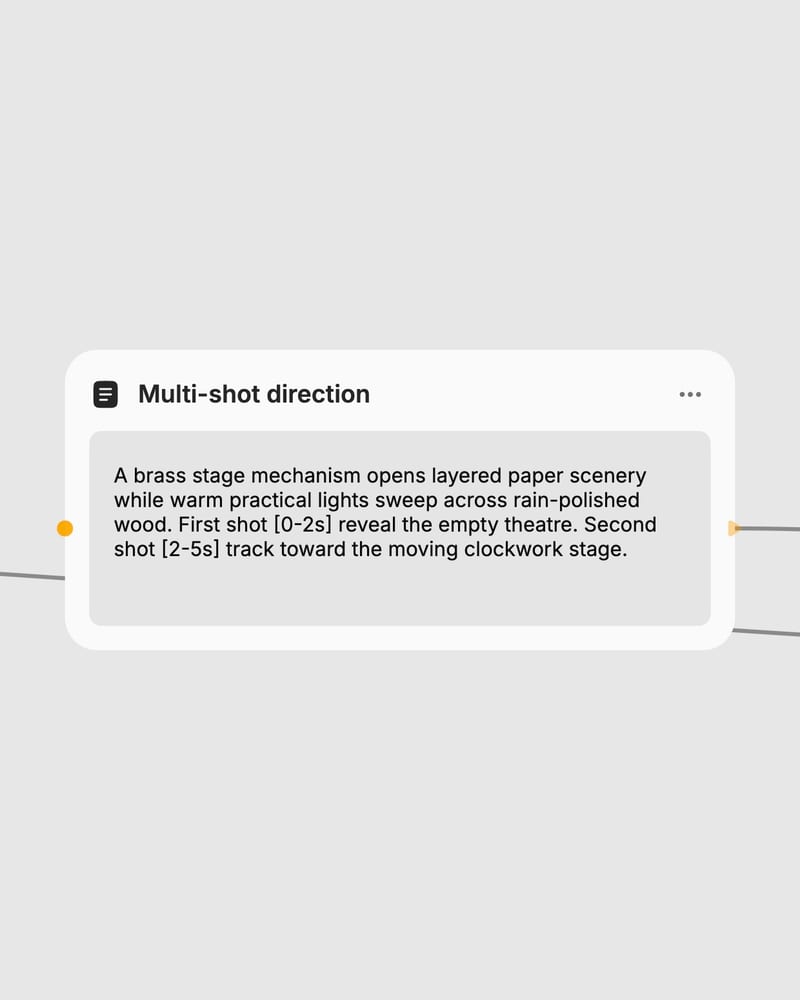
Structure your multi-shot timeline
Write an overall scene, then timed shots like 'First shot [0-5s]' with camera moves, transitions and quoted dialogue.
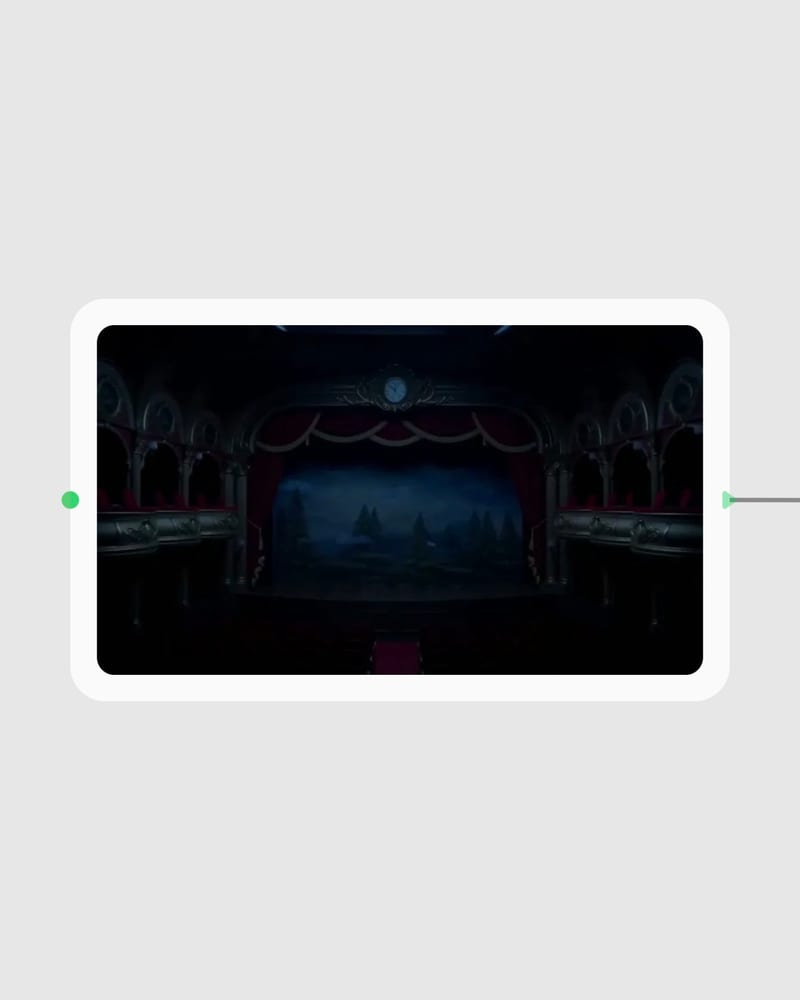
Link reference assets and audio
Add a first-frame image, a music track, or up to three reference videos tagged @Video1 to @Video3 in your prompt.
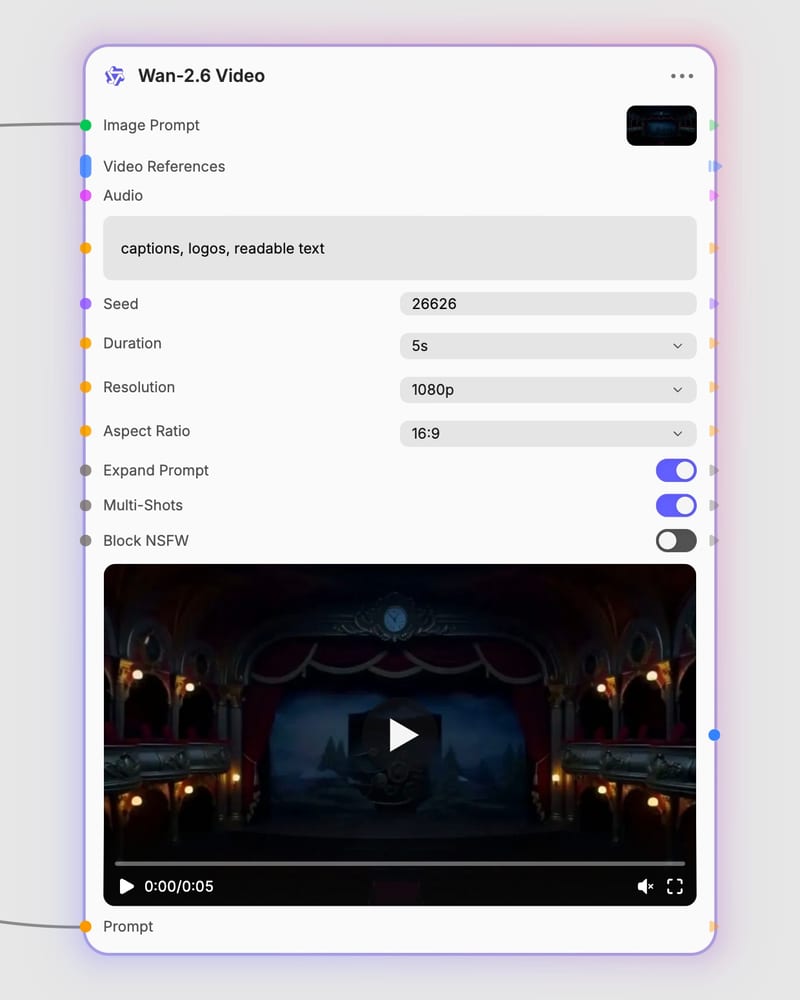
Render the synced sequence
Pick 5, 10 or 15 seconds at 720p or 1080p, then generate cuts, lip-synced speech and sound in one pass.
Cuts that keep their continuity, mouths that follow the words, and identity that survives a new scene: this is built for short narrative clips rather than single-shot loops.
A gallery of 5 to 15 second clips: macro liquid, gliding interiors, a spoken cut, a music-driven monolith and a footwear study, each with sound included.
Ad makers, filmmakers, product designers and musicians reach for it when a finished short needs picture, speech and score together.
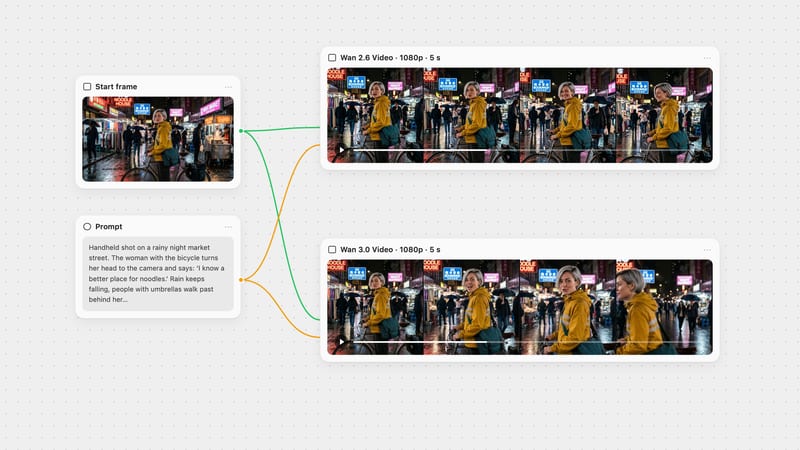
They differ in what anchors the clip. Text-to-video starts from words alone, for concept scenes, multi-shot stories and ads, but character and product looks vary between seeds. Image-to-video uses your still as the first frame, though later shots can drift from it. Reference-to-video carries a person, animal or object from your footage into new scenes.
Use reference-to-video. Upload up to three clips and tag them @Video1 to @Video3 in the prompt, and the subject's look and voice carry into the new scene. Output is capped around 10 seconds, the aspect ratio setting is ignored, and clear, well-lit references give cleaner identity.
Up to 15 seconds, in 5, 10 or 15 second options, at 720p or 1080p. It is the wrong choice for longer continuous footage. When using multi-shot, make your timed shots add up to the duration you select.
Yes. Dialogue, effects and music are generated in the same pass, with lip-sync that tracks the speech. Put lines in quotes and say who speaks. You can also upload a track as background music, but it is truncated to the clip length, and it is likely ignored when reference videos supply the voice.
Exact on-screen text and logos can garble, and acrobatic or physically demanding human motion can look floaty or stiff. Voices can drift with many speakers or long dialogue. Turn multi-shot off for a single continuous take, or unwanted cuts can appear.
Wan 2.6 comes from Alibaba's Tongyi Lab Wan team and was released in December 2025. It is a commercial, hosted-only model, so it is not suited to fully local or open-weight workflows.
Direct a polished, cinematic mini-scene with cuts, spoken dialogue, foley and a music bed, all from a single prompt