One click, whole workflow
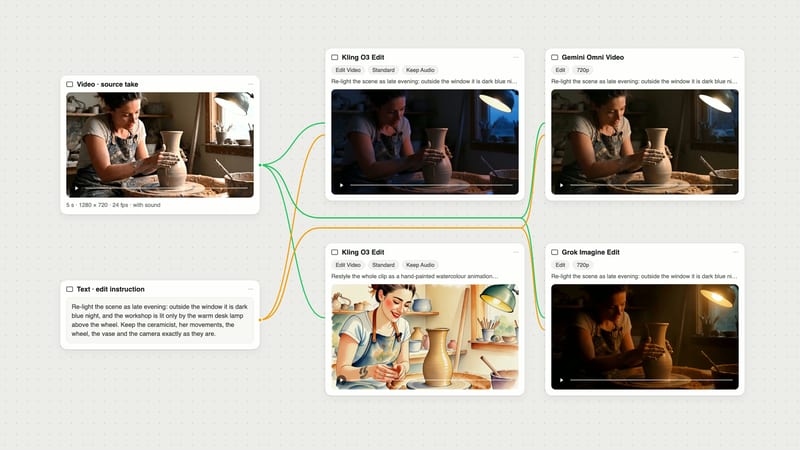
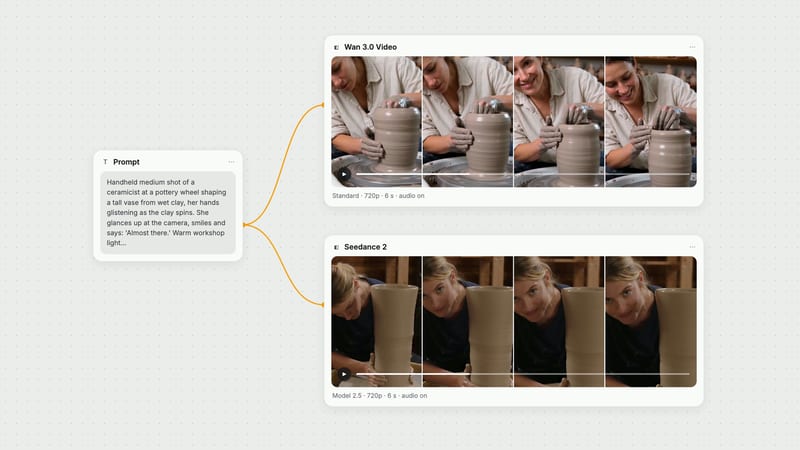
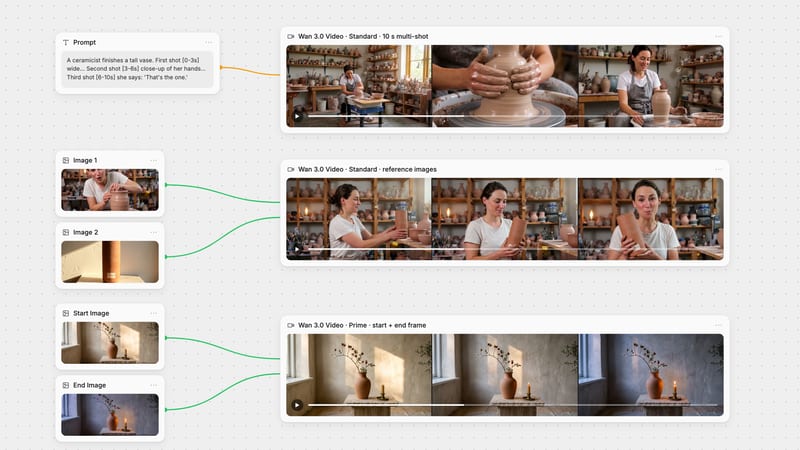
Recipes are here. Package a whole workflow and run it in one click
Explore recipesOne click, whole workflow
Recipes are here. Package a whole workflow and run it in one click
Explore recipesBurn synchronized, high-contrast subtitles into video clips with customizable typography and screen placement
Convert raw spoken video into captioned, platform-ready content in three quick adjustments.
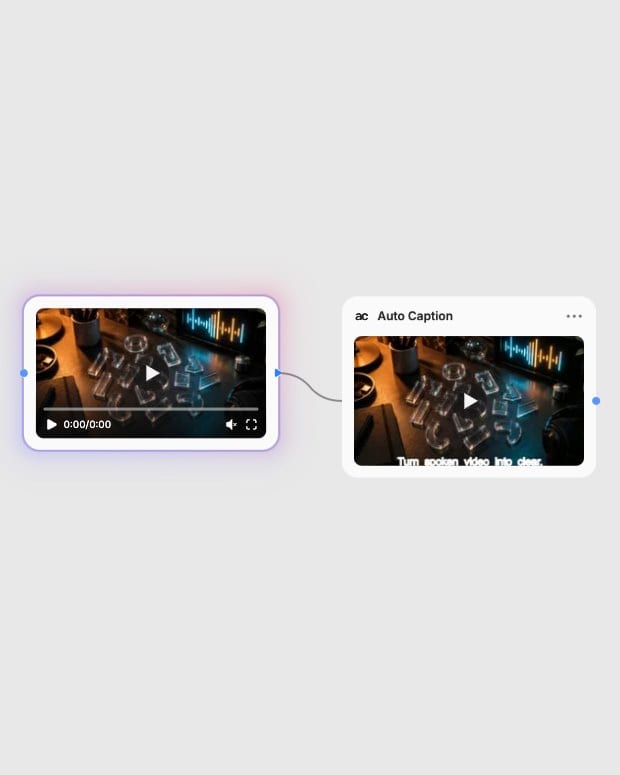
Upload source footage
Provide your video file under 400MB containing clear spoken dialogue and audible vocal audio.
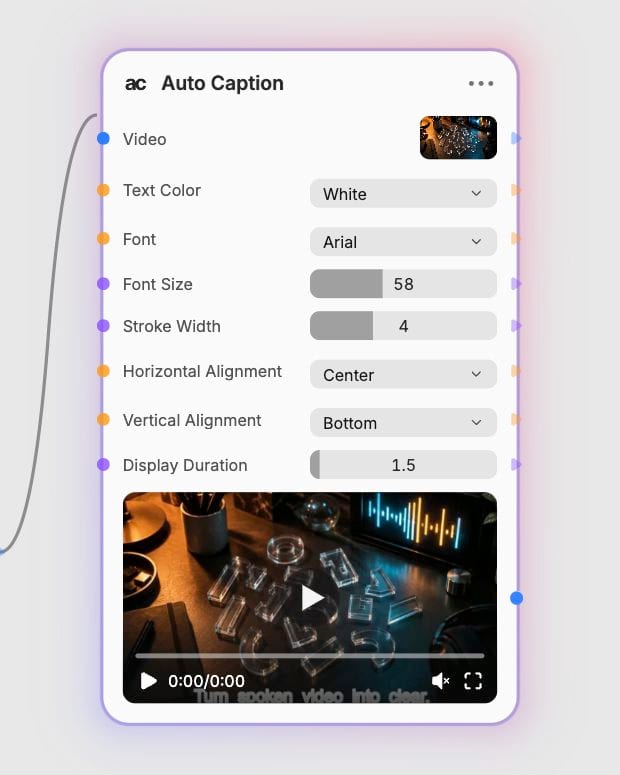
Configure caption styling
Select font, text color, outline stroke width, alignment, and display refresh duration to match your visual branding.
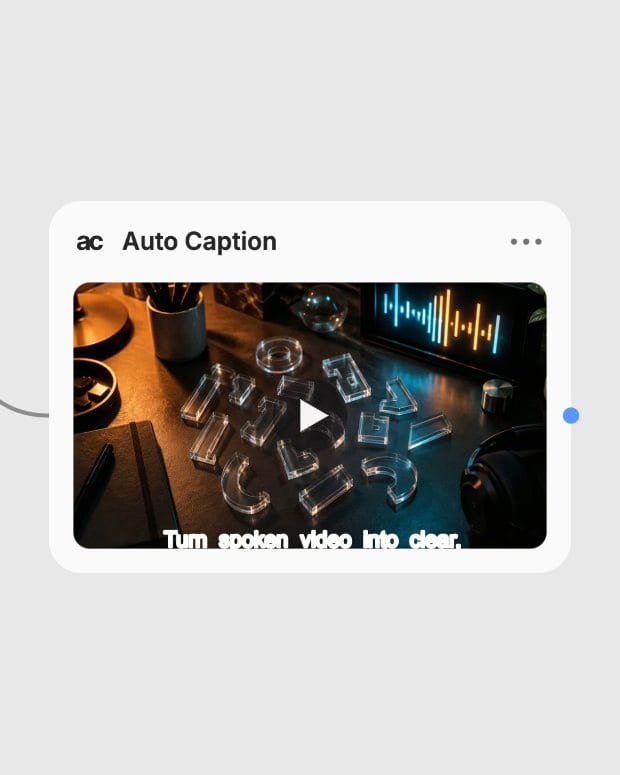
Export captioned video
Generate your finalized video with synchronized vector text burned directly into the output frames.
Engineered for crisp typography, accurate speech synchronization, and versatile cross-platform styling.
Explore captioned video compositions styled across diverse creative genres and aspect ratios.
Discover how creators, brands, and production pipelines automate video accessibility at scale.
Auto Caption processes video files containing clear spoken audio with an upload file size limit of up to 400MB. For optimal transcription accuracy, ensure the vocal track is clean and mixed at least 10 to 15 dB louder than any background music or sound effects.
No, Auto Caption hardcodes burned-in vector subtitles directly into the output video frames. It produces a finished, rendered video file rather than sidecar caption formats like SRT or VTT.
You can choose between five distinct fonts (Standard, Arial, Garamond, Times New Roman, and Georgia), select from 32 text colors, scale font sizes from 1 to 148, and apply an outer stroke width from 1 to 10 pixels to maintain sharp legibility against busy backgrounds.
You can position subtitles across horizontal (left, center, right) and vertical (top, center, bottom) coordinates to fit platform-specific safe zones. Display durations can also be configured from 1 to 10 seconds to match either rapid-fire delivery or relaxed narrative pacing.
Auto Caption is billed as one flat amount per video run, so a long clip costs the same as a short one.
Burn synchronized, high-contrast subtitles into video clips with customizable typography and screen placement