One click, whole workflow
Recipes are here. Package a whole workflow and run it in one click
Explore recipesOne click, whole workflow
Recipes are here. Package a whole workflow and run it in one click
Explore recipesbyxAI
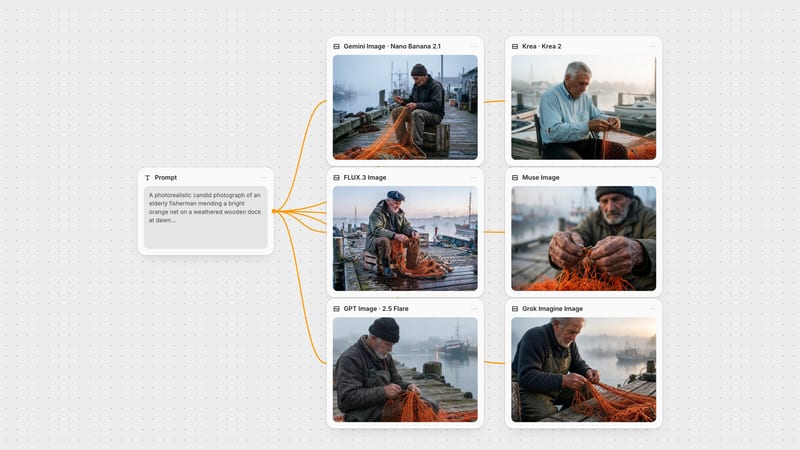
Polished, prompt-faithful stills with lettering that actually reads, plus edits that fold your reference photos into one scene
One prompt box covers both jobs: leave it empty of images for text-to-image, or attach photos and it turns into an edit instruction. The controls sit right below.
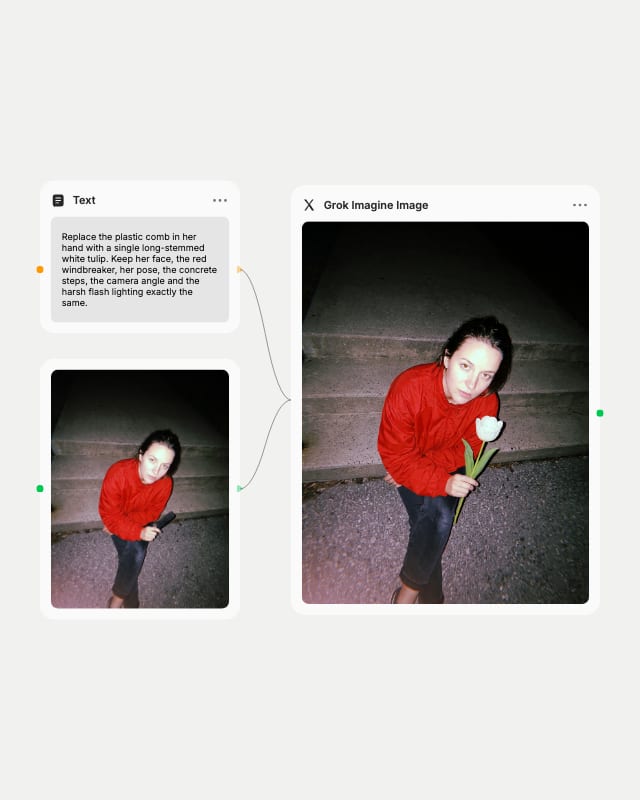
Write a prompt or attach references
Lead with the subject in a few plain sentences, or drop in one or more photos and tell the model what to change.
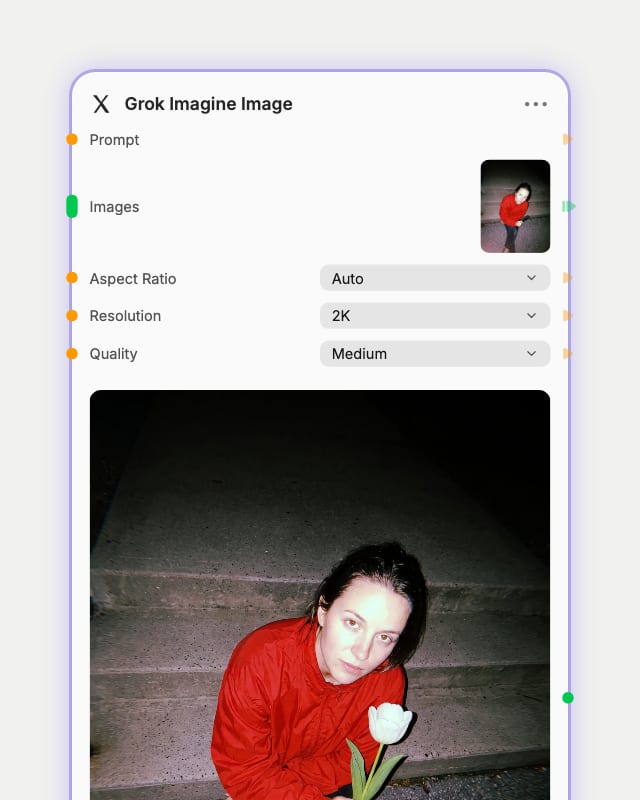
Set ratio, resolution and quality
Pick 1K or 2K, choose from 13 aspect ratios, and use low quality for drafts or medium for keepers.
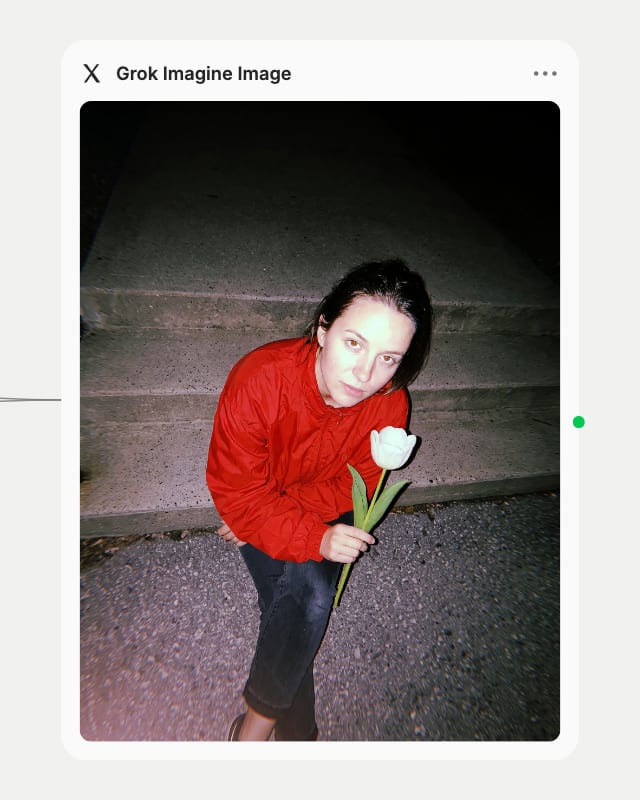
Render, then refine one change at a time
Check the lettering and detail, then run follow-up edits with a preserve clause so the face and layout stay put.
Readable quoted text, controlled commercial lighting, and instruction-based edits that keep your source content, all at 1K or 2K across 13 aspect ratios.
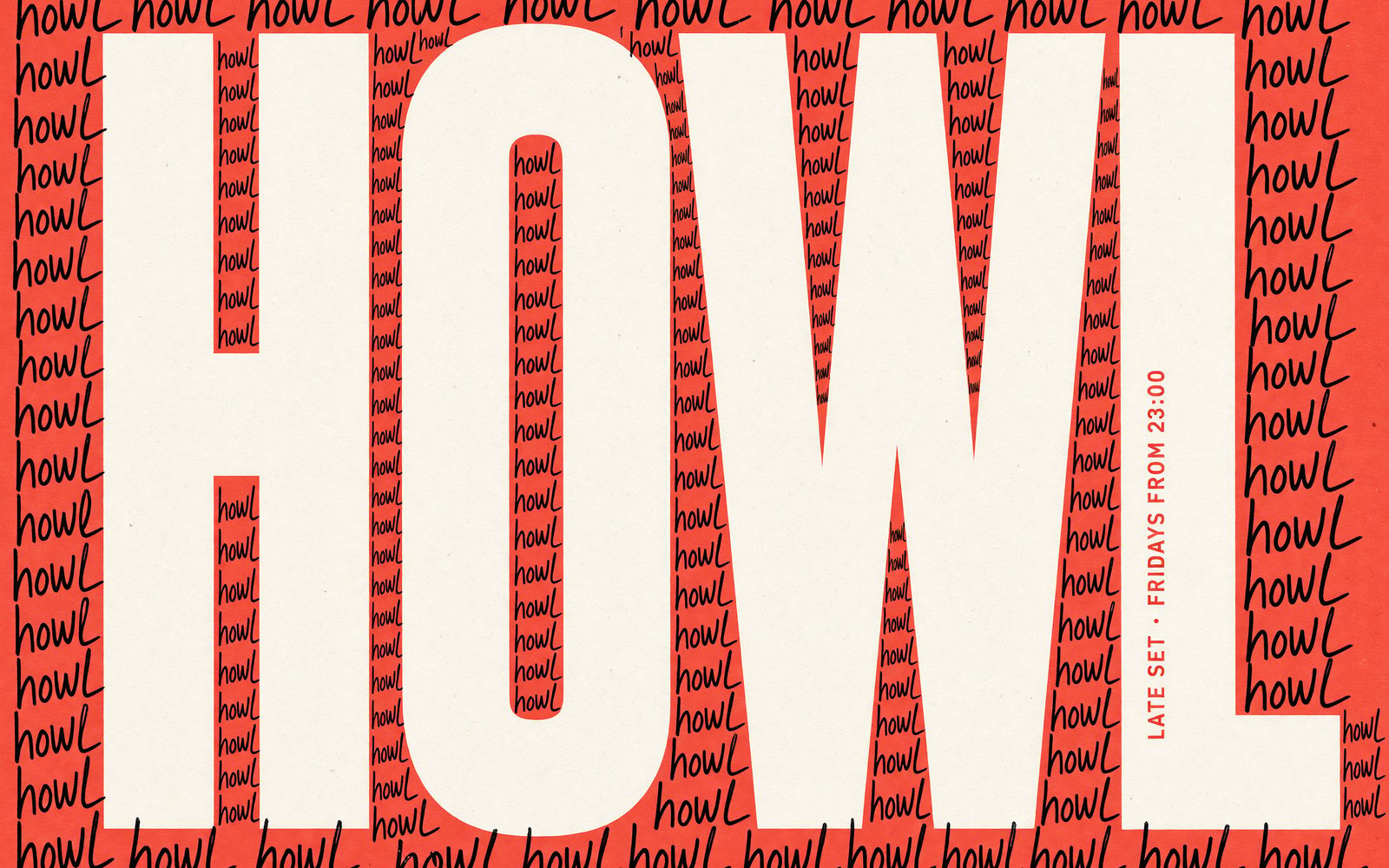
Legible Poster Typography
Wrap your headline in double quotes, name its weight, and get crisp lettering on posters, signage and covers. Use medium quality for any image with small or quoted text.
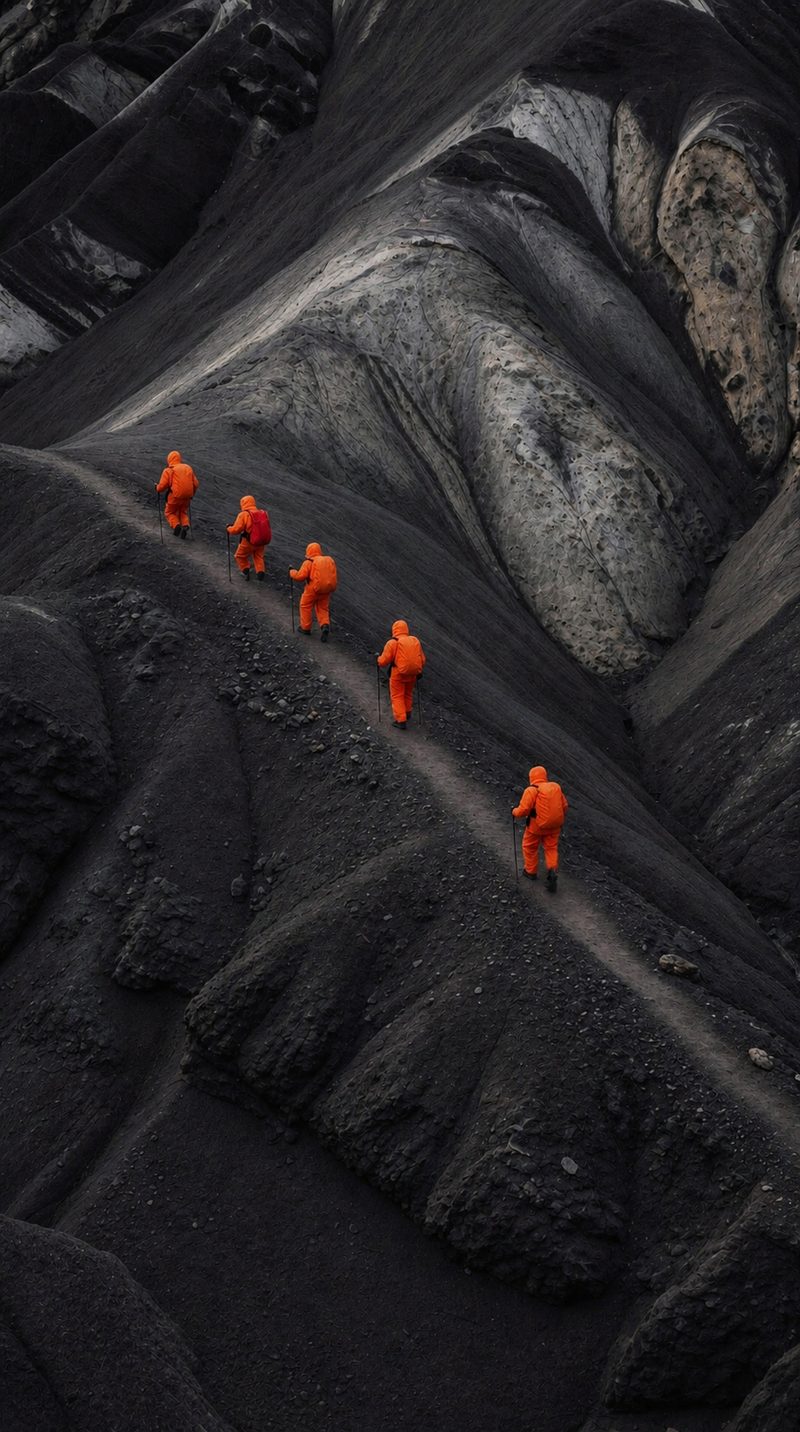
Multi-Reference Image Editing
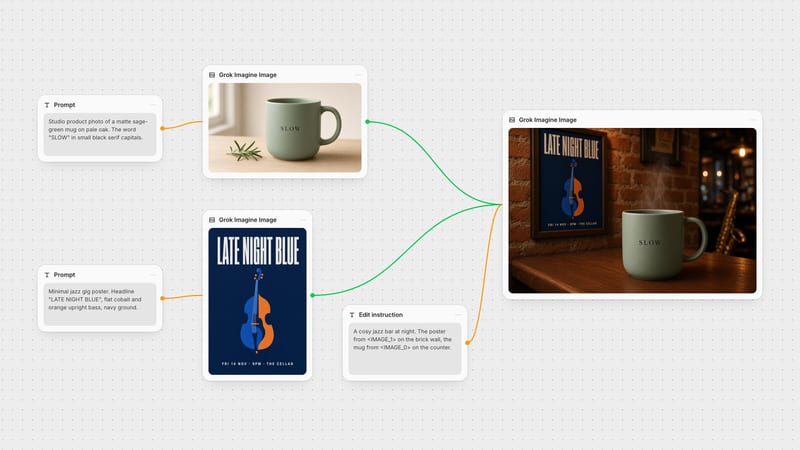
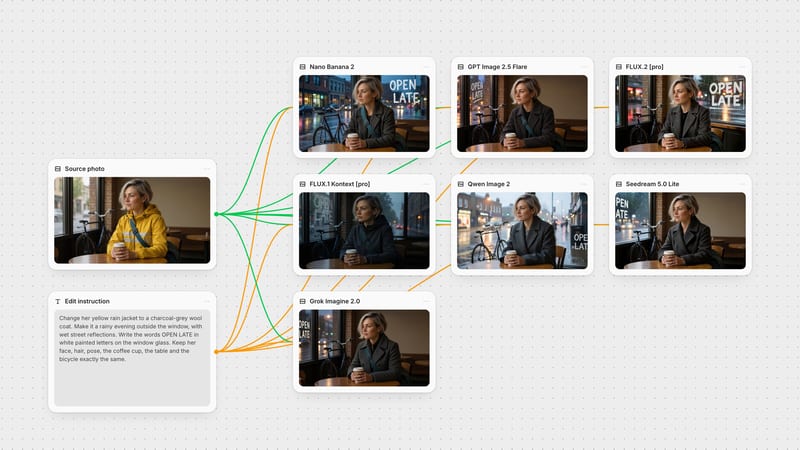
Attach one or more photos and the edit variant swaps wardrobe, changes backgrounds, relights or merges references while keeping the subject. Name each image by role and add a preserve clause.
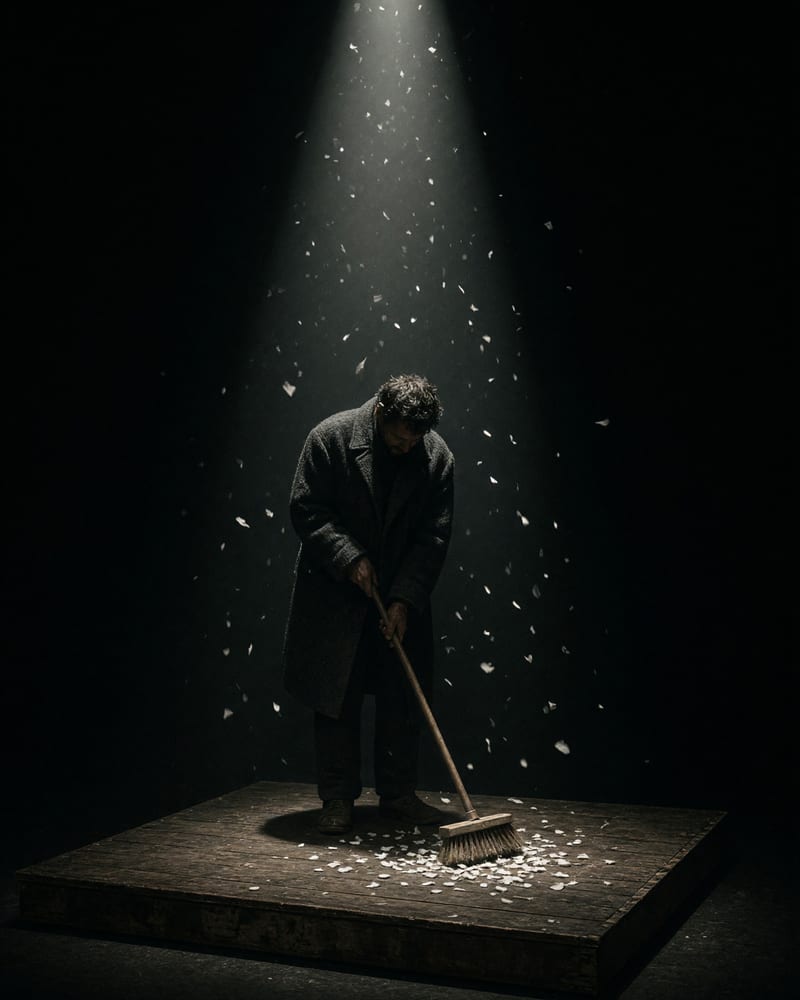
Dramatic Single-Source Lighting
Directional light, haze and crisp edges give cinematic stills at 1K or 2K. Pick a 20:9 or 19.5:9 ratio to frame them as wide film moments.
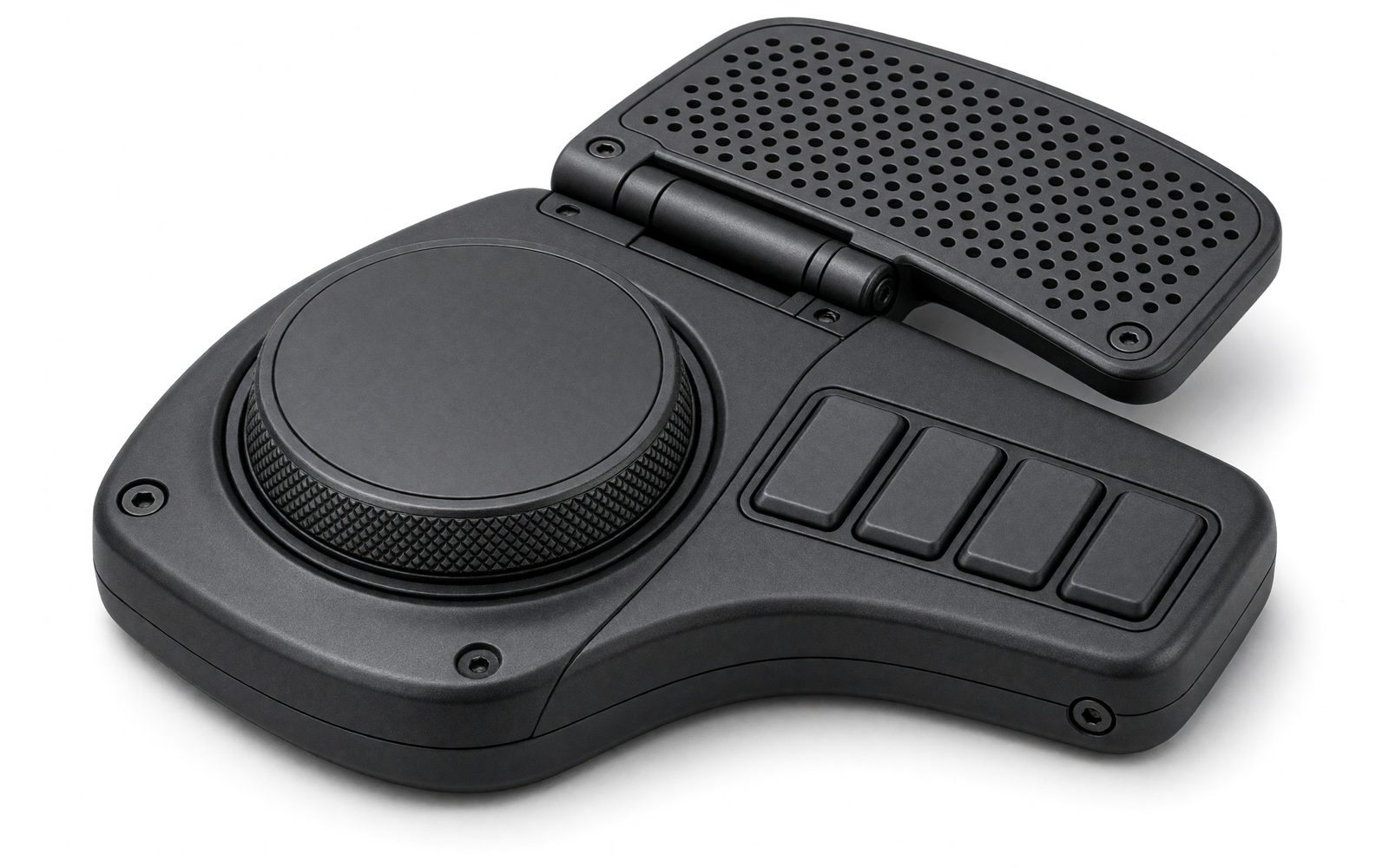
Product and Prototype Concepting
Text-to-image builds product shots and prototypes from scratch with no source image, giving clean surfaces and crisp reflections. Draft at 1K and low, then re-run the winner at 2K medium.
A gallery of clean, high-polish stills: packaging, craft documentary, paper couture, interiors and a footwear campaign, each with legible detail and crisp edges.
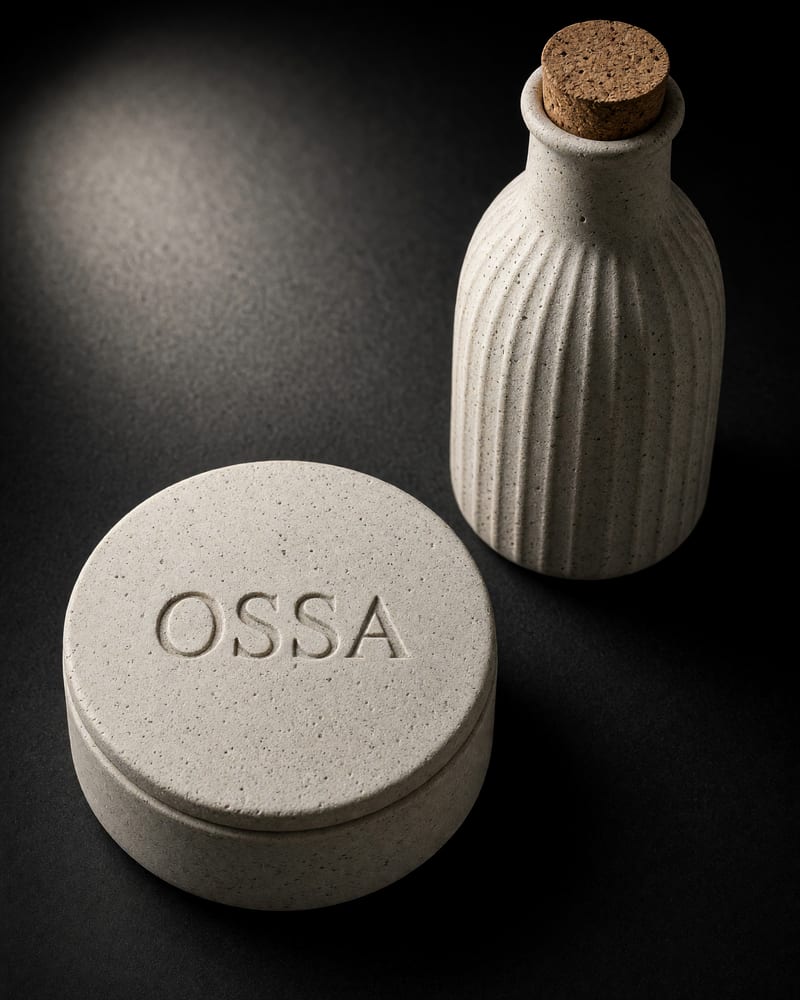
Bone-white ceramic packaging study under a focused spotlight
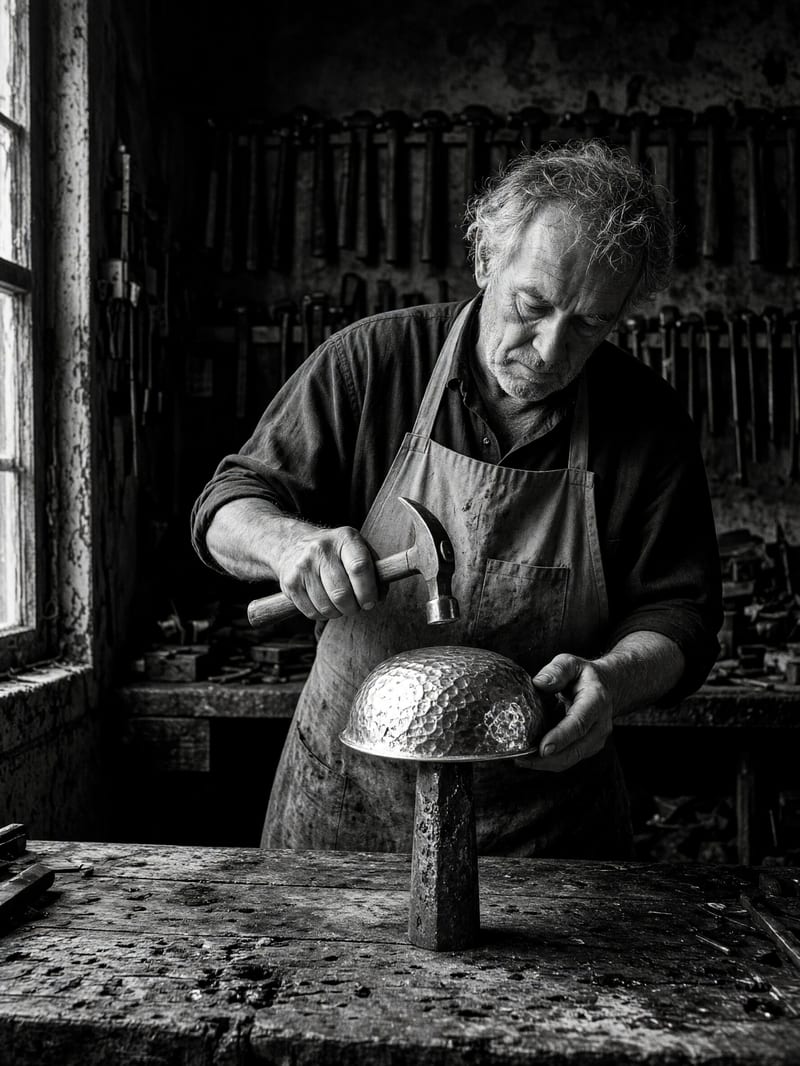
Silversmith captured with dramatic side illumination
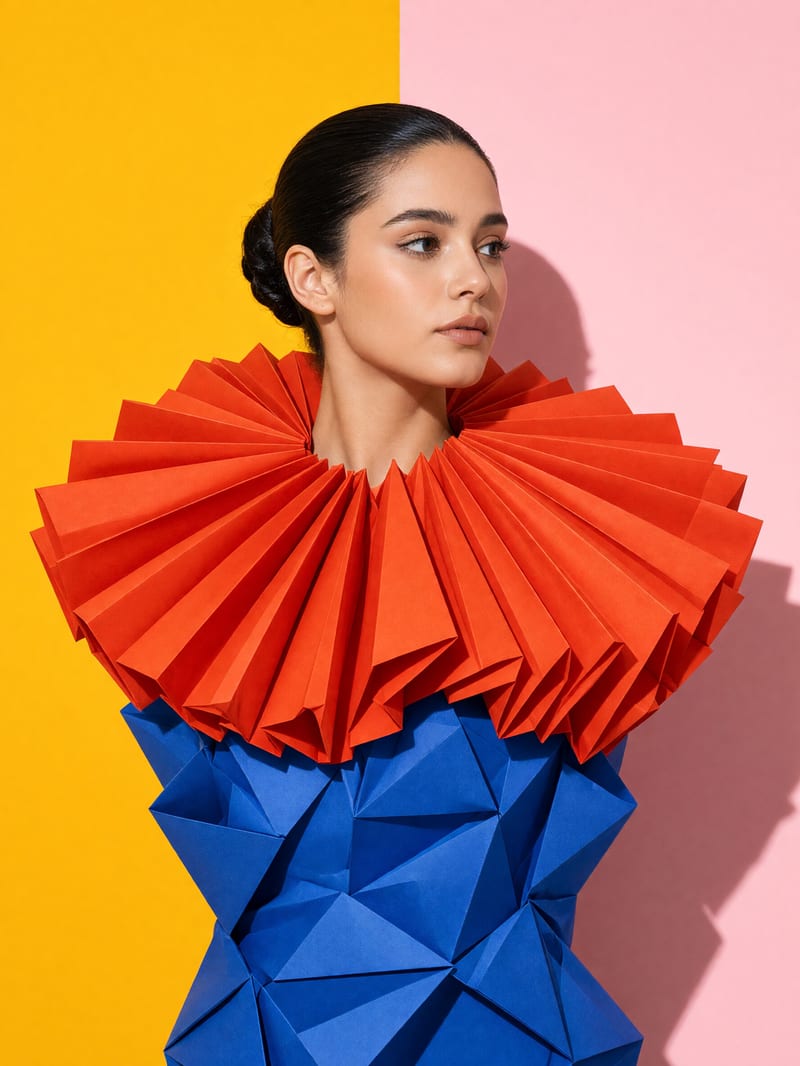
High-fashion portrait with bold color blocking and paper couture
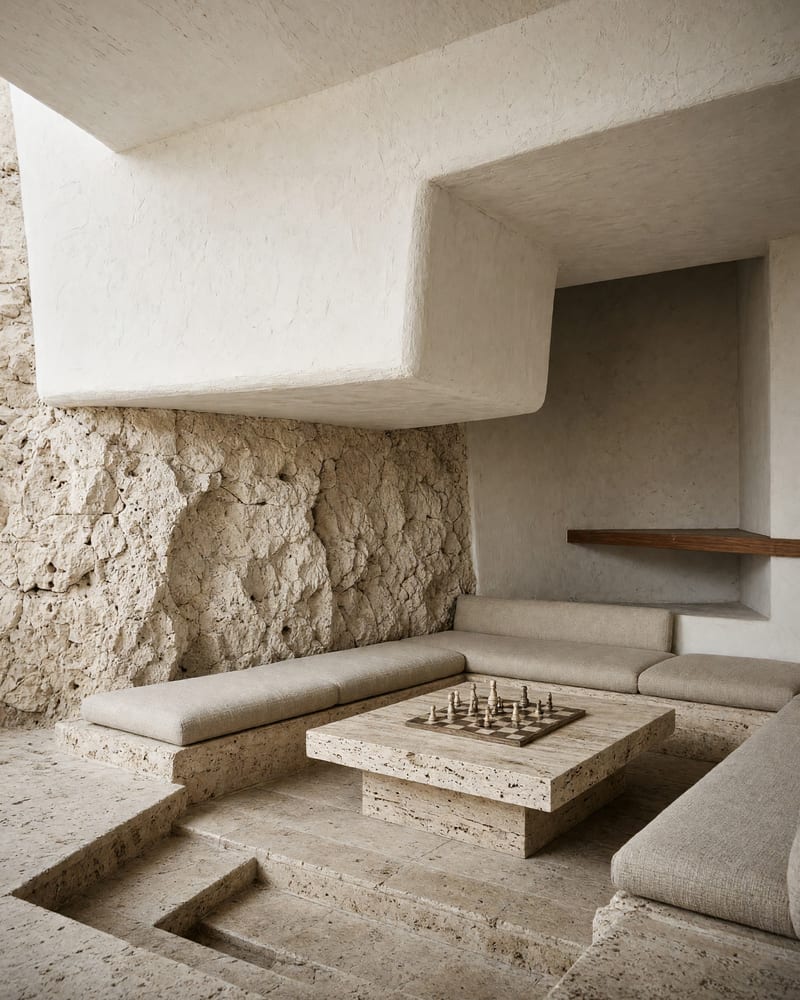
Mid-century sunken lounge in a bleached limestone villa
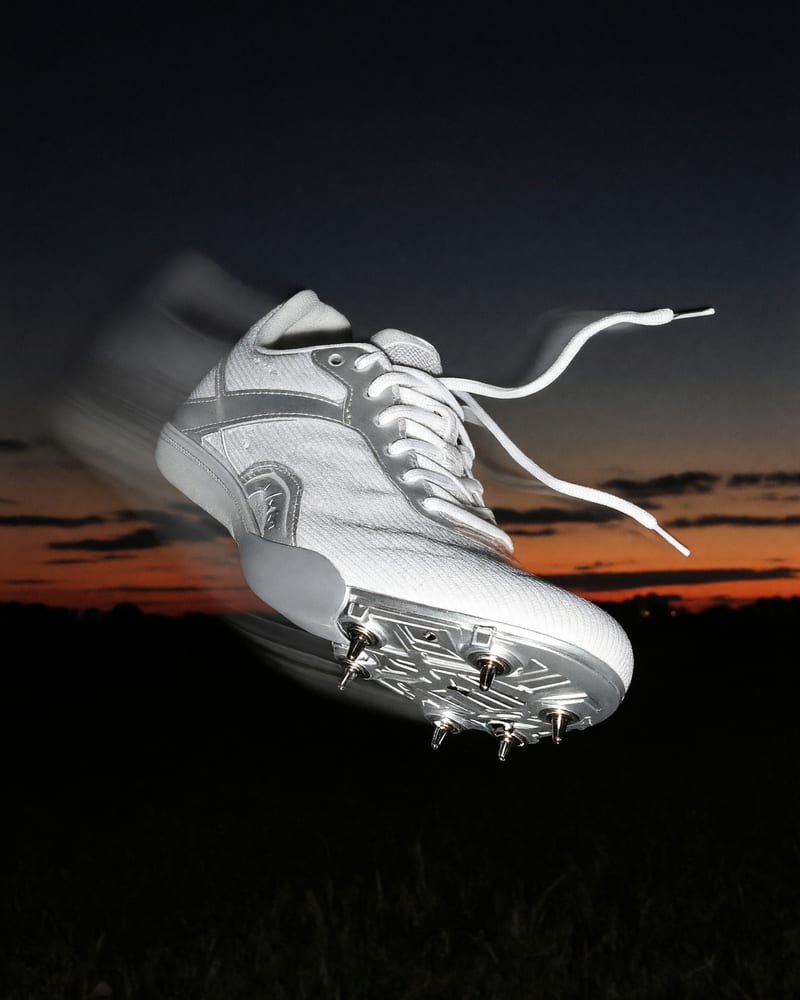
High-speed athletic footwear campaign visual
Designers, product teams, stylists and social creators reach for it when they need a fast, faithful hero image or a one-change photo edit.
Text-to-image creates from a prompt alone, while edit mode takes one or more attached images and transforms, restyles or merges them while preserving their content. Text-to-image has no visual anchor, so identity and layout depend entirely on your prompt. Edit mode works best one change at a time and can drift in identity or lighting without a preserve clause.
Use edit mode. Attach your photo and write the action, target and result, then add a preserve clause such as "keep the face, background and camera angle exactly the same." It works best one change at a time, and it can drift in identity or lighting without that clause.
It is best at posters and signage with legible quoted text, product and packaging visualization, clean portraits and character stills, and instruction-based retouching. The look is polished commercial photoreal with even lighting and crisp edges.
It leans toward centered, smooth, "AI-perfect" results, so gritty candid framing takes effort. It also struggles with crowded scenes with many hands, negative-prompt exclusions, pixel-precise masked inpainting and non-Latin scripts. Asking for visible pores and slight asymmetry helps with skin.
Output is 1K or 2K, with 13 fixed aspect ratios plus auto, from 9:20 phone formats to 2:1 banners. Auto follows the source image in edit mode and falls back to 1:1 in text-to-image, so set the ratio yourself for text-to-image.
Use low for composition drafts and medium for finals. Medium is the better-looking default and is the right choice for faces, product detail and any small or quoted text. Draft at 1K, then re-run the winning prompt at 2K.
Polished, prompt-faithful stills with lettering that actually reads, plus edits that fold your reference photos into one scene