One click, whole workflow
Recipes are here. Package a whole workflow and run it in one click
Explore recipesOne click, whole workflow
Recipes are here. Package a whole workflow and run it in one click
Explore recipesbyKrea AI
Editorial stills with real skin, muted filmic color and art-directed composition, from fast drafts to multi-reference composites
Pick the tier that fits the job, tag your references, and render. Quick Turbo passes lock composition and mood before a heavier model takes the final.
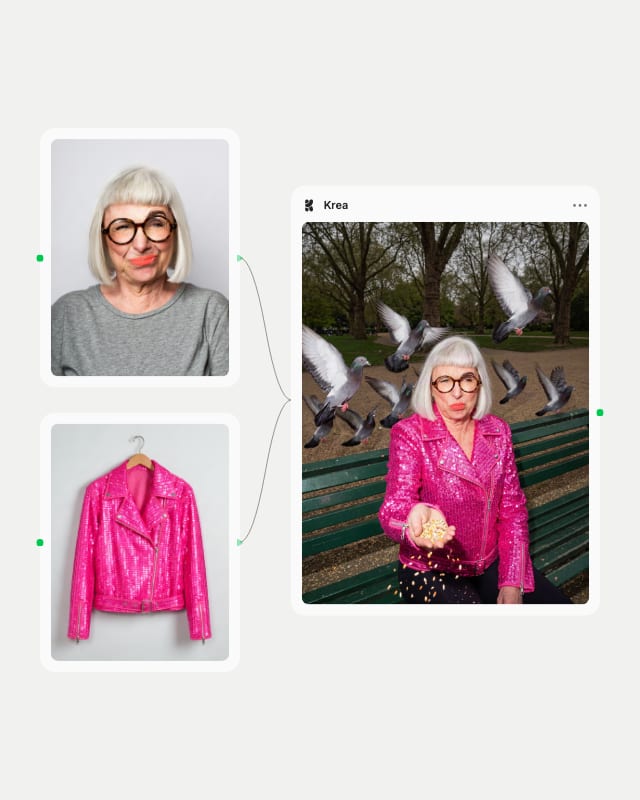
Choose a model
Pick Krea 3 for editing and prompt understanding, Krea 2 Large for top text-to-image quality, Turbo for drafts, or FLUX.1 Krea [dev] for LoRA looks.
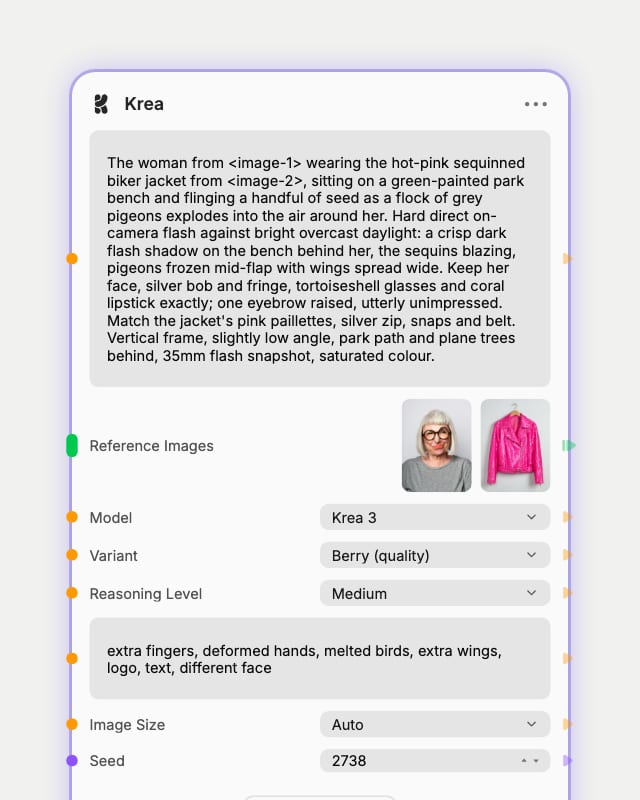
Set the creative direction
Add up to 8 tagged reference images, attach a style reference, or set creativity and reasoning to steer the look.
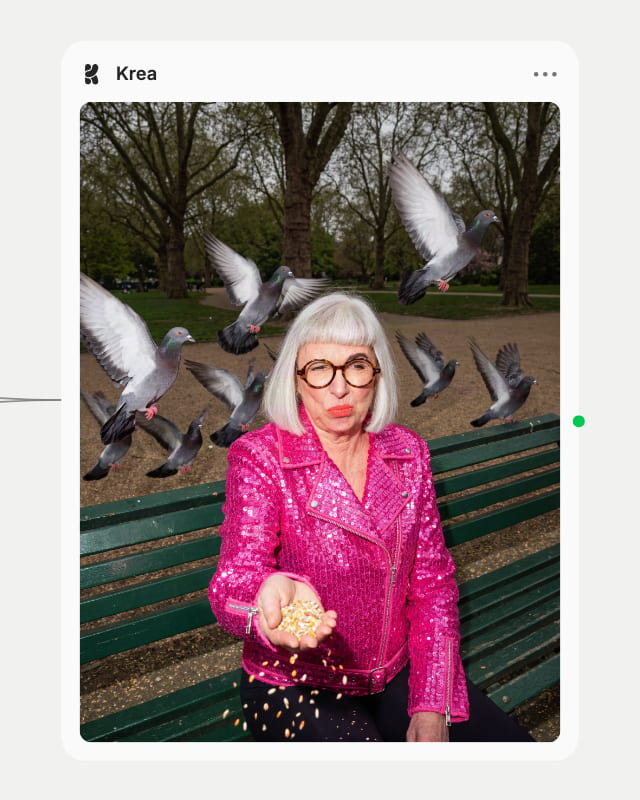
Render and refine
Generate a natural, filmic image, then reroll the seed, lower image strength or swap tiers to refine the keeper.
Natural, de-glossed photography is the throughline, backed by reference-driven editing, style transfer and an open-weights option for those who want it.
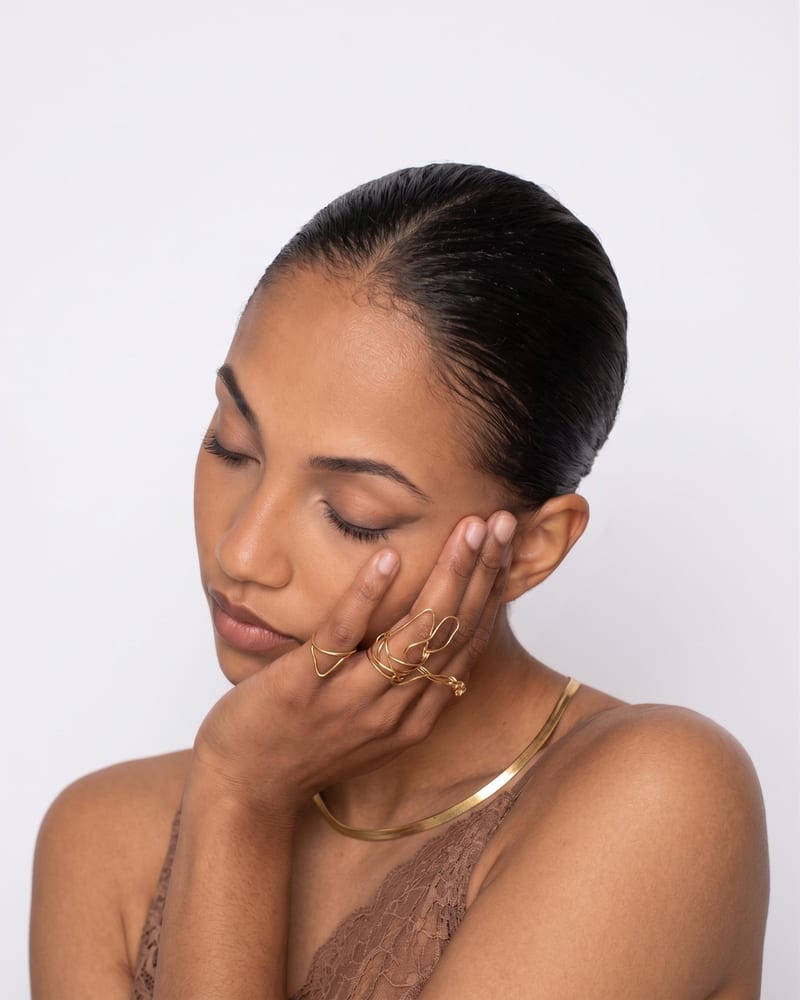
Natural skin, no plastic sheen
Skin, fabric and surfaces keep believable texture, with softer contrast and less gloss than stock FLUX. Color stays muted-to-filmic, so portraits read as photographed rather than synthesized.
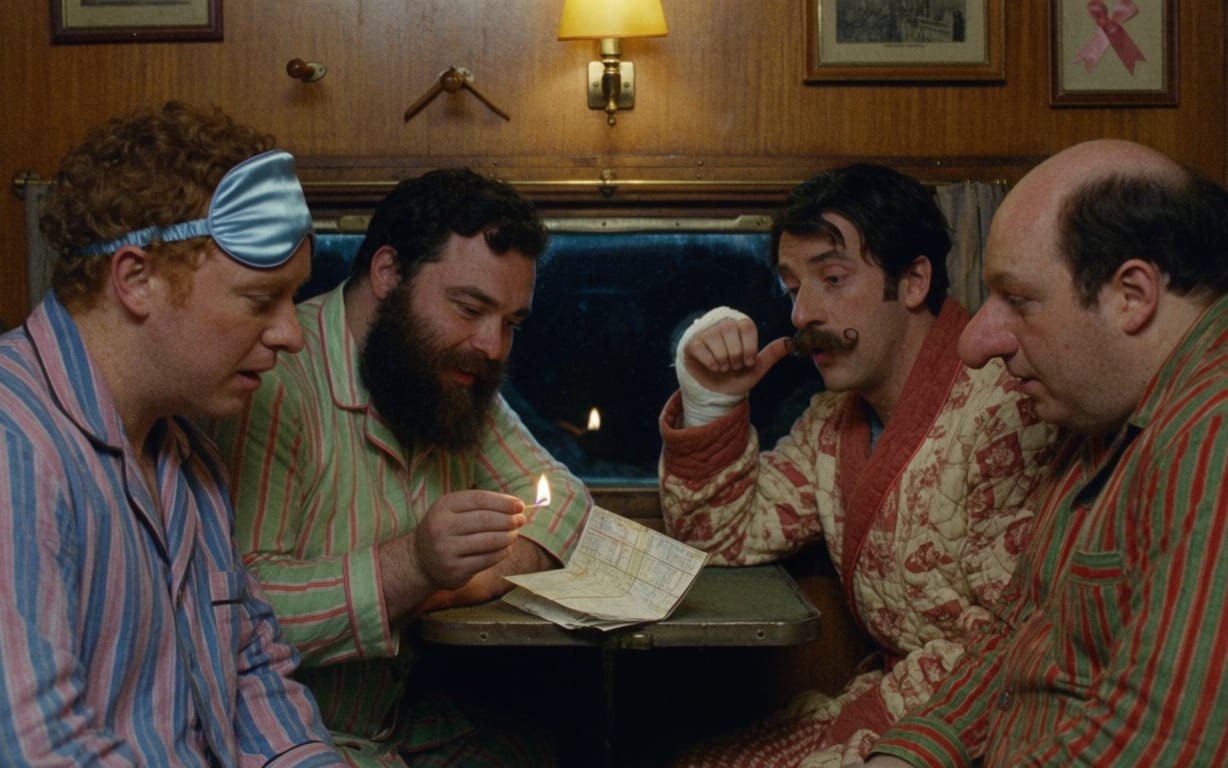
Four models, one selector
Krea 3 edits or combines up to 8 references, Krea 2 Large carries final text-to-image quality, Turbo explores cheaply and fast, and FLUX.1 Krea [dev] brings the open-weights look with CFG and step control.
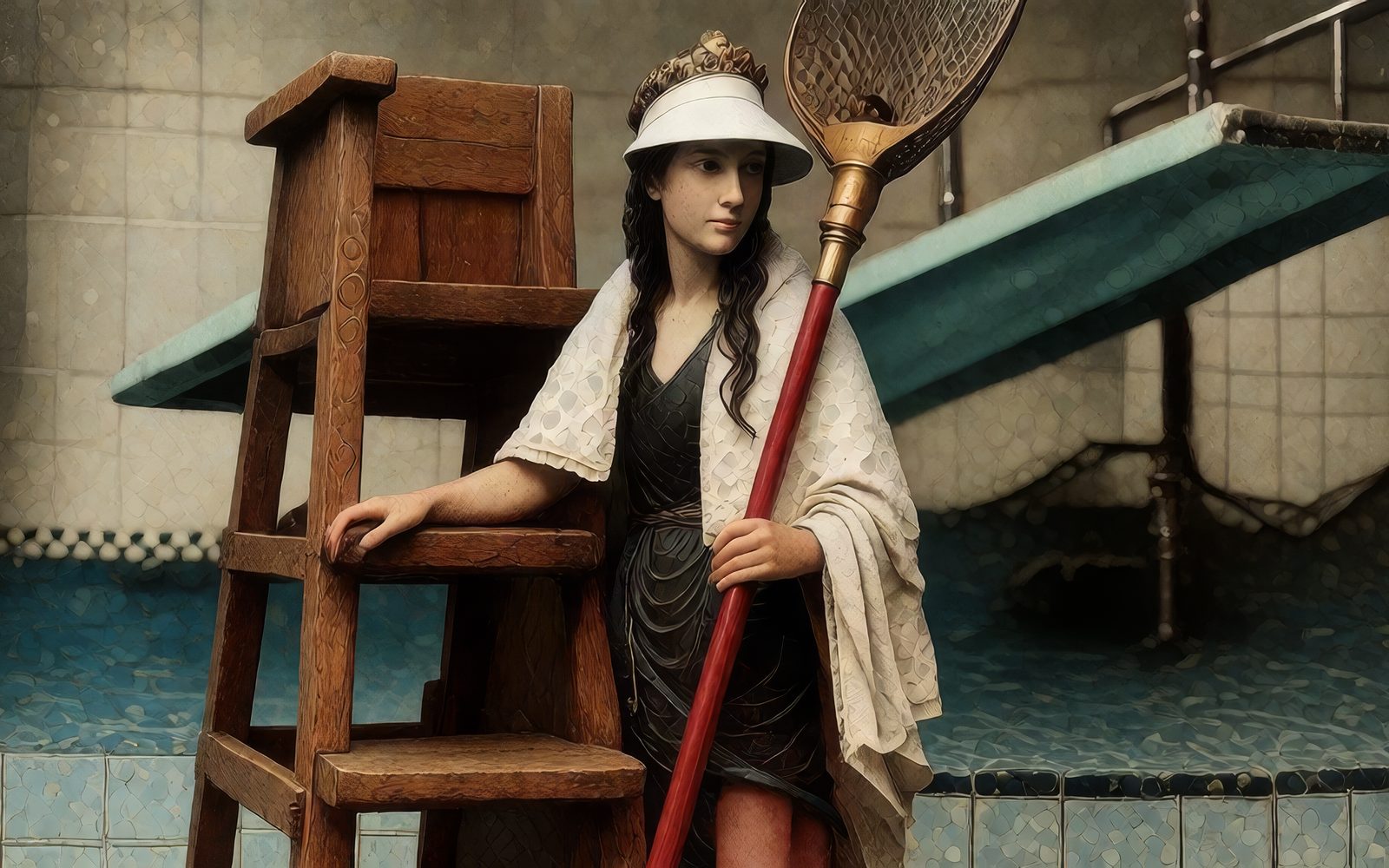
Style references that carry the look
Turbo Style takes a style reference plus up to 10 additional images, with style strength from 0 to 4. Palette, grain and mood transfer to your prompt's subject; start near 1 and raise only if the look is not landing.
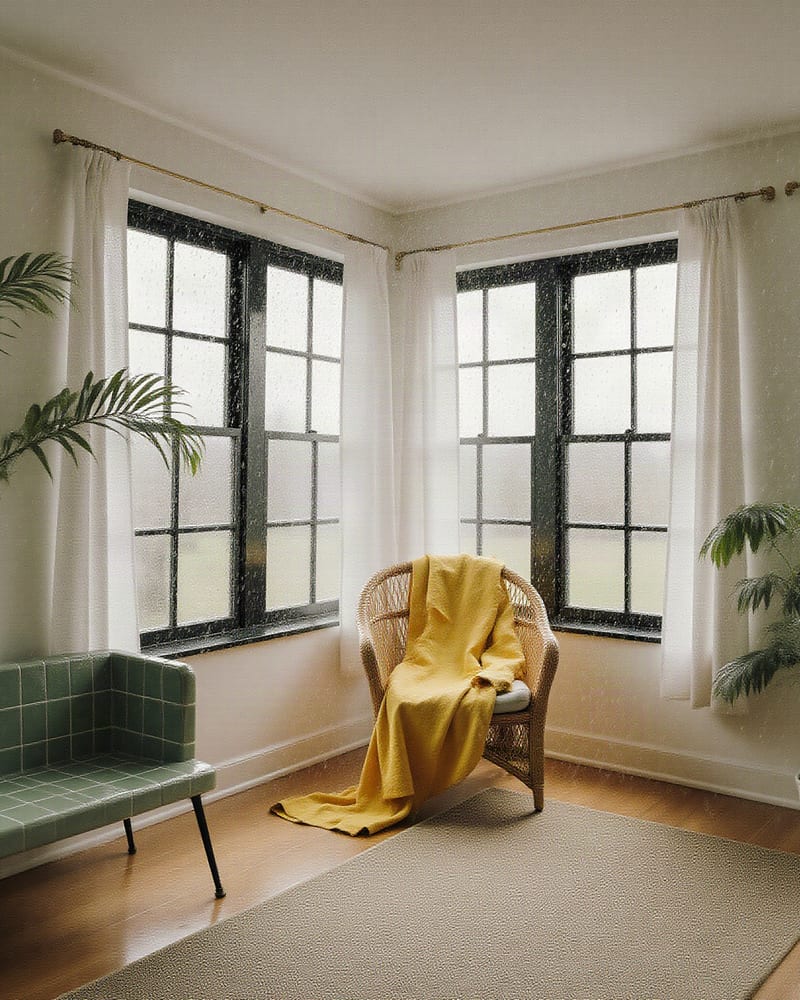
Image-to-image restyling
FLUX.1 Krea image-to-image re-renders a sketch, 3D blockout or photo in a natural look. The 0.95 default mostly repaints the source, so drop strength to roughly 0.5 to 0.75 to keep layout and color.
Portraits, metallic product stills, documentary studies, record sleeves and footwear shots, each held together by grain, texture and restrained color.
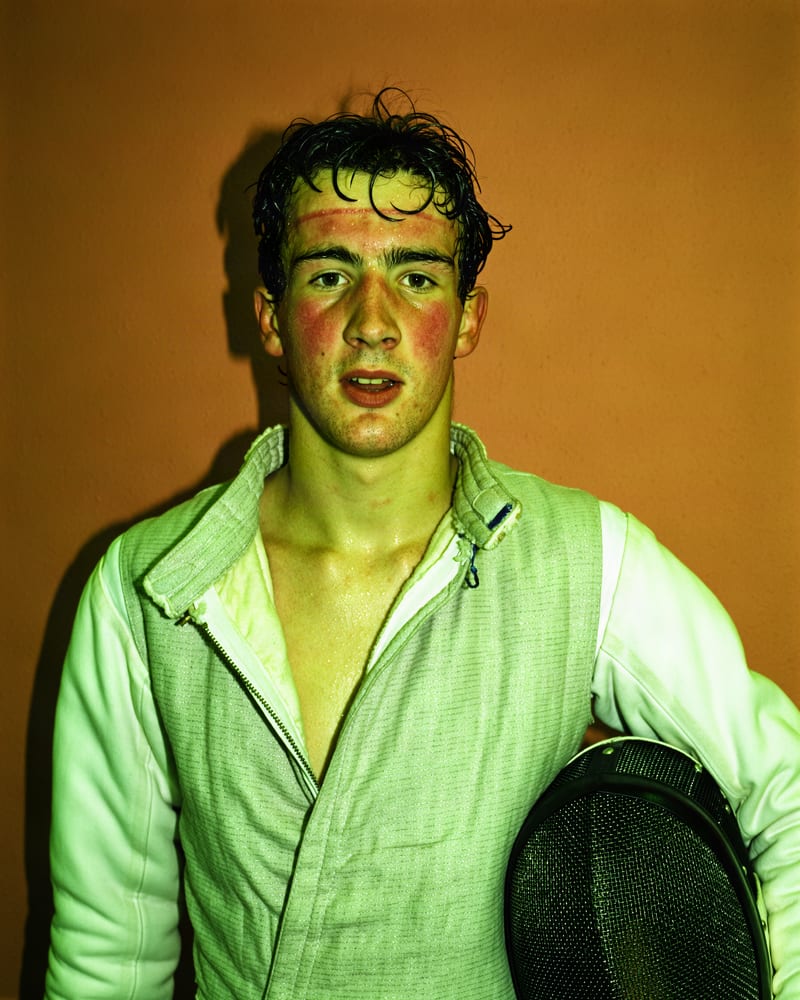
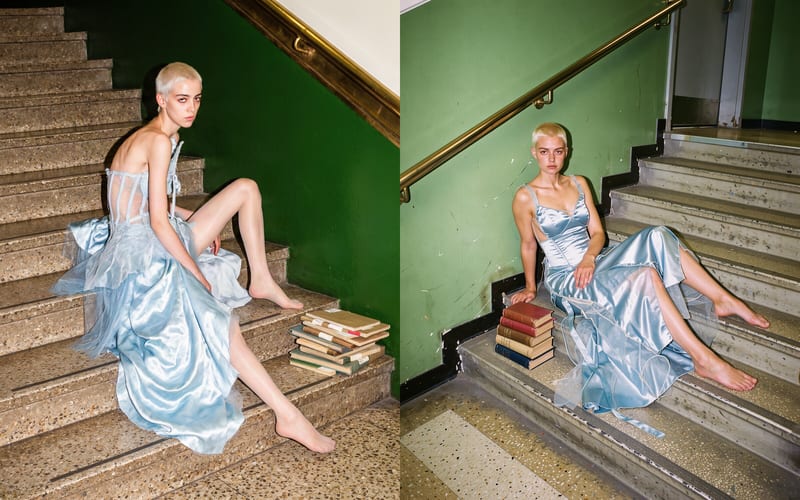
Editorial portrait with tactile skin texture
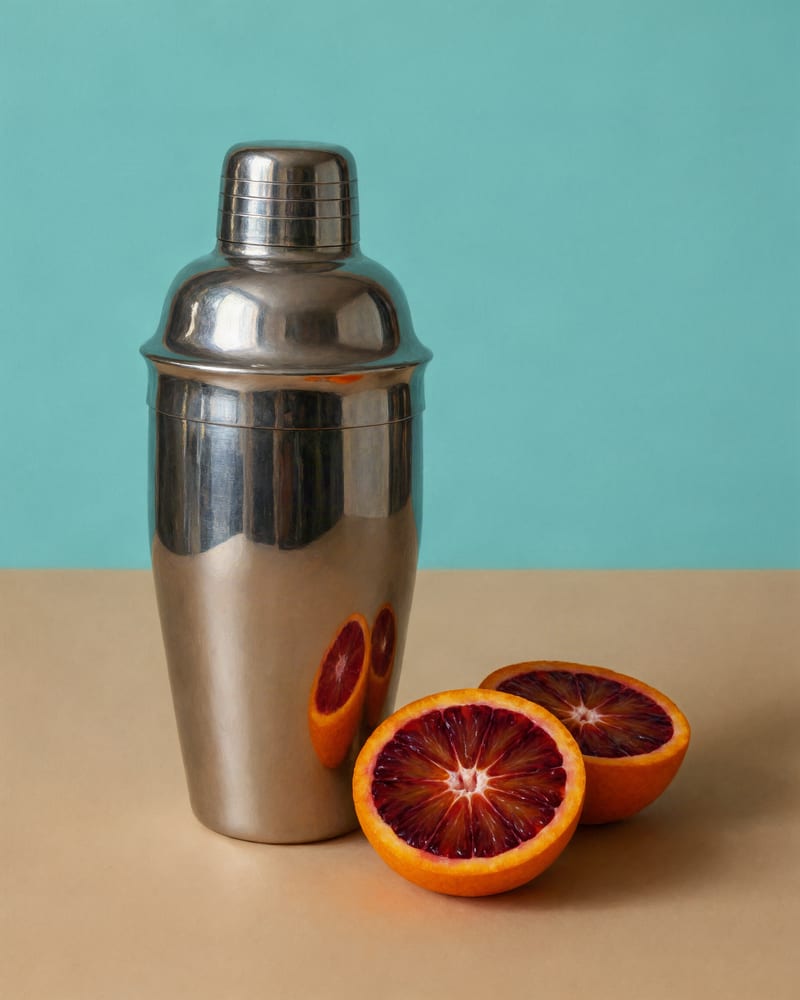
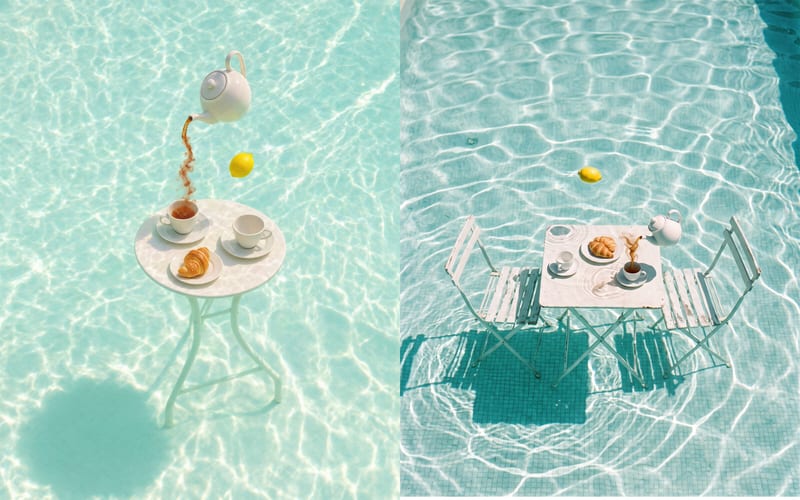
Product hero still with crisp metallic reflections
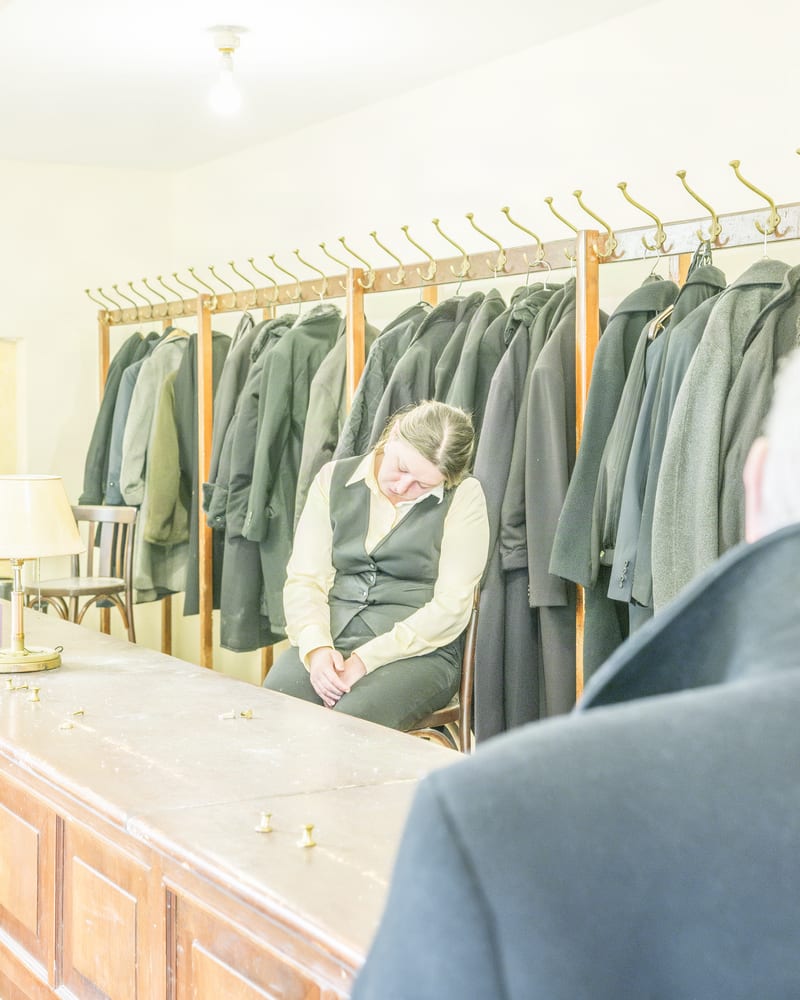
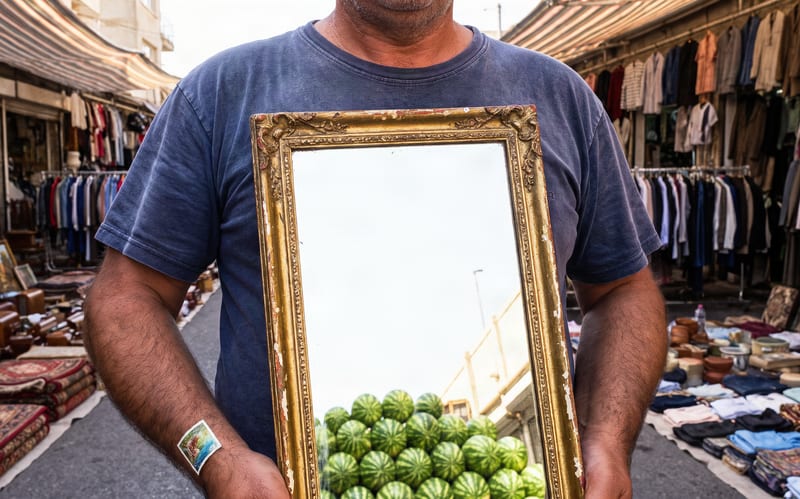
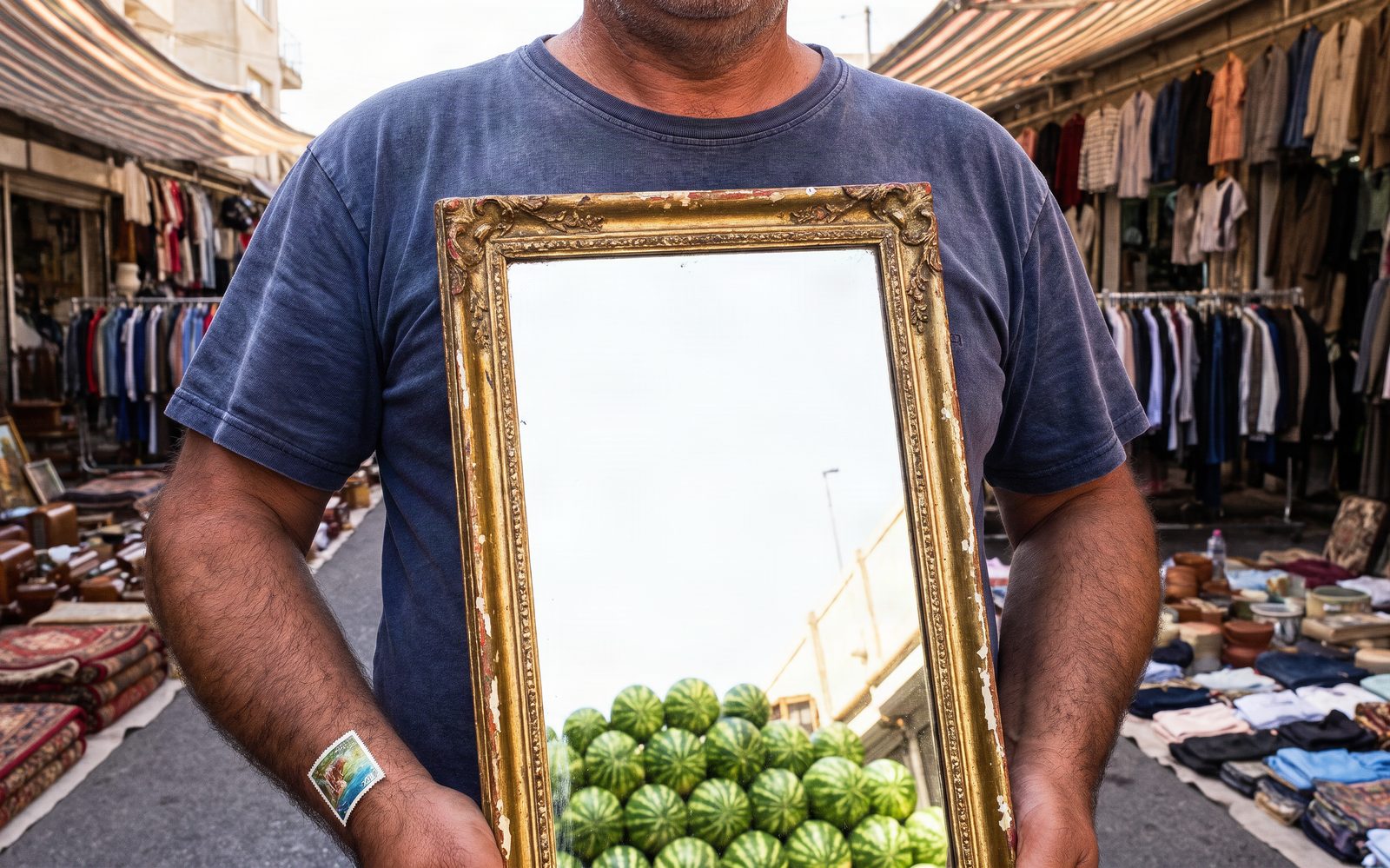
Documentary character study in flat natural light
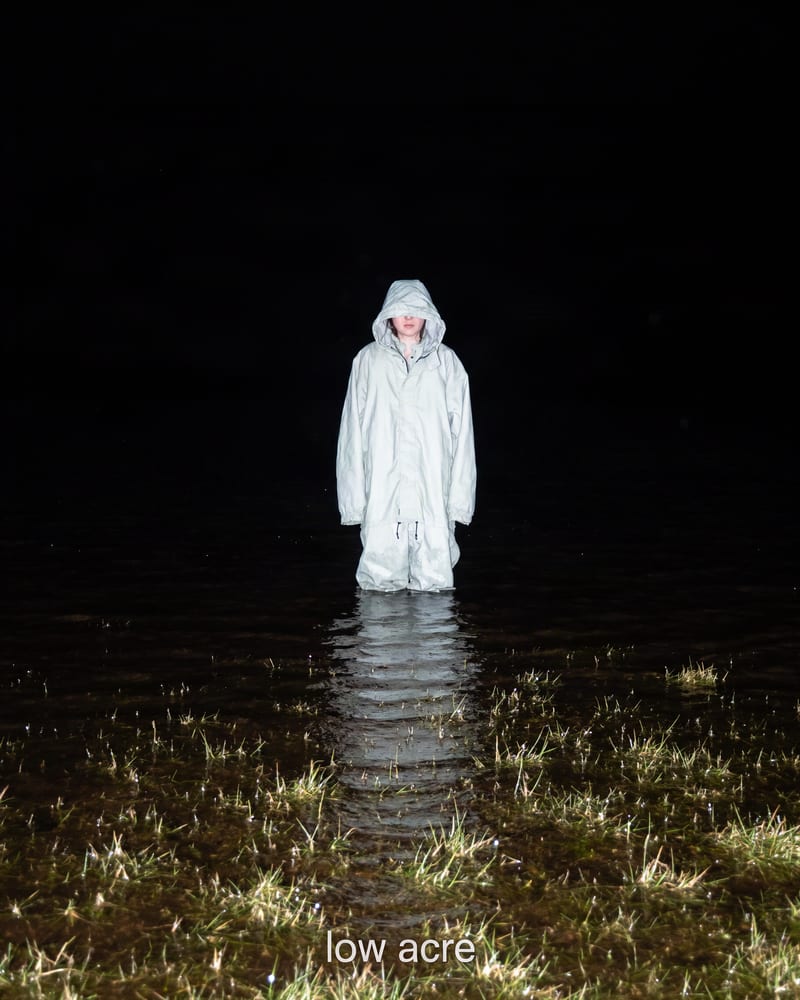
Album art built on bold tonal contrast
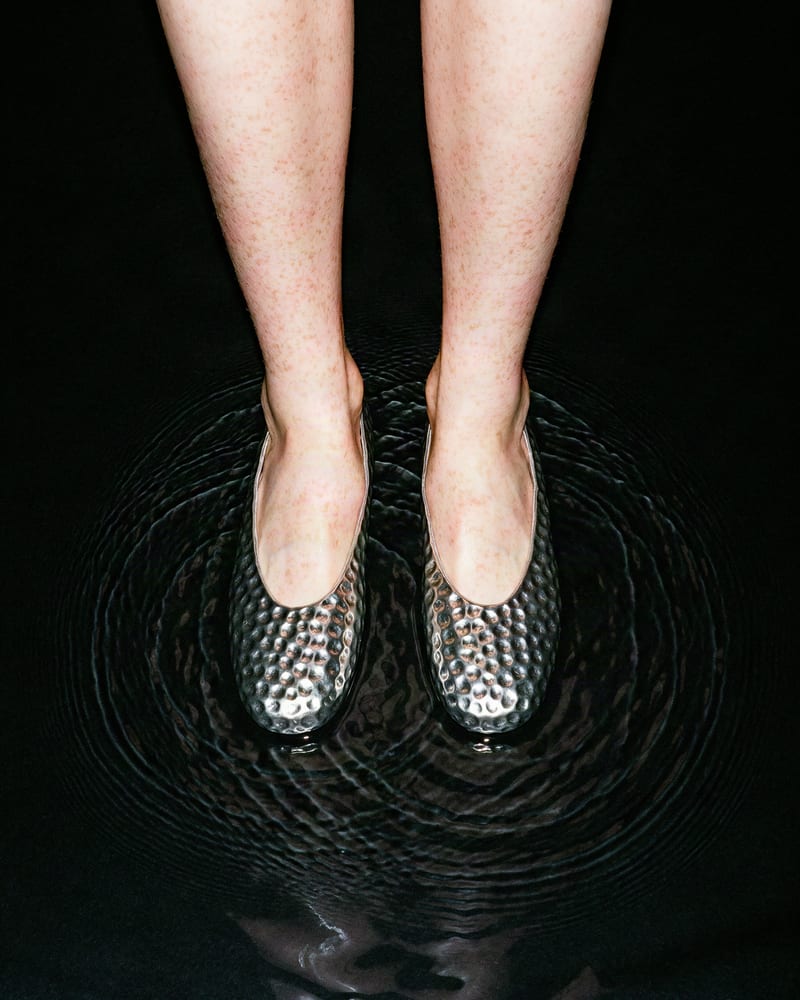
Footwear still with tactile material definition
Photographers, product teams, art directors, poster designers and visualizers reach for it when a frame has to look photographed instead of generated.
Turbo is the cheap, fast option for exploring composition and mood, while Large is the highest-quality Krea 2 text-to-image choice for final renders. Turbo is distilled for speed, so it has less fine detail. Large is slower and expensive, and it does not do reference-based editing.
Use Berry for final quality and Jam for fast iteration. Berry is also the only variant that reads a negative prompt, and Jam ignores it. Reasoning level applies to both: low or medium suits everyday work, while High and Ultra need reference images and cost more.
Use Krea 2 Turbo Style. Give it one image with a clear, consistent look, then describe your subject in a short prompt. Start style strength near 1 and raise toward 2 if the look is not coming through. Very high values can overwhelm your subject, and busy collages give muddy results.
Add up to 8 reference images and address them by order in your prompt, like "put the jacket from <image-2> on the person in <image-1>". Put the subject you want preserved first and say what to take from each tag. With five or more references the model may downscale them, so use fewer, cleaner images for fine product detail.
Not reliably. Small or dense text is unreliable, and vector logos, flat icons and exact brand reproduction are weak points. For copy-heavy layouts or posters needing accurate lettering, generate the image here and add type in a layout tool.
Krea AI makes them, and FLUX.1 Krea [dev] was developed with Black Forest Labs, first released on 2025-07-31. Its open weights are non-commercial unless separately licensed, so check licensing before using that model for commercial work.
Editorial stills with real skin, muted filmic color and art-directed composition, from fast drafts to multi-reference composites