Recipev2
Script to Voice Video (Female)
0:00 / 0:00
Talking Character Video
One click, whole workflow
Recipes are here. Package a whole workflow and run it in one click
Explore recipesTalking character video
Provide a scenario image, script, and voice selection to create a talking character video with spoken delivery.
Talking Character Video

A recipe turns a reusable workflow into a simple set of inputs and outputs. Start with a community recipe and make it your own in Fuser.

1. Choose a recipe
Find a workflow for the result you want. Review what it does and how to use it before opening it in Fuser.
2. Make it your own
Check the recipe’s available inputs. Add your own text or media where supported, or start with the saved defaults.
3. Run and refine
Run it in Fuser and review the result on your canvas. Tweak the inputs to try another direction.
Use the recipe to turn written lines and a visual scenario into character-led video concepts for social and entertainment content.
It is suited to social content creators, storytellers, and entertainment teams who want to turn a written line and visual scenario into a talking character video. The recipe focuses on a character-led presentation rather than a text-only voiceover.
Prepare a scenario image, the script you want spoken, and a voice value. The saved example uses the script “Is it even good... or do I just need it to be?” and the voice input “Rachel.”
Yes. These are the recipe’s exposed inputs, so you can change the scenario image, replace the script, and edit the voice input in Fuser. The saved example is a default reference, not a live run of your new inputs.
The recipe produces a talking character video. Its saved output demonstrates the image, script, and voice inputs combined into that video format.
It can support short-form social content, character-led announcements, entertainment concepts, and script presentation drafts. These uses depend on the scenario image and writing you provide.
It shows the recipe connected to a scenario image, the sample script “Is it even good... or do I just need it to be?”, and the voice value “Rachel.” The resulting saved output is labeled “Talking Character Video.”
The listed output is a talking character video, and the listed editable inputs are limited to the scenario image, script, and voice. The recipe does not specify additional controls or output formats, so those should not be assumed.
Log in to Fuser to replace the saved scenario image, script, or voice input with your own content.
Develop pitches, campaign assets and interactive client work in Fuser. Combine AI generation, editable design and reusable processes across your agency.
Develop film treatments, character and environment concepts, storyboards and motion studies. Connect image, video and 3D exploration in Fuser.
Explore a brand’s visual identity, refine typography and build real applications. Combine AI imagery with editable design and reusable workflows in Fuser.
Create social graphics, carousel artwork and short videos with a recognizable brand style. Keep copy editable and recurring content easier to produce in Fuser.
Develop storyboard frames, shot variations and video studies from your references. Compose clear boards and explore movement in one Fuser project.
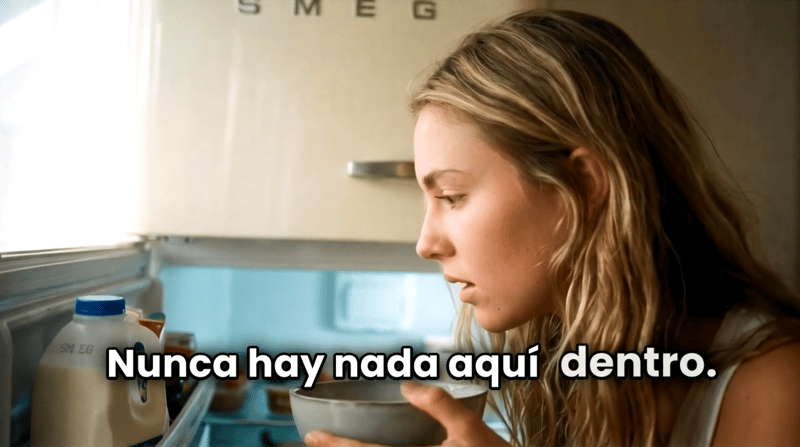
Turn a script, scenario image, voice selection, and target language into a talking character video.
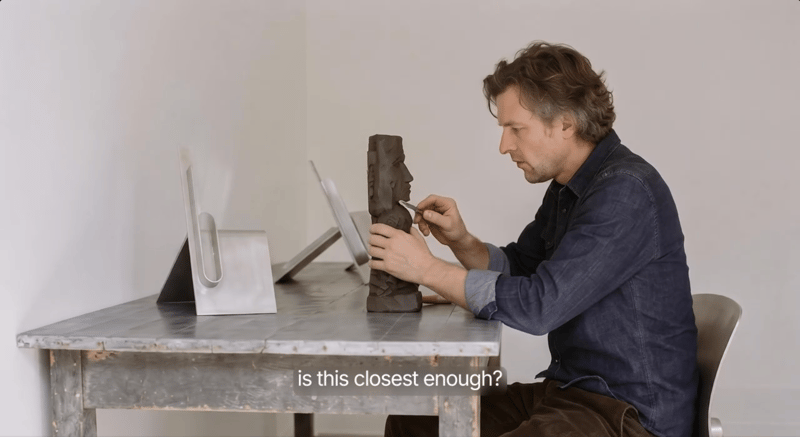
Provide a scenario image, script, and voice to create a talking character video with voiceover.

Upload one source image to create five image versions for social media, web layouts, and entertainment content in different aspect ratios.