One click, whole workflow
Recipes are here. Package a whole workflow and run it in one click
Explore recipesOne click, whole workflow
Recipes are here. Package a whole workflow and run it in one click
Explore recipesbyVEED.IO
Burn stylized, kinetic captions directly into video frames with synchronized word-level highlights and thirty custom typography presets
Take any raw video file and output publication-ready media with synchronized, styled typography in three quick actions.
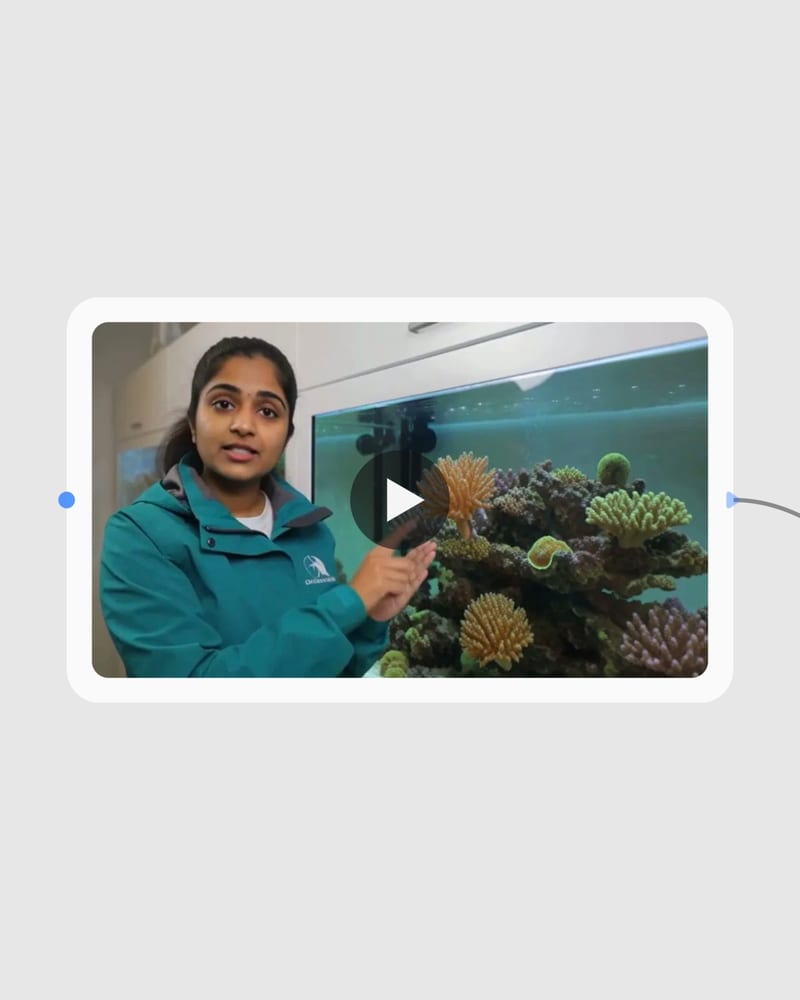
Upload Video Footage
Import your vertical, square, or widescreen video with spoken audio into the pipeline.
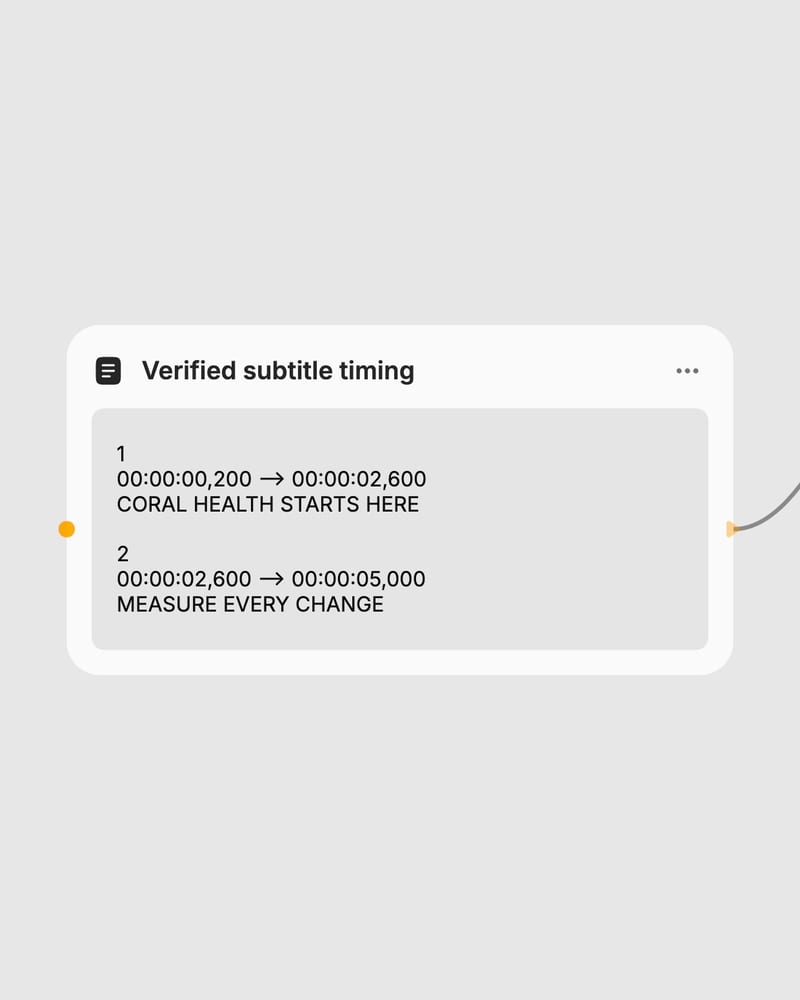
Select Subtitle Preset
Select from thirty dynamic animated or static basic styles, or input custom SRT text.
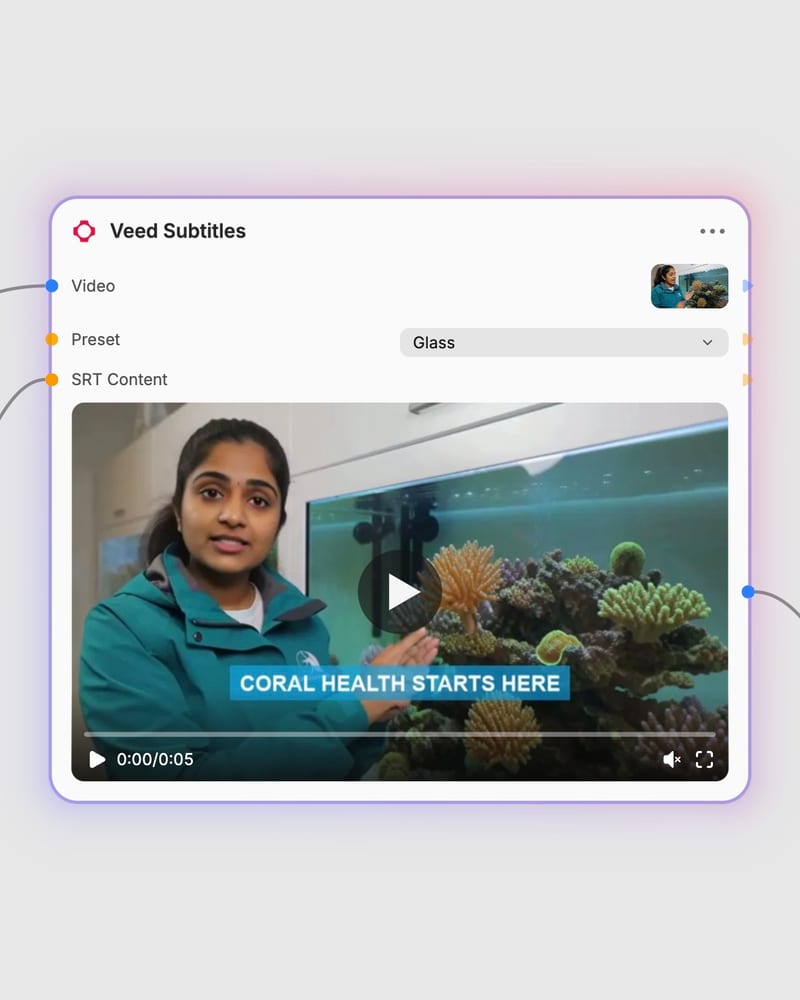
Render Burned Video
Export your final video with synchronized, safe-zone aligned captions burned directly into the clip.
From kinetic word-by-word social animations to clean corporate lower-thirds and custom SRT overrides, explore the core subtitle capabilities.
Browse video concepts paired with dynamic and static subtitle presets across diverse visual environments and aspect ratios.
See how creators, marketing teams, educators, and global publishers use automated burned captions to boost retention and accessibility.
Dynamic presets (such as Glass, Whisper, Glide, and Terminal) render kinetic, word-by-word highlight animations and pop effects, billing at a 2x rate. Basic presets (such as Simple, Plain, and Corpo) render clean, static lower-third captions at standard pricing, making them suitable for formal lectures, corporate updates, and documentary content.
Yes, you can bypass automatic speech recognition by providing formatted SRT text in the SRT Content field or passing a direct URL to a .srt file. Supplying an SRT file guarantees accurate spelling for brand names, technical terminology, and specialized acronyms while preserving custom timing.
No, this model exclusively burns stylized captions directly into the output video frames. It produces a fully rendered MP4 video and does not export standalone subtitle files like separate .srt or .vtt tracks.
The engine natively supports 9:16 vertical, 1:1 square, and 16:9 widescreen video formats. Subtitle positions automatically adjust to respect standard social media platform safe zones, preventing captions from being obscured by UI overlays or profile buttons.
Veed Subtitles was developed by VEED.IO and released in 2024 to provide automated transcription and stylized video caption rendering for creator and programmatic workflows.
Burn stylized, kinetic captions directly into video frames with synchronized word-level highlights and thirty custom typography presets
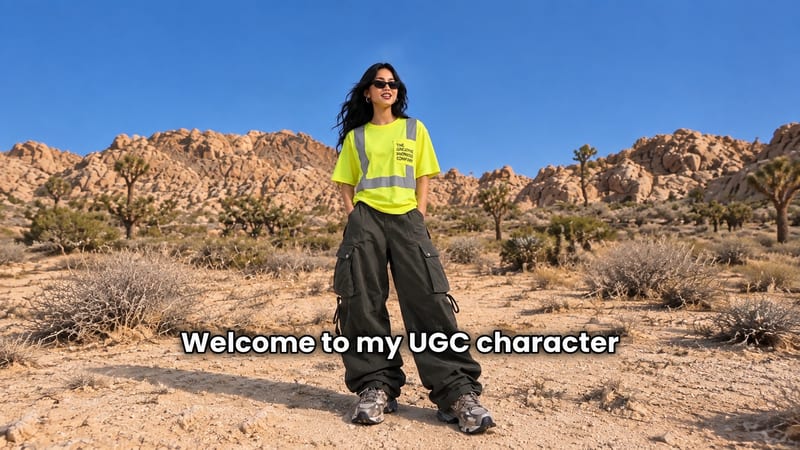
Add a content creator or character image, write a script, and generate UGC-style video with or without subtitles.
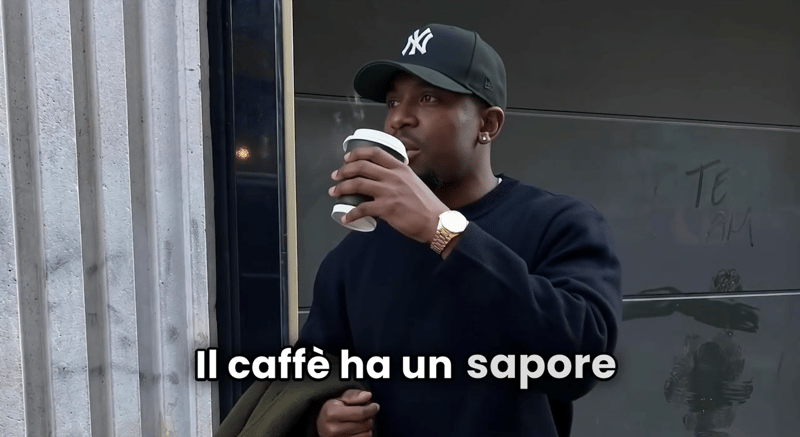
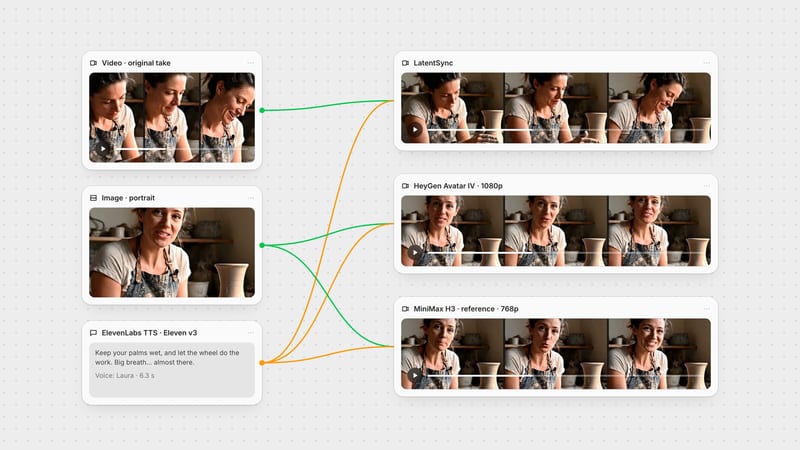
Provide a scenario image, script, voice, and language to create a talking character video with translated speech.
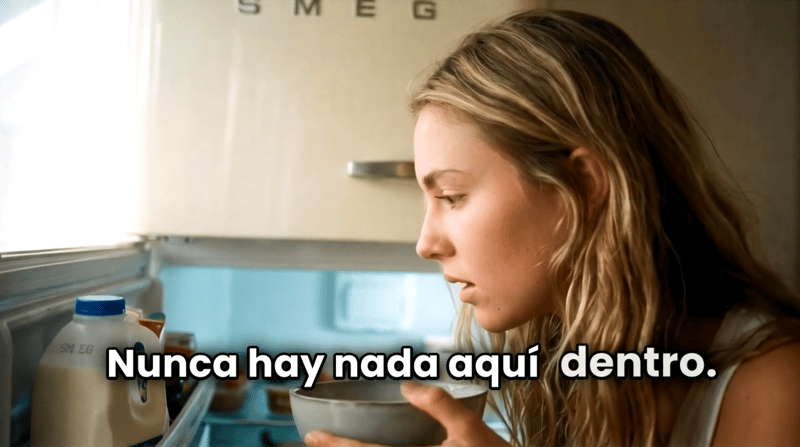
Turn a script, scenario image, voice selection, and target language into a talking character video.
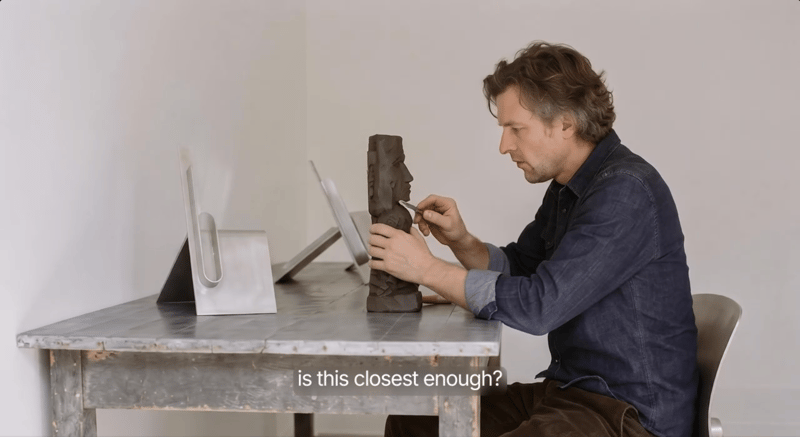
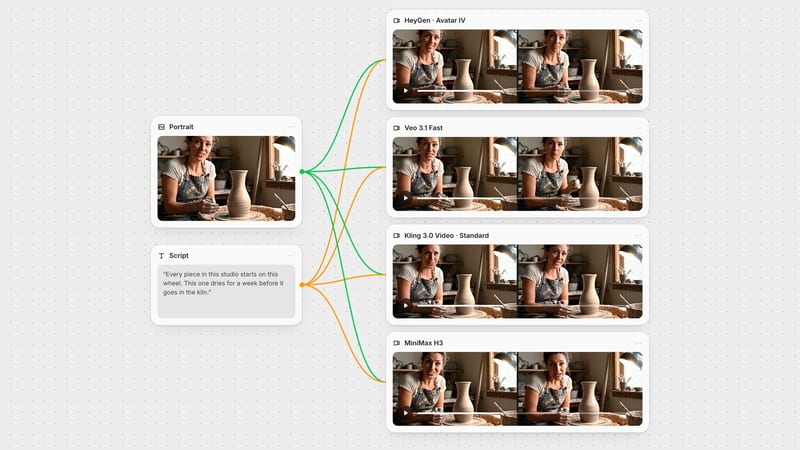
Provide a scenario image, script, and voice to create a talking character video with voiceover.
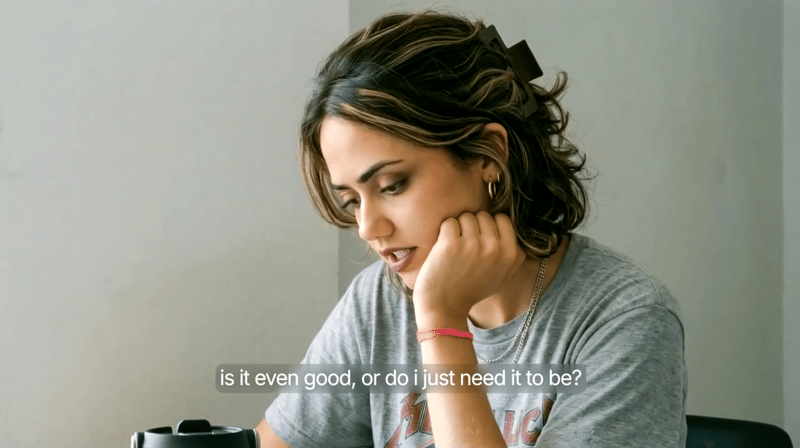
Provide a scenario image, script, and voice selection to create a talking character video with spoken delivery.
Explore a brand’s visual identity, refine typography and build real applications. Combine AI imagery with editable design and reusable workflows in Fuser.
Develop pitches, campaign assets and interactive client work in Fuser. Combine AI generation, editable design and reusable processes across your agency.
Develop film treatments, character and environment concepts, storyboards and motion studies. Connect image, video and 3D exploration in Fuser.
Create social graphics, carousel artwork and short videos with a recognizable brand style. Keep copy editable and recurring content easier to produce in Fuser.
Develop storyboard frames, shot variations and video studies from your references. Compose clear boards and explore movement in one Fuser project.