One click, whole workflow
Recipes are here. Package a whole workflow and run it in one click
Explore recipesOne click, whole workflow
Recipes are here. Package a whole workflow and run it in one click
Explore recipesbyCohere
Fluent copy in 23 languages, long briefs digested in one pass, and a model tier for every speed and budget
Choose one of four Command models, brief it through a system prompt, then iterate with a few dials. The big lever is the system prompt, which decides whether you get clean copy or a chatty reply.
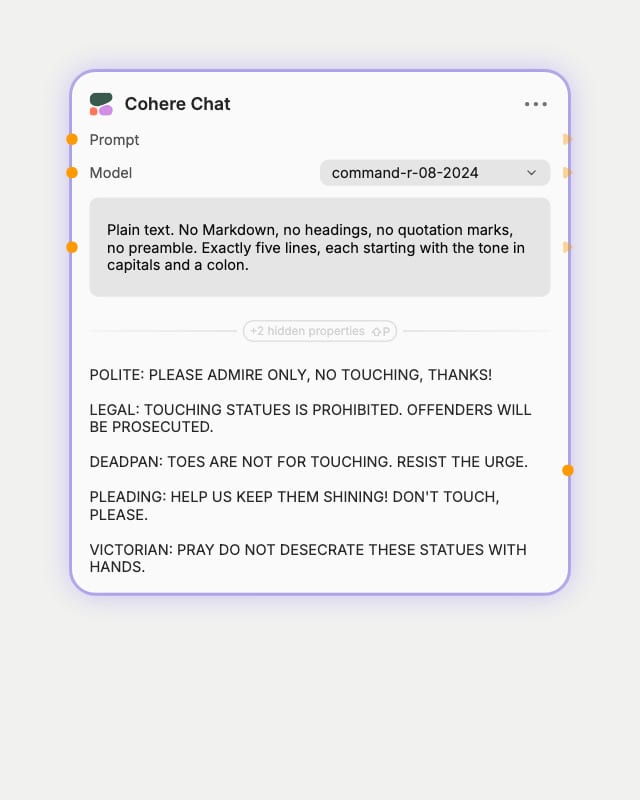
Pick your model tier
Choose command-a for long briefs, command-r for everyday drafting, or command-r7b for fast bulk variations.
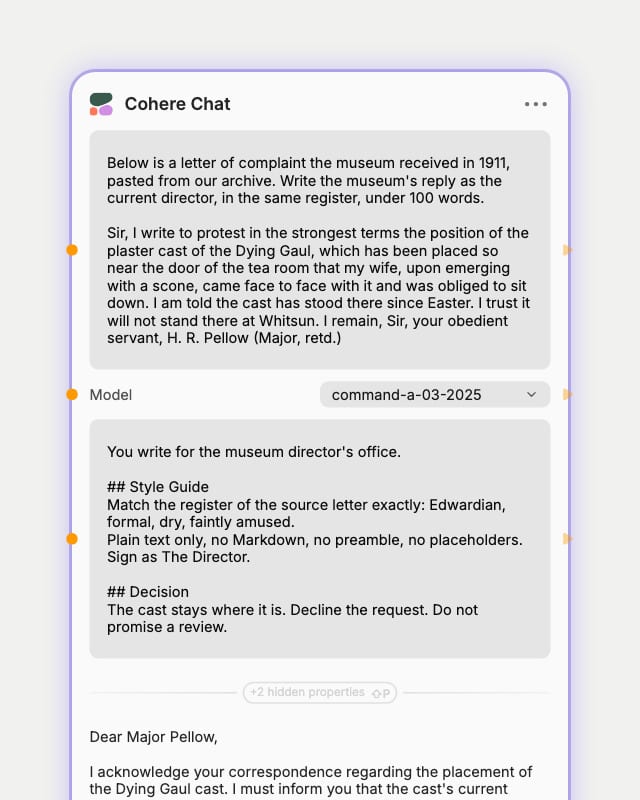
Set voice and paste source
Put role, tone and format in the system prompt, such as no Markdown and no preamble, then paste your brief or script into the prompt.
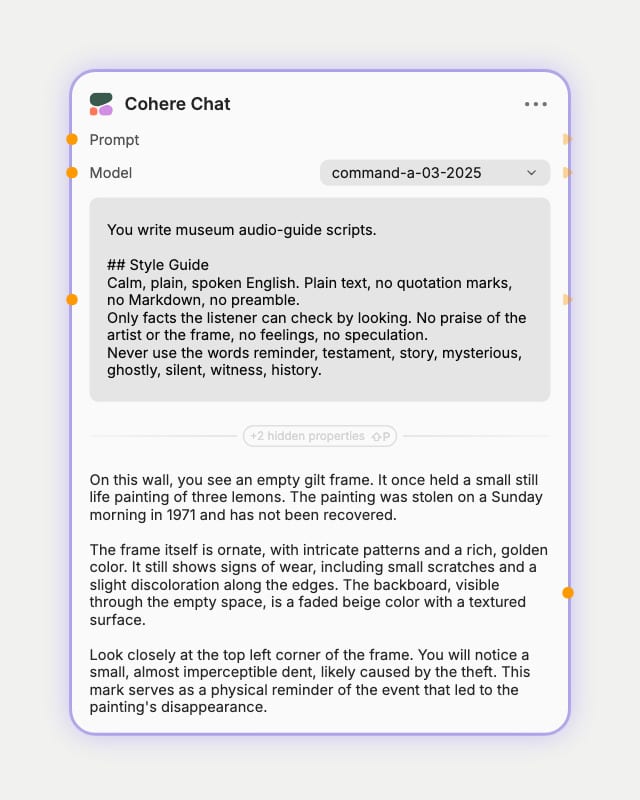
Tune and iterate
Lower temperature for localization, raise it for taglines, and hold the seed fixed while you refine your wording.
Multilingual fluency, long-document appetite and a speed-to-quality ladder. This is a text-in, text-out collaborator for copy, scripts and prompt drafting, not a visual critic.
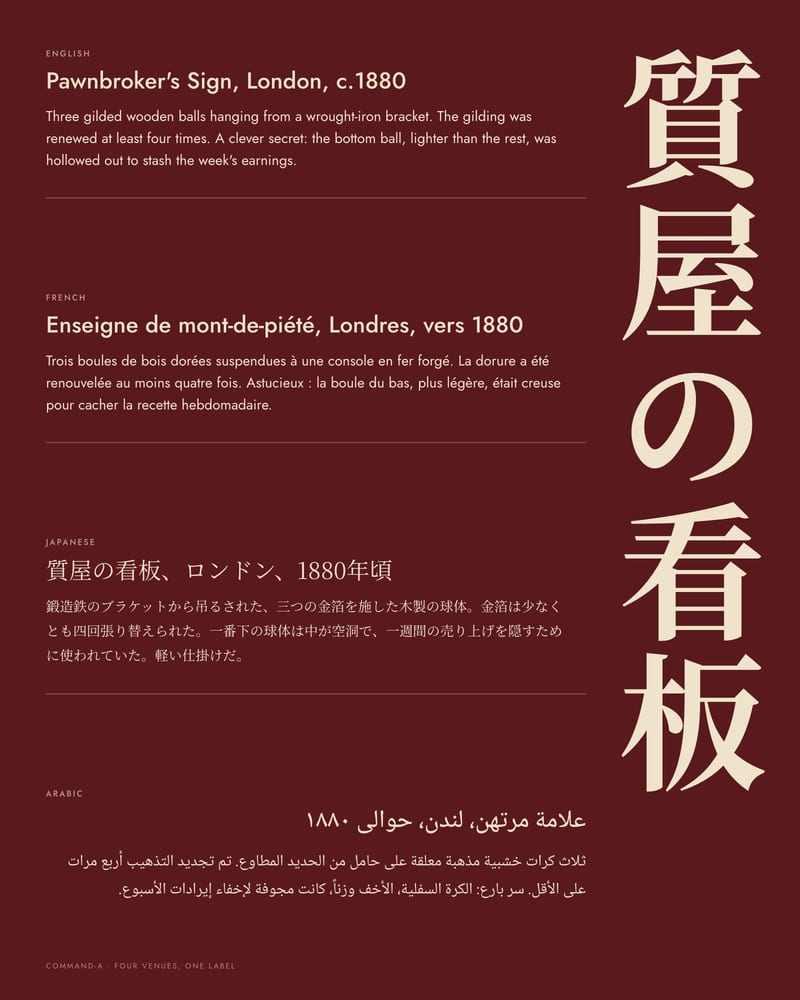
Multilingual campaign copy
Coverage spans 23 languages, and the output keeps rhythm and imagery instead of translating word for word. Use command-r at low temperature for routine localization, or step up to command-a when the instructions get complex.
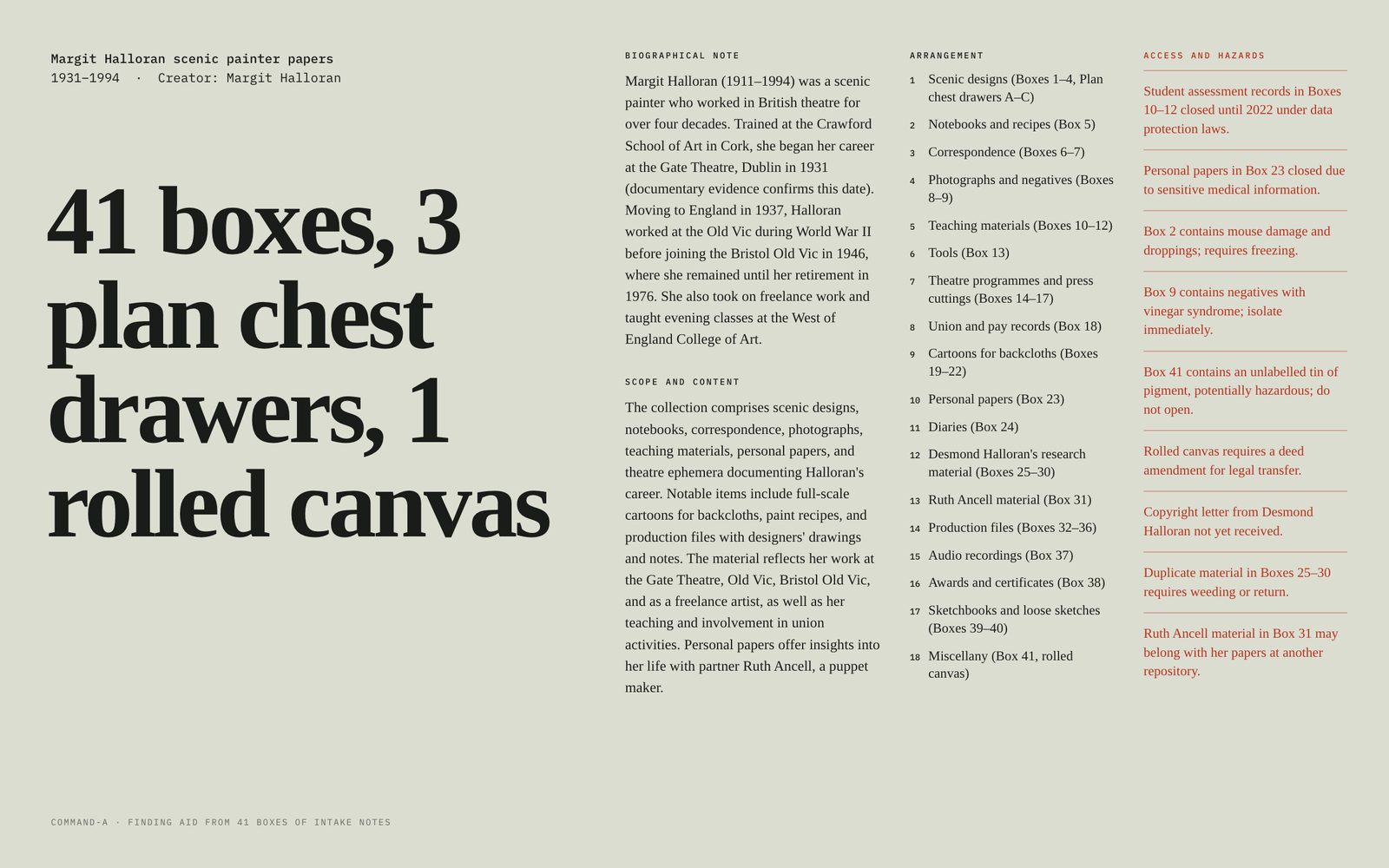
Long-brief digestion
Paste a whole brand book or transcript as text and get the essentials back in a single pass. command-a offers a 256K context for the heaviest briefs; command-r and command-r-plus work with 128K.
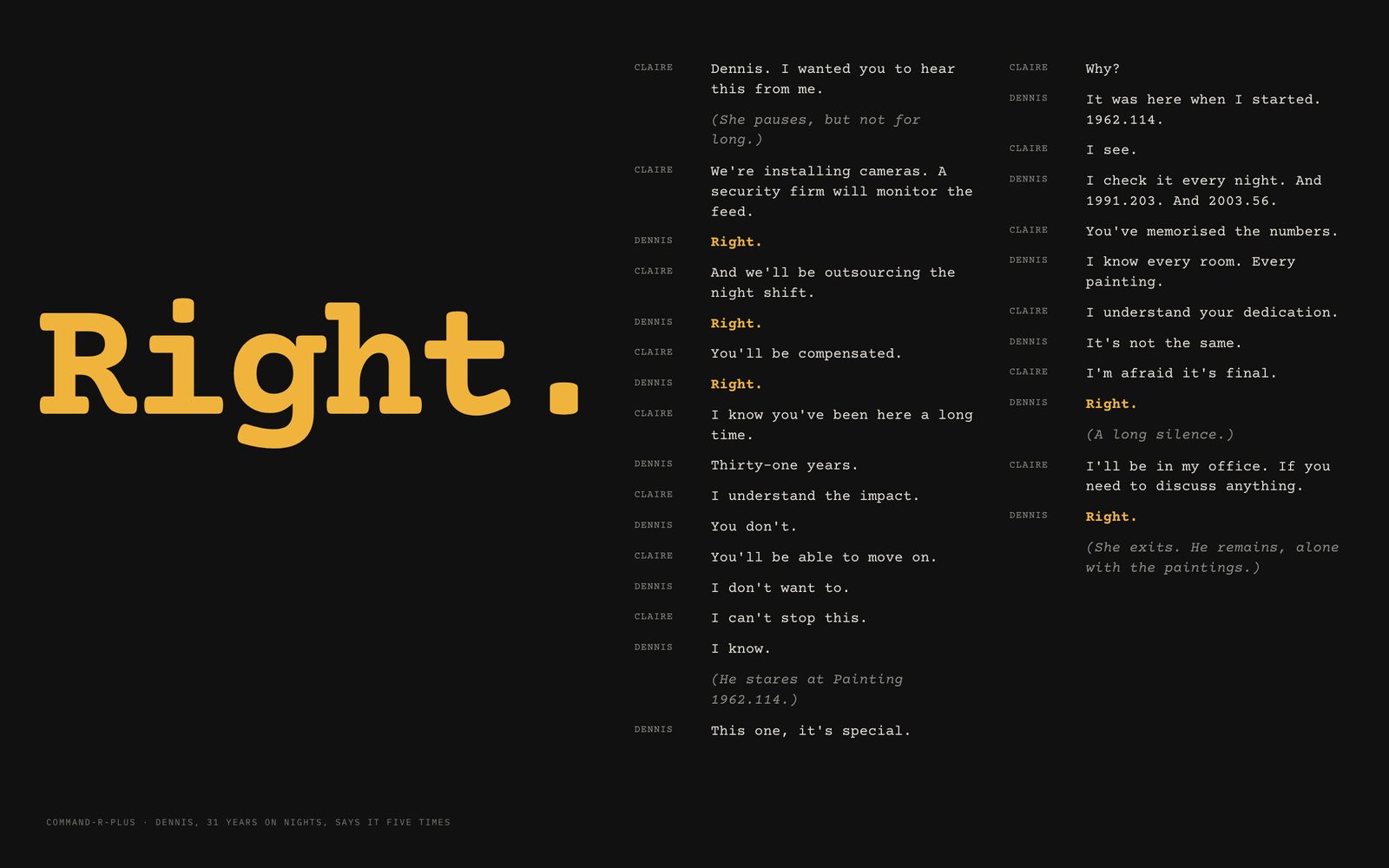
Character dialogue that holds
command-r-plus keeps character and lore steady across long contexts, which suits scene drafts, roleplay and dialogue passes. Tell it in the system prompt not to resolve conflict quickly to counter its upbeat bias.
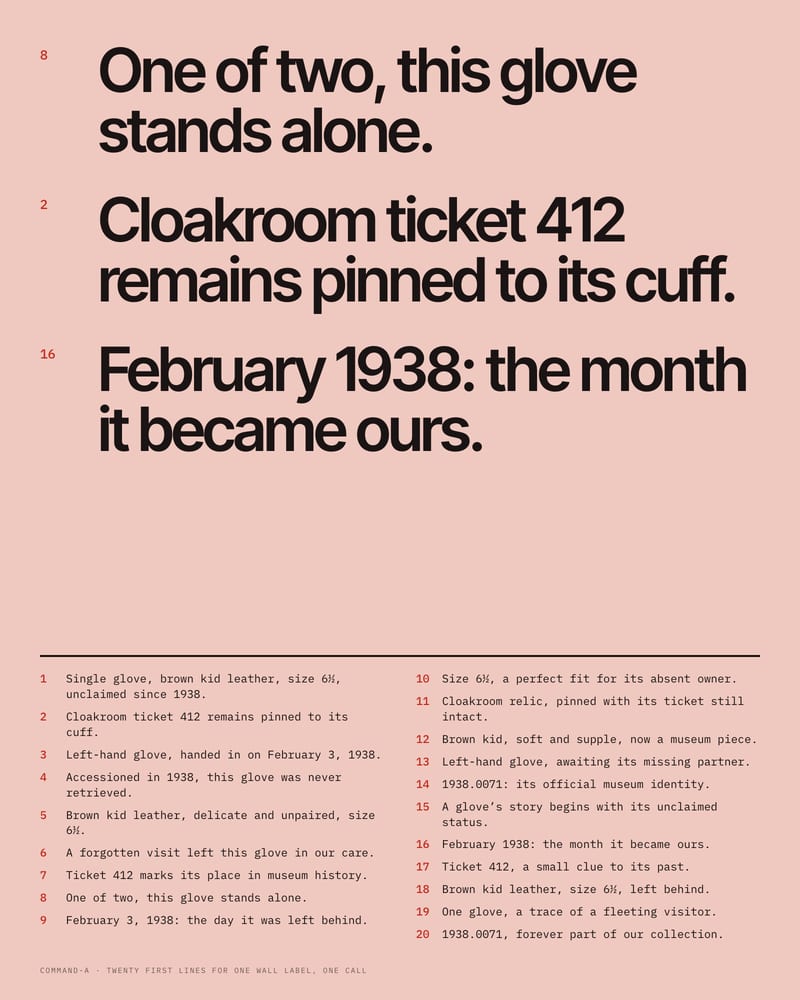
Bulk variations at speed
Ask for a numbered list and it returns a batch of variations in one go, from exhibition titles to wall-label openers. Use command-r7b when speed matters most and Command A when every line has to hold up; a stop sequence trims each to a clean item.
A gallery of written outputs: localized taglines, a tense scene, a shot list, a prompt for a video model and a song brief. Each shows the exact instruction that produced it.
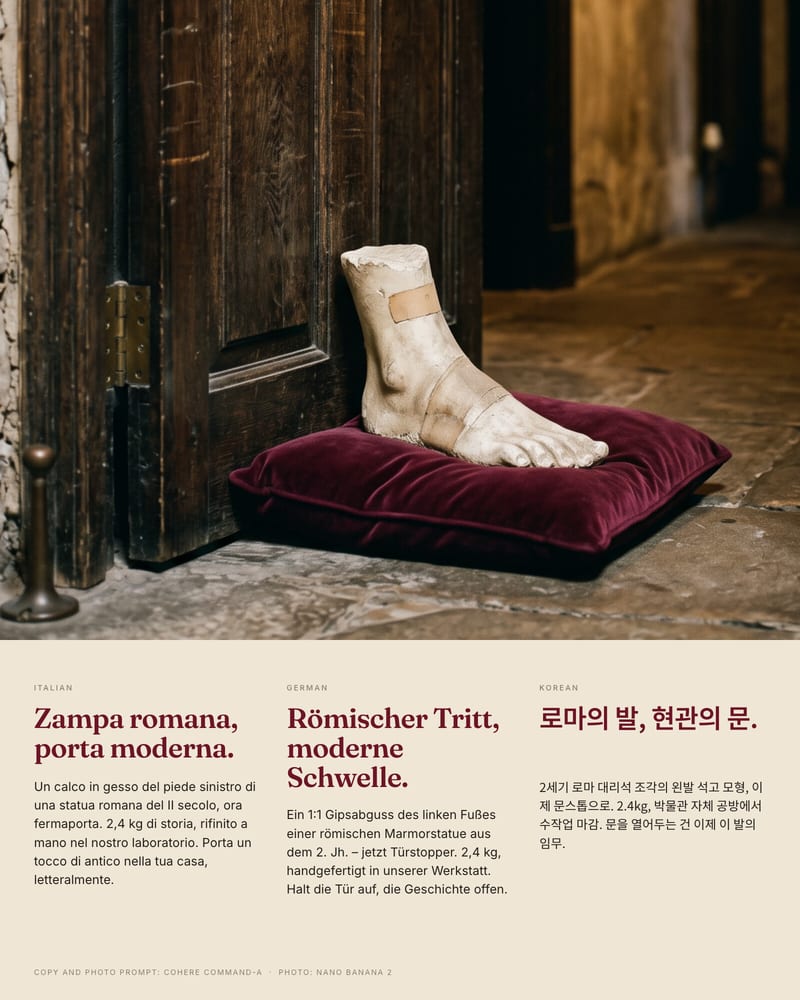
Campaign copy: one product, three languages
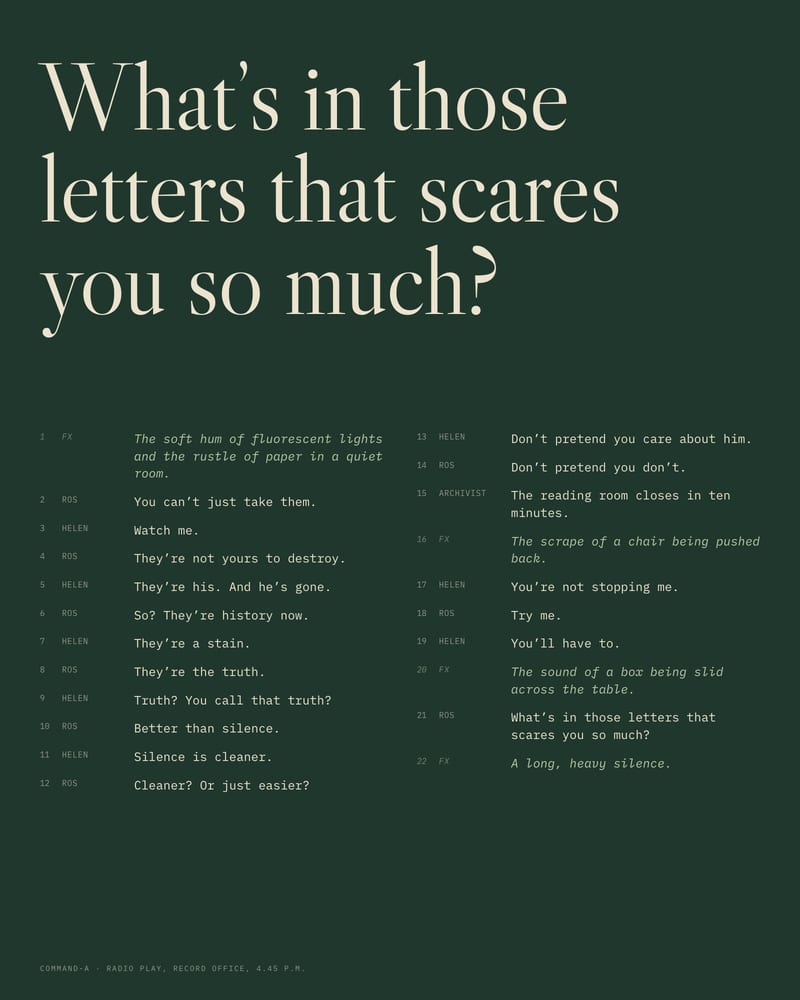
Scriptwriting: dialogue that refuses to soften
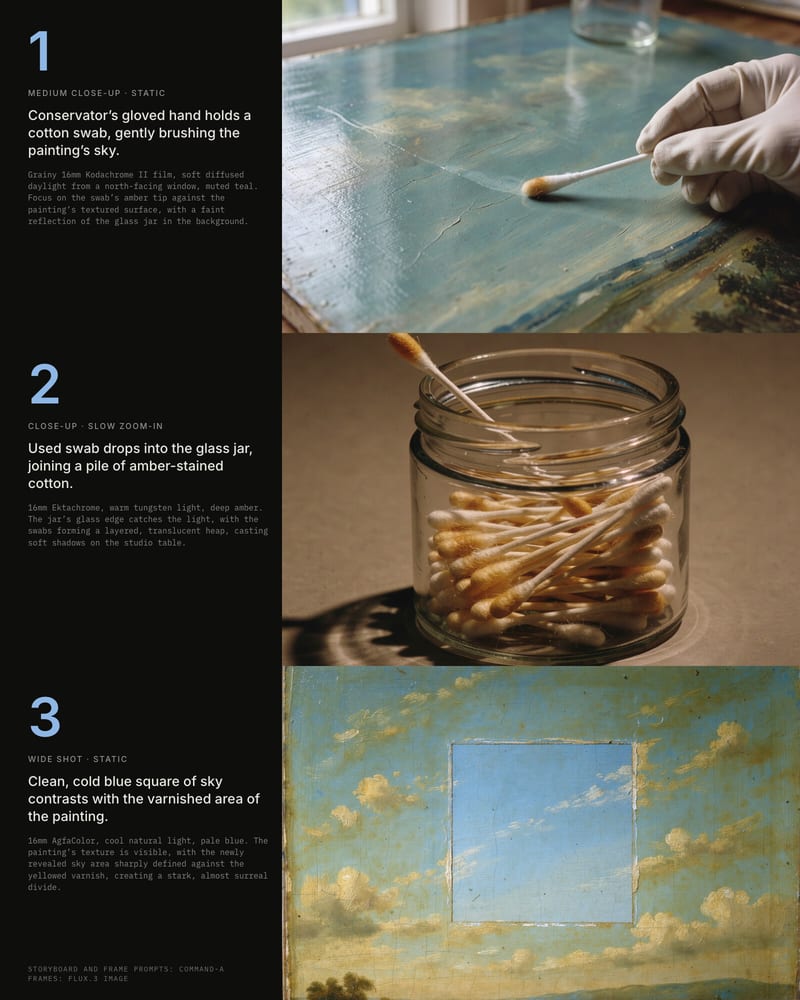
Storyboard: a text scene broken into shots
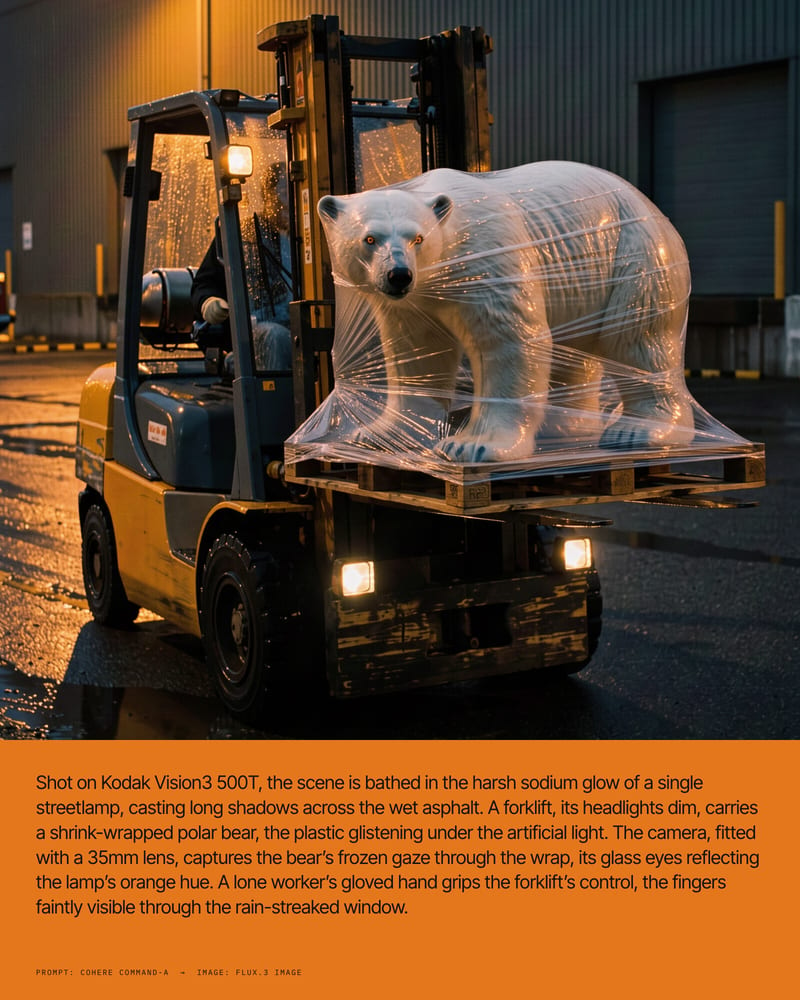
Prompt writing for the next node on the canvas
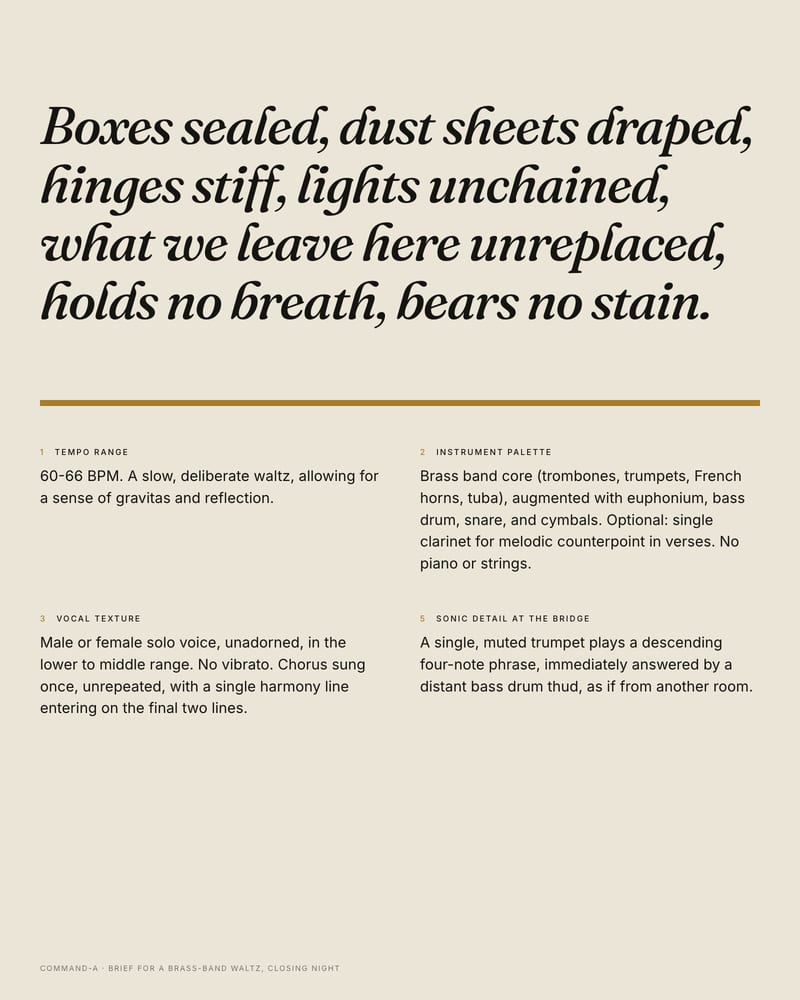
Song brief: sonic direction plus a chorus
Copywriters localizing campaigns, art directors digesting briefs, writers drafting dialogue and creators feeding prompts downstream all reach for it when words, languages or volume are the bottleneck.
The default route is the main way to reach all four Cohere models here, and it suits everyday drafting, localization and long-brief digestion. The alternative route reaches the same chat models when the default is unavailable, or when you want to compare the same prompt on another access path. Parameter support and defaults may differ on it, so keep settings simple: prompt, system prompt and temperature. Cost is listed as 0 on both, so neither gives a price signal.
Match the tier to the job:
No, these models are text-focused, so don't rely on them for image or video analysis. Layout, color and typography critique from an attached image is a poor fit. Treat attachments as text sources such as scripts, notes and briefs, and paste source material straight into the prompt.
Say so in the system prompt, for example: "No Markdown, no preamble, return only the copy." Vague style notes like "write casually" tend to get overridden by its polished default. command-a is chatty by default, while command-r7b is more compact.
The models lean upbeat and reach happy resolutions quickly, especially in fiction. In the system prompt, state the tone and say conflicts should not resolve quickly. Phrases like "keep the conflict unresolved" and "short, clipped sentences" help. Without heavy steering, unflinchingly dark or ambiguous endings are a weak spot.
The models are made by Cohere. The versions in this node were released between 2024-08-30 and 2025-03-13, spanning command-r and command-r-plus (08-2024), command-r7b (12-2024) and command-a (03-2025).
Fluent copy in 23 languages, long briefs digested in one pass, and a model tier for every speed and budget