One click, whole workflow
Recipes are here. Package a whole workflow and run it in one click
Explore recipesOne click, whole workflow
Recipes are here. Package a whole workflow and run it in one click
Explore recipesbyOpenRouter (aggregator); underlying models vary by selection
One text brain for your canvas: a terse, fast drafter for volume, a larger interpretive voice for the copy and scripts that matter
Choose the model, set the rules once in the system prompt, and send. The reply is plain text, so it drops straight into the next node, and trying another writer takes one change.
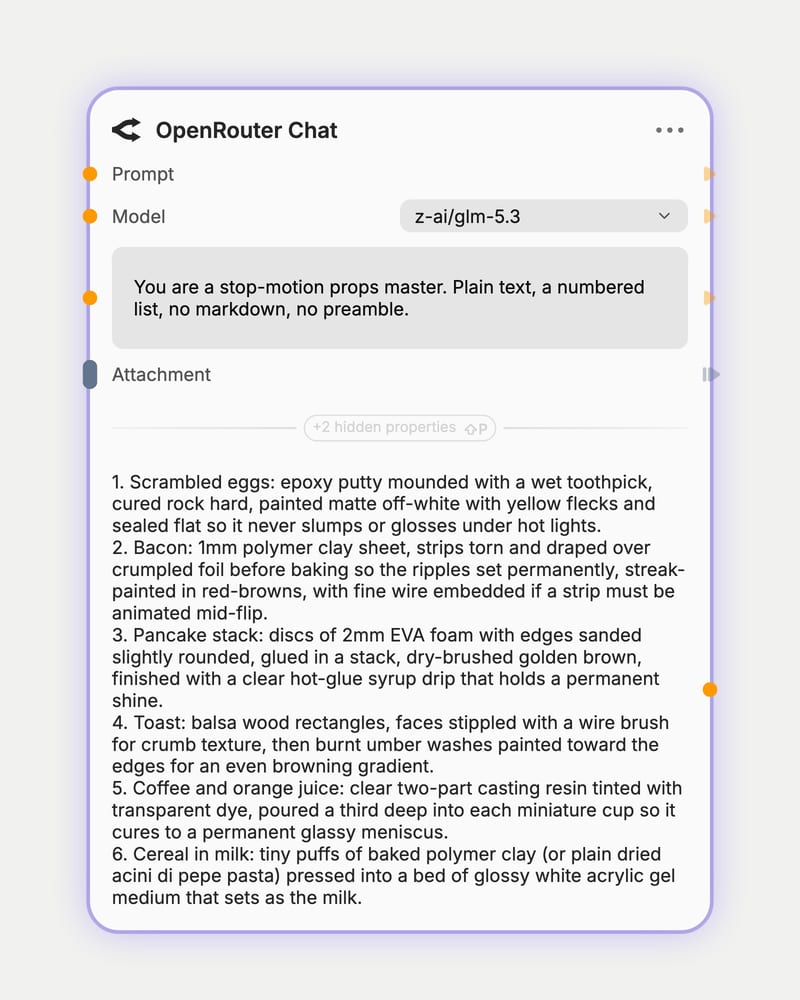
Pick your language model
Choose from the model list: keep the fast default for drafts, or move to a larger model for nuanced prose and image reading.
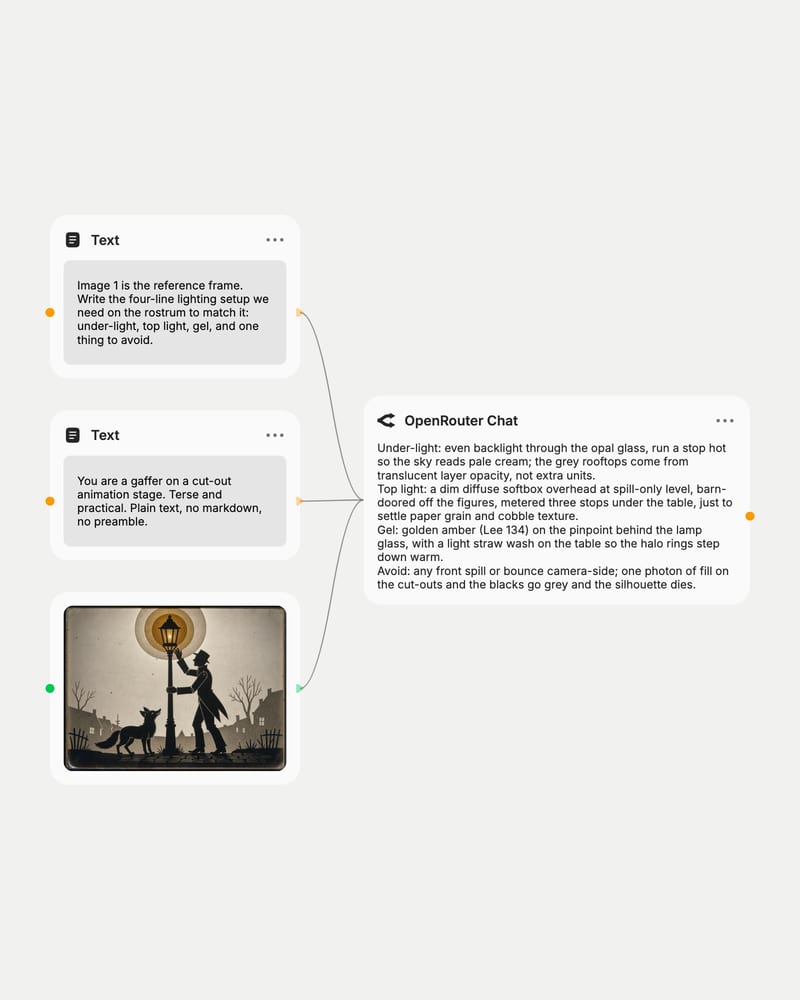
Brief it and pin the voice
Write the prompt, set role, format and length rules in the system prompt, and attach reference images if the model can see.
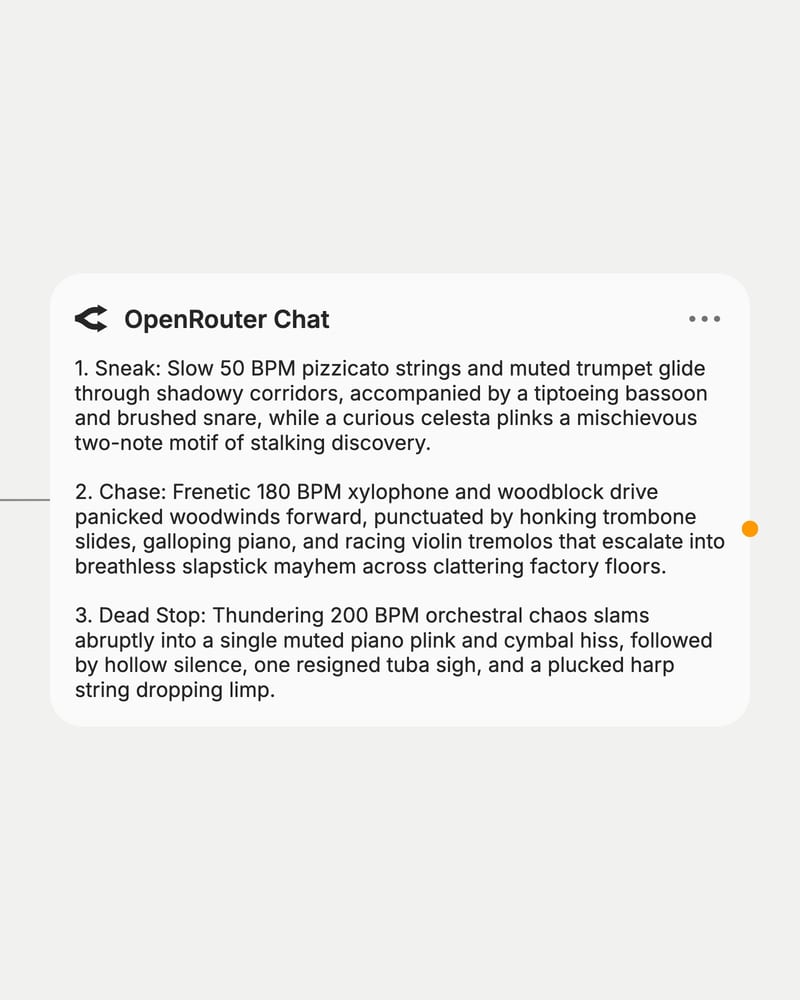
Send text downstream
Run it, wire the reply into an image, video or audio node, or swap the model and rerun to hear another voice.
This node is a gateway rather than a single model, so its strength is range: prompt expansion, image reading, shot lists and copy, with the voice following whichever model you choose.
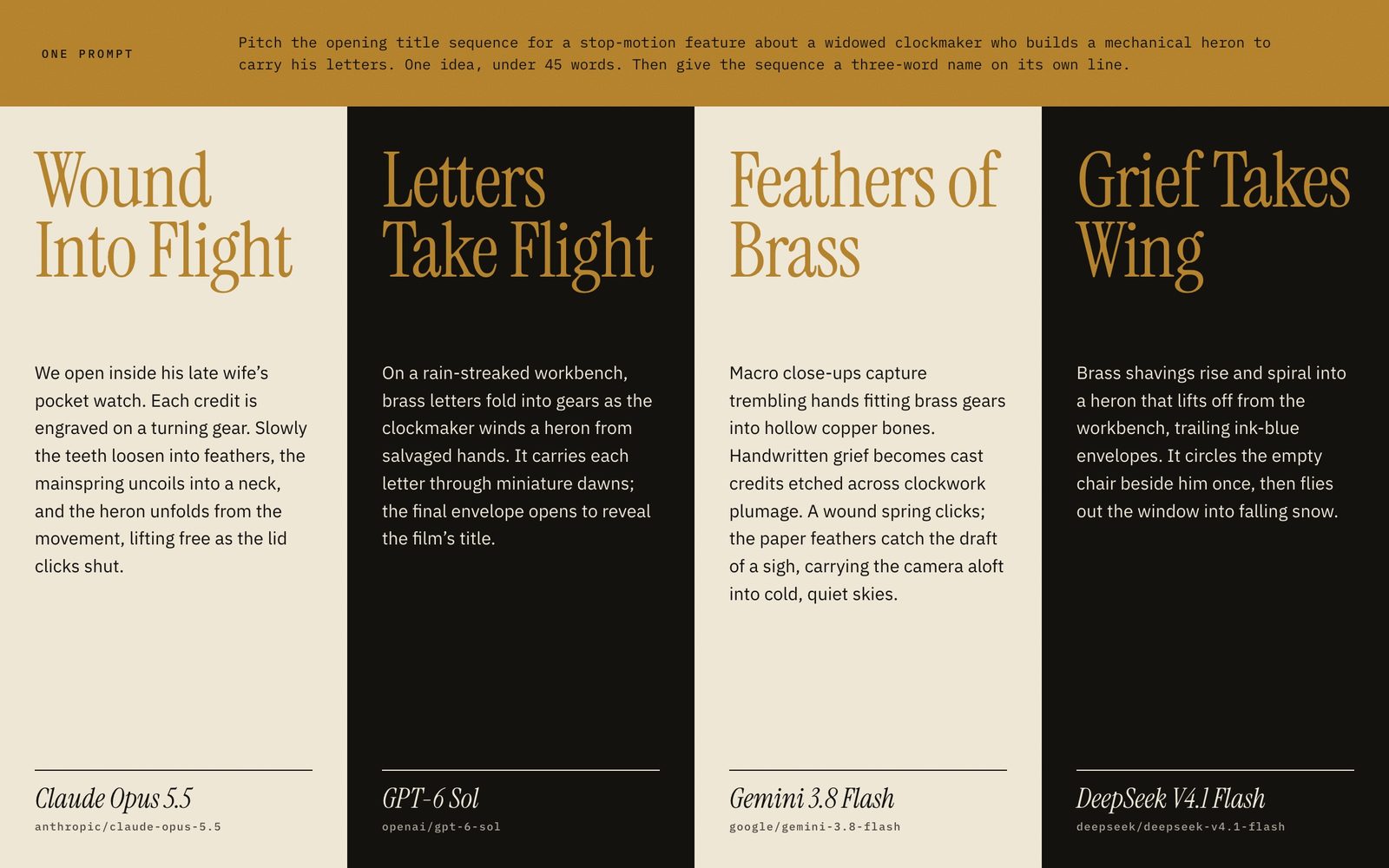
Swap models, compare voices
Route prompts across language models from leading providers using standardized inputs and unified parameters, without changing your workflow structure.
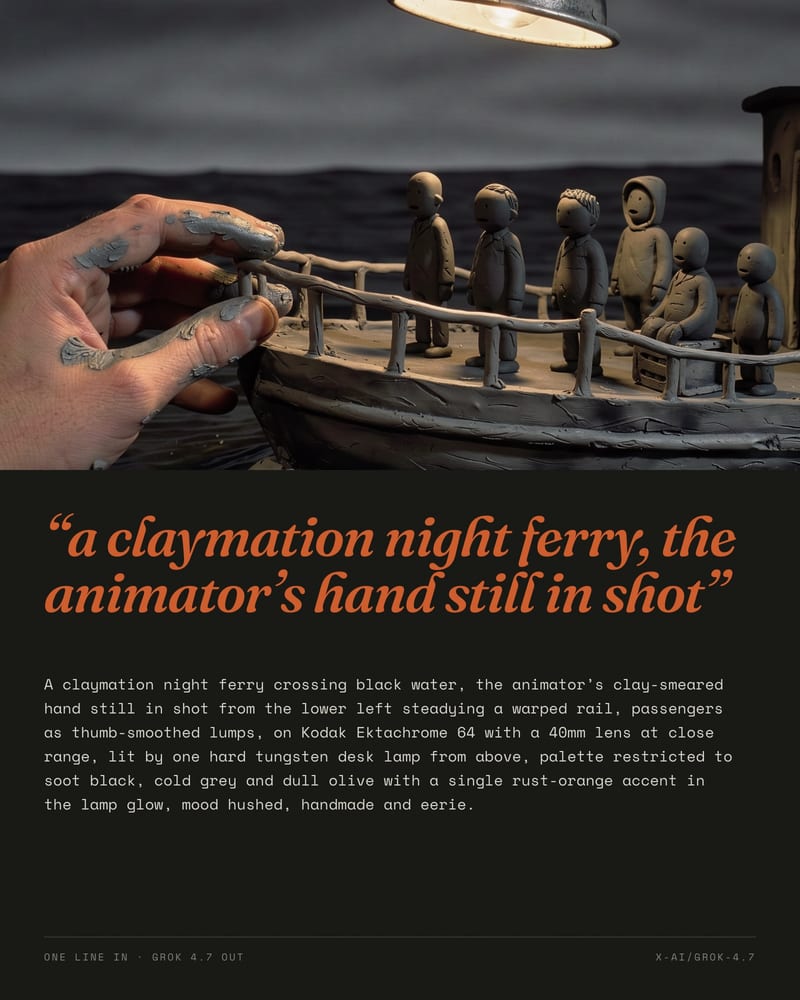
One-line ideas to generator prompts
Hand it a seed of an idea and ask for subject, lens, lighting, palette and mood. Fast tiers return terse, literal lists; larger models add richer composition and color vocabulary. Add 'output only' for a pasteable paragraph.
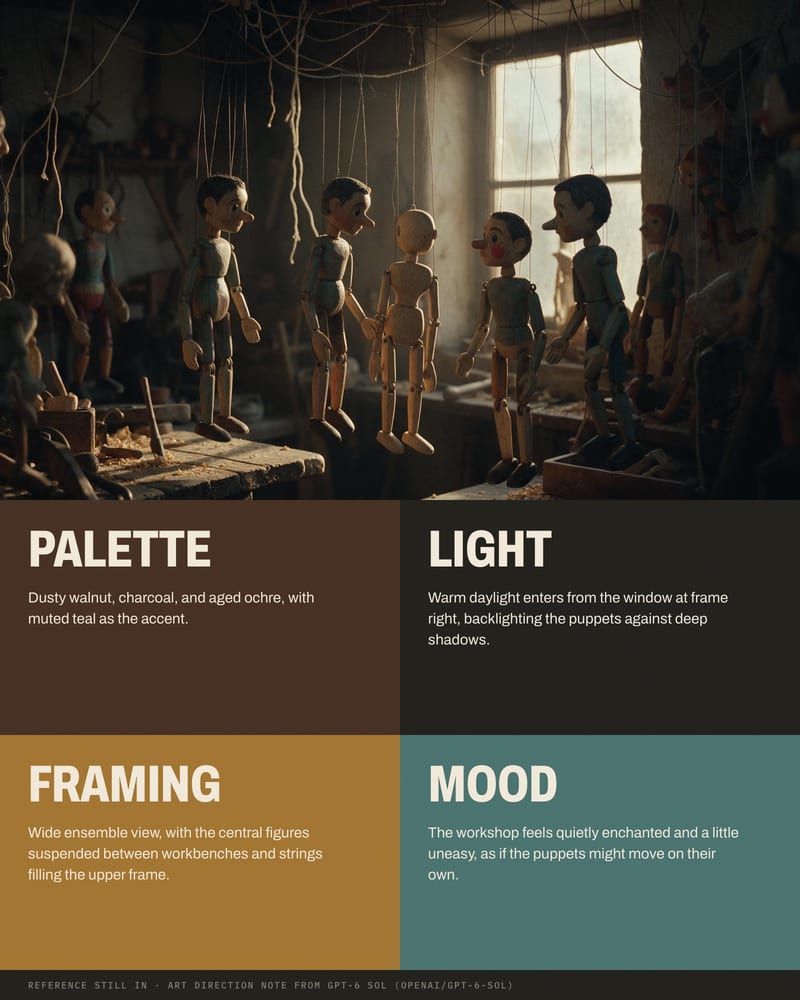
Reference images into briefs
Attach a still or moodboard and ask for palette, composition and lens in words. Choose a vision-capable model, since a text-only one can't describe it faithfully, and use higher-resolution images for more reliable reads.
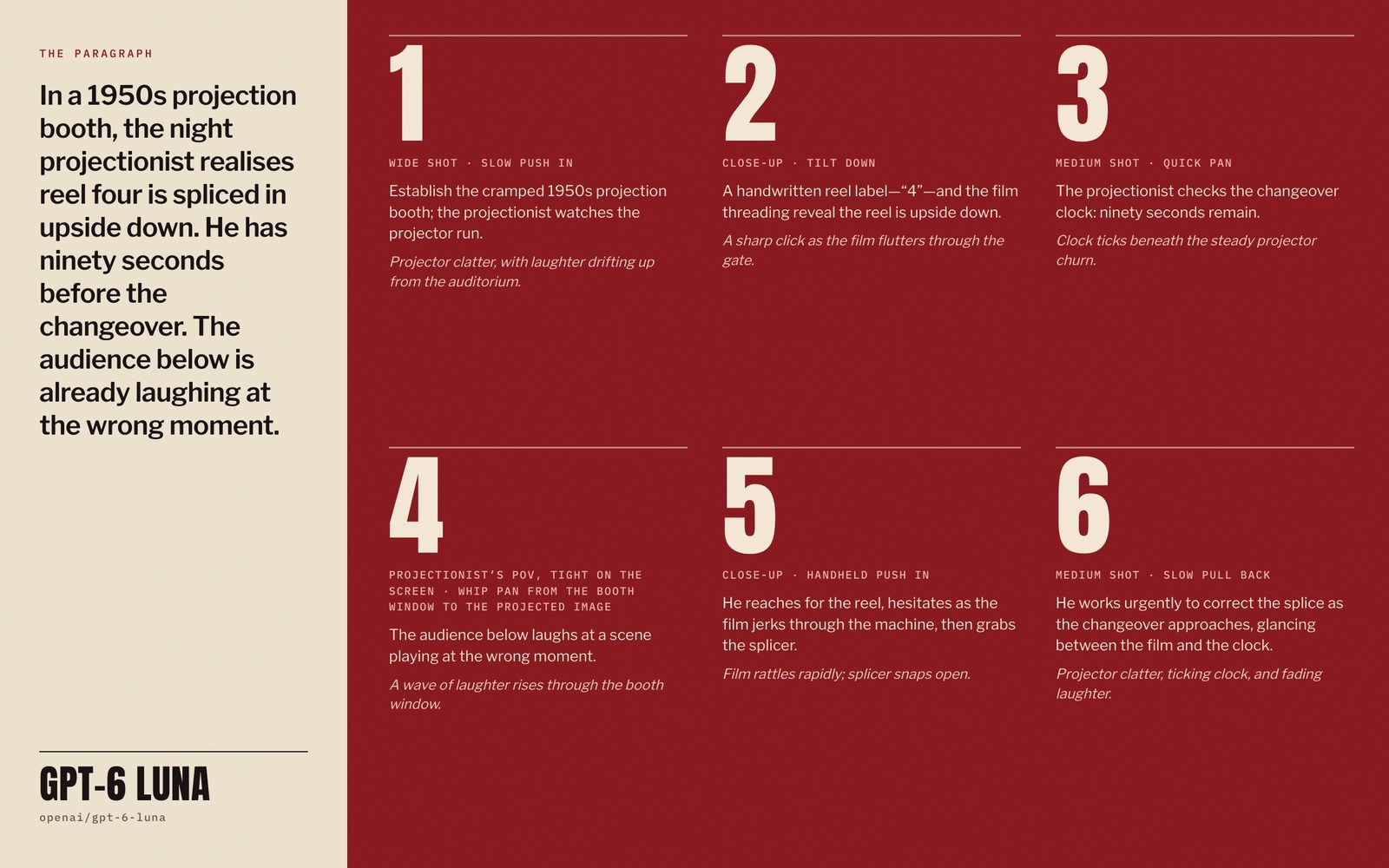
Storyboards from a paragraph
Turn a logline or script into a structured shot list with size, move, action and sound. Keep temperature low for strict formats, and switch on Last Message Only to run one independent frame per call.
The gallery covers the text jobs a canvas needs: generator prompts, storyboards, tagline sets, image descriptions and sound briefs, each written to be piped on to the next node.
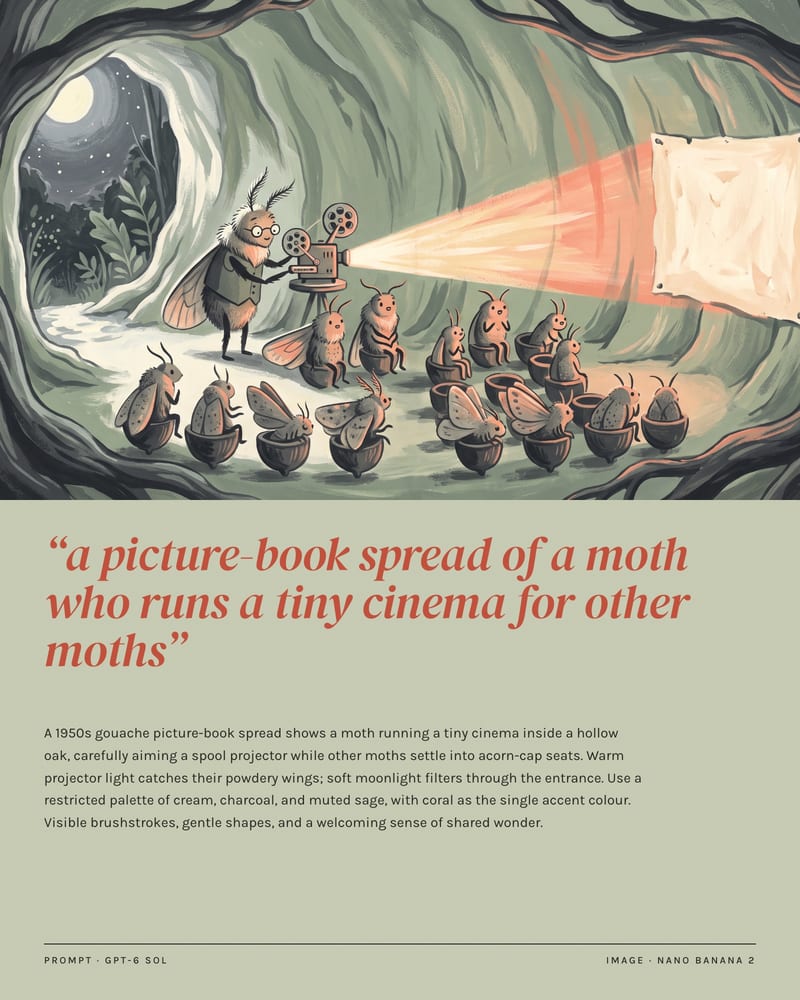
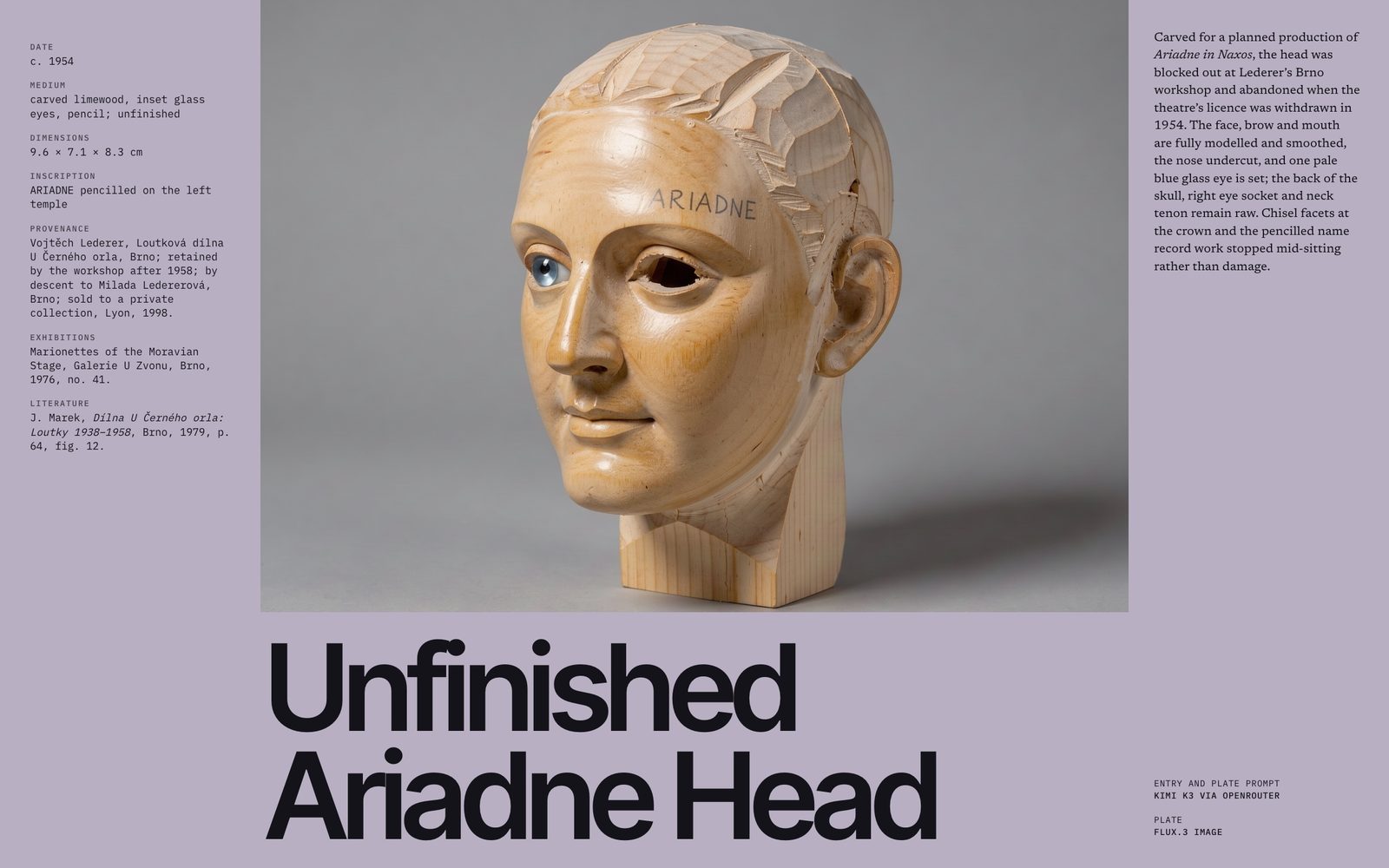
A one-line idea becomes a ready-to-paste image prompt
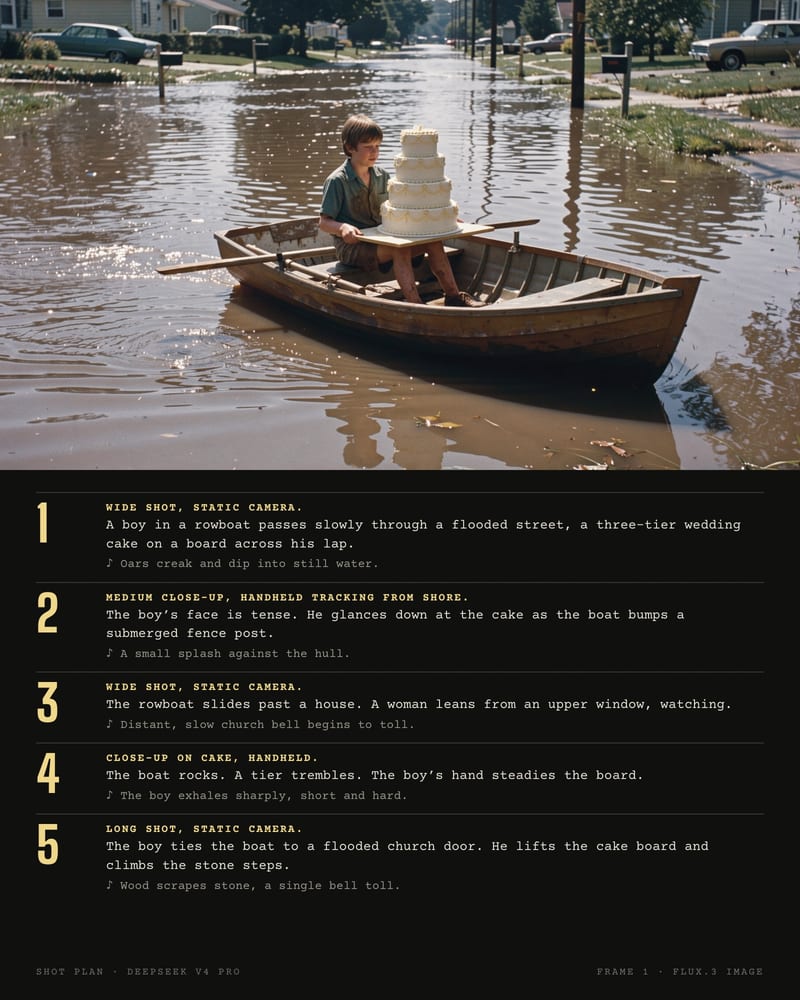
A brief becomes a shot-by-shot plan
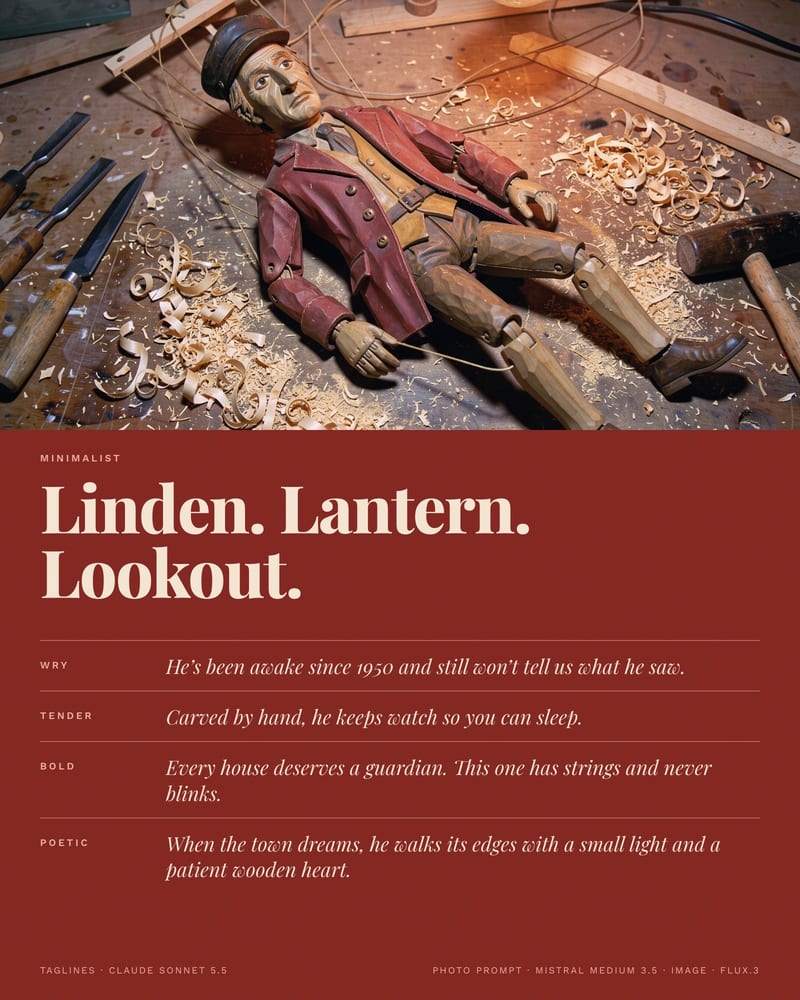
Five voices, one product, side by side
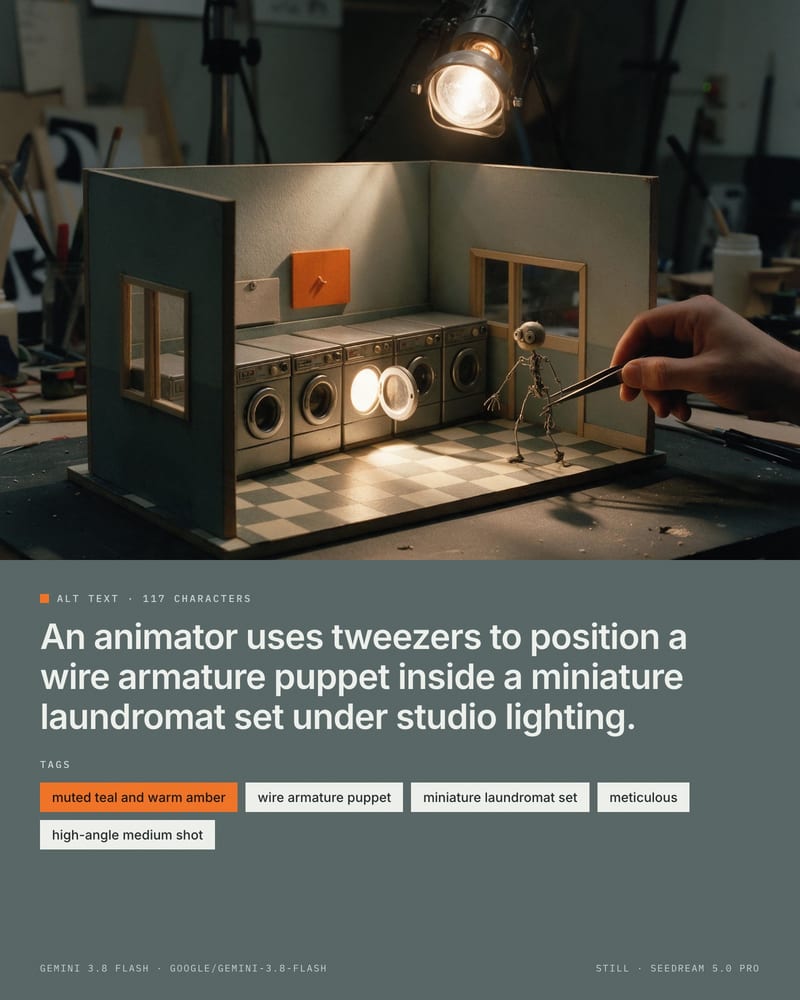
Attach a still, get alt text and tags back
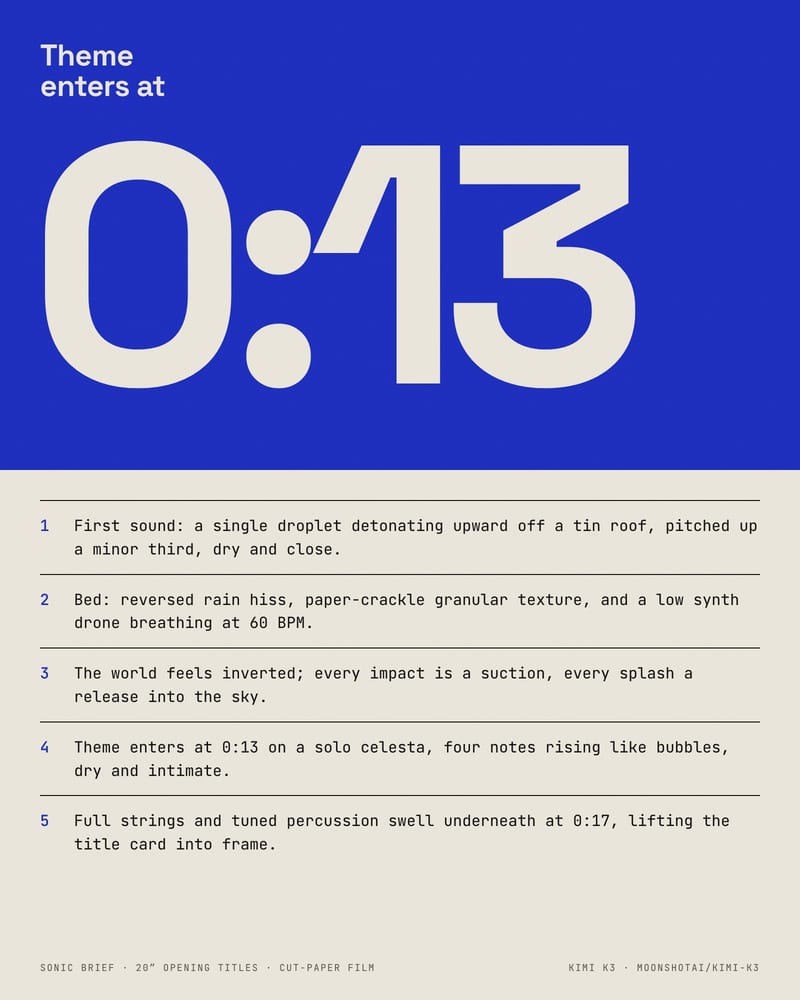
Sound direction ready for an audio node
Prompt writers, storyboarders, copywriters, librarians and art directors reach for it when they want a fast model for volume, a bigger one for nuance, and no rewiring between them.
The default, qwen/qwen3.8-flash, is a fast small model that suits drafts and bulk rewrites. The Model list loads from OpenRouter's live catalogue, so switch to a larger reasoning model for briefs with many constraints, and choose a vision-capable model whenever you attach images.
Put the voice rules and a short sample passage in the System Prompt, since each model has its own default tone. Keep the model fixed within a project once you like the results, and turn on Last Message Only for independent pieces so earlier replies don't steer the next. Before swapping in a new model, run it on the same prompt and system prompt and compare.
It is best at drafting image and video prompts, turning scripts or moodboards into shot lists, testing writing voices across models, and describing reference images as text briefs.
It is weak at holding one consistent voice when the model keeps changing, pixel-accurate layout or typography critique, and guaranteed reproducible output.
Yes, when you attach an image and choose a vision-capable model. The node accepts text, image and reference input.
A model without vision support won't give a faithful description, and small vision models can invent details, so check the result.
No, seeding is best-effort. The same seed on the same model and settings improves repeatability but doesn't guarantee it.
Changing the model changes the output regardless of seed, so compare one variable at a time.
A cut-off reply usually means the Max Tokens cap is too low; raise it for scripts and long treatments, and keep it tight only for single prompts.
Preamble appears when the system prompt doesn't forbid it. State 'output only' and the format there, and use a stop sequence like '###' for clean single-item results.
One text brain for your canvas: a terse, fast drafter for volume, a larger interpretive voice for the copy and scripts that matter