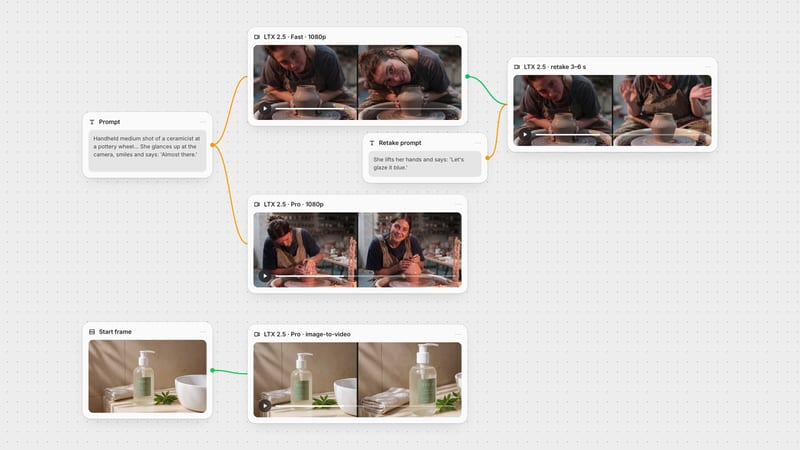
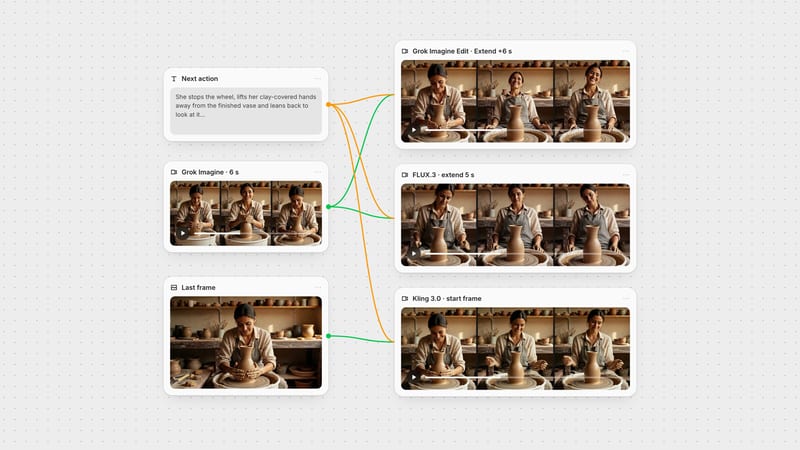
One click, whole workflow
Recipes are here. Package a whole workflow and run it in one click
Explore recipesOne click, whole workflow
Recipes are here. Package a whole workflow and run it in one click
Explore recipesbyLightricks
Lengthen existing video clips with continuous camera momentum, organic physics, and seamless temporal coherence
Three simple stages turn truncated footage into seamless, extended video sequences with natural physical momentum.
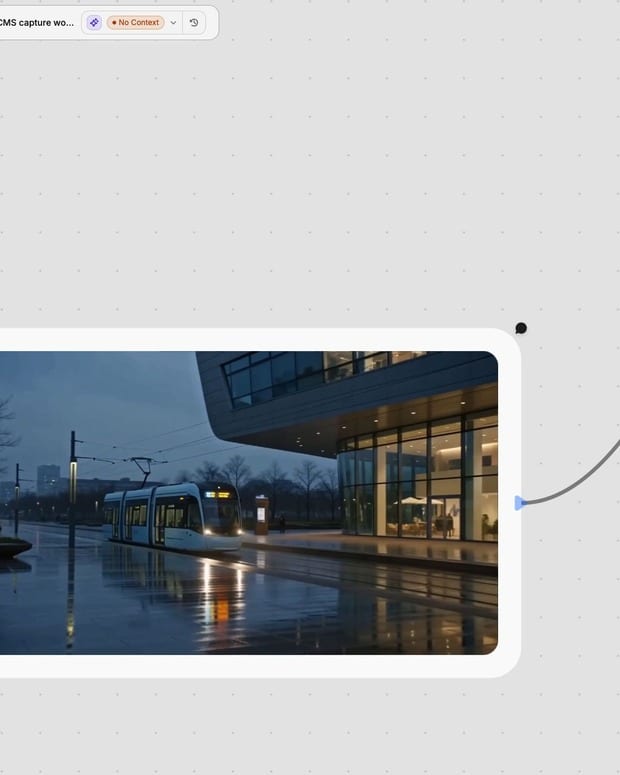
Upload source footage
Provide a clean video clip and specify the starting frame index to anchor temporal conditioning.
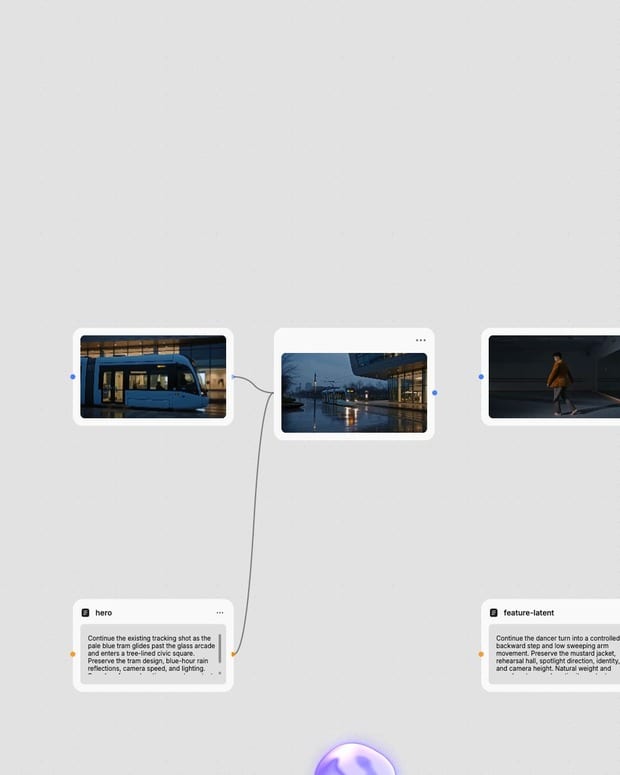
Direct subsequent action
Prompt the model with forward camera movement, directional pans, or continuing physical motions.
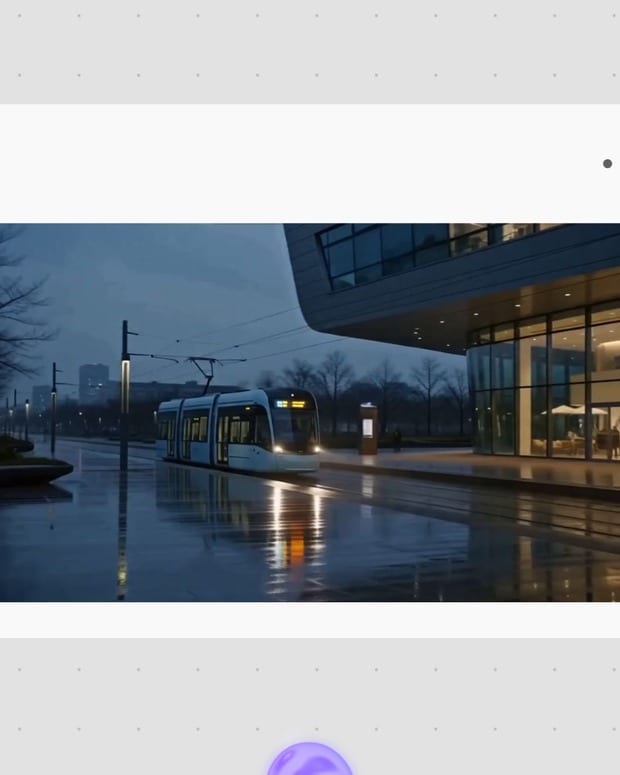
Synthesize extended frames
Generate a smooth 720p extension maintaining visual identity, lighting, and natural momentum.
Built on a specialized Diffusion Transformer and multi-keyframe latent conditioning, LTX Extend keeps camera motion and scene physics strictly coherent.
Explore how LTX Extend lengthens cinematic dolly shots, editorial garment motion, automotive tracking passes, and atmospheric archival scenes.
From cinematic b-roll to runway lookbooks and vertical reels, creators use LTX Extend to preserve temporal continuity across video projects.
LTX Extend is a video extension tool powered by Lightricks' open-source LTX-Video Diffusion Transformer (DiT) architecture. It uses multi-keyframe latent conditioning to anchor an input video clip at a designated frame index, autoregressively generating new frames that continue the scene's motion, lighting, and camera trajectory.
LTX Extend excels at slow, organic physical movements, camera dollies and pans, and continuing single-shot scene action. It is particularly effective for lengthening short AI-generated clips, rendering realistic momentum for flowing fabrics, hair, and environmental physics while keeping lighting setups and character identity stable across frames.
Set the start frame to match the frame index where you want generation to anchor—typically the final frame of your input clip for a forward extension. For example, use 24 for a 1-second 24 FPS clip, or up to 120 for longer footage. Setting the start frame to 0 anchors conditioning at the beginning of the timeline for reverse or start-of-scene extensions.
Avoid using LTX Extend for scenes requiring legible typography, intricate hand or finger interactions, or rapid kinetic action. The model is designed strictly for single-shot continuous motion and cannot execute cinematic camera cuts, scene transitions, or complex multi-subject choreographies within a single generation.
LTX Extend supports output resolutions of 480p and 720p across both 16:9 widescreen and 9:16 vertical aspect ratios. For production fidelity, 720p paired with 40 to 50 inference steps provides the crispest textures, while 480p and lower step counts offer rapid iteration for motion prototyping.
Lengthen existing video clips with continuous camera momentum, organic physics, and seamless temporal coherence