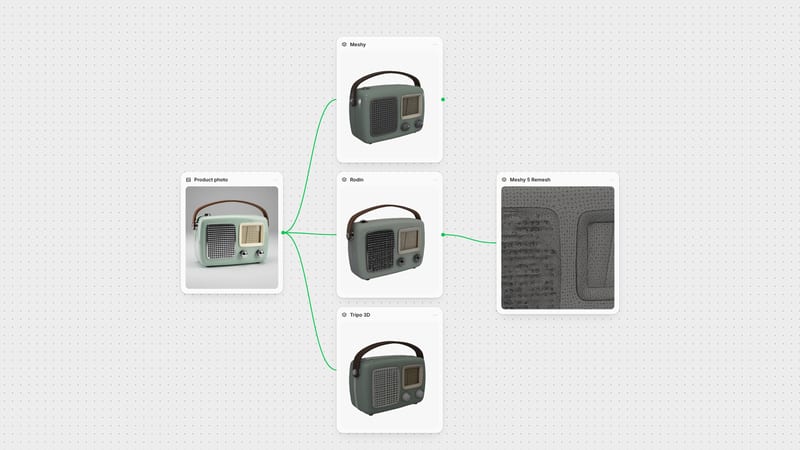
One click, whole workflow
Recipes are here. Package a whole workflow and run it in one click
Explore recipesOne click, whole workflow
Recipes are here. Package a whole workflow and run it in one click
Explore recipesbyMeshy
Repaint any mesh in weathered metal, worn leather or hand-painted skins from a prompt or a reference image, with the geometry left untouched
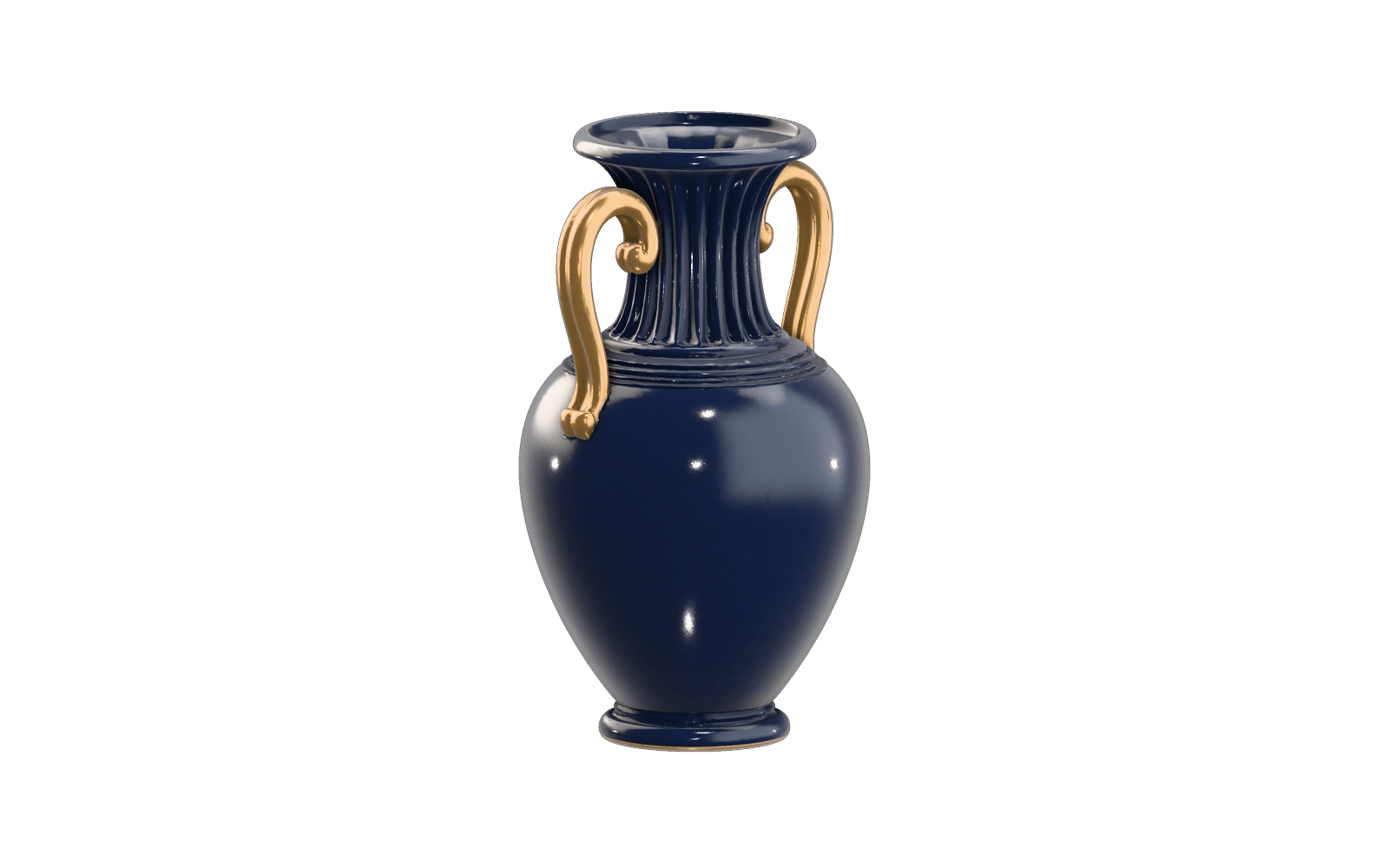
Bring a mesh you already like, tell it what the surface should be, and get the same shape back wearing a new set of textures.
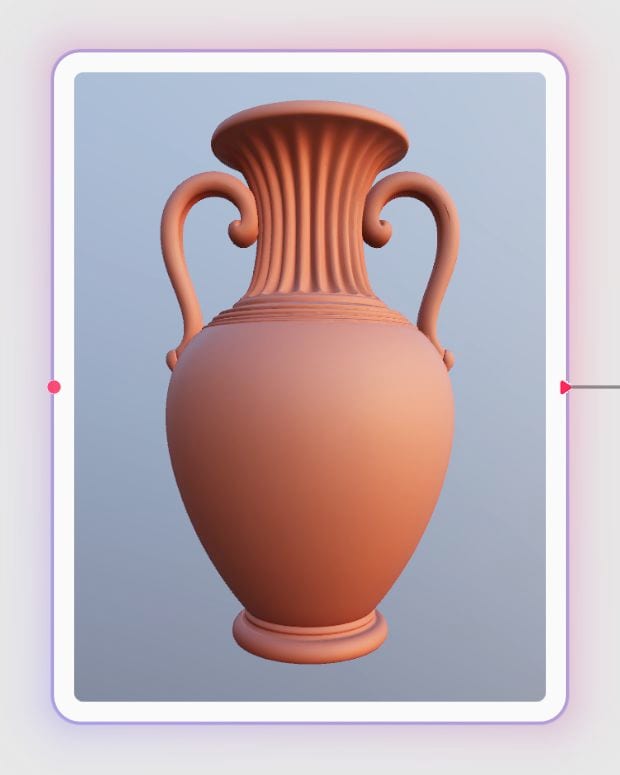
Load your mesh
Drop in a clean, watertight model, whether AI-generated, sculpted or kitbashed, and choose a Meshy generation.
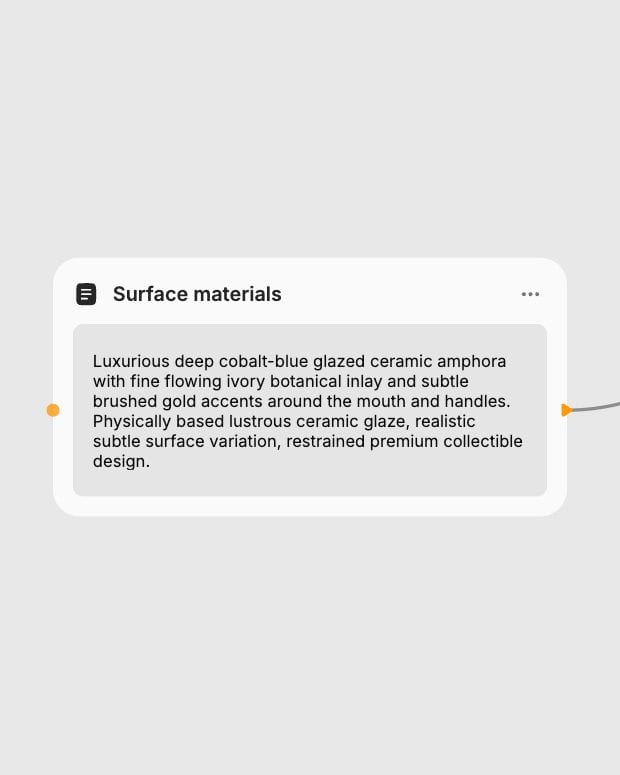
Describe or show the material
Write a short material prompt or add a reference image; if you add both, the image wins.
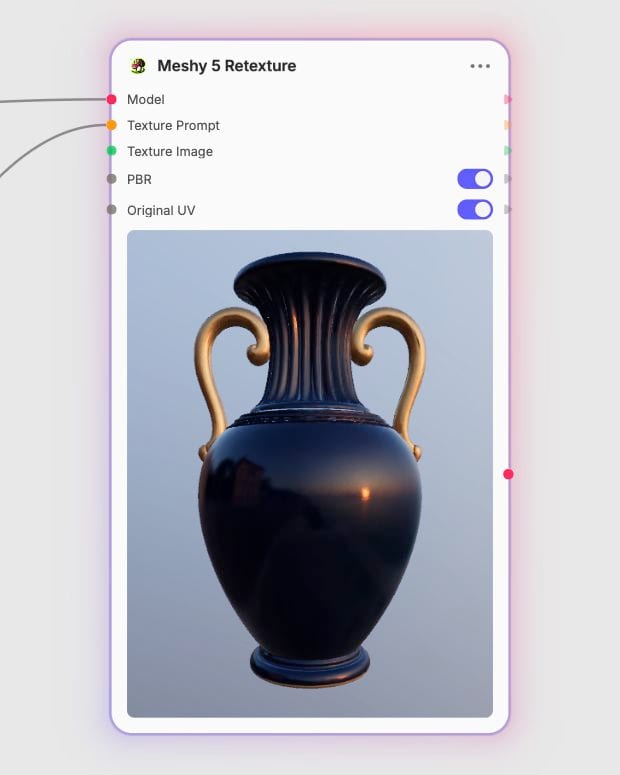
Set resolution, then export
Pick 2K, 4K or 8K, keep PBR on, and download the same mesh with a fresh embedded texture set.
Material realism painted over a fixed form: real roughness and metallic response, wear that gathers in the right places, and control over how UVs are handled.
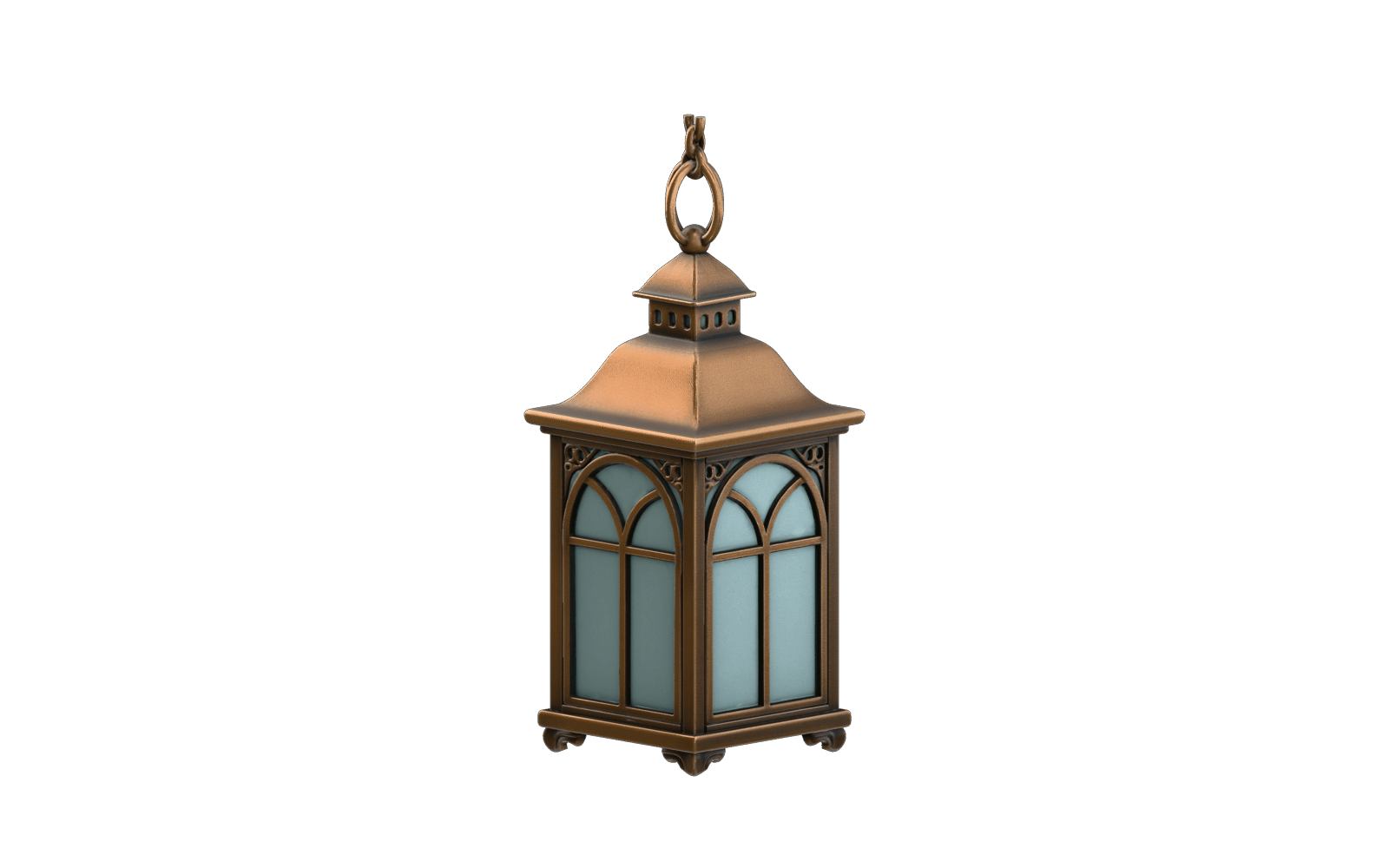
PBR sets with 8K base color
Base color plus metallic, roughness and normal maps in one pass. Choose 8K and the base color goes 8K while the PBR maps stay at 4K. Meshy 7 is the default for best alignment; Meshy 5 is the cheaper pick for quick, standard-resolution iteration.
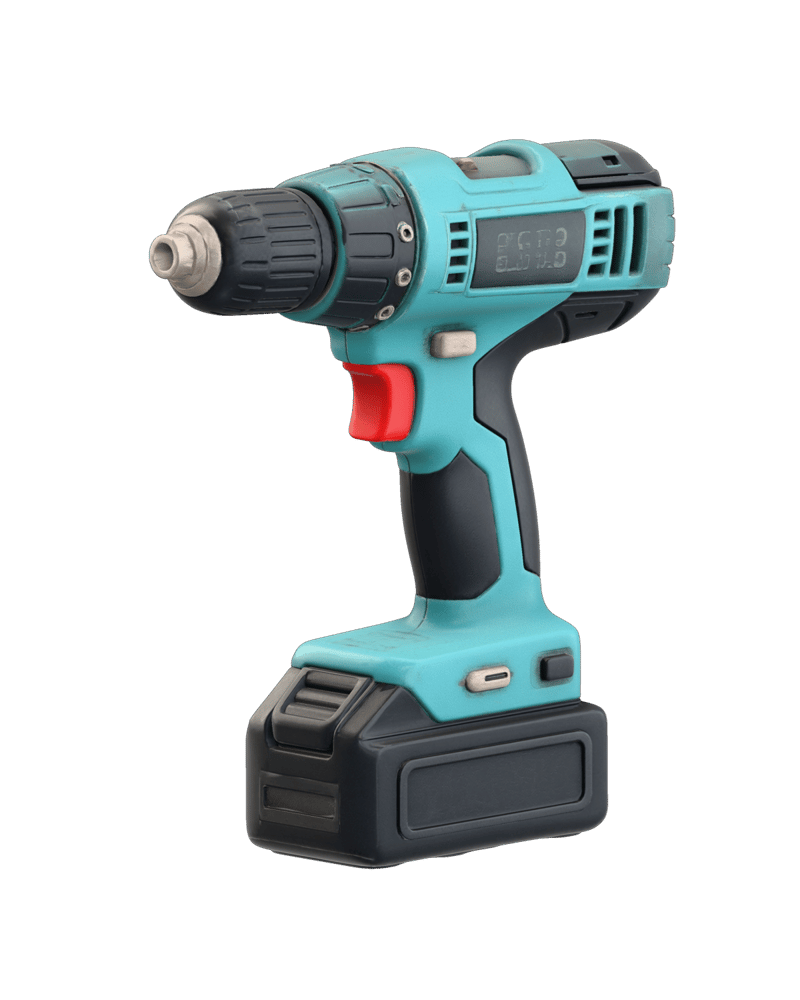
Weathering that follows form
Chipped paint, patina, grime in the crevices and polished high points land where wear would naturally gather. Name the material, wear level and style, and the surface reads as lived-in.
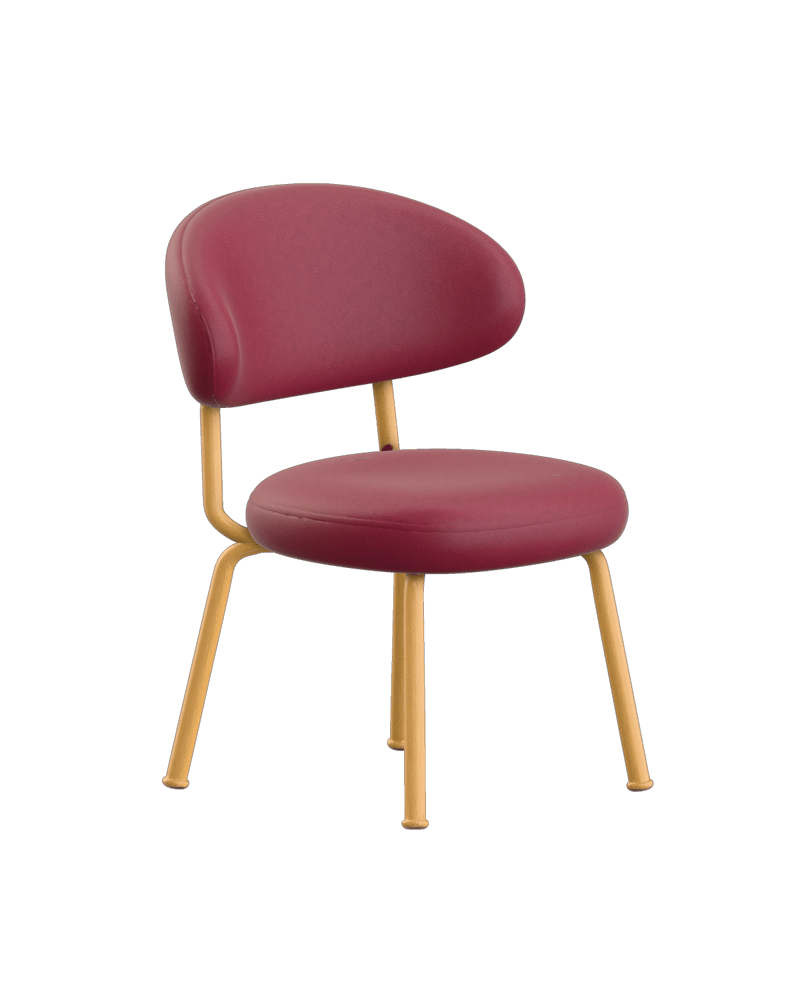
Your UV layout, or fresh ones
Leave Original UV on to keep a deliberately unwrapped layout and its seams. Switch it off for AI-generated or remeshed models so new UVs are generated and textures stop smearing.
Reference image to material
Hand over a neutrally lit image when palette or fabric look matters more than wording. The image overrides the text prompt, and works best when its silhouette loosely matches the mesh.
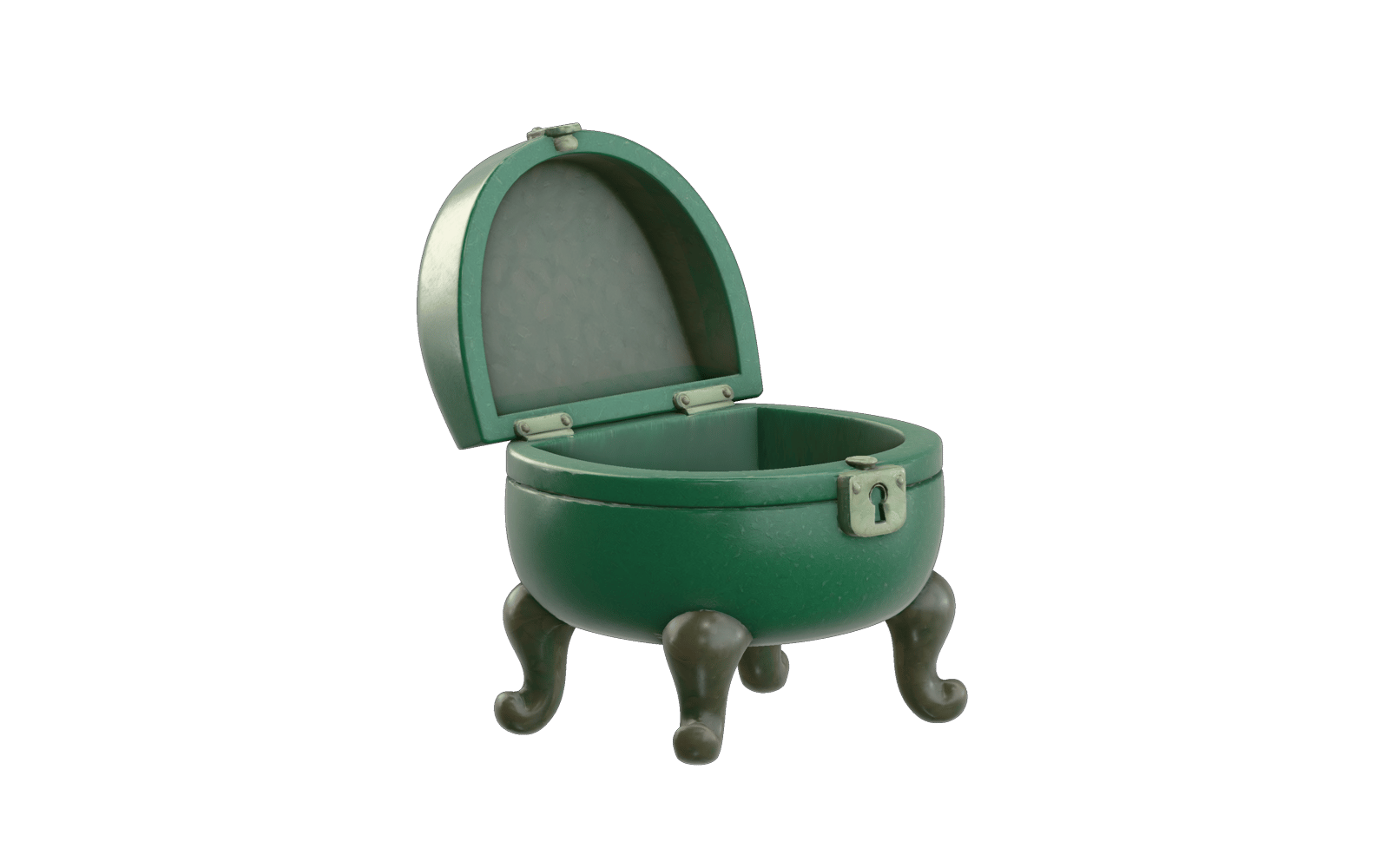
One gallery of finishes across very different objects, from patinated brass and cracked glaze to rally paint and pickled oak.
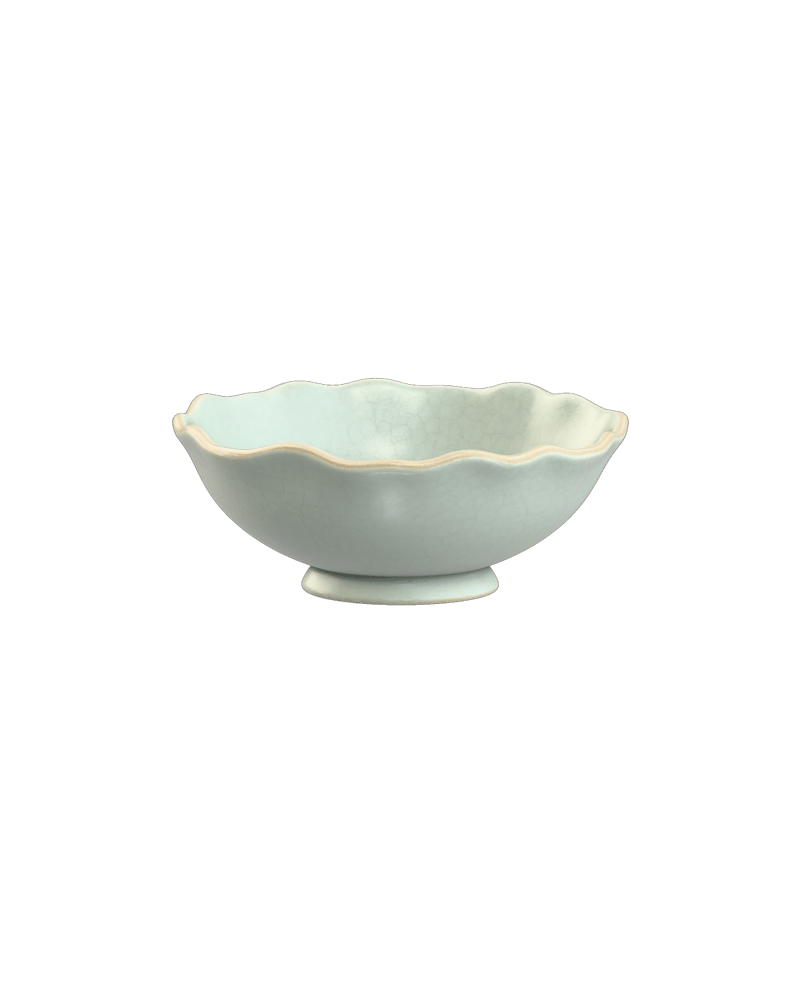
Cracked celadon glaze with gold repair seams
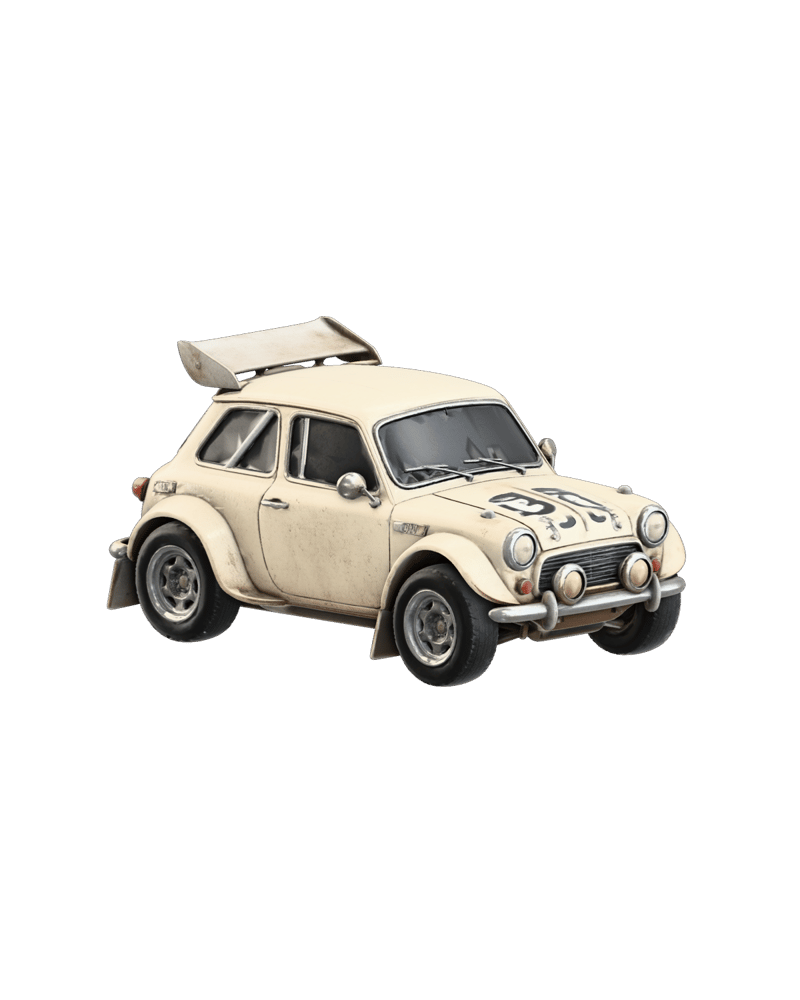
Layered rally paint, pitted by gravel
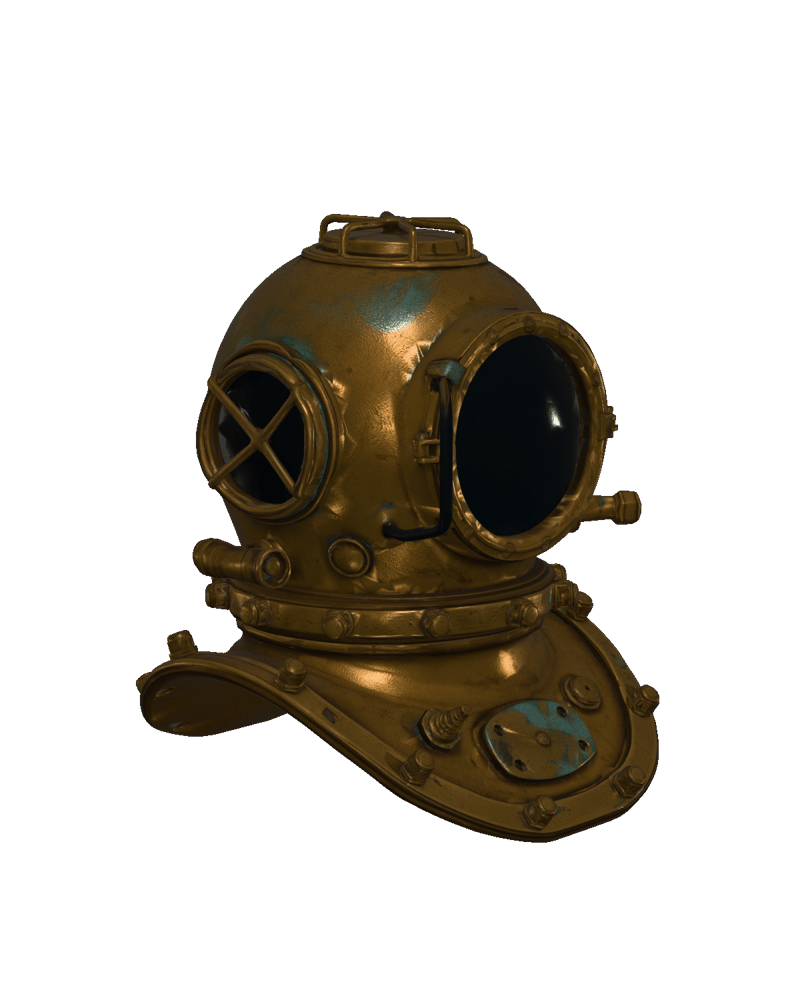
Archival brass with selective oxidation
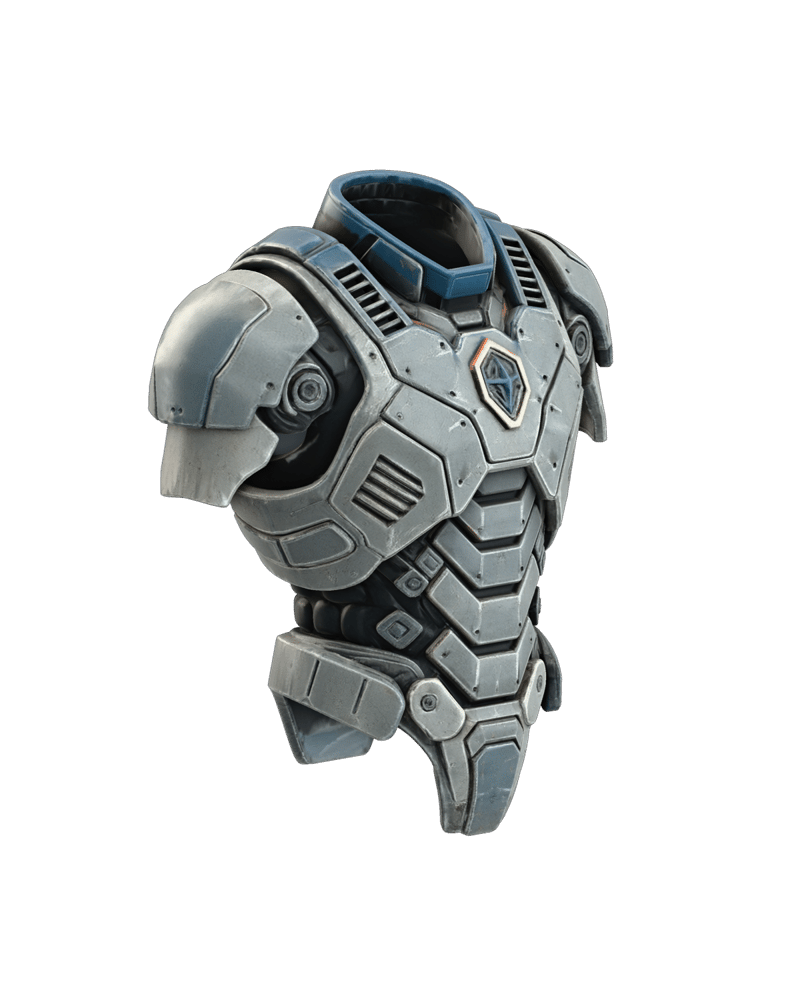
Distressed sci-fi plating with scorched vents
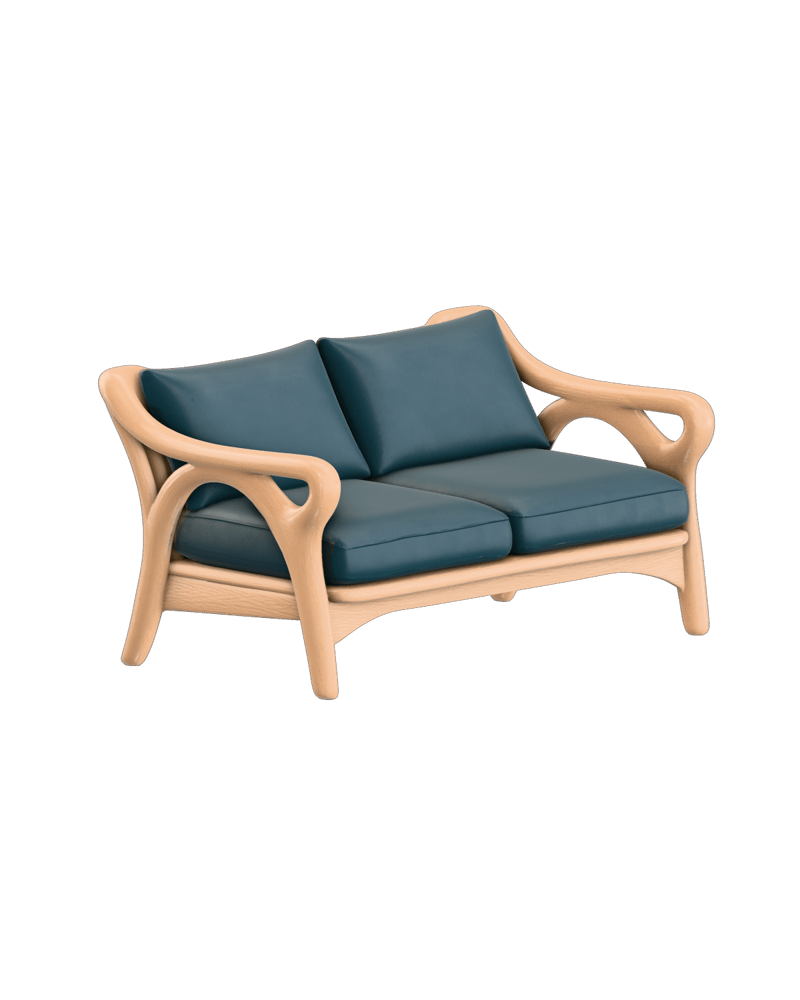
Pickled oak, silk weave and brushed brass
Game artists, product designers and visualization teams reach for it when the form is settled and only the surface needs to change.
Meshy 7 is the newest and the default, with the best alignment and texture quality, while Meshy 6 is the stable alternative. Both support 2K, 4K and 8K. Pick Meshy 6 when Meshy 7's reading doesn't suit your mesh, or when you want a comparison run. Meshy 6 has slightly older alignment and detail.
Meshy 5 is the pick for quick, cheaper passes at standard resolution. It has no 8K option, and its texture quality and alignment are older. Once a direction works, rerun it on Meshy 7 for the final texture.
The image wins and the text prompt is ignored. Use a neutrally lit, cropped reference without glare or a busy background. Leave the prompt blank, since it won't blend in.
At 8K the base color is 8K, but the PBR maps stay at 4K and no emission map is produced. 8K needs Meshy 6 or Meshy 7. 2K suits iteration and background props, and 4K suits hero assets.
Keep it on only if your mesh was deliberately unwrapped and you want to preserve its seams and layout. Turn it off for AI-generated, remeshed or poorly unwrapped meshes so fresh UVs are generated. Leaving it on for a mesh with no UVs makes textures smear.
It can't change geometry, so a broken mesh stays broken. It also garbles logos and small lettering, and it makes object textures rather than seamless tileable materials.
Repaint any mesh in weathered metal, worn leather or hand-painted skins from a prompt or a reference image, with the geometry left untouched