One click, whole workflow
Recipes are here. Package a whole workflow and run it in one click
Explore recipesOne click, whole workflow
Recipes are here. Package a whole workflow and run it in one click
Explore recipesbyDeemos Technology (Hyper3D)
Turn a concept image, a turnaround sheet or a single line of text into a clean, PBR-textured object with the topology you choose
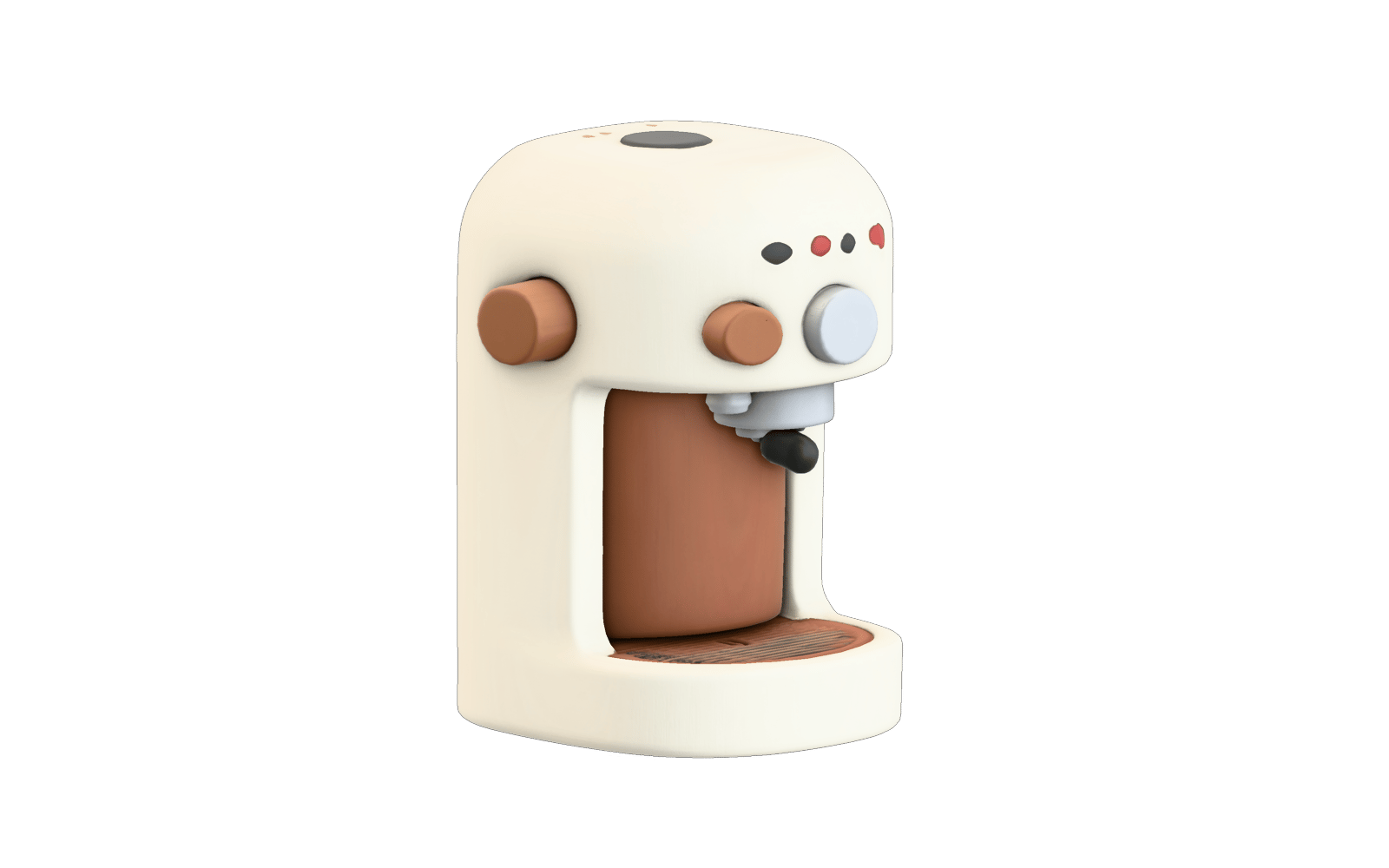
Start from words or reference photos, make three deliberate choices about tier, mesh and material, and leave with a file built for a 3D pipeline rather than a throwaway preview.
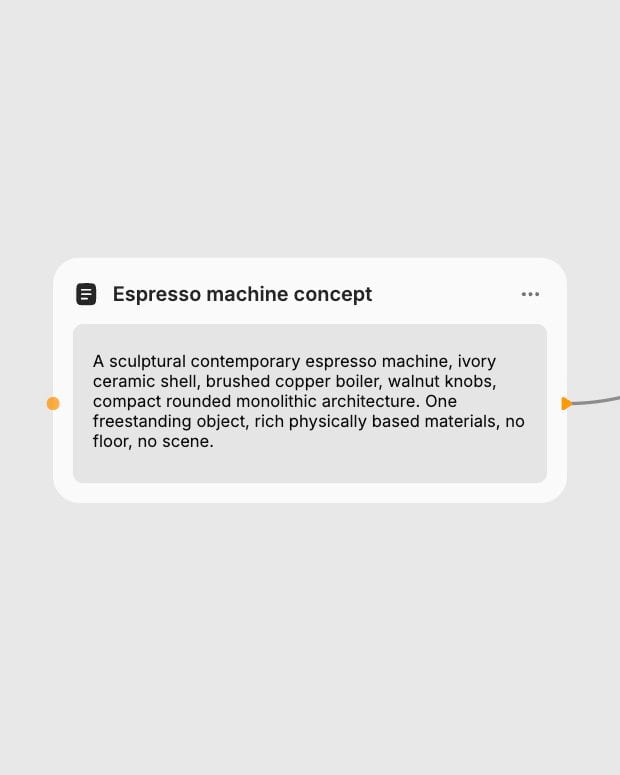
Drop in a prompt or views
Describe one object, or upload front, side and back views; choose Concat for turnarounds of one object and Fuse to blend different objects.
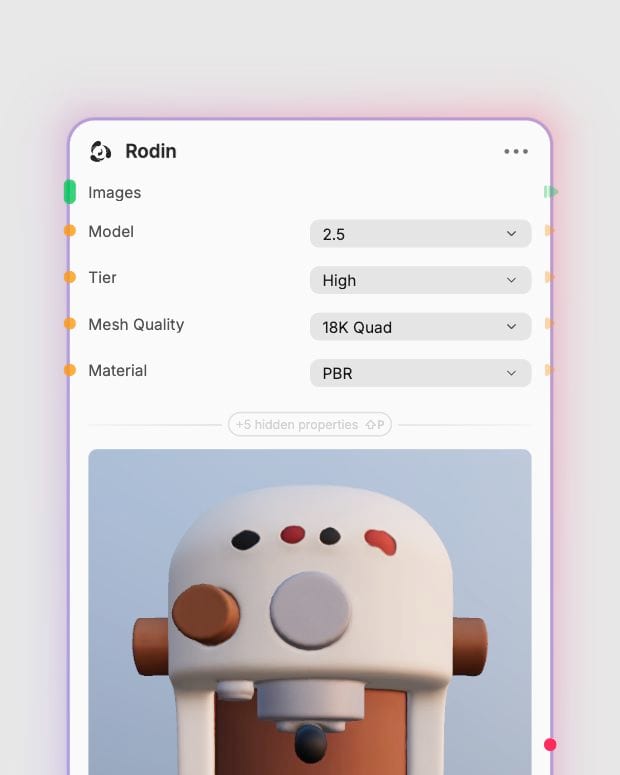
Set tier, mesh and material
Pick a tier, a quad or triangle face budget (or leave Auto), and PBR, Shaded or geometry-only output.
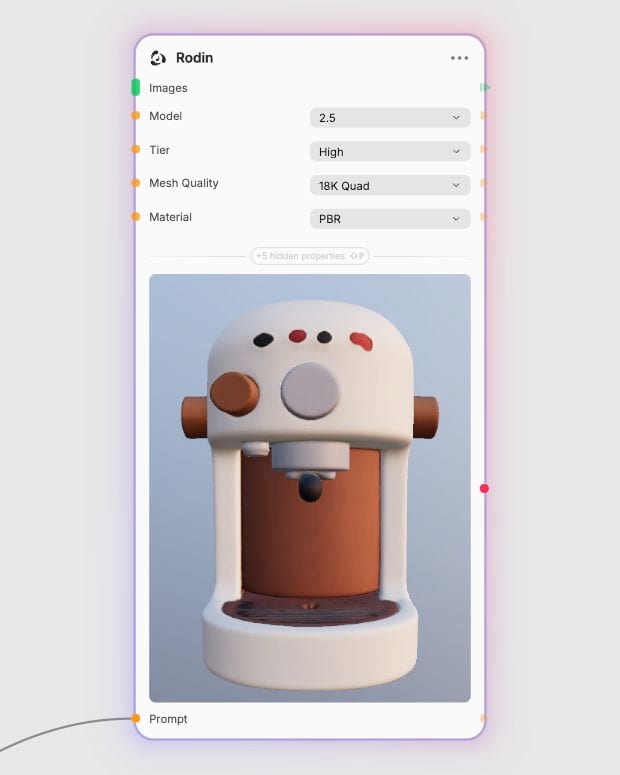
Export the finished asset
Download a textured mesh ready for Blender, a game engine or a printer.
The strength here is control: you decide the topology, the material maps and how much to spend, so the asset arrives closer to production.
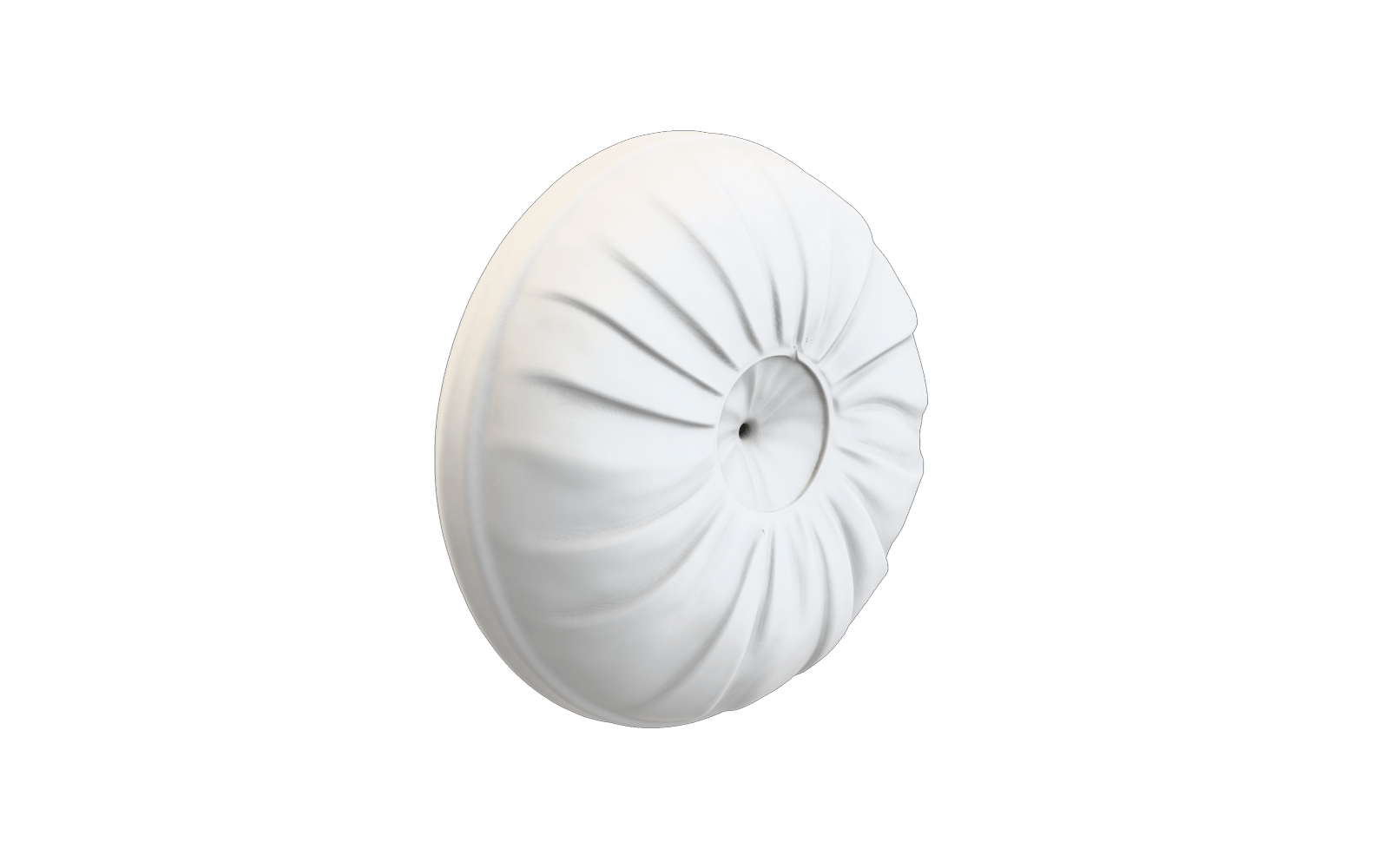
Quad or triangle topology
Choose orderly quads from 4K to 200K faces for sculpting, subdivision and animation, or triangles from 2K to 2M for printing and static renders. Most image-to-3D tools hand back one dense triangle blob.
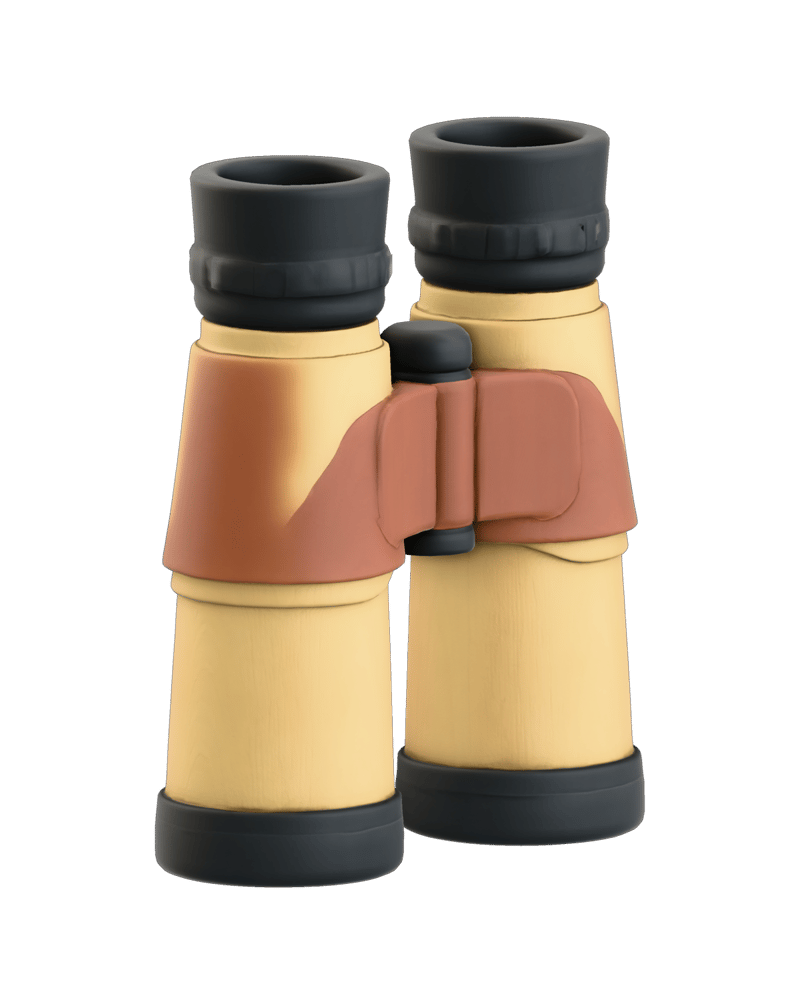
Separated PBR materials
Albedo, roughness, metallic and normal detail come back as distinct maps instead of painted-on shading, so a lantern's glass, patina and brass respond differently when you relight it in an engine or renderer.

T/A-pose character bases
Switch on T/A Pose for humanoid subjects and get a neutral stance ready for later rigging. Pair it with a Quad mesh for a character base mesh you can take into your own pipeline.
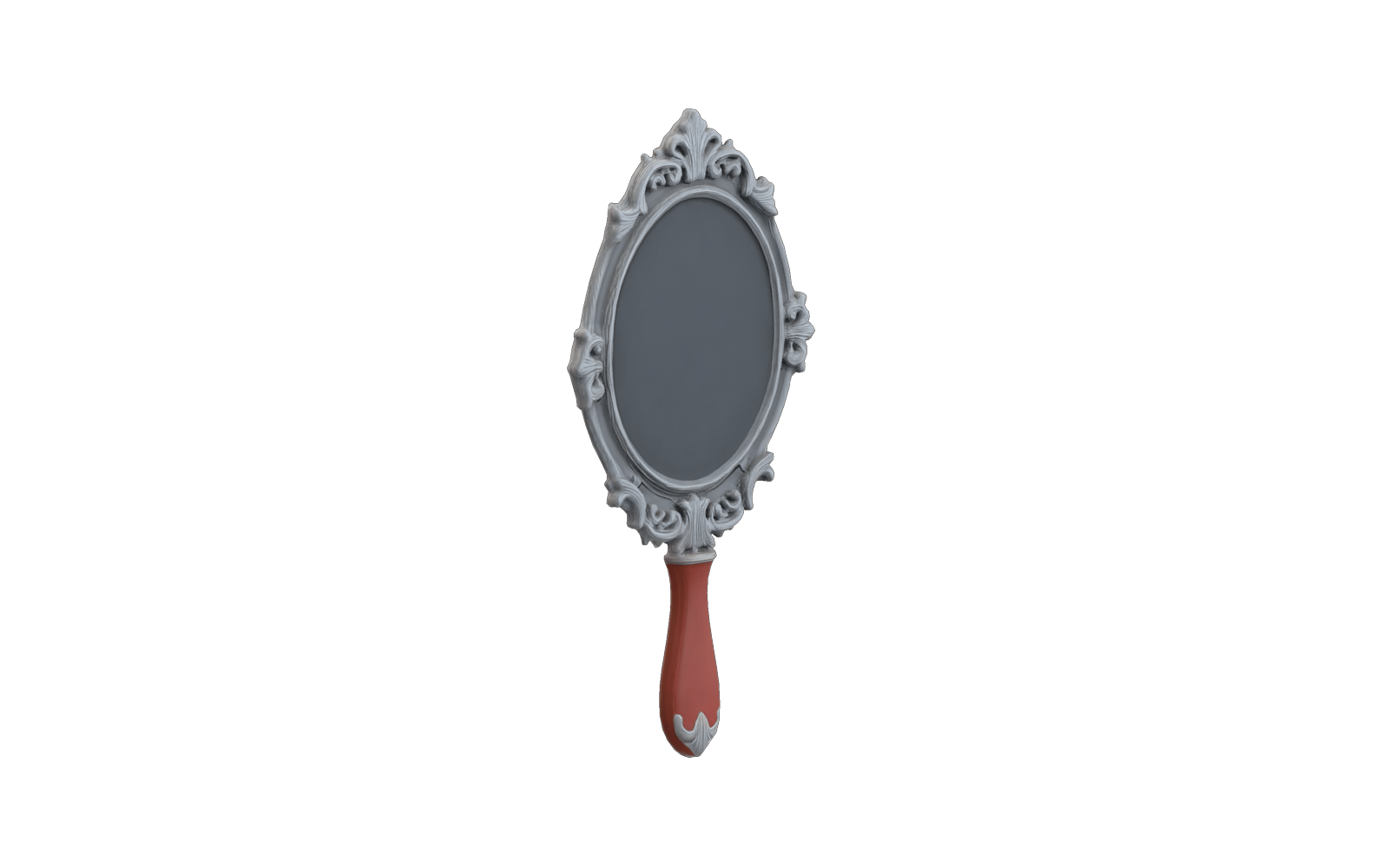
Tiers from draft to hero
Explore shapes cheaply on the Minimum and Low tiers, then spend Extreme High, HD Texture and High Pack (4K textures) on the final hero asset. The Original option stays available for reproducing older Rodin workflows.
A gallery of single objects and character bases, from hard-surface machines to draped stone and tailored cloth, showing how material separation and clean silhouettes hold up across subjects.

Hard-surface autonomous survey drone

Classical Draped Statue
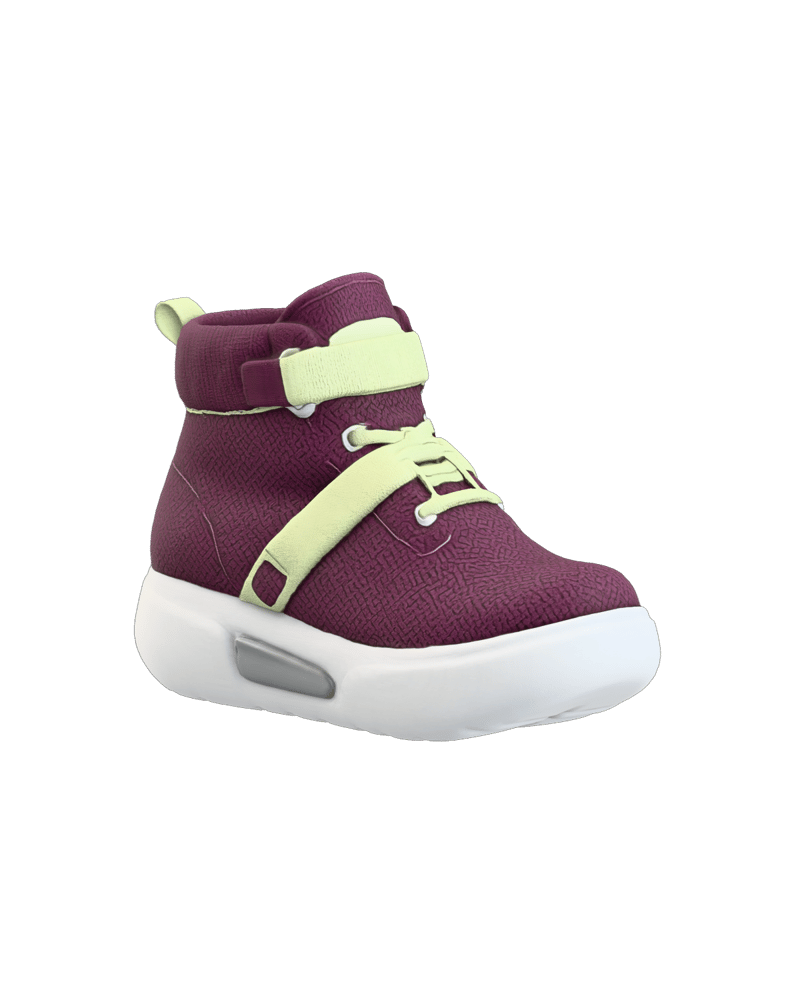
Conceptual Sneaker‑Boot

Stylized robotic character mesh
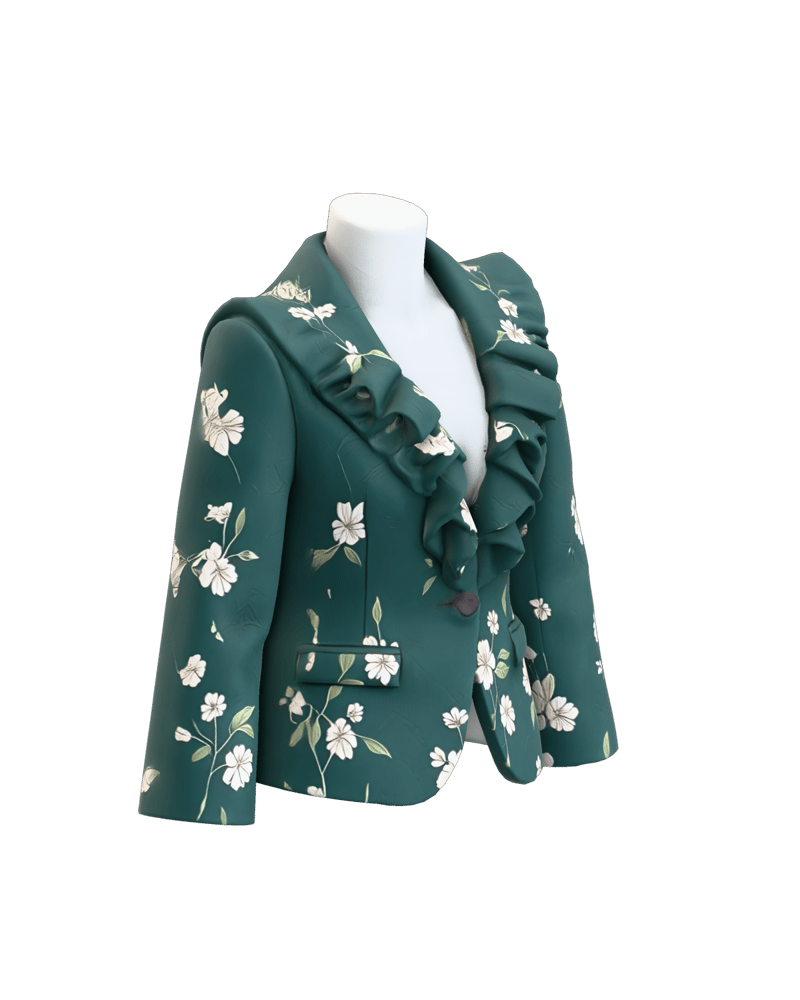
Textured Floral Ruffle Blazer
Game artists, VFX teams, 3D printing makers and Blender sculptors reach for it when an asset must survive contact with an engine, a printer or a sculpting session.
Rodin 2.5 is the default and the better choice for current work. It gives you control over tier, quad or triangle mesh, PBR or shaded materials, HD texture, High Pack and Creative Mode. The Original model is kept for reproducing older workflows, using the Sketch or Regular tiers and its own quality setting, and the 2.5 options do not apply to it.
Use 2.5 for both. Explore on the Minimum, Extreme Low or Low tiers, then reserve High or Extreme High, HD Texture and High Pack for the final run. Top tiers take longer, so lock your settings before the last generation. Choose Original only to compare against earlier results.
Use Concat for several views of the same object, and Fuse for different objects whose features you want blended into one asset. Fuse is the default, so switch to Concat for turnaround sheets or it will blend rather than reconstruct.
Choose Quad for assets going into sculpting, subdivision or animation, and Triangle for printing or static renders. Quads run from 4K to 200K faces and triangles from 2K to 2M. Auto picks the advised option for your tier.
It is not suited to rigged or animated characters, whole scenes with many objects, exact CAD-style dimensions or legible text and logos. UV layouts often need cleanup, and triangle meshes need retopology before real-time use.
Rodin is the Hyper3D generative 3D family from Deemos Technology. It accepts a text prompt, one or more images, or both, and outputs a textured 3D mesh.
Turn a concept image, a turnaround sheet or a single line of text into a clean, PBR-textured object with the topology you choose
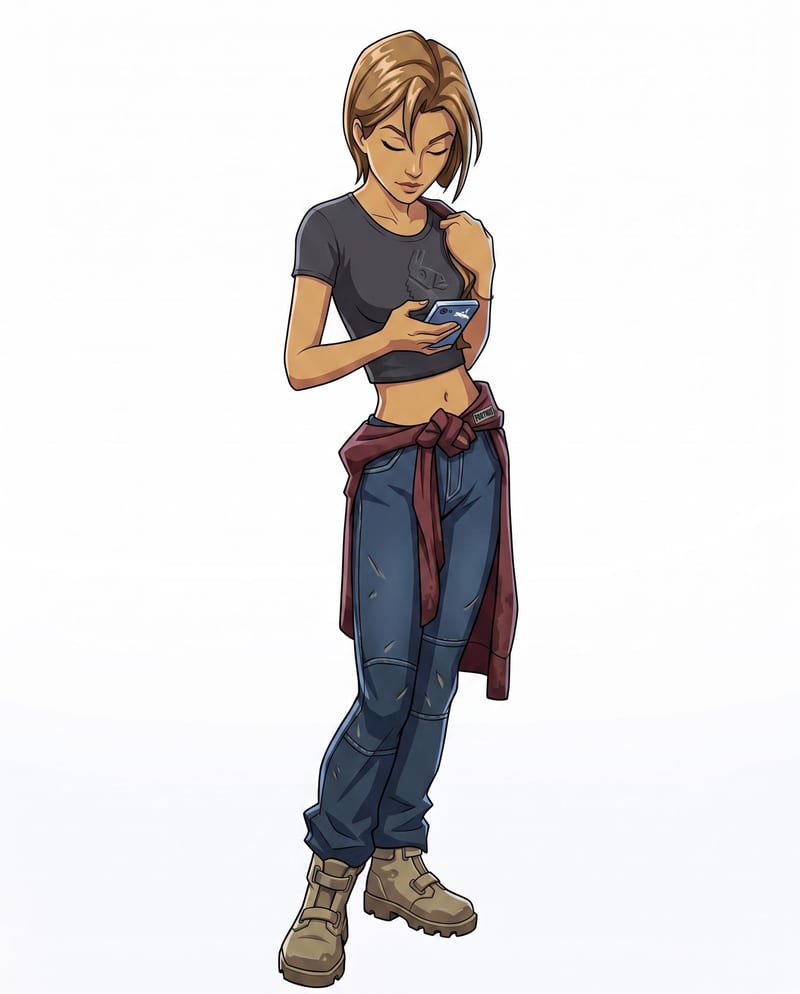
Convert a character sketch and chosen style into a rigged 3D model with a corresponding character render.
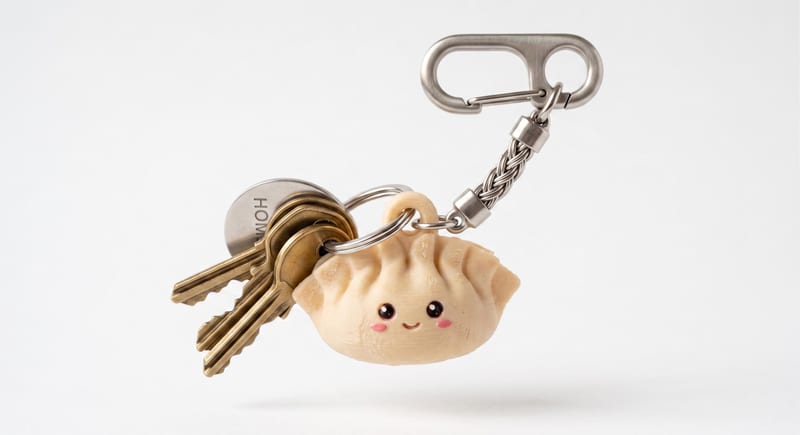
Describe a cute keychain or charm in text and create a 3D mesh that can be downloaded as an STL file.

Explore game characters, props and environments, develop 3D starting points and build playable web experiments. Shape your game’s art direction in Fuser.
Develop pitches, campaign assets and interactive client work in Fuser. Combine AI generation, editable design and reusable processes across your agency.
Create product images, lifestyle scenes and campaign assets for your next ecommerce launch. Keep branding editable and reuse creative setups in Fuser.
Develop film treatments, character and environment concepts, storyboards and motion studies. Connect image, video and 3D exploration in Fuser.
Create studio-style product images, lifestyle scenes and motion studies. Combine reference-led generation with precise, editable composition in Fuser.