One click, whole workflow
Recipes are here. Package a whole workflow and run it in one click
Explore recipesOne click, whole workflow
Recipes are here. Package a whole workflow and run it in one click
Explore recipesbyMeshy
Turn static humanoid 3D meshes into animated biped assets with standard Mixamo-compatible armatures and baked motion clips in seconds

From static humanoid GLB to fully weighted bone armature with baked motion clips in three simple steps.
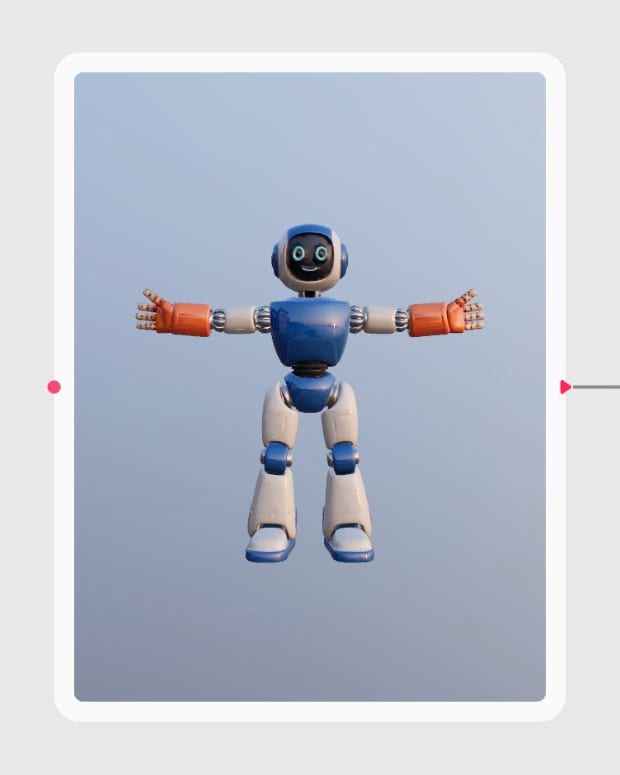
Upload Humanoid Mesh
Import your humanoid character as a GLB file in a clean T-pose or A-pose with clearly separated limbs.
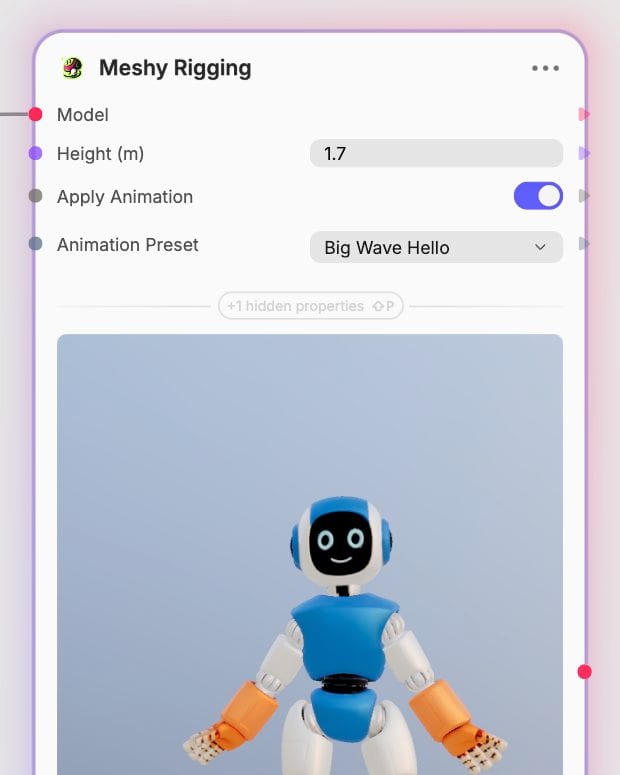
Configure Scale and Motion
Specify the physical height of your character in meters and optionally select a motion preset from the library.
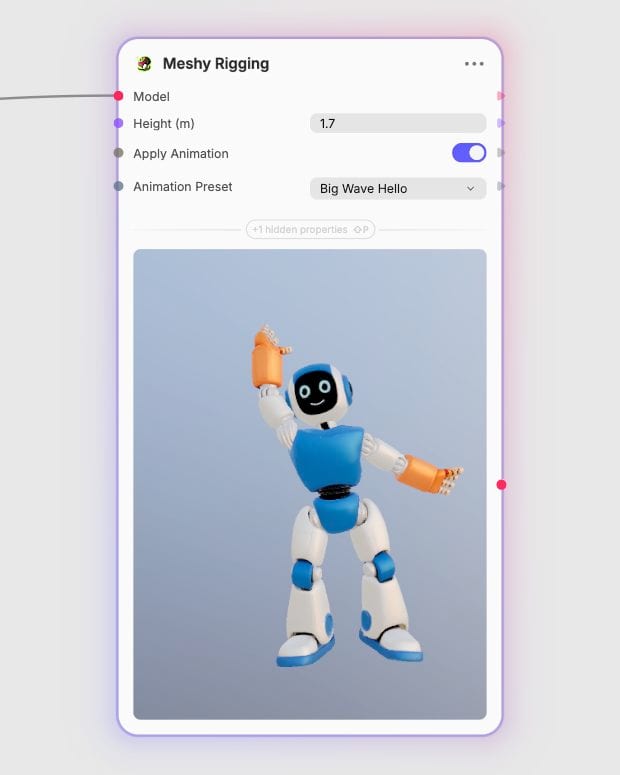
Export Game-Ready Asset
Download the weighted GLB model with standard Mixamo-compatible joints ready for game engines or 3D DCC tools.
Mixamo-compliant skeletal hierarchies, sub-minute vertex skinning, and a library of over 600 motion presets built for real-time engines.
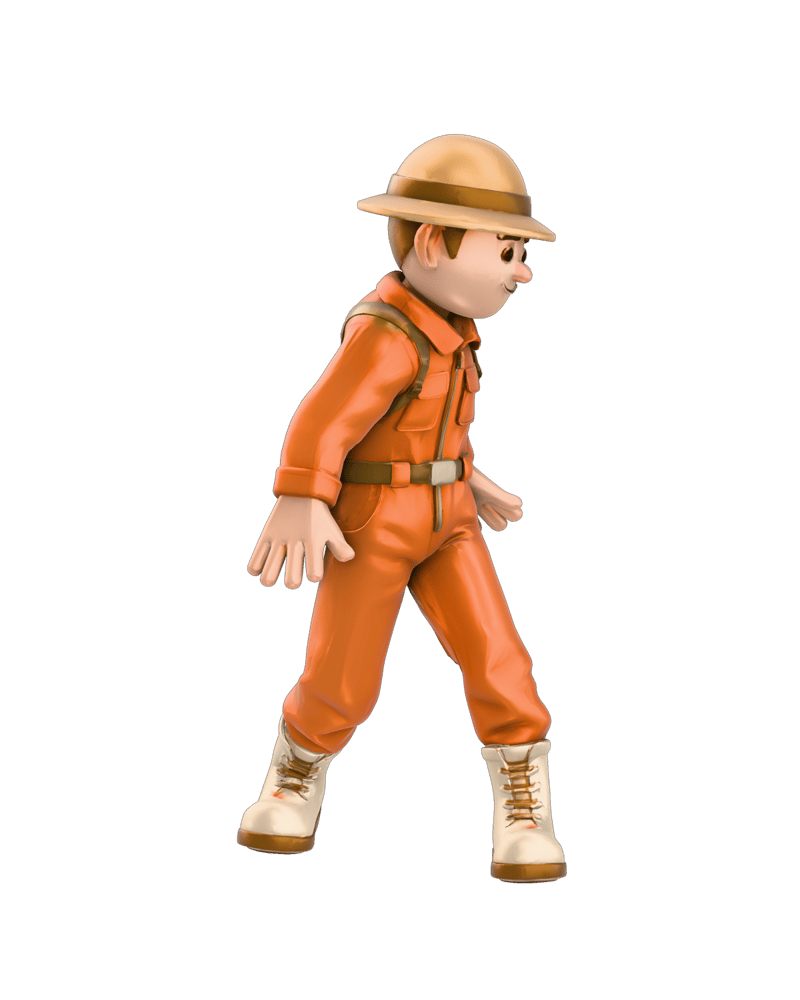
Mixamo-Compatible Armatures
Generates standard humanoid bone hierarchies with smooth vertex skinning weights in under 30 seconds, ready for DCC tools and engines.
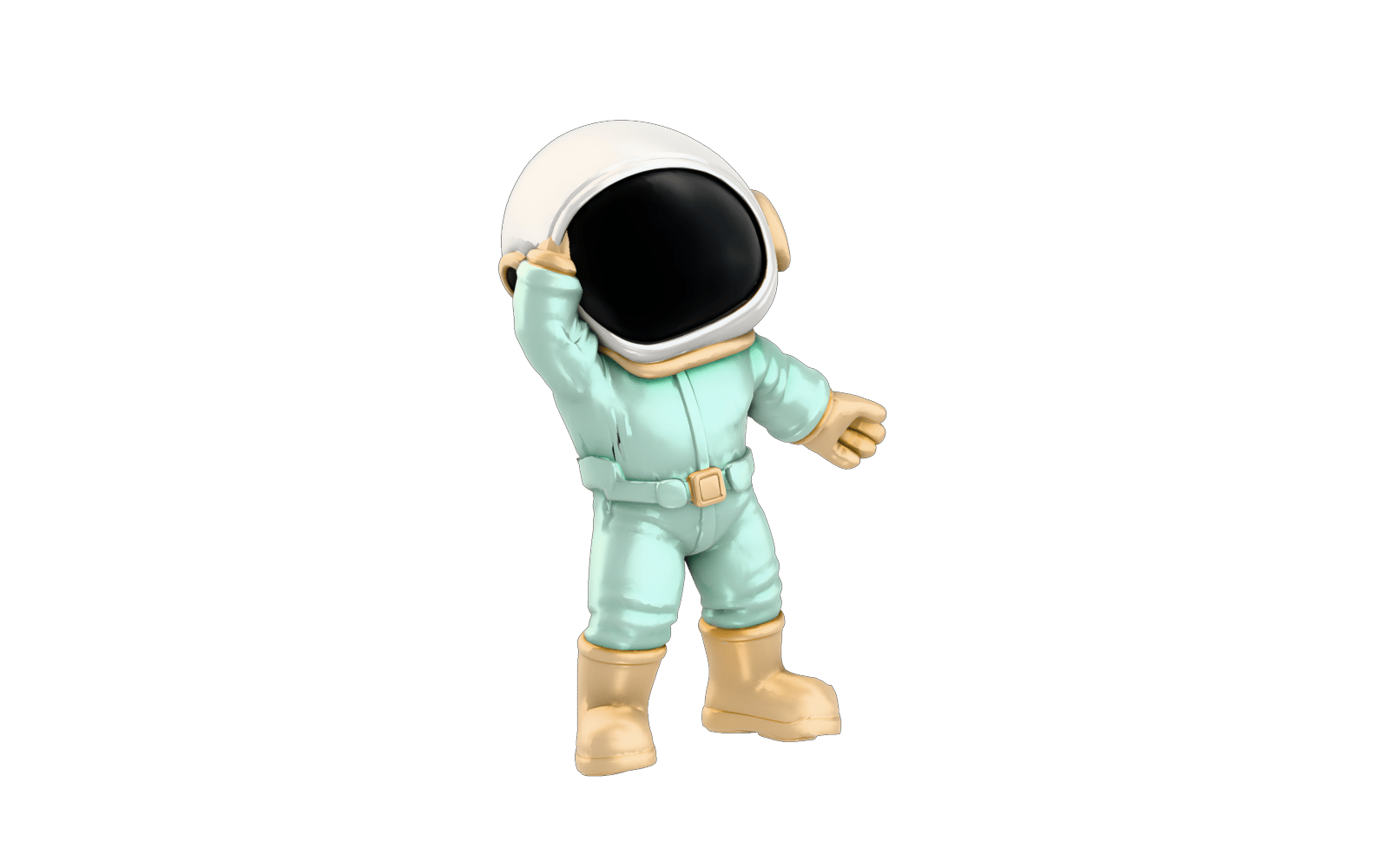
Height-Aware Calibration
Scales skeletal joint estimation from 0.1 meters upward to precisely align hip, knee, and ankle pivots across miniature, standard, and oversized characters.
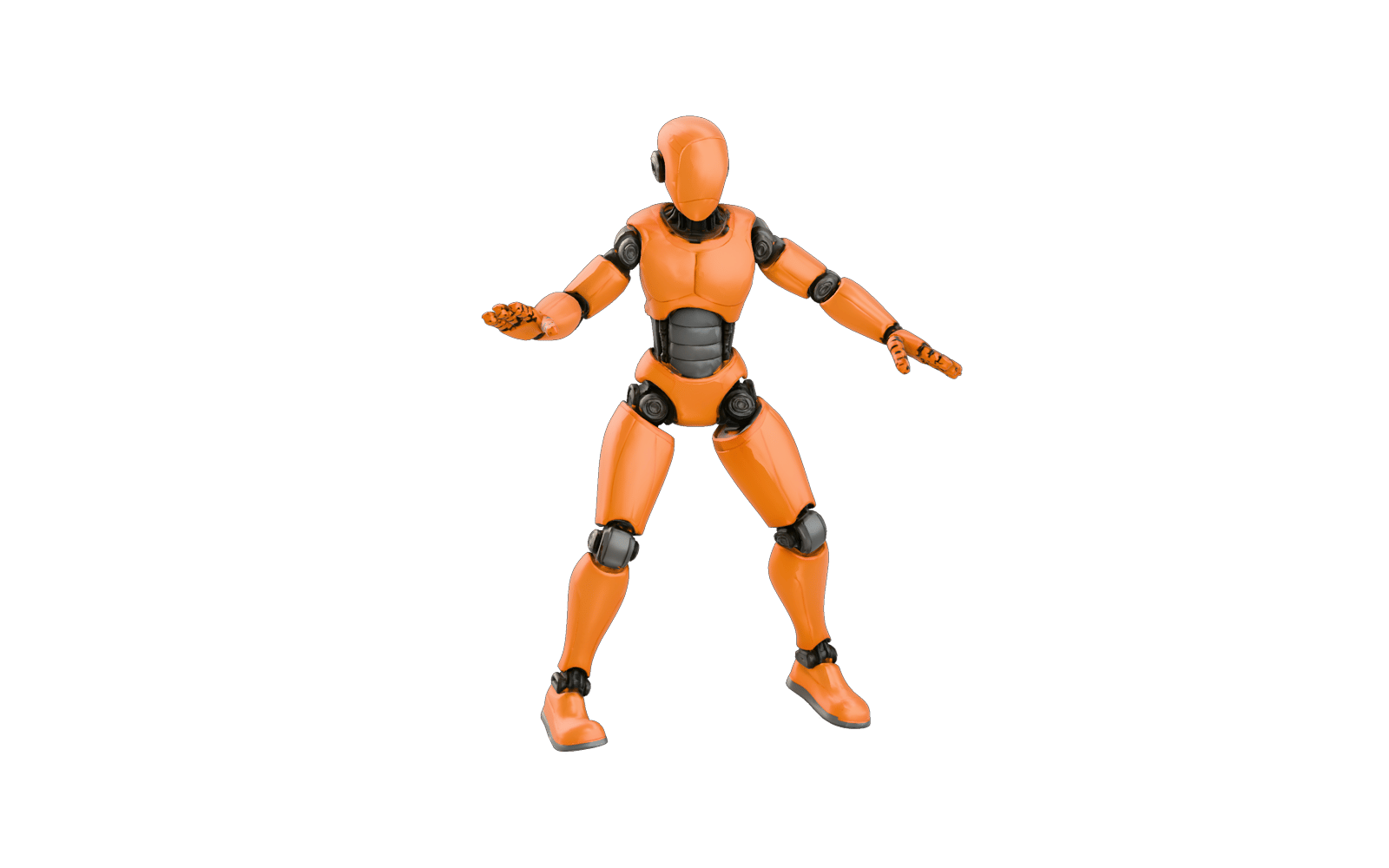
600+ Baked Motion Presets
Bakes over 600 pre-authored motion clips directly into the GLB file, covering martial arts combos, dances, athletic actions, and idle gestures.
Root-Motion Ready Locomotion
Includes in-place motion variants (IDs 601–696) tailored for seamless integration into real-time game character controllers and root-motion pipelines.
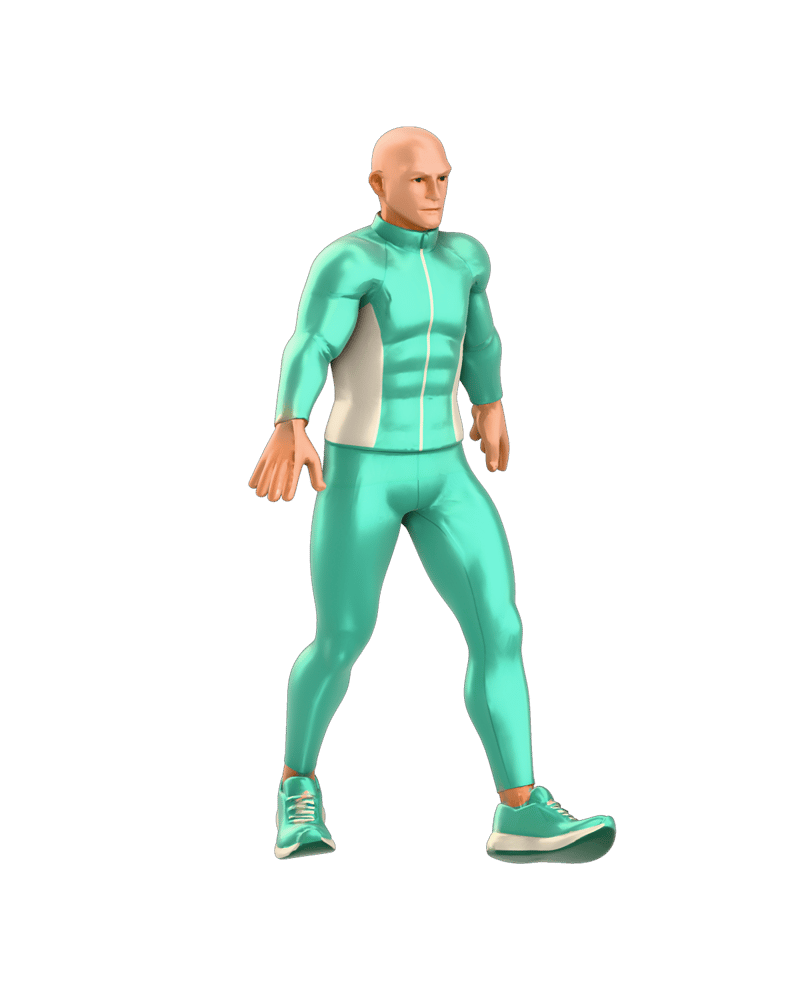
Explore rigged and animated humanoid meshes demonstrating clean joint weights, in-place locomotion, and dynamic action clips.
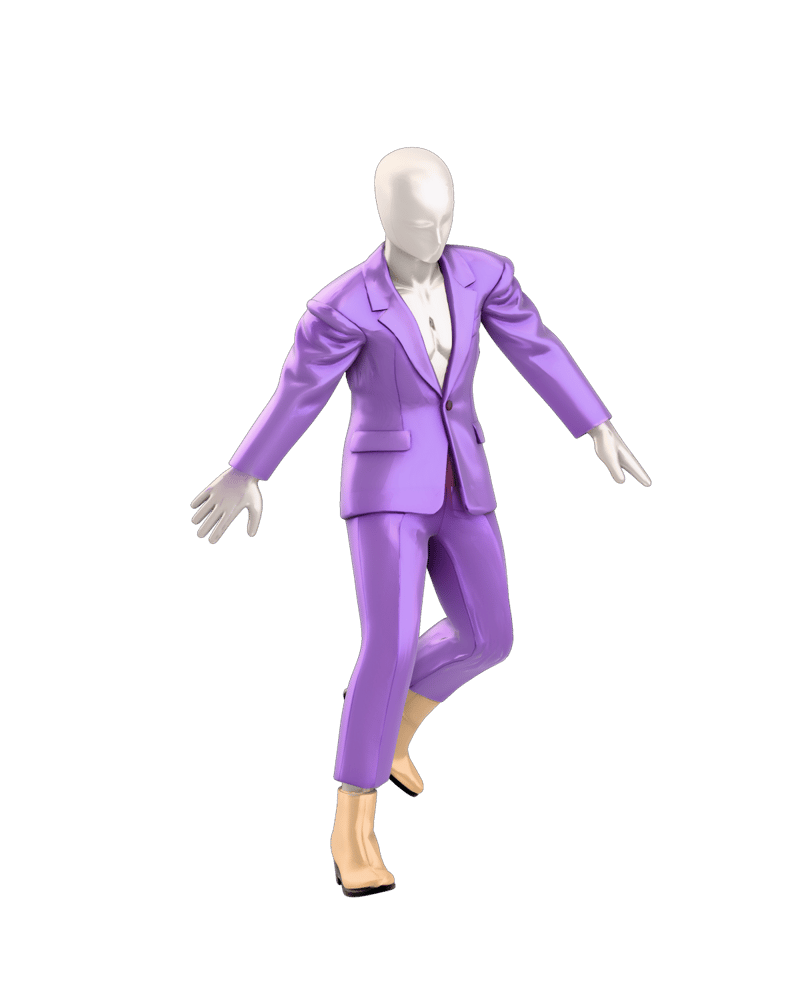
Runway-ready humanoid silhouette rigged with clean limb deformation
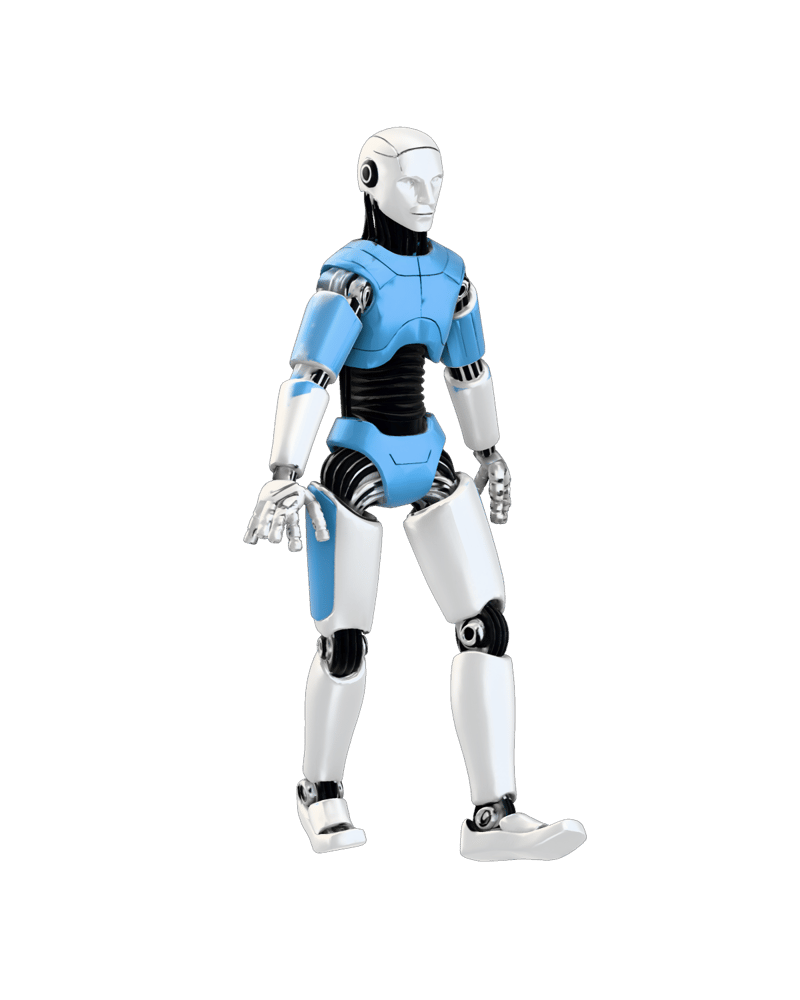
Precision joint calibration for hard-surface biped characters

Dynamic combat preset baking for cinematic action sequences
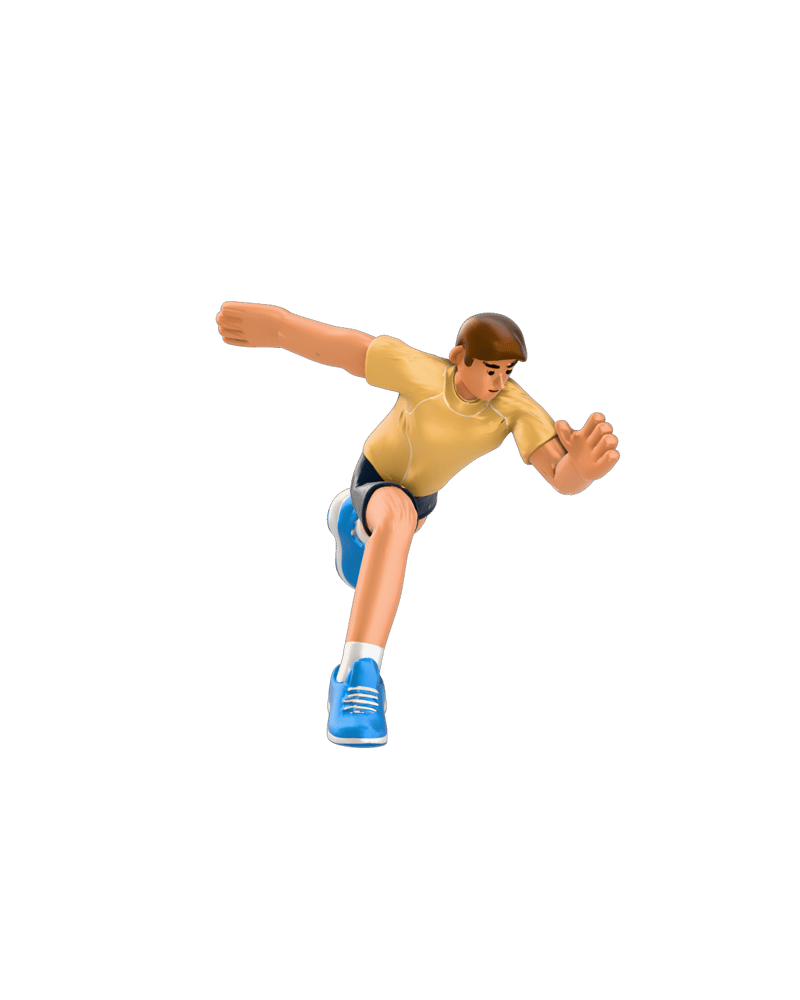
Athletic motion presets baked directly into real-time GLB assets
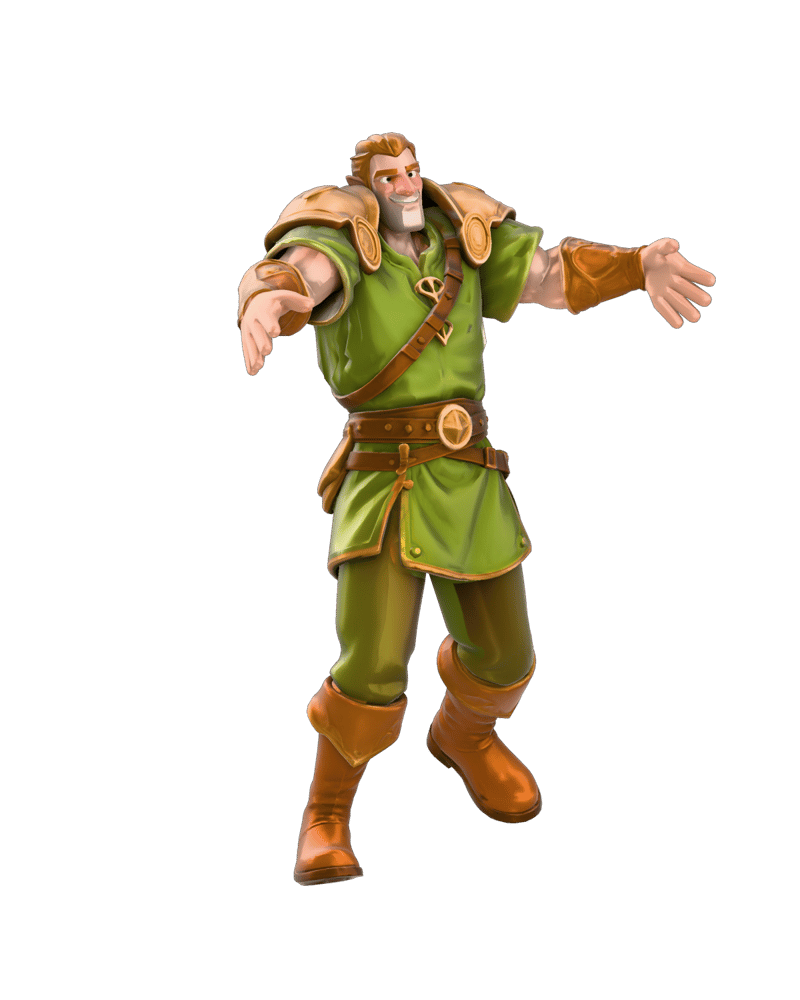
Locomotion presets calibrated for heavy adventurer models
Built for indie game studios, technical animators, digital fashion artists, and web creators needing instant 3D character rigging.
Submit static humanoid characters in GLB format oriented along the forward +Z axis. For optimal bone placement and vertex skinning, use clean T-pose or A-pose geometry with separated limbs and distinct fingers, keeping polygon counts between 100K and 300K.
When animation baking is enabled, you can choose from over 600 pre-authored motion clips—spanning locomotion, combat, dances, and gestures—baked directly into the exported GLB. The library includes dedicated in-place locomotion variants designed for standard game-engine root-motion systems.
Yes. The generated armature uses standard Mixamo-compatible biped joint hierarchies and linear skin weights, making it directly compatible with Blender, Unity, Unreal Engine, and web 3D viewers.
Avoid quadrupeds, non-humanoid creatures with extra limbs, vehicles, and meshes with fused fingers or crossed limbs. Characters wearing heavy multi-layered clothing requiring dedicated cloth physics simulations are also not supported.
Providing an accurate physical height in meters (such as 1.7m for a standard human adult) directly calibrates the joint estimation engine, ensuring correct pivot placement for the hips, knees, and ankles across varied character proportions.
Turn static humanoid 3D meshes into animated biped assets with standard Mixamo-compatible armatures and baked motion clips in seconds
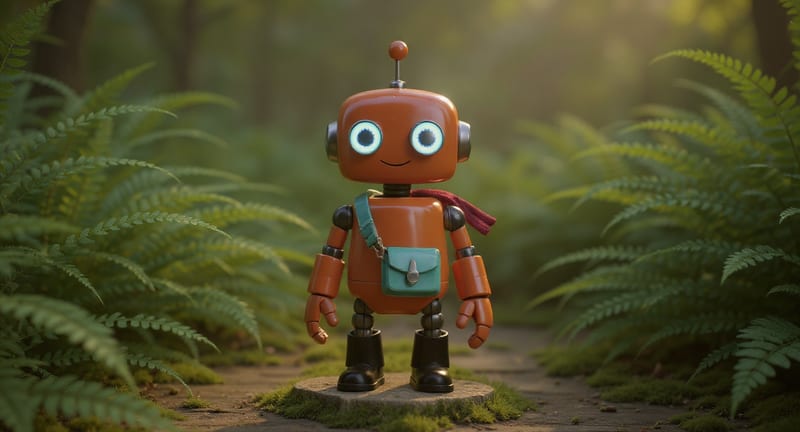
Explore game characters, props and environments, develop 3D starting points and build playable web experiments. Shape your game’s art direction in Fuser.
Develop film treatments, character and environment concepts, storyboards and motion studies. Connect image, video and 3D exploration in Fuser.