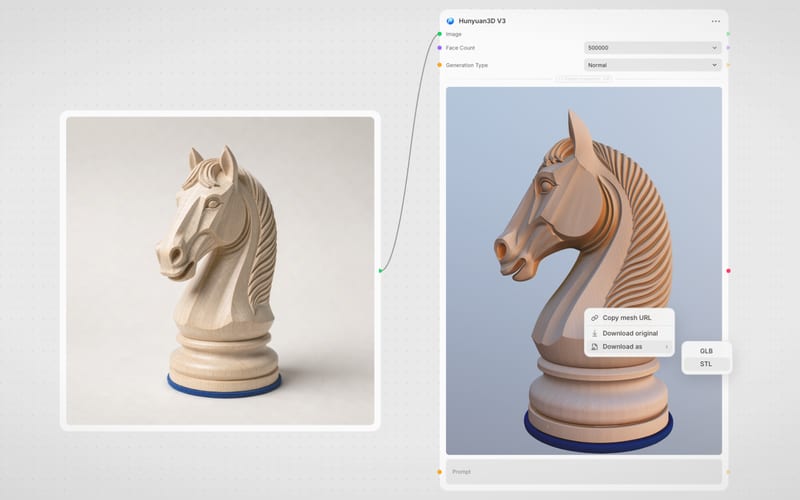
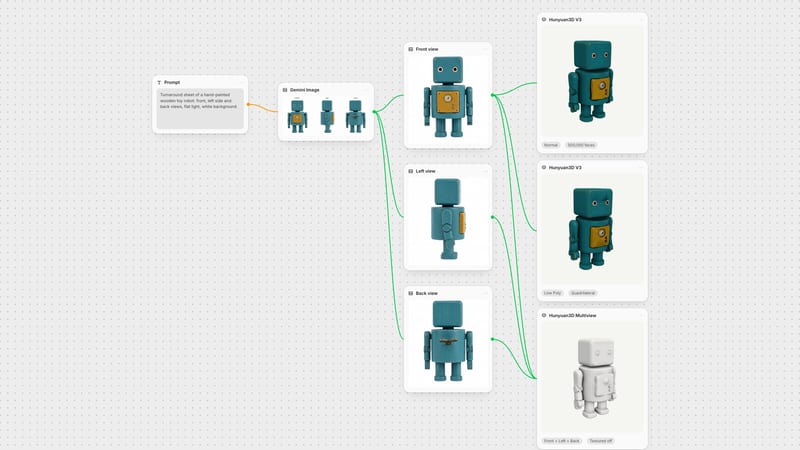
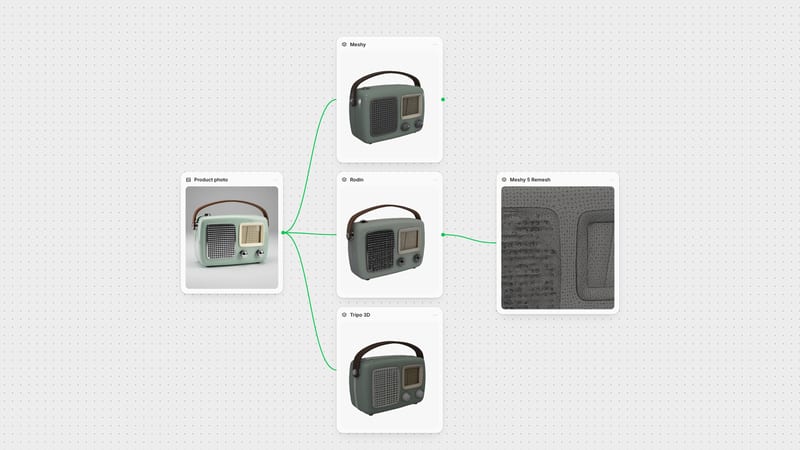
One click, whole workflow
Recipes are here. Package a whole workflow and run it in one click
Explore recipesOne click, whole workflow
Recipes are here. Package a whole workflow and run it in one click
Explore recipesbyTencent
Sculpt production-ready 3D meshes with custom quad topology and physically based rendering directly from text, sketches, or concept art
Move from concept prompts or 2D sketches to export-ready GLB assets with custom topology in three simple steps.
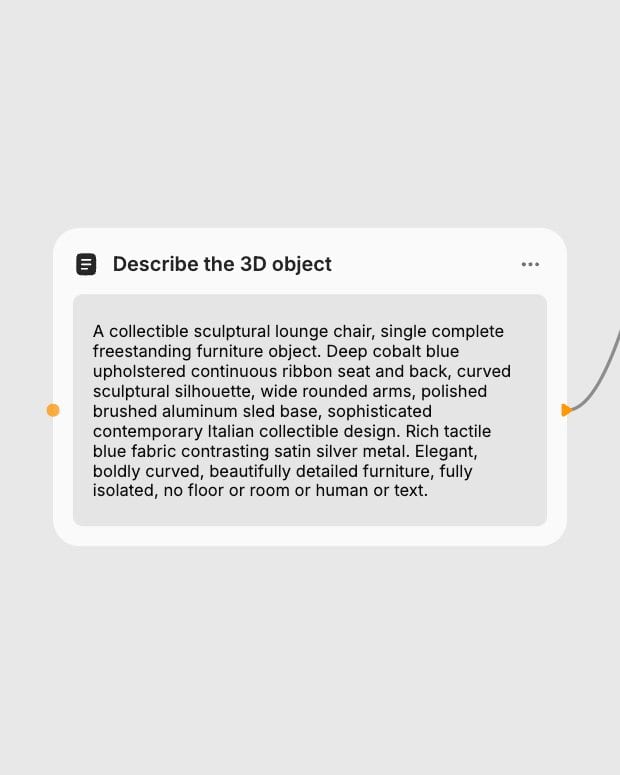
Provide Prompt or Reference
Enter a detailed descriptive prompt, upload a clean 2D concept image, or pair a line sketch with material styling instructions.
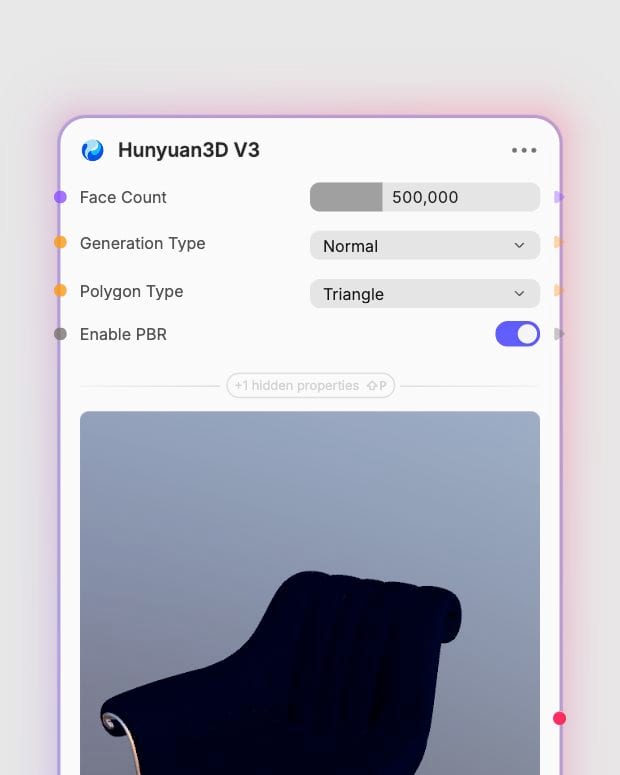
Configure Mesh Parameters
Select target face counts up to 1,500,000, pick quad or triangle topology, and toggle PBR material generation.
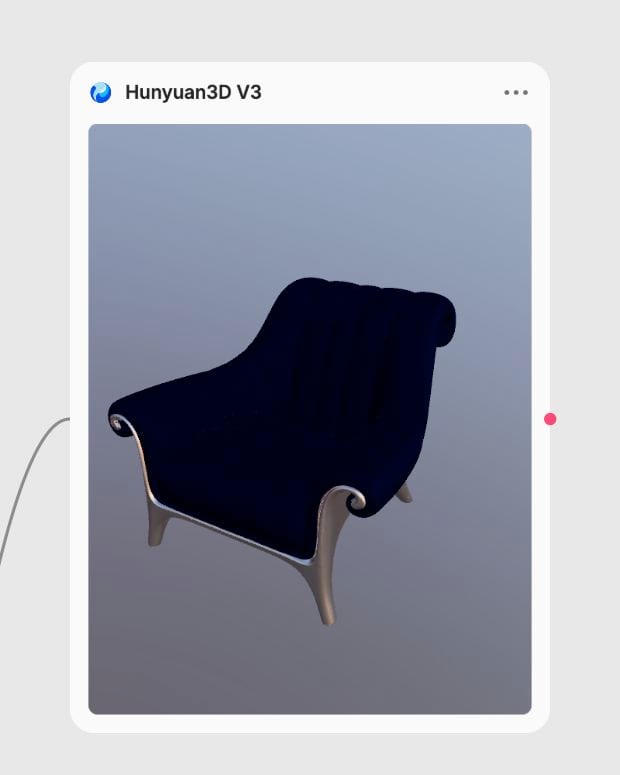
Download Export-Ready GLB
Receive a watertight, fully textured GLB asset with clean UV unwrapping ready for rendering or DCC manipulation.
Explore full control over mesh density, quad and triangle retopology, sketch guidance, and physically based rendering textures.
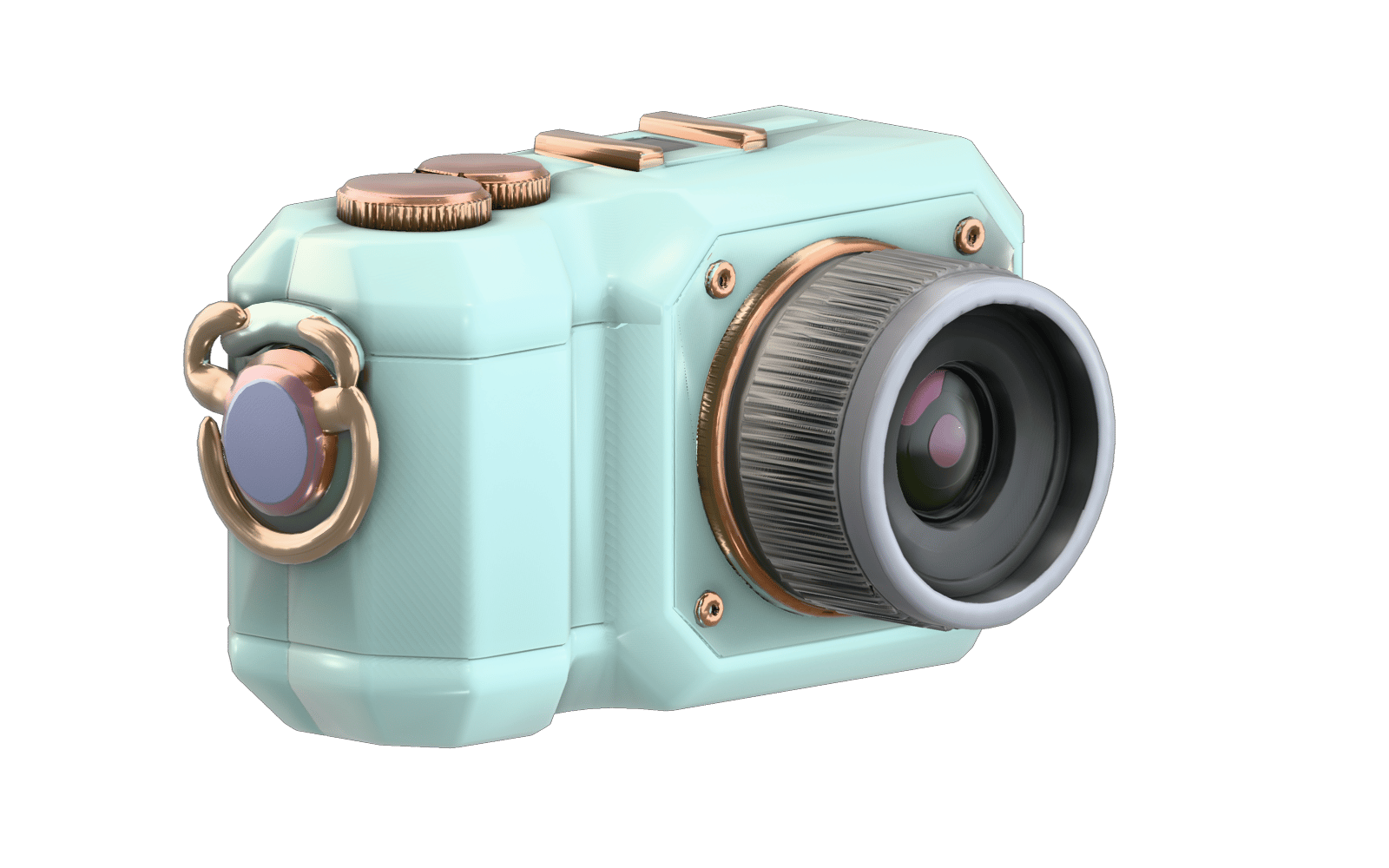
Custom Topology and Face Budgets
Generate watertight closed manifolds with explicit polygon budgets from 40,000 to 1,500,000 faces, choosing between quad-dominant DCC topology and game-ready triangle layouts.

Sketch-Guided Asset Fabrication
Translate 2D line art and CAD silhouettes directly into volumetric assets while using text prompts to dictate physically accurate surface finishes and PBR maps.
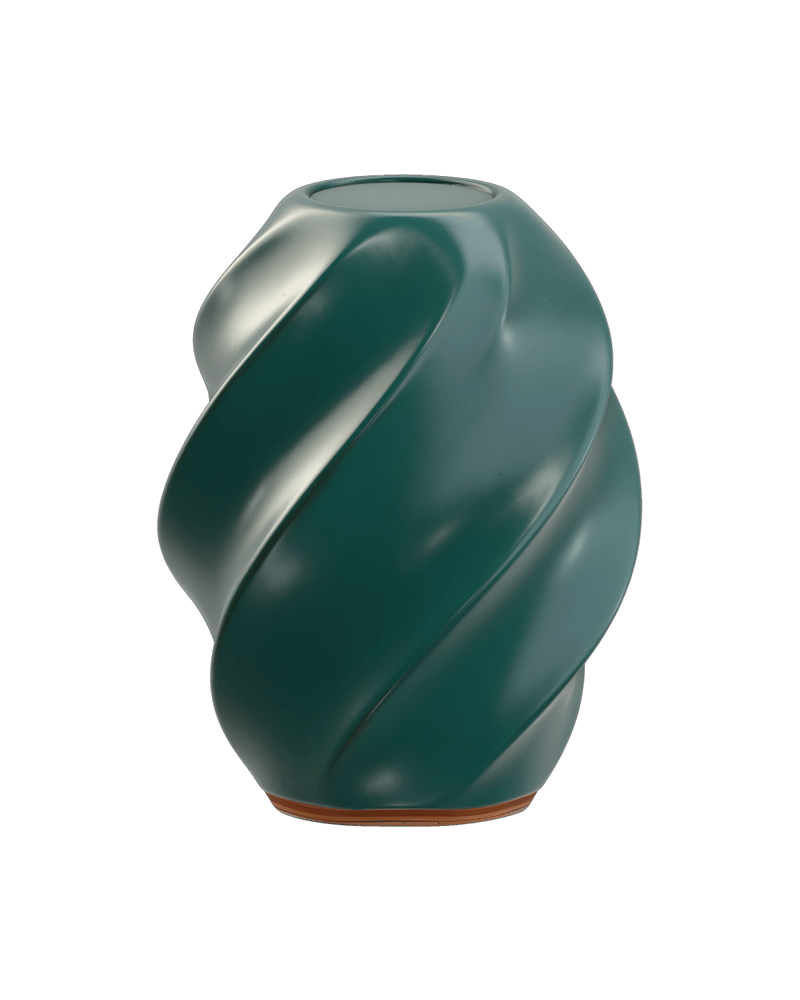
High-Fidelity Image Reconstruction
Turn isolated 2D concept renders into textured GLB models with automated UV unwrapping and realistic metallic-roughness material separation.
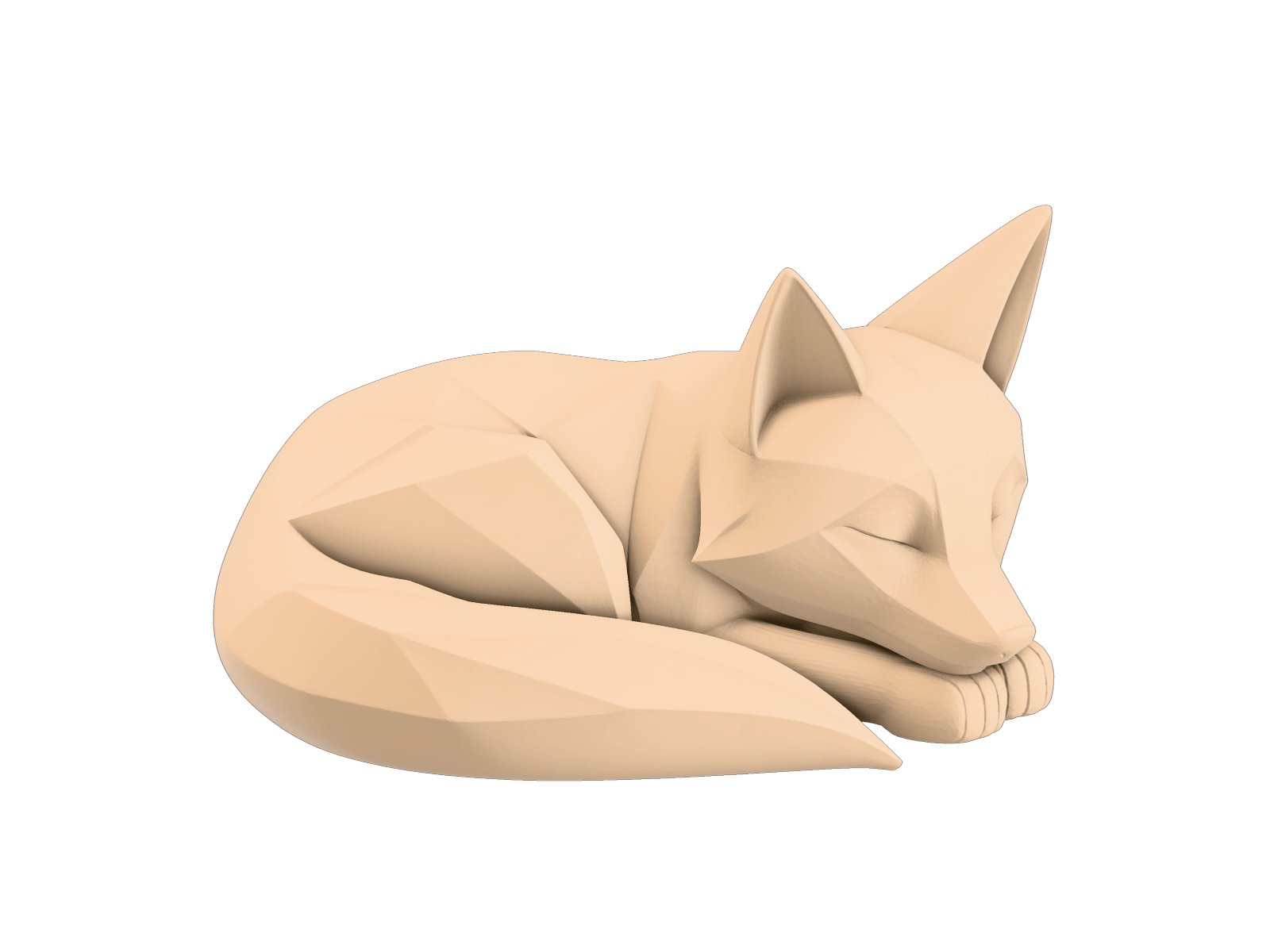
Geometry and Low-Poly Modes
Export untextured geometry passes for custom sculpting in external toolsets or toggle LowPoly generation for immediate interactive deployment.
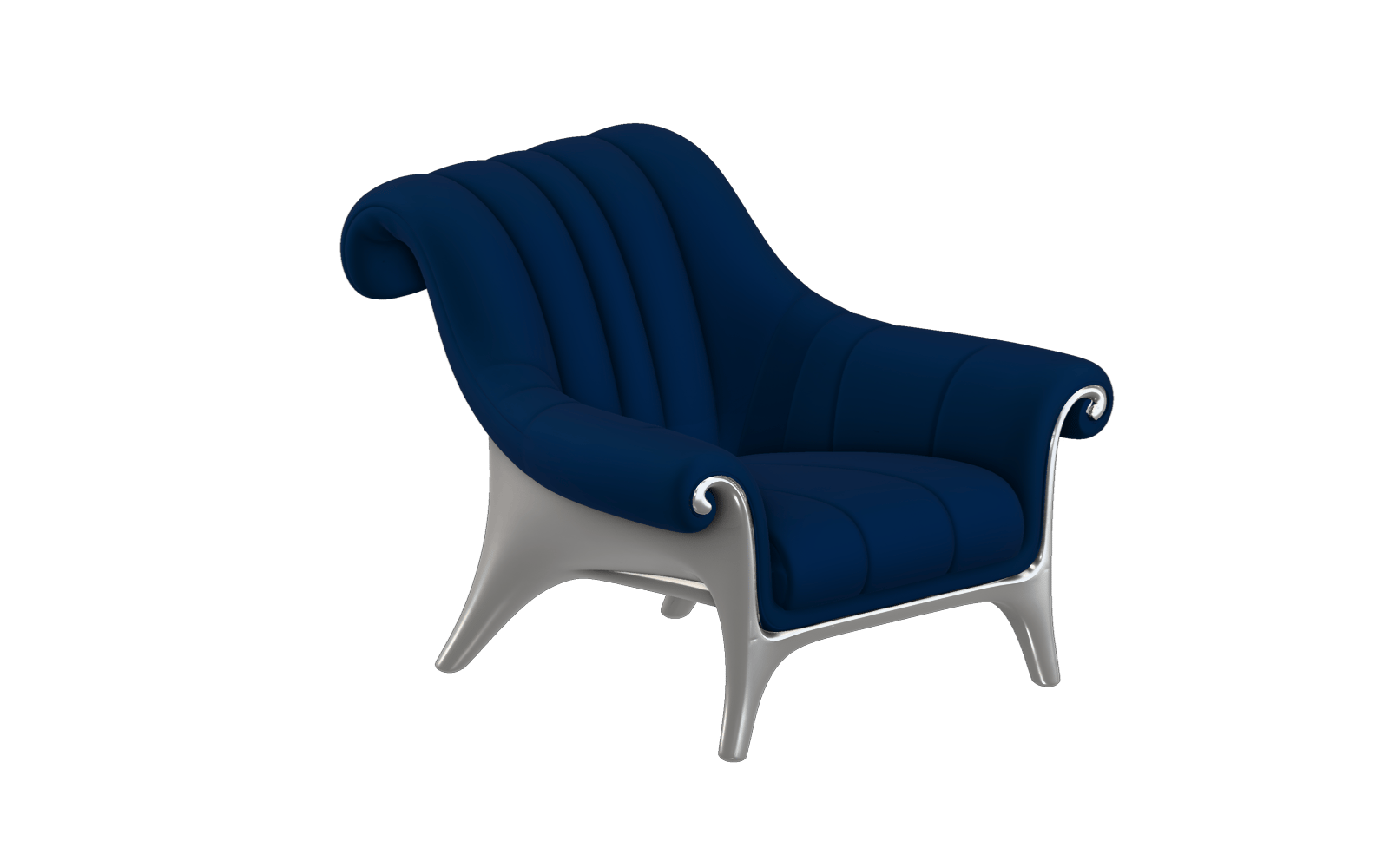
A curated gallery of production-ready 3D assets spanning industrial hardware, game props, designer furniture, and wearable artifacts.
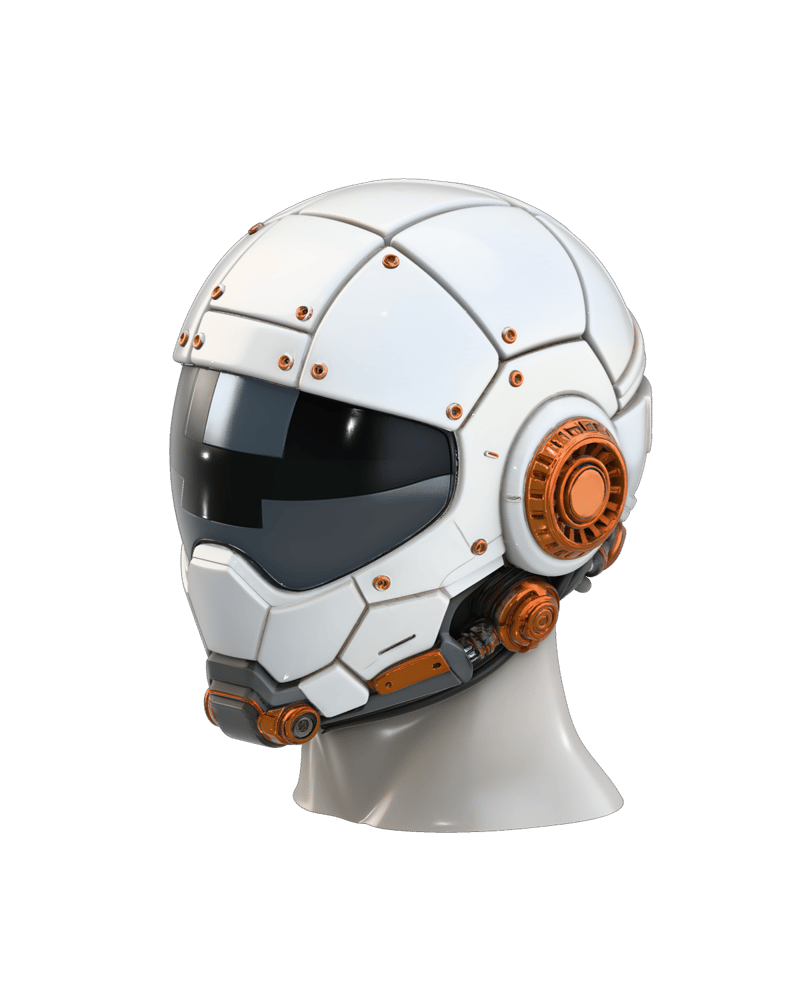
Industrial Design Hero — Cybernetic Headwear
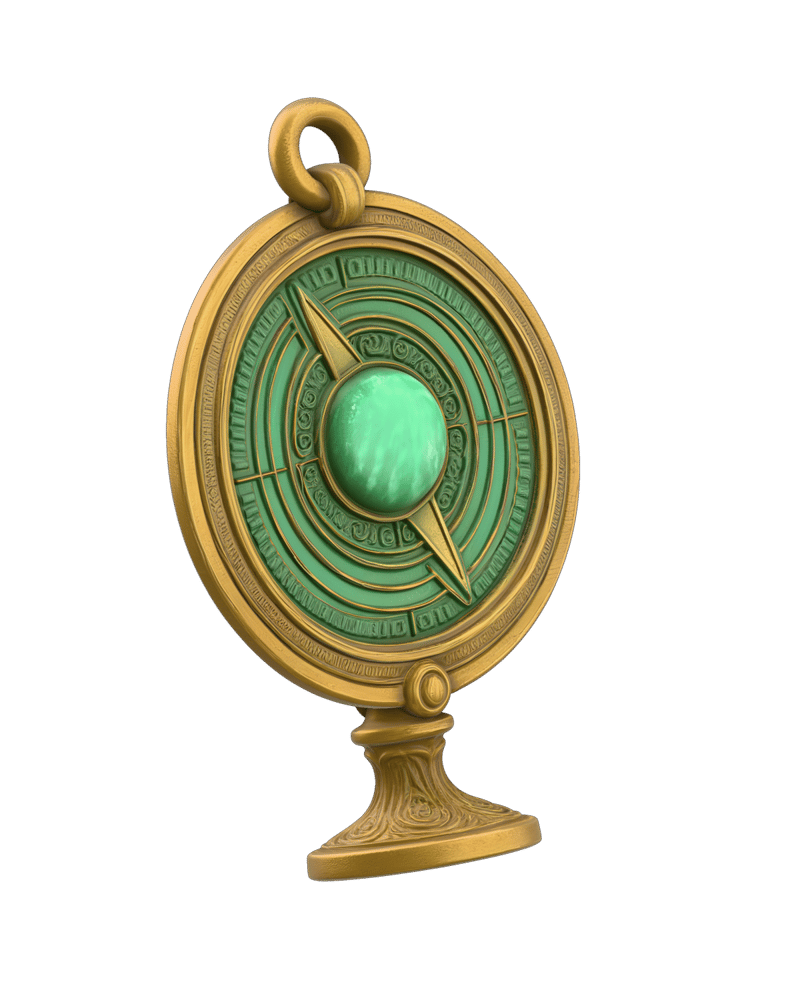
Game Prop Asset — Fantasy Relic
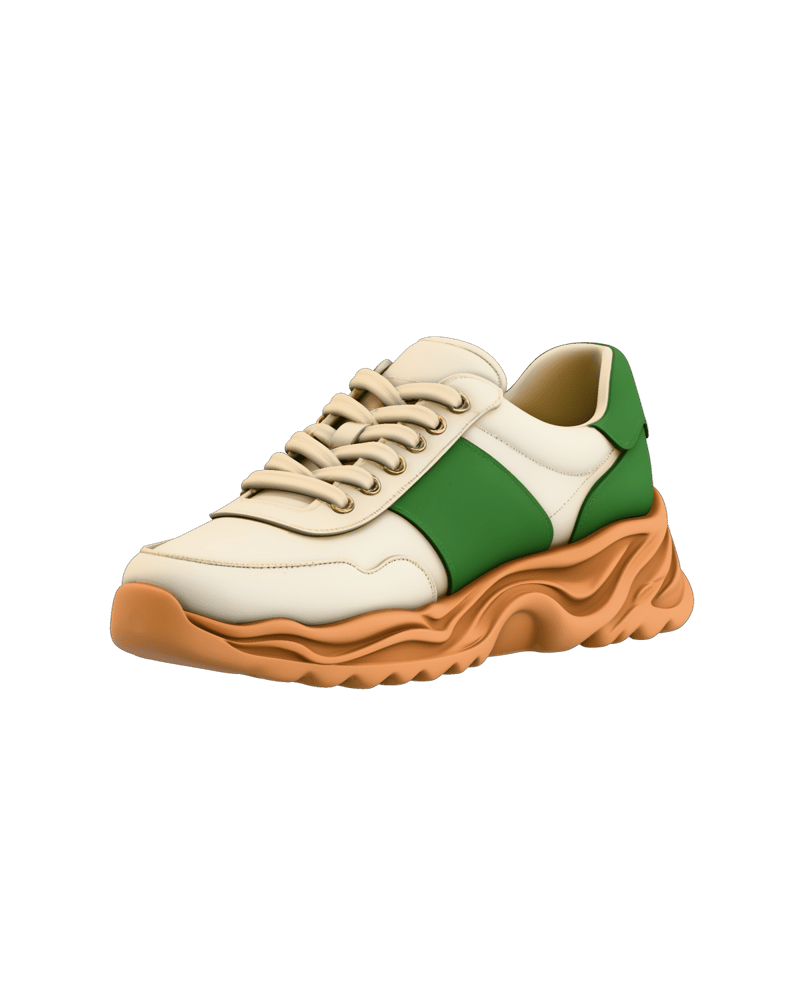
E-Commerce Product Still — Luxury Footwear
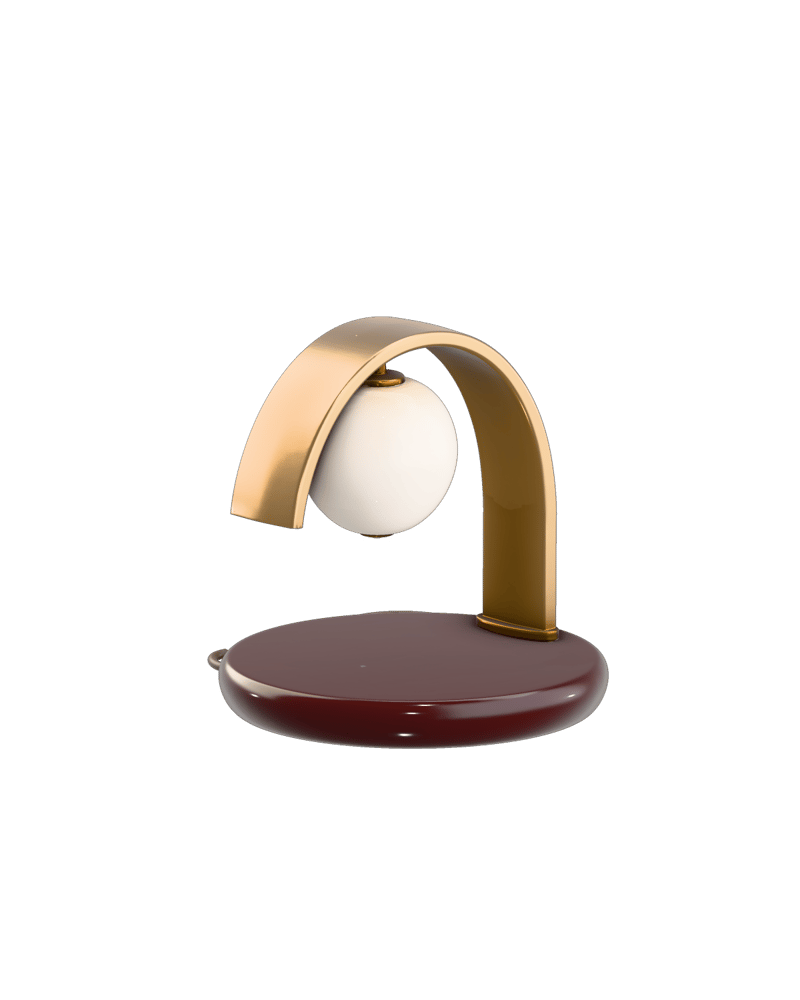
Architectural Object — Contemporary Lighting

Fashion Editorial Artifact — Haute Couture Mask
From real-time game development to industrial prototyping, see how 3D artists and product designers accelerate asset creation.
Text-to-3d generates geometry from scratch using natural language descriptions, whereas image-to-3d reconstructs a 3D mesh from an existing 2D concept image or photograph. Choose image-to-3d when you have a defined visual concept and require faithful shape reproduction; choose text-to-3d for rapid concept ideation when you do not have reference artwork.
Sketch-to-3d uses a 2D line drawing or CAD outline to define physical contours while using a text prompt as a material shader directive. This gives artists precise silhouette control that pure text prompts cannot match, turning hand-drawn outlines directly into textured 3D assets.
Select quadrilateral polygon layouts when importing meshes into DCC tools like Maya, Blender, or ZBrush for subdivision modeling, sculpting, and character skinning. Select triangle layouts when exporting directly into real-time engines such as Unreal Engine, Unity, or WebGL environments.
Target face counts range from 40,000 up to 1,500,000 polygons. Keep the budget between 40,000 and 100,000 faces for mobile games and AR previews, and scale up to 1,500,000 for high-detail hero assets, intricate organic sculpts, or cinematic renders.
The model specializes in single, isolated objects and struggles with complex multi-object scenes, interlocking mechanical assemblies, refractive transparent glassware, and legible typographic decals. Back-facing geometry on single-image inputs may also require light manual touch-up.
Sculpt production-ready 3D meshes with custom quad topology and physically based rendering directly from text, sketches, or concept art