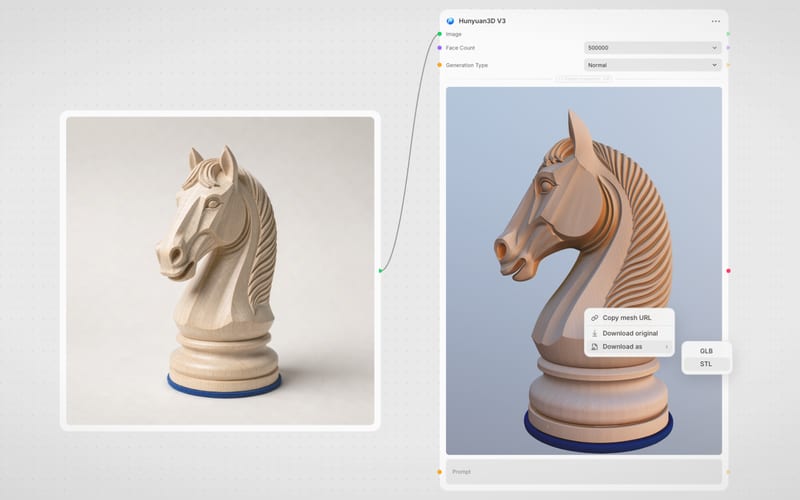
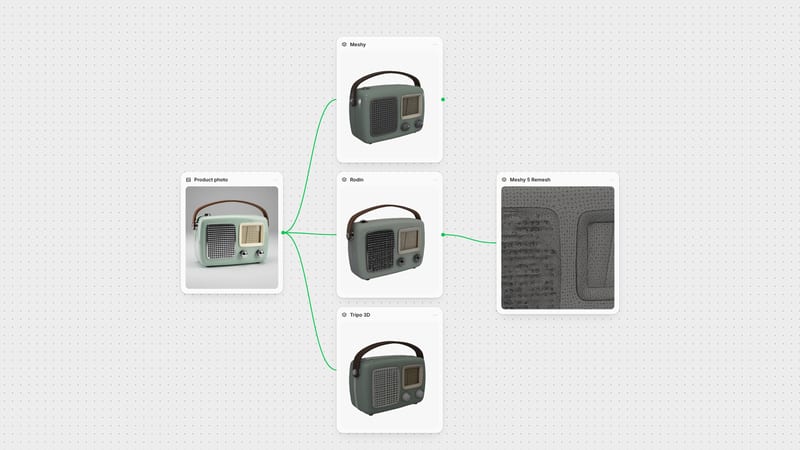
One click, whole workflow
Recipes are here. Package a whole workflow and run it in one click
Explore recipesOne click, whole workflow
Recipes are here. Package a whole workflow and run it in one click
Explore recipesbyMeshy
Rebuild messy 3D meshes into clean, production-ready quad or triangle geometry with custom polycounts and automated edge alignment
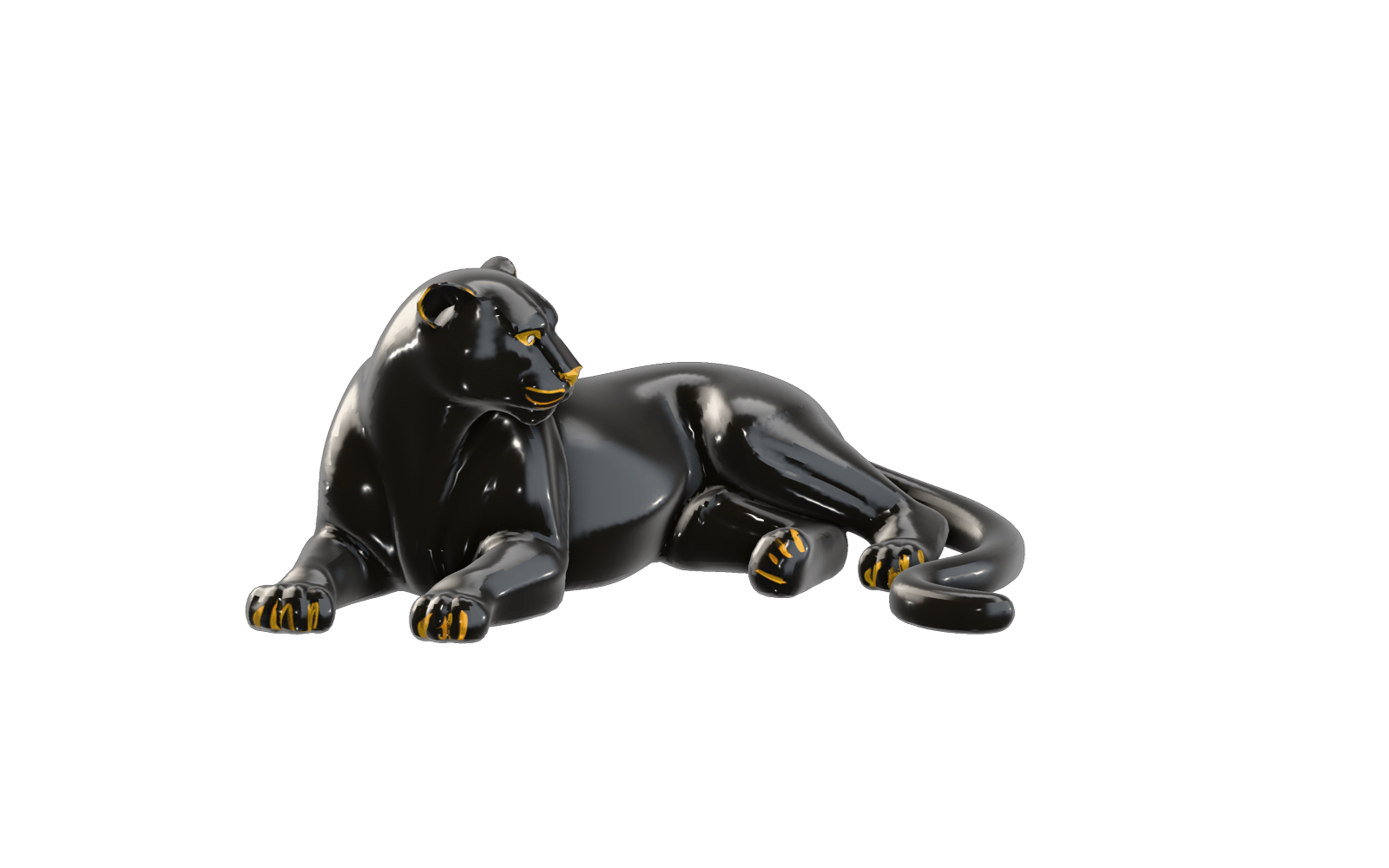
Clean up dense geometry, retopologize messy surfaces, and output engine-ready 3D models in three straightforward steps.
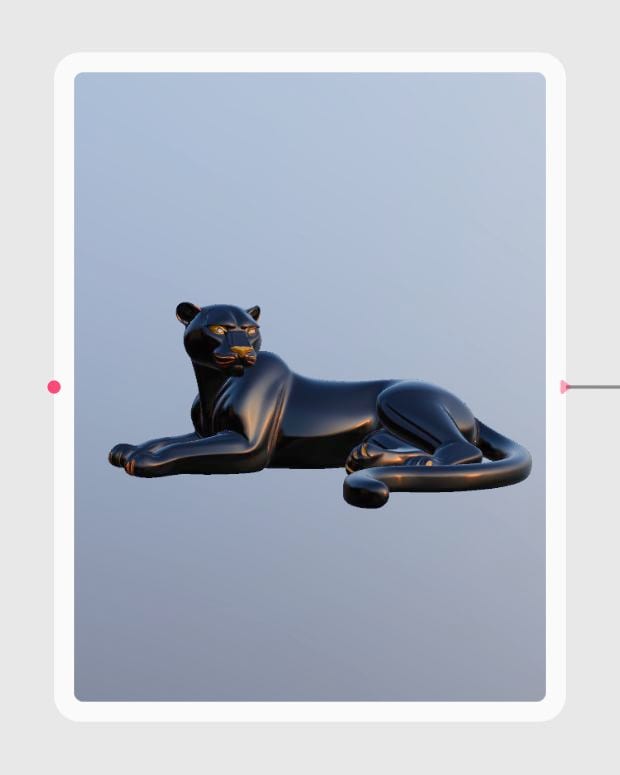
Import Source 3D Mesh
Upload your raw photogrammetry scan, high-poly sculpt, or generative model in GLB, OBJ, FBX, or STL format.
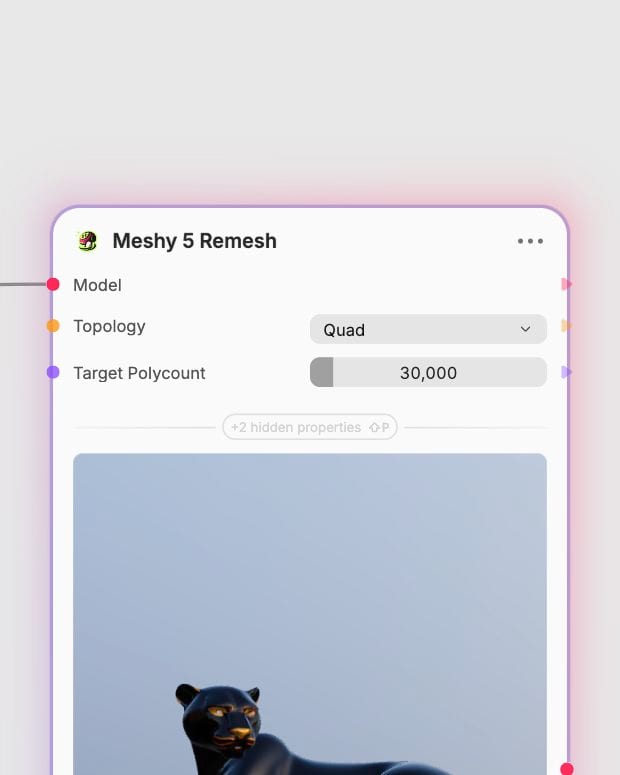
Configure Topology and Polycount
Choose quad or triangle flow, define your target polygon budget from 100 to 300,000, and set height or origin anchors.
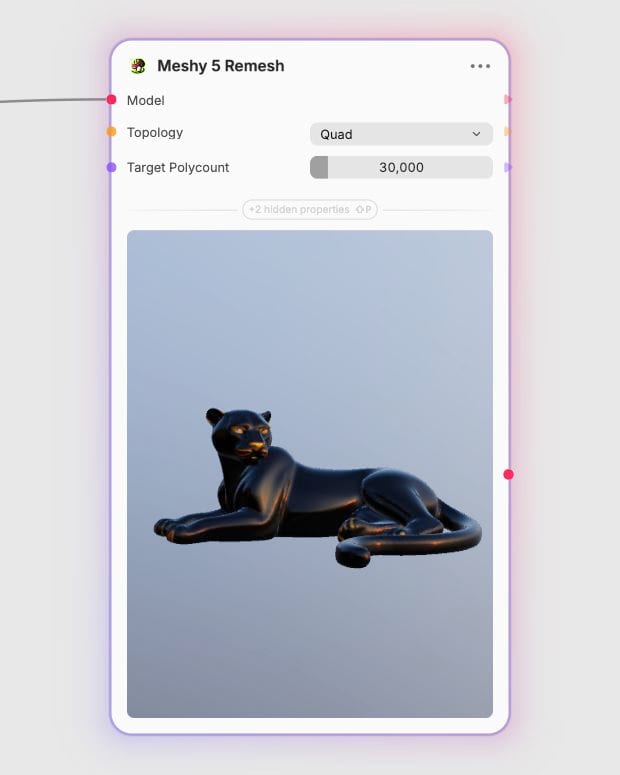
Export Production Asset
Download a water-tight, evenly tessellated GLB mesh aligned for game engines, AR viewports, or digital rigging.
From quad edge-flow alignment to precision decimation budgets, explore the geometric controls that rebuild your 3D assets.
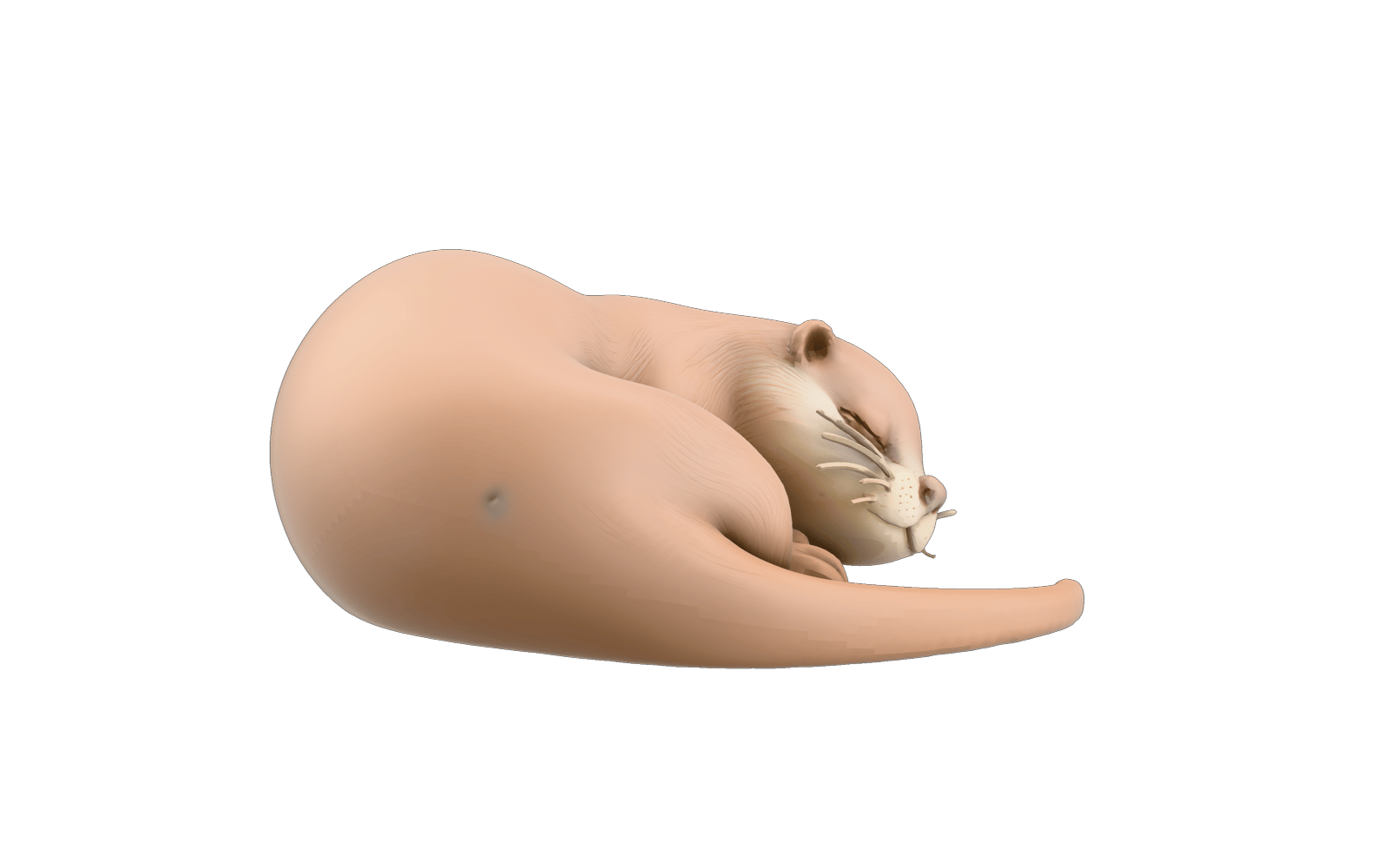
Shape-Aware Quad Flow
Rebuild organic silhouettes into uniform quad-dominant edge loops that contour to natural body volumes for smooth deformation and sculpting.
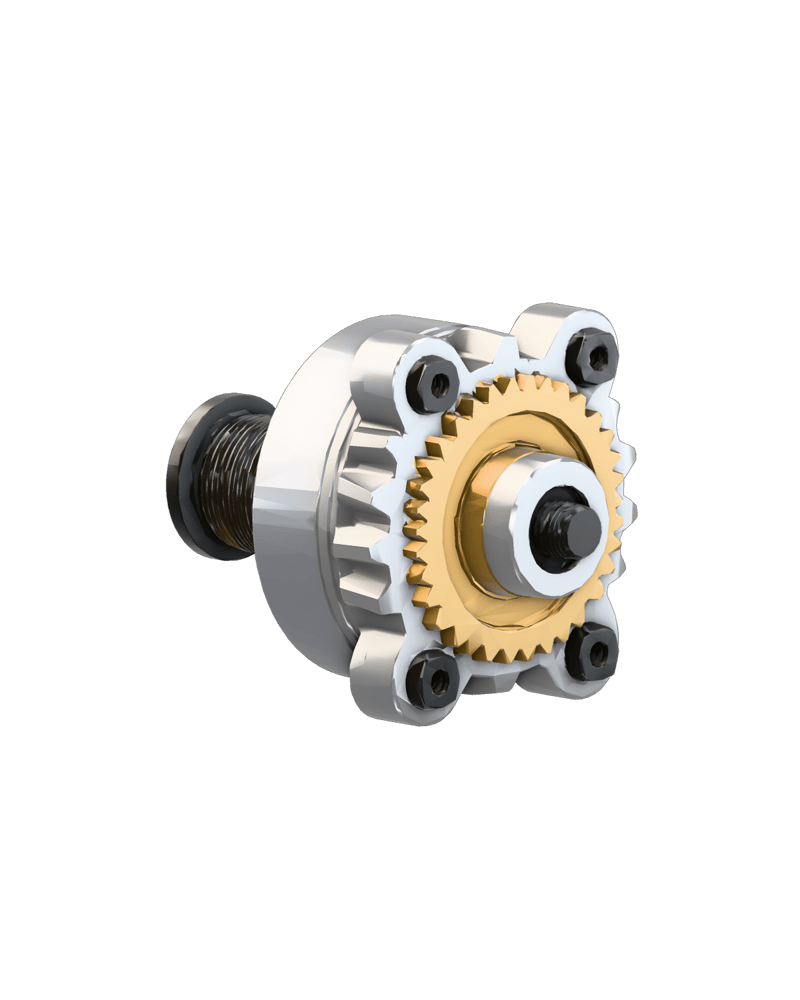
Adaptive Triangle Decimation
Condense flat planar surfaces while preserving high-density vertex clusters around intricate mechanical bevels and micro-creases.

Targeted Polycount Control
Scale mesh complexity precisely between 100 and 300,000 polygons to match strict budgets for mobile AR or high-detail console viewports.
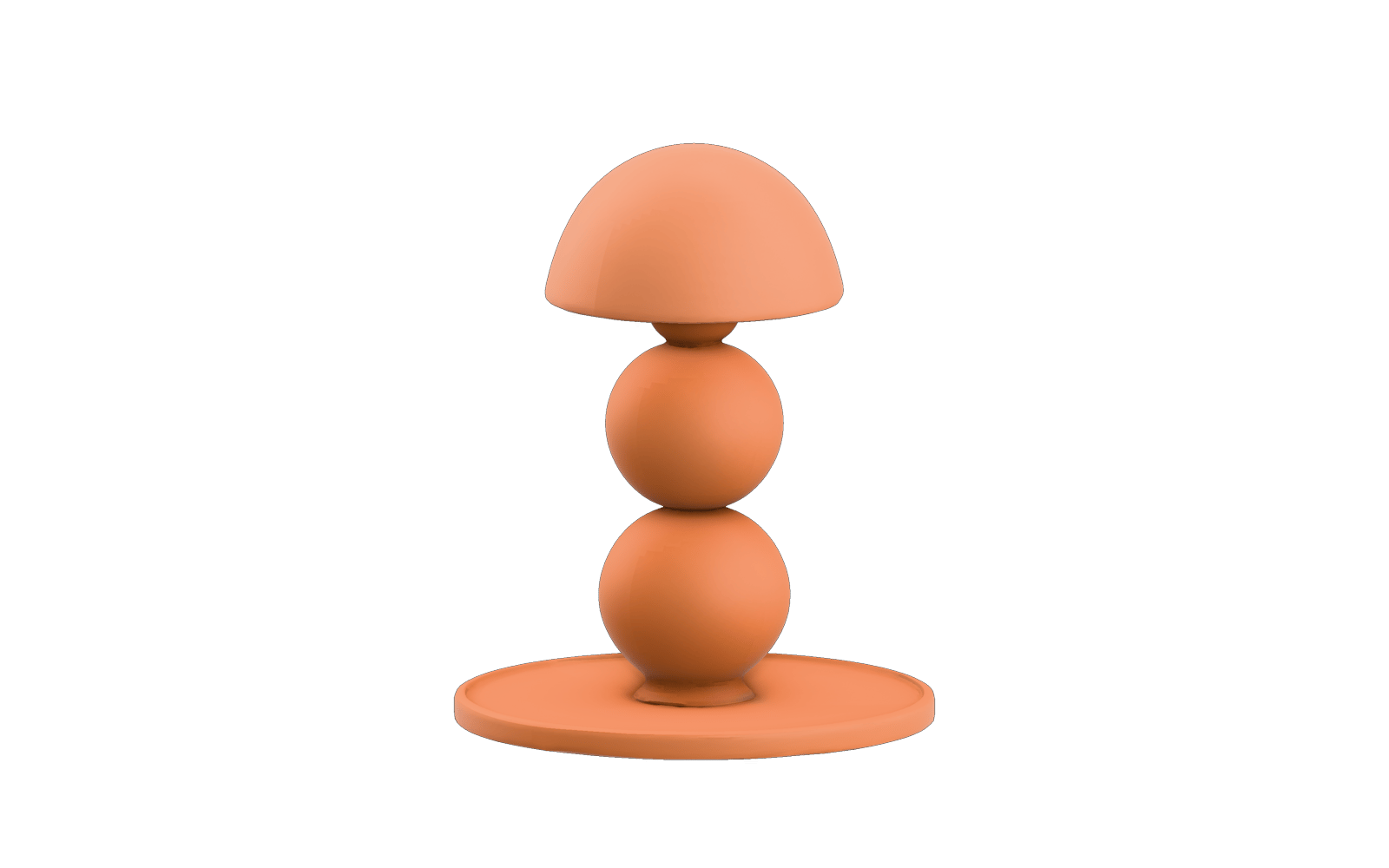
Origin and Scale Normalization
Set model origins to the bottom or center and standardize world-space dimensions in meters to streamline asset library imports.
Explore how diverse 3D models—from industrial vehicles to fashion armor—re-emerge with balanced tessellation and clean vertex distributions.
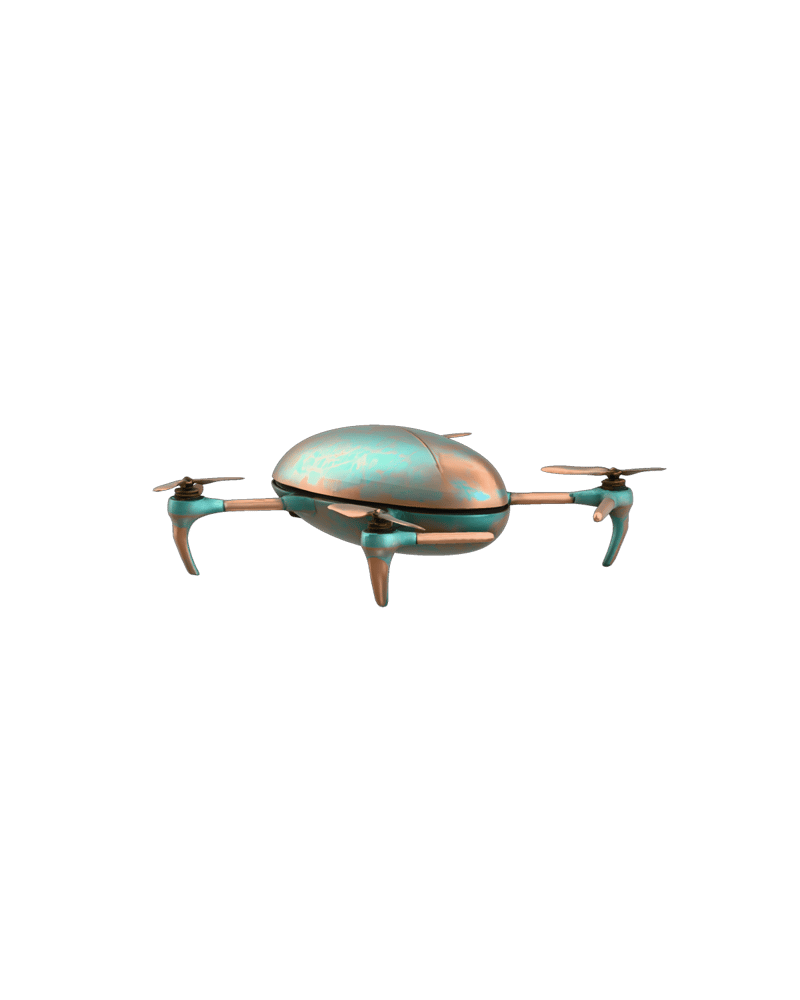
Oxidized copper aerodynamic drone frame remeshed with quad topology
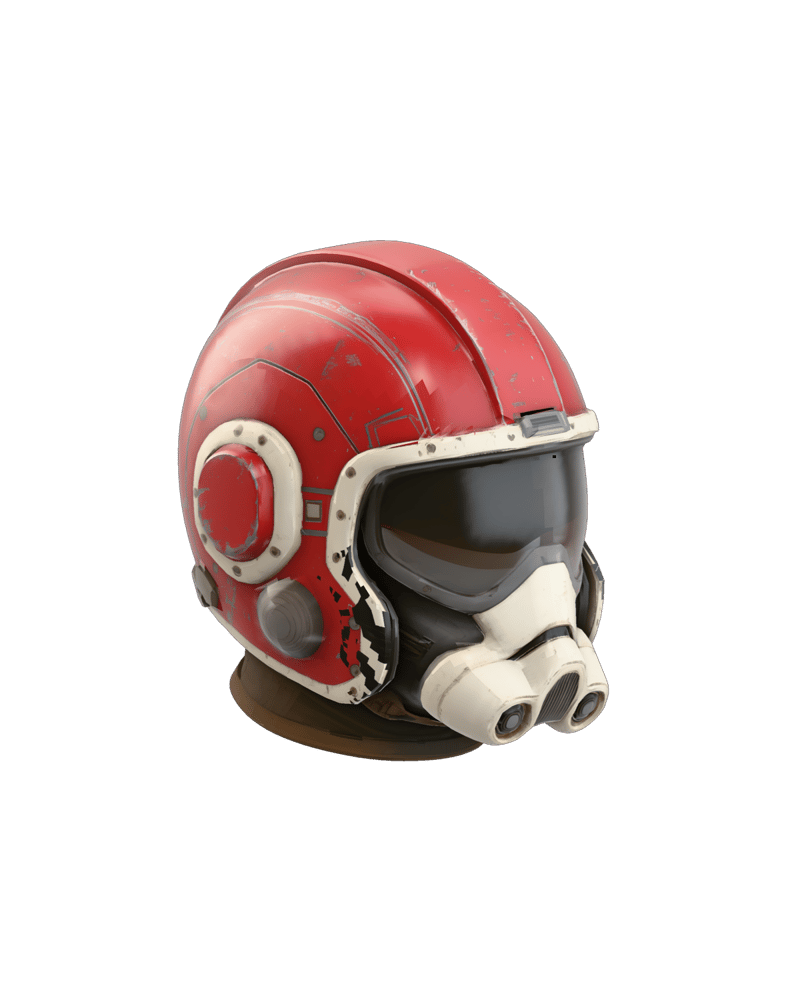
Cinematic sci-fi helmet mesh optimized for real-time rendering
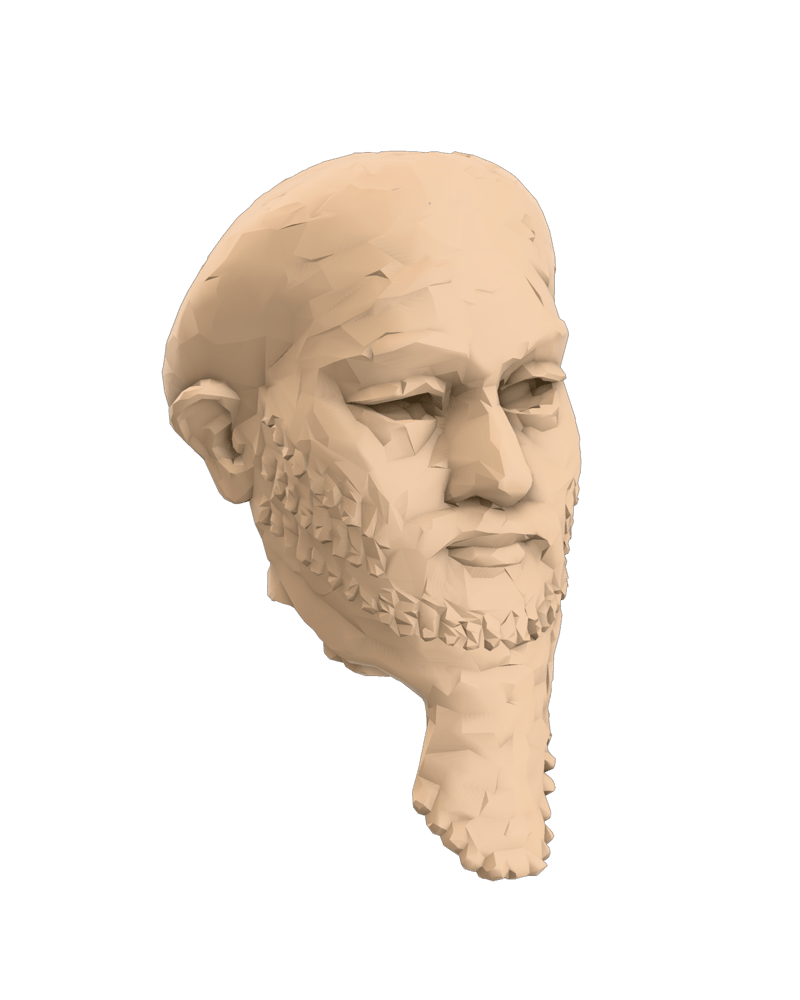
Photogrammetry scan of an ancient relic converted to clean low-poly geometry
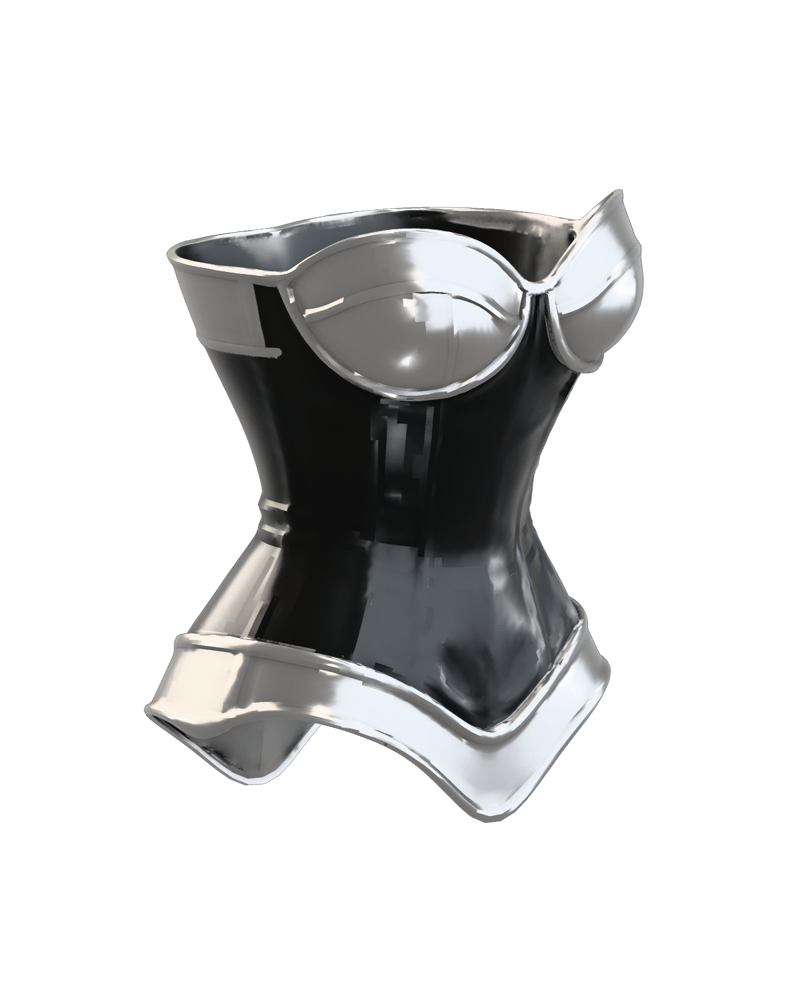
High-fashion armor corset with contour-conforming quad flow

Commercial bottle design rebuilt for web 3D interactive viewports
See how game developers, technical artists, and 3D web creators use automated retopology to streamline asset production.
Meshy 5 Remesh accepts GLB, GLTF, OBJ, FBX, and STL source files. Once processed, it returns a clean, watertight model in GLB format ready for downstream DCC tools, game engines, or web viewers.
Choose Quad topology for organic characters, creatures, and assets intended for skeletal rigging or sculpting in Blender. Choose Triangle topology for static environment props, hard-surface objects, background assets, and direct 3D printing where adaptive decimation preserves fine detail.
You can set any target polycount from 100 up to 300,000 polygons, with 30,000 as the default. Mobile AR and web experiences generally benefit from 5,000 to 15,000 polygons, while PC and console game assets typically target 30,000 to 80,000 polygons.
Avoid remeshing non-manifold geometry, such as models with self-intersecting faces or zero-thickness walls, which disrupt edge-flow prediction. Additionally, hard-surface mechanical assets requiring exact bevel sharpness or custom production UV seams may require manual edge refinement in Blender or Maya.
Origin settings let you relocate the model's pivot to the bottom or center, ensuring props sit flush on game engine floor planes. Setting a non-zero height value standardizes the asset's scale in meters, which is ideal for normalizing characters or library props.
Rebuild messy 3D meshes into clean, production-ready quad or triangle geometry with custom polycounts and automated edge alignment