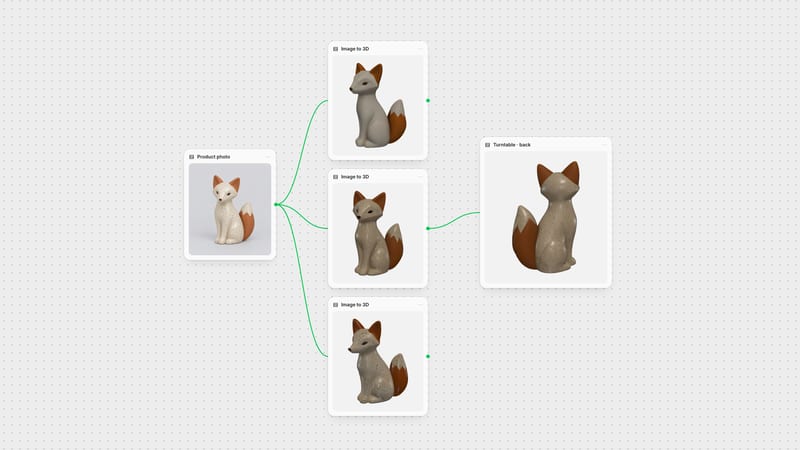
One click, whole workflow
Recipes are here. Package a whole workflow and run it in one click
Explore recipesOne click, whole workflow
Recipes are here. Package a whole workflow and run it in one click
Explore recipesbyMeta AI
Turn casual single-view photos and cluttered scenes into production-ready 3D assets with prompt-driven segmentation and baked UV textures
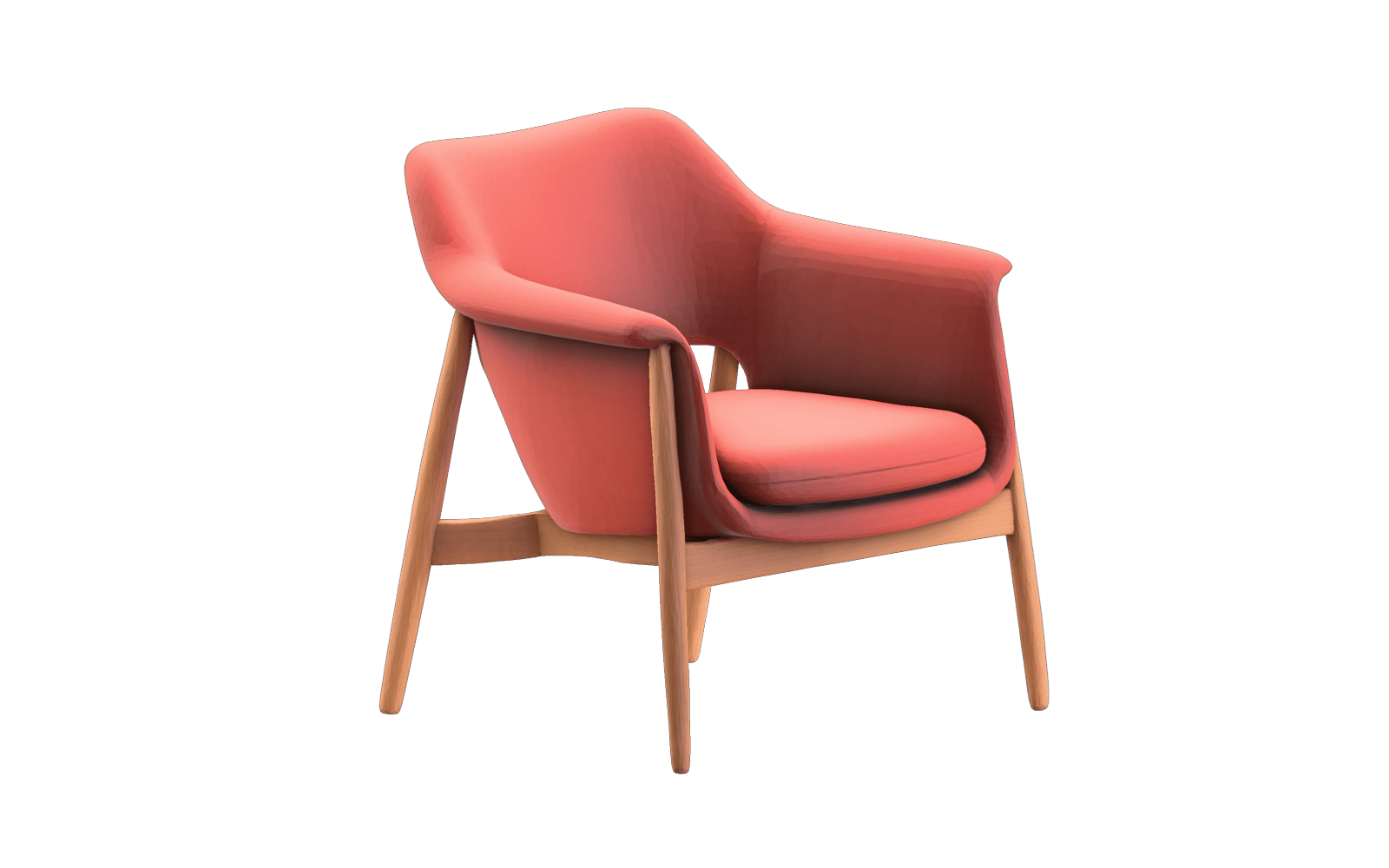
Upload a photo, pinpoint the subject with a short noun prompt, and export a textured GLB mesh in seconds.
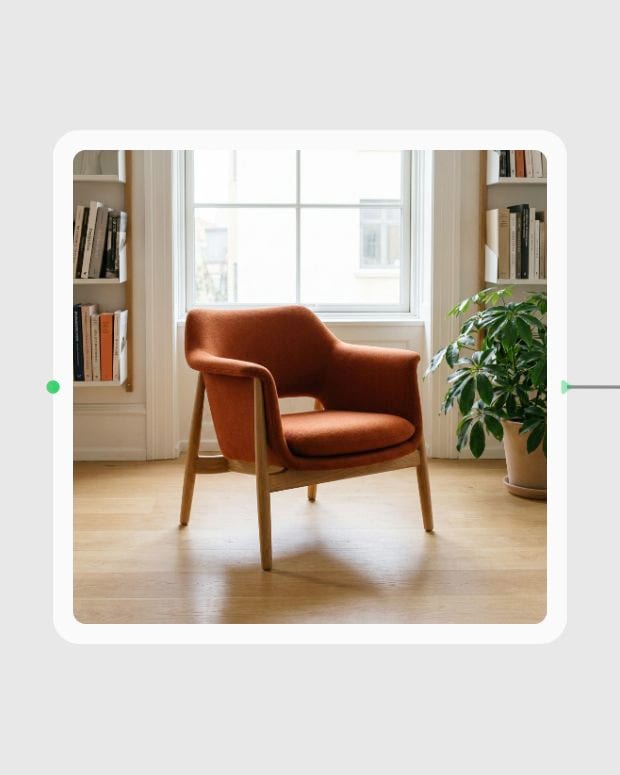
Upload your source image
Provide a high-resolution reference photo of the physical product or scene taken under diffused, even illumination.
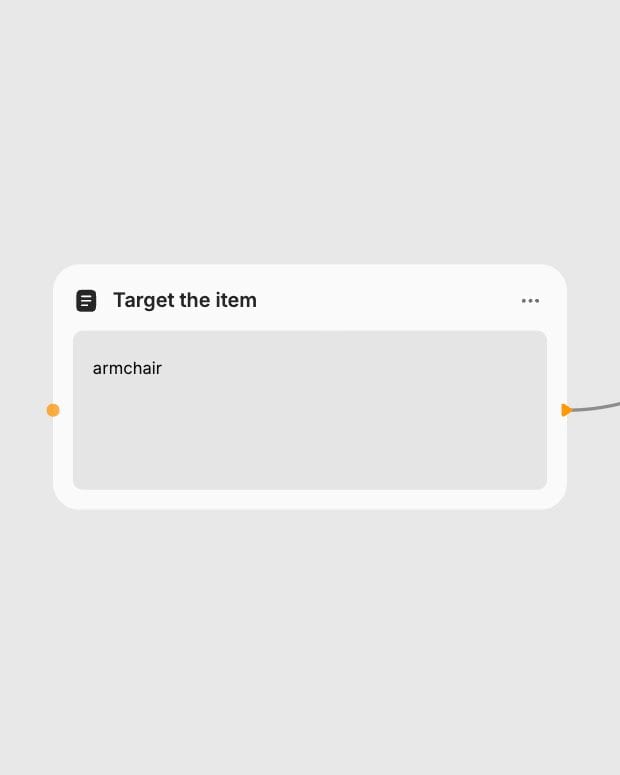
Target the item
Enter a short noun phrase to isolate your subject and fine-tune the detection confidence slider between 0.1 and 1.0.
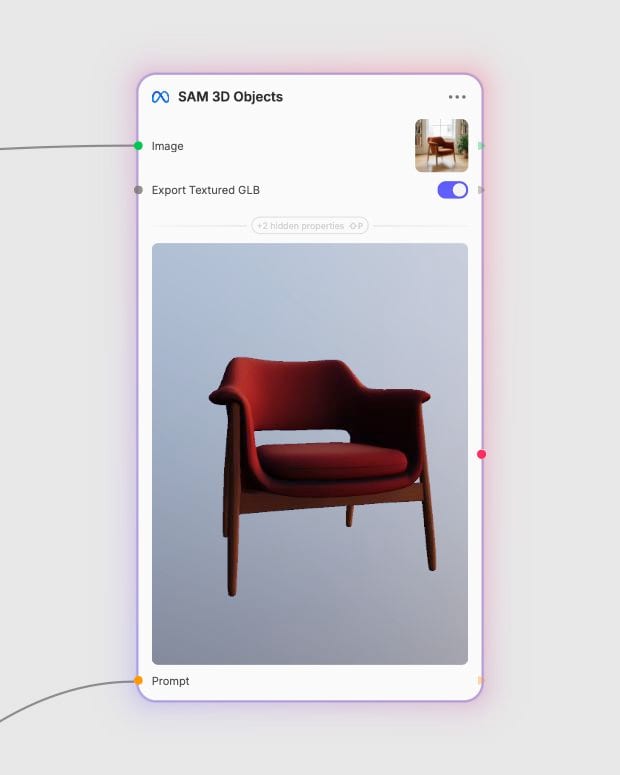
Download spatial GLB
Export a textured GLB mesh complete with baked UV maps and synthesized back geometry for spatial apps or DCC pipelines.
From prompt-guided segmentation to automated volumetric completion, turn ordinary reference images into production-ready spatial assets.

Cluttered-scene object isolation
Isolate specific items in dense, cluttered living spaces or tabletop scenes using targeted noun prompts and adjustable detection thresholds spanning 0.1 to 1.0.
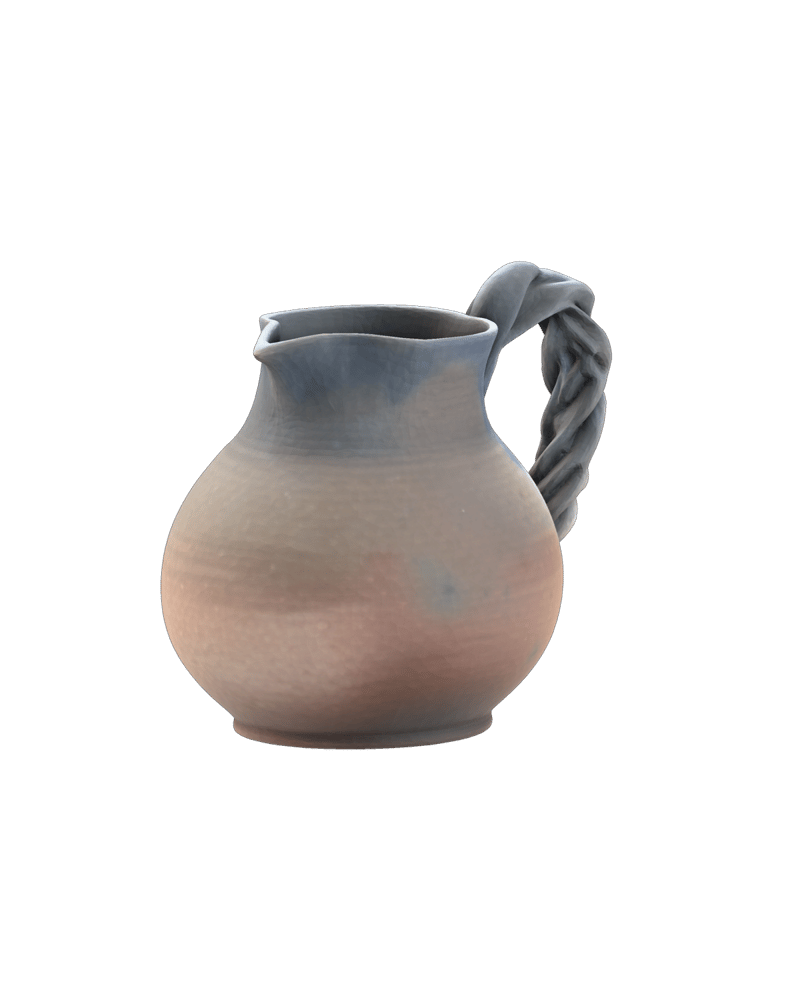
Single-view geometry completion
Synthesizes coherent, solid back faces, bases, and hidden geometries for objects viewed from only a single camera perspective using diffusion-based spatial priors.
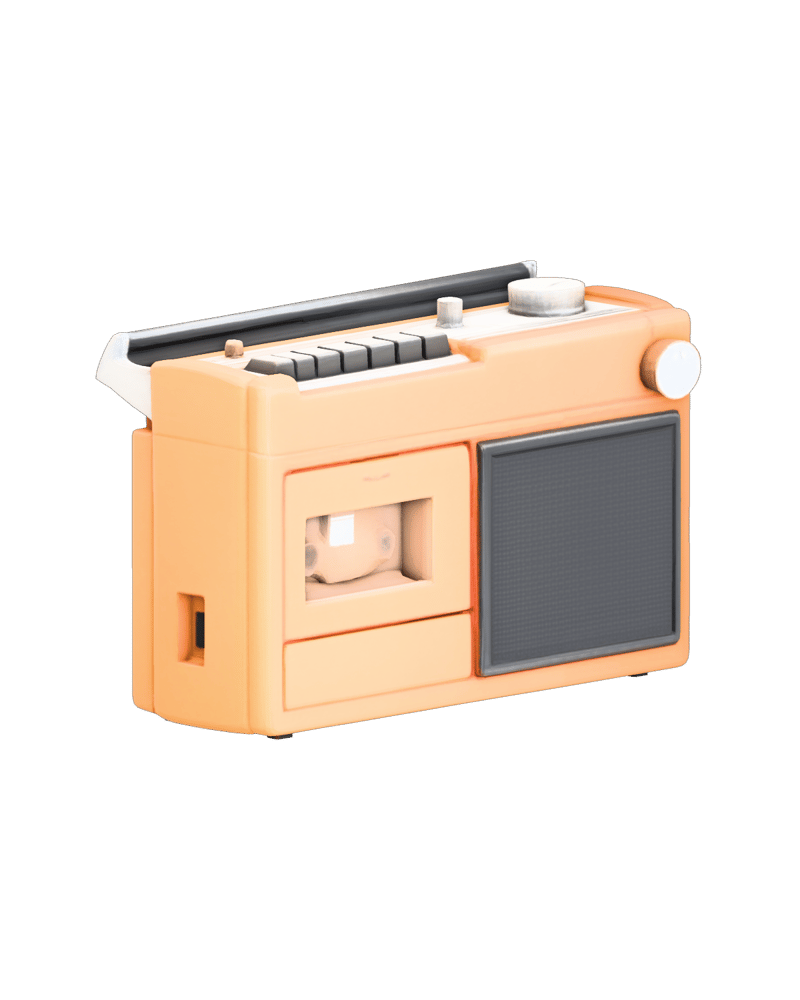
Baked UV texture export
Generate unified GLB meshes with baked UV coordinates and surface texture projection ready for immediate import into WebGL, Unity, or Unreal Engine.
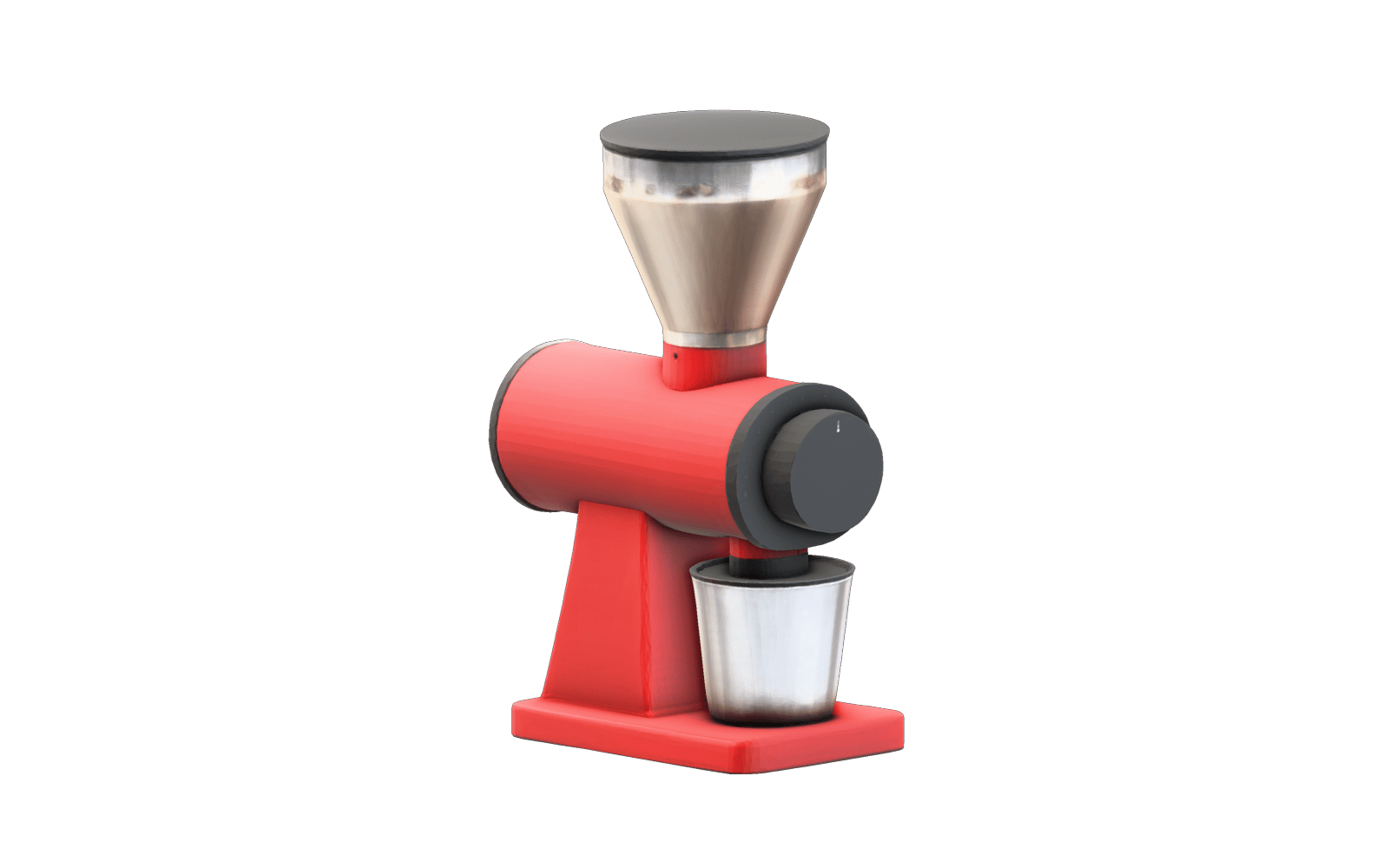
Instant product digitization
Extract and digitize real-world furnishings, decor, and manufactured goods directly from standard reference photos without multi-angle photogrammetry rigs.
A gallery of textured 3D meshes reconstructed from single-angle source imagery, spanning furniture, industrial prototypes, and sculpted decor.

Industrial seating prototype with baked wool textures
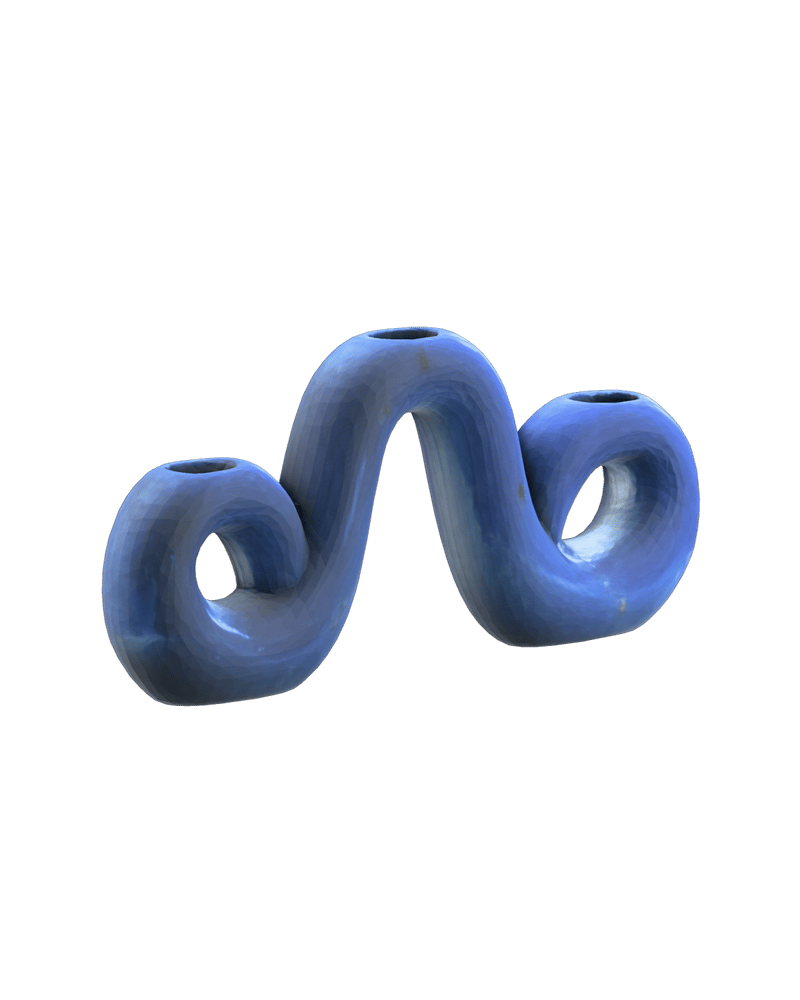
Artisan tabletop decor with complete rear geometry
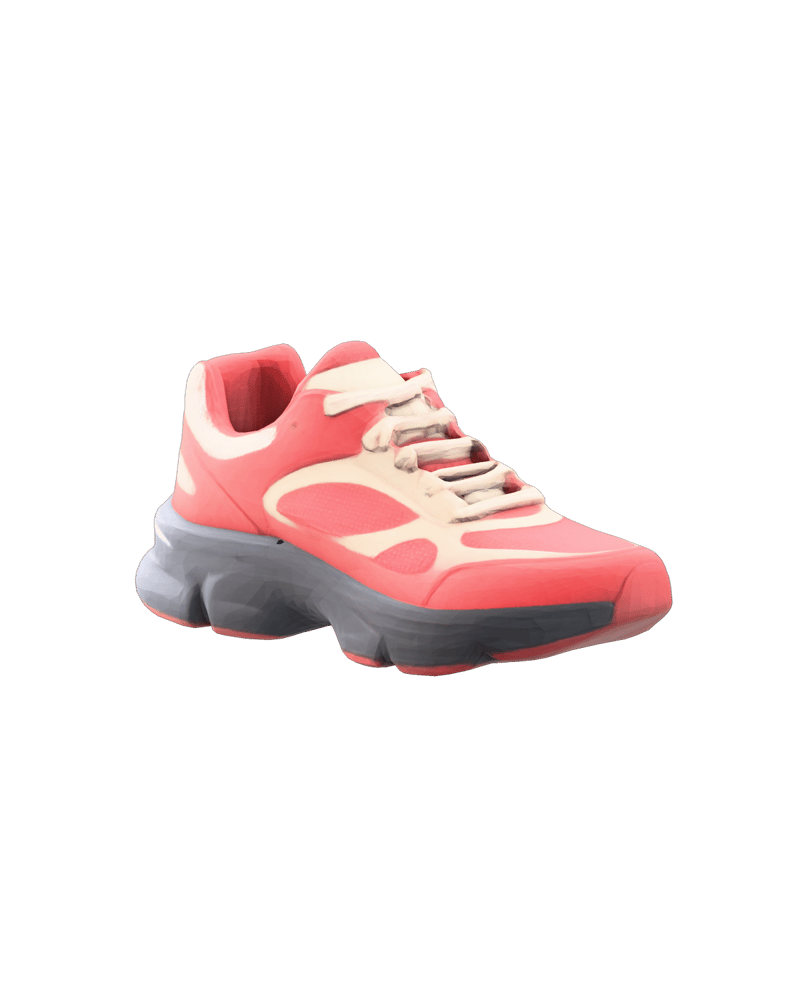
Sportswear product model with baked material maps

Spatial decor asset isolated from surrounding clutter
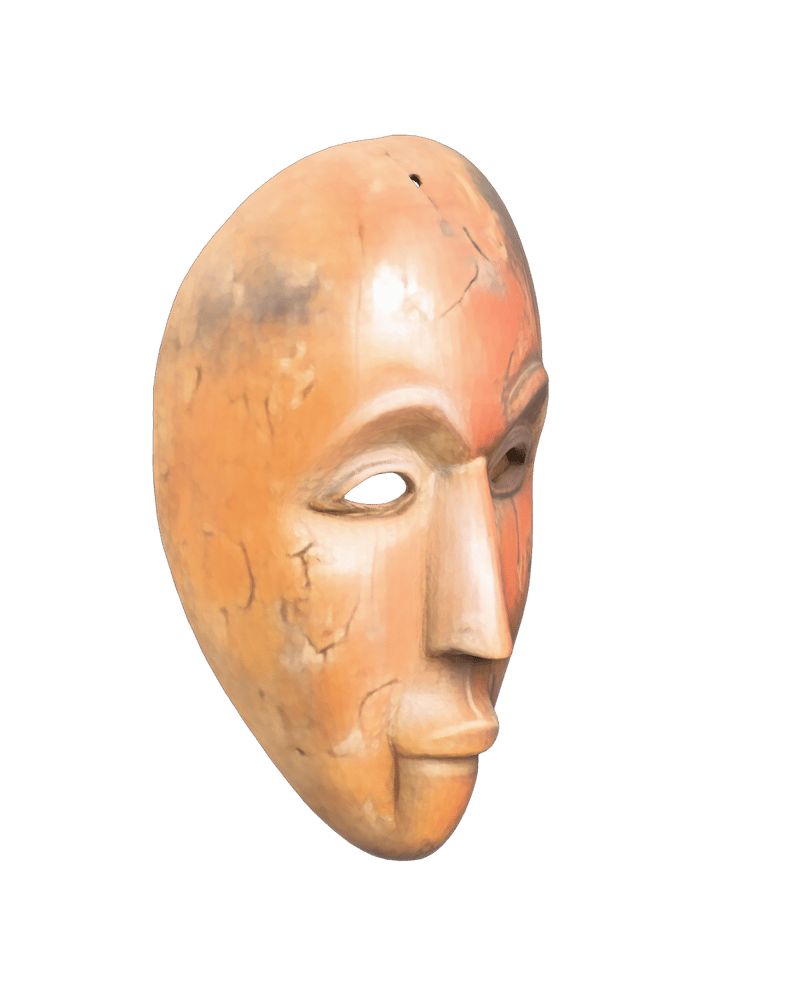
Heritage archival artifact with organic surface detail
Designed for 3D generalists, spatial developers, and e-commerce teams converting real-world inventory into lightweight virtual assets.
The model takes a single 2D photograph alongside an optional text label, segments the target item using Segment Anything segmentation, and reconstructs a complete 3D mesh (GLB) with volumetric back-surface hallucination and baked UV textures.
Keep text prompts to tight noun phrases naming the exact item (such as "leather armchair" or "ceramic vase") rather than descriptive narrative sentences. The text prompt is used by the segmentation engine to pinpoint the item in crowded photographs.
Toggle Export Textured GLB on when building for WebGL, Three.js, game engines, or AR viewers that require standard baked UV coordinates and surface texture maps. Turn it off when you only need raw untextured spatial geometry to remesh or retexture in external DCC software.
Adjust the detection threshold slider between 0.1 and 1.0. For crowded scenes with overlapping clutter, keep the threshold high (0.6 to 0.8) to isolate the silhouette cleanly; lower it (0.2 to 0.4) only when isolating faint, low-contrast, or slender structures.
Avoid transparent glassware, mirror-finish chrome, complex mechanical assemblies requiring CAD-level tolerances, and photos taken under harsh single-direction lighting that permanently bakes dark drop shadows into texture maps.
Turn casual single-view photos and cluttered scenes into production-ready 3D assets with prompt-driven segmentation and baked UV textures