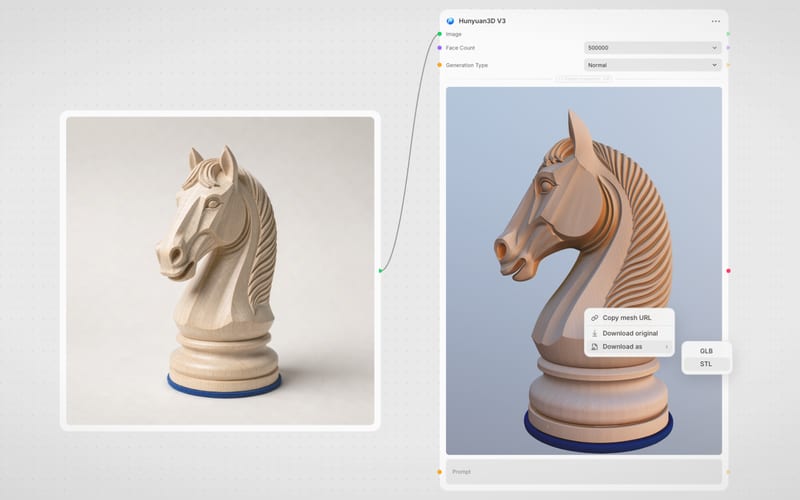
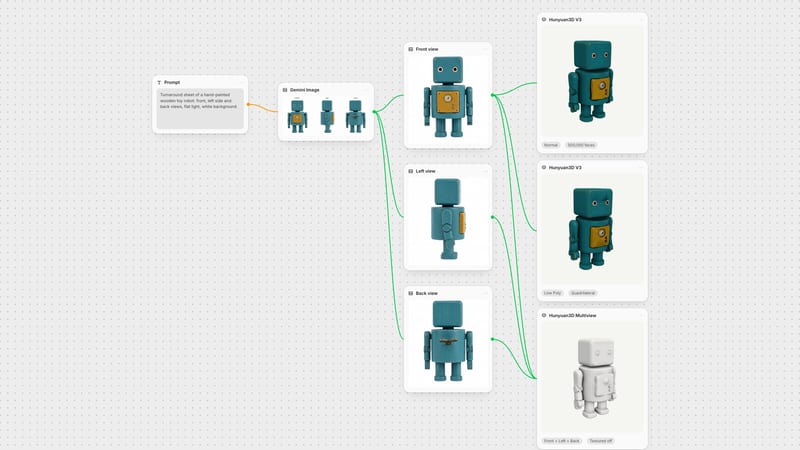
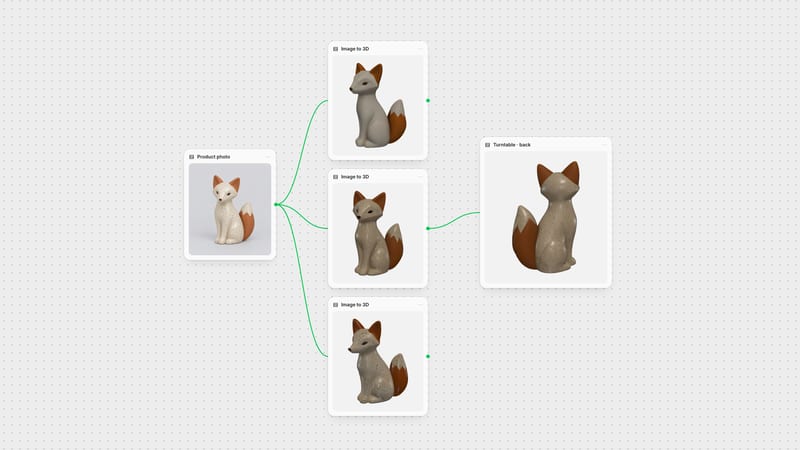
One click, whole workflow
Recipes are here. Package a whole workflow and run it in one click
Explore recipesOne click, whole workflow
Recipes are here. Package a whole workflow and run it in one click
Explore recipesbyTencent
Synthesize production-ready, watertight 3D meshes with game-ready topology and baked PBR textures from coordinated multi-view plates
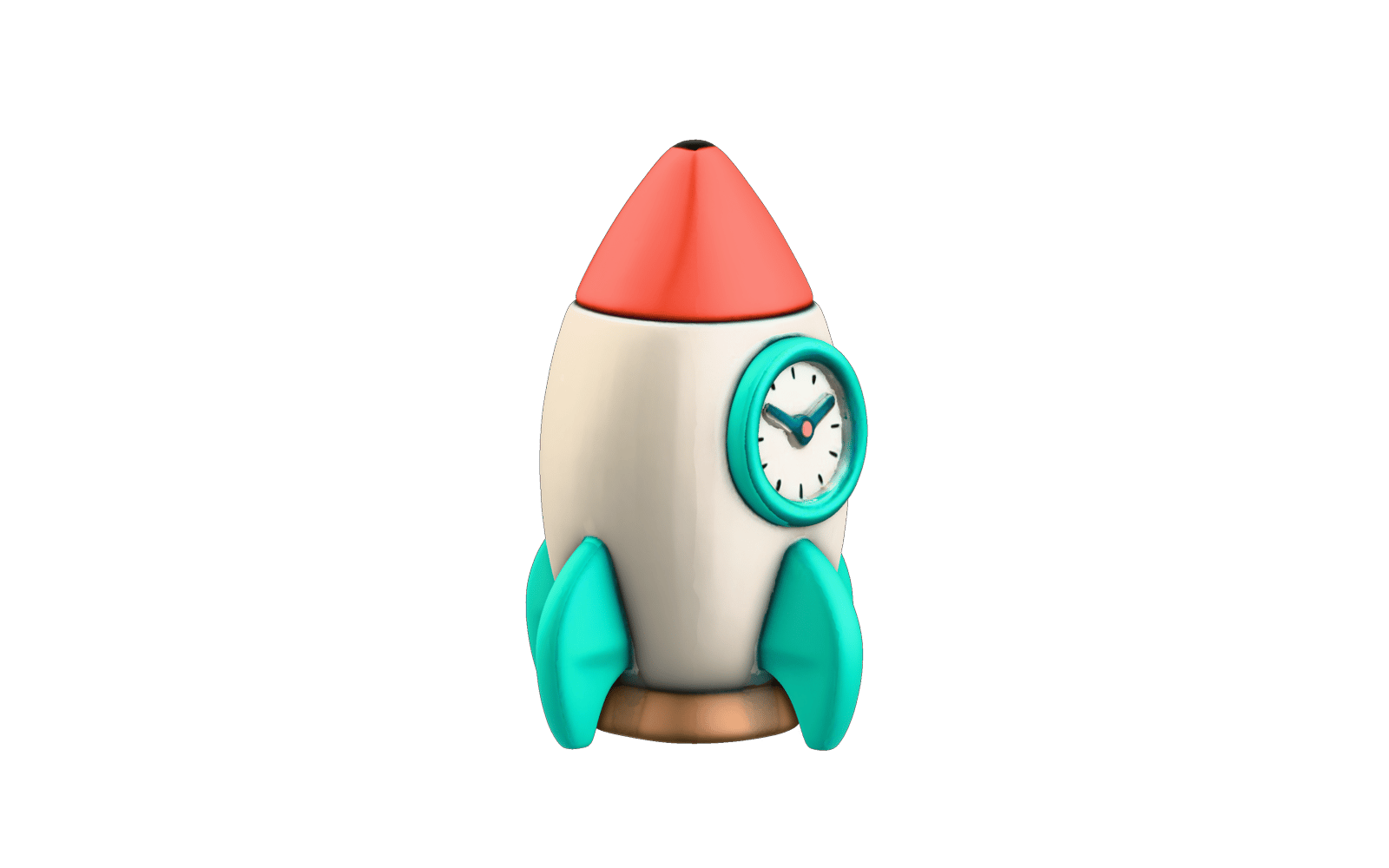
Turn three flat turnaround views into a production-ready 3D asset in three straightforward actions.
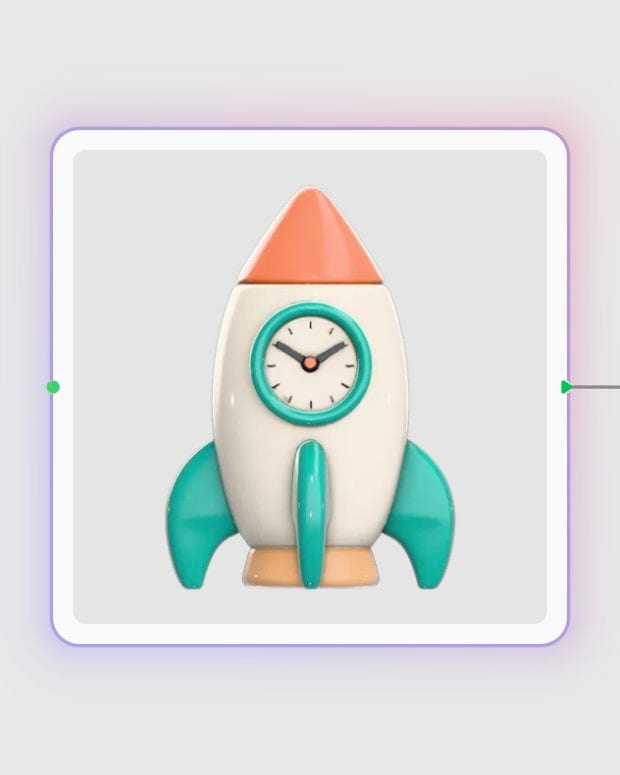
Upload three-view references
Provide isolated front, back, and left profile images sharing identical scale, alignment, and flat lighting on transparent or white backgrounds.
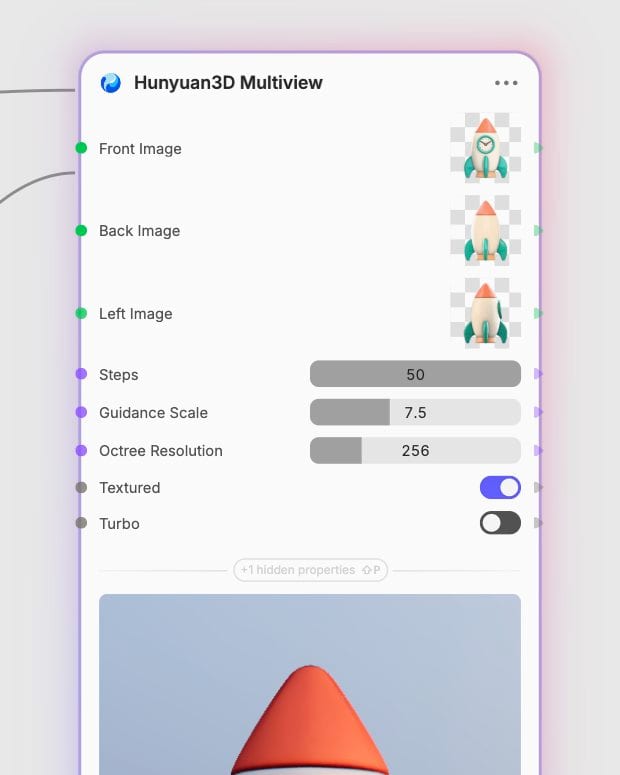
Configure resolution and texturing
Select standard or Turbo speed mode, adjust octree resolution up to 1024, and enable texturing if you need baked PBR maps.
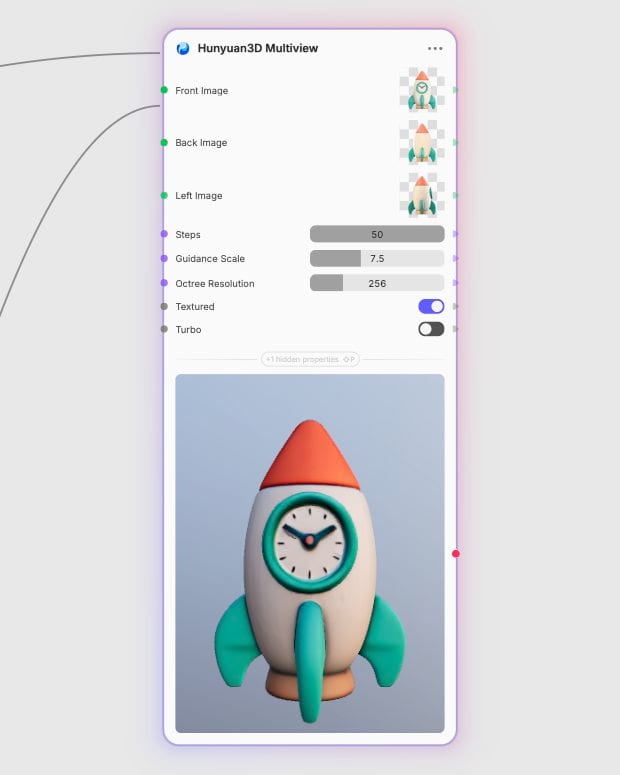
Export game-ready 3D mesh
Download a manifold, watertight GLB mesh with clean topology ready for direct import into game engines or 3D viewports.
From decoupled shape diffusion to automated PBR texture baking, discover how multi-view reconstruction turns 2D concepts into clean polygonal assets.
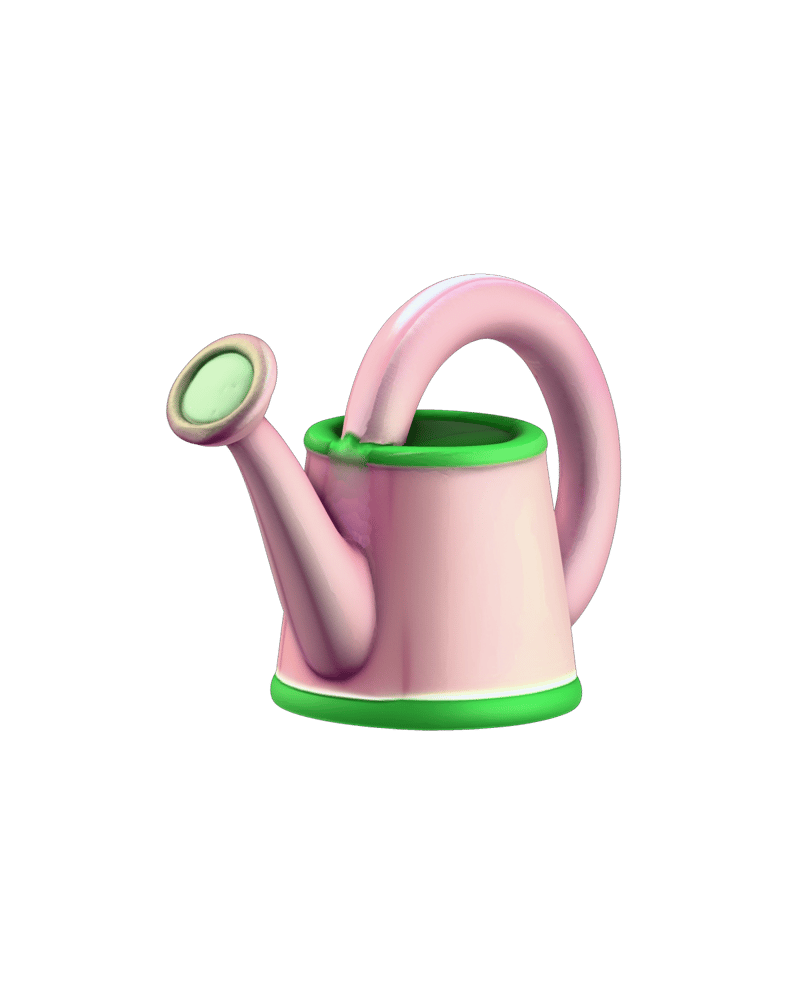
Watertight Multi-View Geometry
Combines a 2.6B parameter flow-based diffusion transformer with a ShapeVAE latent space to eliminate hidden-side blind spots and output manifold-tight geometry ready for game engines.
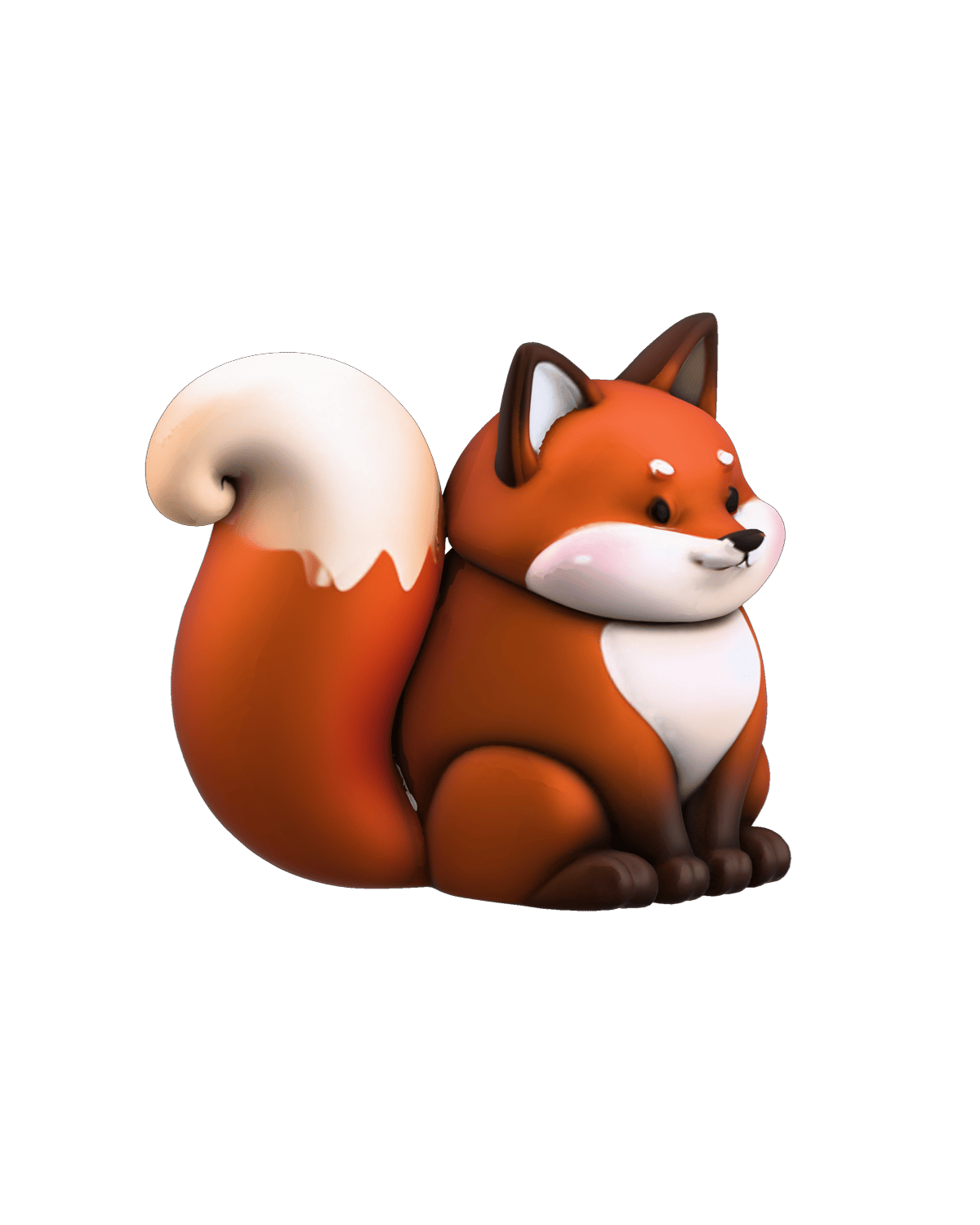
Standard and Turbo Tiers
Toggle between the full-parameter baseline at 23.5 credits for crisp production assets and the step-distilled Turbo pipeline at 20.7 credits for rapid sub-30-second turnaround iterations.
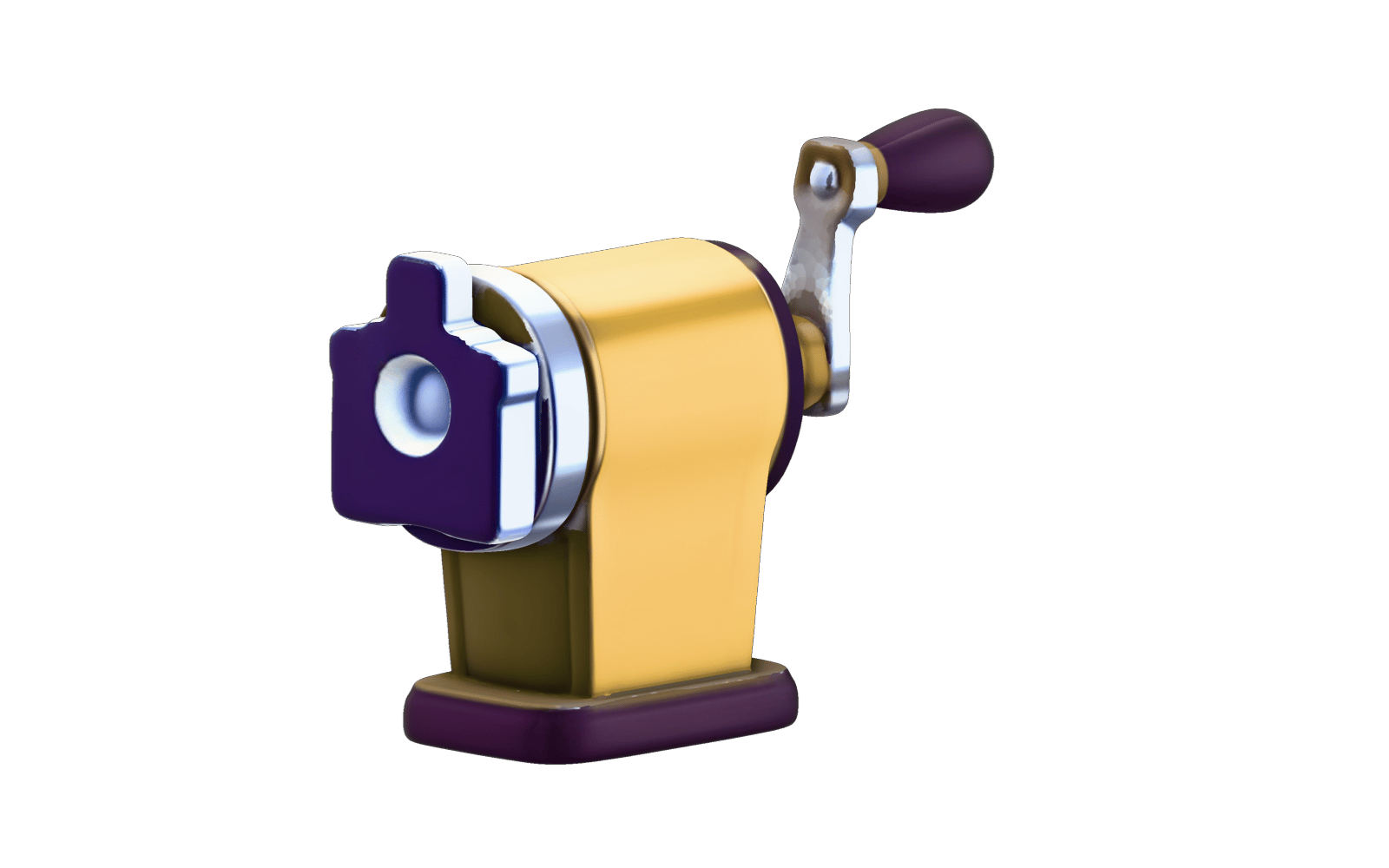
Integrated PBR Texture Baking
The integrated 1.3B parameter Hunyuan3D-Paint module synthesizes and bakes lighting-invariant PBR texture maps directly onto polygonal surfaces with minimal seam stretching.
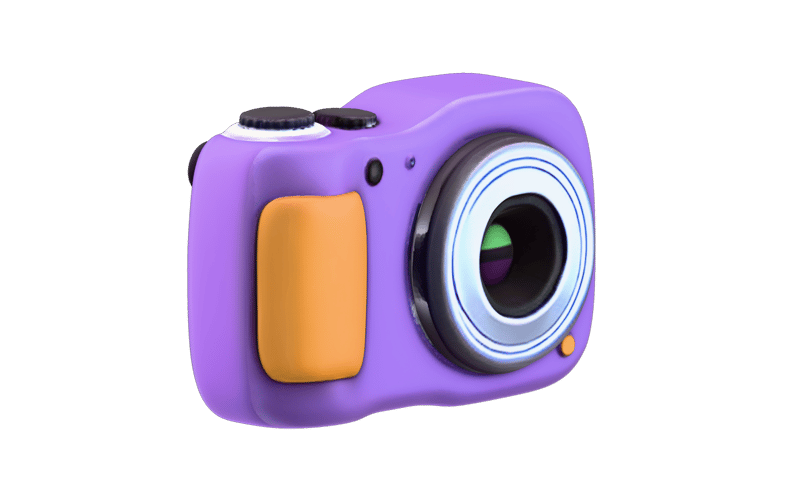
Granular Octree and Guidance Controls
Fine-tune reconstruction fidelity with octree resolution from 10 to 1024, step counts from 1 to 50, and guidance scale from 0 to 20 to balance geometric strictness against processing time.
Explore watertight meshes and baked PBR models generated across character design, industrial styling, and environmental props.
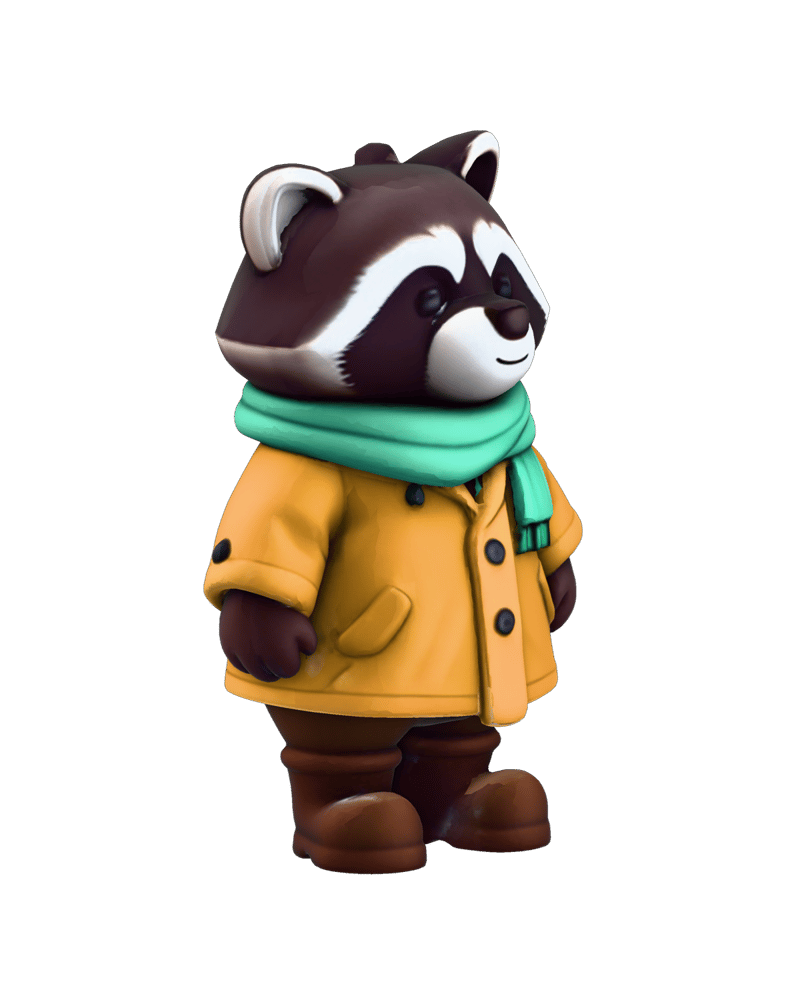
Stylized game character sculpt
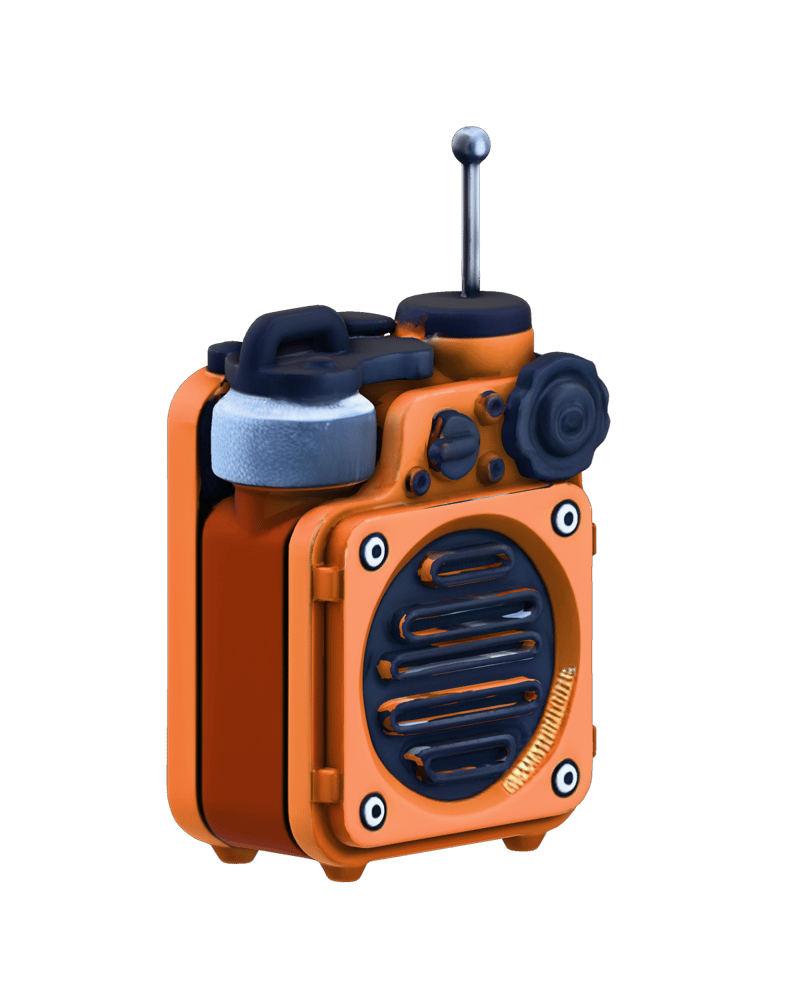
Industrial product concept
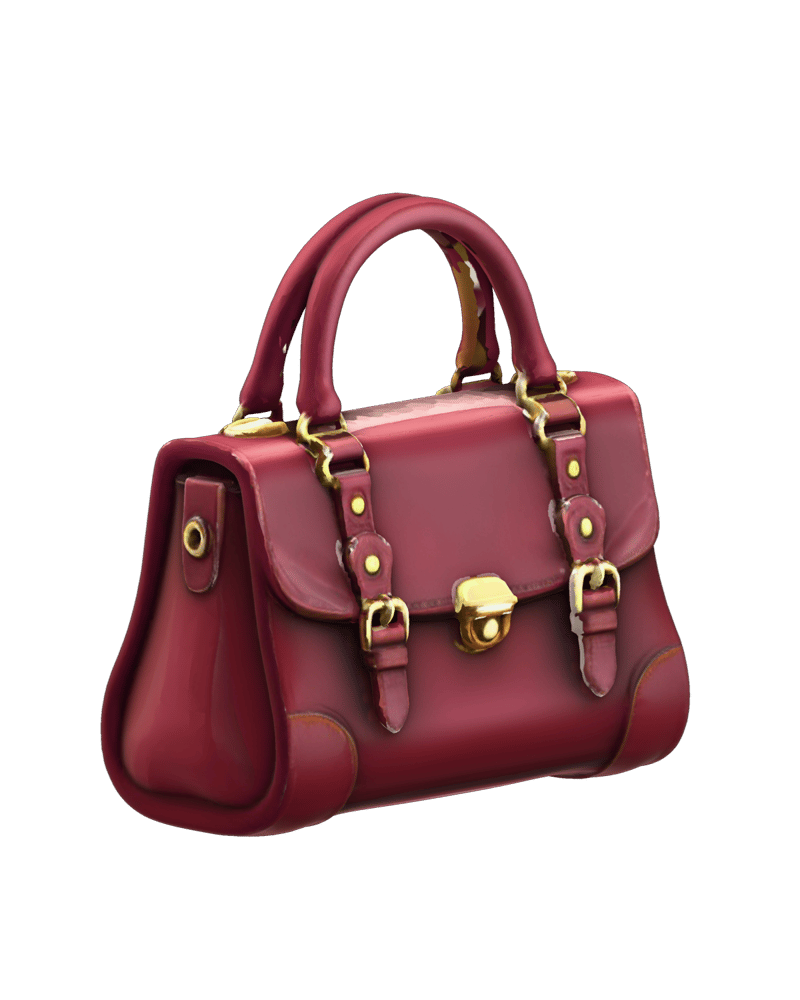
Vintage wearable accessory
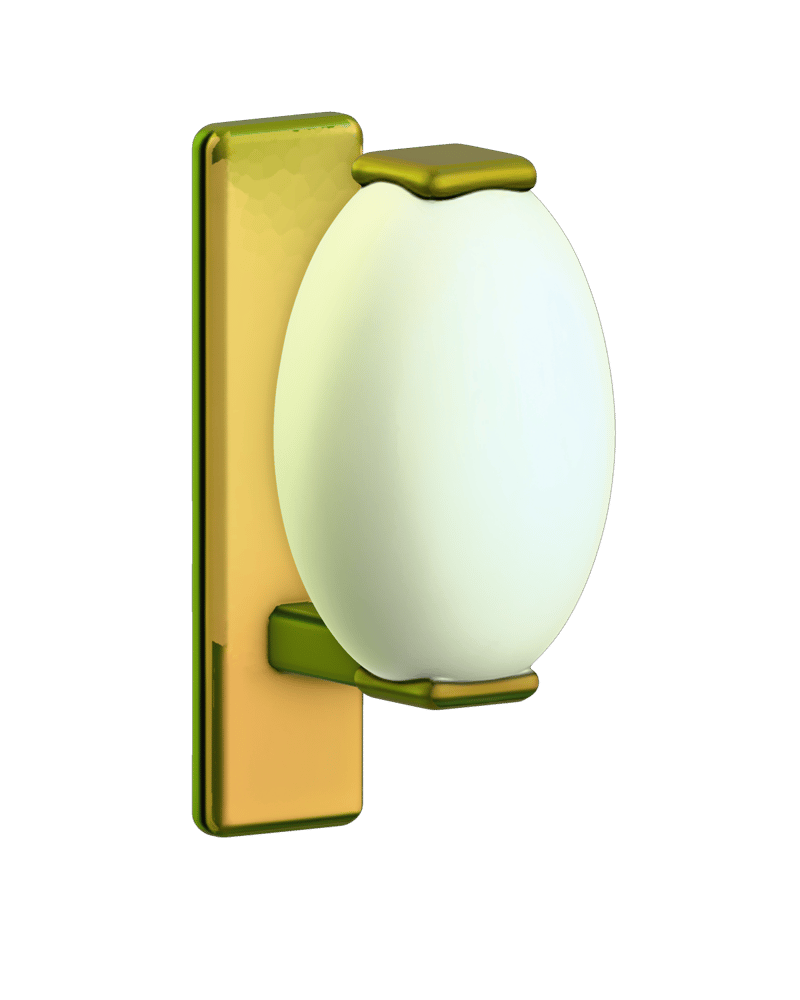
Architectural decor fixture
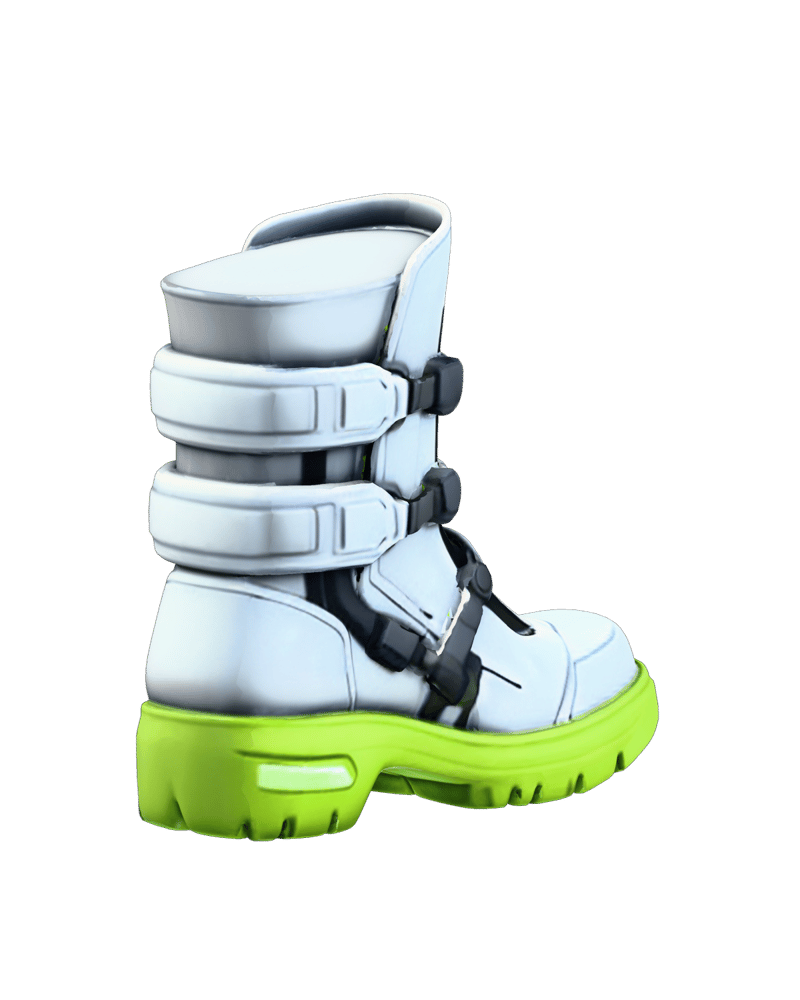
Sci-fi footwear design
See how game studios, industrial designers, and digital artists integrate multi-view 3D synthesis into active production pipelines.
Hunyuan3D-2mv is the technical designation for Tencent's Hunyuan3D v2 Multiview model. It is a multi-view image-to-3D generation system that uses front, back, and left profile images to eliminate backside ambiguity and reconstruct complete, watertight 3D meshes.
The standard Multi-view endpoint runs the full 2.6B parameter flow-based diffusion transformer (Hunyuan3D-DiT) without distillation, producing maximum geometric edge crispness and fidelity for 23.5 base credits. The Turbo endpoint uses step distillation to accelerate generation down to sub-30 second turnaround times at 20.7 base credits, with minor softening on micro-details.
Choose the Turbo variant during early drafting, interactive workflows, and rapid asset exploration when turnaround speed matters most. Switch to standard Multi-view when preparing final production assets that demand maximum silhouette precision and clean surface contours.
Enabling the textured setting triggers the 1.3B parameter Hunyuan3D-Paint model, which bakes illumination-invariant PBR texture maps directly onto the mesh. This increases generation compute cost by 3x. Leaving texturing disabled outputs a clean, untextured matte white mesh ideal for custom hand-painting or shader authoring in external DCC tools.
The model accepts three isolated orthographic or turnaround views: Front, Back, and Left. For optimal mesh synthesis, inputs should feature isolated subjects against transparent or solid white backgrounds with flat, neutral lighting, matching scale, and vertical alignment across all three perspectives.
Hunyuan3D Multiview excels at low-to-mid poly game props, stylized characters, organic creatures, and e-commerce objects. It is not designed for hollowed interior cavities, transparent or refractive glass surfaces, fine strand-based hair, or high-tolerance mechanical CAD parts.
Synthesize production-ready, watertight 3D meshes with game-ready topology and baked PBR textures from coordinated multi-view plates