One click, whole workflow
Recipes are here. Package a whole workflow and run it in one click
Explore recipesOne click, whole workflow
Recipes are here. Package a whole workflow and run it in one click
Explore recipesbyMicrosoft Research, Tsinghua University, USTC
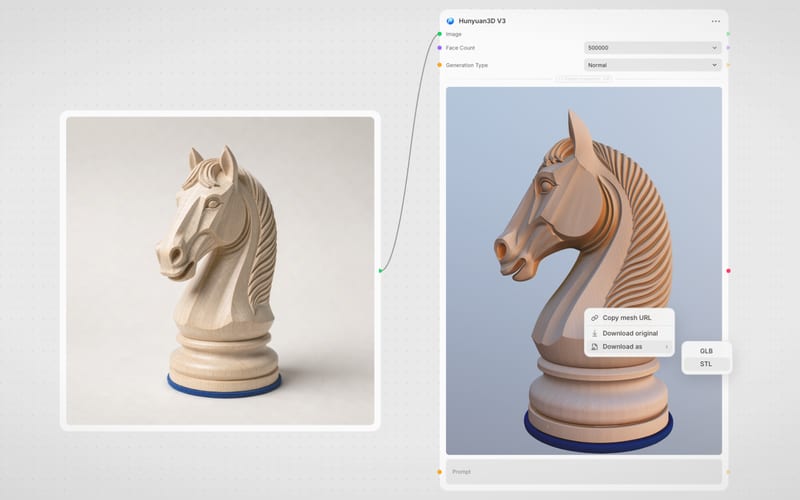
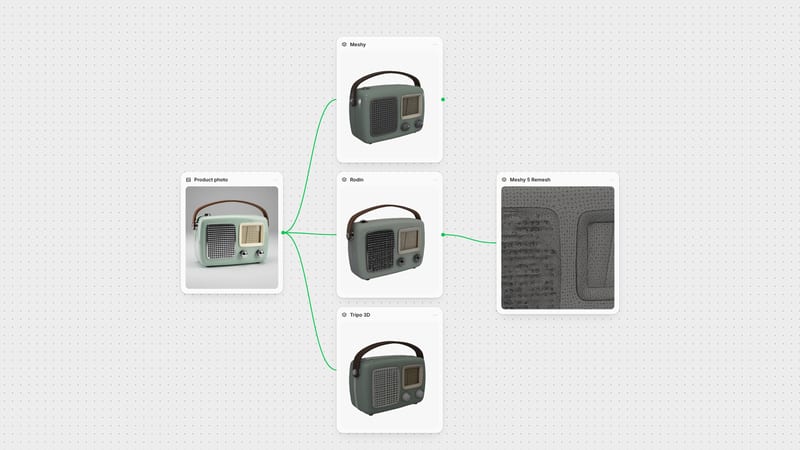
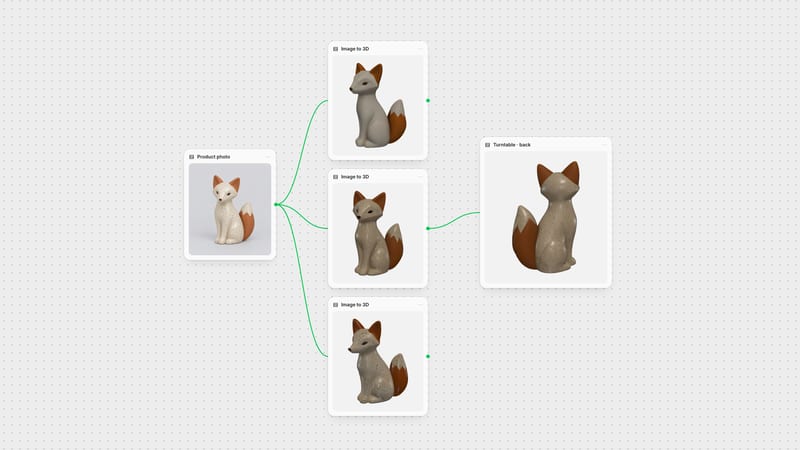
Transform single concept images into watertight, textured 3D assets with production-ready PBR materials in seconds

Go from a single 2D concept illustration to an engine-ready textured GLB mesh with granular topological and material controls.
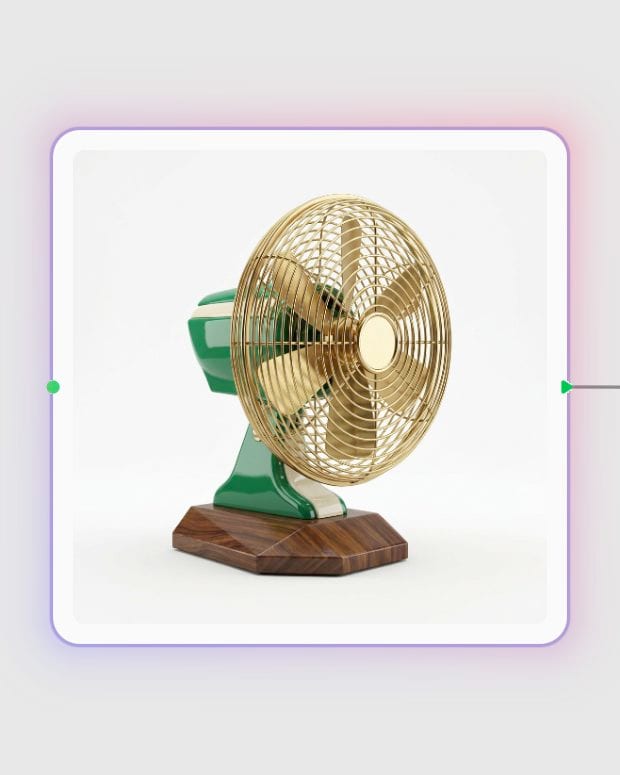
Upload reference concept
Provide a single 3/4 angle image of your character, prop, or vehicle against a clean background.
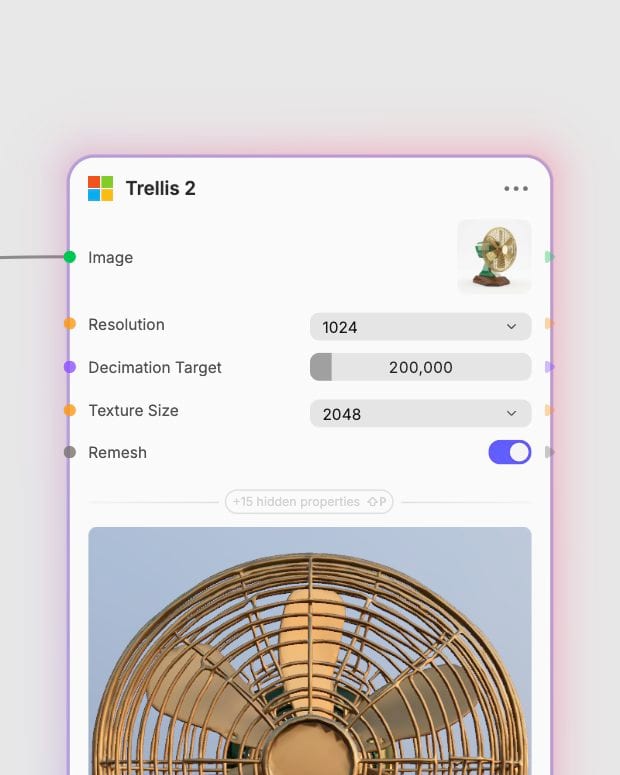
Tune geometry and density
Select voxel resolution up to 1536 and set mesh decimation targets to suit real-time or high-poly pipelines.
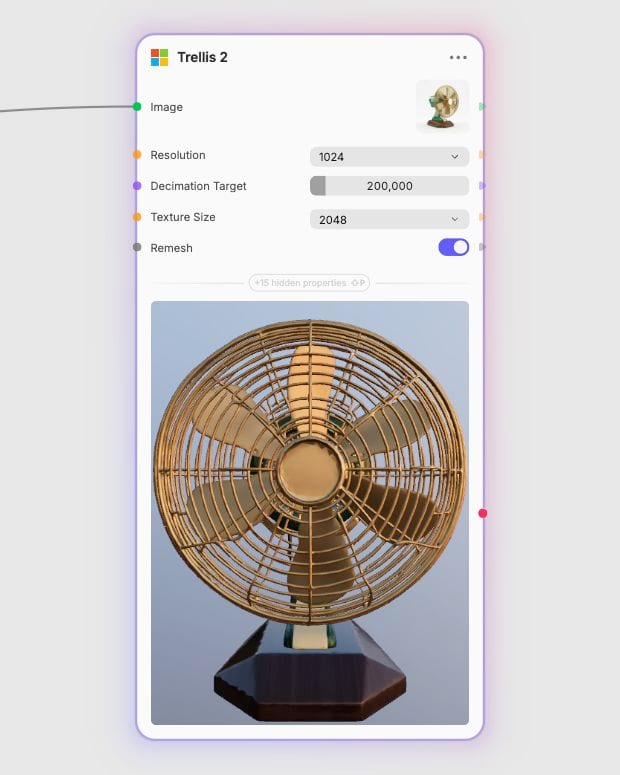
Export textured GLB
Download a watertight 3D mesh with baked PBR materials, roughness maps, and clean topology ready for DCC integration.
Harness sparse Omni-Voxel representations and flow-matching diffusion to capture sub-voxel detail, open surfaces, and native PBR texture channels.
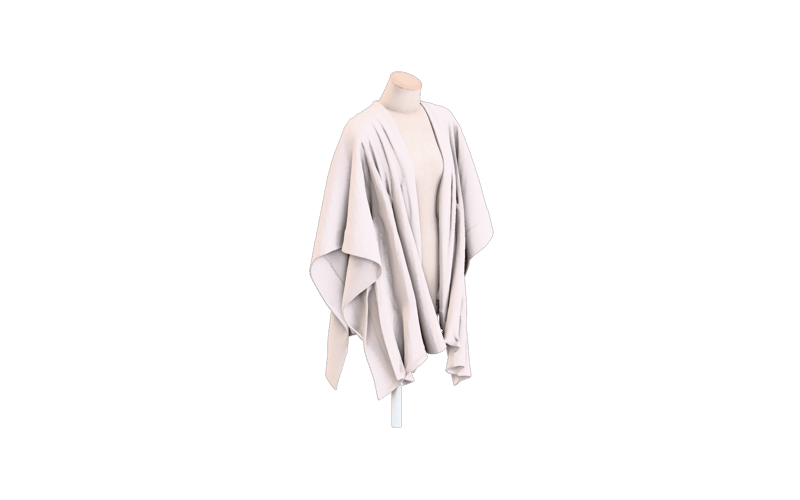
Omni-Voxel Geometry
Reconstruct watertight closed volumes and intricate open surfaces like foliage or garments using field-free sparse voxel representations without melting artifacts.
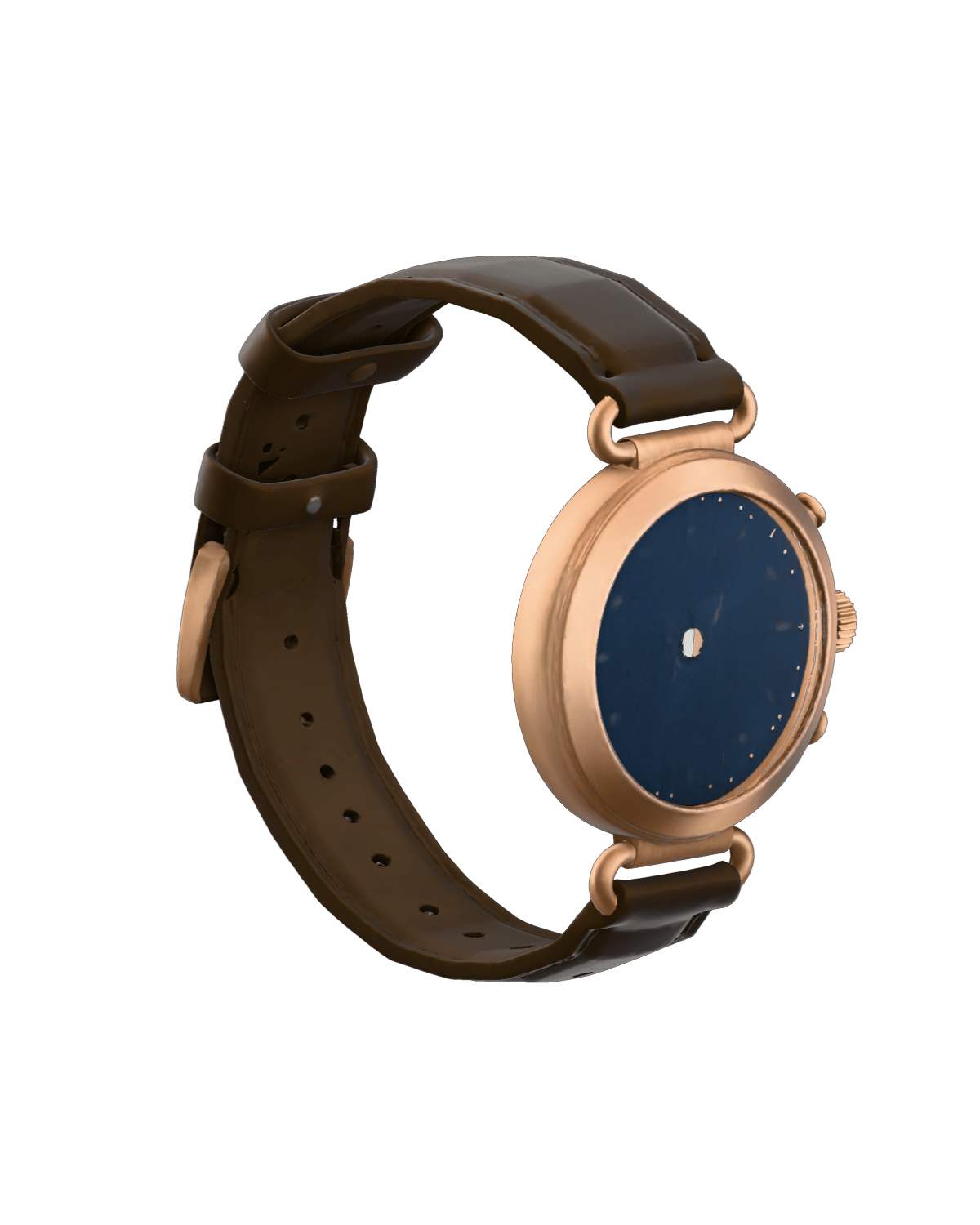
Native PBR Material Synthesis
Generate fully mapped diffuse base color, metallic sheen, and roughness channels baked into clean UV layouts at up to 4096 texture resolution.
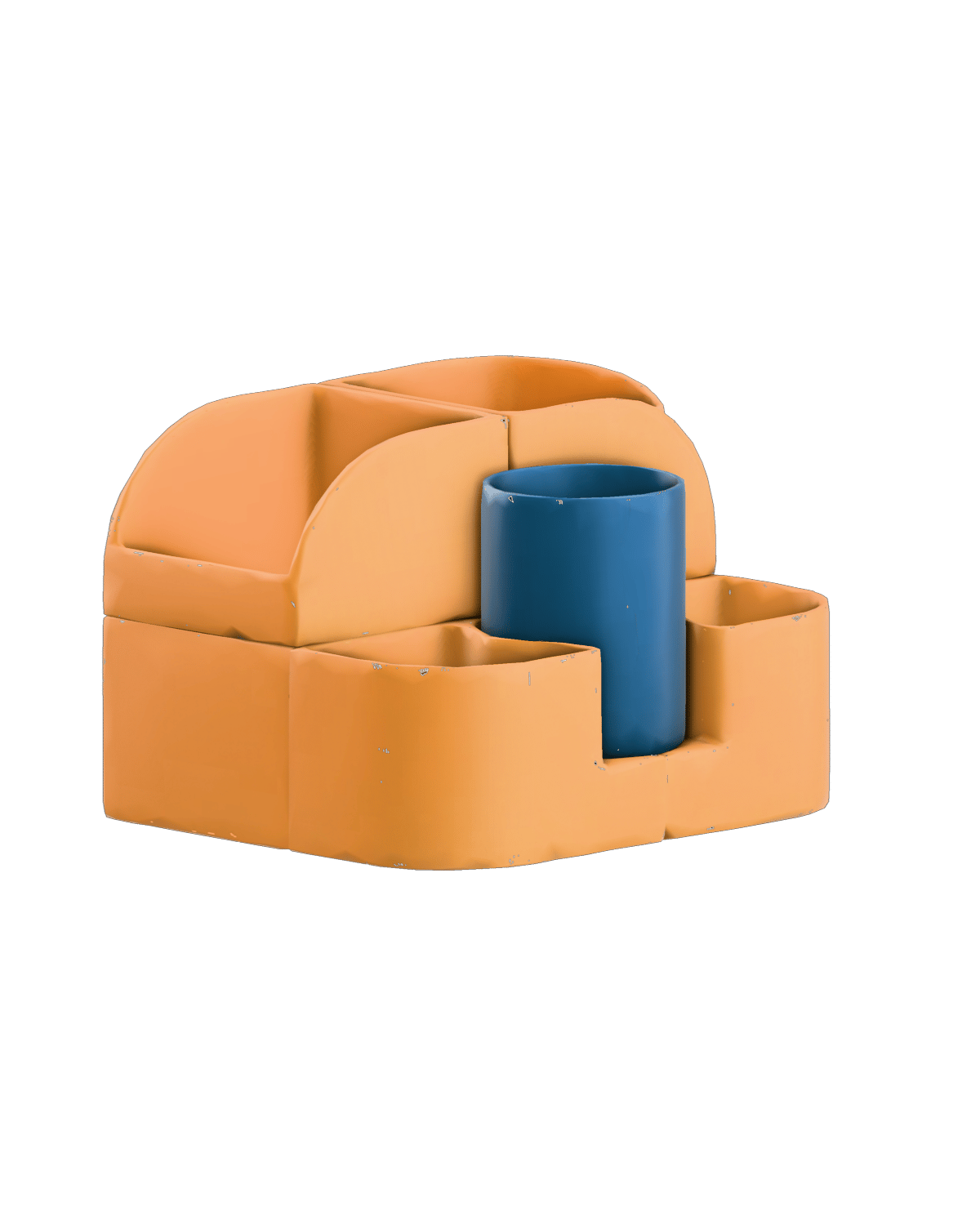
Configurable Mesh Decimation
Target vertex counts from 5,000 for lightweight web viewers up to 2,000,000 for sculpted assets destined for ZBrush or Blender refinement.
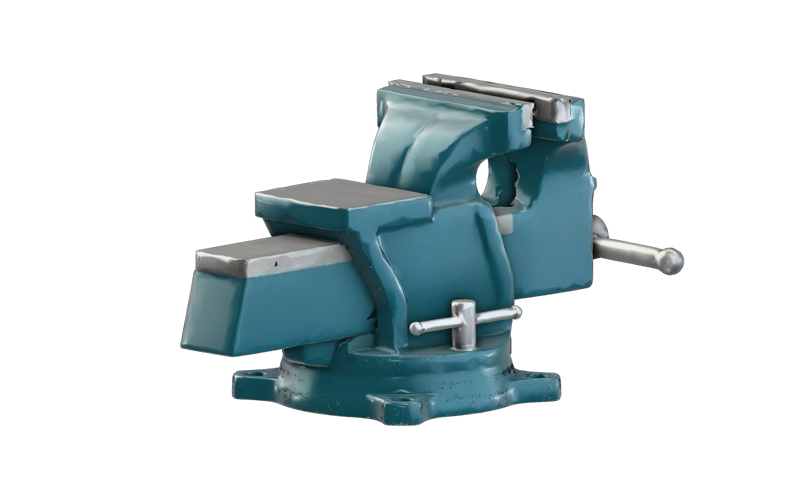
Surface-Snapping Remesh Engine
Dial remesh projection from smooth organic contours to rigid mechanical edges that snap vertices directly back to original sub-voxel boundaries.
Explore high-fidelity 3D meshes reconstructed across prop design, hard-surface objects, and stylized collectibles.
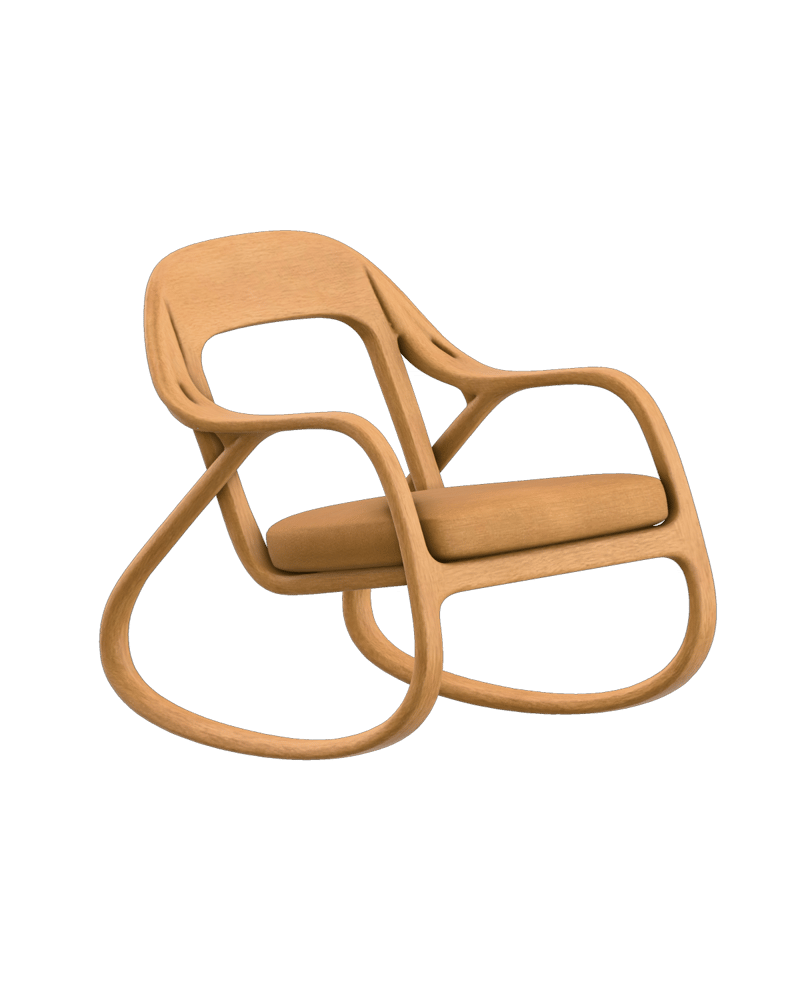
Organic furniture concept with continuous PBR material definition

Hard-surface historical artifact reconstruction

Stylized hero prop asset with complex open-surface wing geometry
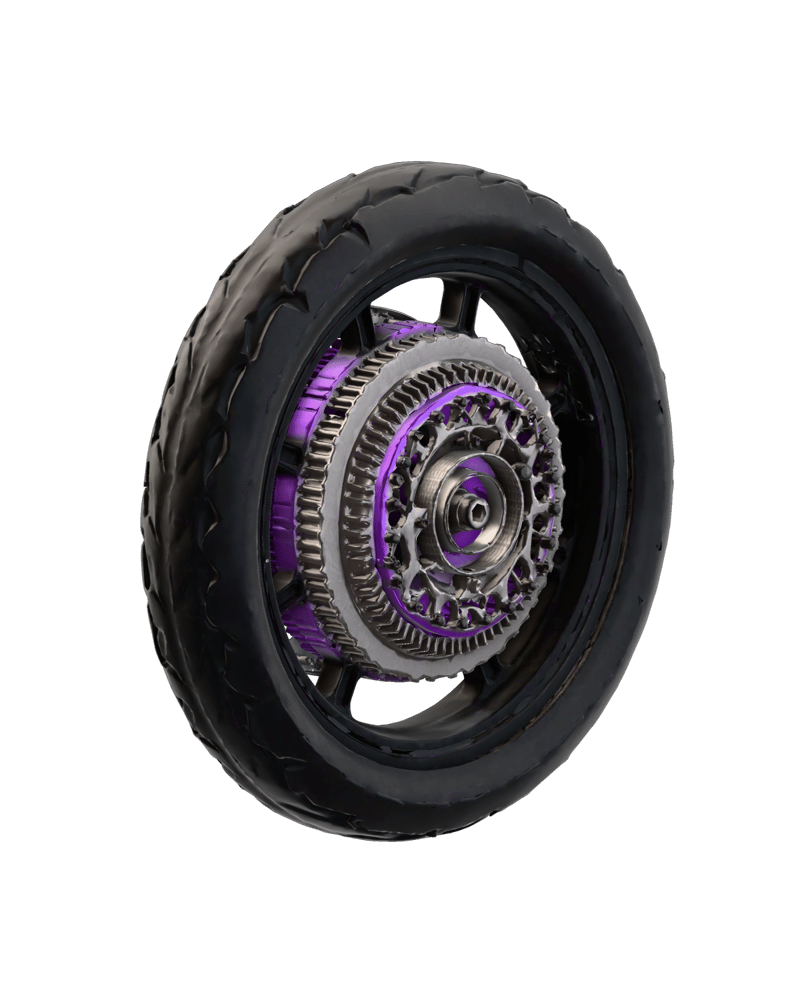
Mechanical vehicle component with sub-voxel edge fidelity
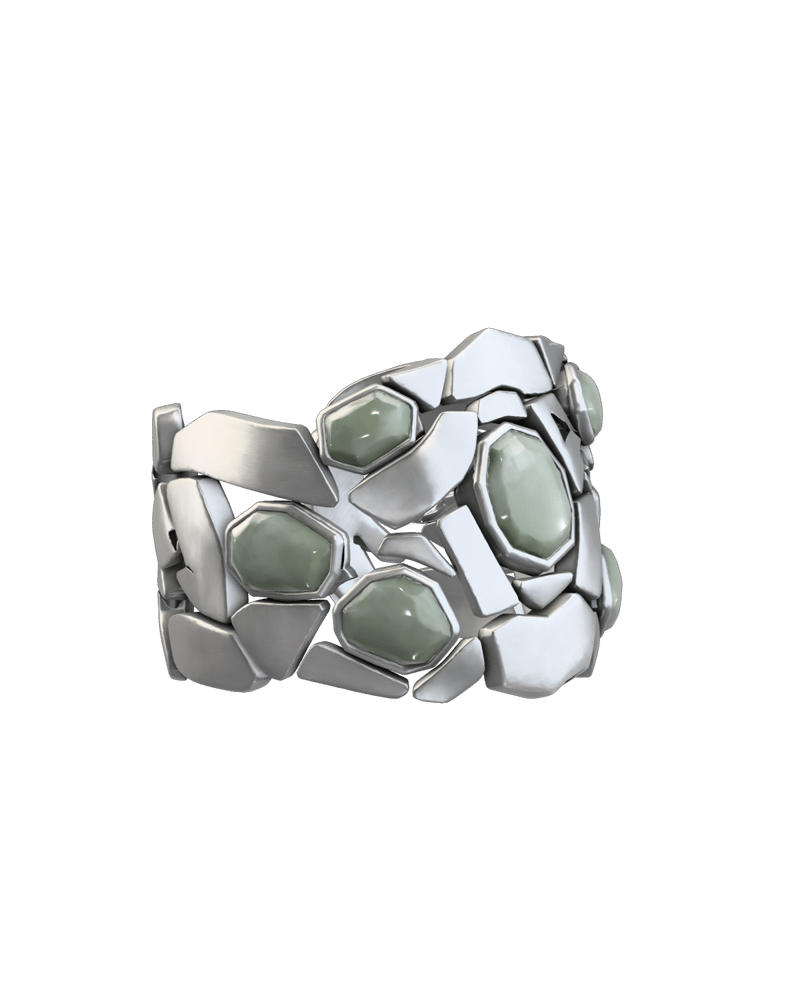
Intricate wearable concept with sharp topological boundaries
Built for game developers, industrial designers, and VFX artists who require immediate watertight 3D geometry without tedious manual reconstruction.
Trellis 2 excels at generating textured props, hard-surface furniture, stylized toys, gaming assets, and organic objects with open surfaces like foliage or garments. Its Omni-Voxel architecture captures intricate sub-voxel geometry and native PBR materials directly from a single reference image without the melting artifacts common in traditional implicit methods.
Avoid using Trellis 2 for complex articulated rigging joints, organic hair-card generation, nested transparent glass volumes, or precision CAD assemblies. It is also not suited for pixel-perfect engraved 3D typography or multi-part mechanical clearances.
Use a clean 3/4 perspective image of your subject against an uncluttered, solid white or transparent background. Framing the subject fully without cropped edges and using balanced, neutral lighting ensures the model accurately infers depth and generates clean PBR texture channels without baked-in shadows.
Internal resolution controls geometric fidelity, from fast 512 iteration up to 1536 for hero assets, while decimation targets define mesh vertex density from 5,000 to 2,000,000 vertices. For real-time web viewers and mobile games, reduce decimation to 10,000–50,000 vertices; for export to ZBrush or Blender for manual retopology, keep the default 500,000 target.
Keep remesh projection at 0.0 for smooth organic shapes, characters, and stylized figurines, and increase it toward 1.0 for hard-surface vehicles and mechanical parts. Higher projection values snap remeshed vertices back to the original sharp voxel boundaries, preserving crisp edges on mechanical assets.
Transform single concept images into watertight, textured 3D assets with production-ready PBR materials in seconds