One click, whole workflow
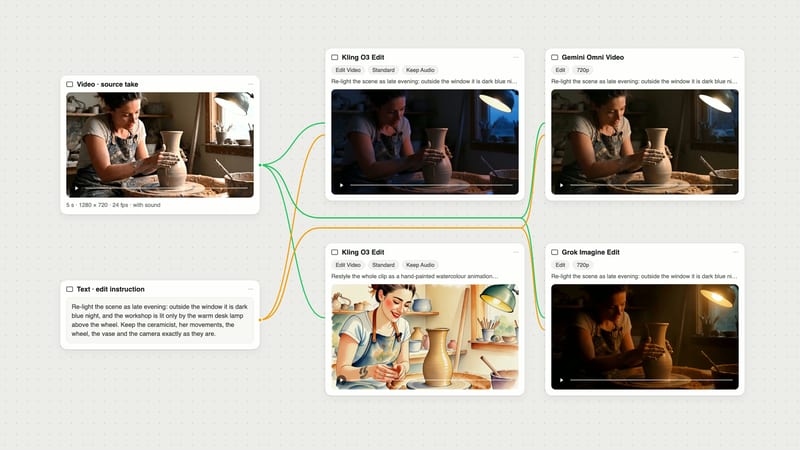
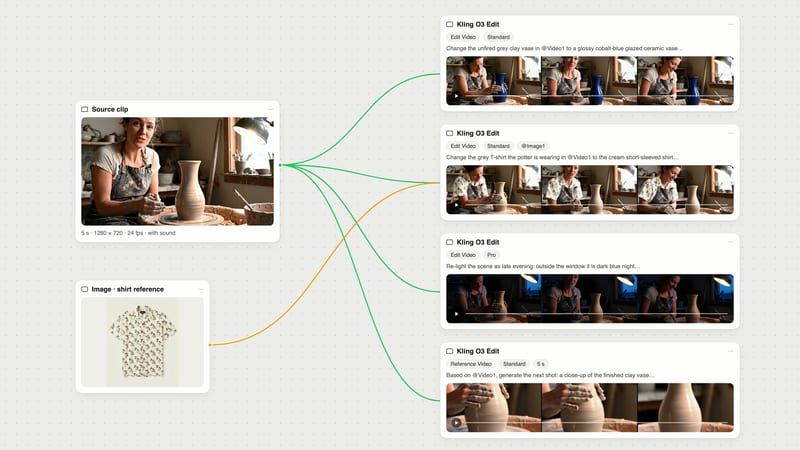
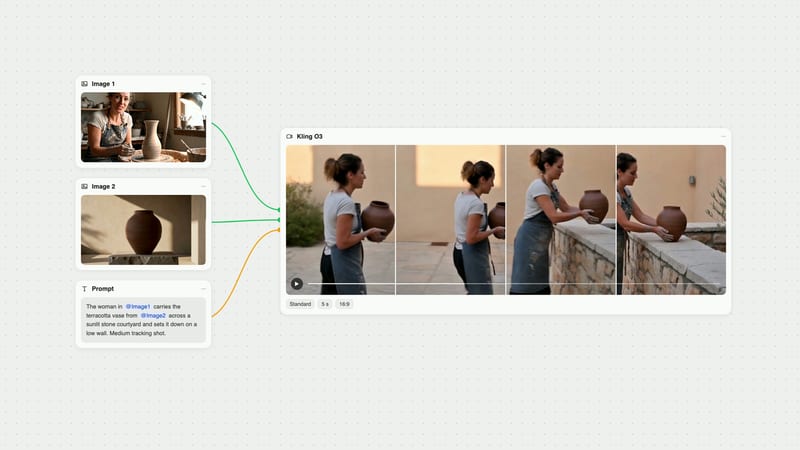
Recipes are here. Package a whole workflow and run it in one click
Explore recipesOne click, whole workflow
Recipes are here. Package a whole workflow and run it in one click
Explore recipesbyTopaz Labs
Transform AI-generated clips and digital video into pristine high-resolution footage with temporal multi-frame consistency
A streamlined cloud workflow that turns compressed or AI-generated video into high-resolution cinematic footage in three straightforward steps.
Input source footage
Provide a direct link to your progressive MP4 or MOV video file encoded at a constant frame rate.

Select upscale factor
Choose between 1x and 4x scaling, using 2x for standard enhancement or 4x for high-resolution masters.
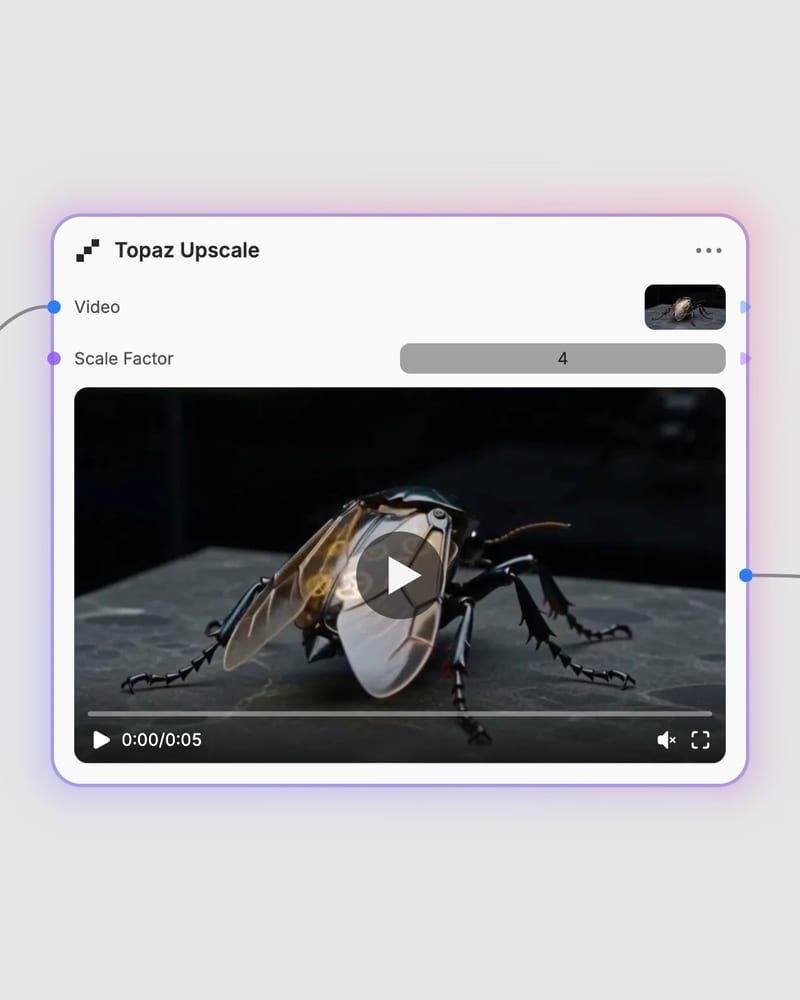
Export pristine video
Receive temporally stabilized, artifact-free video with reconstructed micro-textures and sharp edge definition.
Temporal neural models built to restore lost high-frequency detail, eliminate compression artifacts, and lock frame-to-frame motion into rock-solid consistency.
A gallery of high-motion sequences, luxury product passes, and architectural sweeps demonstrating flicker-free temporal upscaling.
From generative AI filmmakers to commercial post-production studios, discover how creators rely on multi-frame enhancement to master production-grade video.
Yes. This node executes Topaz Video AI enhancement pipelines in the cloud, utilizing temporal neural networks to analyze consecutive frames, reconstruct micro-details, and upscale footage up to 4x without requiring local GPU infrastructure.
A 2x scale factor (200% upscale) provides the ideal balance between processing speed, cost, and visual clarity. Reserve 4x scaling (400% upscale) for exceptionally clean source inputs (such as 1080p AI renders or progressive master transfers) to avoid amplifying digital noise or introducing waxy skin textures.
Use high-bitrate progressive MP4 or MOV files encoded at a Constant Frame Rate (CFR) of 24 or 30 frames per second. Variable Frame Rate (VFR) files can disrupt temporal vector tracking and cause frame bleeding or audio desynchronization.
Avoid running the model on heavily compressed web rips, source video below 360p, or footage with severe blocky compression artifacts. The AI temporal tracker can misinterpret macroblocking noise as intentional structure, generating an oil-painted look or ghosting trails on fast-moving subjects.
Pricing is billed per second of processed video output, with dynamic cost tiers that scale based on target resolution (up to 720p, up to 1080p, and above 1080p). Trimming your footage to the exact necessary duration before processing ensures maximum cost efficiency.
Transform AI-generated clips and digital video into pristine high-resolution footage with temporal multi-frame consistency