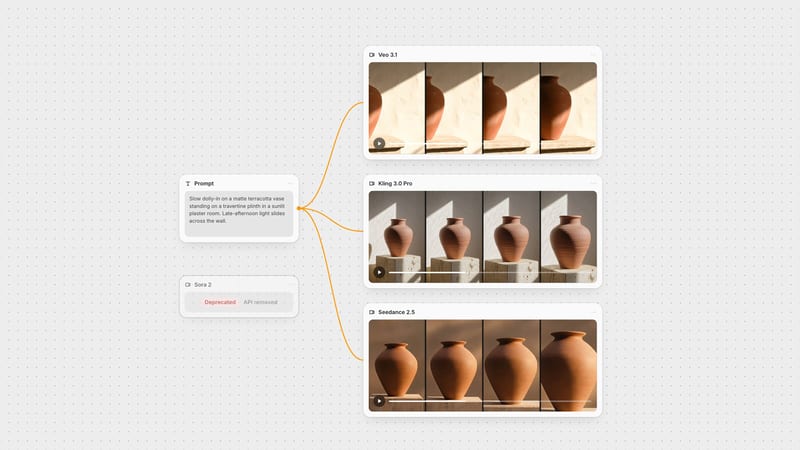
One click, whole workflow
Recipes are here. Package a whole workflow and run it in one click
Explore recipesOne click, whole workflow
Recipes are here. Package a whole workflow and run it in one click
Explore recipesbyShengShu Technology
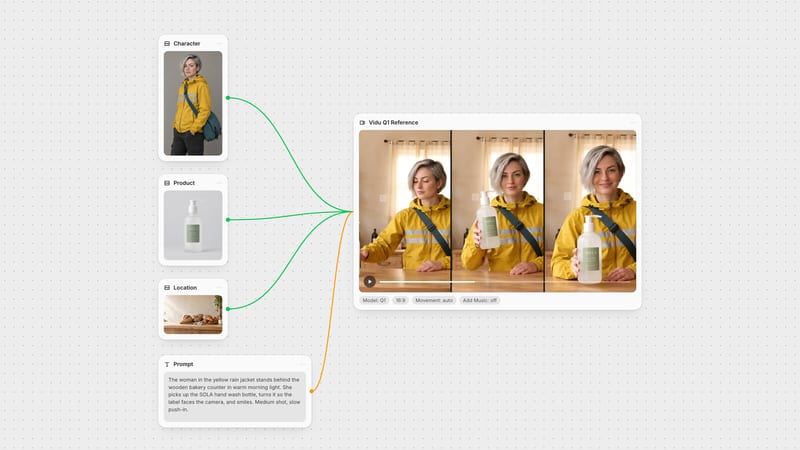
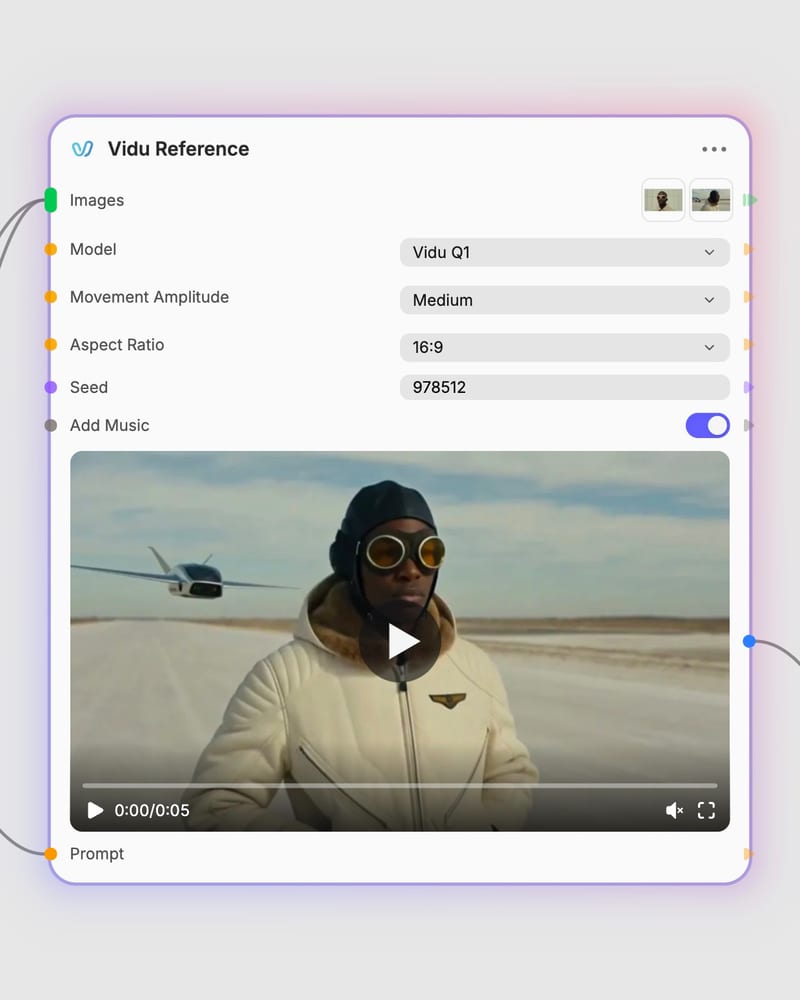
Cast your own characters and props into one continuous, sharp-likeness shot, with sound, from a handful of reference images
Start from images, not a blank prompt: upload up to four references, describe how they interact, and let the chosen tier handle motion, length and sound.
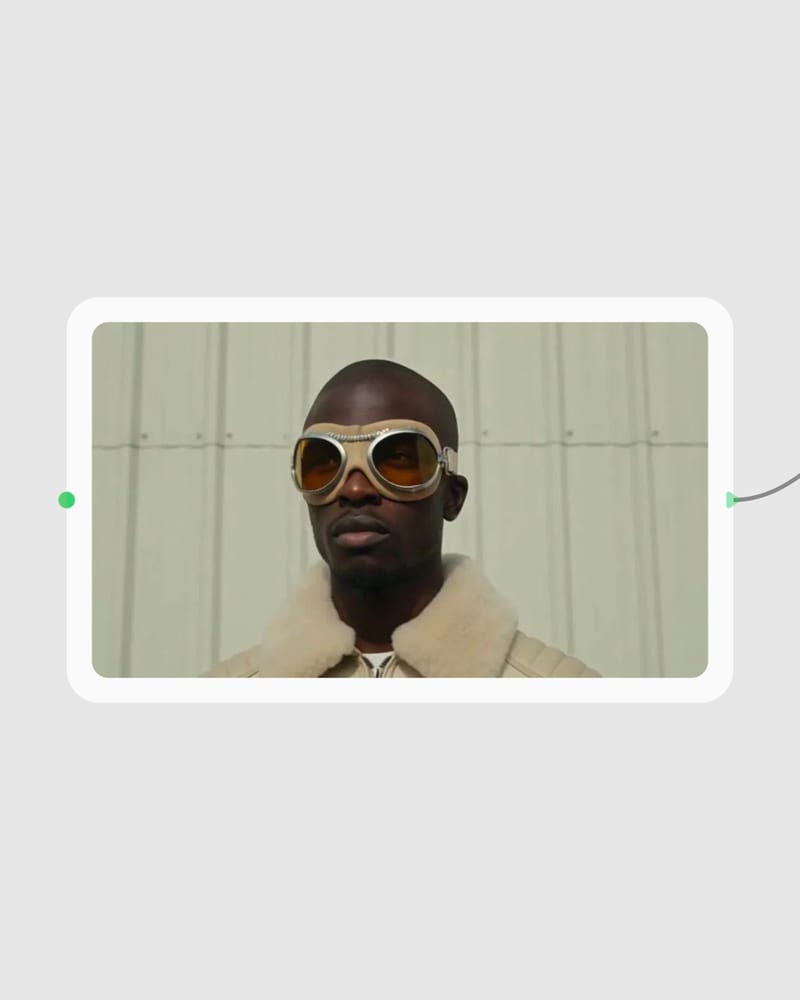
Upload your reference images
Add one to four clean, well-lit portraits, costume turnarounds, props or environment stills on uncluttered backgrounds.
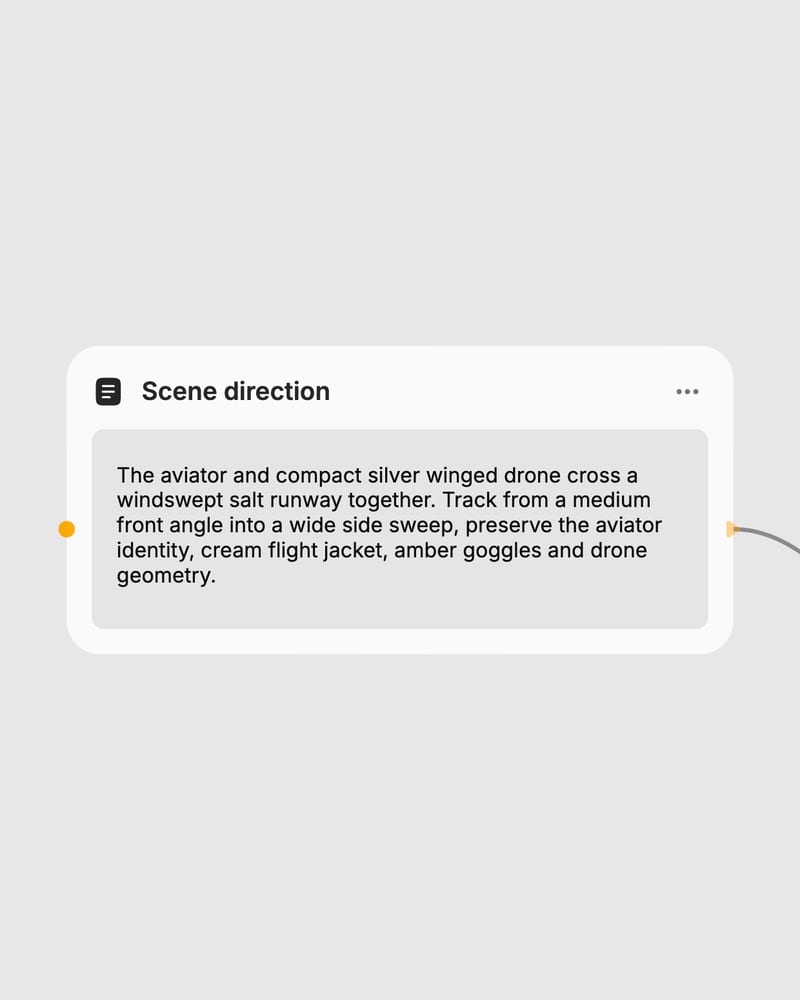
Direct the interaction
Write a clear action prompt naming who does what, then pick model, duration, aspect ratio and movement amplitude.
Render with sound
Generate a continuous scene with locked character likeness and, on Q3 Mix, synchronized native audio.
Built for scenes where several referenced subjects share one frame, from fusing designs into hybrids to carrying a cast through a 16-second take.
A gallery of reference-driven clips: wardrobe-locked commercials, prop-led visualizers, weather-beaten documentary frames, vertical dance and candlelit period drama.
Story directors, brand teams, fashion creators, anime studios and musicians use it when a recognizable cast or product has to hold up across shots.
Q3 Mix is the long-form, high-definition tier; Q1 is the fixed-length tier with motion control. Q3 Mix makes 1 to 16 second clips up to 1080p with synchronized native audio, with pricing that scales by duration and resolution. Q1 has a fixed clip length and lower maximum resolution, no native sound effects or dialogue, but offers a Movement Amplitude setting and optional background music at a fixed cost.
Use Q3 Mix. It is built for multi-entity storytelling, supports up to four reference images, runs up to 16 seconds at 1080p, and generates footsteps, ambience and dialogue in the same pass. Expect longer render times on 1080p long clips.
Pick it for lightweight reference tests or legacy workflows that don't need feature fusion or native audio. It is the baseline engine, so interaction physics and prompt adherence are less capable than Q3 Mix.
Use one to four references. Clean, well-lit portraits or object turnarounds on neutral backgrounds give the sharpest likeness. Avoid low-resolution or heavily cropped images, and avoid mixing conflicting lighting and art styles unless you want a deliberate fusion.
It struggles with fine hand work like playing piano or tying knots, legible in-frame text and typography, and abrupt scene cuts inside one take. Fast large-amplitude camera moves can soften background texture, and three or more closely overlapping subjects can occasionally blend.
Yes, with Q3 Mix, which generates synchronized foley, ambience and vocalizations natively when Generate Audio is on. Describe sounds or dialogue in your prompt to steer it. Q1 does not make sound effects or dialogue, but can add background music; it was created by ShengShu Technology.
Cast your own characters and props into one continuous, sharp-likeness shot, with sound, from a handful of reference images