Recipev1
Dress me like Jensen
Jensen Version
Make the tool you're missing
Tools are here. Describe the one you're missing and use it live
Explore toolsJensen Huang Style
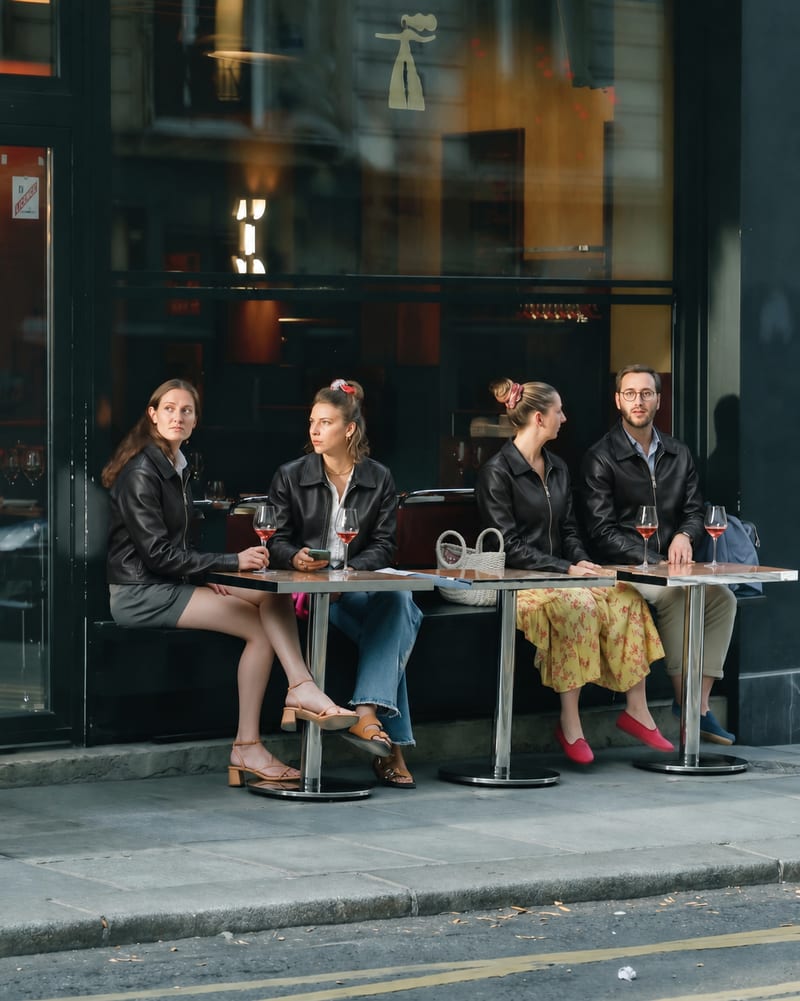
Upload a photo of one or more people to create an image styled with Jensen Huang’s signature leather jacket.
Jensen Version
A recipe turns a reusable workflow into a simple set of inputs and outputs. Start with a community recipe and make it your own in Fuser.
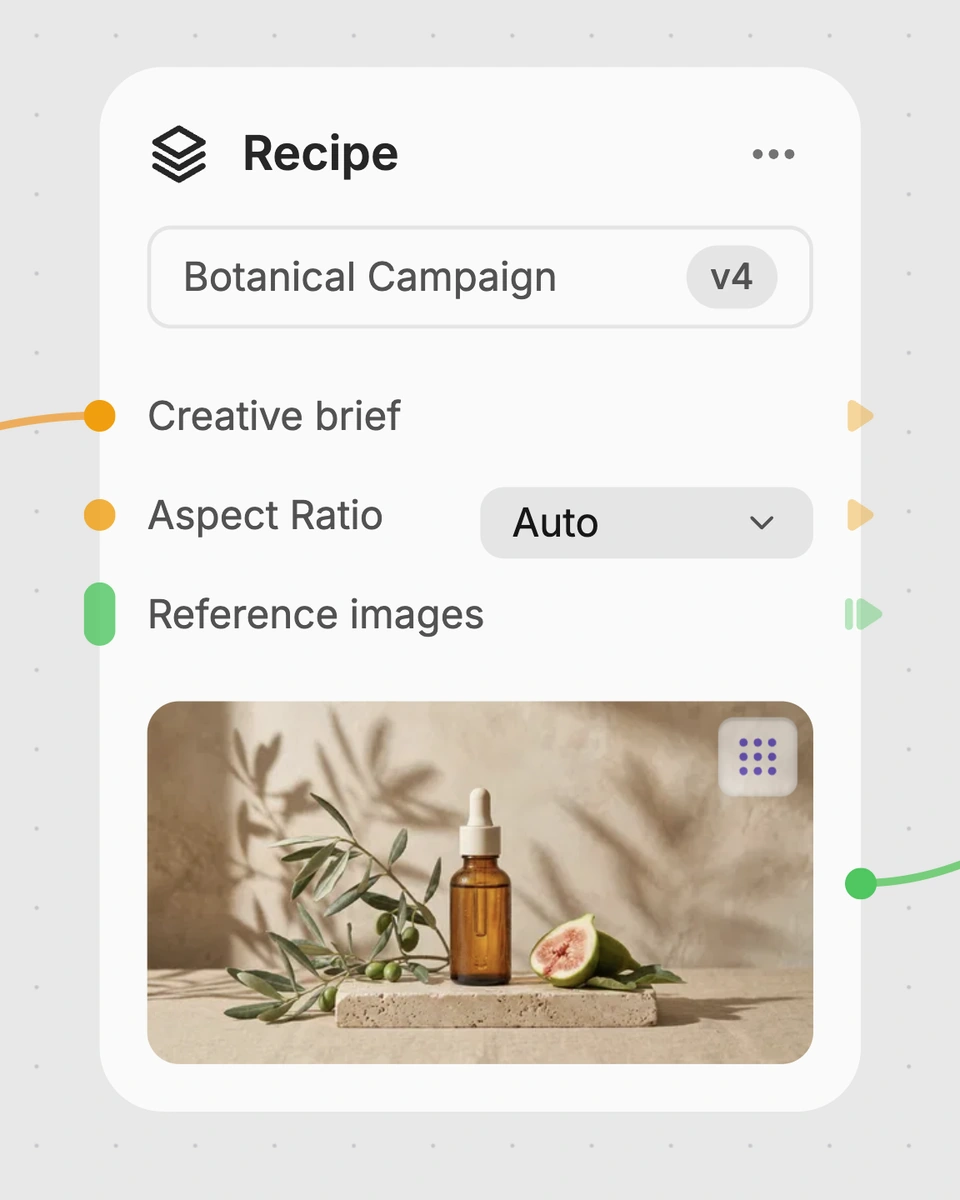
1. Choose a recipe
Find a workflow for the result you want. Review what it does and how to use it before opening it in Fuser.
2. Make it your own
Check the recipe’s available inputs. Add your own text or media where supported, or start with the saved defaults.
3. Run and refine
Run it in Fuser and review the result on your canvas. Tweak the inputs to try another direction.
Use a people photo to create jacket-style edits for personal, social and creative contexts.
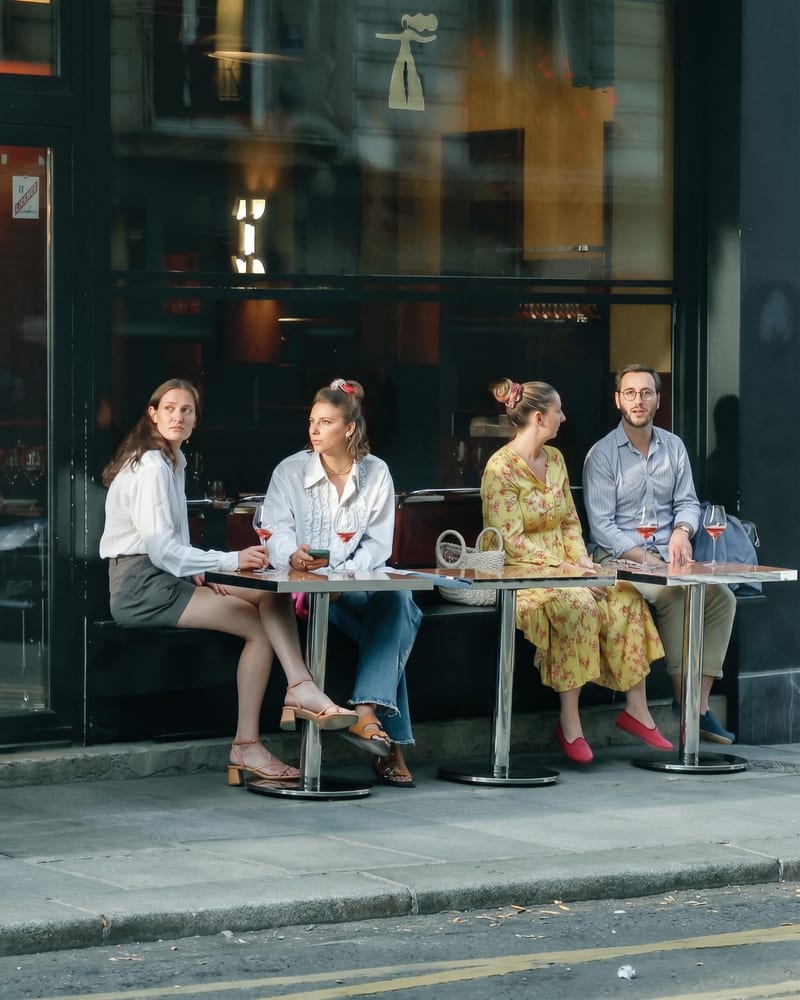
It takes a photo of one person or a group and produces an image that dresses the pictured people in Jensen Huang’s signature leather jacket. The saved example shows this specific clothing-style transformation.
Prepare an image containing one person or multiple people. The recipe exposes one editable input in Fuser: Photo of person or people.
Yes. The named input supports a photo of a person or people, so you can provide an image containing a single subject or a group. The output remains one image labeled Jensen Version.
You can change the Photo of person or people input in Fuser by selecting a different image. The recipe does not expose separate inputs for jacket choice, background or other styling adjustments.
It demonstrates the saved default image input connected to the recipe and its Jensen Version image output. It is a saved example of the recipe, not a live generation from a new photo.
It is suited to people making playful social content, fan content, personal style concepts or creative references around Jensen Huang’s signature leather jacket. It can be used with individual or group photos.
The recipe is specifically described as dressing the people in the input image in Jensen Huang’s signature leather jacket. Its exposed output is an image, so it is best understood as a focused jacket-style edit rather than a general-purpose image customization workflow.
Log in to Fuser, choose a photo of one person or a group, and use the recipe to create its Jensen Version image.
Develop pitches, campaign assets and interactive client work in Fuser. Combine AI generation, editable design and reusable processes across your agency.
Create social graphics, carousel artwork and short videos with a recognizable brand style. Keep copy editable and recurring content easier to produce in Fuser.
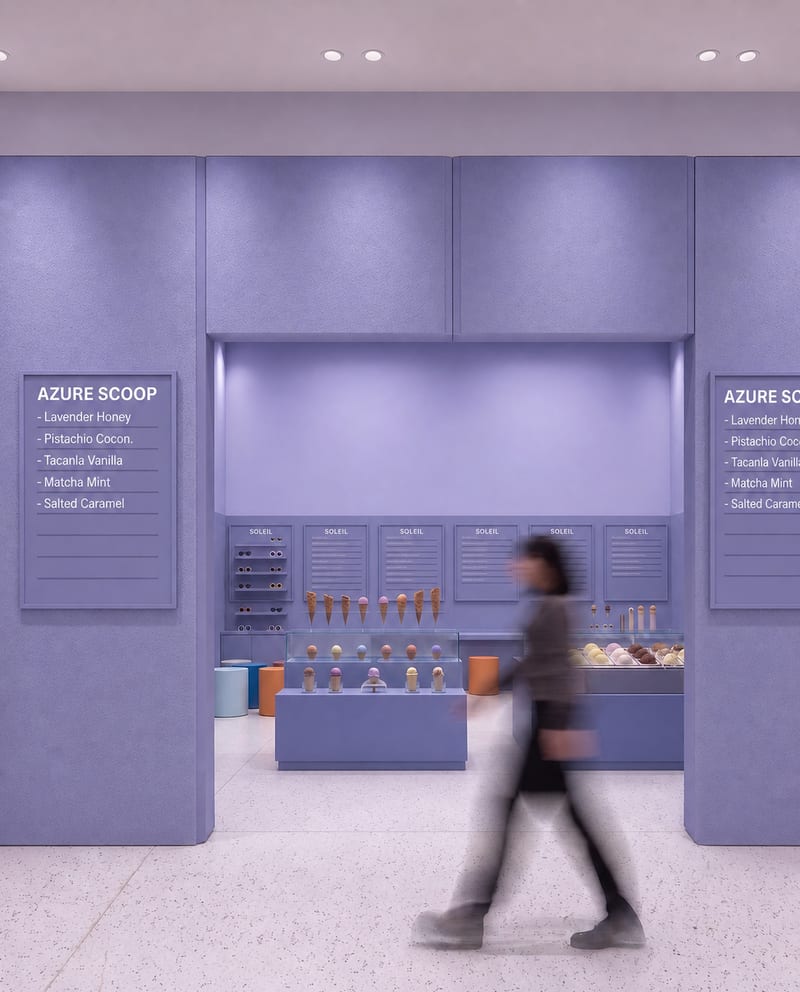
Upload a source image to remove AI-generated artifacts, distortions, and unnatural details while preserving its composition, style, and visual elements.
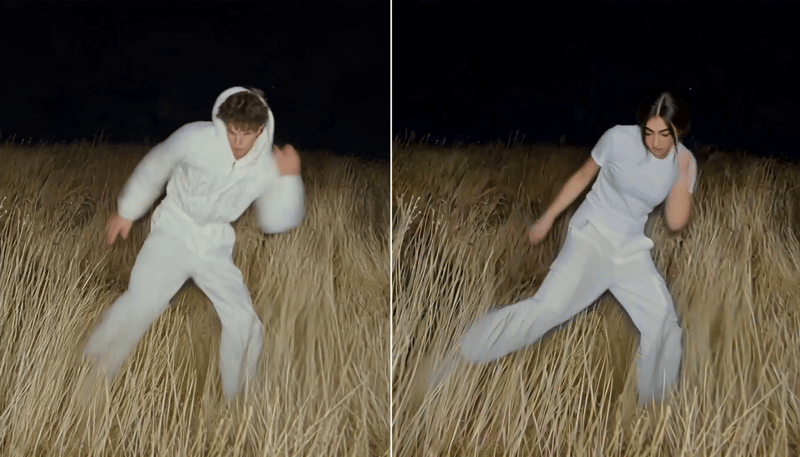
Replace the main character in a video using two character reference images to create a character-swapped video.
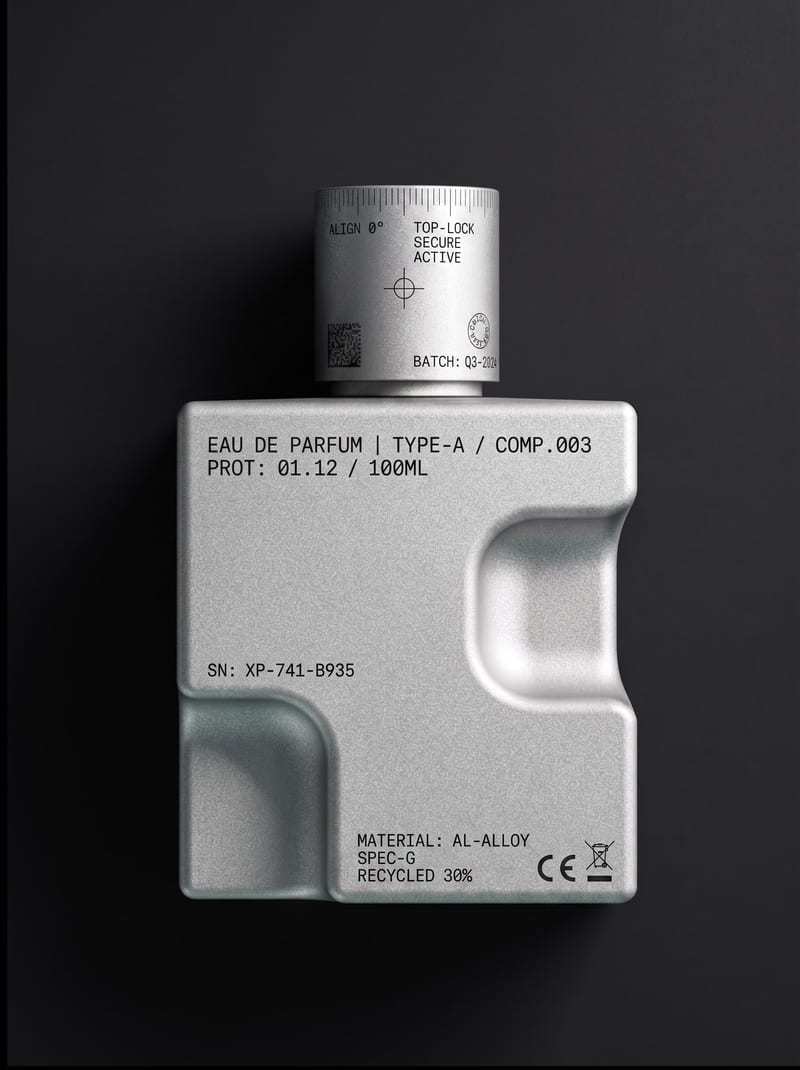
Upload an object or image and receive an image showing that object with micrographics added.