Recipev6
Tabloid Cover

Tabloid Cover
Make the tool you're missing
Tools are here. Describe the one you're missing and use it live
Explore toolsSocial & Content
Add a person's image and a main tabloid headline to create a personalized tabloid cover image for social and content projects.
Tabloid Cover


A recipe turns a reusable workflow into a simple set of inputs and outputs. Start with a community recipe and make it your own in Fuser.
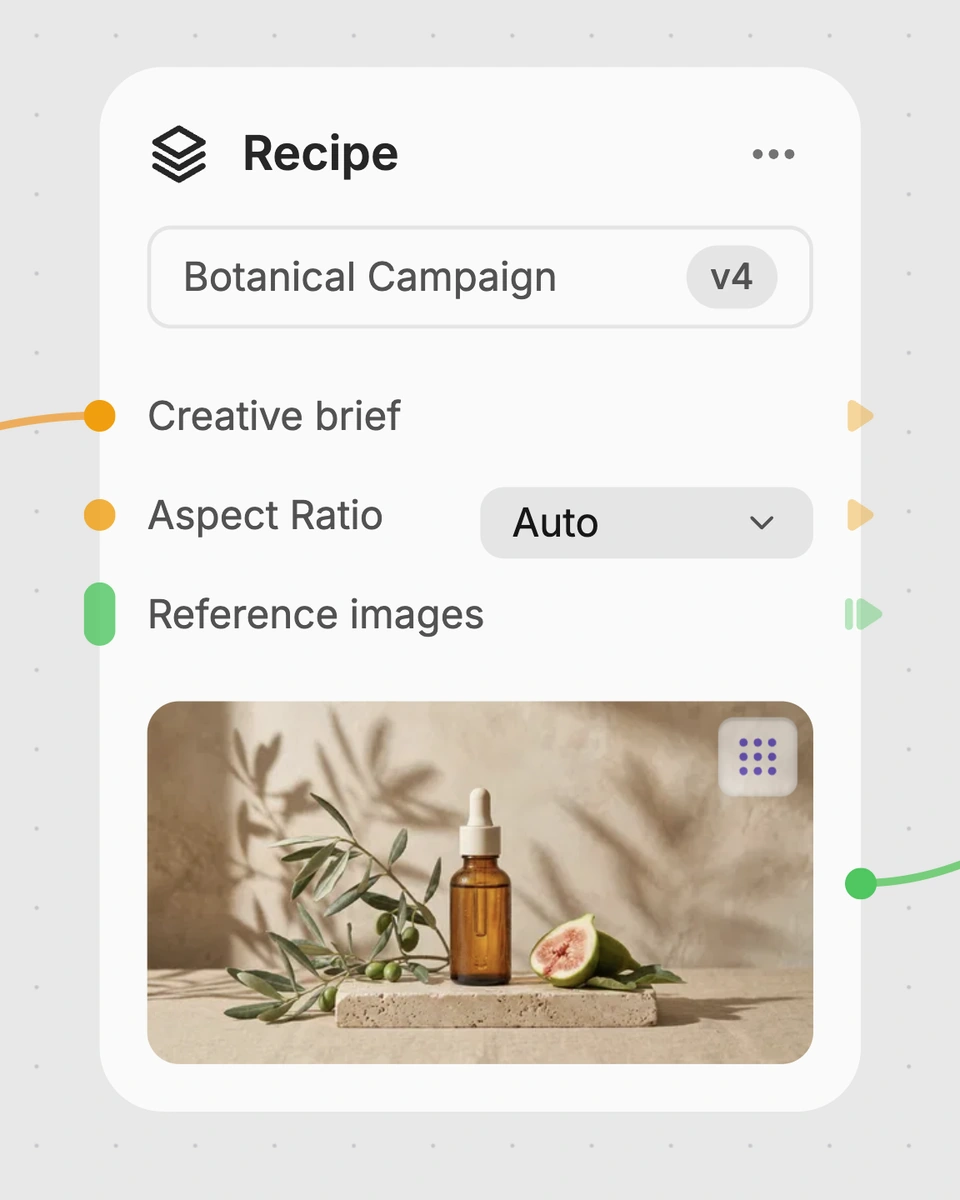
1. Choose a recipe
Find a workflow for the result you want. Review what it does and how to use it before opening it in Fuser.
2. Make it your own
Check the recipe’s available inputs. Add your own text or media where supported, or start with the saved defaults.
3. Run and refine
Run it in Fuser and review the result on your canvas. Tweak the inputs to try another direction.
Use the tabloid cover image as a headline-led visual for social and content work.
It combines a person's image with a main tabloid headline to produce a Tabloid Cover image. The saved example uses the headline “OH NO JENSEN.”
It is designed for people creating social and content visuals centered on a person and a prominent headline. It can help with early concepts, announcements, features, and other cover-style content ideas.
You need one person's image and the main tabloid headline you want to use. The headline is text, while the person's image is an image input.
Yes. Person's Image and Tabloid Headline are exposed inputs that you can change in Fuser. Replacing either input lets you prepare a different personalized Tabloid Cover.
The saved example shows the recipe connected from a person's image and the headline “OH NO JENSEN” to a Tabloid Cover image output. A new run can use different input values.
The resulting image can support social posts, headline testing, campaign teasers, community features, and editorial-style announcements. These are potential uses for the tabloid cover format, not separate outputs from the recipe.
The recipe exposes only a person's image and one tabloid headline as inputs, and it returns one Tabloid Cover image. It does not provide separate inputs for additional copy or other content elements.
Bring a person's image and your main headline together in a personalized Tabloid Cover recipe.
Develop pitches, campaign assets and interactive client work in Fuser. Combine AI generation, editable design and reusable processes across your agency.
Create social graphics, carousel artwork and short videos with a recognizable brand style. Keep copy editable and recurring content easier to produce in Fuser.
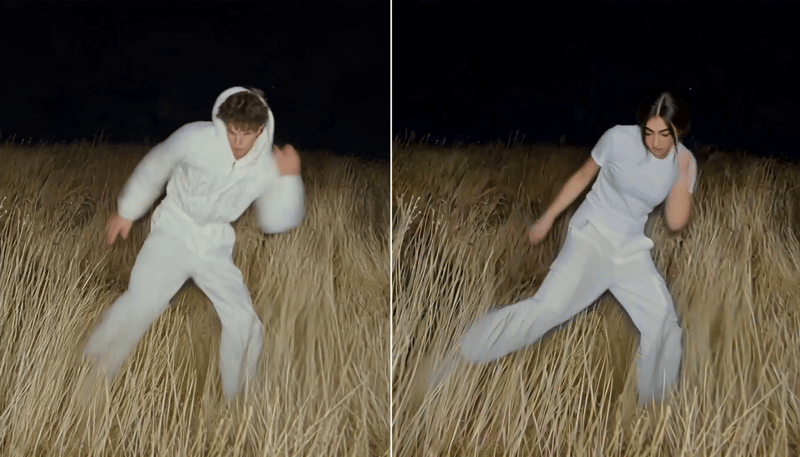
Replace the main character in a video using two character reference images to create a character-swapped video.
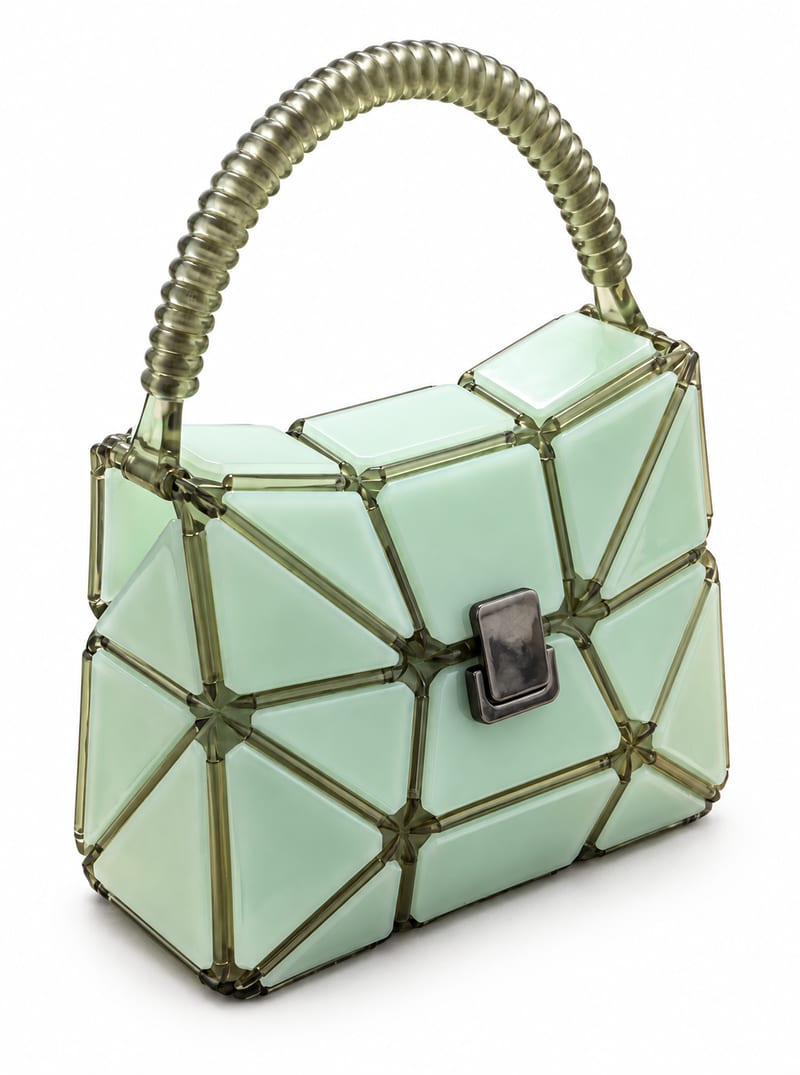
Transform a product image into website-ready front, side, and back product photos with a background color you choose.
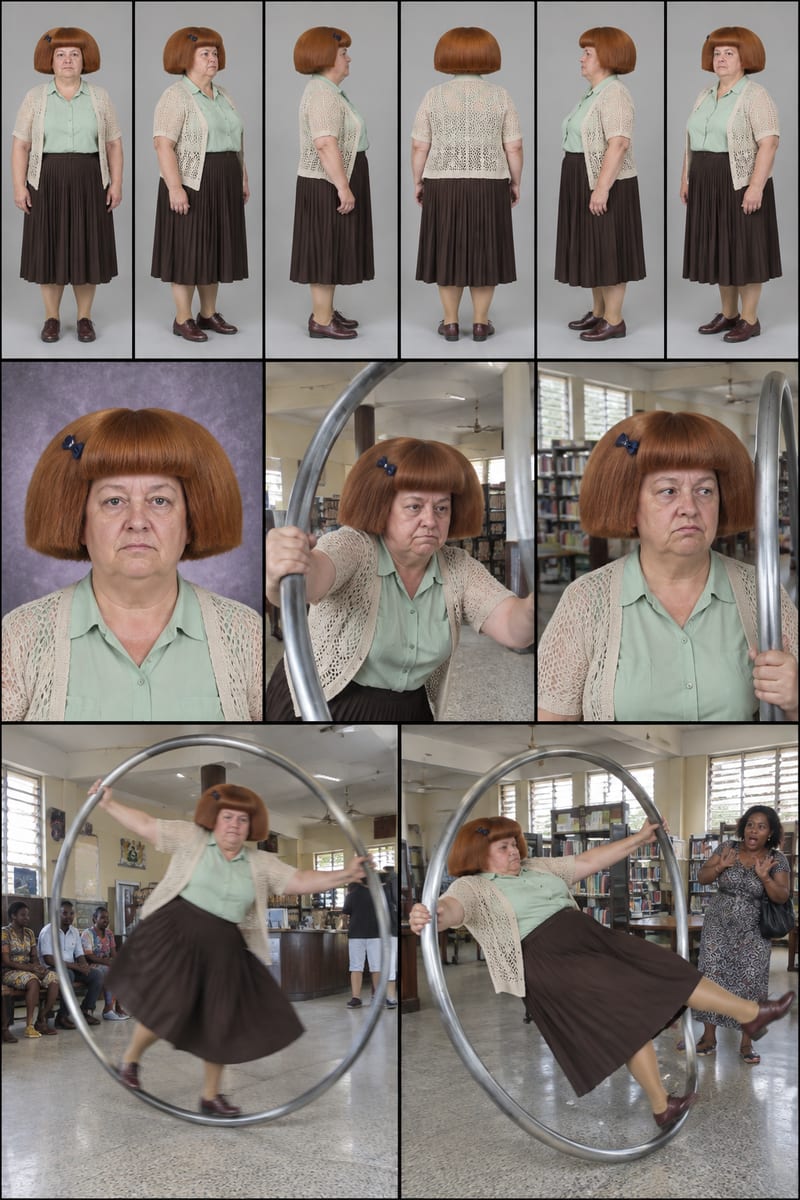
Enter a character idea—or leave SURPRISE ME—to create three character sheets and written profiles for social content.