Recipev2
Subtle Variations of an Item
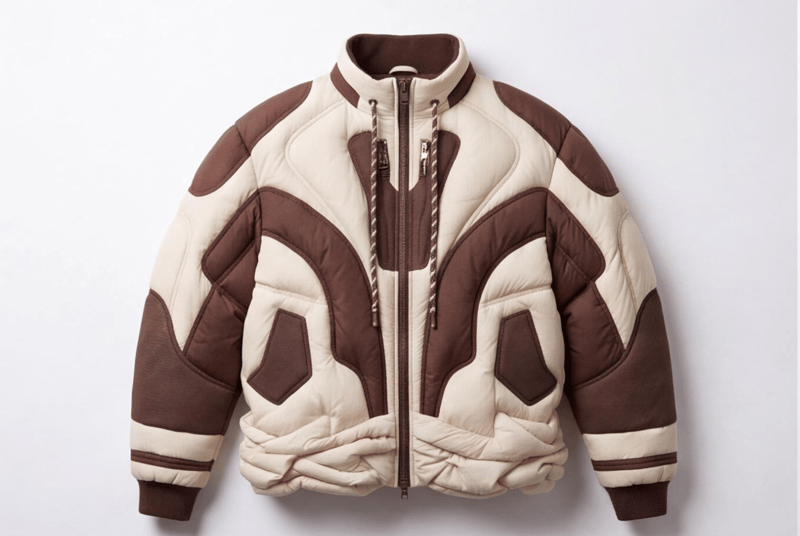
Variation 01
Make the tool you're missing
Tools are here. Describe the one you're missing and use it live
Explore toolsItem Variation Design
Upload an image of an item to create nine new image variations with subtle design or color changes.
Variation 01
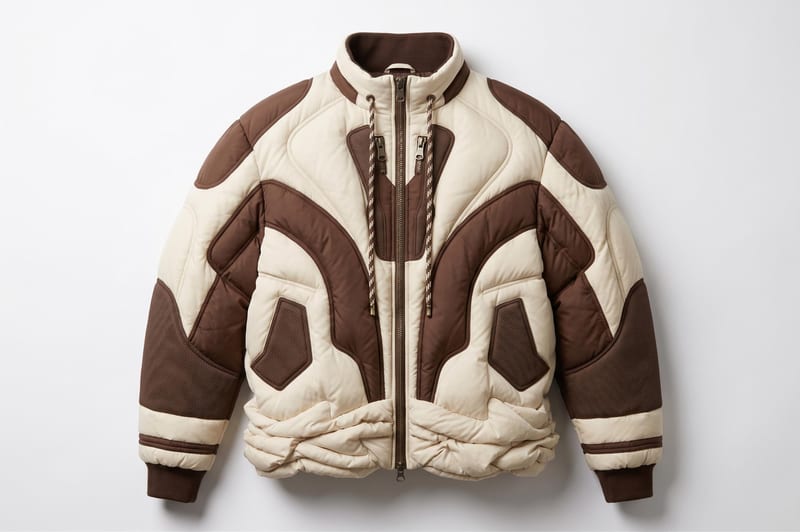
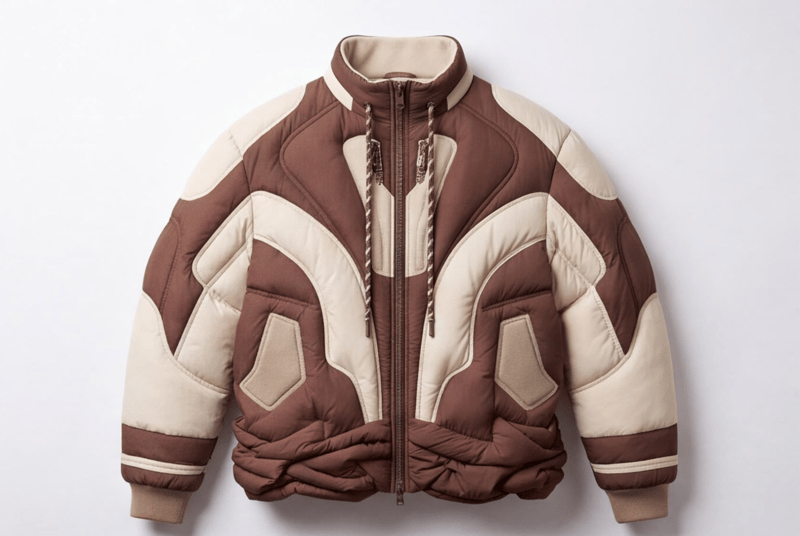
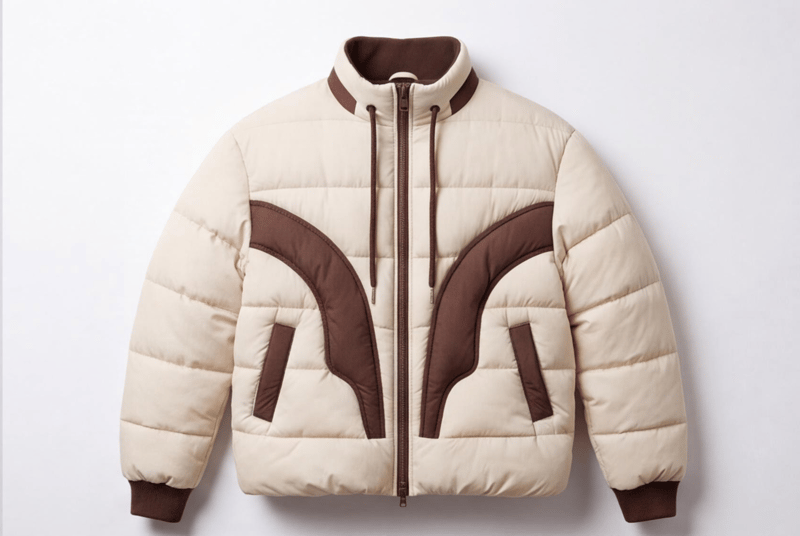
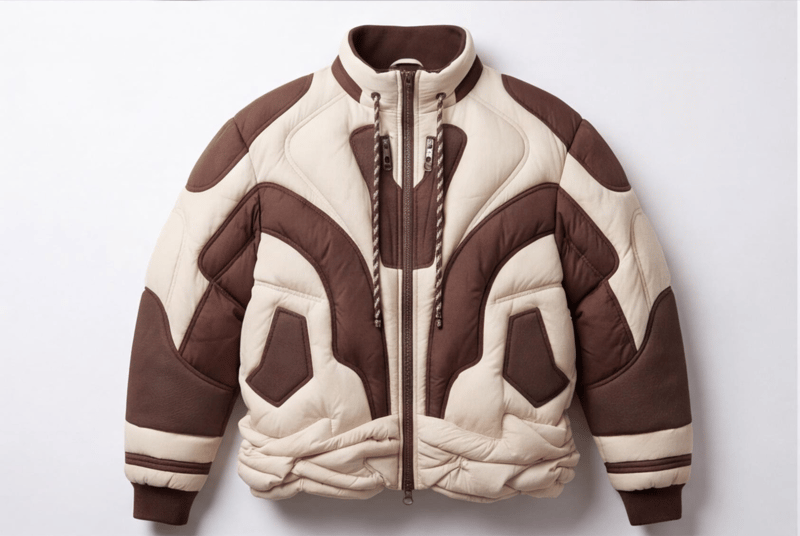
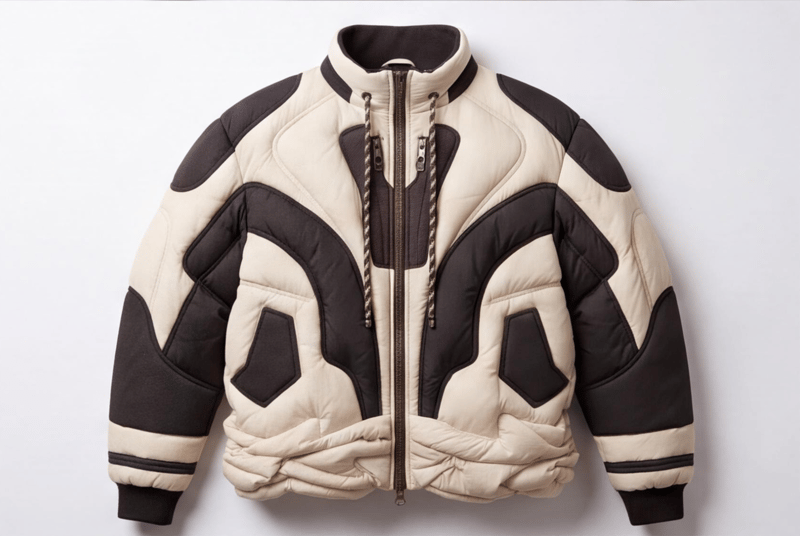
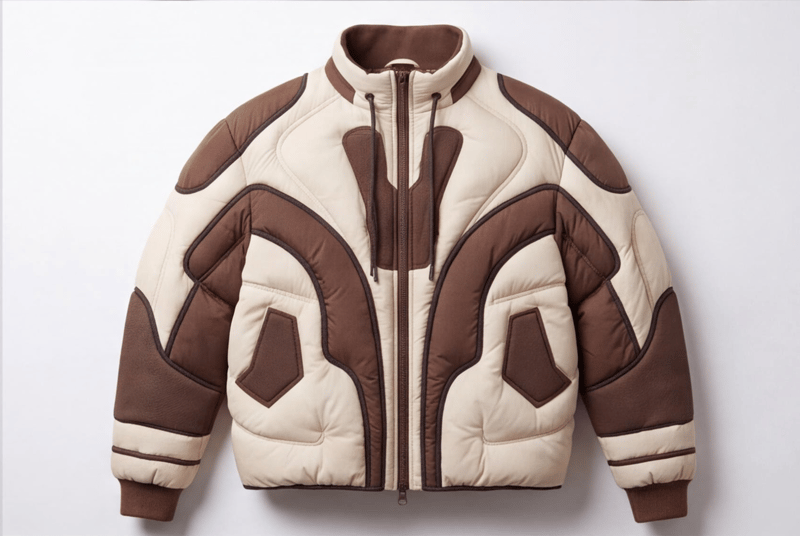
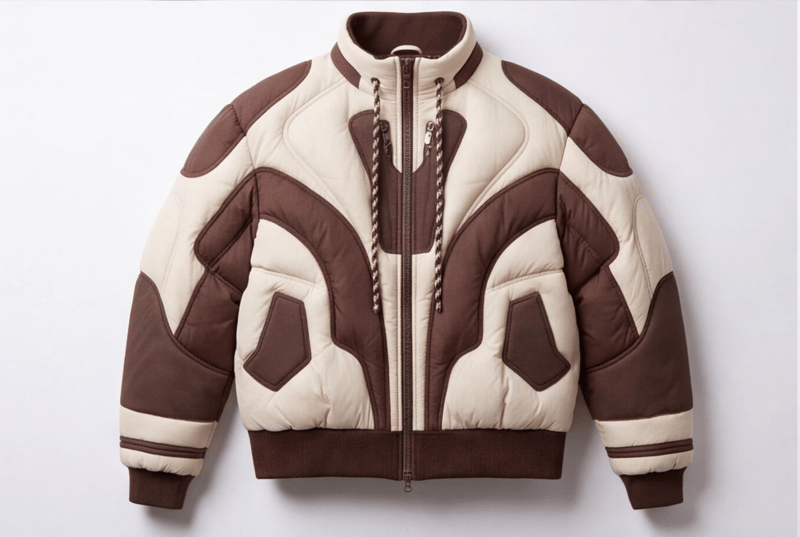
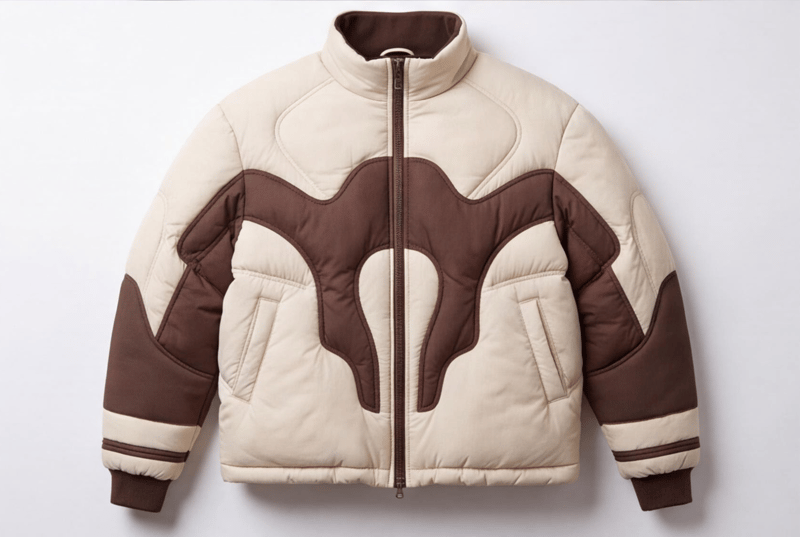
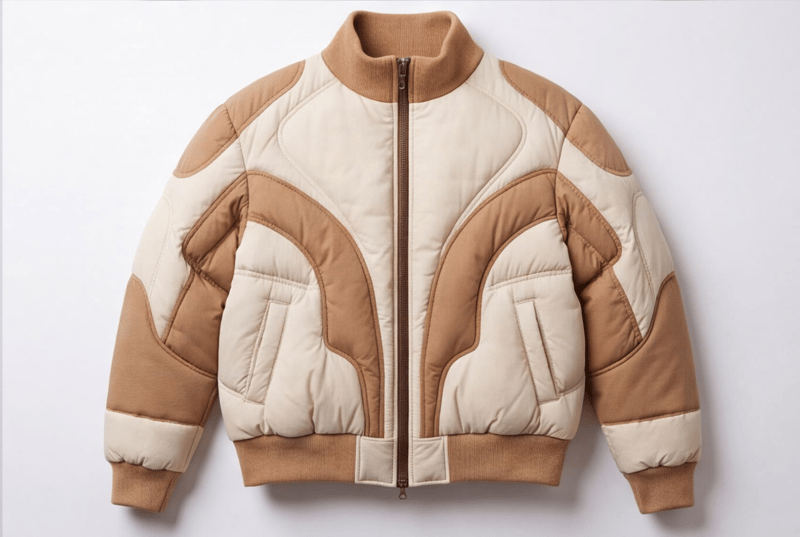
A recipe turns a reusable workflow into a simple set of inputs and outputs. Start with a community recipe and make it your own in Fuser.
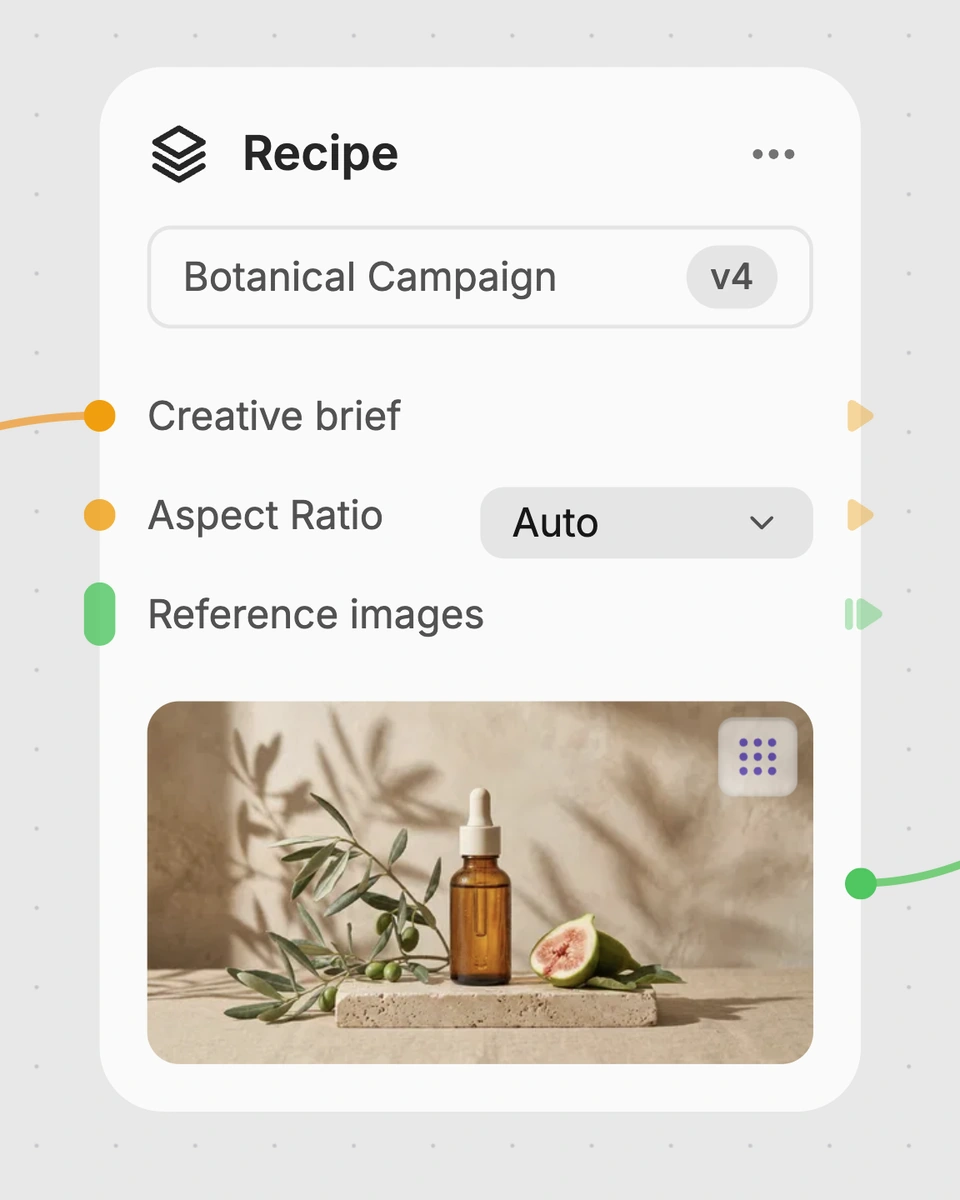
1. Choose a recipe
Find a workflow for the result you want. Review what it does and how to use it before opening it in Fuser.
2. Make it your own
Check the recipe’s available inputs. Add your own text or media where supported, or start with the saved defaults.
3. Run and refine
Run it in Fuser and review the result on your canvas. Tweak the inputs to try another direction.
Use the recipe to compare alternate directions for fashion, products, and collectible designs from a single item image.
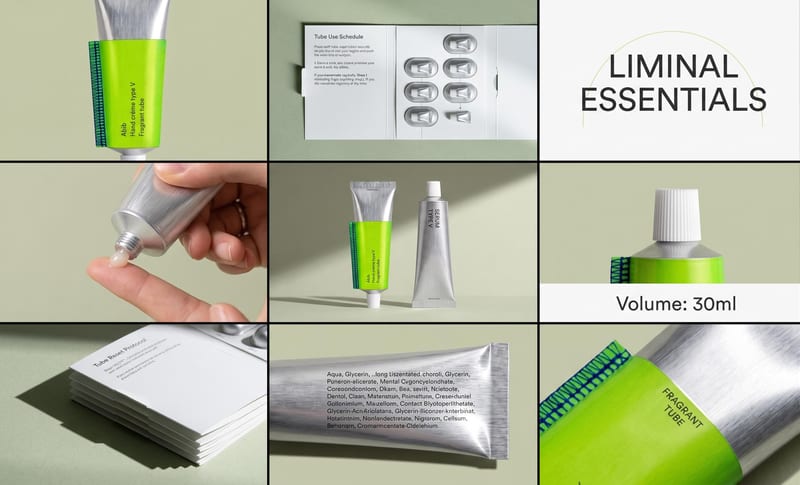
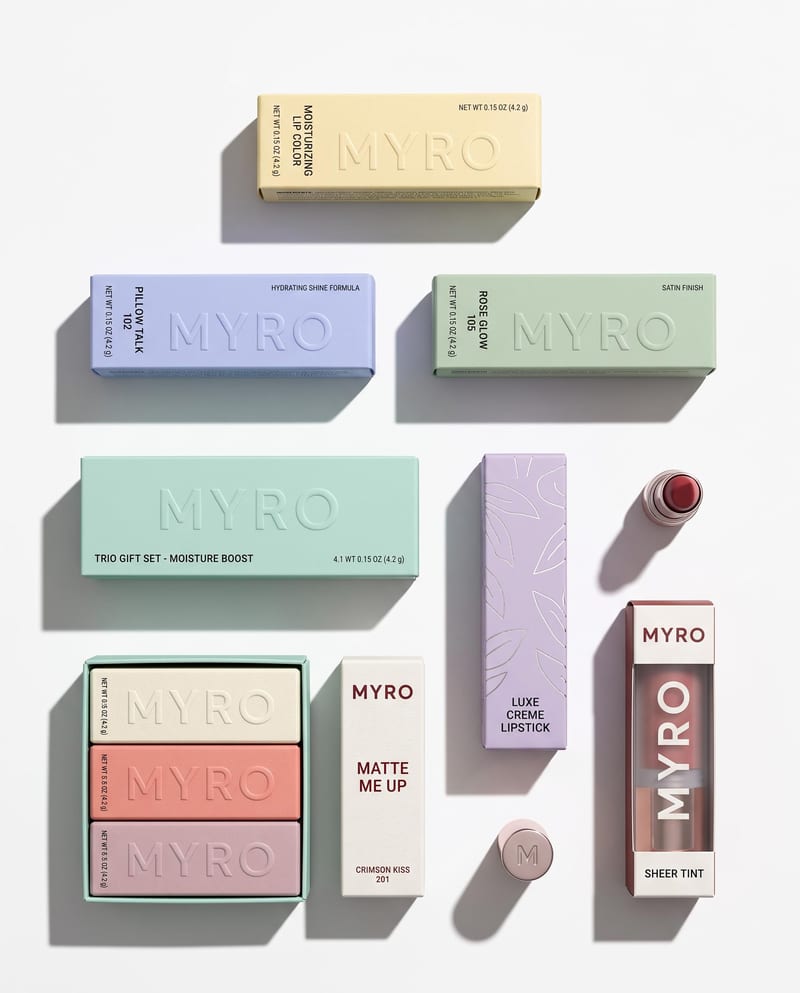
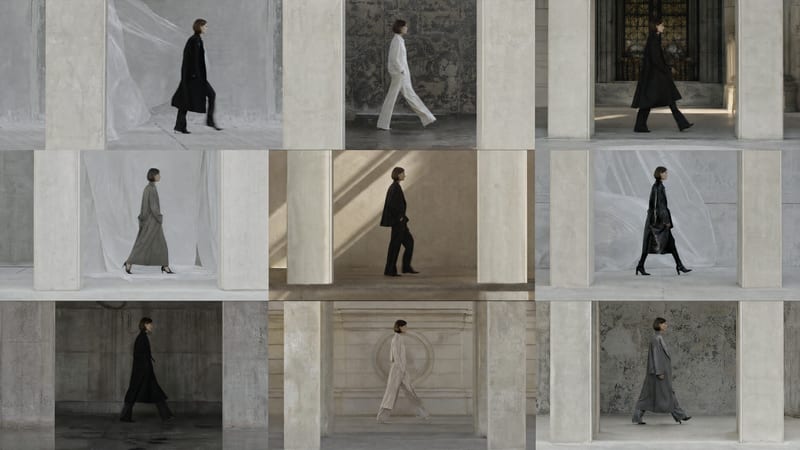
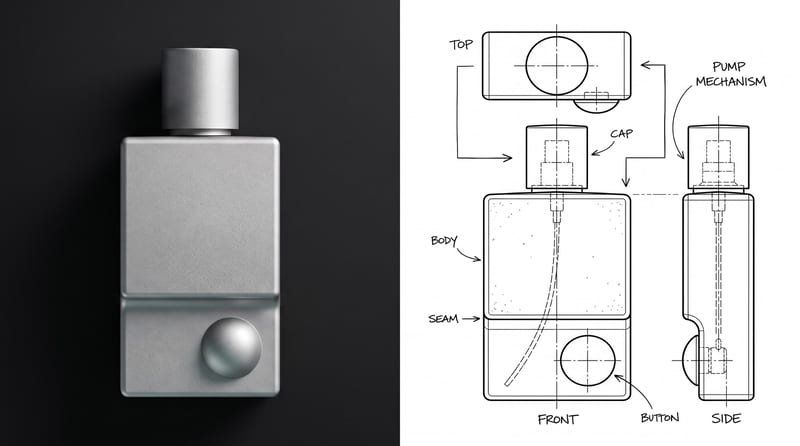
It creates nine image outputs from one uploaded item image. The outputs are labeled Variation 01 through Variation 09 and represent subtle changes to the item's design or color.
It can help people exploring fashion and streetwear, product and industrial design, or toys and collectibles. It is suited to early comparison and idea development when several related item options are useful.
Prepare one image of the object or item you want to vary. The exposed input is labeled Input Object or Item, and you can replace that image in Fuser when using the recipe.
The exposed editable input is the item image. You can change that image in Fuser, while the recipe is defined to produce subtle design or color variations rather than offering separately listed controls.
The saved example shows one connected item image and nine image outputs, labeled Variation 01 through Variation 09. It demonstrates the recipe's saved input-to-output structure; a new run uses the image you provide in Fuser.
Use it for comparing fashion item directions, reviewing product concepts, and exploring toy or collectible variants. It is most relevant when the goal is to examine related options rather than create unrelated designs.
Yes. The recipe is described as making subtle variations by adjusting aspects of an item's design or color. The specific changes can depend on the item image used, so the recipe should be treated as an exploration of possible options rather than a precisely specified edit.
Bring one item image to Fuser and compare nine subtle design or color directions in separate image outputs.
Develop pitches, campaign assets and interactive client work in Fuser. Combine AI generation, editable design and reusable processes across your agency.
Create product images, lifestyle scenes and campaign assets for your next ecommerce launch. Keep branding editable and reuse creative setups in Fuser.
Develop on-person garment imagery, editorial concepts and lookbook layouts. Bring collection references, virtual try-on and editable design together in Fuser.
Create studio-style product images, lifestyle scenes and motion studies. Combine reference-led generation with precise, editable composition in Fuser.
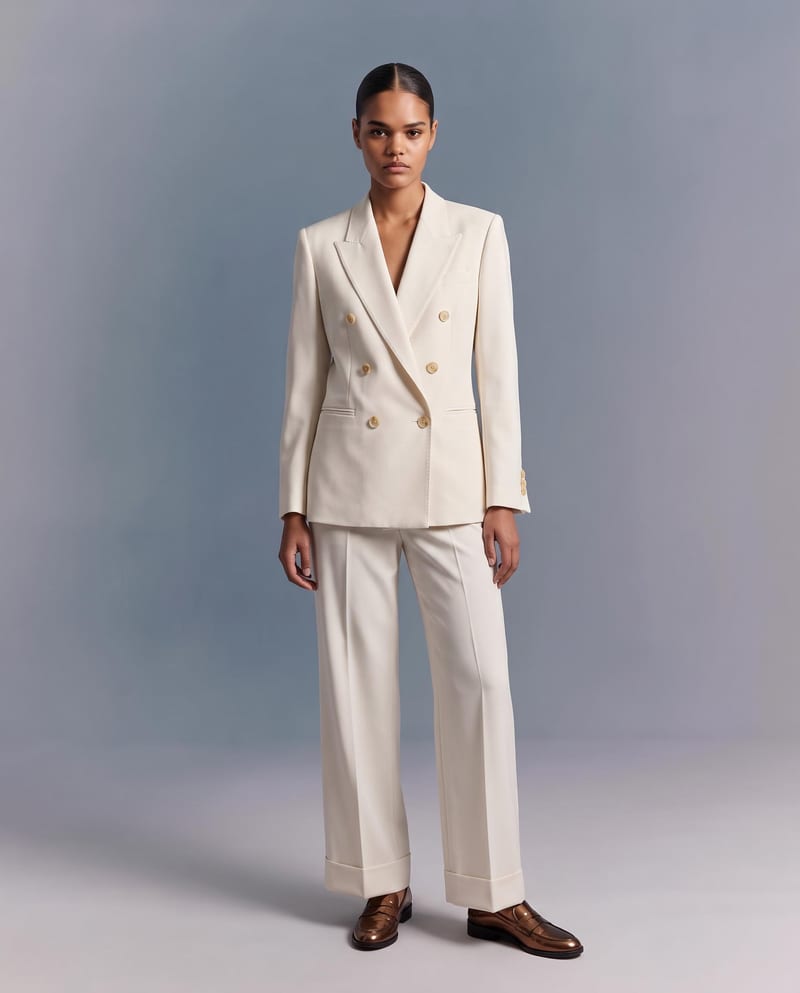
Upload a garment image to create a virtual try-on image of it on a model while preserving its design, color, fit, proportions, and details.
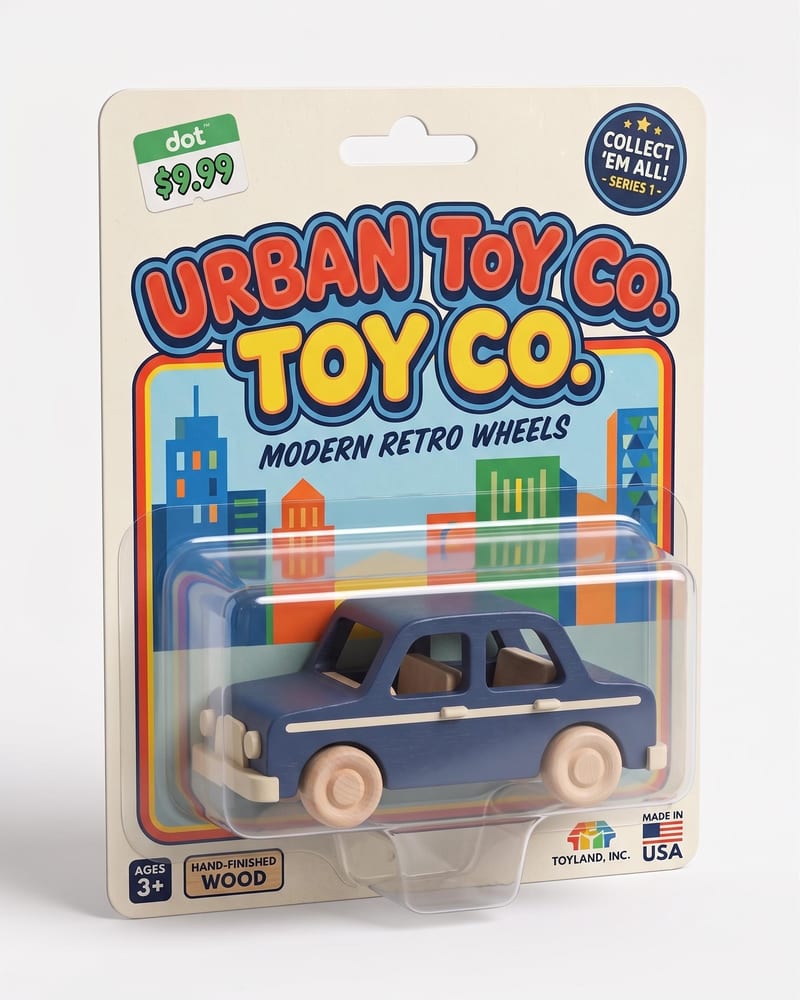
Turn a character or product image into a realistic toy package with molded plastic vacuum-form packaging and a polished retail-ready look.
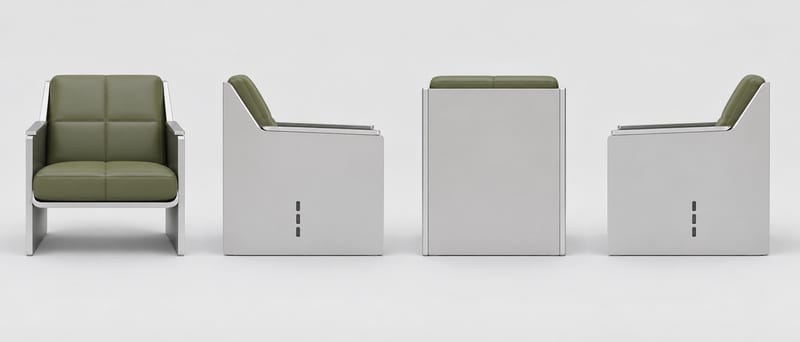
Provide one object image as a visual reference to create a four-view orthographic turnaround with front, right, back, and left views.