Recipev2
GTA VI AI Character Generator
Image
Make the tool you're missing
Tools are here. Describe the one you're missing and use it live
Explore toolsGTA VI Characters
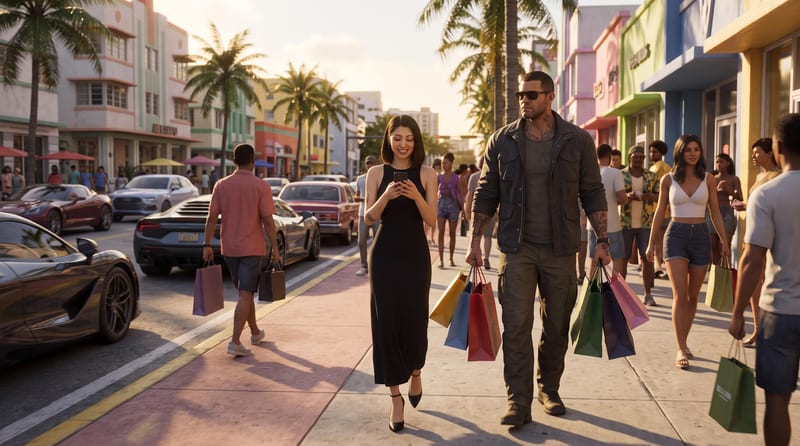
Put yourself in the video game world of GTA VI. Upload a picture of your face, describe the scene during the day and night, and get images that look like you teleported straight into Miami Vice City.
Image
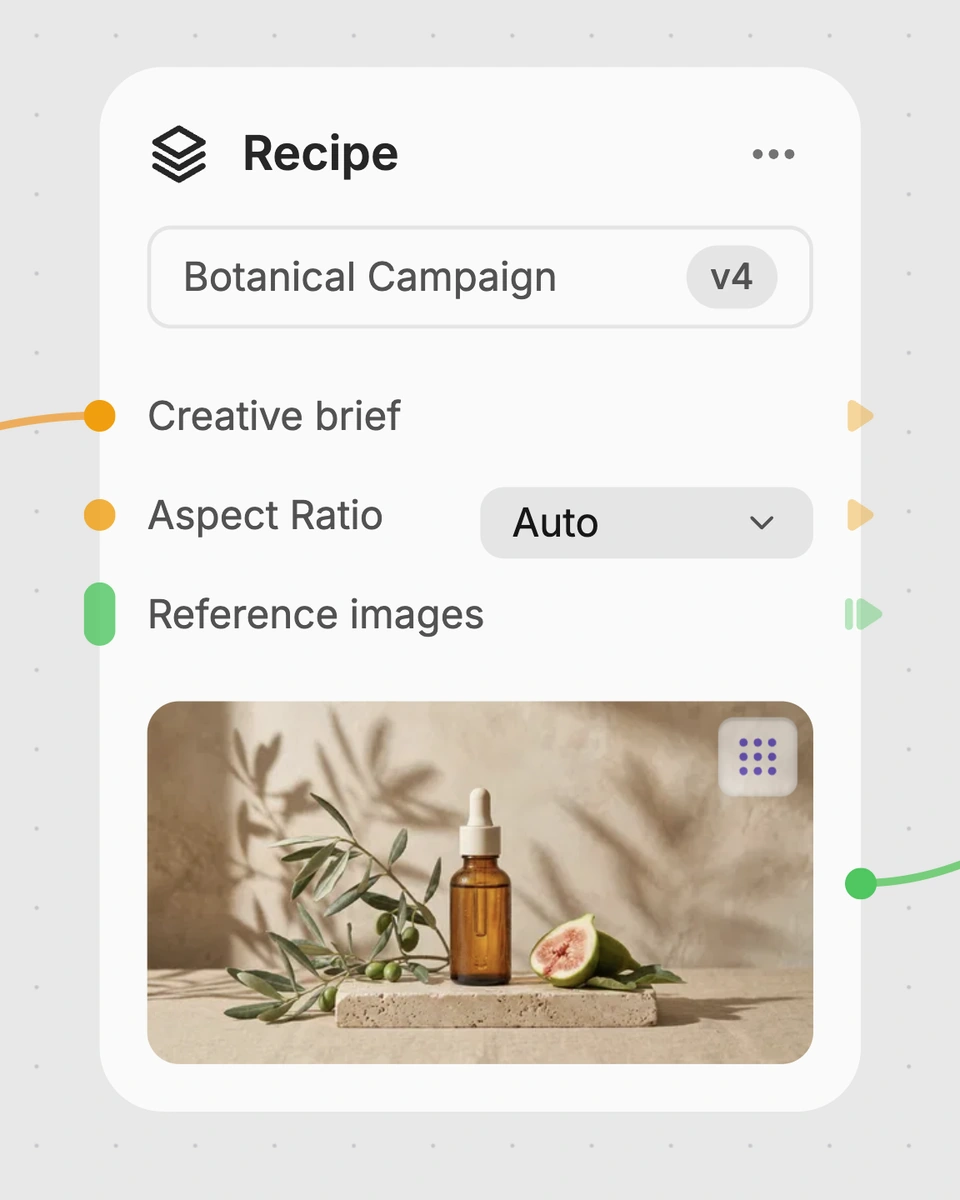
A recipe turns a reusable workflow into a simple set of inputs and outputs. Start with a community recipe and make it your own in Fuser.
1. Choose a recipe
Find a workflow for the result you want. Review what it does and how to use it before opening it in Fuser.
2. Make it your own
Check the recipe’s available inputs. Add your own text or media where supported, or start with the saved defaults.
3. Run and refine
Run it in Fuser and review the result on your canvas. Tweak the inputs to try another direction.
Build character-led gaming content by pairing a face reference with specific scene, wardrobe, pose, and interaction directions.
It is designed for people making gaming content, social posts, memes, or personal character concepts. It is especially useful when you want to place a face reference into both a daytime and nighttime game-world scenario.
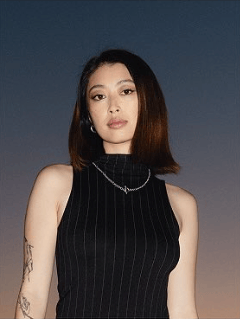
Upload a clear picture of the face you want to use. You also provide four editable text inputs: a daytime scene, daytime outfit and interactions, nighttime scene, and nighttime outfit and interactions.
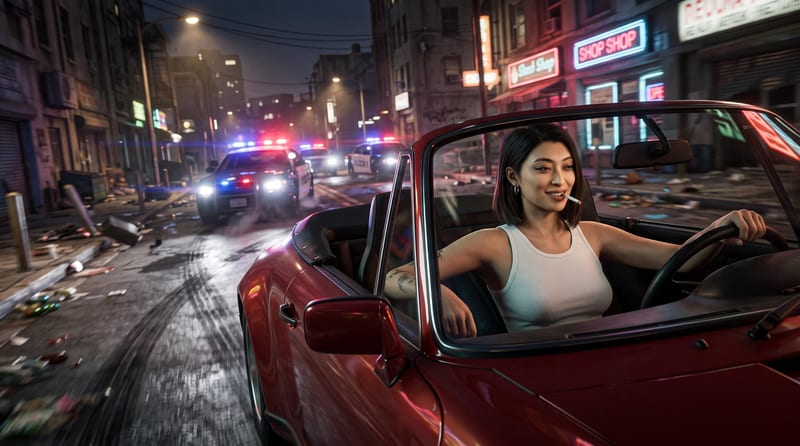
The saved example uses a Miami fashion district scene at early sunset for the daytime image, with shopping activity, cars, a black dress, and supporting characters. Its nighttime prompt describes a desolate urban street, a red Porsche, police pursuit, and a wide action scene.
Yes. In Fuser, you can change the face image and edit each of the four text inputs. This lets you revise the locations, ambience, cars, background NPCs, clothing, pose, expression, and interactions described for each scene.
The saved recipe has two image outputs. Its input structure is organized around one daytime scenario and one nighttime scenario, so the example is set up to produce a pair of character scene images.
The text inputs support detailed descriptions of settings, locations, mood, cars, background NPCs, outfits, poses, expressions, and interactions. You can use the saved Miami and urban-street prompts as starting points, then replace them with your own gaming scene ideas.
The recipe is labeled for GTA VI character scenes and uses your descriptions to create gaming-themed images. It does not establish an official connection to the game, and the saved example should be treated as a preset example rather than a live result.
Bring a clear face photo and your own daytime and nighttime descriptions to Fuser for a personalized two-scene character concept.
Develop pitches, campaign assets and interactive client work in Fuser. Combine AI generation, editable design and reusable processes across your agency.
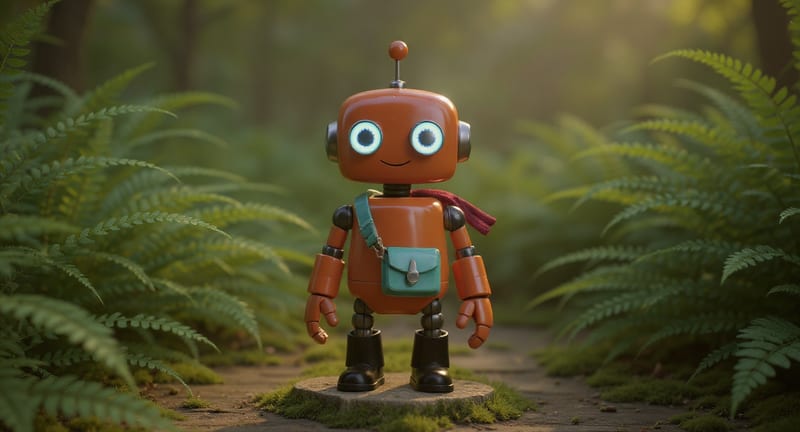
Explore game characters, props and environments, develop 3D starting points and build playable web experiments. Shape your game’s art direction in Fuser.
Create social graphics, carousel artwork and short videos with a recognizable brand style. Keep copy editable and recurring content easier to produce in Fuser.
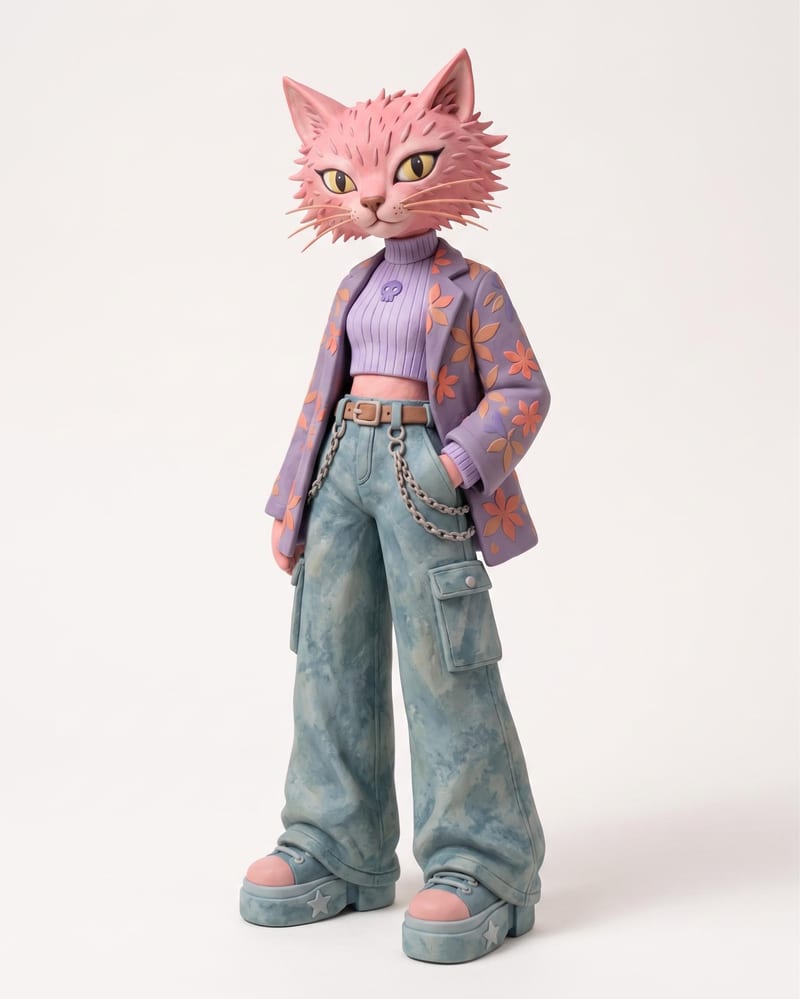
Use an animal name and clothing or color reference images to create a claymation character and character sheet.
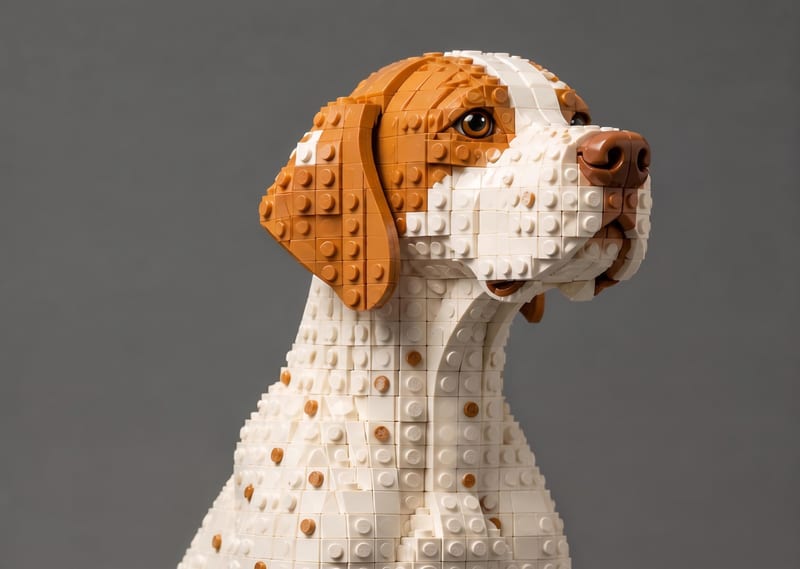
Transform a source image into a LEGO-style recreation that keeps its scene, composition, subjects, and key visual details.
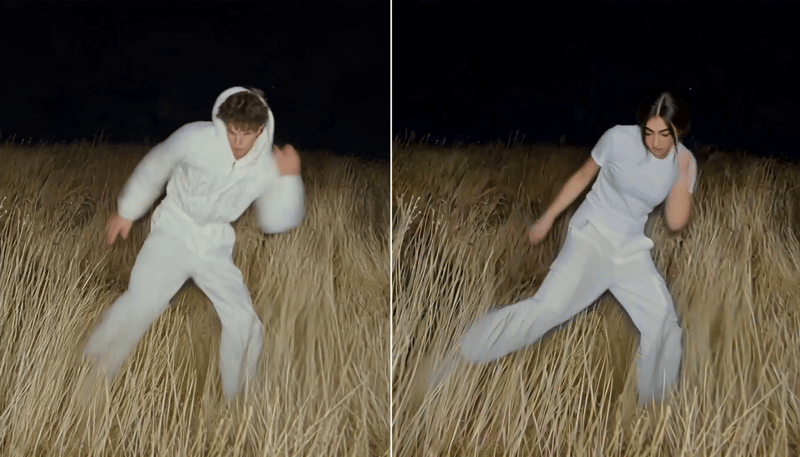
Replace the main character in a video using two character reference images to create a character-swapped video.