Recipev3
Low Poly PS1 Style
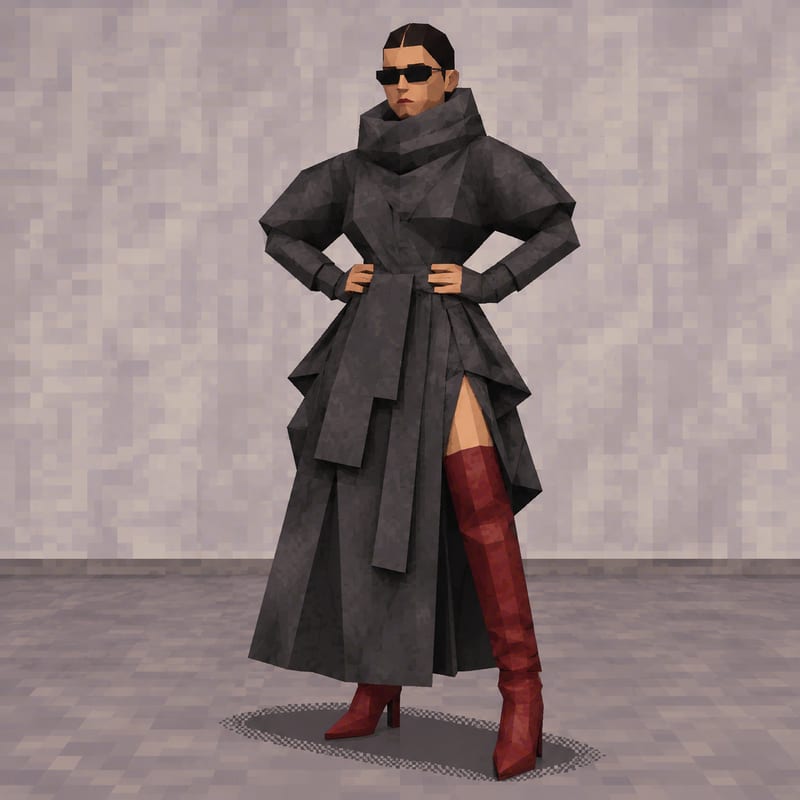
Low-Poly Image
Make the tool you're missing
Tools are here. Describe the one you're missing and use it live
Explore toolsGaming image styling
Transform an input image into a low-poly image with a PS1-style gaming look.
Low-Poly Image
A recipe turns a reusable workflow into a simple set of inputs and outputs. Start with a community recipe and make it your own in Fuser.
1. Choose a recipe
Find a workflow for the result you want. Review what it does and how to use it before opening it in Fuser.
2. Make it your own
Check the recipe’s available inputs. Add your own text or media where supported, or start with the saved defaults.
3. Run and refine
Run it in Fuser and review the result on your canvas. Tweak the inputs to try another direction.
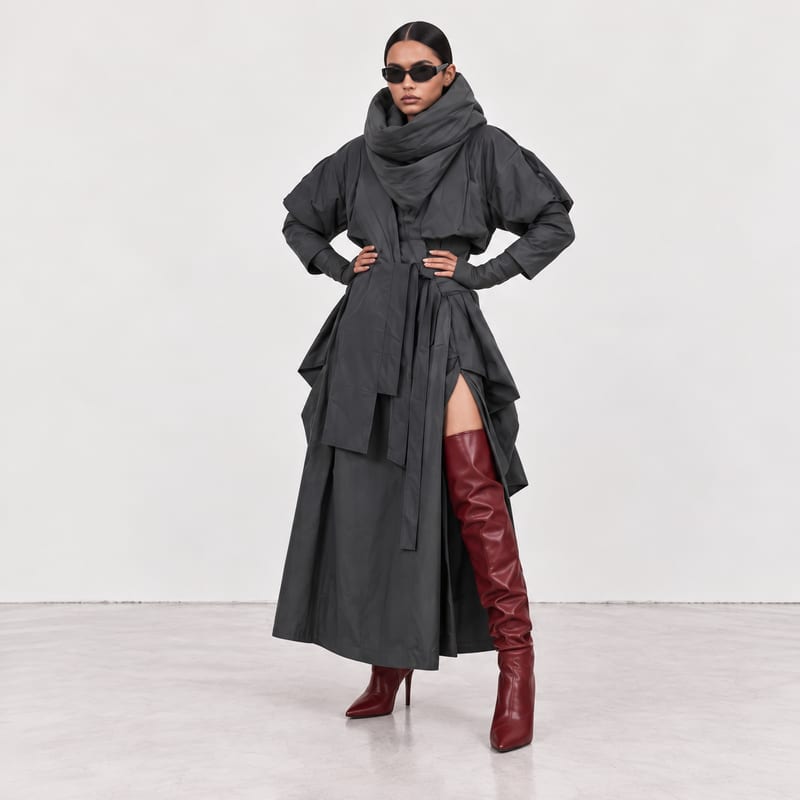
Apply the low-poly PS1-style treatment to images used across retro gaming concepts and visual development.
It changes one input image into a low-poly image with a PS1-style gaming look. The output is an image rather than a game, 3D model, or other asset type.
It is suited to people exploring retro gaming visuals, including game concept development, pitch preparation, moodboarding, and fan project planning. It can also help anyone compare an original image with a low-poly PS1-style treatment.
Prepare one image using the exposed Input Image input. In Fuser, you can change that image when creating a new run; the saved page example uses its own default image.
The recipe produces one image labeled Low-Poly Image. Its intended result is the supplied image reworked with a low-poly PS1-style gaming appearance.
You can replace the exposed Input Image in Fuser with another image. No additional editable style controls are listed for this recipe, so the recipe’s low-poly PS1-style treatment remains the defined transformation.
No. The page describes a saved default example, with its saved input connected to the recipe and its saved output shown as a low-poly image. A new result uses the image you provide in Fuser.
No. The recipe accepts an image and returns an image, so it is intended for visual references and image-based exploration rather than building a complete game or editable 3D asset.
Bring an image into Fuser and apply this recipe’s low-poly PS1-style gaming treatment.
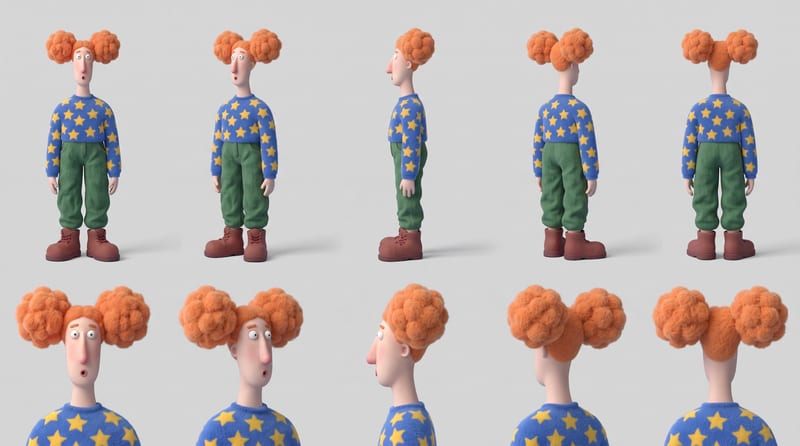
Combine six character reference images into a multi-view character sheet for consistent identity, appearance, and outfit planning.
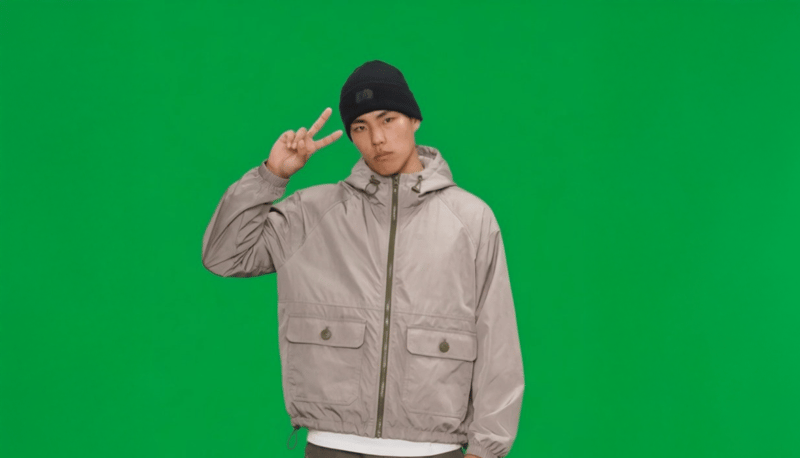
Provide a full-body portrait and motion description to create a green-screen 2D video card of the pictured subject.
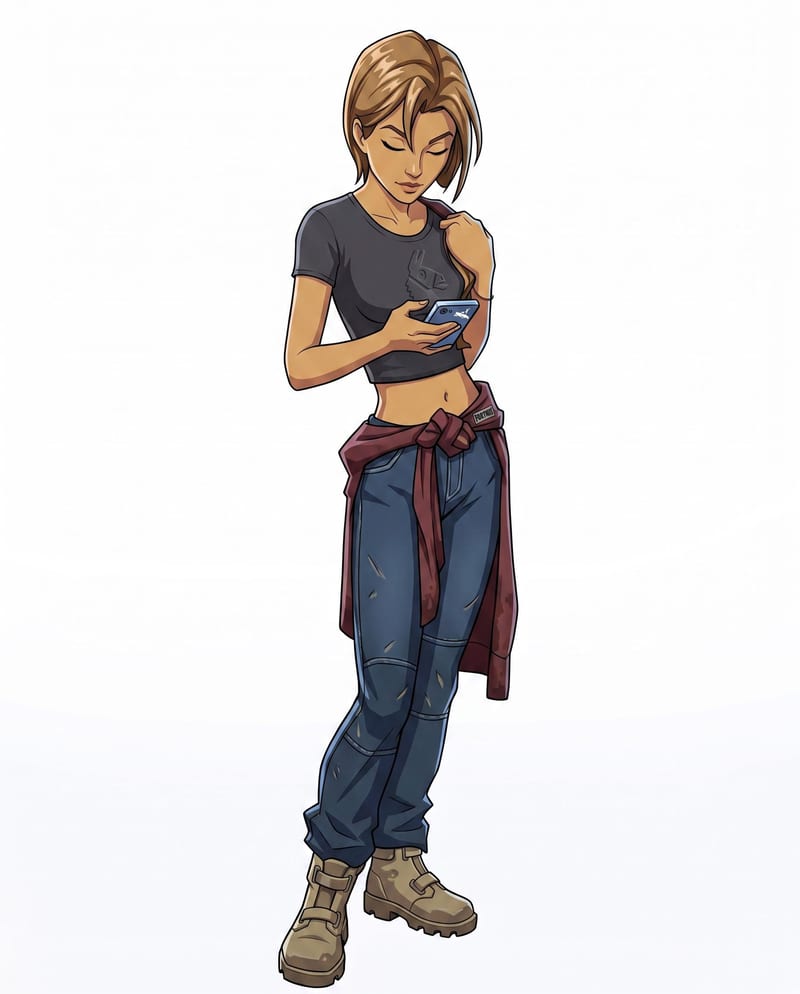
Convert a character sketch and chosen style into a rigged 3D model with a corresponding character render.