Recipev4
Style-Driven Poster Design
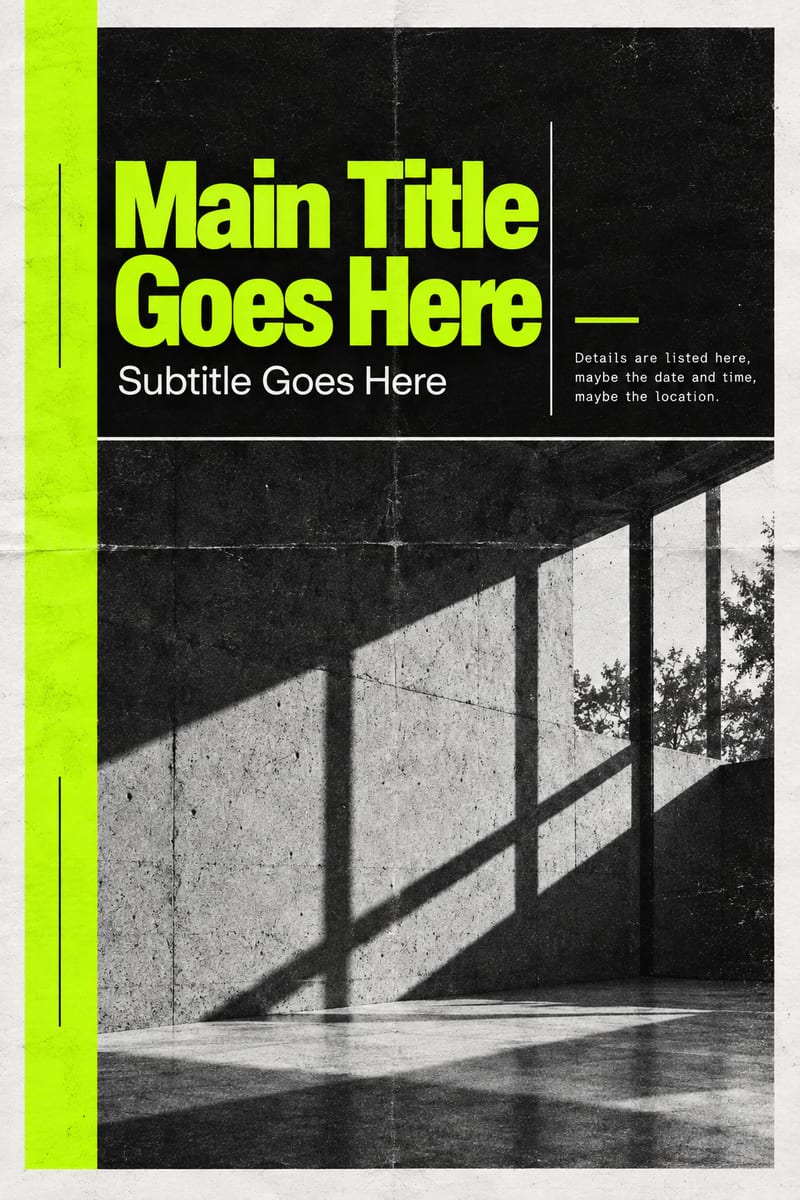
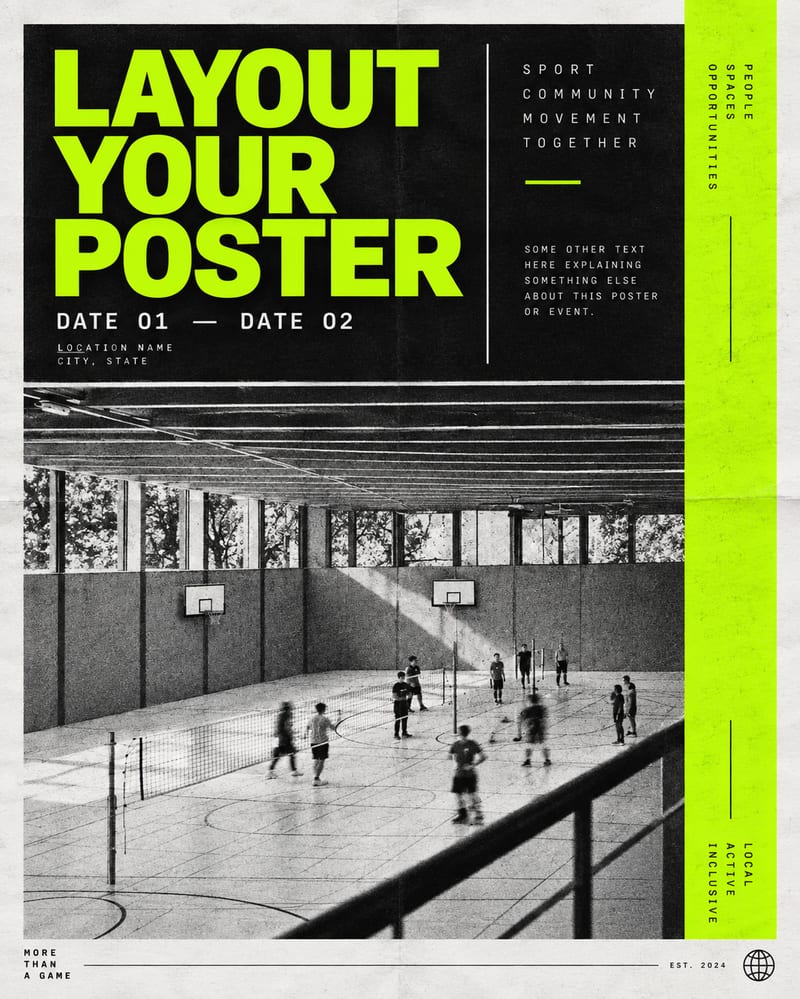
Poster Design
One click, whole workflow
Recipes are here. Package a whole workflow and run it in one click
Explore recipesMarketing poster design
Use a style reference and custom poster copy to create an original poster design with headline, subtitle, and details.
Poster Design
A recipe turns a reusable workflow into a simple set of inputs and outputs. Start with a community recipe and make it your own in Fuser.

1. Choose a recipe
Find a workflow for the result you want. Review what it does and how to use it before opening it in Fuser.
2. Make it your own
Check the recipe’s available inputs. Add your own text or media where supported, or start with the saved defaults.
3. Run and refine
Run it in Fuser and review the result on your canvas. Tweak the inputs to try another direction.
Adapt the editable copy and style reference for different marketing and advertising tasks.
It creates an original poster design from an example poster style and custom text inputs. The output uses the reference to guide its visual language, while the main text, subtitle, and details provide the poster content.
It is intended for people developing marketing and advertising posters, including campaign planners, designers, and teams exploring visual directions. It can help organize a headline, supporting copy, and practical information into one poster concept.
Prepare an image for Example Poster Style, plus the Poster Main Text, Poster Subtitle, and Poster Details. The details can include information such as a date, time, or location when those are relevant to the poster.
Yes. The exposed inputs can be changed in Fuser: replace the example poster style image and edit the main text, subtitle, or details. These inputs let you try a different visual reference or a new message for another poster design.
The saved example shows the recipe connected to default poster copy and an example poster style, with Poster Design as the output. It is a saved example rather than a live run, so a new design depends on the inputs you choose.
The example poster style guides the visual language of the design. It is not intended to supply the poster's content or dictate its composition; the editable text inputs provide the message and details.
The recipe is suited to marketing and advertising tasks such as event promotion, campaign concepts, product announcements, and promotional notices. These uses rely on the available poster text fields and the single image output.
Bring a visual reference and your own headline, subtitle, and details into Fuser to create an original poster design.
Develop pitches, campaign assets and interactive client work in Fuser. Combine AI generation, editable design and reusable processes across your agency.
Create product images, lifestyle scenes and campaign assets for your next ecommerce launch. Keep branding editable and reuse creative setups in Fuser.
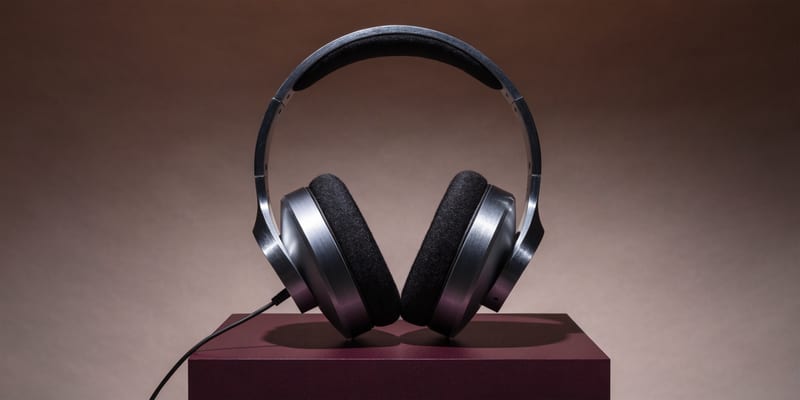
Develop campaign concepts, image and video ads, and editable channel layouts. Create meaningful creative variations in Fuser without rebuilding every asset.
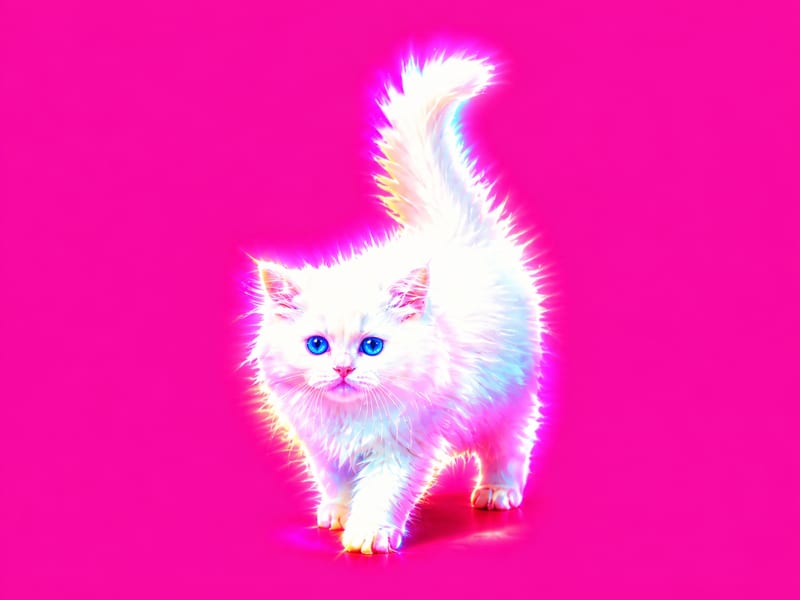
Apply a hyperpop-style graphic effect to one image and receive two visual versions.
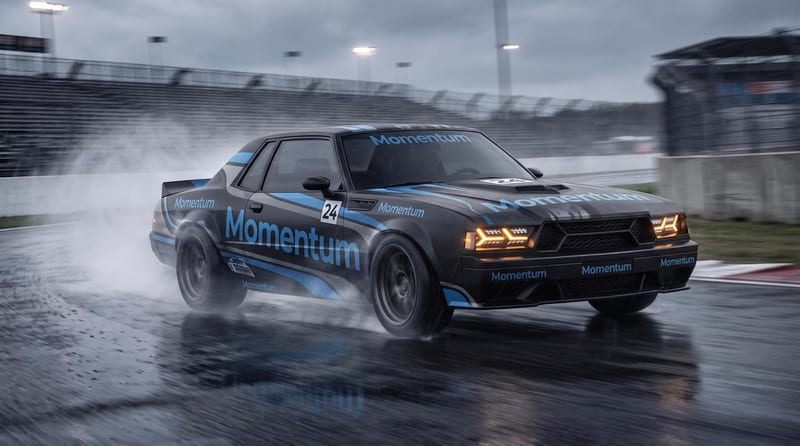
Combine a car image with a logo or pattern image to create a fitted vehicle wrap mockup.
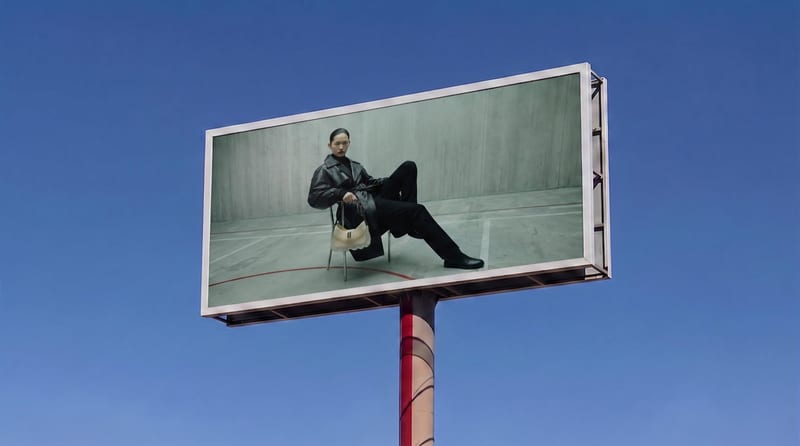
Place a source image onto a billboard screen for a realistic visualization with perspective, lighting, reflections, and scene integration.

